Téléverse un fichier audio et récupère en quelques secondes des pistes propres de voix, batterie, basse, guitare et piano.
Split any song into clean stems — no DAW required
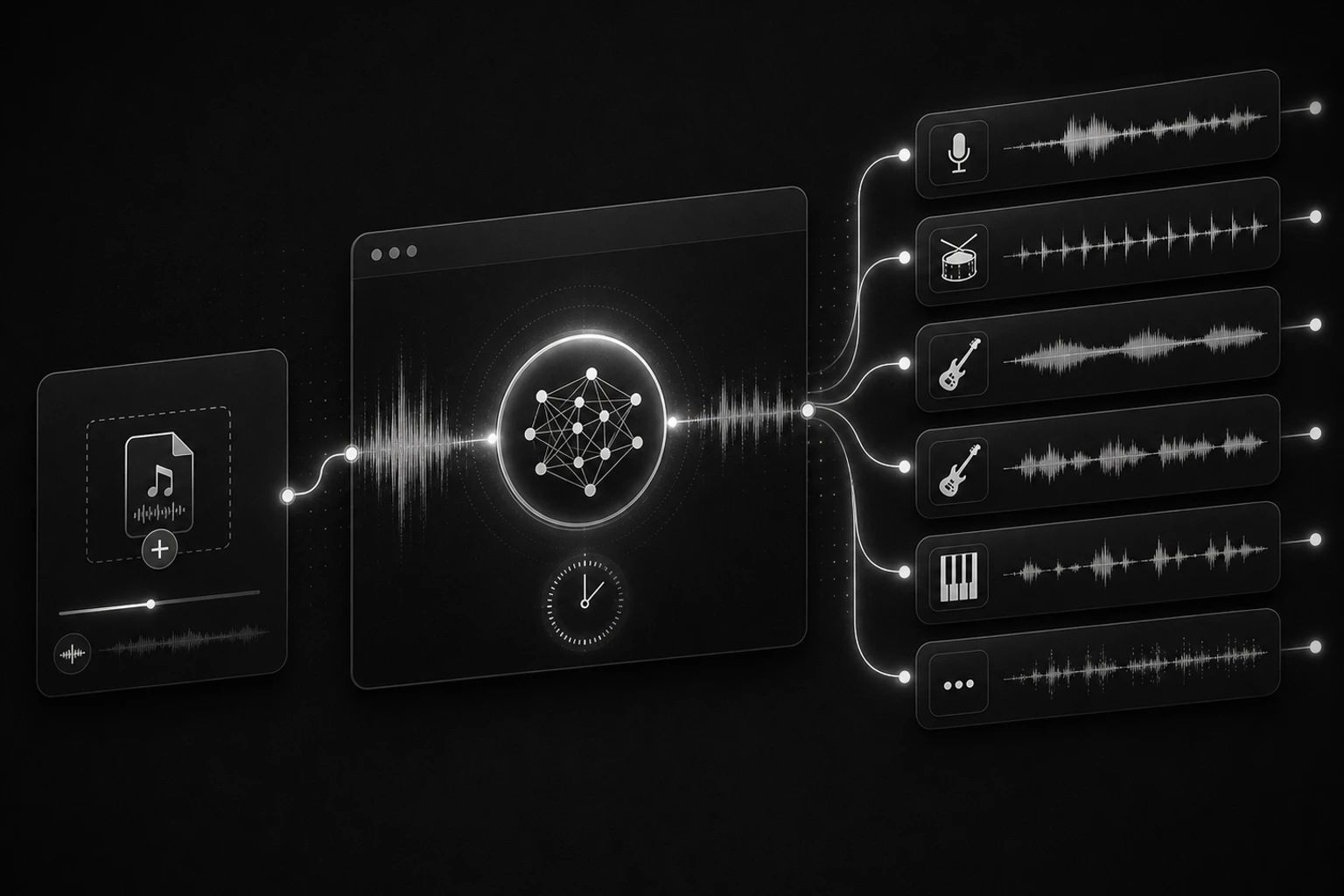
Built for production-grade stem separation
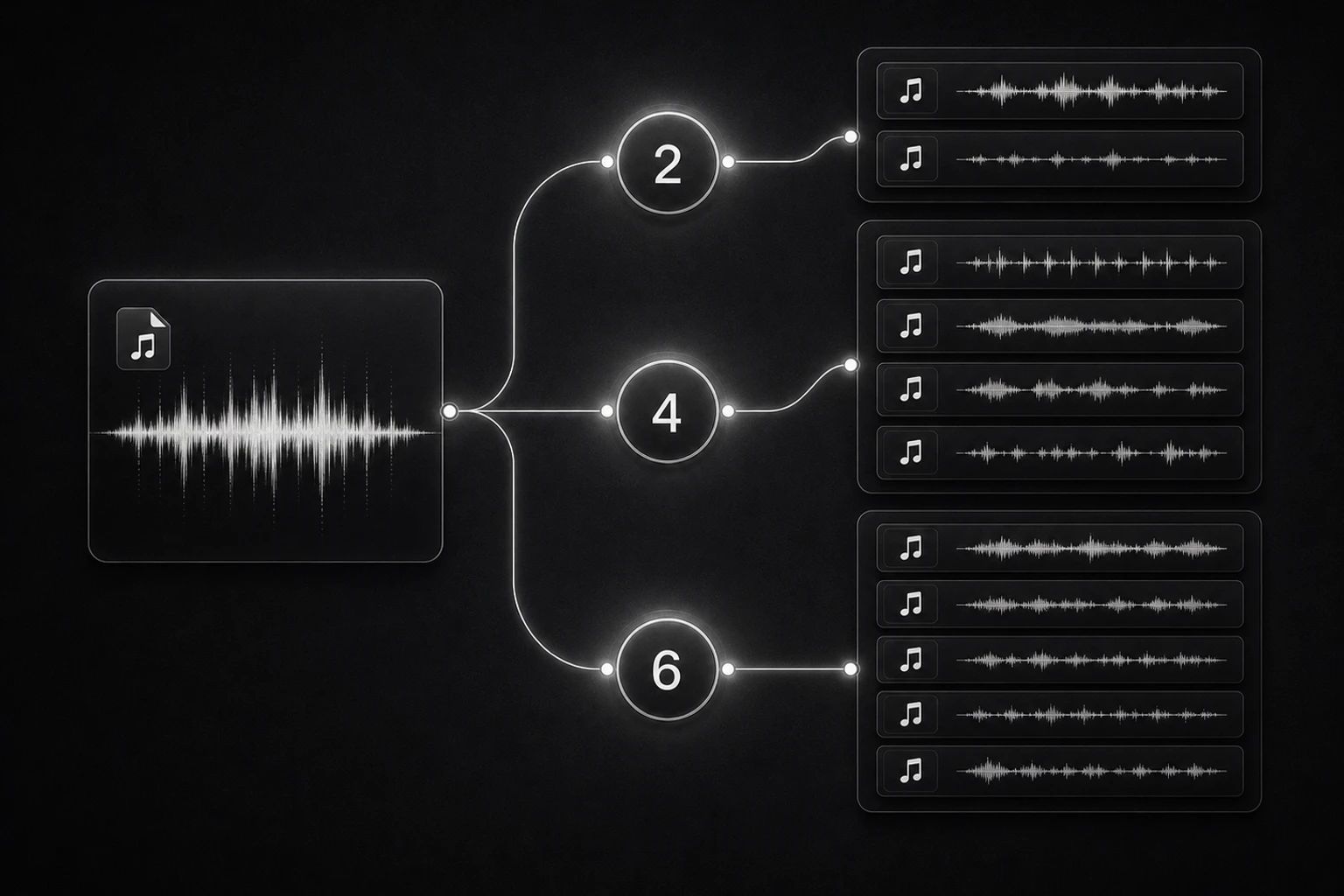
Three modes: 2, 4 or 6 stems
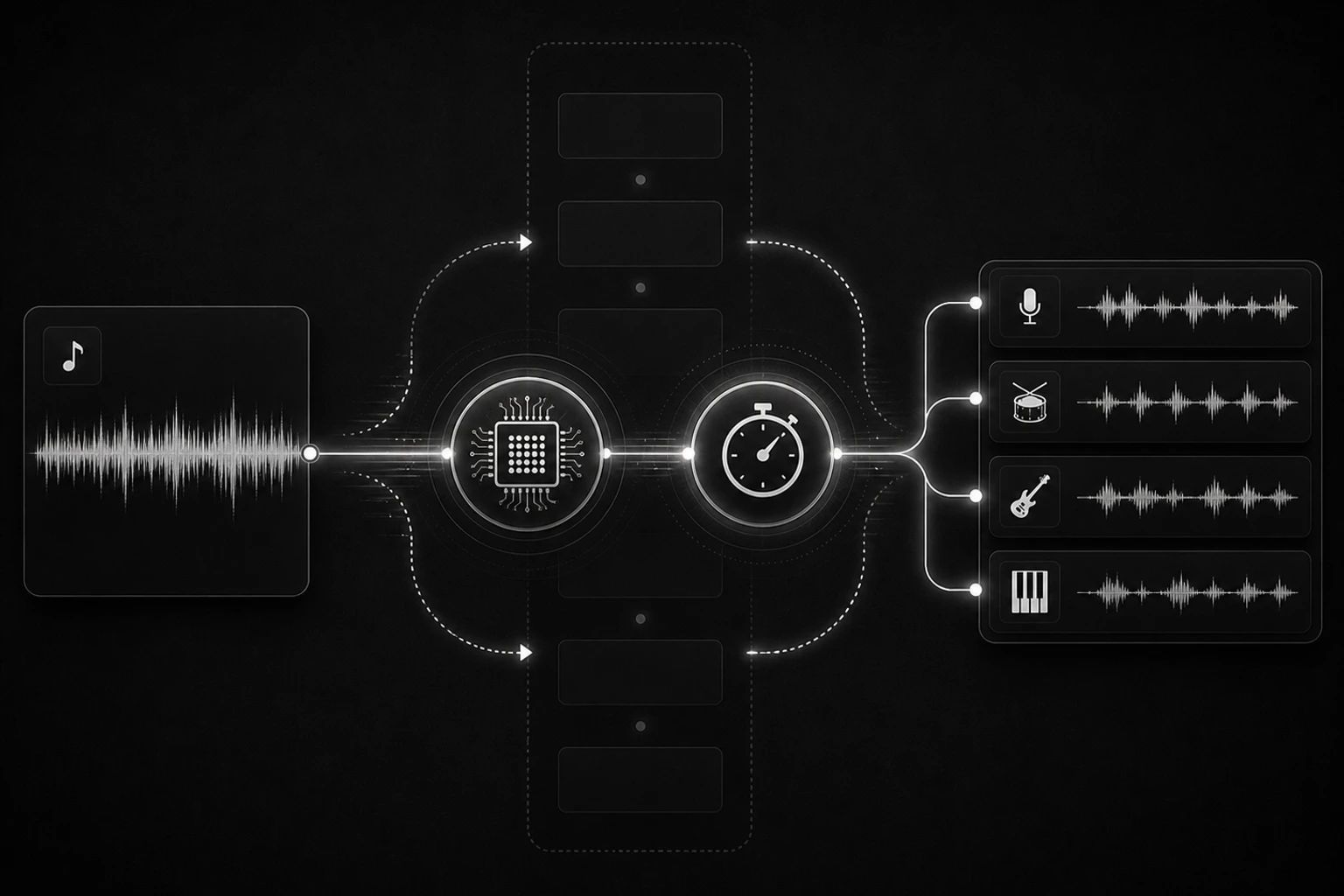
~30 seconds for a 3-minute song

Private uploads, always accessible
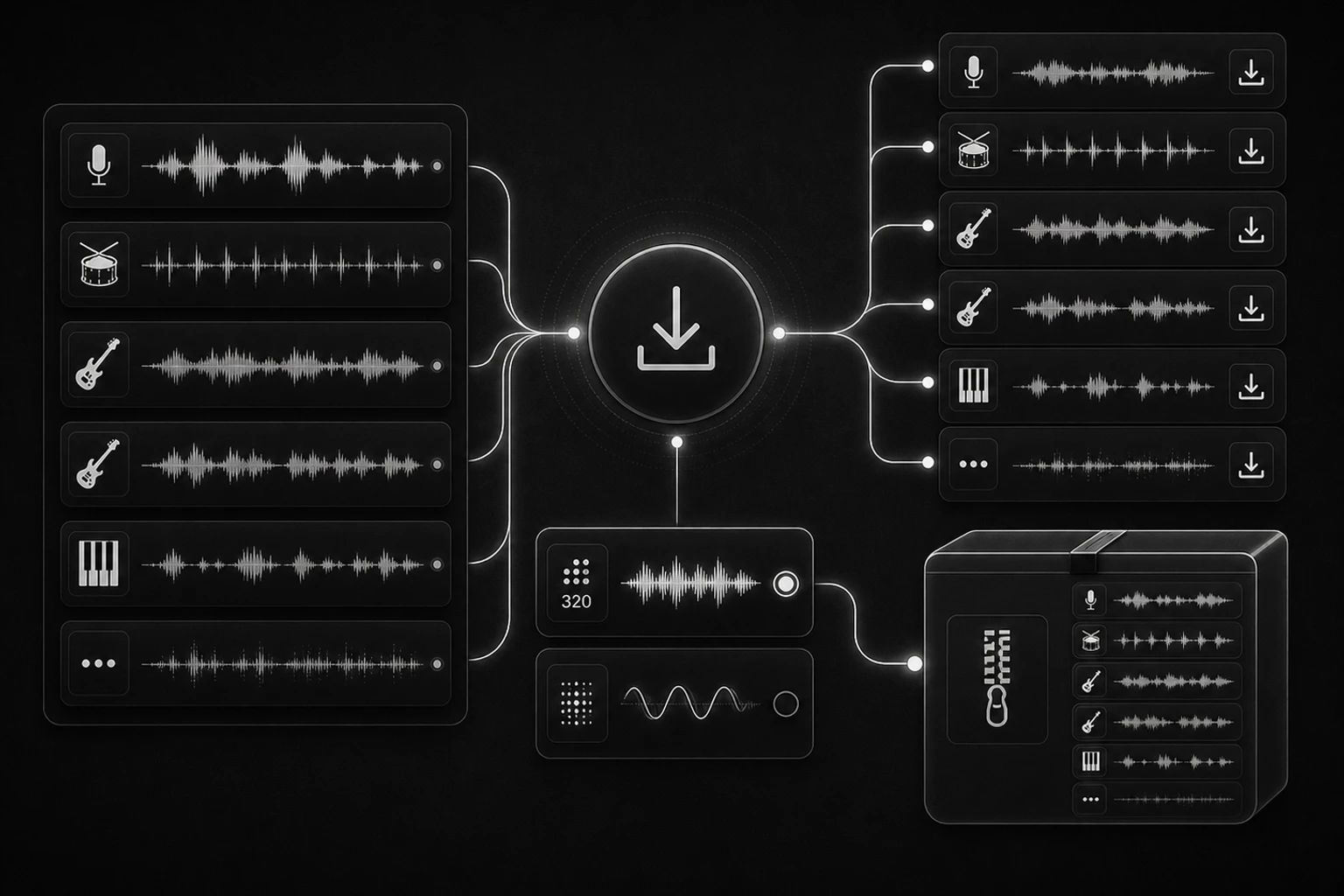
MP3 320 + WAV, individual or bundled
Who uses this
Producers, DJs, students, teachers, and curious music fans.
Cover artists & YouTubers
Pull the instrumental out, drop in your vocal, mix, publish. The 2-stem mode is purpose-built for this — single click, two clean files.
Producers & remixers
Get 4 or 6 individual stems to remix any track without owning the original session files. Drop them into Ableton, Logic, or FL Studio.
DJs & sample-makers
Extract drum loops, bass lines, or vocal acapellas from existing tracks for sampling, mashups, and DJ tools.
Instrument learners
Strip away vocals and other instruments to focus on just the guitar, piano, or bass line you're trying to learn or transcribe.
Frequently Asked Questions
A neural network is trained on thousands of multitrack recordings to learn how each instrument's spectrogram looks. At inference time, it predicts each stem's separated audio from the mixed input.
Three modes available:
- 2 stems — Vocals + Instrumental
- 4 stems — Vocals, Drums, Bass, Other
- 6 stems — Vocals, Drums, Bass, Guitar, Piano, Other
The 6-stem mode has dedicated output heads for guitar and piano, which adds ~5 seconds per 3-minute song. The trade-off is finer instrument separation for production and learning use.
Audacity's built-in vocal isolation uses center-channel inversion, which only works on truly center-panned vocals and breaks on modern stereo mixes. AI stem separation works on any mix because it understands what vocals/drums/bass sound like, not just where they sit in the stereo field.
Yes — every new account gets free monthly credits that cover several full-length separations. After that, paid plans start small and credits never expire on one-time top-ups.
Upload MP3, WAV, FLAC, AAC, M4A or OGG files up to 50 MB. Outputs are delivered as 320 kbps MP3 by default, with WAV available for lossless workflows.
Uploads are stored on encrypted storage with signed URLs and kept accessible alongside your separated stems for as long as you need them. We never share, train on, or expose your files to other users.
You own the output. Commercial use is allowed as long as you also have rights to the original recording — separating a track does not grant you ownership of the source.
Get clean stems from any song
What users say
The 6-stem mode is the reason I switched. Other tools only do 4, and as a piano teacher I need that piano-only track for my students.
Used it on 12 demo mixes last week — drum stems were noticeably cleaner than other tools and the workflow is way smoother than running stem separation locally on my laptop.
I get the instrumental in under a minute for my YouTube covers — what used to be a 20-minute manual EQ filter project is now a single button.
Replaced my Audacity invert-the-center-channel workflow. What used to take 12 minutes per song now finishes in under 30 seconds with cleaner output.
I run a YouTube cover channel — I batched 18 tracks for last week's upload and the AI saved me about 4 hours of manual stem prep.
I was skeptical because LALAL was my go-to, but the 6-stem mode here actually separates guitar from "other" cleanly enough for my classroom demos.