Drop it. Read it. Play it.
Upload a PDF for transcription on Lacuna’s servers, then play and edit the result here. Basic, Pro and Ultra include MIDI downloads, as does a positive one-time credit balance. Otherwise, unlock this conversion for US$2.99.
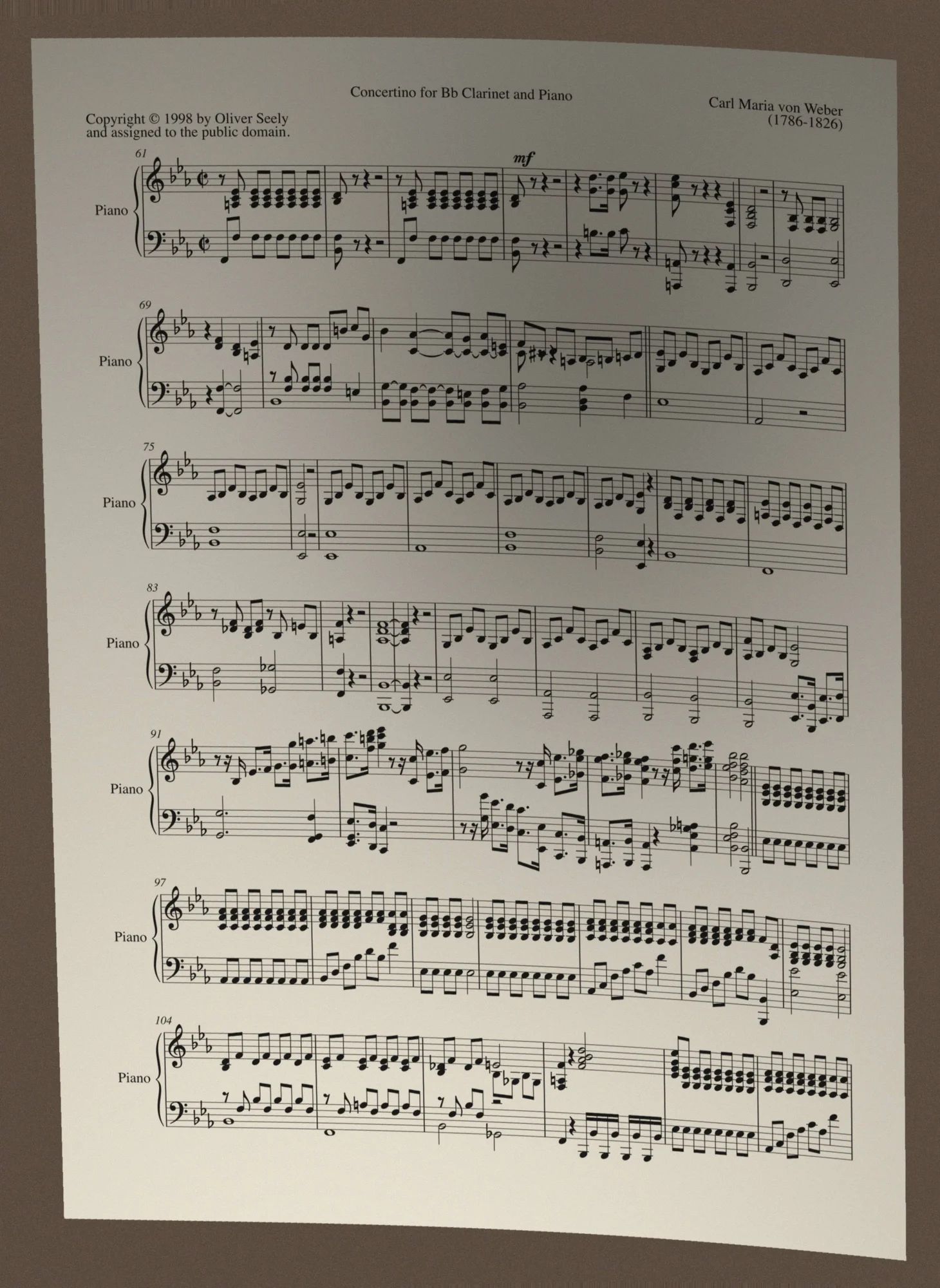
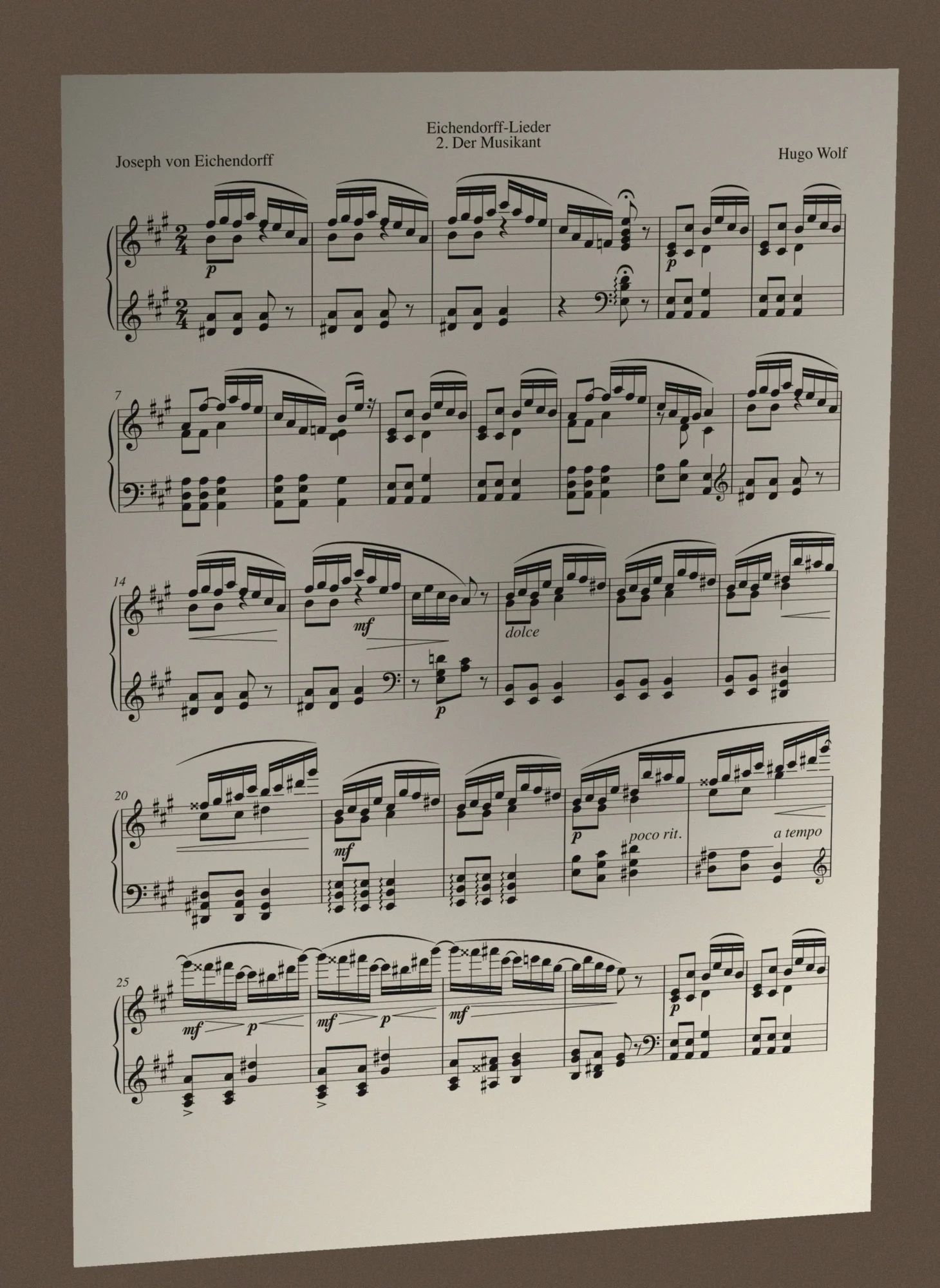
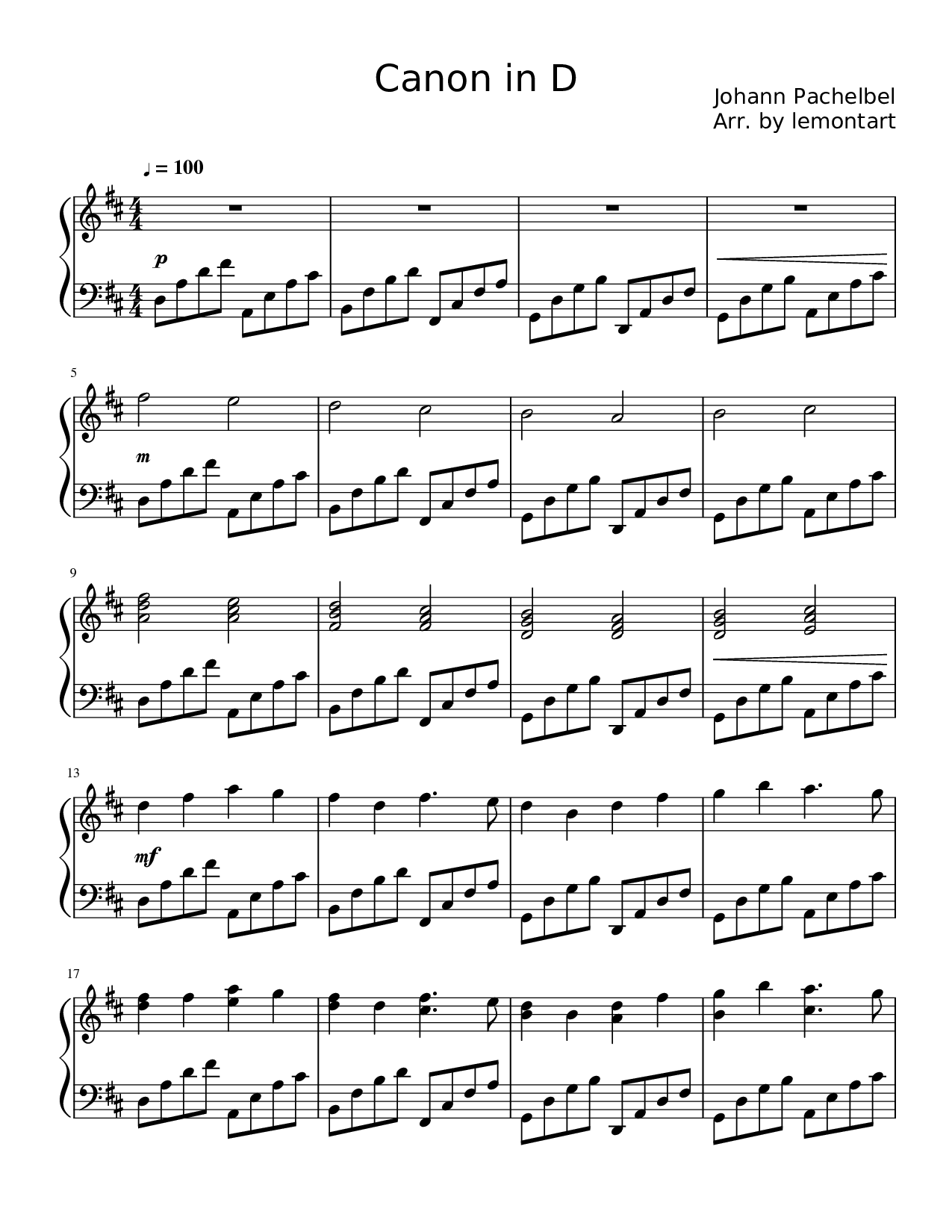
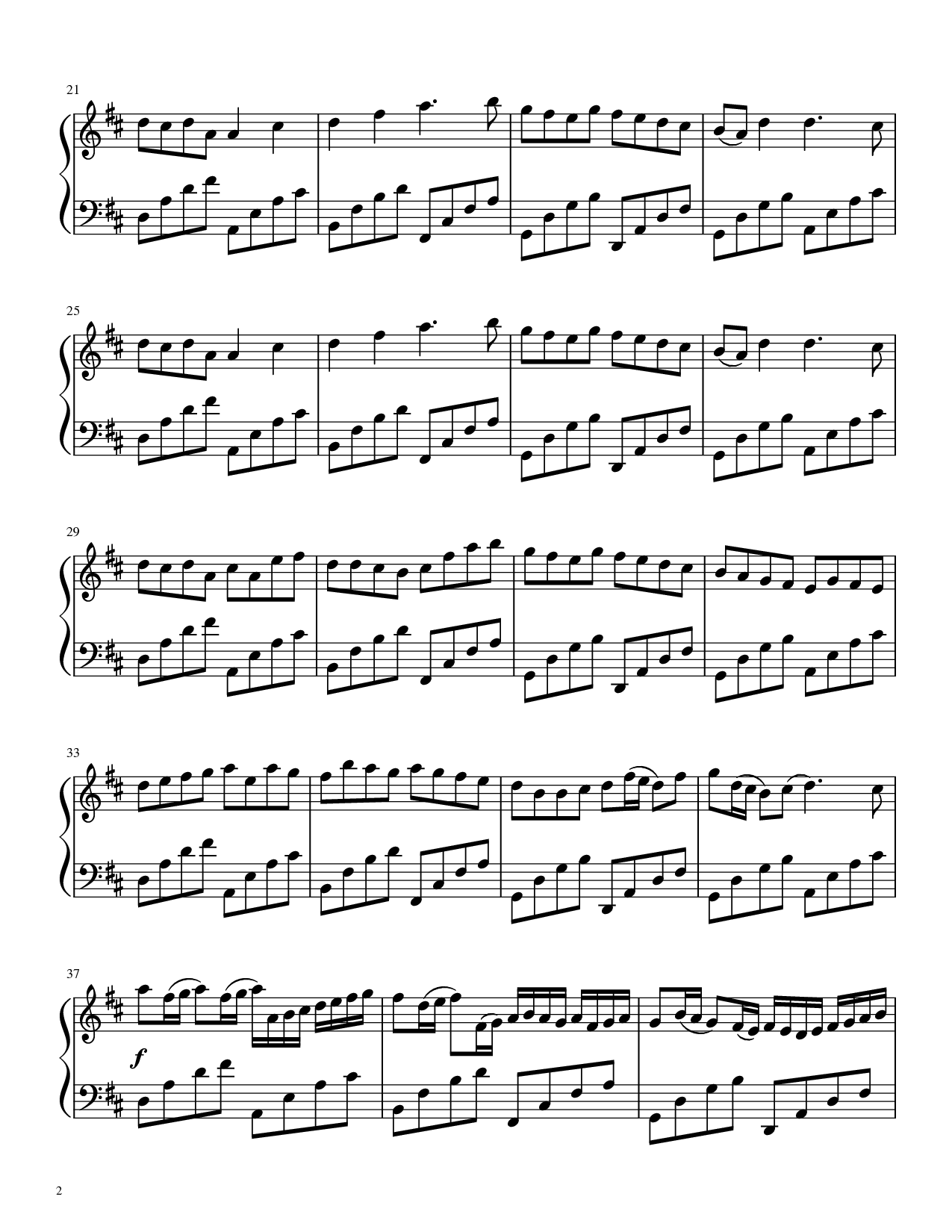
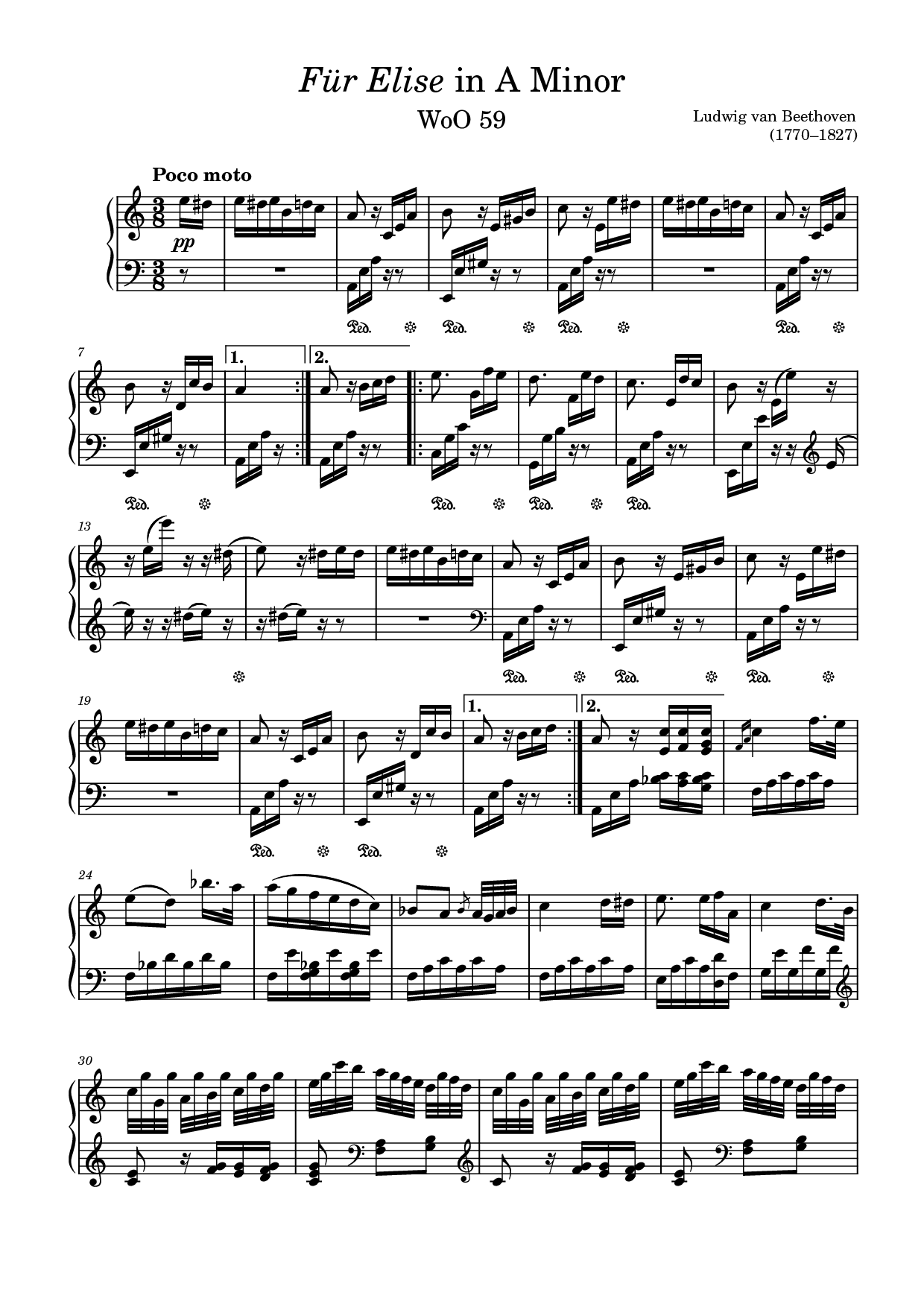
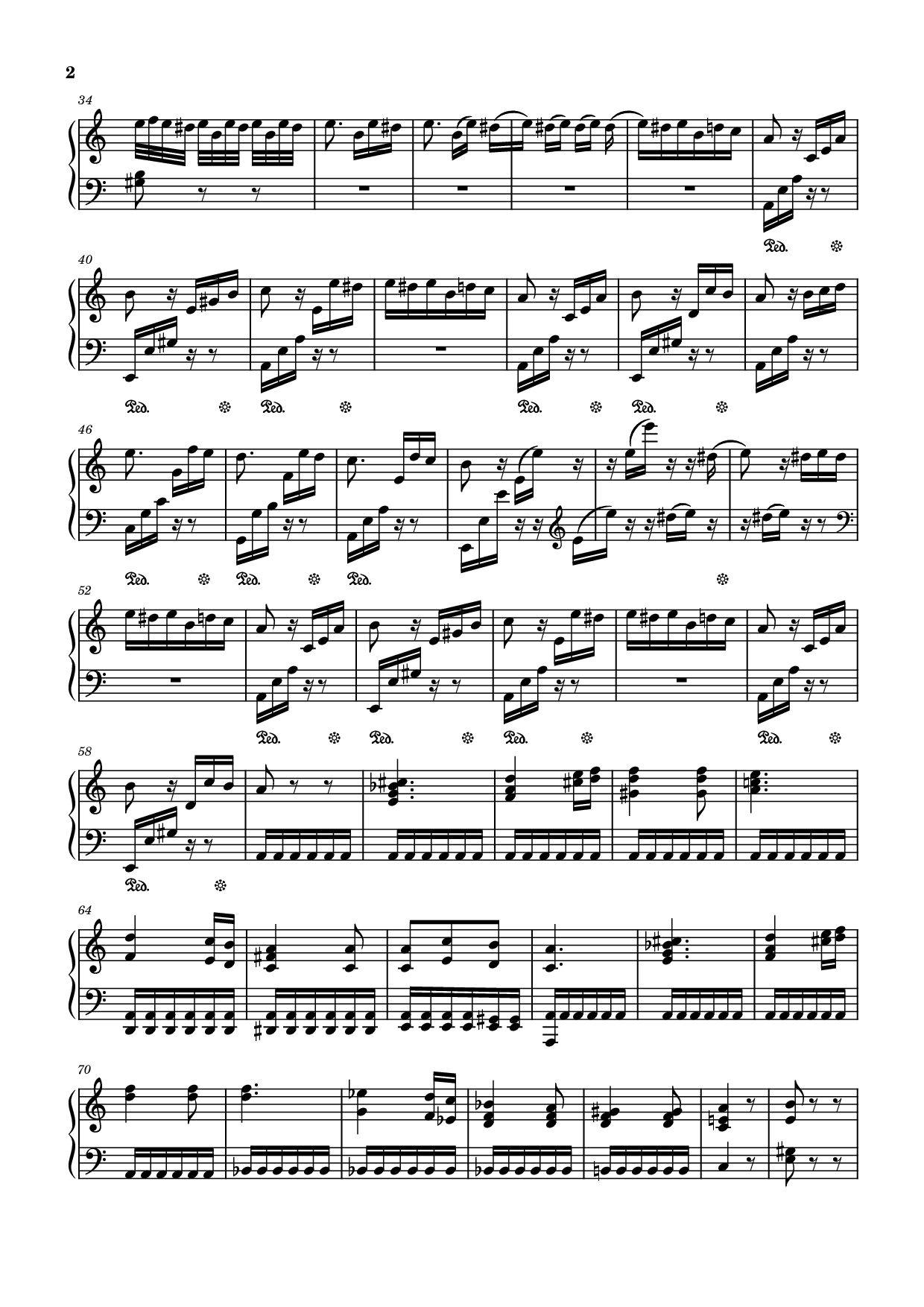
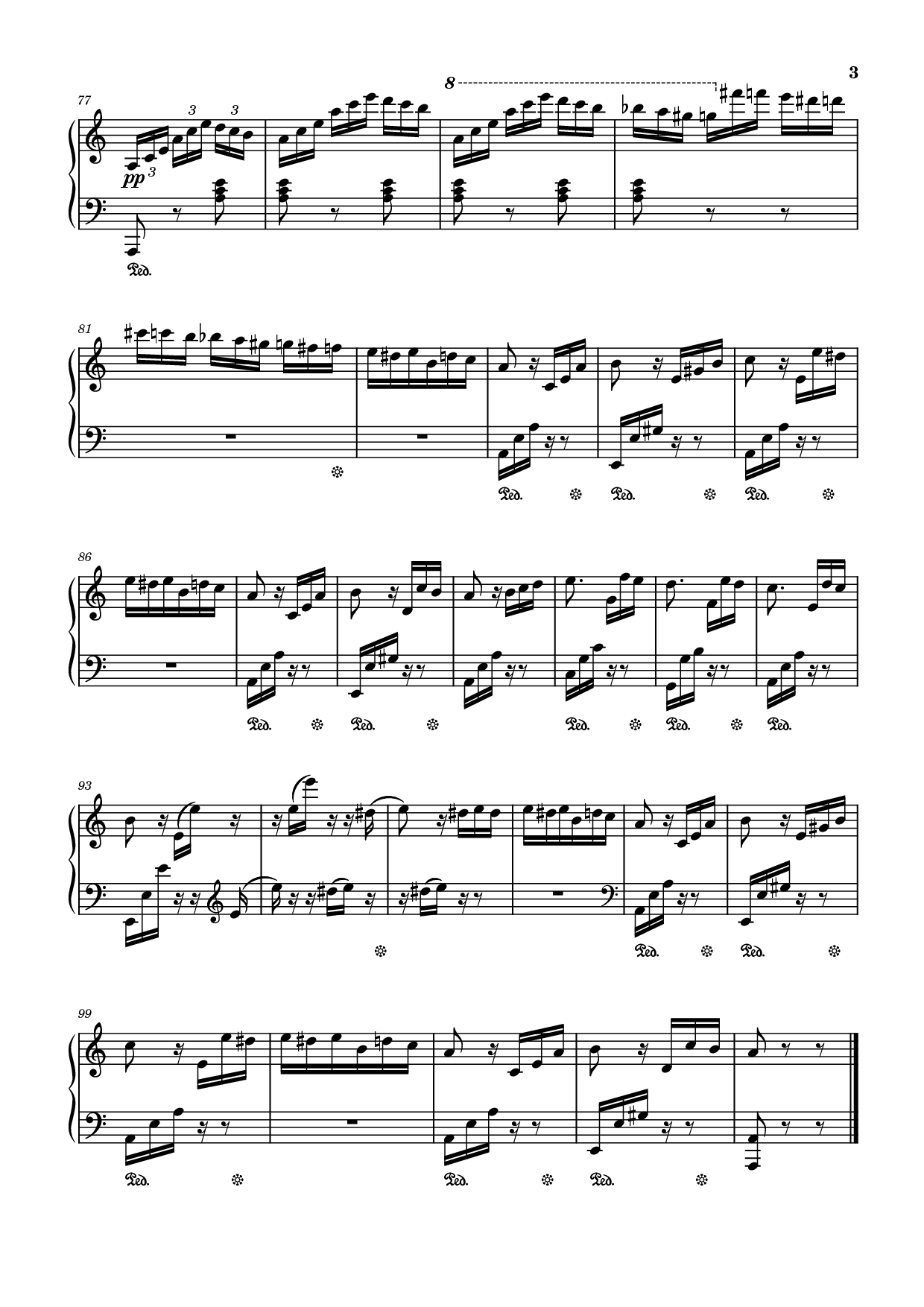
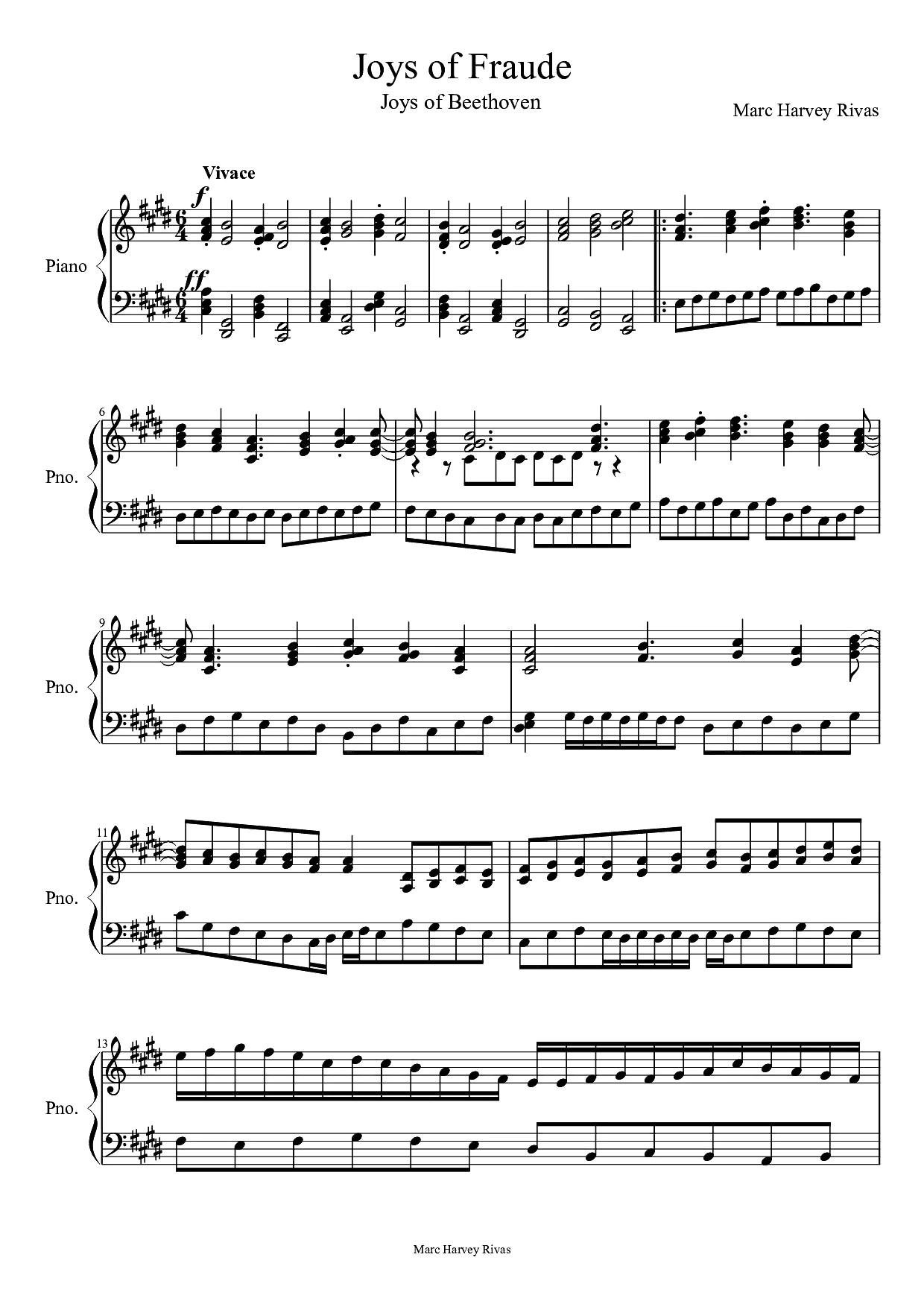
Convert PDF Sheet Music to MIDI Online — Free
A PDF to MIDI Converter That Actually Reads Your Score
AI PDF Score Recognition
Photo-Based PDFs? Clean Pages First
Free, Online, No Install
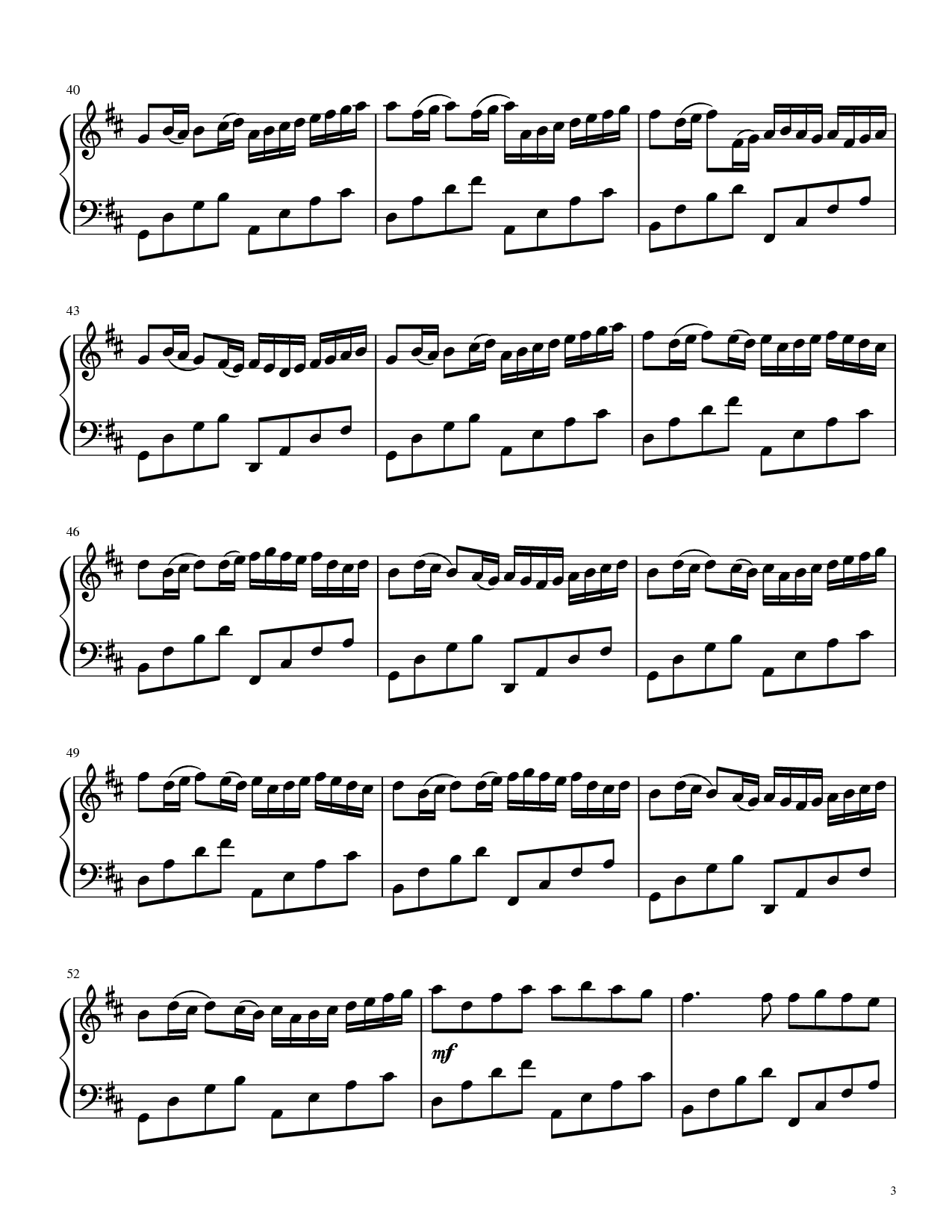
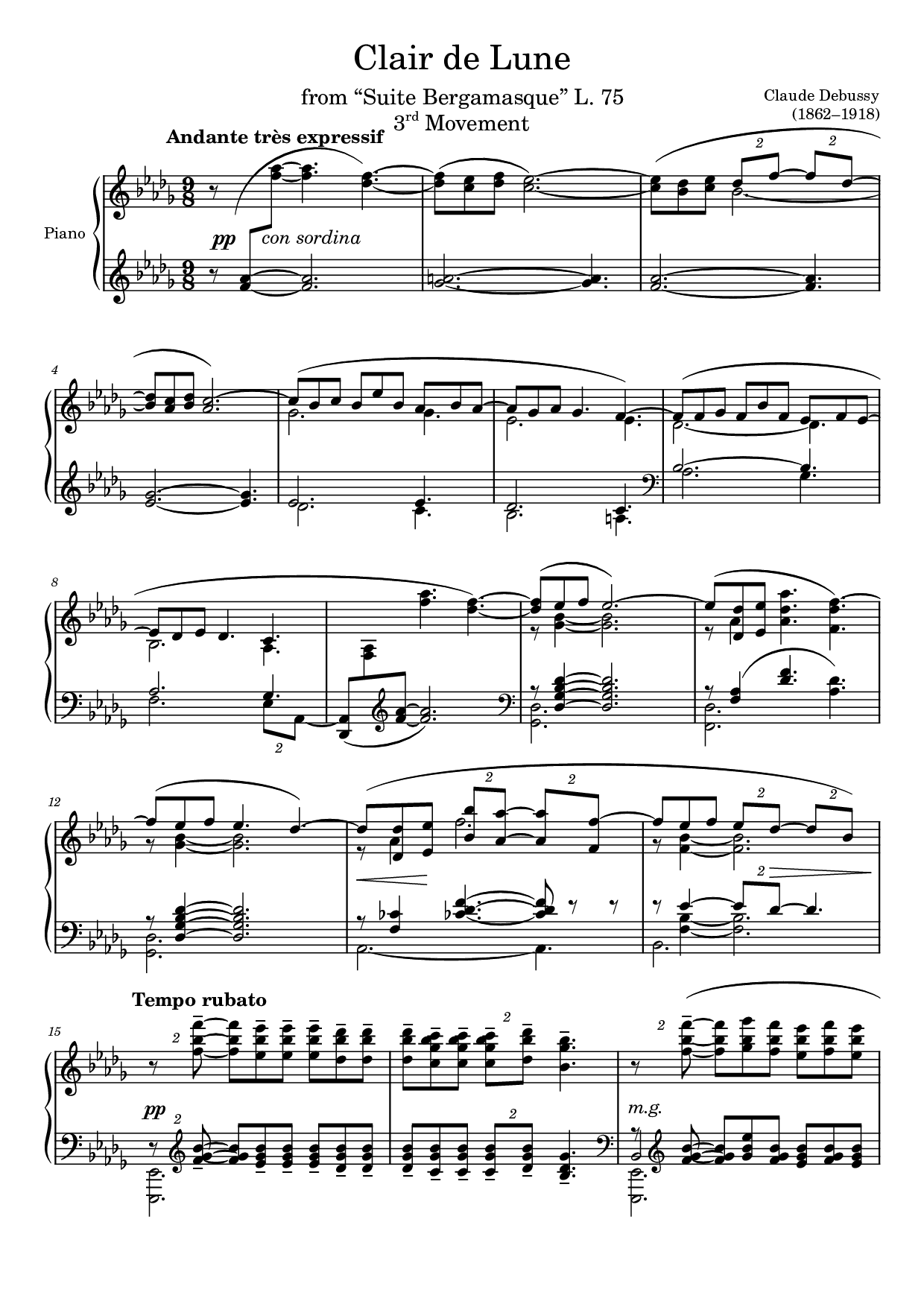
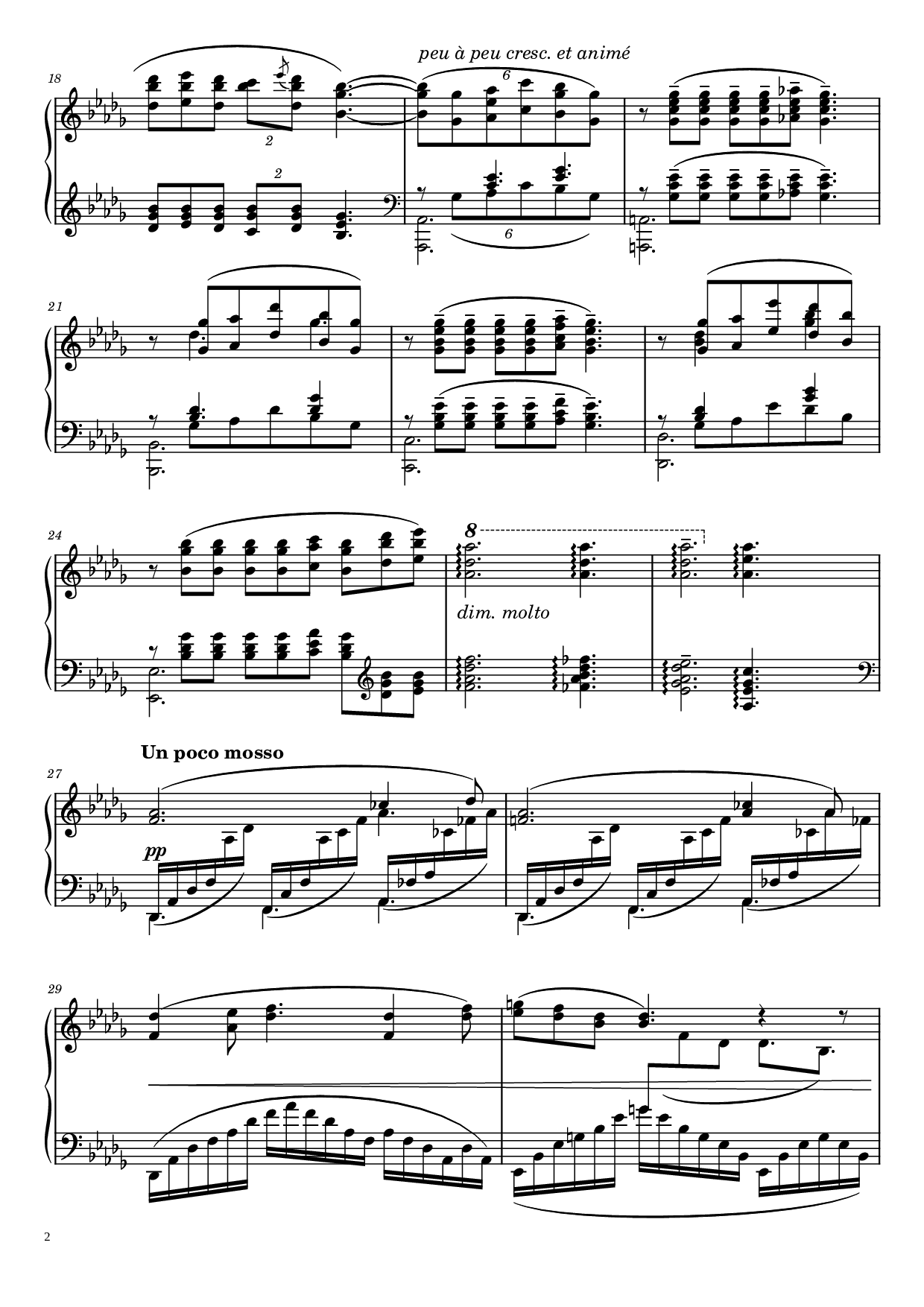
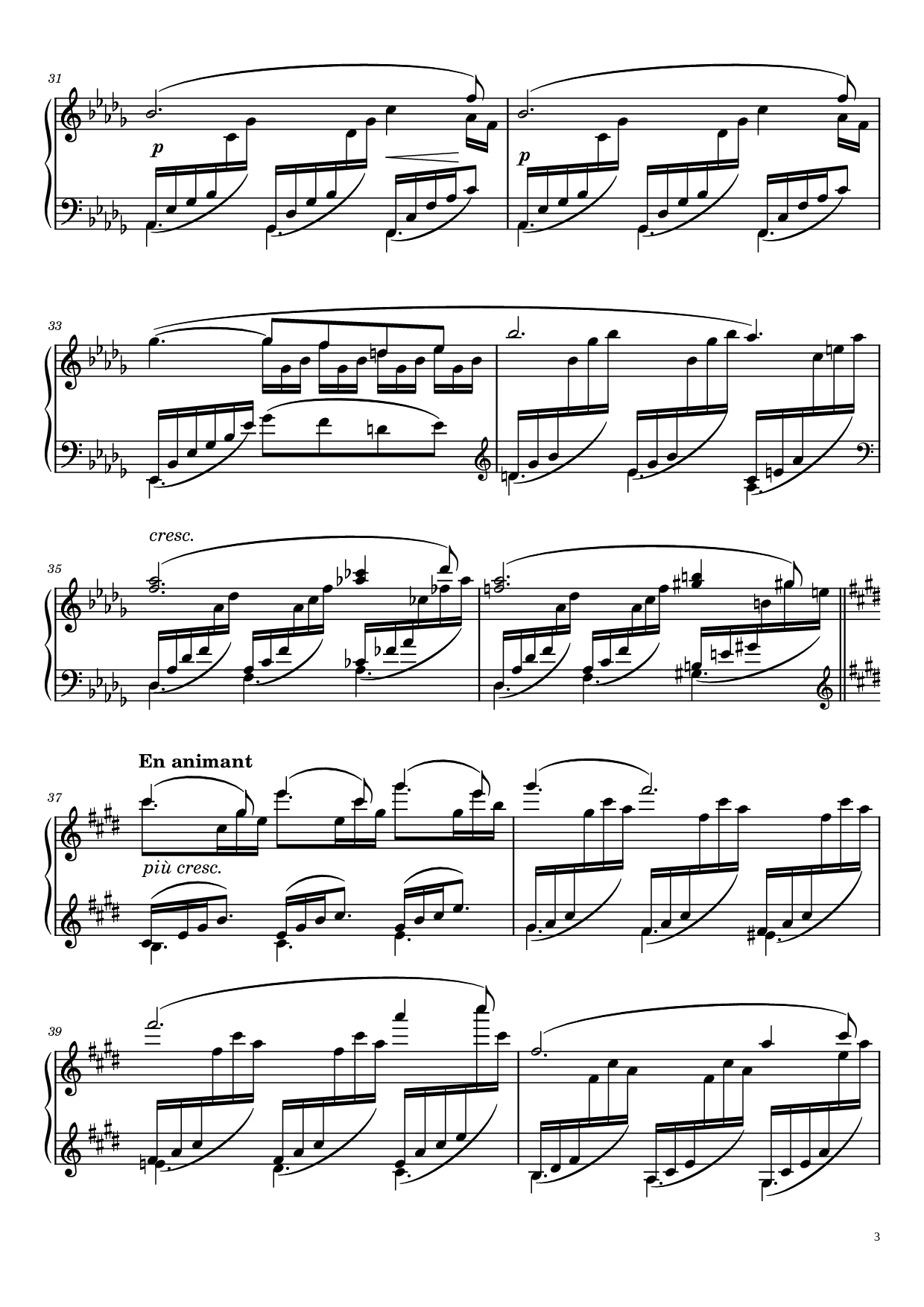
Multi-Voice & Grand Staff Support
Built for MuseScore, forScore and Sibelius Users
Standard MIDI Output
Private by Default
Scanned or Multi-Part PDF? Turn On Enhanced Transcription
Made for the PDFs standard recognition finds hardest
- Low-resolution and image-only PDF scans
- PDFs assembled from phone photos
- Choir, SATB and early-music parts
- Scores that change clefs or use octave clefs
Who Uses Our PDF to MIDI Converter
From classical pianists working off Henle PDFs to producers flipping a chord chart into a beat — here's how people actually use this tool.
Pianists Practicing From PDF Scores
Play a converted score in the browser. If you use a separate practice app, export the MIDI and import it there to slow down difficult passages.
Producers Sampling From Lead Sheets
Take a PDF lead sheet of a jazz standard or pop song, convert it to MIDI and reharmonize it inside Ableton or Logic. Skip the transcription step and go straight to creative work.
Arrangers Re-Voicing Old Charts
Have a PDF score from a band library or church book? Convert PDF to MIDI, reassign instruments and rebuild a modern arrangement in MuseScore or Sibelius without retyping every measure.
Music Teachers Building Backing Tracks
Turn a PDF score into a practice track, then export the MIDI for a lesson or play it from the results page with your students.
Composers Recovering Lost Project Files
If all you have left of a piece is the printed PDF, this PDF to MIDI converter is the fastest way to rebuild the project. Get a working MIDI file back, then iterate from there.
Forscore & iPad Users on the Go
Pair your forScore PDF library with this online PDF to MIDI converter. Convert a chart in the green room, send the MIDI to your hardware synth and you're set for soundcheck.
Frequently Asked Questions
Yes. Upload a PDF exported from notation software or a scan of printed sheet music. Lacuna reads the notation on its servers and prepares a MIDI arrangement. In your browser you can listen, check the score and correct notes before exporting.
A free account receives 120 credits per month. At 30 credits per page, that covers up to 4 standard pages if you use the full allowance here. You can play and edit the result in your browser. MIDI downloads are included with Basic, Pro or Ultra, and with a positive one-time credit balance. Otherwise, US$2.99 unlocks MIDI downloads for this conversion, including repeat downloads.
Yes. Open this page on Mac, Windows, ChromeOS or Android and upload the PDF. Recognition runs on Lacuna’s servers. Open the result in the same browser to listen or edit, without installing notation software.
MuseScore can import a PDF, but you usually have to export to MusicXML, then to MIDI, and clean up the result. Our tool takes you straight from PDF to MIDI in one step, then you can re-import the MIDI back into MuseScore if you want to keep editing notation.
Yes. Lacuna uses optical music recognition to read scans of printed scores. A flat, upright page scanned at 300 DPI gives the reader a clearer view of staff lines and noteheads. Check the result against the original, especially where several voices share a staff.
Technically yes — the converter reads any PDF score. Whether you may legally redistribute or perform what you generate is a separate question; please respect the license that came with the PDF you purchased.
Use our MIDI to PDF converter. The MIDI to Sheet Music tool turns a .mid file into a readable score that you can download as a printable PDF or as editable MusicXML.
This converter reads the notes on a PDF score, so it can't take a recording. If that's all you have, convert audio to MIDI instead: that tool takes an MP3, WAV, M4A, OGG or FLAC and transcribes the notes it hears into an editable MIDI file. It works best on one clear instrument or voice.
You can convert up to 50 pages in one job. Standard recognition uses 30 credits per page on Free, Basic and Pro. Ultra includes unlimited standard recognition. Optional enhanced transcription is priced separately on every plan.
An optional second read for hard PDF pages. You get the standard MIDI first; then each page is read again, measure by measure, and the new result replaces that page in your MIDI. Switch it on in the upload form, or choose Enhance on a finished conversion.
It is priced per page by the notes on it: 40 credits for every 50 notes, on top of the standard conversion. The form shows the exact credits and the expected wait before you pay. Most pages take 2–5 minutes; a dense piano page can take up to 15. If a page can't be enhanced, its enhancement credits are returned.
Scanned PDFs (especially low-resolution ones), PDFs made from phone photos, choir and SATB parts, early music, and scores with frequent clef changes. PDFs exported from notation software usually convert well in the standard mode.
Ready to Convert Your PDF to MIDI?
What Musicians Say About Our PDF to MIDI Converter
I had a stack of old PDF lead sheets from a defunct project. Converted every one to MIDI in an afternoon and rebuilt the album in Logic. Would have taken me a week of retyping.
Tried Audiveris, tried MuseScore's PDF import — both choked on my scanned method book PDFs. This tool just worked. The MIDI even kept the dynamics roughly right.
Forscore on iPad plus this site is my new soundcheck workflow. Convert the PDF chart to MIDI, send it to my Roland, done.
Free PDF to MIDI converter that doesn't shove watermarks into the output. The MIDI file is clean enough to drop straight into Sibelius and finish editing notation.
I'm on a Chromebook so installing anything is a non-starter. Online PDF to MIDI in the browser is exactly the use case I needed.
The two-staff piano support is what sold me. Most PDF to MIDI tools merge both hands into one mess; this one keeps them separated as proper MIDI tracks.