Turn phone photos into scanner-quality sheet music.
Turn Phone Photos into Scanner-Quality Sheet Music
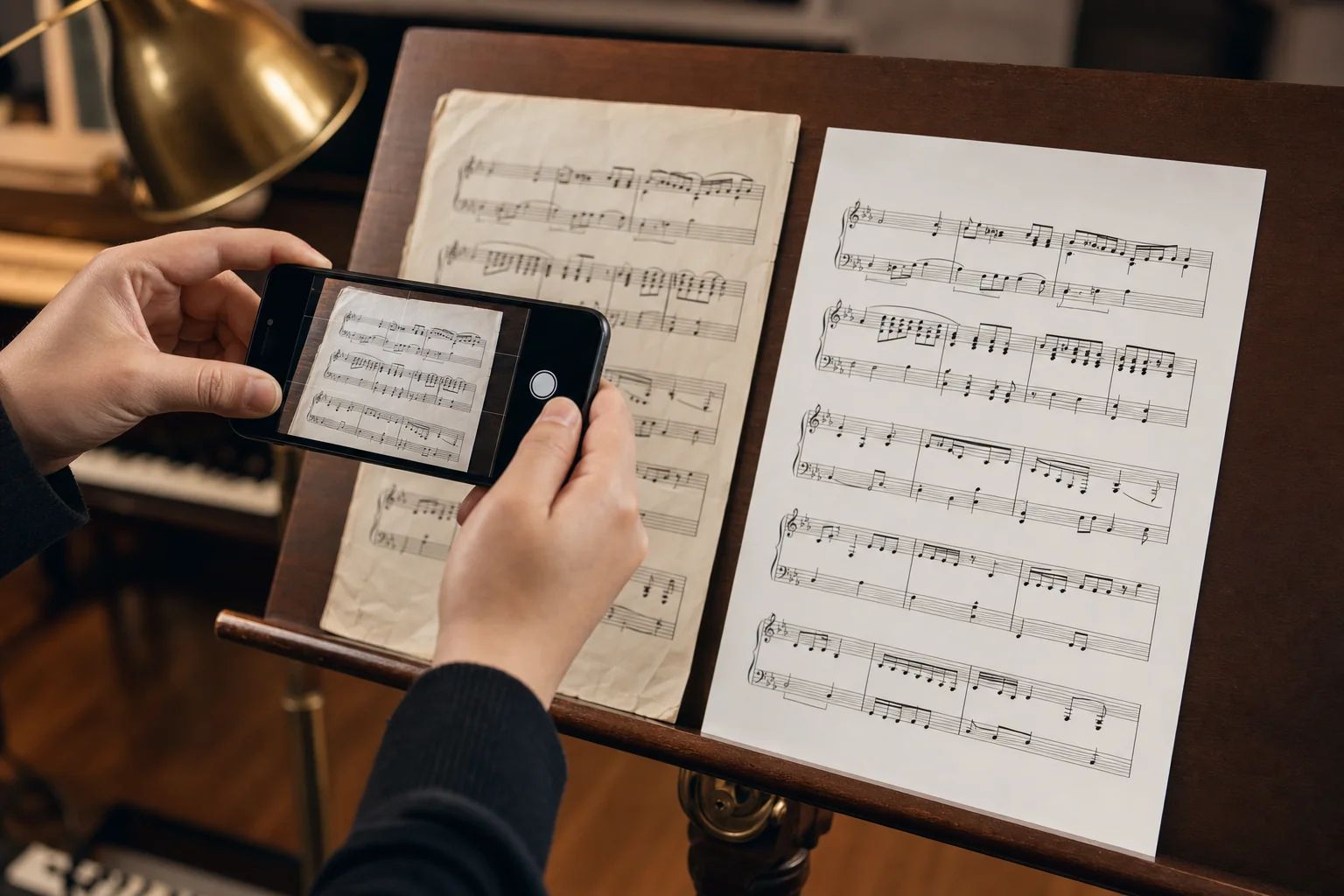
A Sheet Music Scanner That Actually Cleans Up Phone Photos
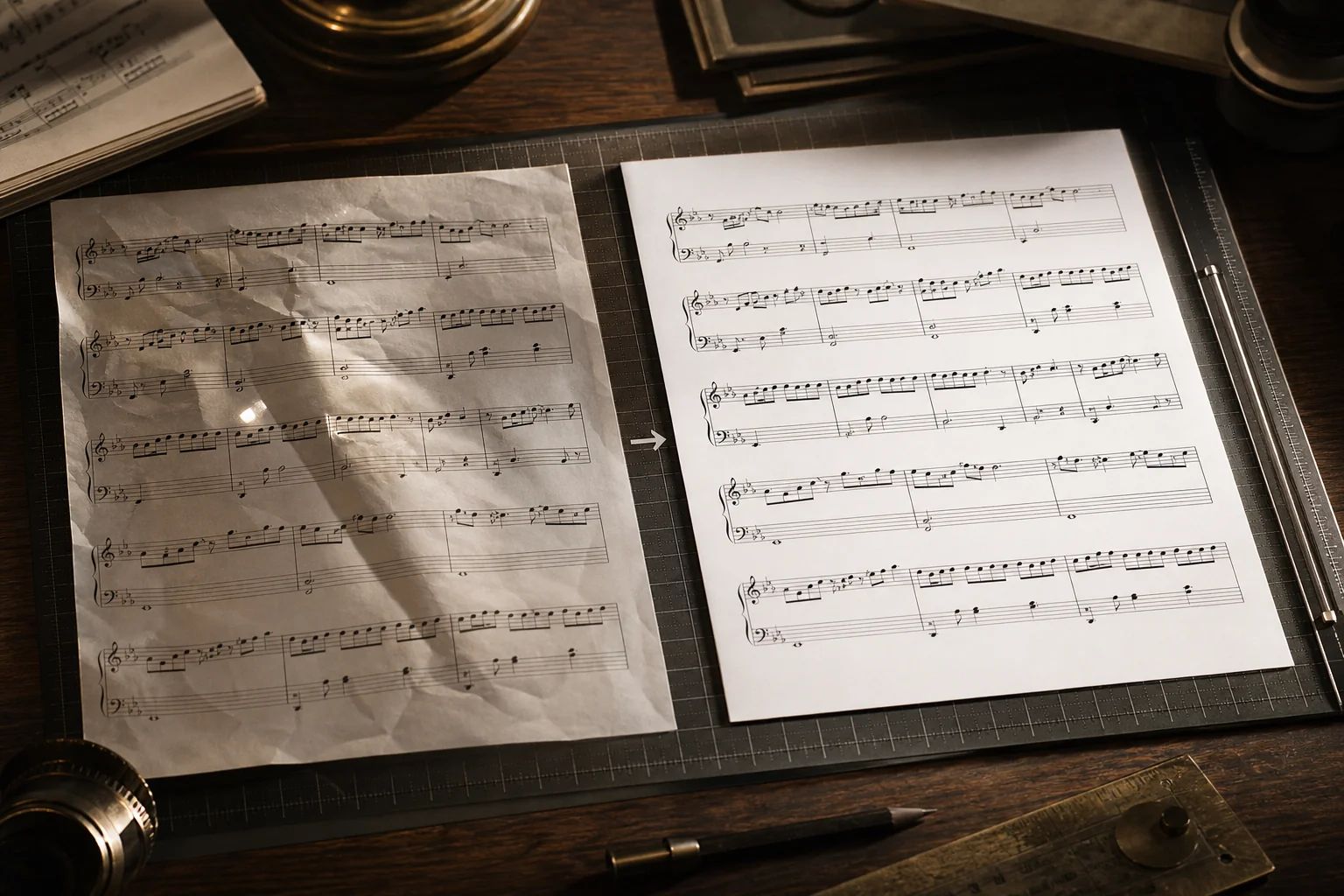
AI-Cleaned Scanner-Quality Output
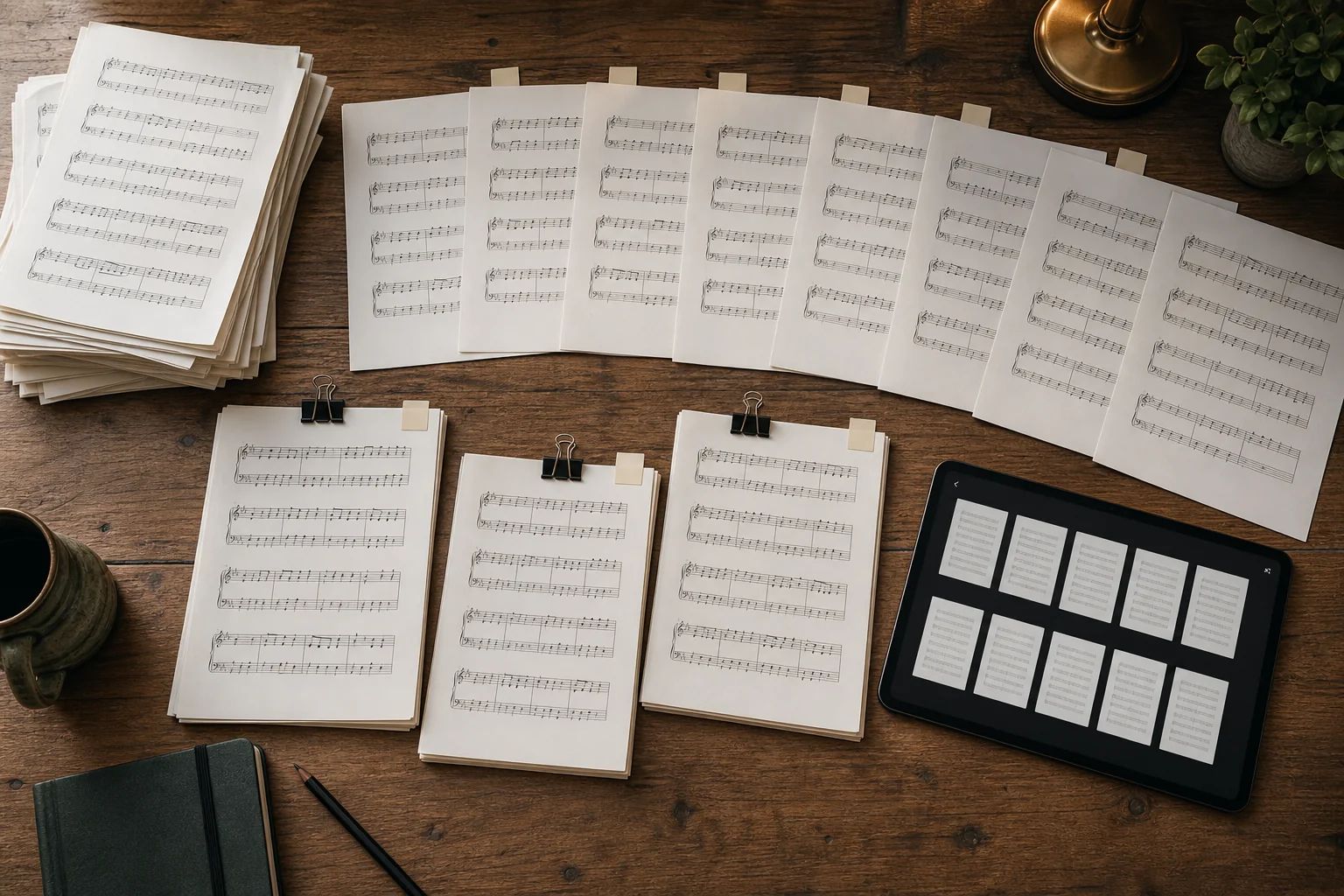
Batch Upload for Multi-Page Scores
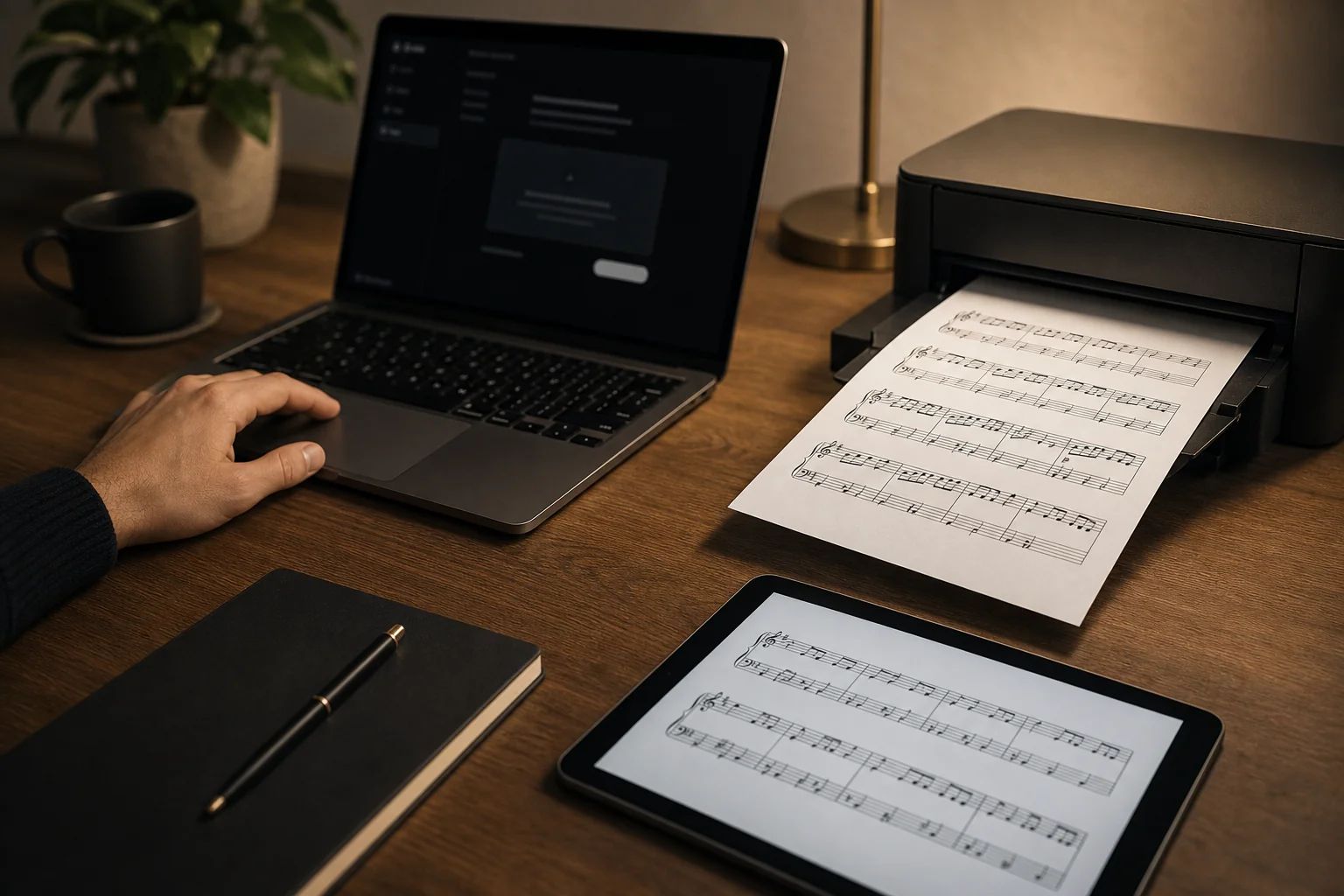
One-Click Clean PNG Download
Privacy-First, Auto-Deleted in 30 Days

Built for Pianists, Choirs and Music Teachers
Where a Sheet Music Scanner Pays Off
From classroom photocopies to gig books, here are the moments musicians reach for a sheet music scanner instead of a flatbed.
Digitize Method Books
Snap pages from your Hanon, Bastien or Real Book and turn them into a clean, searchable digital sheet music reader library on your tablet — no destructive book scanning required.
Share Parts with the Choir
Capture the soprano, alto, tenor and bass parts at rehearsal, batch-clean them and email a single tidy PDF to every section before the next call.
Prepare Cleaner Classroom Handouts
Music teachers can re-scan tired photocopies, fix shadows and skew, then print razor-sharp copies that students can actually read at the back of the room.
Archive Lead Sheets and Charts
Producers, arrangers and gigging musicians can build a private archive of cleaned lead sheets, fake-book pages and band charts that travel anywhere on a phone or tablet.
Convert Sheet Music Photo to PDF for Audiveris and OMR
Feed a clean, scanner-quality image into Audiveris, MuseScore or any sheet music OCR pipeline. Better input means dramatically better note recognition downstream.
Clean Up a Messy Sheet Music Scan
Already scanned but unhappy with the result? Re-process old scans through the AI to fix bleed-through, page yellowing and faint pencil markings before sharing or printing.
Frequently Asked Questions
Every new account gets free credits, so you can scan a few pages before deciding. After that, scanning costs 80 credits per page and runs on the same credit pool as the rest of Lacuna's tools — top up with a one-time pack or a BASIC / PRO subscription. There is no separate paywall just for the scanner.
The sheet music scanner runs each page through an image-restoration AI that detects the score, straightens tilted angles, removes shadows, glare, finger occlusion and creases, then rebuilds the staff lines and notation as crisp, scanner-quality output. The result is sharp enough to print or feed into a sheet music OCR pipeline.
Yes. Upload a phone photo of any score and once the AI finishes cleaning it up you can download the high-resolution PNG with a single click. It's a fast, free, online way to turn a phone snapshot of sheet music into a print-ready image.
Uploaded photos and cleaned scans are stored privately, scoped to your account and auto-deleted from our storage after 30 days. We never share, index or train on your repertoire. If you want a copy beyond 30 days, download the cleaned PNG before it expires.
Not directly — the scanner outputs a clean image, not MIDI or MusicXML. But a clean image is exactly what every sheet music OCR / OMR tool needs. If you want notes back, save the cleaned PNG and feed it to any compatible OMR engine for the best recognition results.
It is the perfect front-end for sheet music OCR. Phone photos with shadows, glare or skew tank OCR accuracy. By cleaning each page to scanner quality first, you give the OCR engine — Audiveris, MuseScore, or any sheet music OCR pipeline — a much better chance of recognizing notes, rests and dynamics correctly.
Upload JPG, PNG or HEIC photos directly from your phone or computer. The cleaned output is delivered as a high-resolution PNG, ready to print, share or feed into an OMR engine.
Most sheet music scanner apps focus on play-along features and lock the scan-to-clean step behind a monthly subscription. Lacuna's scanner is laser-focused on one job — turning a phone photo into a scanner-quality image — and runs entirely online with no install, no platform lock-in, and pay-as-you-go credits instead of a recurring fee.
Stop wrestling with blurry, tilted sheet music photos
What Musicians Say About Sheet Music Scanner
I cleaned up an entire 40-page Bach edition shot on my iPhone in one batch. The output was sharp enough to print and read at the keyboard — better than the original book in places.
Choir rehearsal used to involve me running to the office to flatbed-scan parts. Now I snap them on my phone, clean them up here, and email a sharp PNG before the break is over.
I clean every phone photo through this scanner before running it through Audiveris, and the recognition rate jumped massively after I started pre-cleaning. It is the best image-prep step I have added to my OMR workflow.
My students photograph their assigned pieces in awful lighting. This scanner saves me — I clean their photos before grading, and I can actually read what they played from.
I keep a private library of cleaned lead sheets on my tablet for gigs. Phone photo, AI cleanup, clean PNG on my iPad — it has replaced my flatbed scanner completely.
I tried three sheet music scanner apps before this one. Lacuna is the only one that just cleans the page well and lets me leave — no subscription nag, no play-along feature I do not need.