
01
The pairing you keep describing to people
Two songs you've always thought would fit, and no way to prove it. Upload both and play them the actual thing instead of explaining it again.
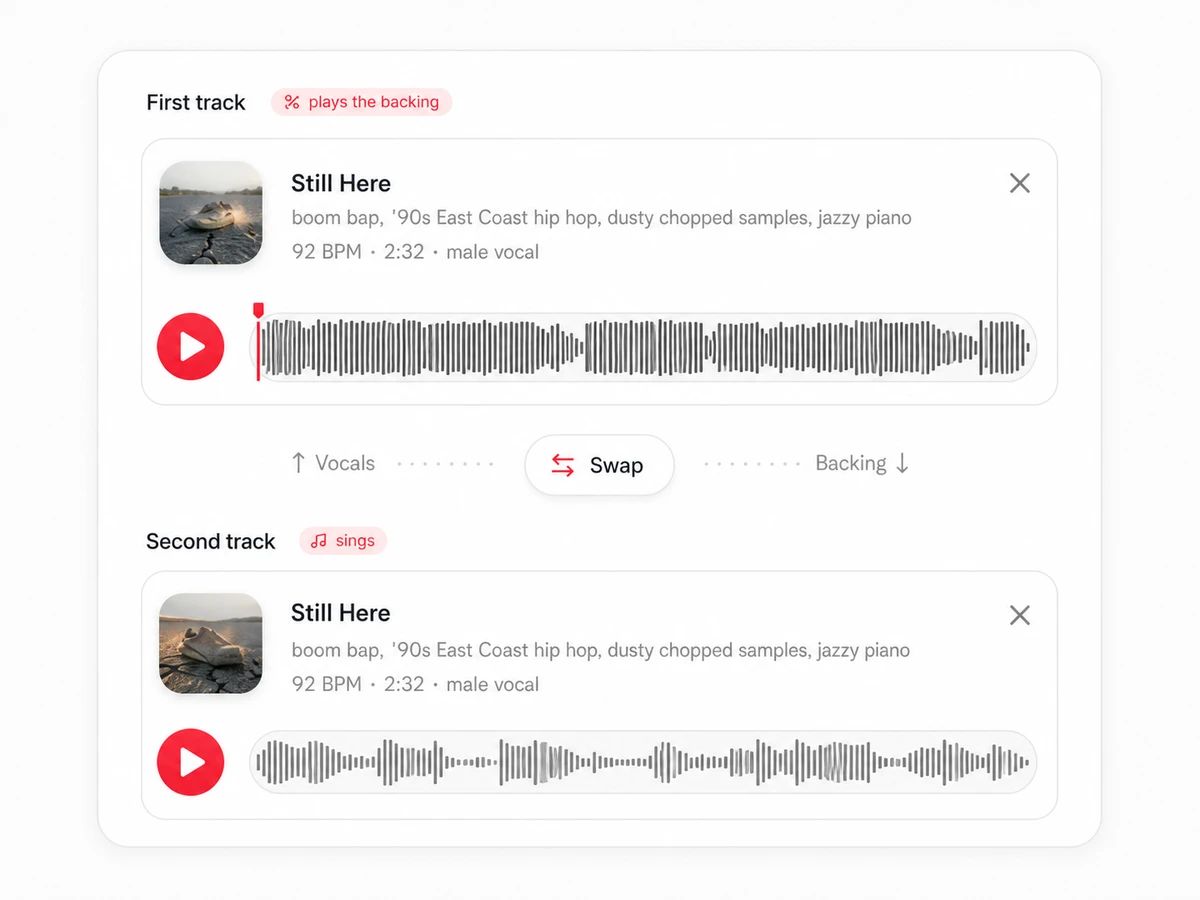
Add two tracks. We work out the tempo and key match for you.
Drop a track here
MP3 / WAV / FLAC / M4A · max 50 MB · 10 min
Drop a track here
MP3 / WAV / FLAC / M4A · max 50 MB · 10 min
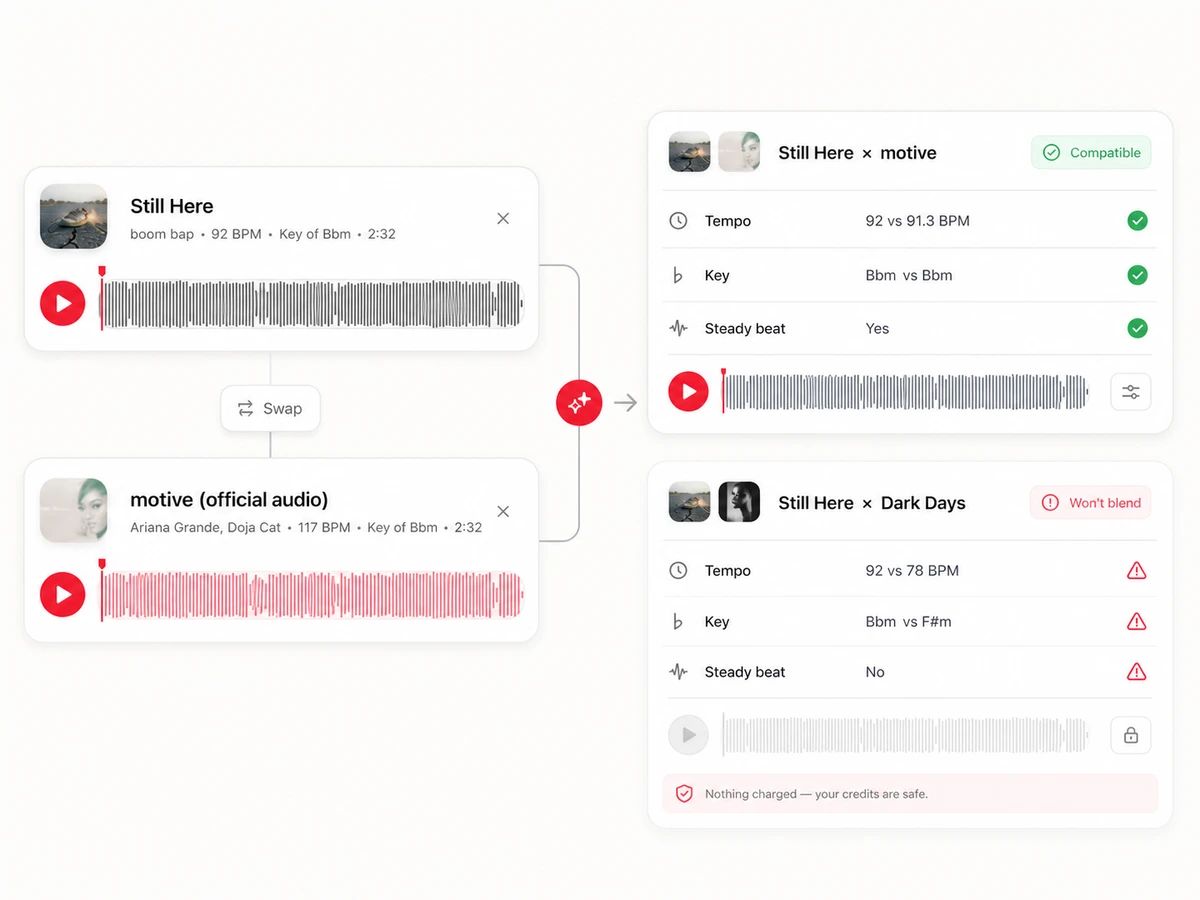
We check the tempo gap, the key distance and whether both tracks have a steady beat before rendering. If a pair won't work, your credits come straight back.
Play it back, adjust the balance, then download.
The whole thing is automatic. The only decision you make is which track sings.
Upload files, pick from songs you've generated here, or reuse a split you already ran through the stem splitter.
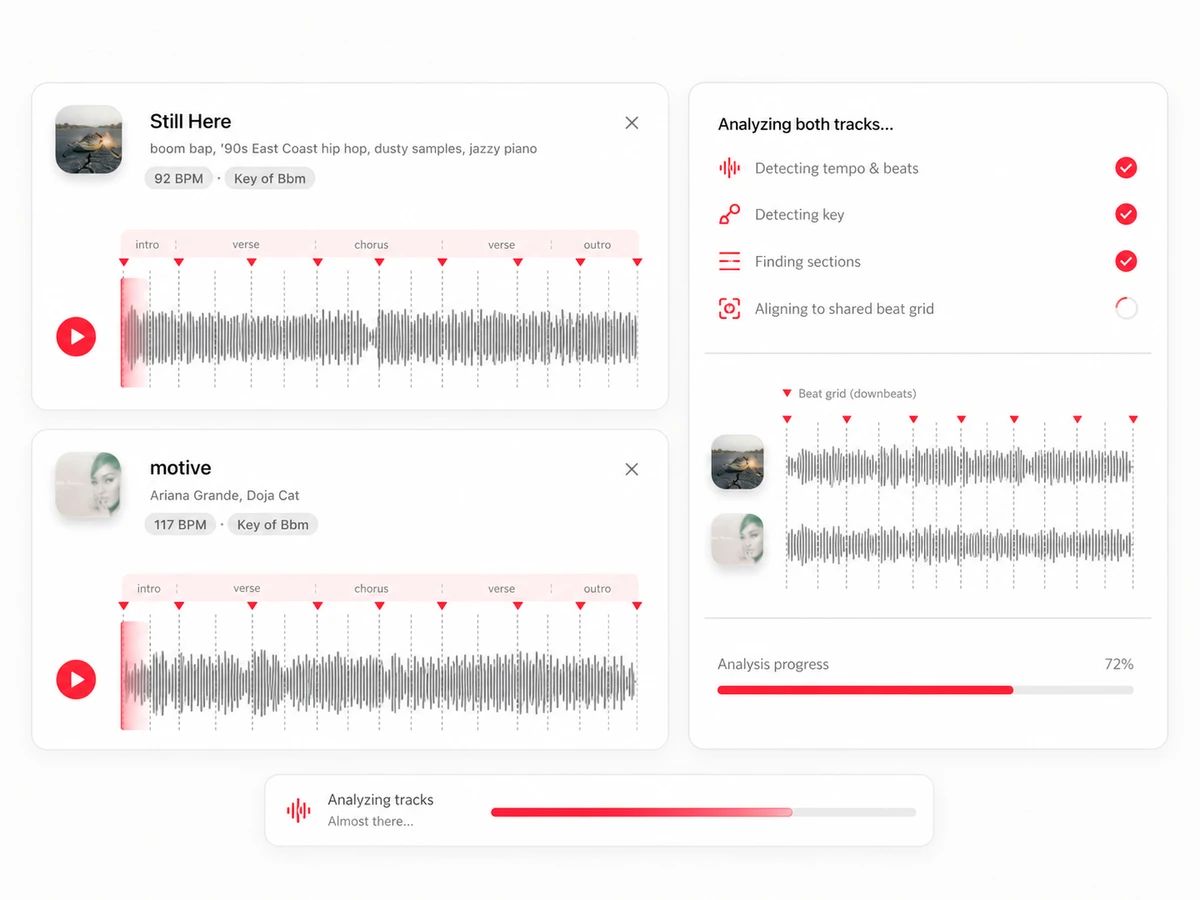
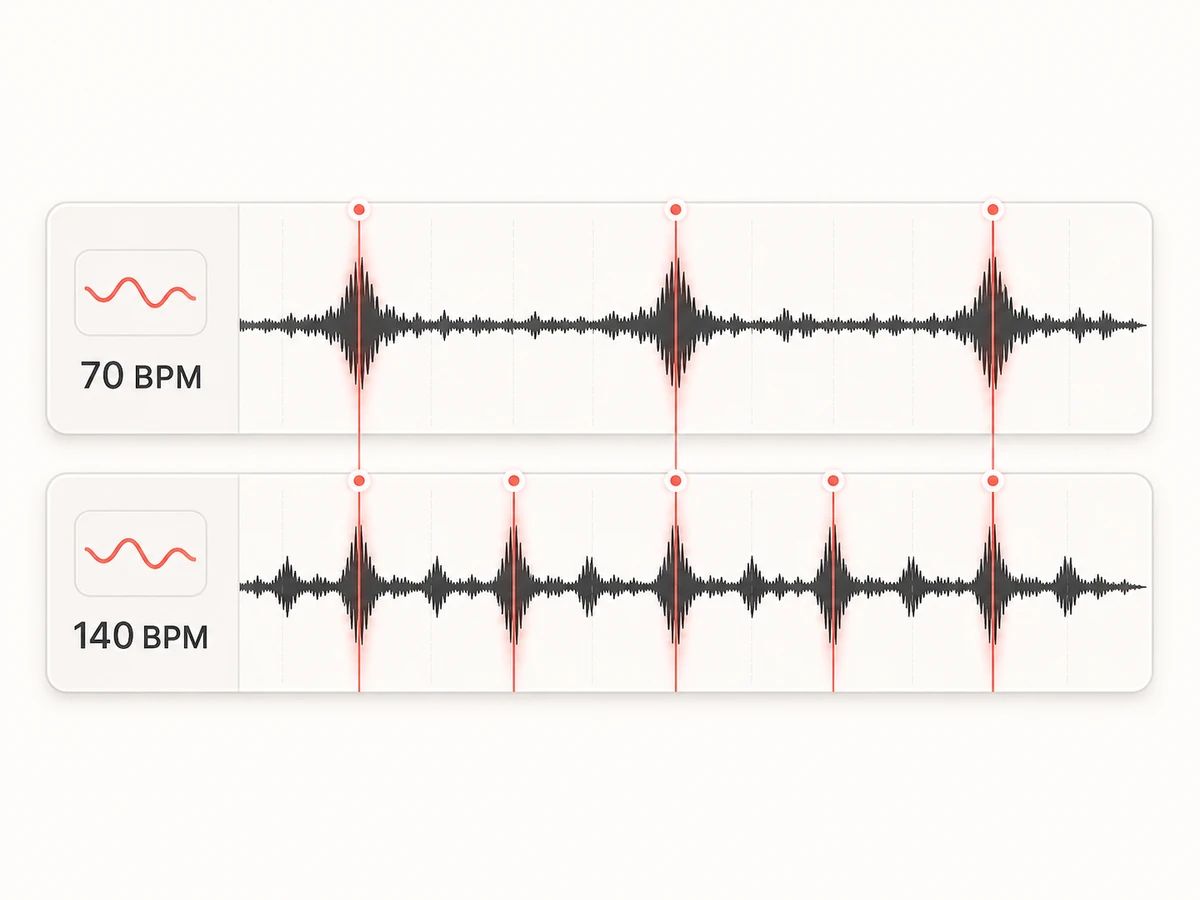
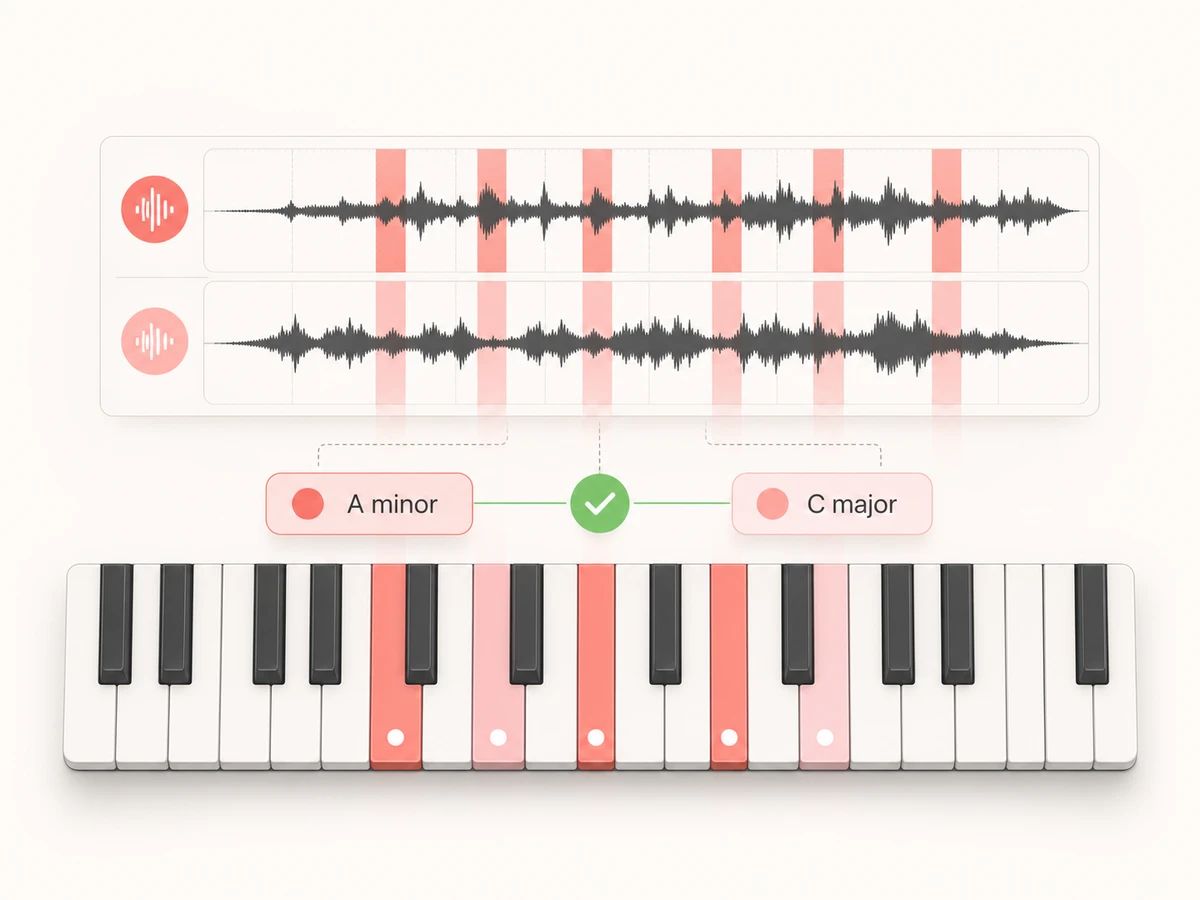
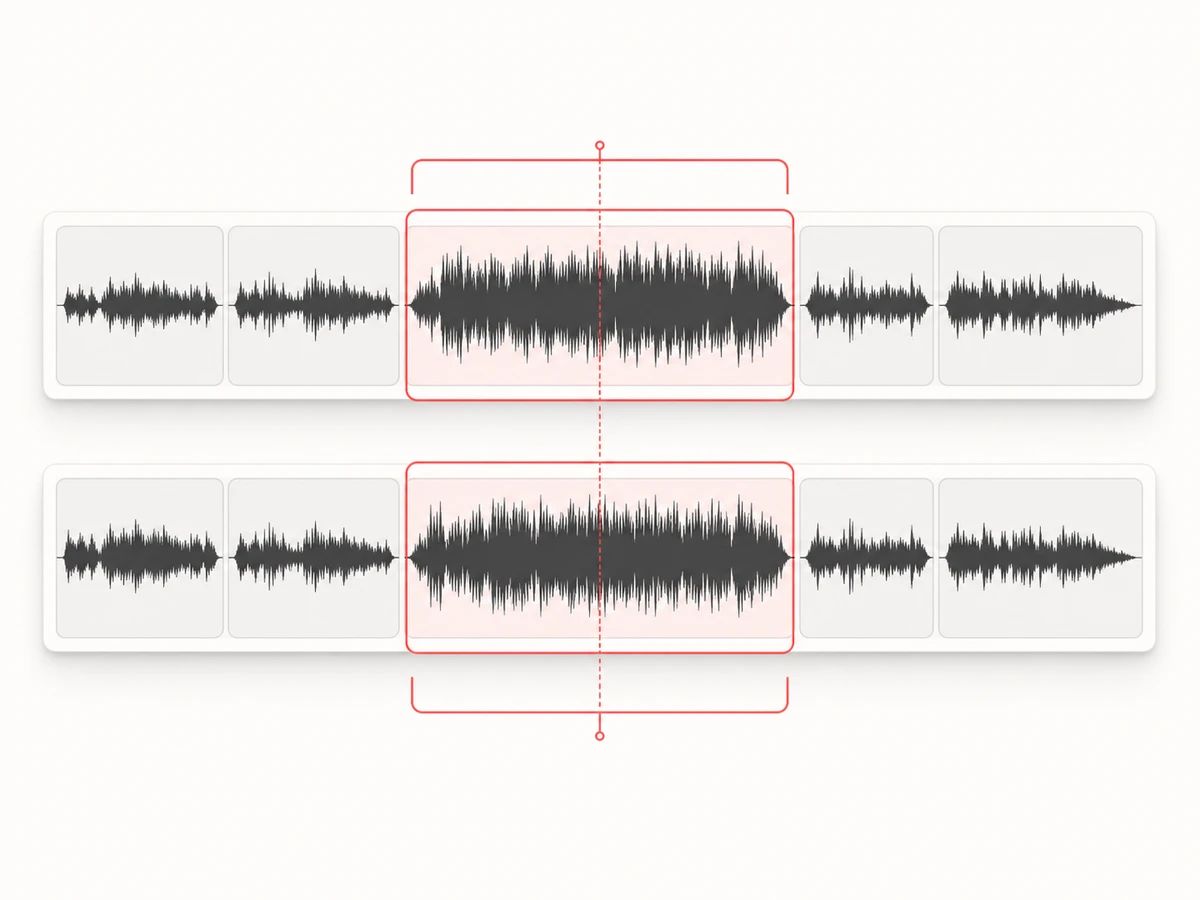
Tempo, key, beat positions and section structure — measured on the original mixes, not the separated parts, because a bare vocal has no reliable beat to track.
Too far apart in tempo or key, or no steady beat to lock onto, and we stop and refund rather than hand you something that sounds broken.
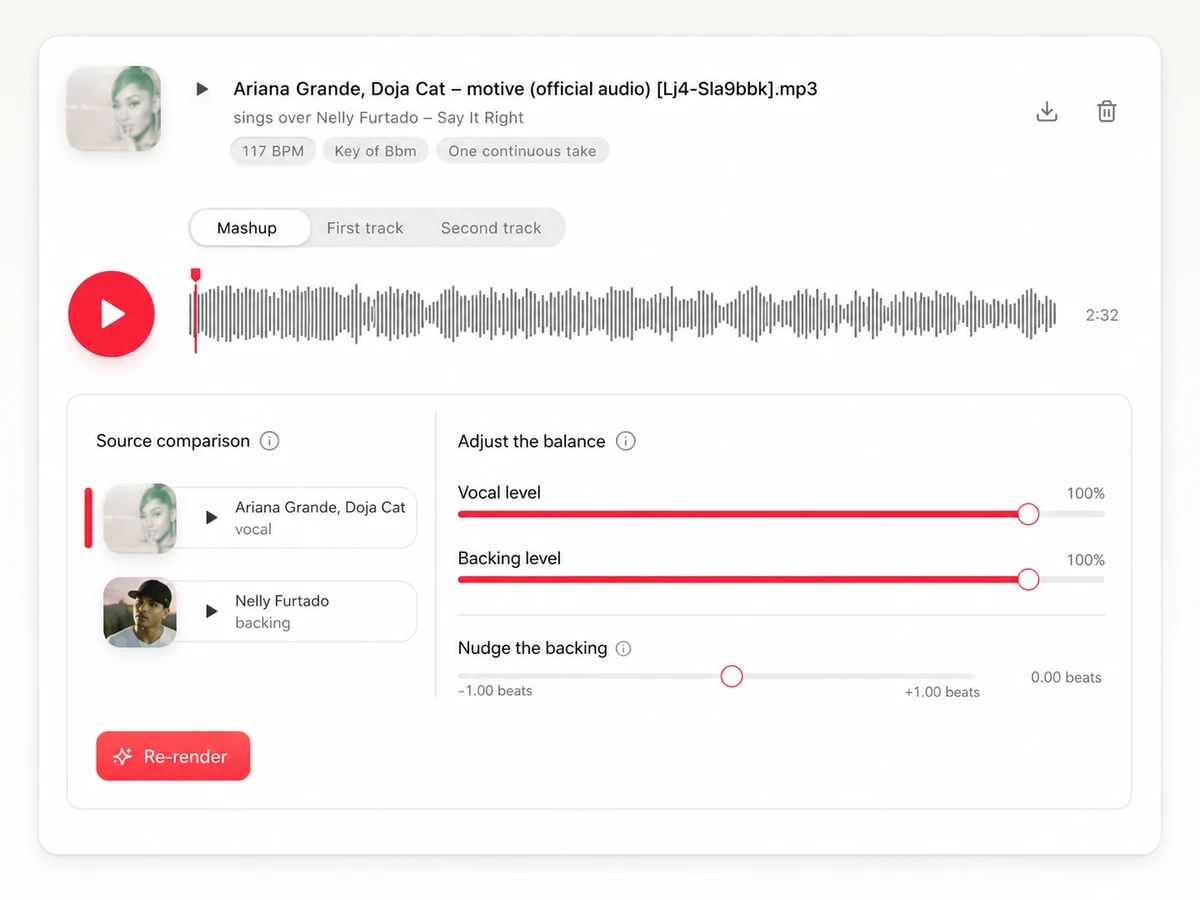
Play the result against either original, then nudge the vocal and backing levels or shift the timing by a fraction of a beat.
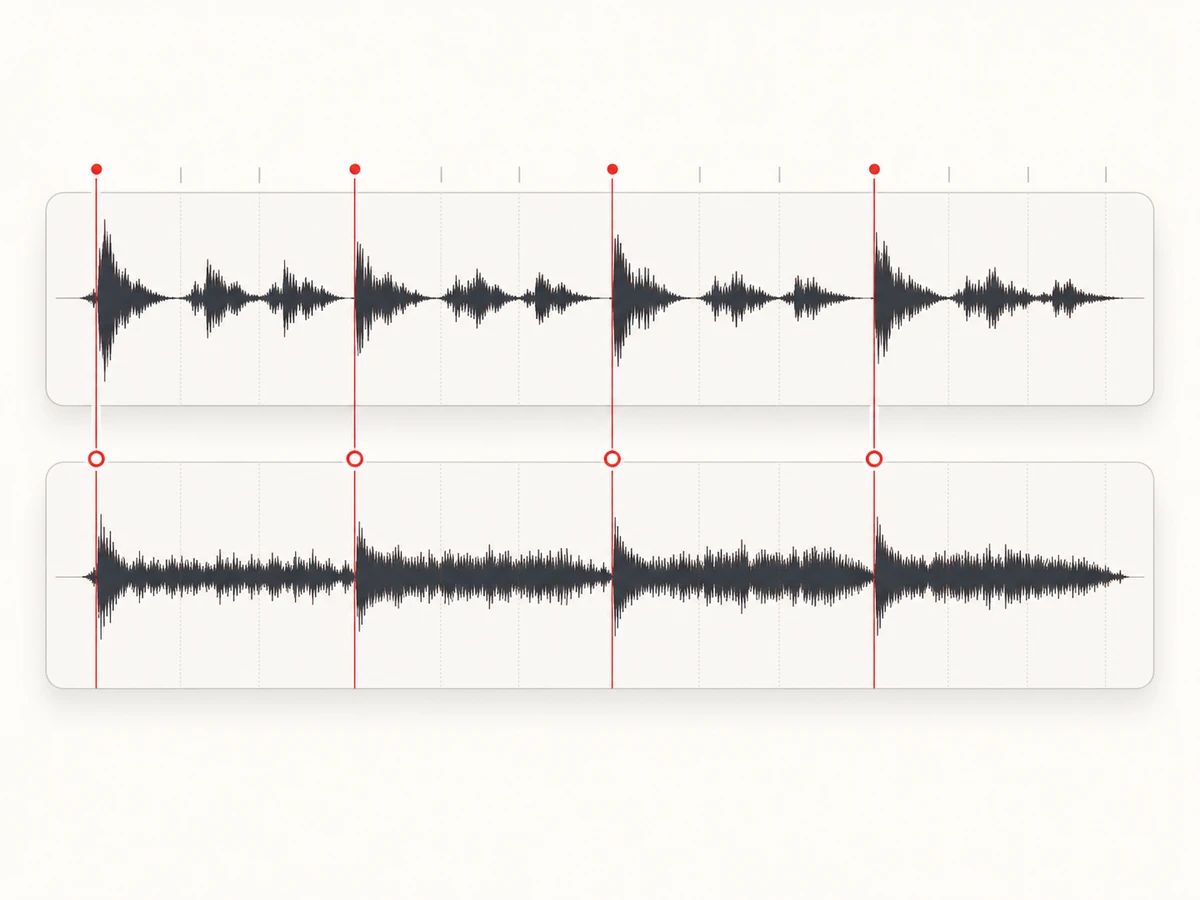
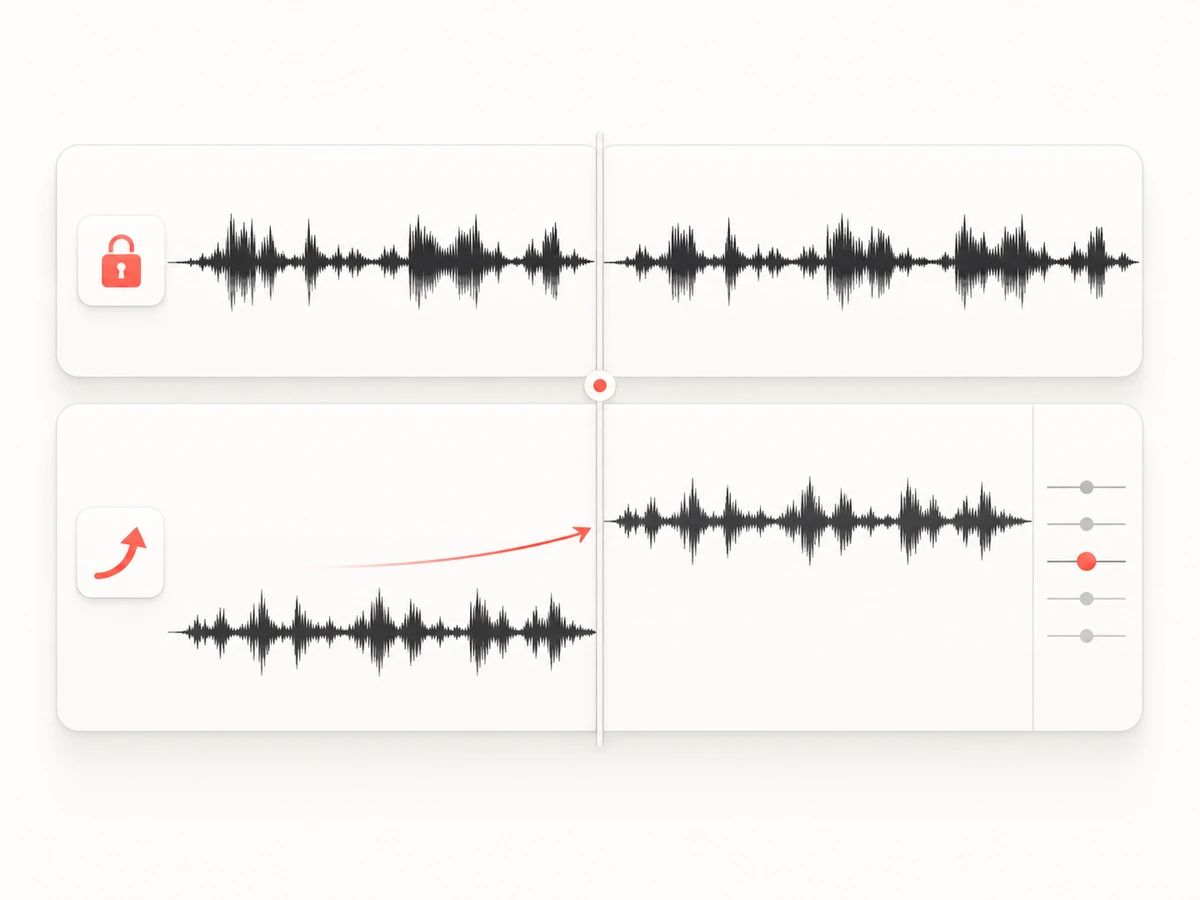
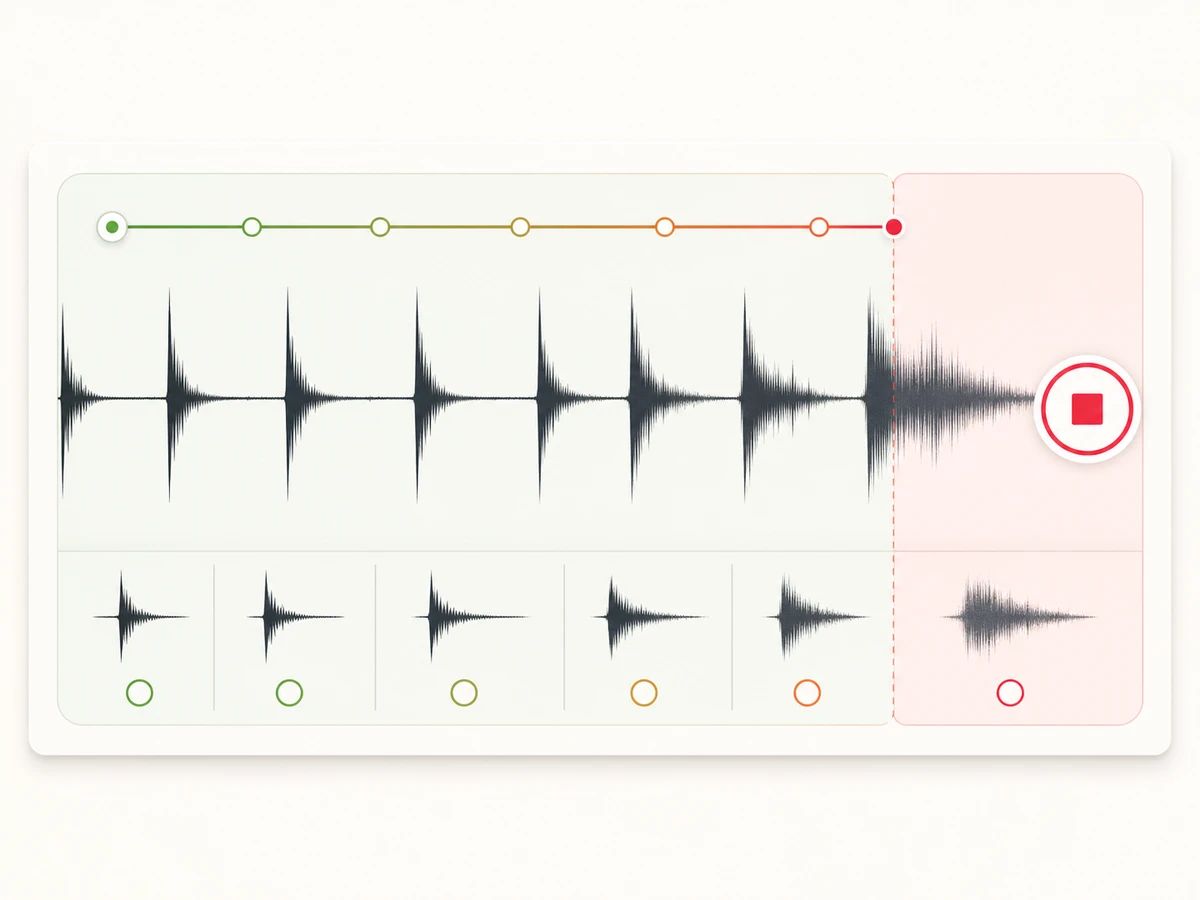
The steps are the same for everyone. What changes is why you wanted those two songs on top of each other.
Two songs you've always thought would fit, and no way to prove it. Upload both and play them the actual thing instead of explaining it again.

An audio bed that's recognisable in the first bar but isn't the same version already sitting under a thousand other clips.

A transition that only exists on your laptop, already matched in tempo and key. Download it at 320 kbps and drop it into the set.
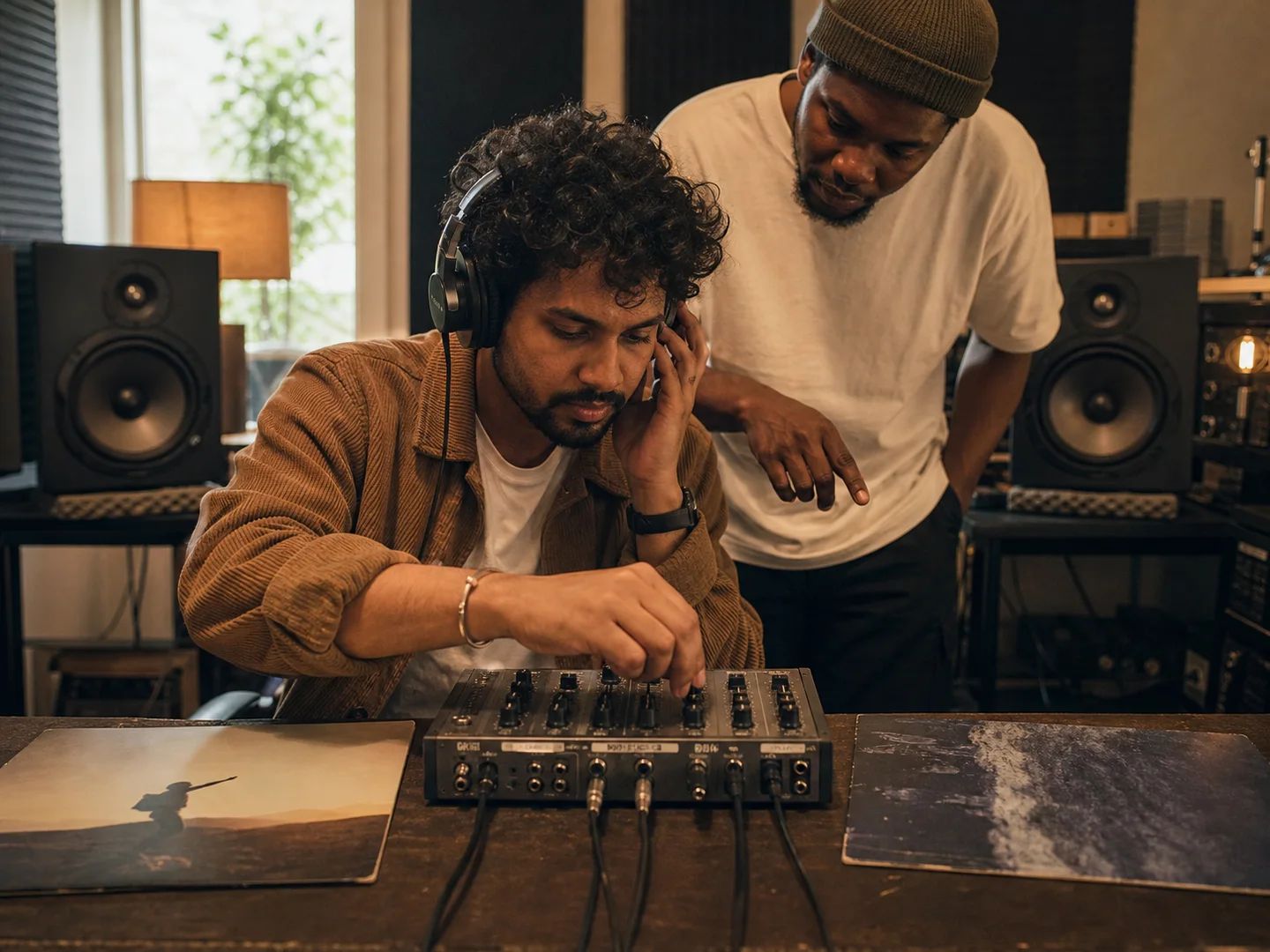
Find out whether a pairing is worth an afternoon in a DAW before you spend one. If it holds up, split both tracks and rebuild it properly.
That covers two separate AI separations — one for the vocal, one for the backing — plus the analysis and the rendering. Bring a track you already split here and that side is taken off the price.
If the two tracks turn out to be incompatible, the credits go straight back to your balance. You only pay for mashups we actually make.
We keep the separated vocal and backing, so changing the levels or nudging the timing re-renders without charging again.
The download is the finished mashup at 320 kbps. Nothing is stamped over it and nothing is held back for a higher tier.
One song's vocal over another song's instrumental, matched in tempo and key. It is not two songs playing at once, and it is not an AI writing a new song that sounds like both — you hear the actual recordings you put in.
No. You upload the audio yourself, or pick from songs you've generated on Lacuna.
One of three checks failed: the tempo gap was wide enough that stretching would audibly smear the drums, the keys were too far apart to shift without the backing sounding wrong, or one track had no steady beat to lock onto. The result page says which one, and your credits are refunded.
Whichever vocal you want to hear. By default the shorter song sings, because the backing track is the side that gets trimmed or looped and the longer one has more material to work with. You can swap it before you start.
No, but closer is better. Under about 6% apart and you won't hear the stretch at all. Past 12% we stop, because time stretching that far makes drums sound washed out.
We shift the backing track to match the vocal. Up to three semitones that's clean. Beyond that we move the vocal instead, using a method that preserves vocal timbre. More than five semitones apart and we stop.
No — this tool goes straight to a finished mashup. You get level control for both parts and a timing nudge. If you want multitrack editing, split the tracks with the stem splitter and take the parts into your own DAW.
Usually three to five minutes. Most of that is the two AI separations; the analysis and the actual blending are fast.
Two tracks, four steps, and an honest answer when they don't fit.