
01
Songwriters making demos
Hear a vocal production demo, test the hook and pacing, and communicate a clearer direction before booking a singer, producer, or studio.
Paste finished lyrics, choose a sound, and generate a complete song with AI vocals, melody, and arrangement.
Play, download, or continue working on every version you generate here.
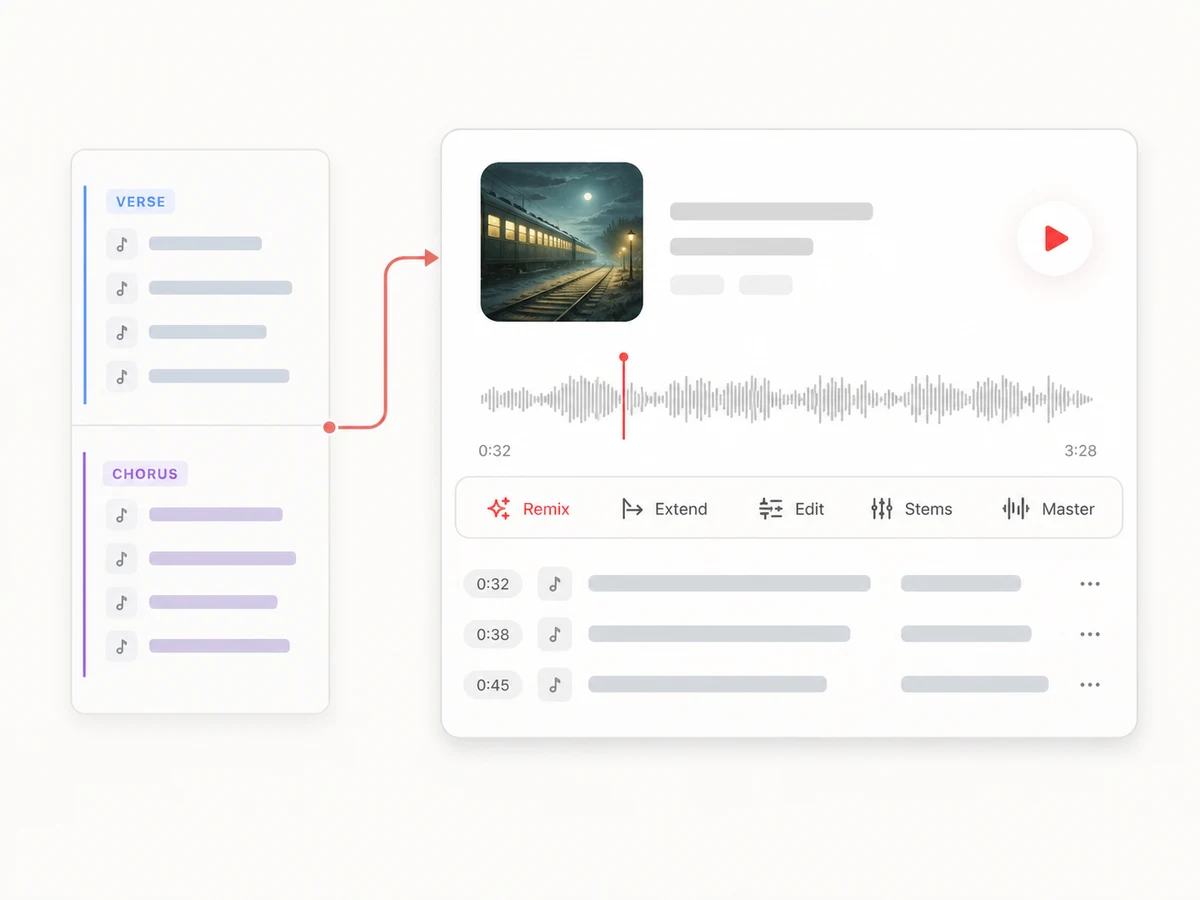
Sign in to generate songs and keep your versions.
Preview
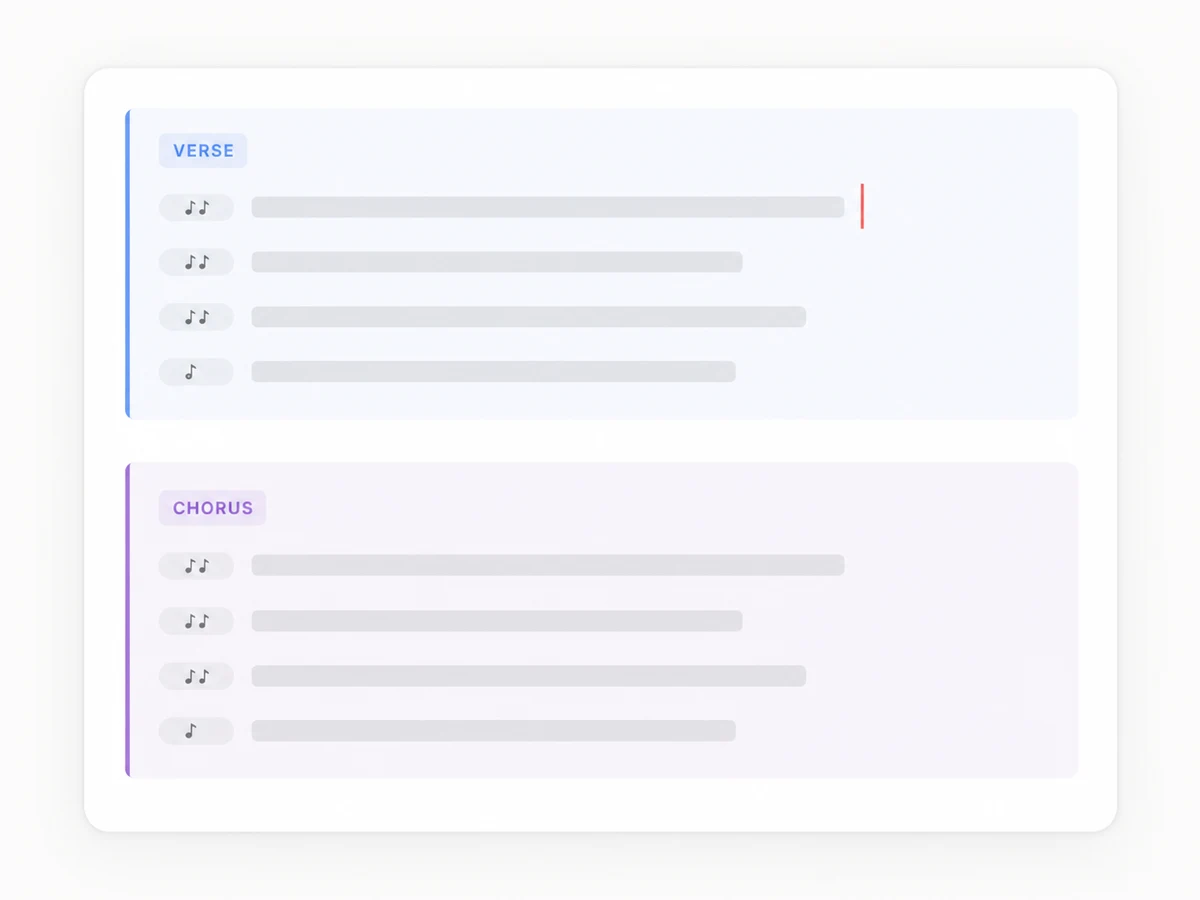
Bring the complete words you want sung. Verse, chorus, and bridge labels help communicate the structure, but they are not required.
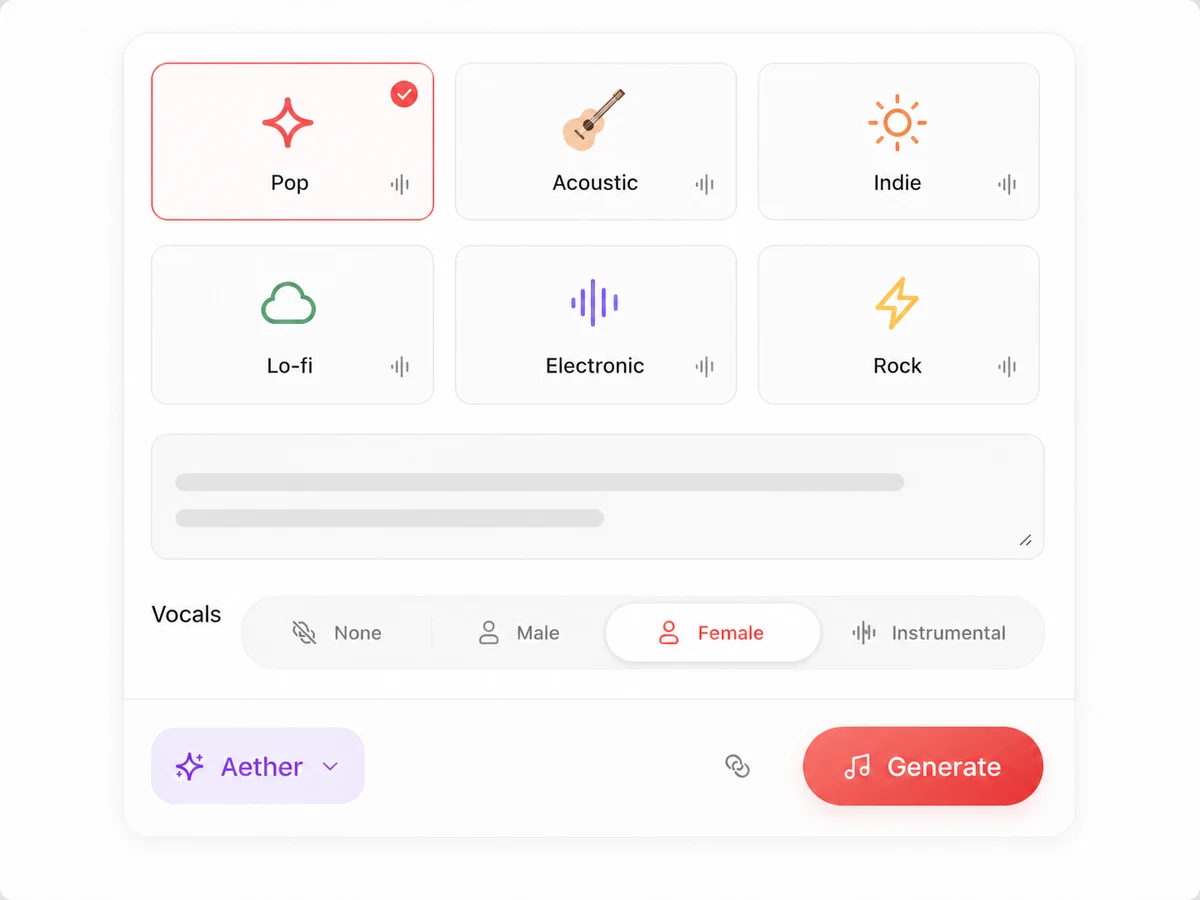
Pick a musical direction, add production notes, choose a vocal direction, and select the model that fits how closely the words should be followed. These choices tell the lyrics-to-song generator how the performance should feel without changing your lyric field.
Lacuna composes melody, harmony, vocals, and arrangement around the lyrics, turning them into a complete song rather than a spoken reading. Every result stays in your workspace for playback, comparison, and further work.
You do not need music theory, chord symbols, or a finished demo to put lyrics to music. A clear layout helps the generator turn lyrics into a song with intentional places to build, repeat, pause, and change.
Use [Verse], [Pre-Chorus], [Chorus], [Bridge], and [Outro] when the structure matters. These labels guide the arrangement rather than becoming lyric lines.
Paste the full chorus each time you want it to come back. That makes the intended sequence clearer than writing “repeat chorus.”
Put only the words and section labels in the lyrics field. Describe genre, instruments, tempo feel, energy, era, and vocal character in Sound direction so those instructions are not accidentally treated as words to sing.
If two lines or chorus versions are competing, give each draft its own generation. You will get cleaner comparisons than placing alternatives inside the same lyric block.
Each model balances lyric fidelity, style control, language coverage, and song structure differently. Choose based on what the first useful version needs to preserve.
Follows supplied lyrics closely, covers the most vocal languages, and returns two takes. Choose it when exact wording, names, or narrative order matters, then listen for omissions or altered phrasing before release.
Offers the widest style range, two takes, and controls for style weight, weirdness, and excluded styles. Choose it when production exploration and later section editing matter most.
Creates one structured full-song take up to three minutes in eight supported vocal languages. Choose it when you want to evaluate the overall form and pacing as one coherent draft.
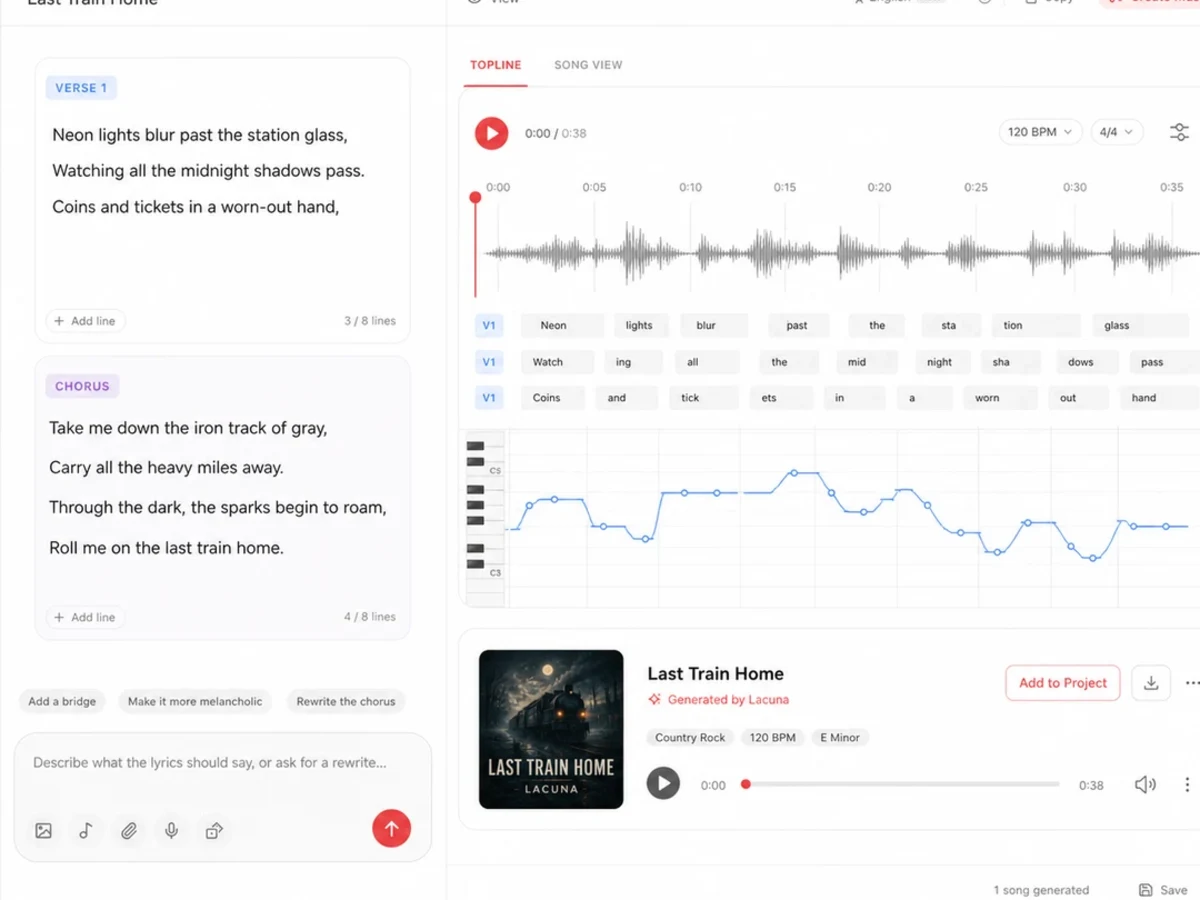
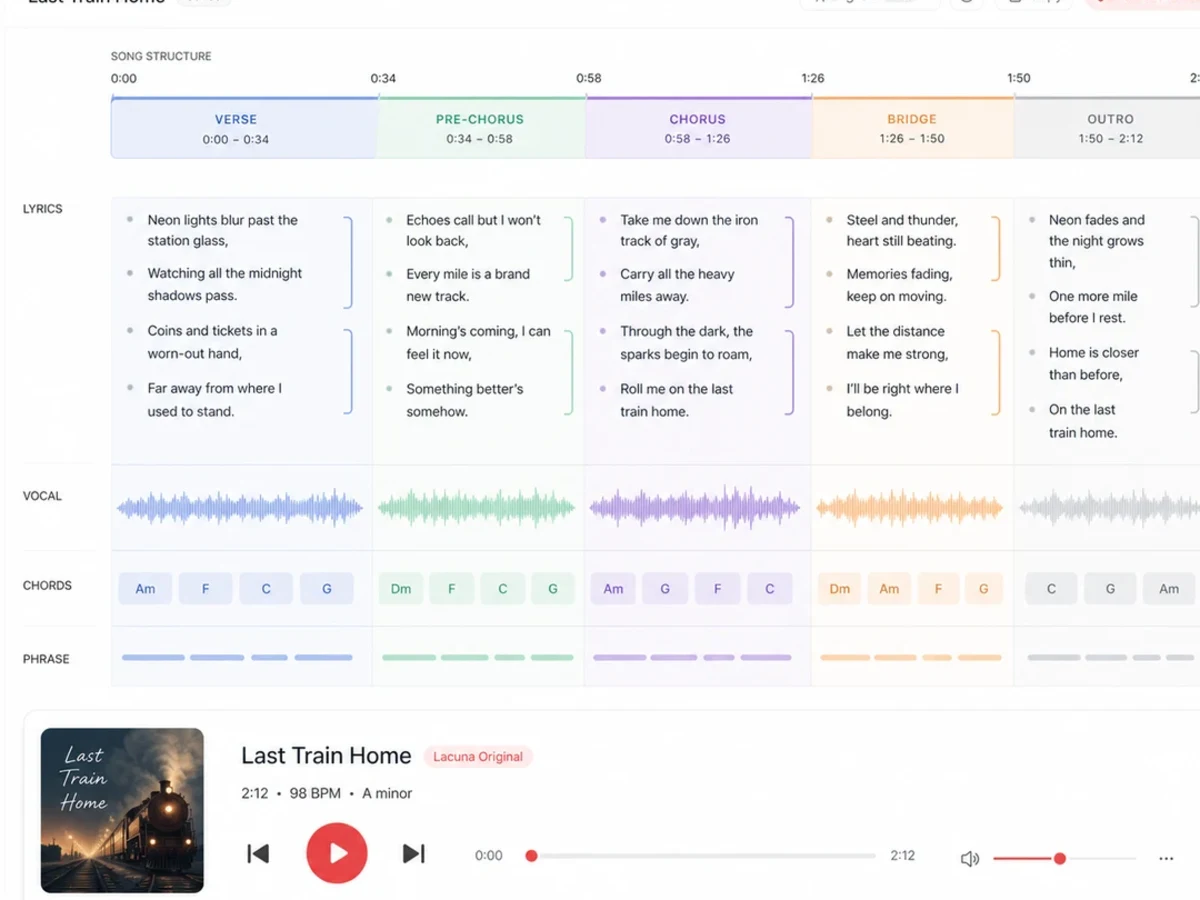
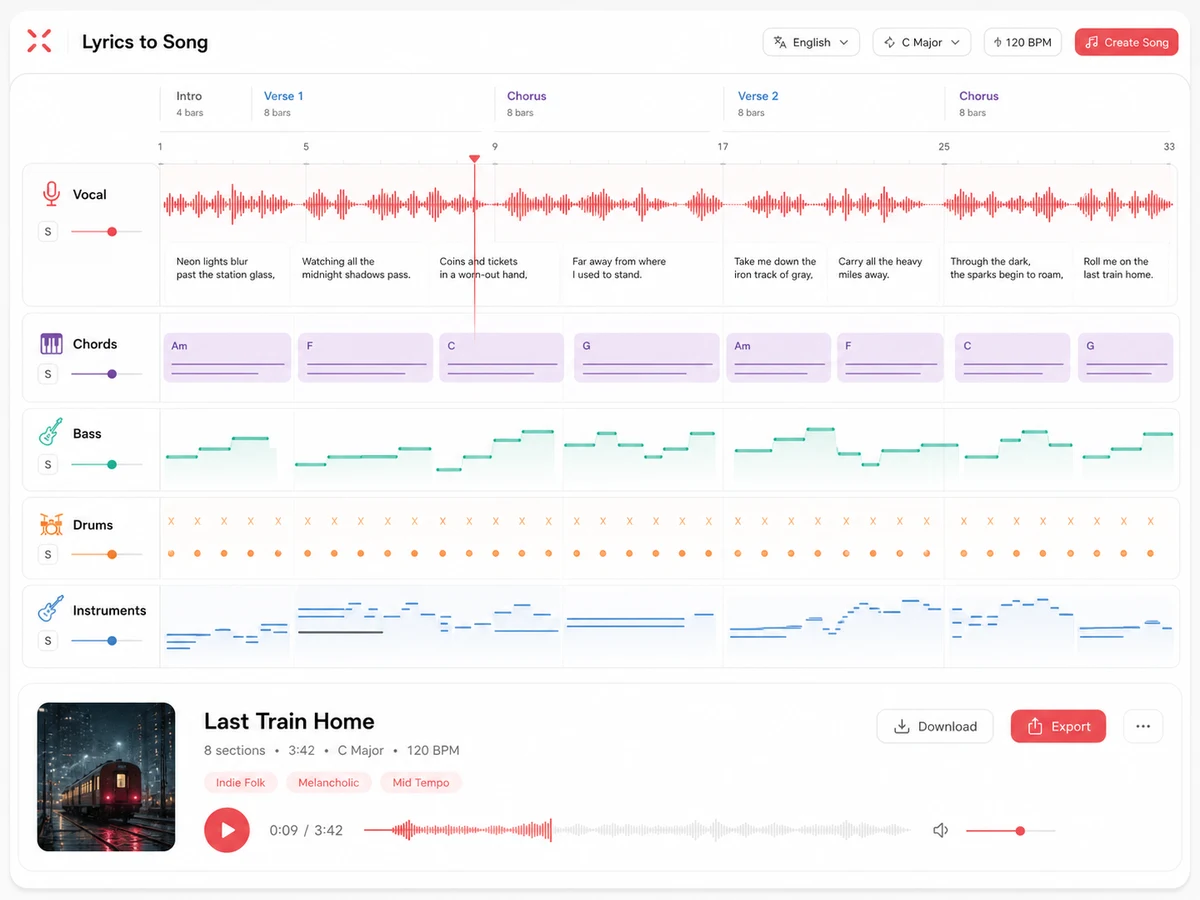
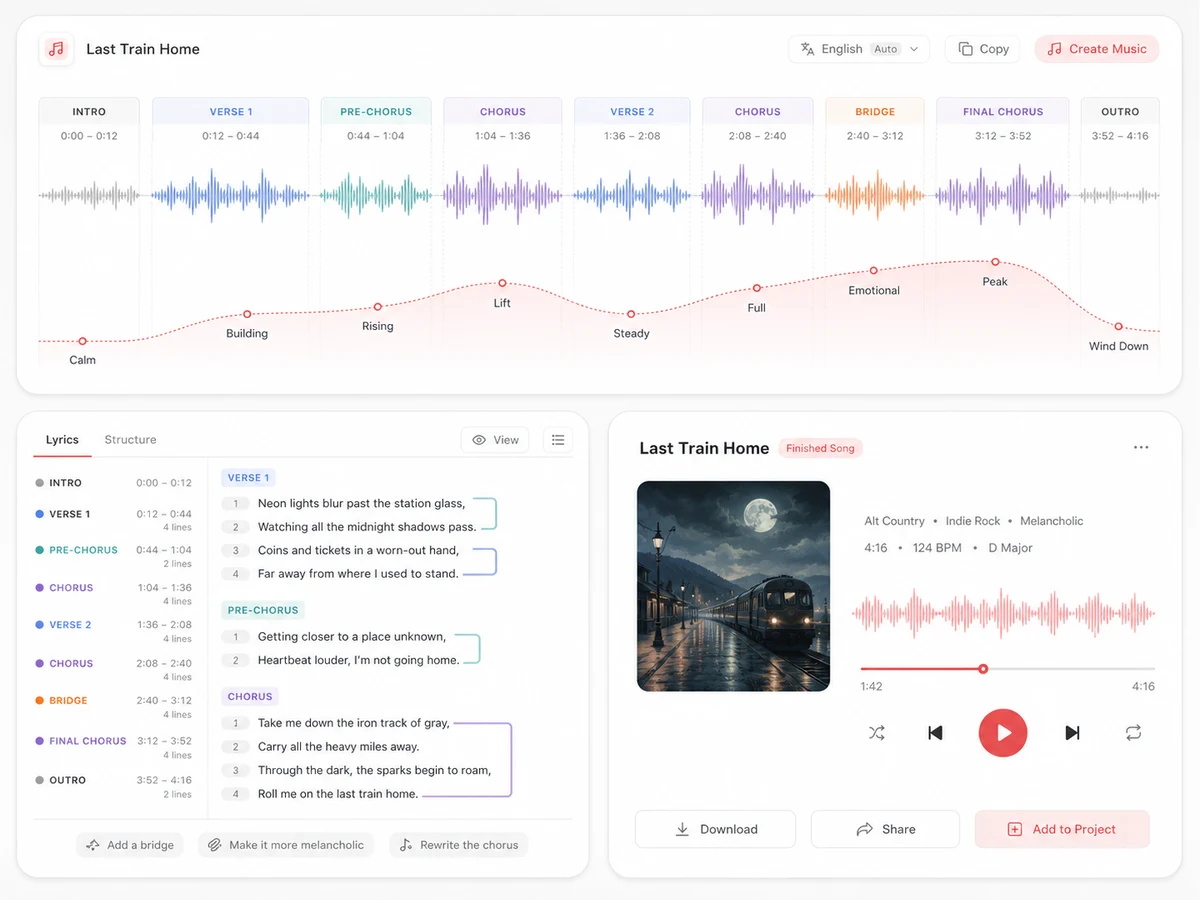
Treat the first generation as a musical draft. Compare versions in your workspace, then continue from the take that best supports your words and intended sound.
Check lyric clarity, melodic emphasis, chorus lift, pacing, and vocal character before choosing a take. A strong melody for existing lyrics should support both meaning and memorability.
Keep the lyric-led song idea while changing genre, instrumentation, energy, or vocal direction.
Aether can extend endings or replace selected passages; Reverie and Echo do not support section editing.
Split vocals and instruments into stems for production work, master the final mix for more consistent tone and loudness, then share it or download audio on a paid plan.
Start with your own words and explore different melodies, performances, and productions.
Hear a vocal production demo, test the hook and pacing, and communicate a clearer direction before booking a singer, producer, or studio.

Make a song from written lyrics or a poem, then test the same words as a ballad, pop song, rap track, or cinematic piece.
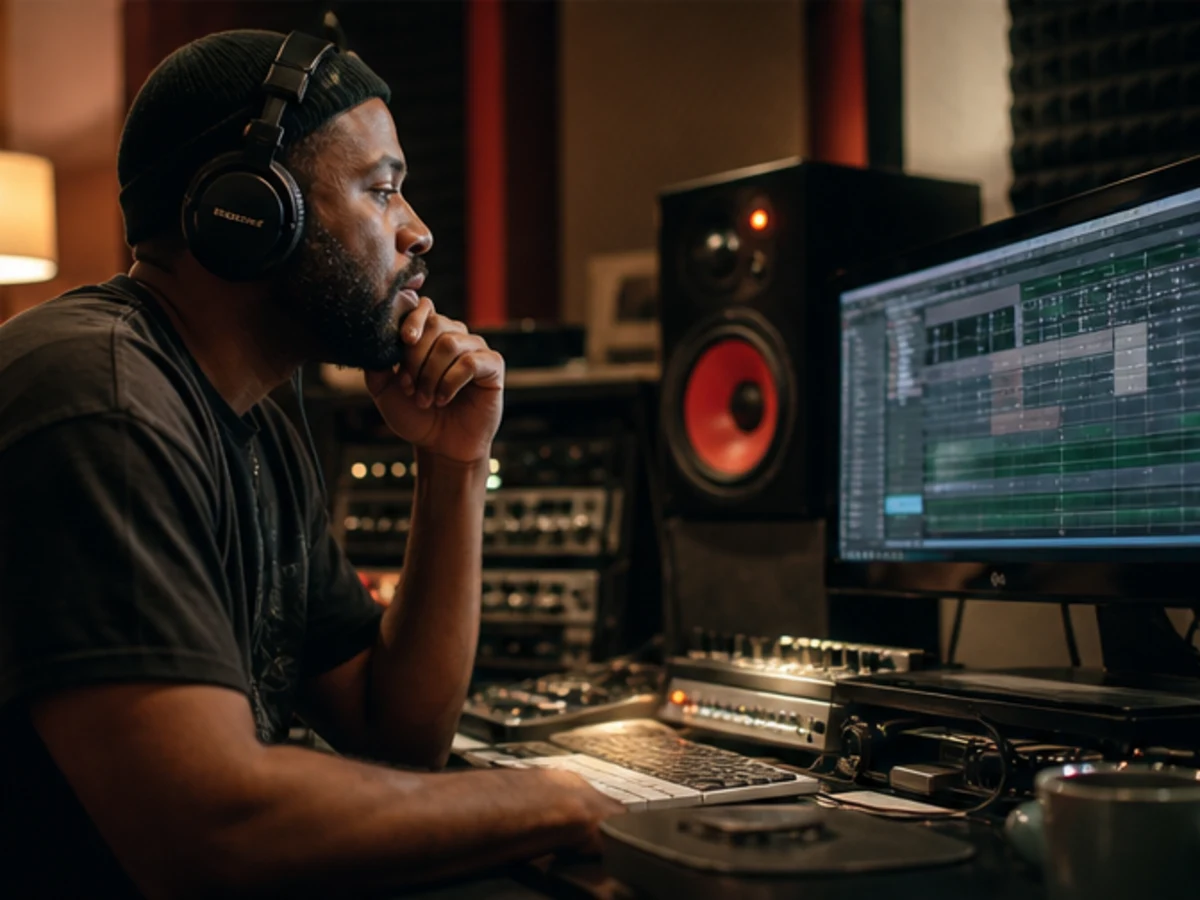
Compare melodic and production directions, such as an intimate acoustic reading versus a full-band lift, before choosing a version to develop.
Make original vocal music for videos, podcasts, campaigns, character themes, or personal stories without starting from an instrumental track.
Know what you can submit, how it is processed, and when it becomes public.
Submit only lyrics you wrote, licensed, or have permission to use. Attribution alone does not replace permission from the rights holder.
Songs stay off Lacuna’s public share pages until you enable sharing.
Inputs go to the selected AI service for generation, and outputs are stored in Lacuna’s cloud. Lacuna does not train models on either.
Commercial use requires rights to the lyrics and the appropriate Lacuna plan. Pro and Ultra users can download a personalized license agreement for their generated track.
Use the broader AI song generator when you want to start from an idea, sound brief, or finished lyrics.
Draft, expand, or rewrite verses, choruses, and bridges before moving those finished words into music generation.
Start with a theme, story, or description when your lyrics are not finished.
Turn original bars into a rap track with beat, flow, hook, and vocals.
Set original lyrics to a country style, era, vocal, and instrumentation.
Turn a brand message into a short, memorable vocal jingle.
Separate vocals, drums, bass, and instruments for editing, remixing, or external production.
Balance loudness and tone for final delivery.
Yes. An AI song generator from lyrics treats your words as vocal input, creating a sung melody for the existing lyrics plus harmony, rhythm, instrumentation, and a full arrangement.
Choose Reverie when wording matters; it follows supplied lyrics most closely. Aether and Echo may interpret phrasing differently, so review the vocal before release.
Plain text works. Add [Verse], [Pre-Chorus], [Chorus], [Bridge], or [Outro] when structure matters, and paste repeated sections in full.
Yes. Keep the poem’s original form, or divide it into verses and a chorus for a more conventional song structure.
Models may offer male or female vocal direction. Lacuna does not support unauthorized cloning or imitation of a real person’s voice.
Yes. Keep the lyrics fixed and change the sound direction, vocal setting, or model to compare melodies and arrangements. Each generation stays available as a separate version.
Yes. Remix, split stems, master, share, or download in the workspace. Aether can also extend or replace sections; Reverie and Echo cannot.
Songs are not published unless you enable sharing. Third-party AI services process inputs for generation, and Lacuna does not use uploaded or generated content to train models.
Only if you own them or have permission. A published lyric being available online does not grant usage rights.
Commercial use requires rights to your input lyrics and the license included with your Lacuna plan. If co-writers or publishers control part of the lyric, secure those permissions and review the applicable Lacuna license before release.
Paste the words, choose how closely they should be followed, and hear them become a complete song.