01
Video editors
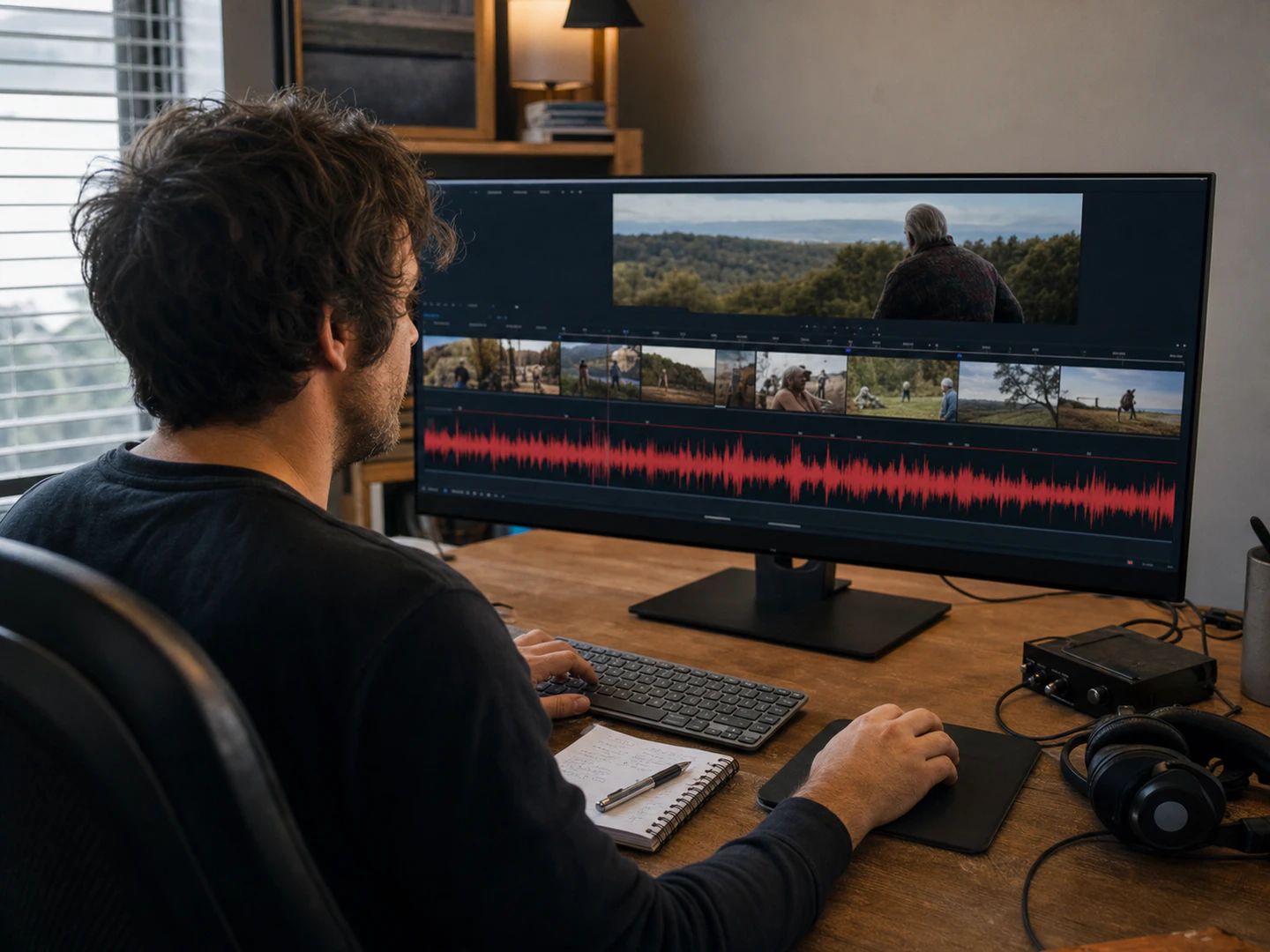
A 30-second bed under an eight-minute cut, without the music visibly restarting mid-scene.
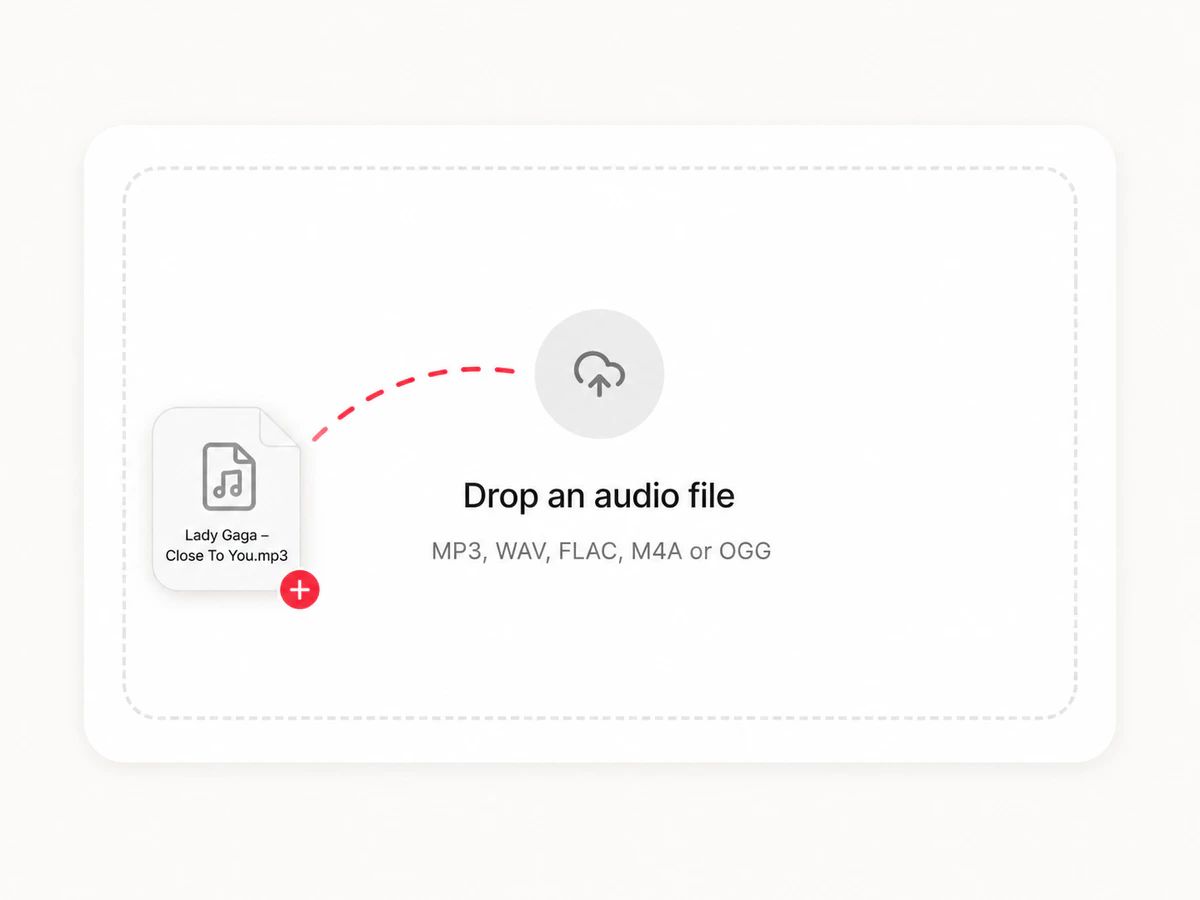
Drop a track, pick where it repeats, and export it at any length. Nothing is uploaded.
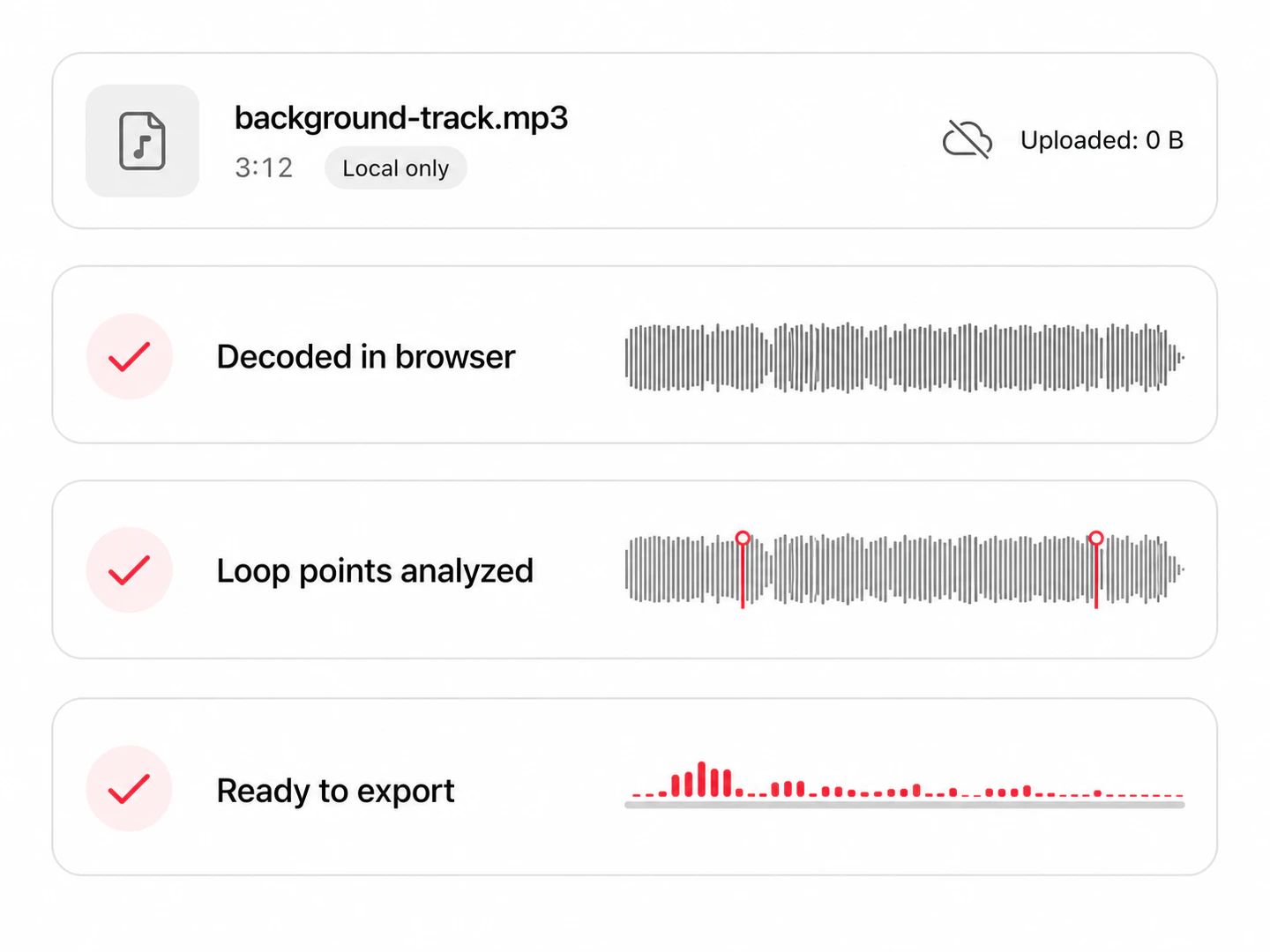
Decoded in your browser — the file never leaves your device.
MP3, WAV, FLAC or M4A, up to 50 MB. It is decoded inside the tab — no upload, no account, no queue.
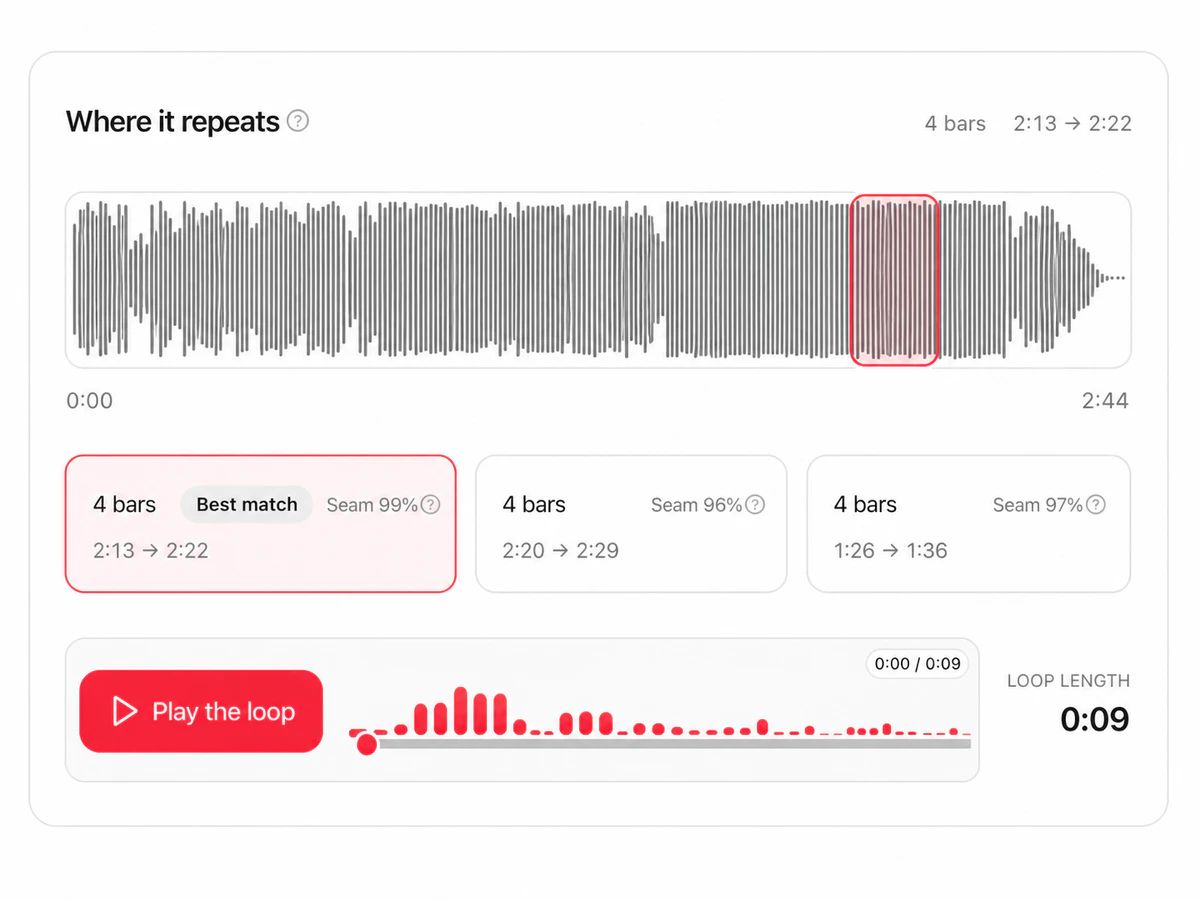
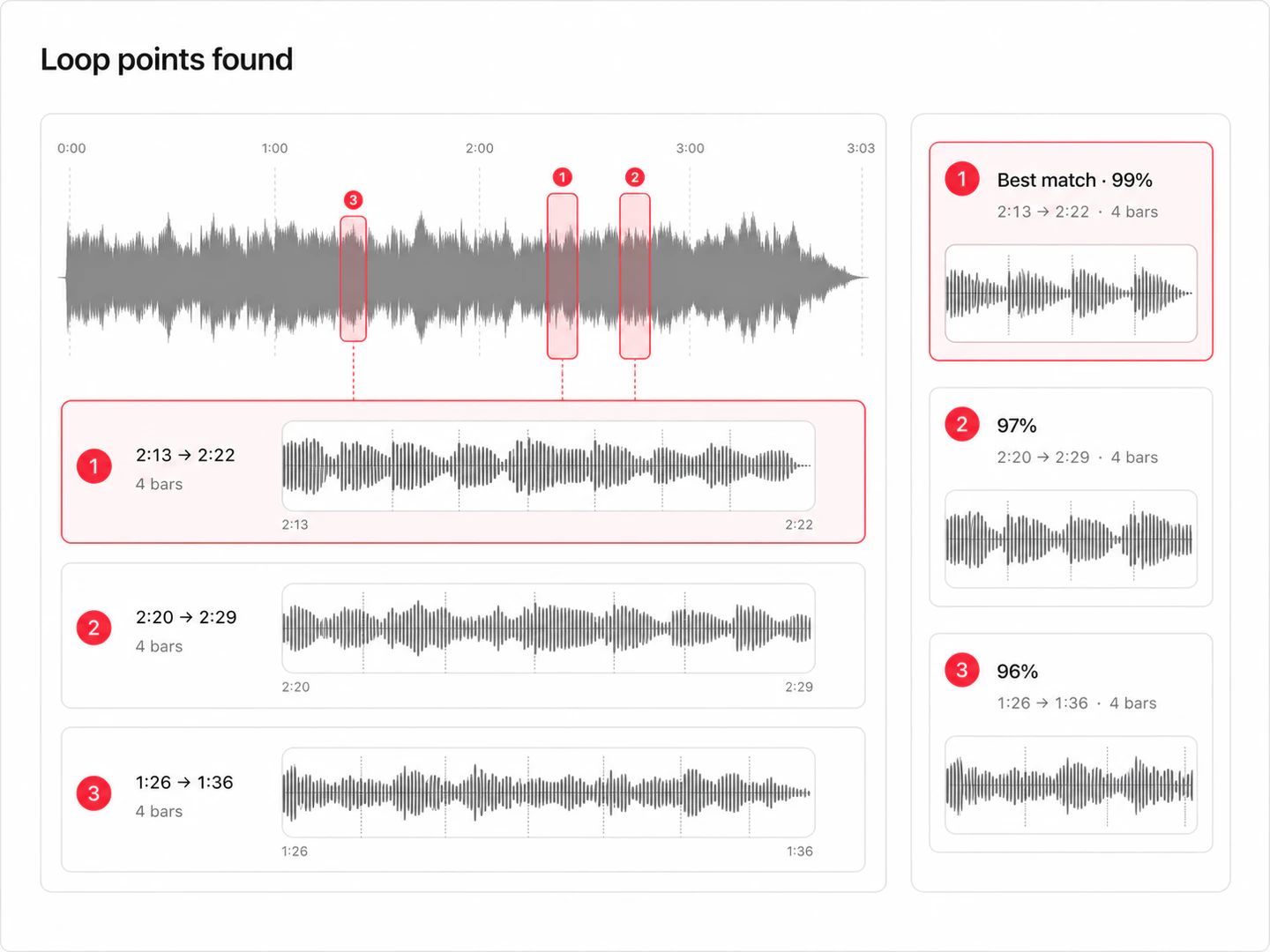
The looper reads the tempo, lines up the bar grid and ranks the sections that repeat cleanest. Preview the seam and nudge it a beat either way.
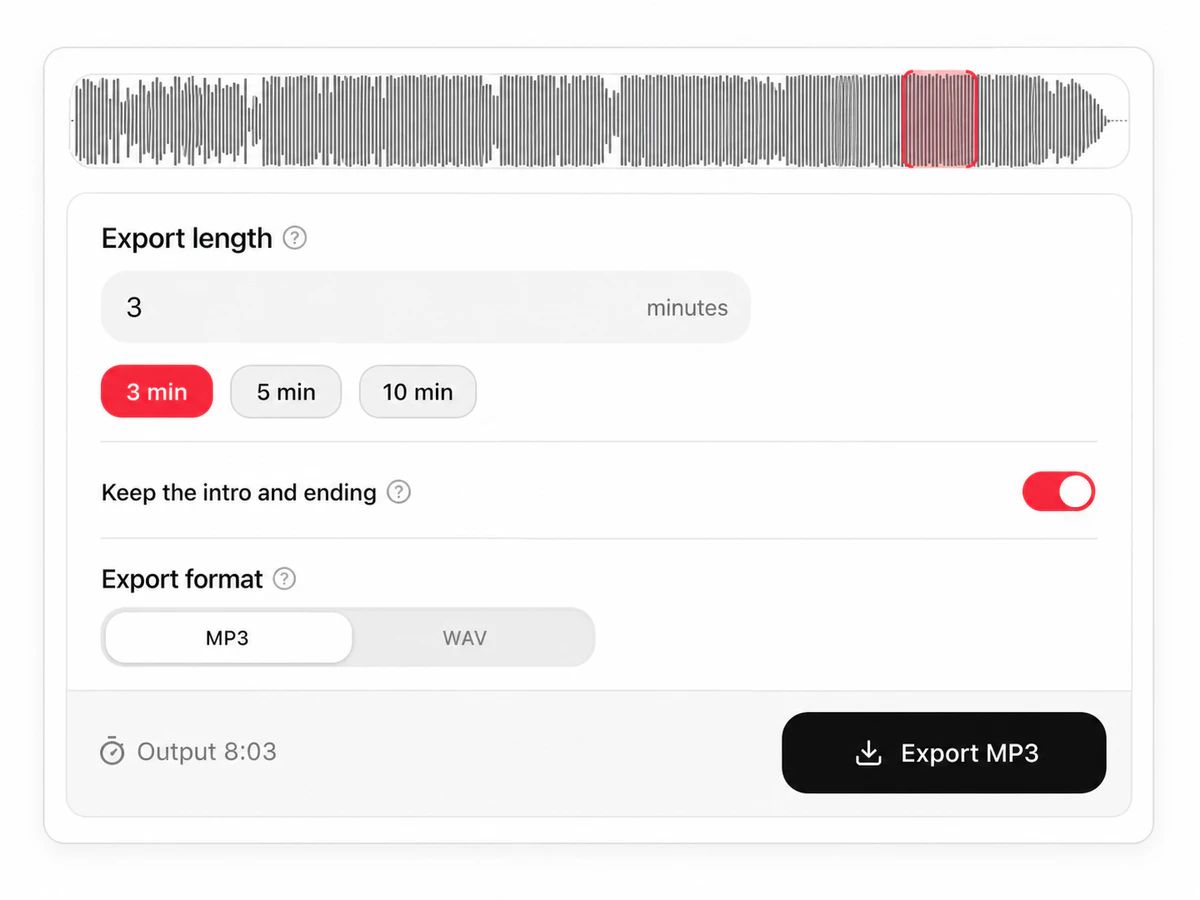
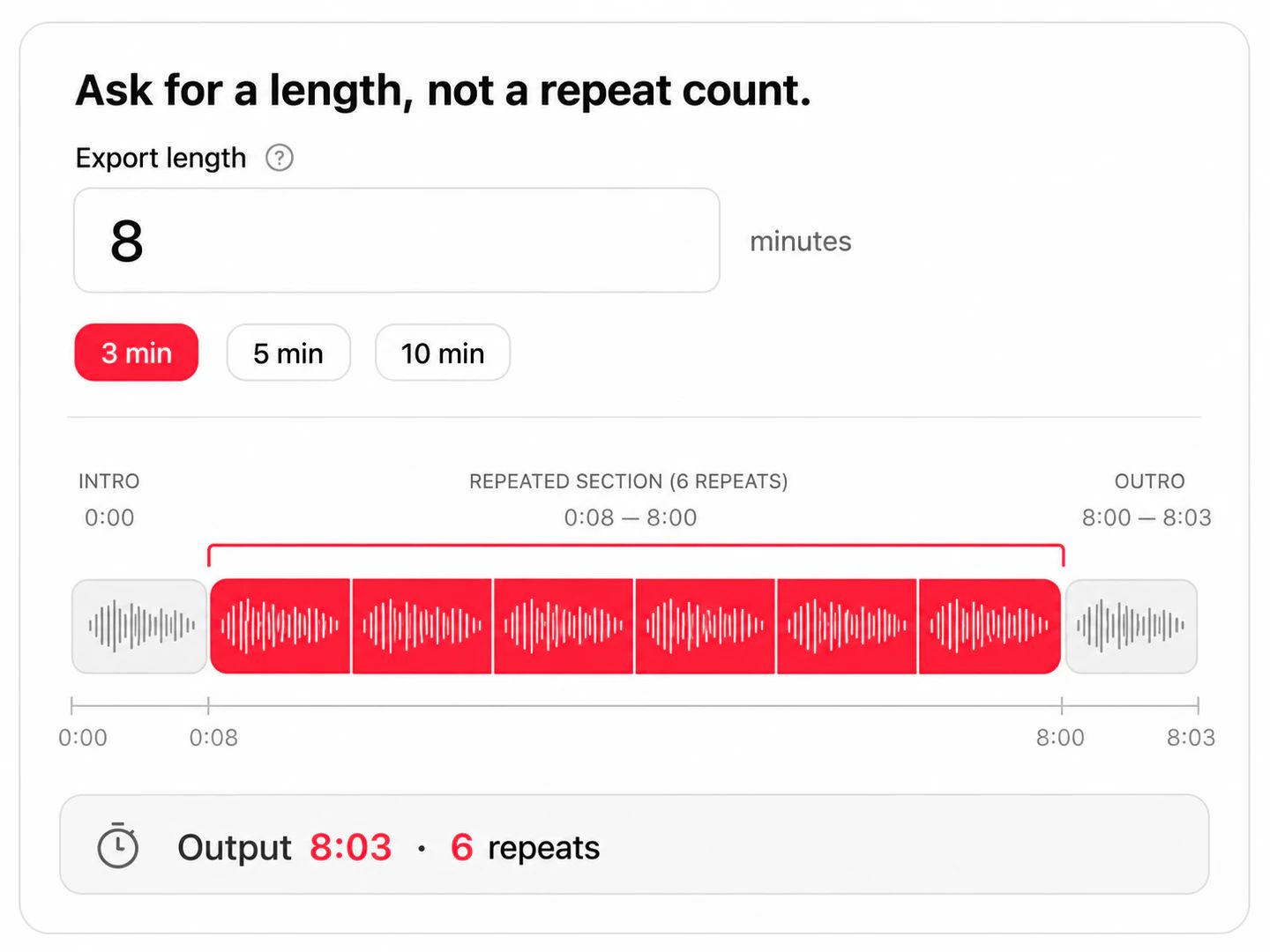
Ask for eight minutes or a full hour. You get one file with the intro, the repeats and the ending all in place.
The same problem turns up in four places.
A 30-second bed under an eight-minute cut, without the music visibly restarting mid-scene.
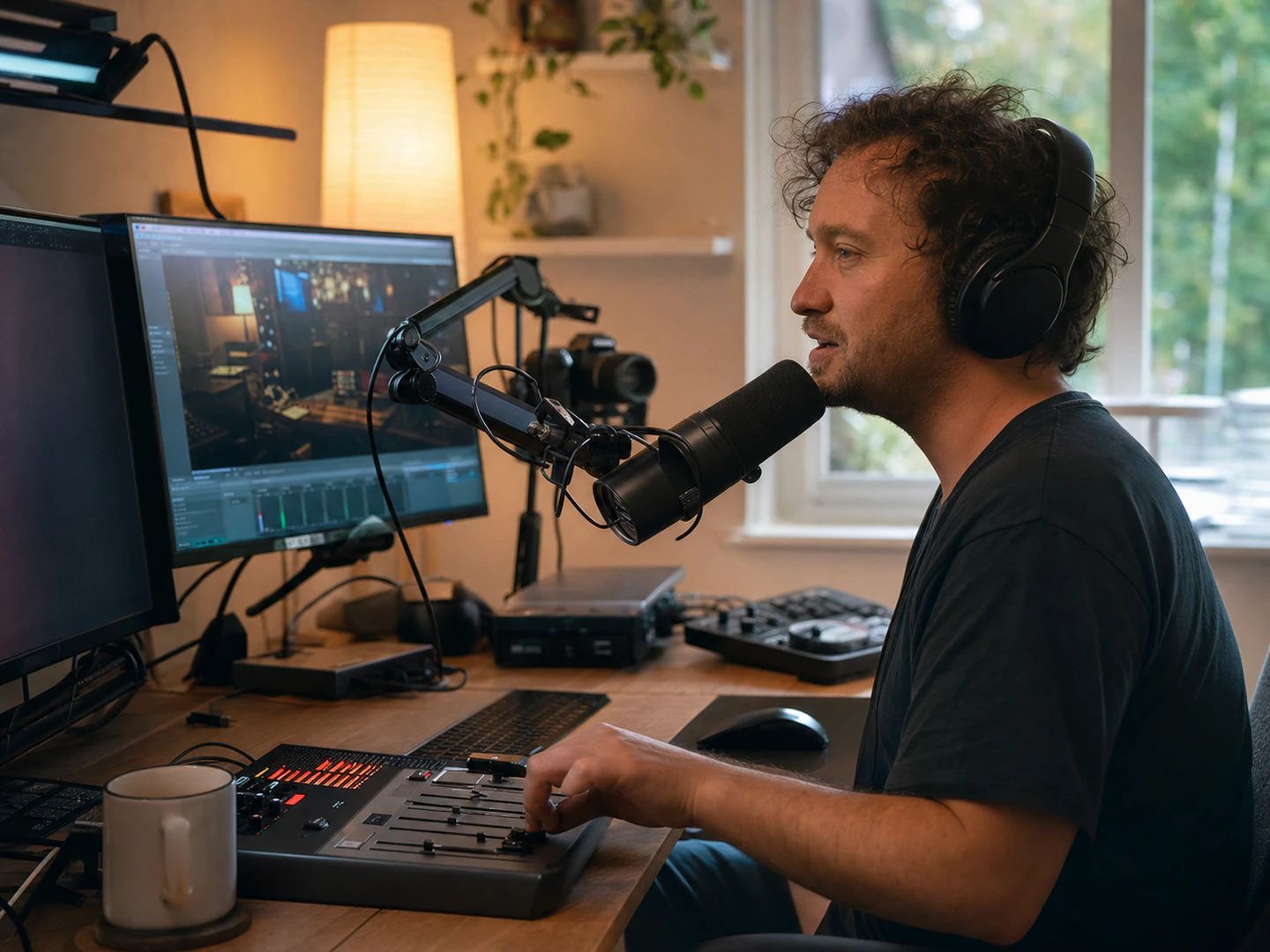
Background music that runs the length of a session instead of wrapping audibly every three minutes.

One track, an hour long, with nothing restarting to break your concentration.
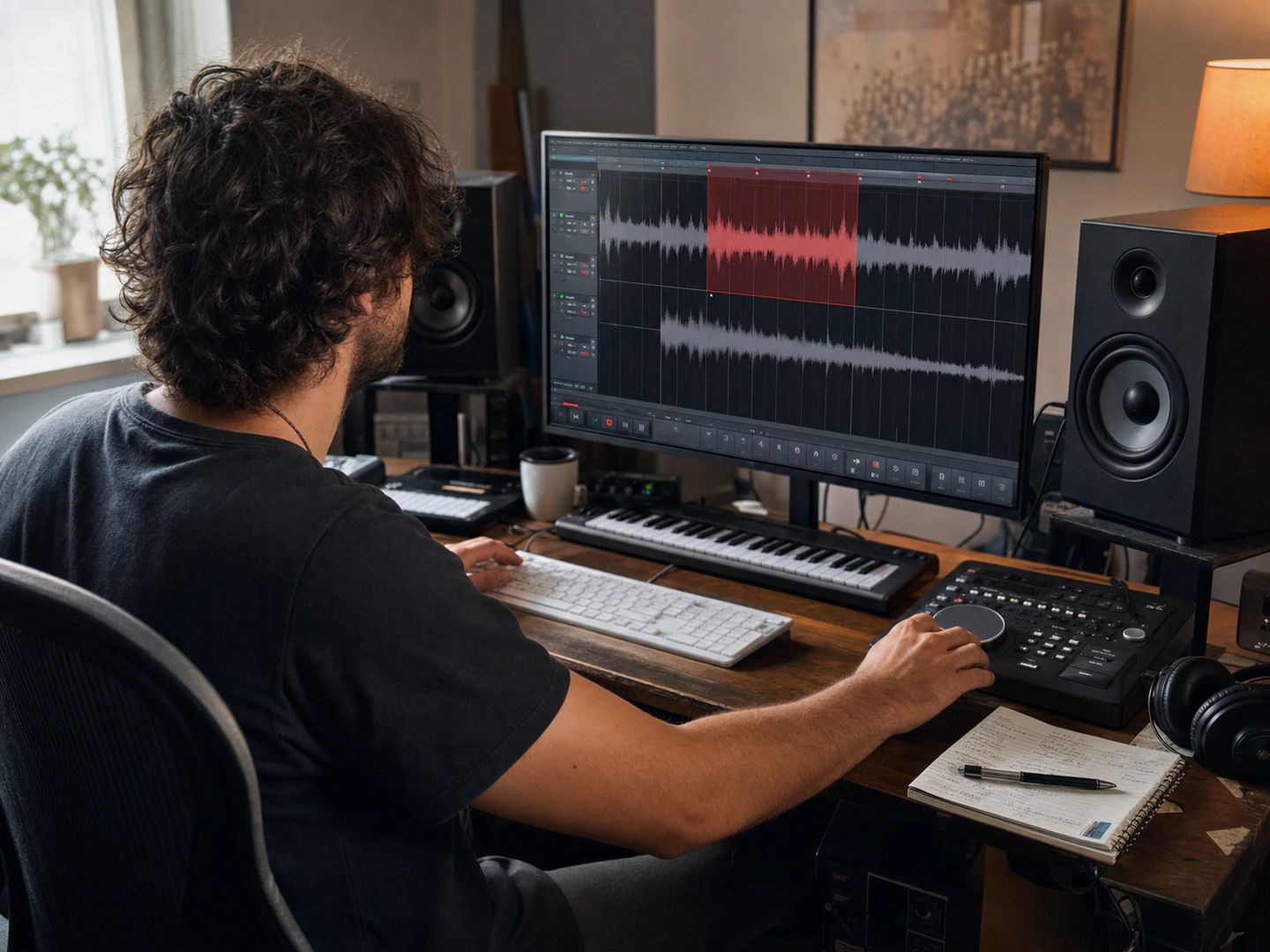
Pull a clean bar-aligned section out of a track to build a beat on.
Drop an audio file above. The looper decodes it, reads the tempo and suggests the sections that repeat most cleanly. Pick one, set how long you want the finished file to be, and export. Nothing is installed and nothing is uploaded.
Exporting to MP3 re-encodes once at 192 kbps, which is a single generation of loss on top of whatever the source already had — inaudible under a video or a stream. For exports up to 10 minutes you can choose WAV instead, which is uncompressed and loses nothing.
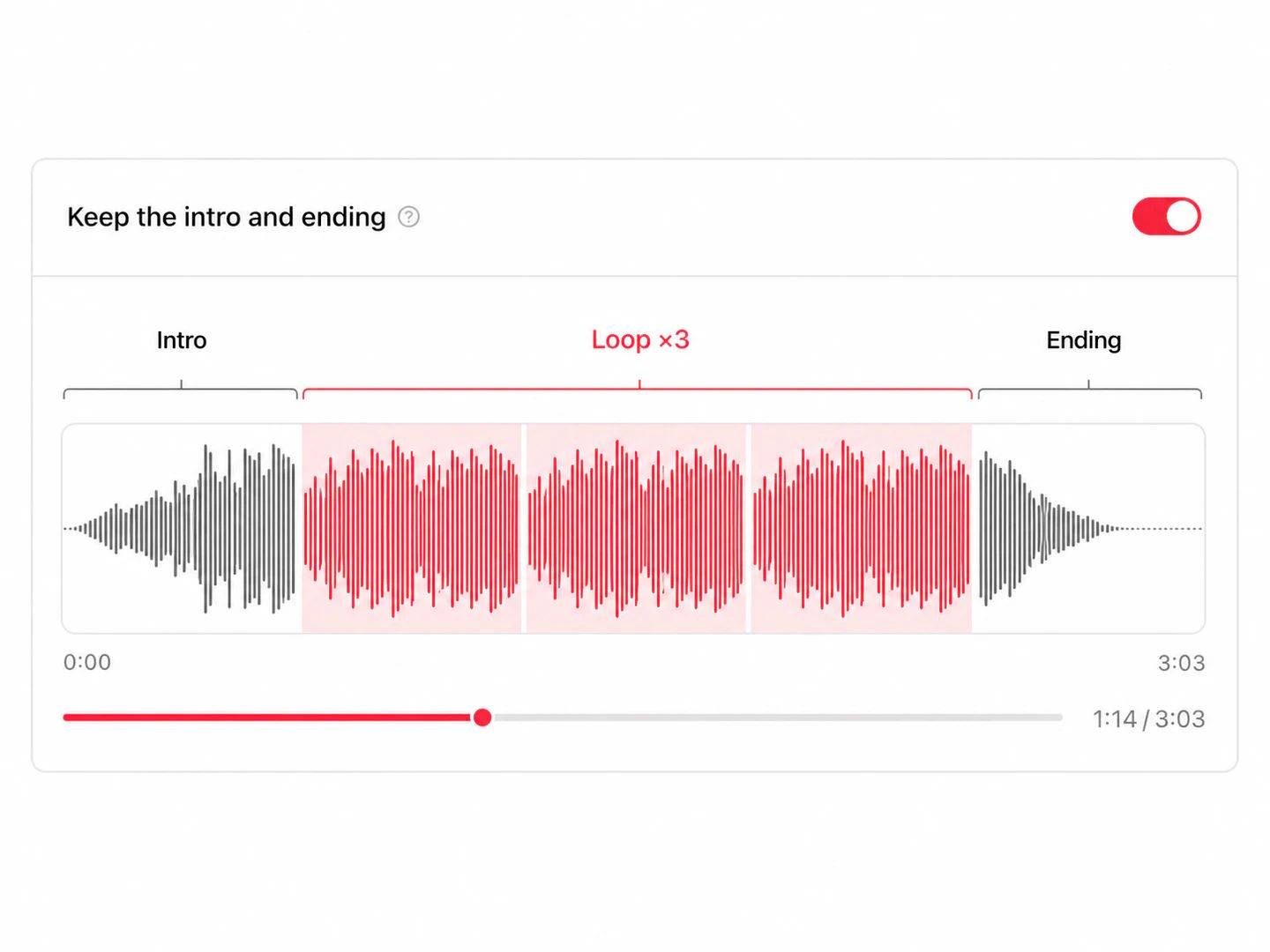
Loop a section of it. The looper keeps the original intro and ending and repeats a bar-aligned section in the middle, so a 2:30 track becomes eight minutes or an hour without sounding like the same song played several times. It does not generate new music — every second of the result is from your file.
Usually because the boundary sits mid-bar, so the downbeat lands in the wrong place after the wrap. Use the fine-tune controls to move an edge a beat or two and play it again. A short crossfade is already applied at the splice, which handles the waveform discontinuity but cannot fix a boundary in the wrong musical position.
No. Tracks with a steady tempo and a consistent texture — most background music, lo-fi, ambient and electronic — loop almost invisibly. Tracks that build throughout, change key or fade out are harder, because no section of them repeats naturally. You can usually still find one stable stretch and get a good result from it.
No. Decoding, loop detection, preview and export all run in your browser using the Web Audio API and WebAssembly. The file is never sent to a server, which is why the tool works without an account and why there is no processing queue.
Free, no account, and your file stays in the browser.