
01
For small businesses
Your café, dealership, or law office gets the earworm treatment — a sung jingle with your name and number, ready for local radio and social ads.
Add your brand or show name, slogan, and the offer or message you want listeners to remember. For vocal jingles, Lacuna turns those details into singable copy.
Choose Sting, Classic Spot, or Full Jingle, then pick a sound from doo-wop harmonies to corporate polish. Let AI write and sing the copy, or switch to instrumental for a music-only version.
Listen to your generated jingle. On a paid plan, download the MP3 and trim it in your editor if your placement needs an exact duration.
For the shop that wants to be hummed, the podcast that wants to be recognized, and the ad that needs to stick after one listen.
Your café, dealership, or law office gets the earworm treatment — a sung jingle with your name and number, ready for local radio and social ads.
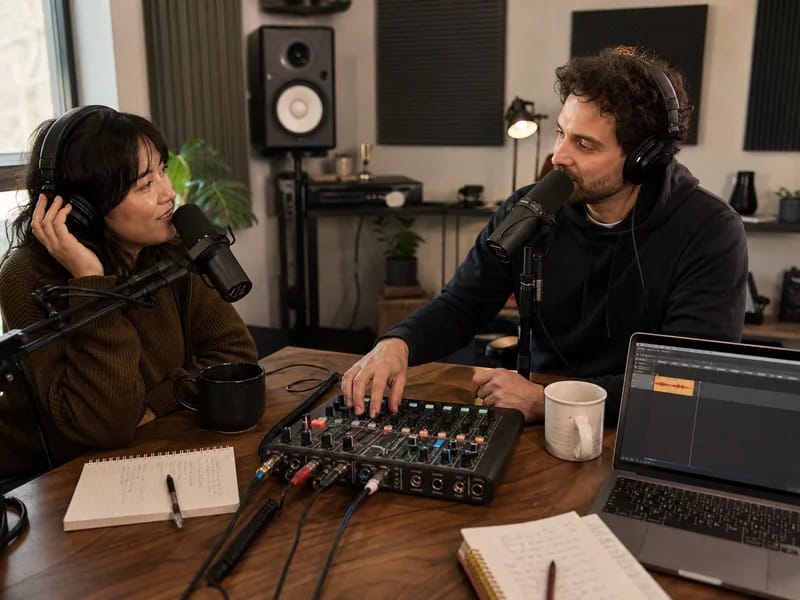
A show open that hooks in the first second and lands on your show's name — the same jingle every episode, so listeners know they're home.
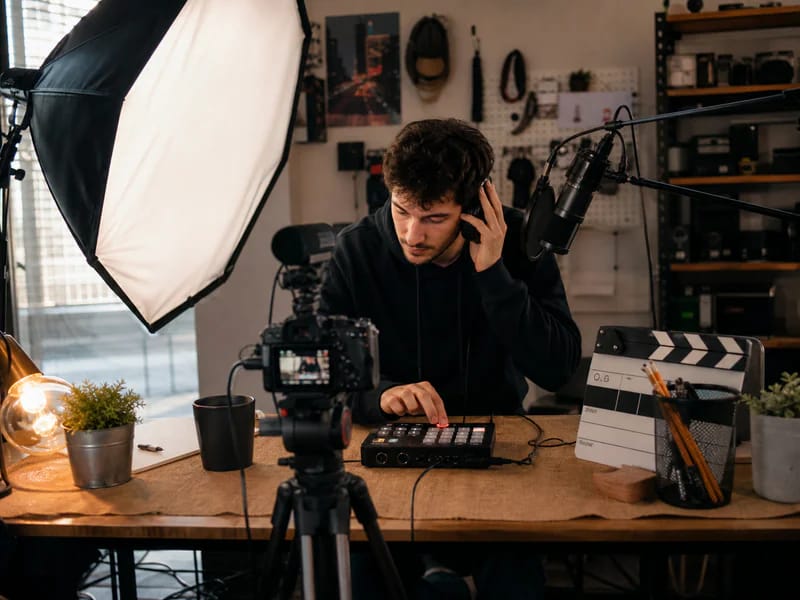
Channel intros, outros, and sponsor-segment stingers with your channel name sung into the hook — branding your audience can hum.
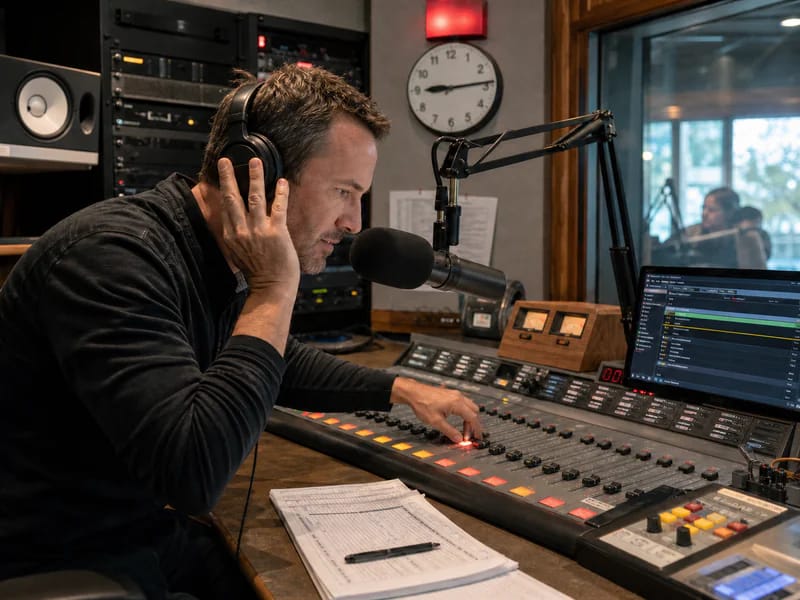
Create sung station IDs, show openers, and client spot drafts on a deadline. Finish any exact timing and broadcast mix in your editor.
An AI jingle generator, also called a jingle maker or jingle creator, turns a short brief into a finished jingle: a short, catchy song built around your brand name. With Lacuna, you enter the name, slogan, and selling points; AI writes the lyrics, sings them, and produces the track. Switch to instrumental for a sonic logo or a music bed.
Type your brand name, add your slogan and a few selling points, pick a spot format and a sound, and hit generate. Lacuna's AI jingle generator writes the copy, sings it with real voices, and produces the track — a finished custom jingle in about a minute.
Yes — that's the whole point. The jingle maker writes your brand name into the hook and instructs the vocalist to land on it clearly and repeatedly. Add a tagline and it gets sung word-for-word as the closing line.
Yes — Lacuna's AI jingle maker runs online in your browser and is free to start, with no credit card required. Free credits arrive every month, so you can make and play jingles at no cost; downloads and commercial use come with paid plans.
Sung jingles. Many jingle makers read your script in a text-to-speech voice over a music bed, the way a DJ drop works. Lacuna writes your copy as lyrics and sings it as a short song, so the melody carries your brand name. For a spot with no vocals, switch to instrumental.
You control length through structure, not a timer: a Sting is one sung hook line, a Classic Spot is a hook plus one short verse, and a Full Jingle adds a second verse. AI music models don't take an exact duration, so for broadcast slots that need to be exact, trim the tail in your editor.
Yes. Paid plans include downloads and commercial use under the applicable agreement. Eligible jingles created during an active Pro or Ultra subscription also come with a downloadable commercial license agreement; review its terms before using a jingle in paid ads, podcasts, radio, or monetized videos.
Yes. Enter your business name, offer, and call to action, then choose Radio ad and Classic Spot. With auto-written lyrics, Lacuna drafts a short verse and sung hook. Review and trim the audio in your editor if the slot requires an exact duration.
Yes. Enter your show name, choose Podcast intro, and pick Sting for a brief opener or Classic Spot for a longer one. Keep auto-written lyrics on for a sung show open, or switch to instrumental for music without words.
Both work. Fill in the brief and AI writes original jingle copy — or turn off auto copy, paste your approved script, and it handles the voices and the production.
Doo-wop harmony groups, upbeat pop, folksy acoustic, clean corporate, big band swing, and modern EDM stings — or describe your own sound in the style add-on, kazoo solo included.
Switch to instrumental, choose Classic Spot or Full Jingle, and describe a calm, unobtrusive sound in the style add-on. Use the result as a music bed for your phone system.
Yes. Put the deal in the selling points — what's on sale, how much off, and when it ends — then choose Black Friday & holiday sale and Classic Spot. Lacuna writes a short, urgent hook around your brand name and the offer, so a sung Black Friday radio ad or social spot is ready in minutes. Change the dates and run it again for Cyber Monday. It's one of the quickest Black Friday marketing ideas for a small business: a sale jingle customers remember.
Yes. Choose Black Friday & holiday sale, add sleigh bells or glockenspiel under Jingle elements, and name the season in the style add-on — Christmas, Hanukkah, New Year, or a general holiday feel. Use it for holiday radio ads, in-store announcements, or seasonal social videos; on a paid plan, download the MP3 for your placements.
Type the name, pick the sound, and let AI sing your jingle. Free to start.