Describe a melody, chord progression, beat, or mood. Lacuna turns your prompt into playable MIDI you can preview, edit, and export.
AI MIDI Generator — Turn Text & Ideas into Editable MIDI Files Instantly
The Most Versatile AI MIDI Generator Online
Text to MIDI — Type an Idea, Get a MIDI File
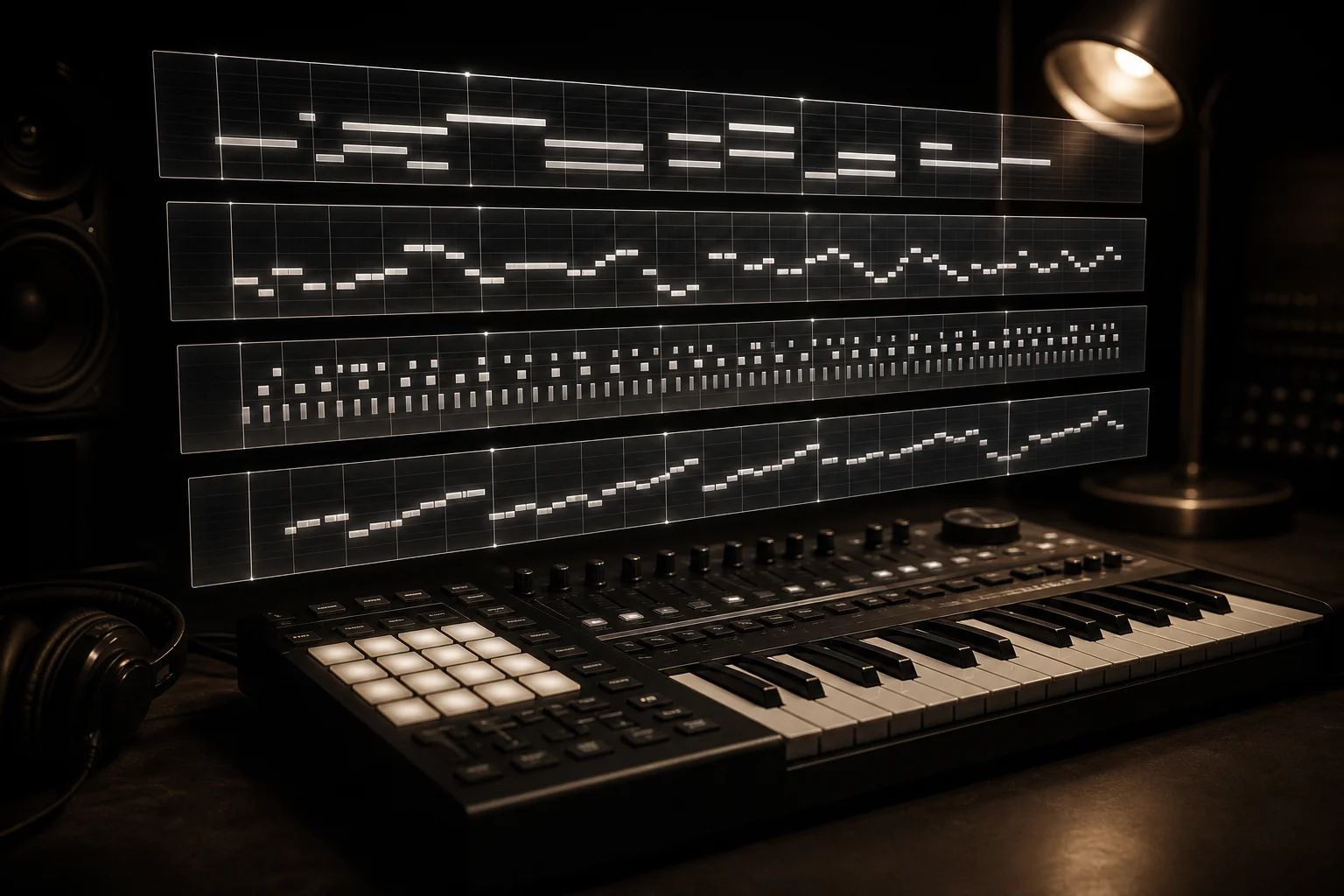
Chord, Melody, Drum & Bassline — All in One Generator
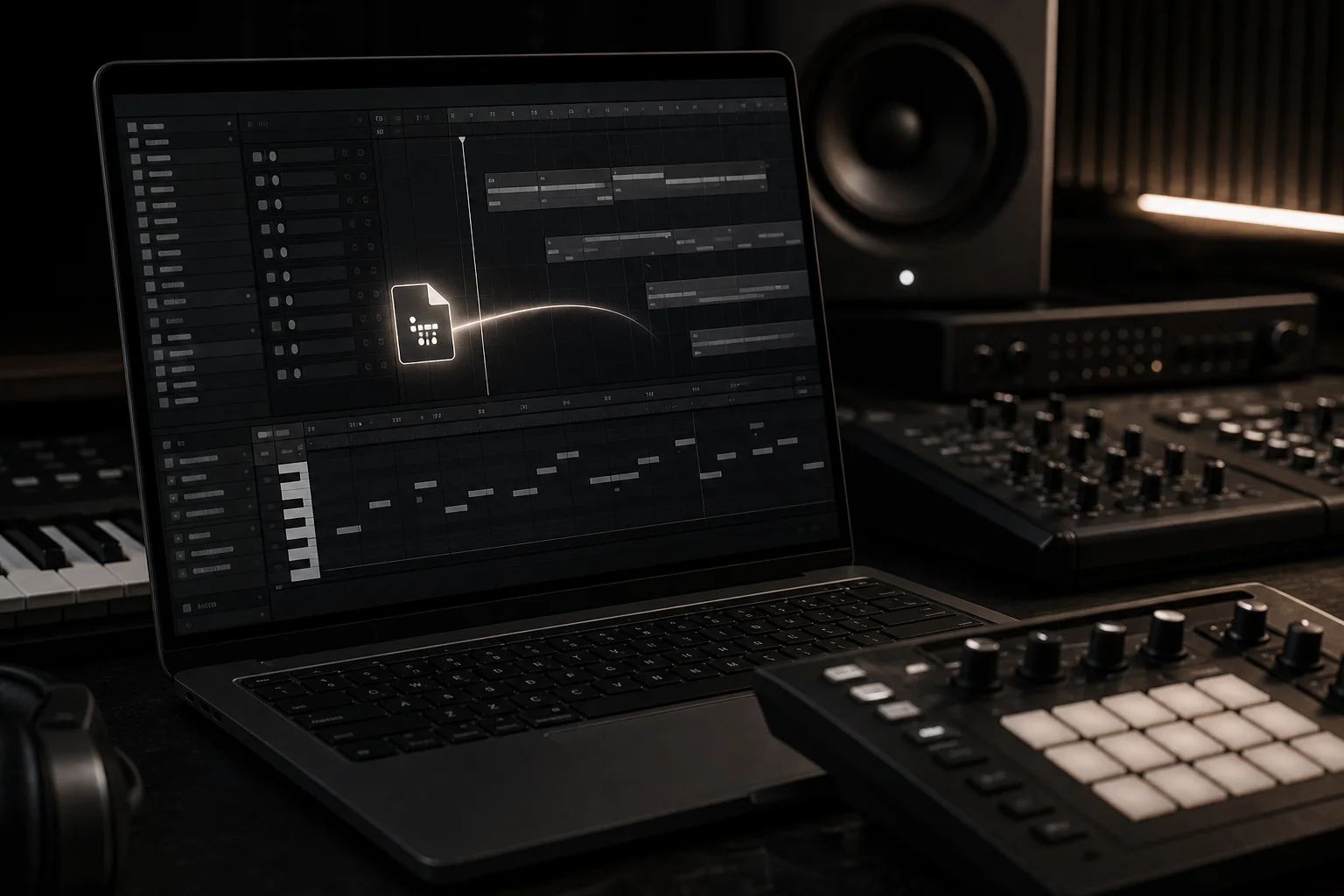
Drag-and-Drop into Ableton, Logic, FL Studio & Cubase
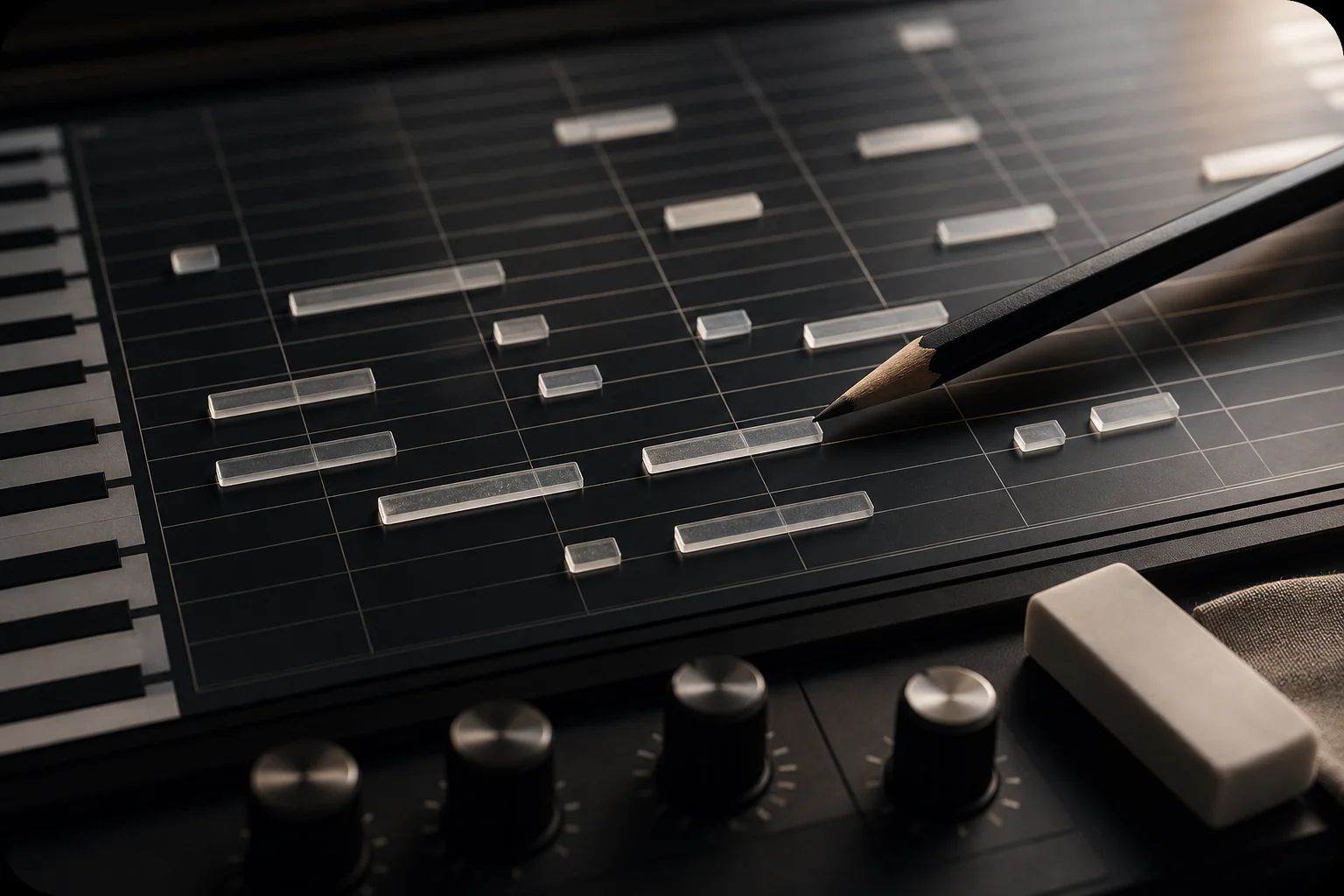
Fully Editable — Not Audio, Not Locked, Not Watermarked
From Trance to Lo-fi to Trap — Genre-Aware MIDI
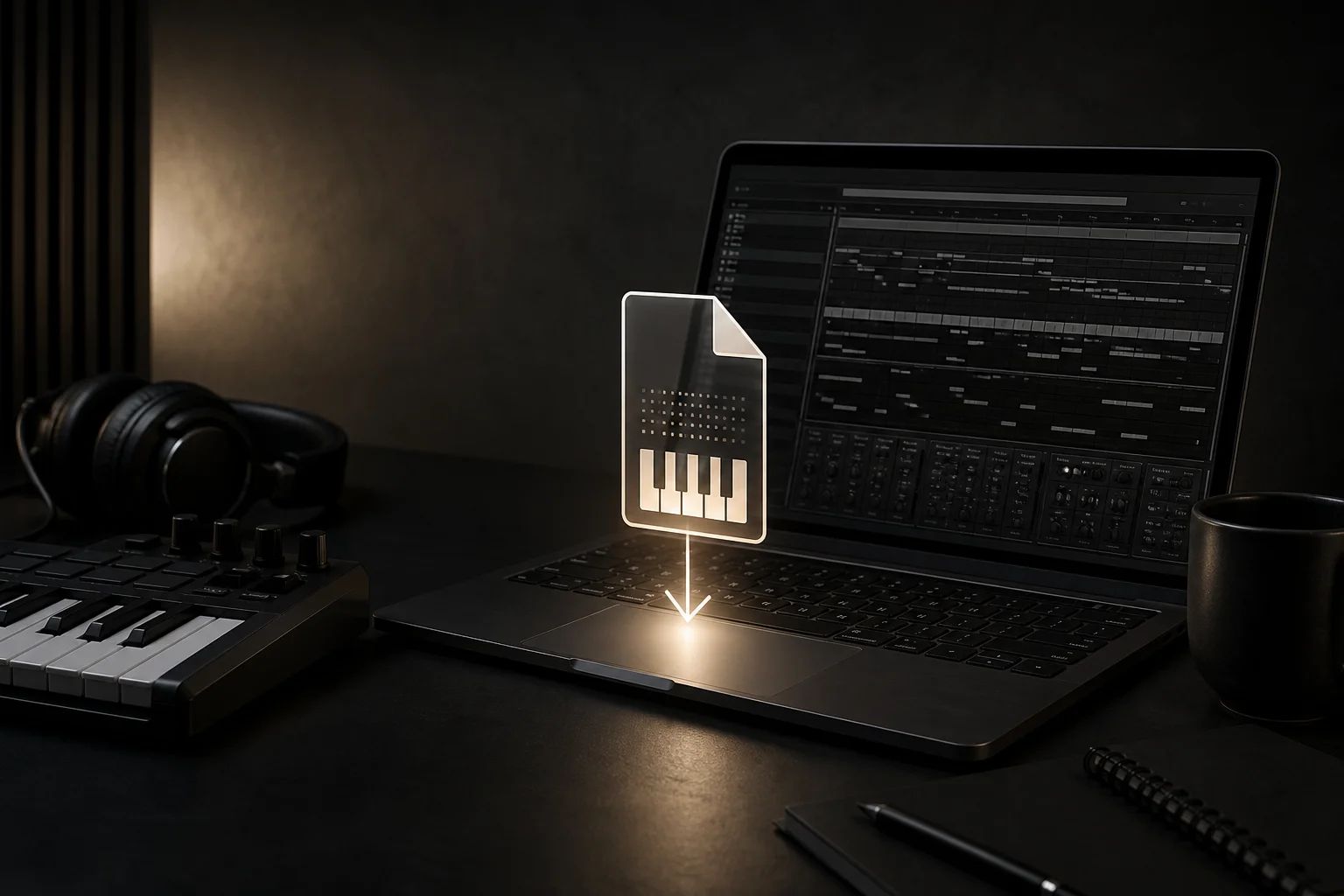
Free, Online, Instant — No VST, No Plugin, No Credit Card
Who's Generating MIDI With AI Right Now
Producers, songwriters, beat makers, and composers use the AI MIDI generator to skip the blank-canvas phase and start every session with a usable musical idea on the timeline.
Music Producers
Generate a starting chord progression or melody MIDI in seconds, then build the rest of the track around it in Ableton or FL Studio. Faster than scrolling through MIDI sample packs.
Songwriters
Sketch a song idea — verse chords, chorus melody, bridge bassline — without picking up a guitar or sitting at a piano. Drop the MIDI into Logic Pro and start writing lyrics over it.
Beat Makers
Spit out trap, drill, or boom-bap MIDI drum patterns and 808 basslines on demand. Layer multiple AI-generated patterns into one beat without ever opening a drum sample browser.
Film, Game & Trailer Composers
Get an instant cinematic chord progression or rhythmic ostinato MIDI to underscore a scene. Edit, transpose, and orchestrate inside your DAW — the MIDI generator gives you the bones, you do the orchestration.
Bedroom Producers & Hobbyists
No expensive VST plugins, no MIDI controller required. Type an idea in plain English, get a free MIDI file, and have a track sketch ready before you even open your DAW.
Music Teachers & Students
Demonstrate chord progression theory, generate practice patterns, or build ear-training exercises with custom MIDI examples. Perfect for music classrooms and self-study.
Frequently Asked Questions
An AI MIDI generator is a generative music tool that turns a text prompt — a mood, a genre, a chord progression — into a standard MIDI file. Unlike AI music generators that output finished audio (like MP3 or WAV), an AI MIDI generator gives you the raw note data, which means you can edit every chord, melody, drum, and bassline in your DAW after generation.
You describe what you want — for example, 'a melancholic four-chord lo-fi progression in F major at 80 BPM' — and the AI converts that prompt into a sequence of MIDI notes following standard music-theory rules. The output is a downloadable MIDI file you can drag straight into Ableton Live, Logic Pro, FL Studio, or any DAW.
Yes. New users get free credits to generate MIDI files immediately, no credit card required. Paid plans unlock higher monthly quotas and priority generation, but the core text-to-MIDI feature, chord generator, melody generator, and drum pattern generator are all available on the free tier.
Yes. MIDI files generated through paid plans come with a commercial-use license — release them on Spotify, sell them in beat stores, license them in YouTube videos, ship them in commercial games. Free-tier MIDI is intended for personal use, sketches, and learning.
Every generated file is a standard SMF (Standard MIDI File) Type 1, which means it works with every major DAW: Ableton Live, Logic Pro, FL Studio, Cubase, Studio One, Bitwig, Reaper, GarageBand, Pro Tools, Cakewalk, and any VST host. No plugin install required.
Absolutely — that's the whole point. The MIDI file lands in your DAW's piano roll where you can change every note, transpose chords, swap drum patterns, retime melodies, or replace the instrument entirely. The AI MIDI generator gives you a starting point, not a finished product.
Most MIDI files generate in 5–15 seconds. Complex full arrangements with multiple layers (chord + melody + drum + bass) usually finish under 30 seconds.
Suno and similar AI music generators output finished audio — an MP3 you can listen to but not edit at the note level. Our AI MIDI generator outputs editable note data, so you stay in control of the final sound. If you're a producer who works inside a DAW, MIDI is what you actually want.
ChatGPT can describe MIDI in text or write code that produces MIDI, but it's not a dedicated AI MIDI generator and the output usually needs manual conversion. Our tool is purpose-built for music: it returns a downloadable MIDI file directly, with proper note timing, velocity, and DAW-ready formatting.
No. The AI MIDI generator runs entirely in your browser, generates the MIDI file in the cloud, and lets you download it directly. There's no VST plugin to install, no MIDI generator software to download, and no DAW integration required to use it.
Trance, lo-fi, trap, synthwave, house, EDM, jazz, pop, rock, R&B, ambient, cinematic, drum & bass, and more. The genre selector influences chord voicings, scale choices, drum kit feel, and pattern density so the MIDI sounds genre-correct out of the box.
Generate Your First MIDI File in Seconds
What Producers Say About the AI MIDI Generator
I drop the MIDI straight into Ableton and finish a track in an afternoon. Best AI MIDI generator I've found because it actually gives you editable notes, not a locked MP3.
I use it for the chord progression generator more than anything. Type the vibe I want, get four bars of usable MIDI, then I write lyrics on top. Saves me hours every session.
The drum pattern generator nails trap and drill out of the box. I layer two or three AI-generated MIDI patterns and the beat is 80% done before I even open my drum rack.
Better than Suno for my workflow because I actually need to edit the notes. Got a cinematic ostinato MIDI in 10 seconds, transposed it three times, used all three versions in a trailer cue.
Free, online, no plugin install — exactly what I needed for a bedroom setup. The melody generator gives me starting points I'd never come up with on my own.
I teach music production at a community college and use the MIDI generator to demo chord theory live in class. Students see prompt → MIDI → DAW in under a minute. Game changer.