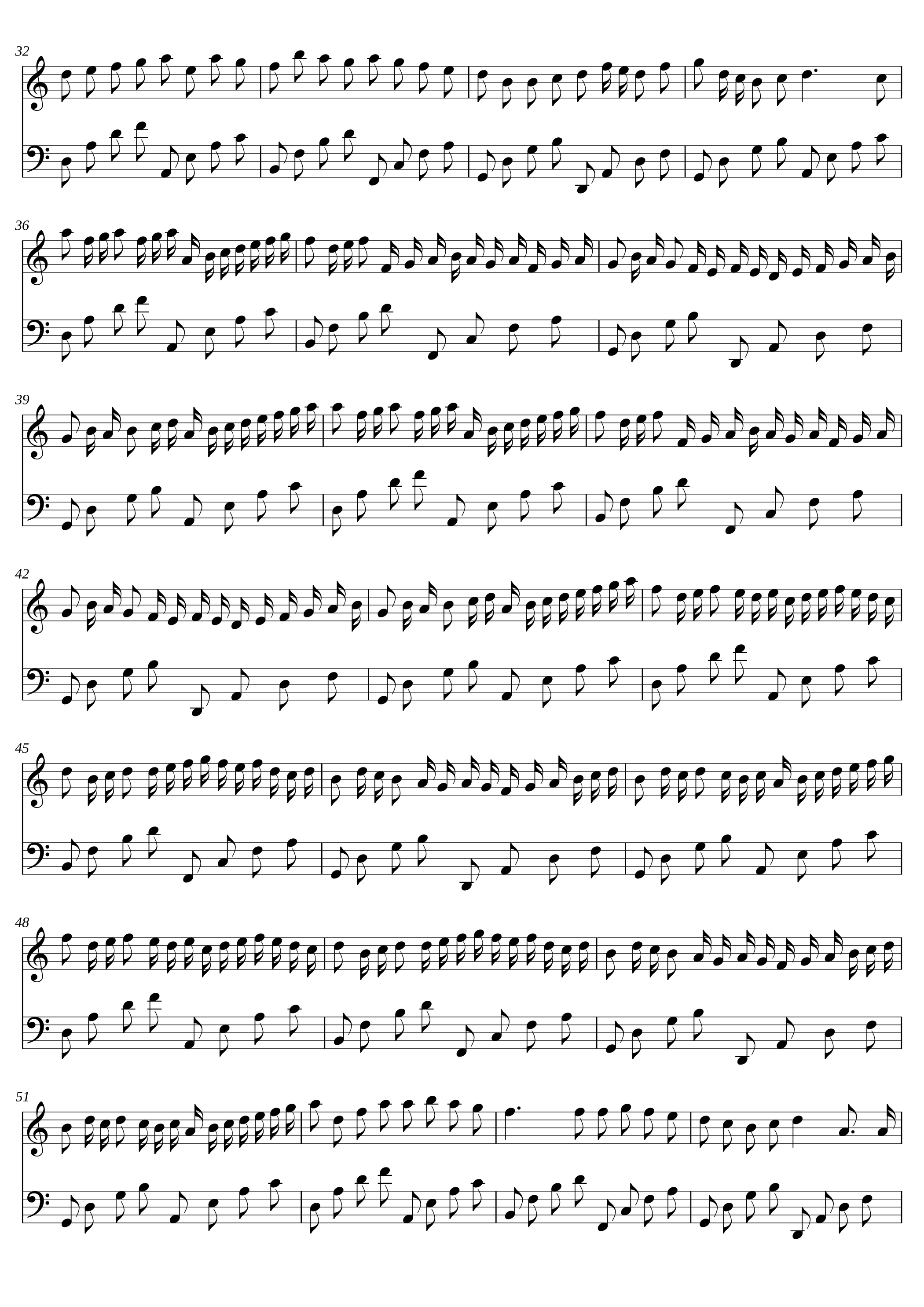
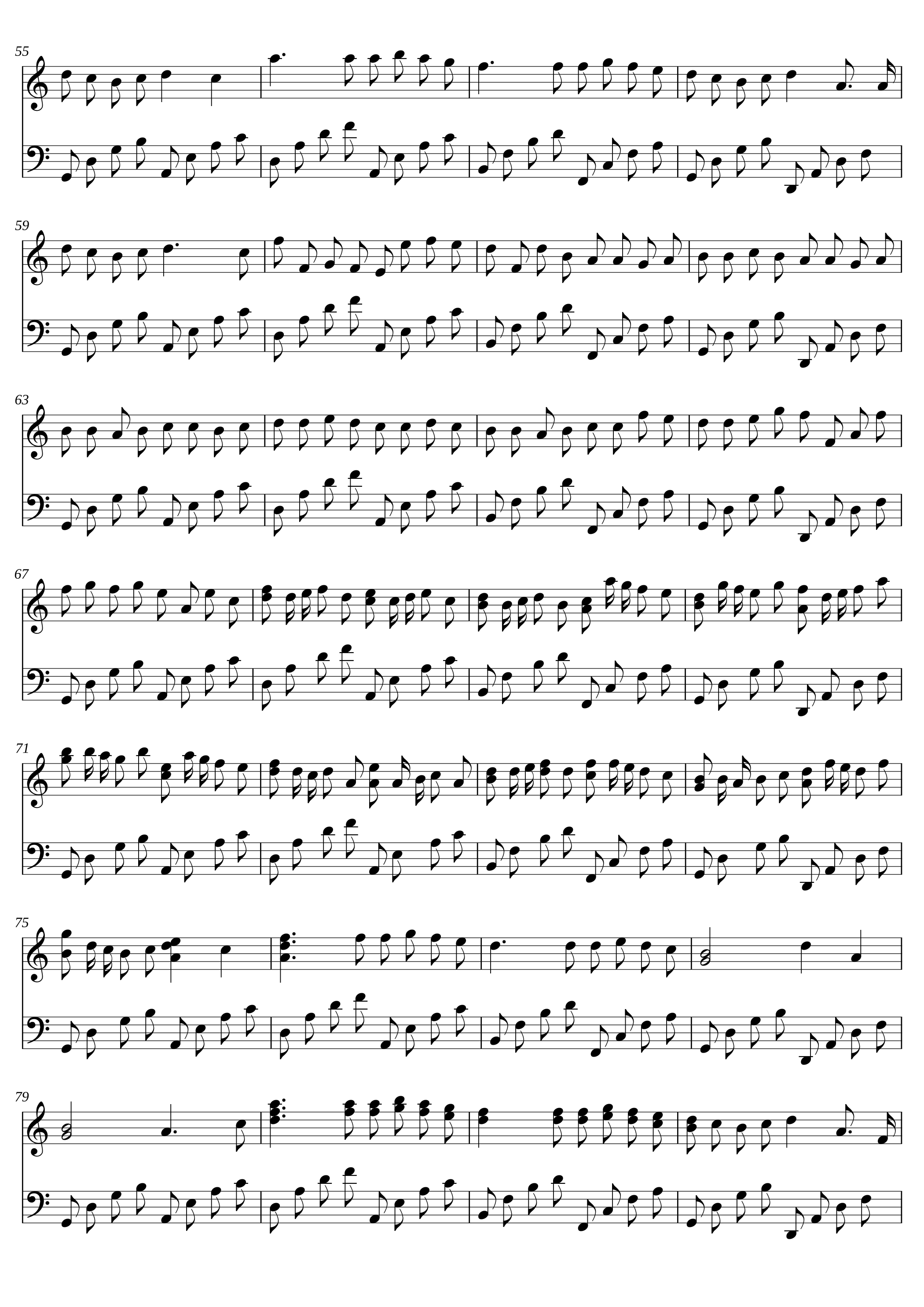
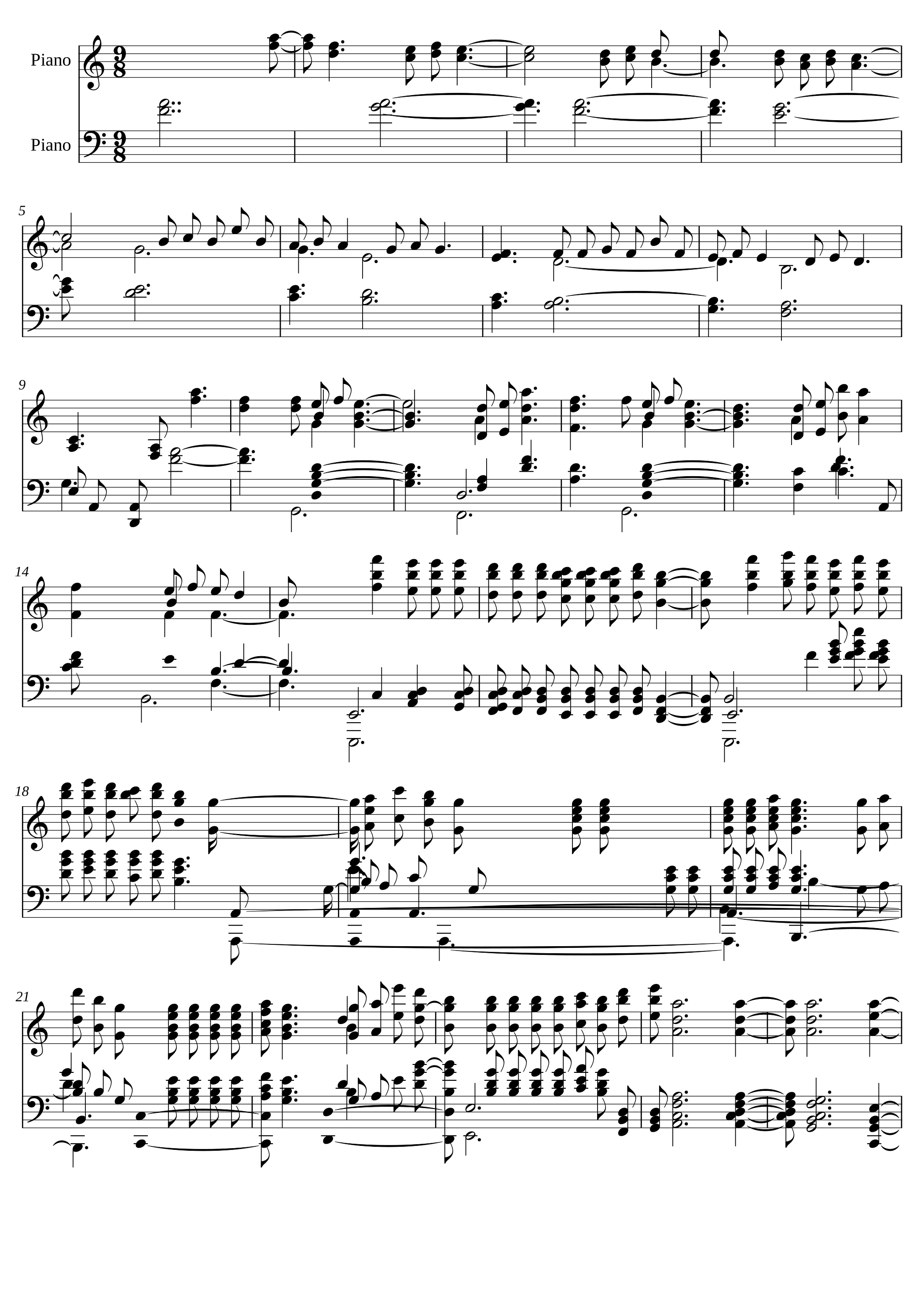
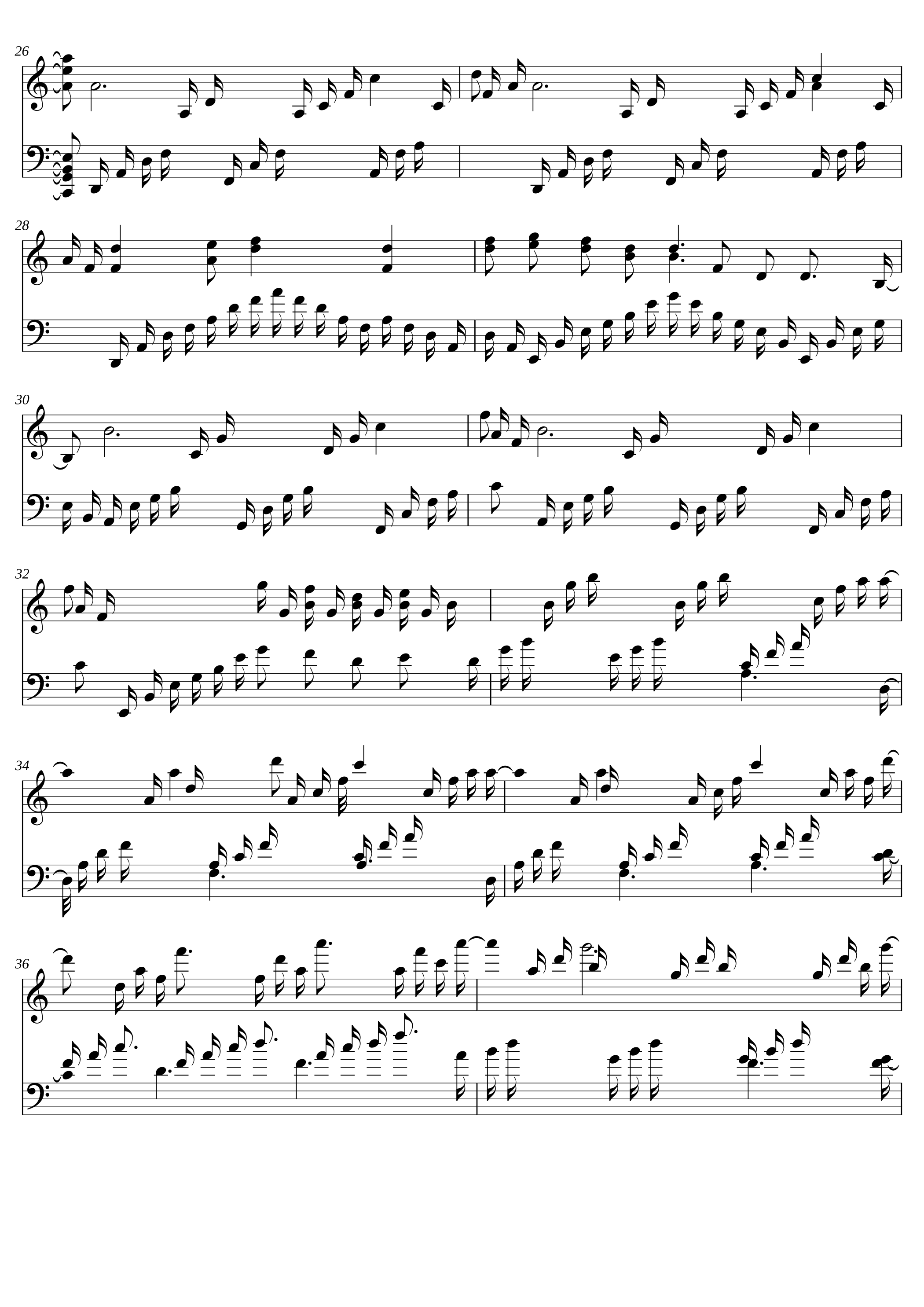
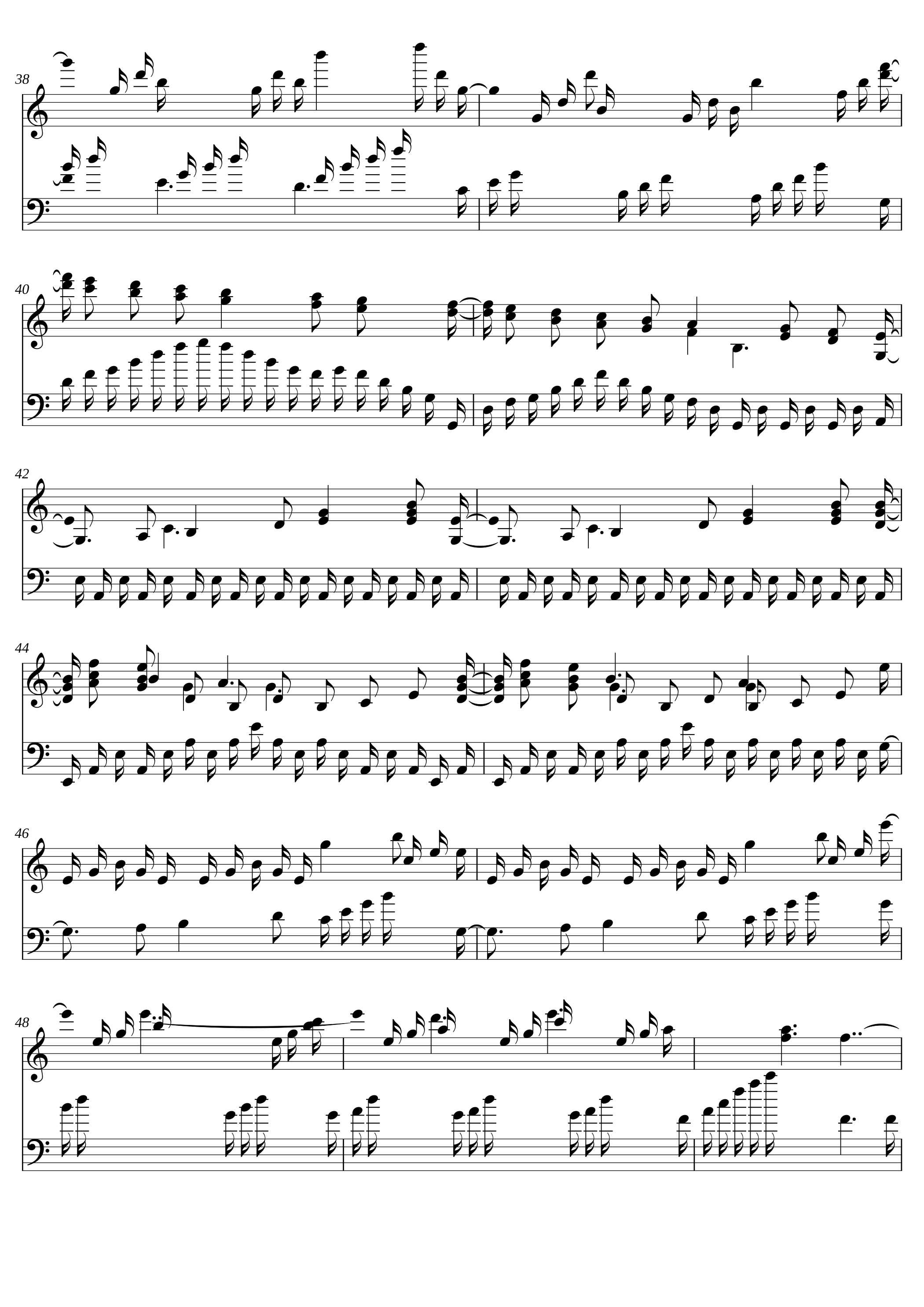
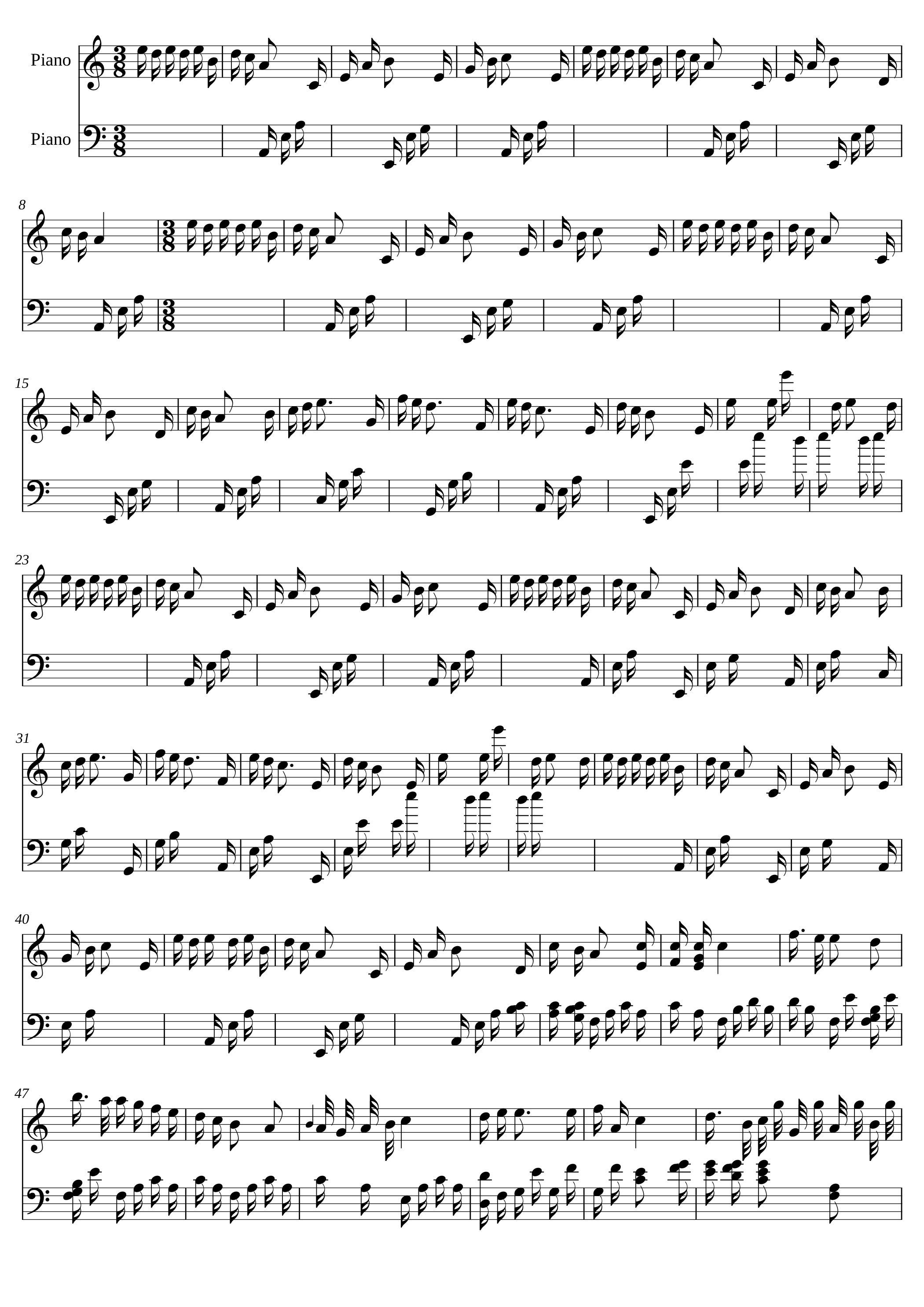
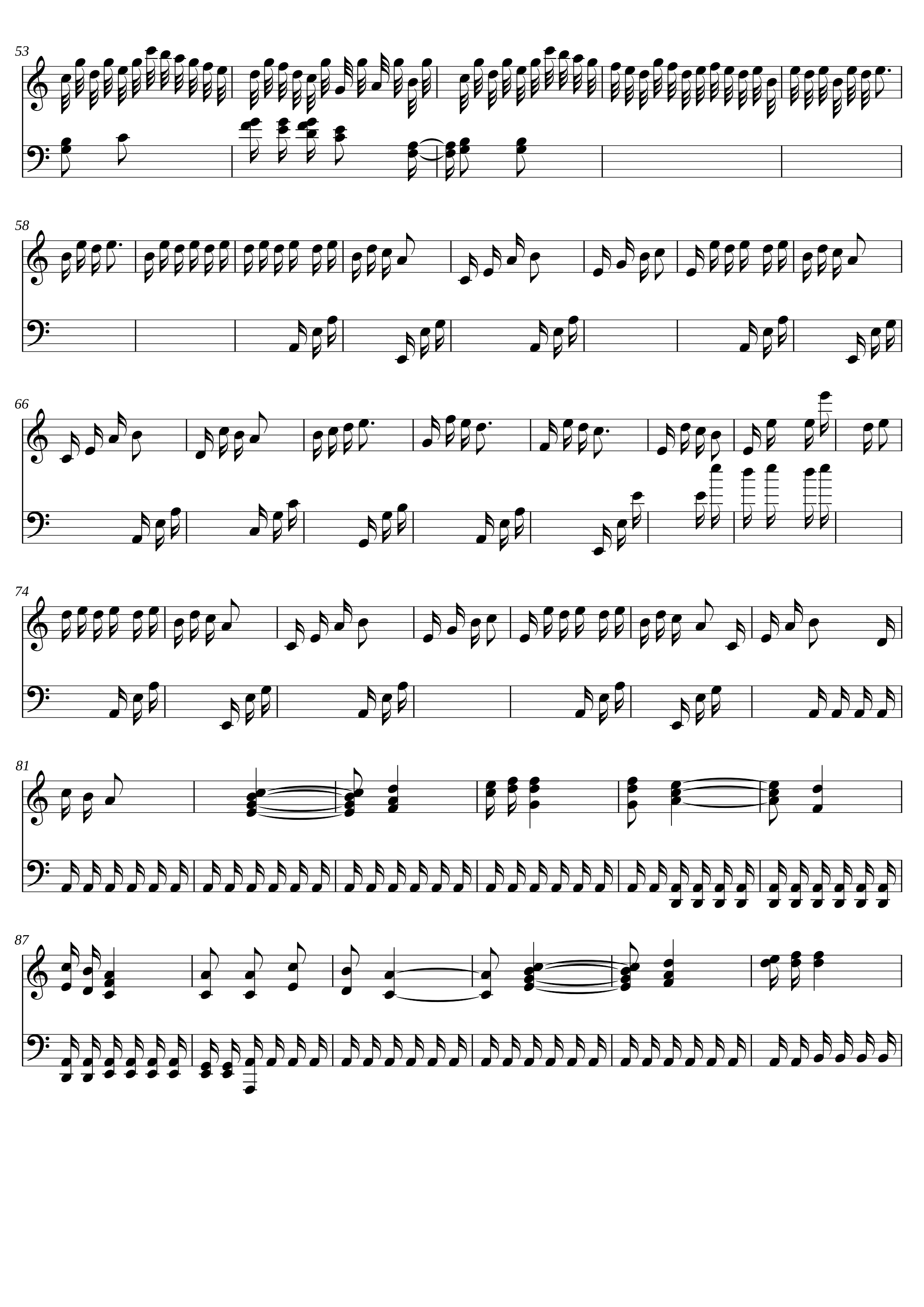
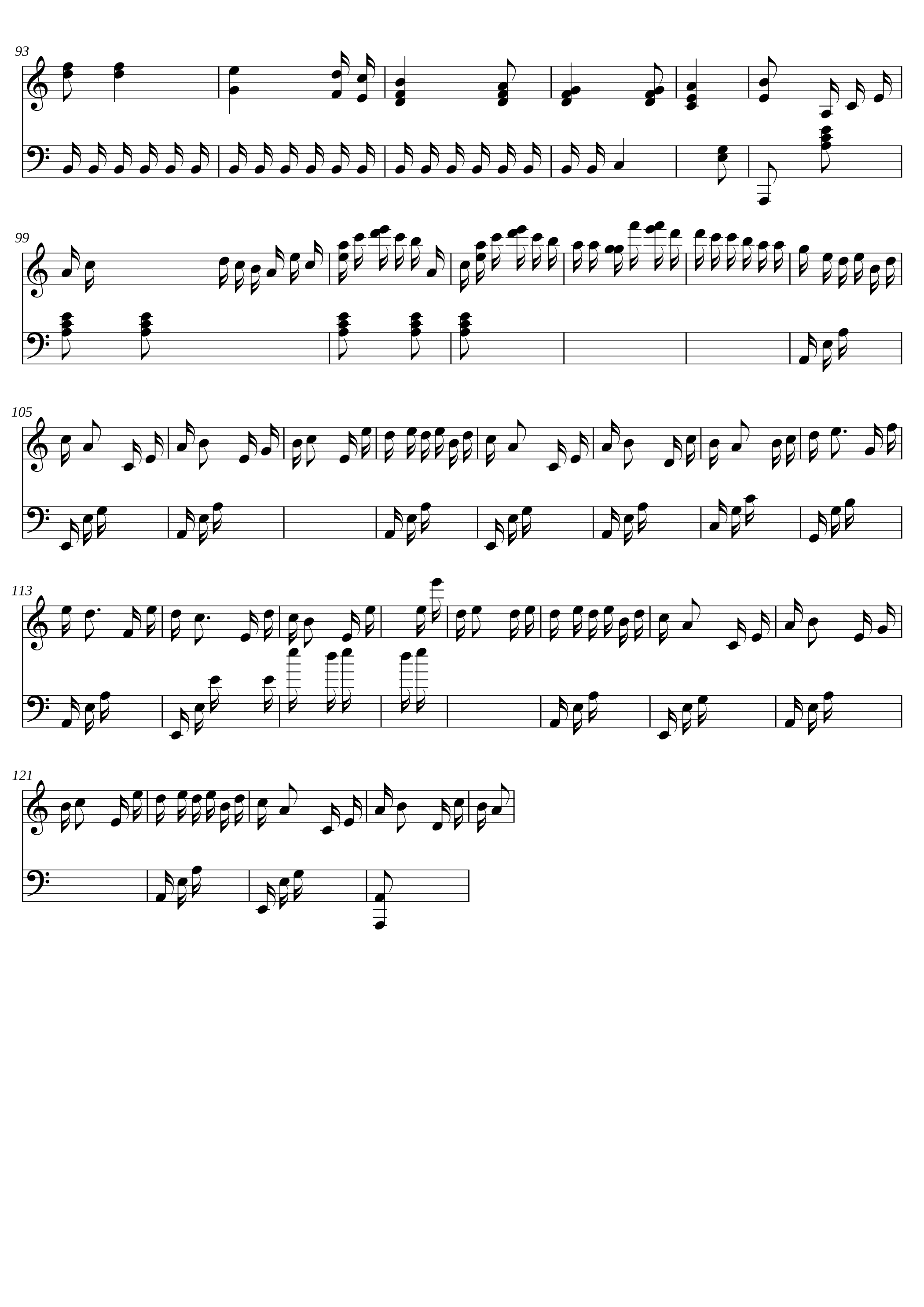
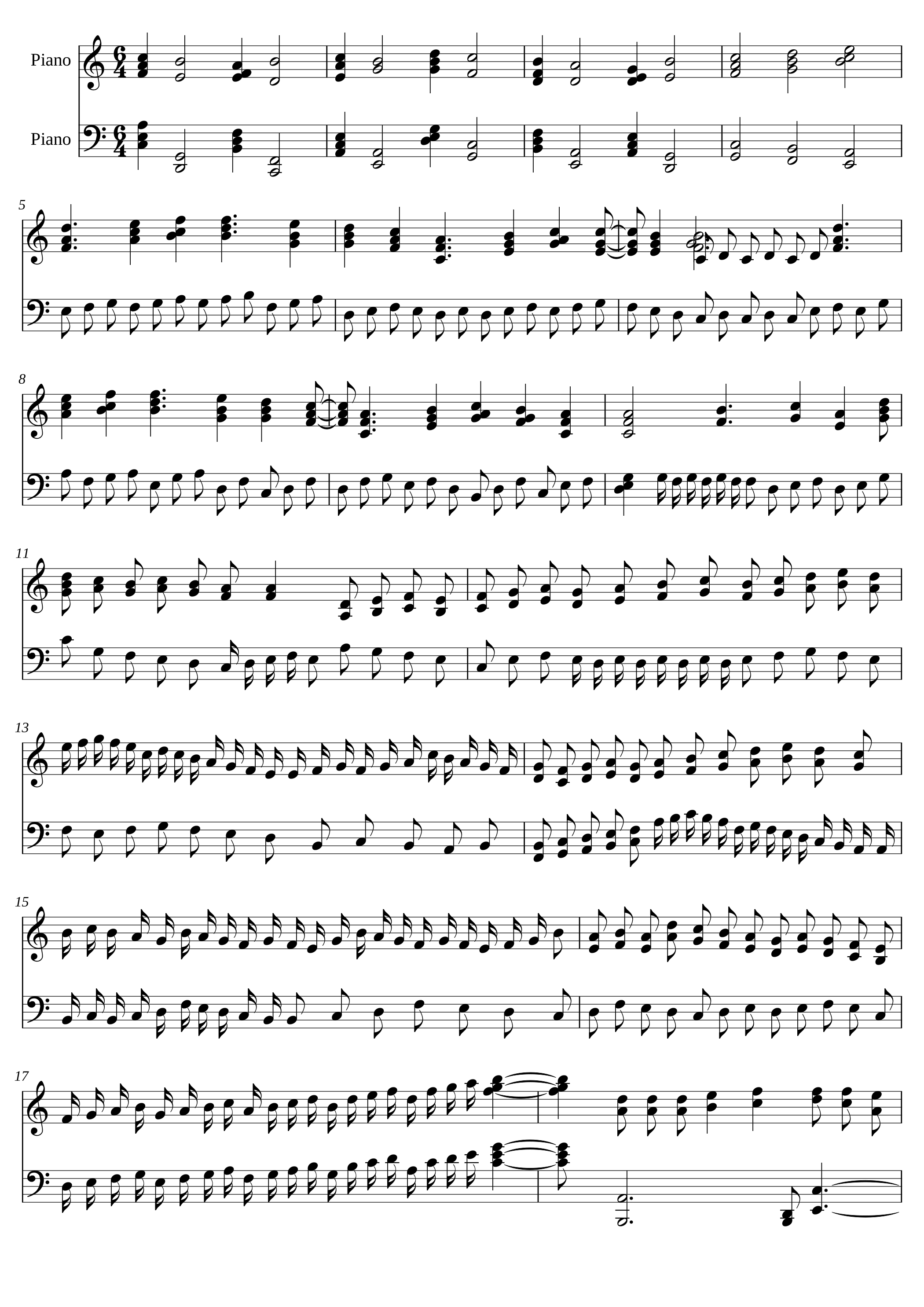
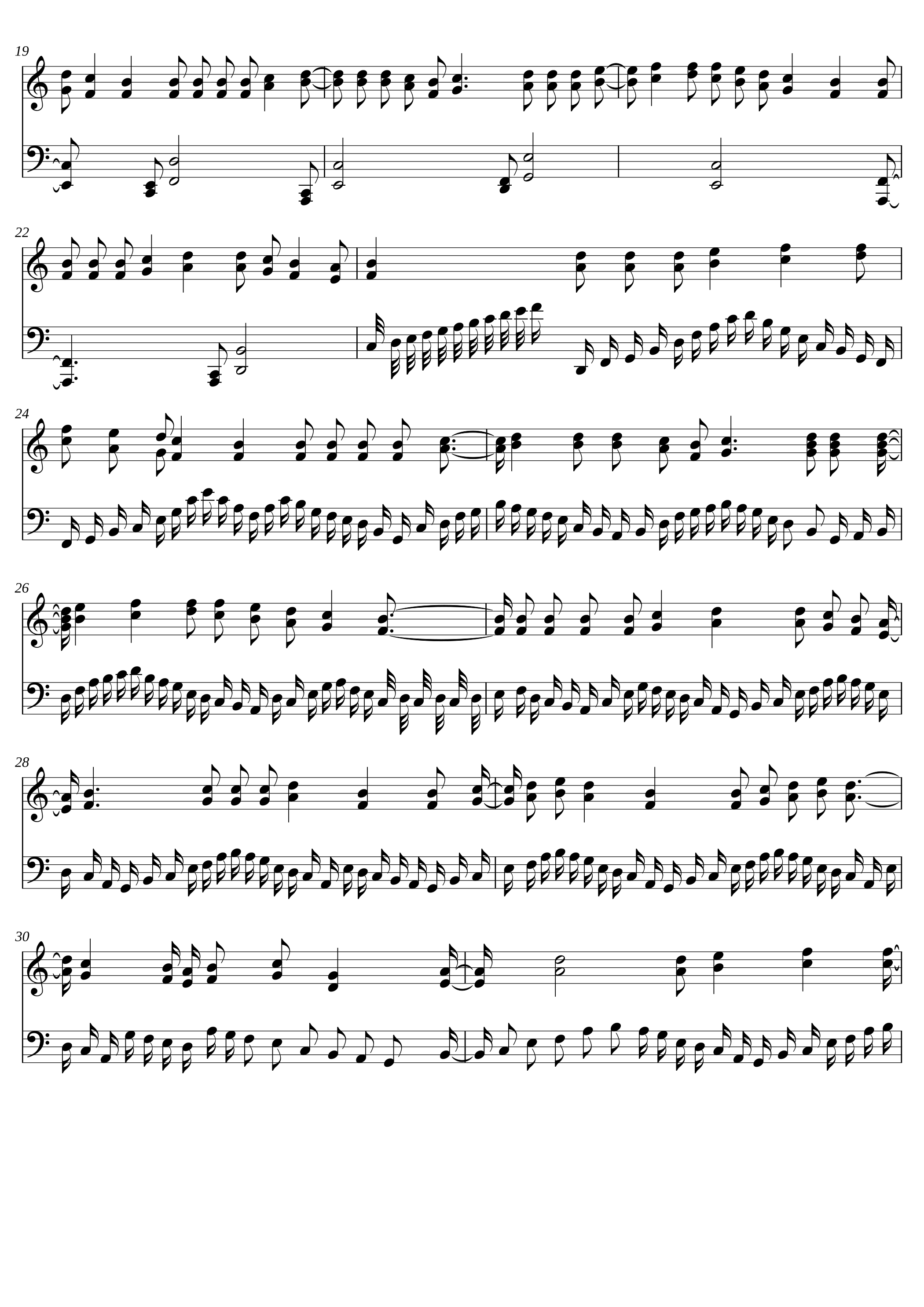
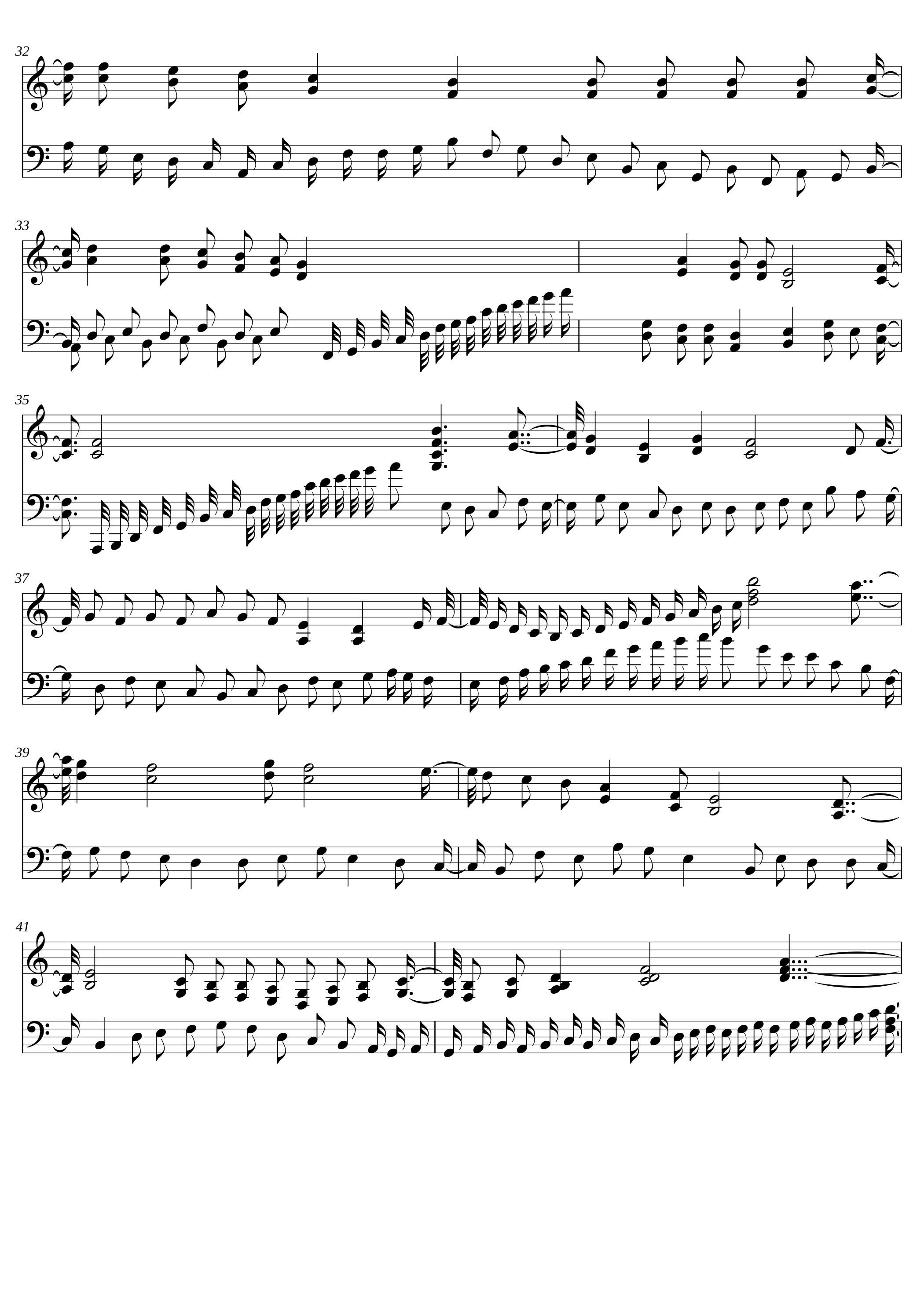
Drop a .mid file to render it as readable sheet music.
Drop your MIDI file here
or click to browse
MIDI to Sheet Music — AI Notation You Can Actually Sight-Read

Engraving Decisions a Machine-Quantized PDF Won't Make

AI-Grouped Phrasing, Not Raw Quantization

Per-Channel Instrument Splitting

Auto Key & Time Signature Detection

PDF, MusicXML, MEI, and PNG in One Pass

Engraving Style Presets

30-Second Turnaround, 25 MB Files
Who's Converting MIDI to Sheet Music
From a session arranger making rehearsal parts to a film composer handing live players a printable score — Lacuna's engraver handles the workflows that generic converters trip over.
Arrangers Making Rehearsal Parts for Live Musicians
DAW-composed song needs to be played by a real band. Drop the MIDI, get per-instrument parts with proper transposition (Bb trumpet, Eb sax) auto-applied — printable in under a minute.
Film & TV Composers Delivering Cue Sheets
A studio asks for a notated cue alongside the audio render. Lacuna outputs a conductor score and individual parts straight from your Cubase or Logic MIDI export, ready to send to the orchestrator.
Piano Teachers Building Method-Book Pages
Record a student exercise on a MIDI keyboard, convert it to grand-staff piano notation, drop into a worksheet PDF the same evening. Phrasing stays musical instead of looking like a Stack Overflow code dump.
Roblox / Sky / Game OST Players Getting Sharable Sheets
Imported a MIDI to your game's music player or recorded it through a virtual instrument. Convert it to a clean sheet PDF you can share in a community Discord without watermarks.
Music Theory Students Annotating MIDI Exports
Working through a Bach chorale or jazz transcription in Logic or Ableton. Generate the engraved score, add Roman numeral analysis on top, hand in as a PDF instead of an SVG screenshot.
Songwriters Sending Demo Charts to Collaborators
Wrote a verse on your MIDI controller, want to send your bandmate a lead sheet — melody, chord symbols, no piano roll screenshots. Pick the lead-sheet preset, export, drop in the group chat.
Frequently Asked Questions
Yes, but quality depends on how the converter handles phrasing, quantization, and channel routing — not just on the MIDI file itself. Lacuna's engraver uses AI-grouped phrasing (reading velocity and rest patterns) so 16th-note runs and held chords don't get fragmented into ties. On a typical 4-minute MIDI arrangement, this removes roughly 30-40% of the notation artifacts you'd see from a raw MuseScore import.
MuseScore opens MIDI files but treats them as raw quantized data — every short note becomes a separate visual element, ties multiply, and rests appear inside chords. Lacuna pre-processes the MIDI with phrasing grouping, key/meter detection, and per-channel staff splitting before engraving, then exports MusicXML you can still open in MuseScore for final hand-tweaking.
Free accounts can upload up to 10 MB per file; paid plans extend to 25 MB. For reference, a full 4-minute multi-track orchestral MIDI export from Logic Pro is typically 200-800 KB, so the limit handles complete songs without splitting tracks.
Every conversion produces:
- PDF — print-ready, multi-page, no watermark on paid plans
- MusicXML — open in Sibelius, Finale, Dorico, or MuseScore for further editing
- MEI — for academic and library archival workflows
- PNG — per-page raster for slides, blog posts, or Discord previews
Lacuna detects the key signature using the Krumhansl-Schmuckler pitch-class profile and the time signature from beat-stress patterns — accurate on roughly 92% of common-practice and pop MIDI files. If the inference is wrong (a piece in 6/8 detected as 3/4, for example), one click overrides it before export.
A typical 4-minute multi-track MIDI converts in under 30 seconds, including PDF rendering and MusicXML/MEI/PNG export. The same file run through MuseScore plus manual phrasing cleanup usually takes 6-10 minutes.
Yes — channel 10 (General MIDI percussion) auto-routes to a dedicated drum staff with standard drum-notation conventions (kick on the bottom space, snare on the middle line, hi-hat on top). Other percussion channels can be remapped manually to any staff line.
Yes, on paid plans. Output (PDF, MusicXML, MEI, PNG) is free for personal and educational use across all tiers; commercial licensing — selling sheets, including them in published method books, distributing for paid live performance — requires a paid Lacuna plan. The exported notation itself contains no Lacuna watermark on any paid tier.
Yes — uploads are stored encrypted at rest and auto-deleted within 24 hours after processing. We do not use your MIDI files to train any model, and the conversion runs server-side without third-party AI APIs.
Convert Your First MIDI File in 30 Seconds
What Composers and Arrangers Say
Cut a 7-minute orchestral cue from Cubase to a printable conductor score in 28 seconds — used to take me 40 minutes of hand-fixing ties in Sibelius. The phrasing grouping on the woodwind runs is the part that sold me.
I teach piano method books and used to screenshot piano roll into Pages. Now I drop the student's MIDI take, pick grand-staff preset, and the worksheet PDF is done before the next lesson starts.
Tried MuseScore, melobytes, and miditoolbox for a 12-channel film MIDI. Only Lacuna split the channels to per-instrument staves correctly without me having to remap. The Bb transpositions on the trumpets were already right.
Phrasing groups still need a small clean-up on jazz swing 8ths, but the key/meter detection nailed 9 out of 10 files I tested. Saves me about 6 minutes per chart compared to importing into Finale raw.
I record Sky Children of the Light covers on a MIDI keyboard and post sheets to our Discord. Lacuna's PDF export is the only one I've found that doesn't watermark and keeps the grand staff readable.
For ear-training homework I render Bach chorale MIDIs from Logic and need clean PDFs to annotate Roman numerals on. The MEI export also let me drop the file straight into Verovio for the class website.