01
Producers & DAW users
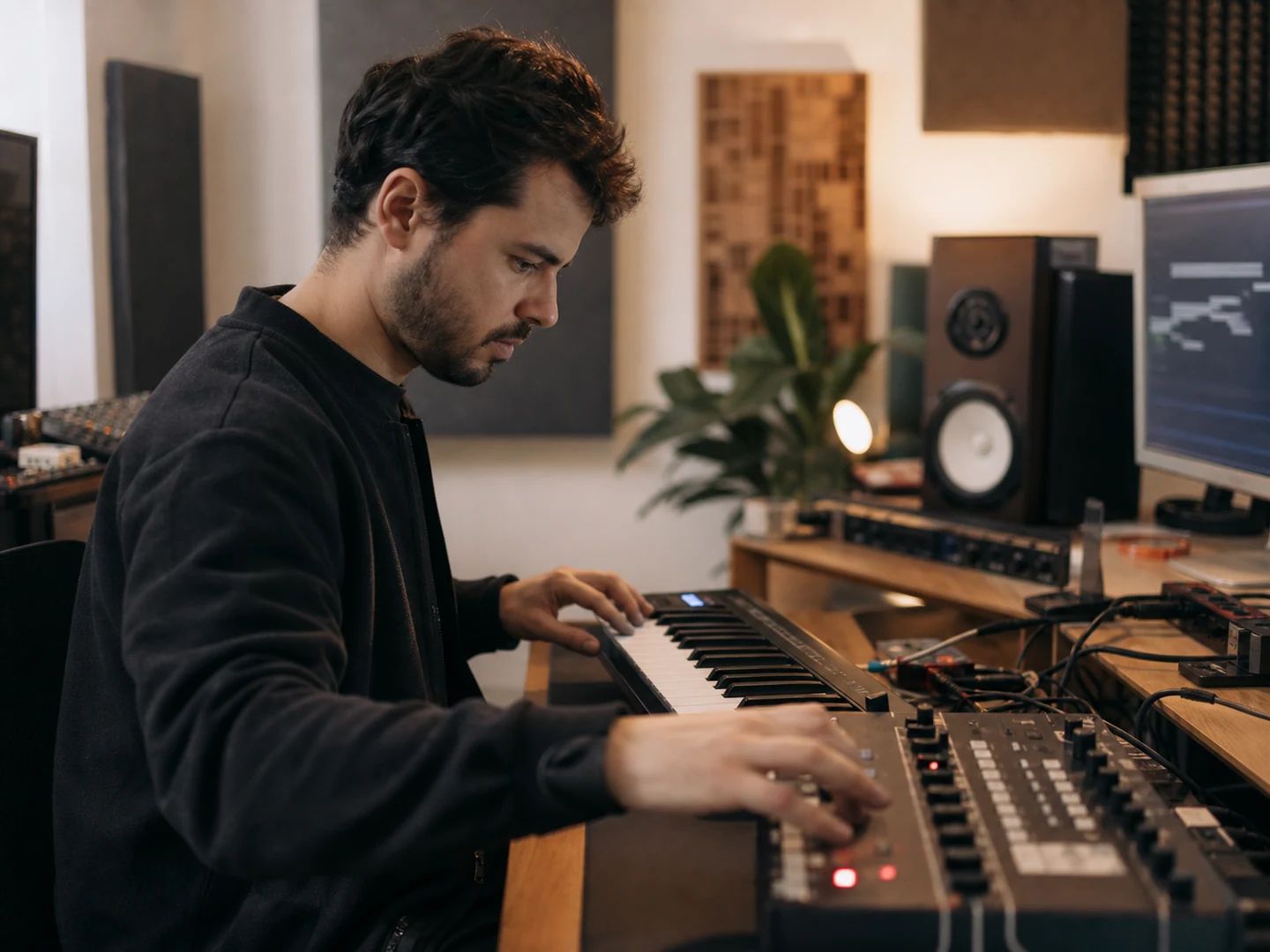
Pull a melody or bassline out of a reference track and rebuild it with your own instruments — no re-playing it by hand.
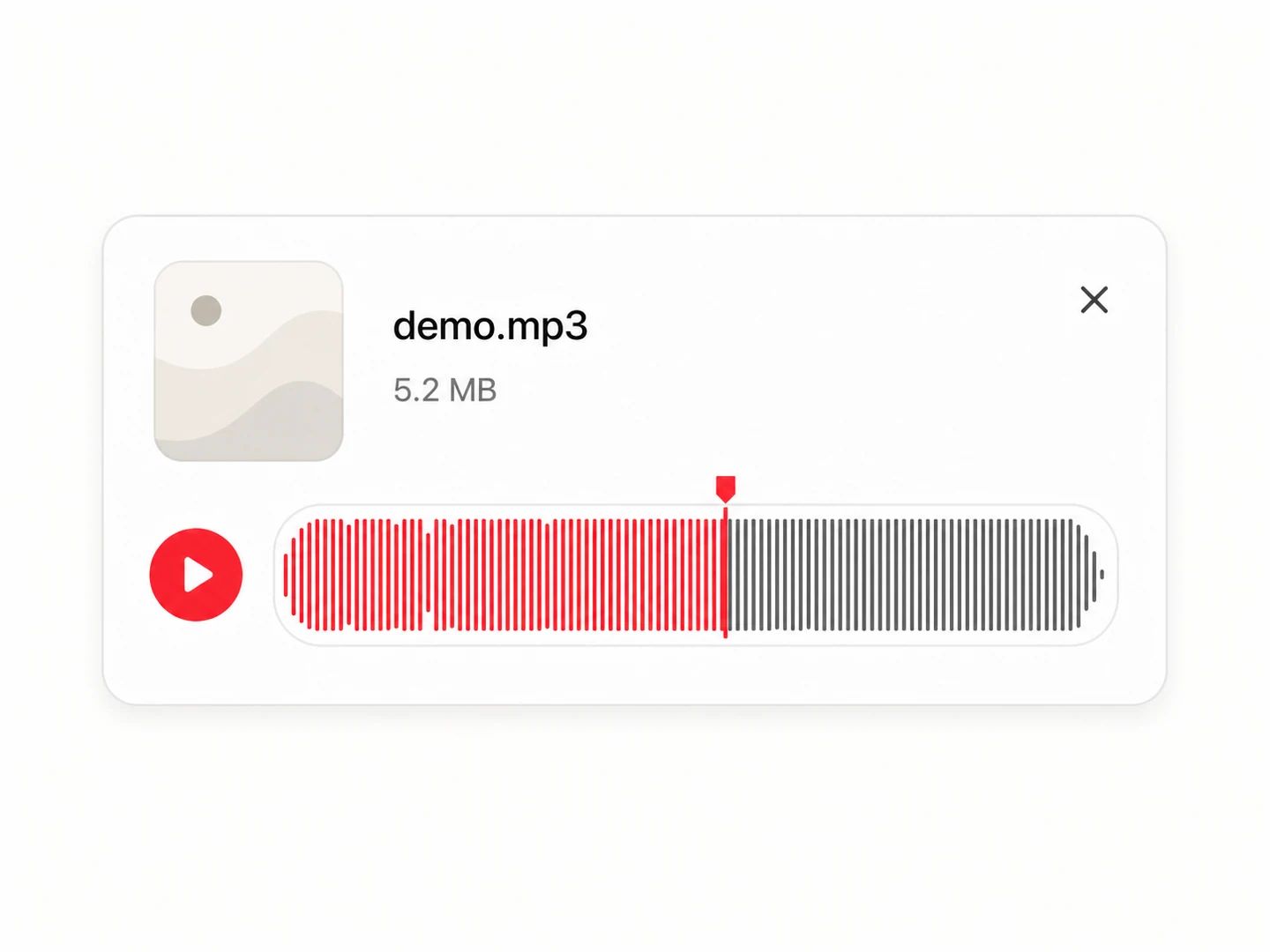
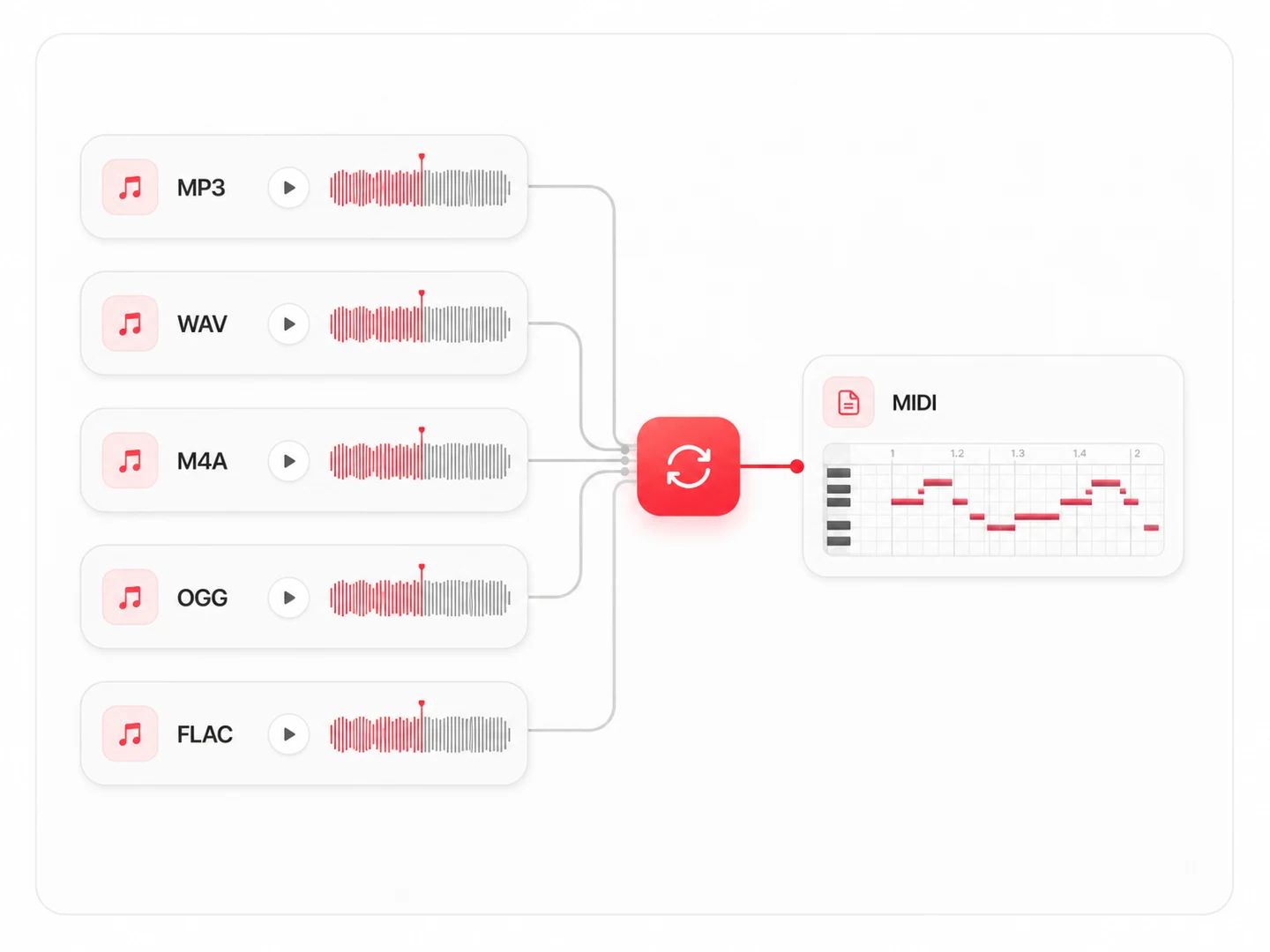
Drop in any MP3, WAV, M4A, OGG or FLAC — a full song, a hummed melody, or a single instrument recording. Files up to 30 MB and 10 minutes.
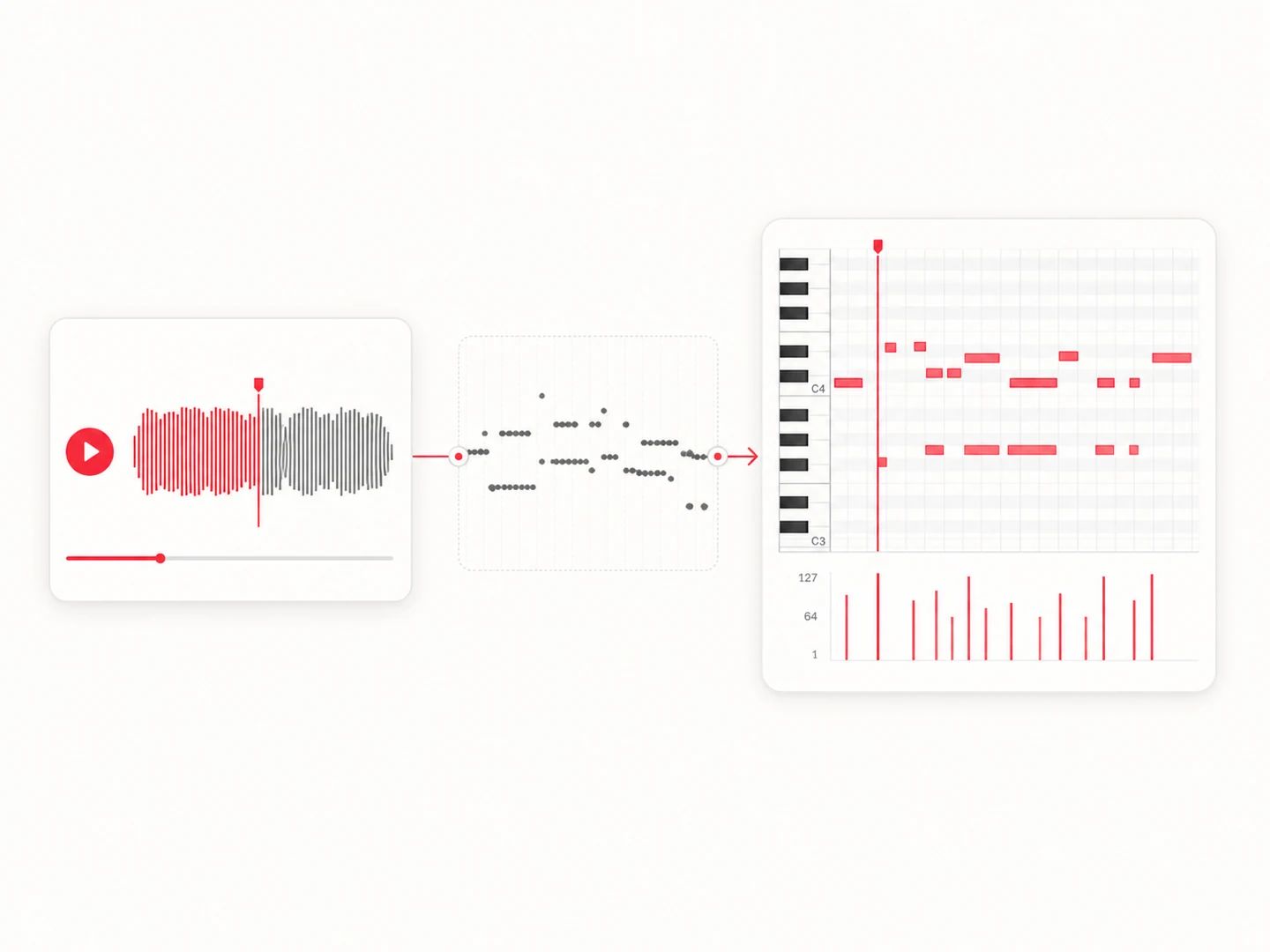
Lacuna listens to the audio, detects the pitch and timing of every note, and rebuilds them as real MIDI events — not just a waveform.
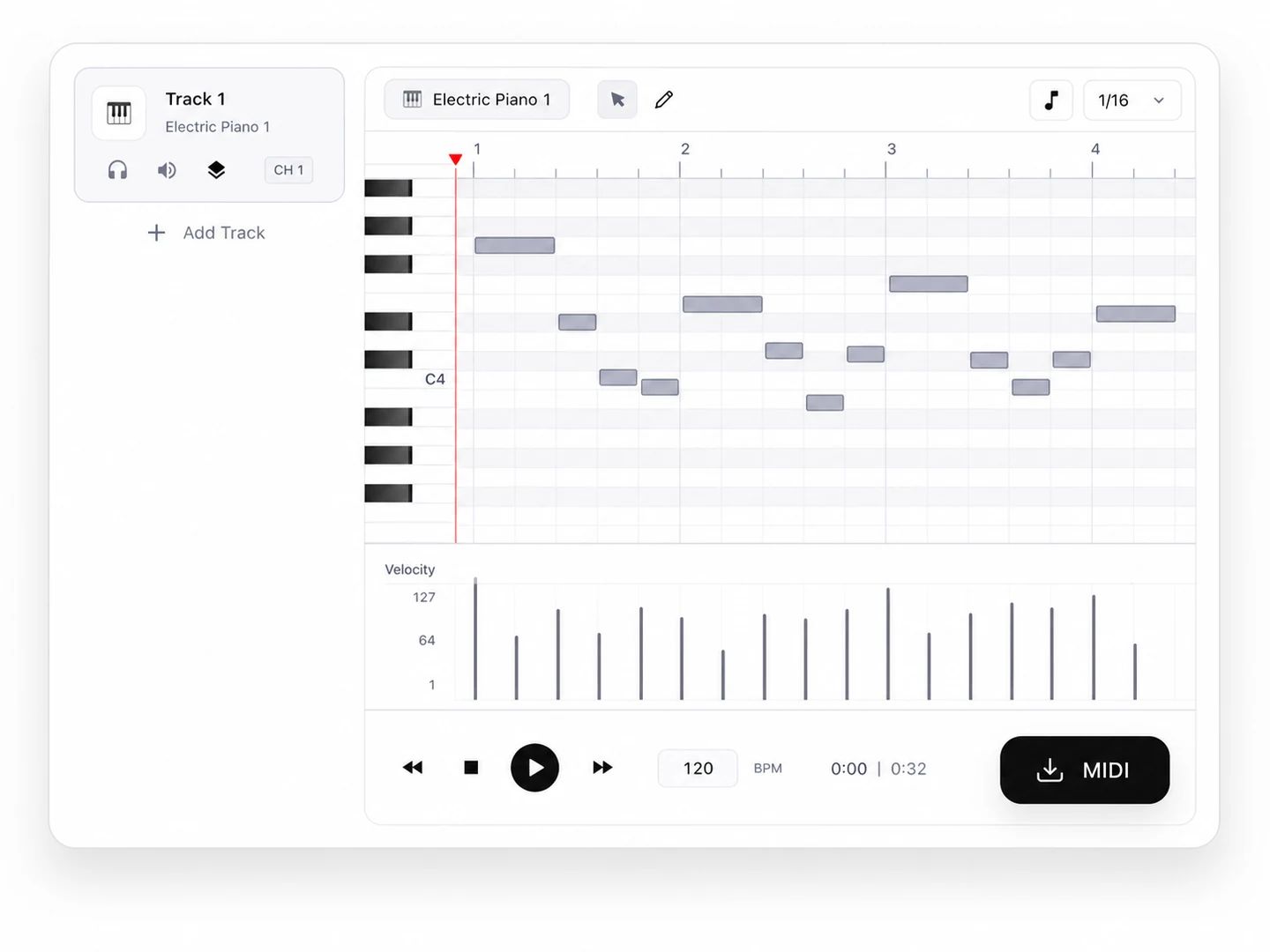
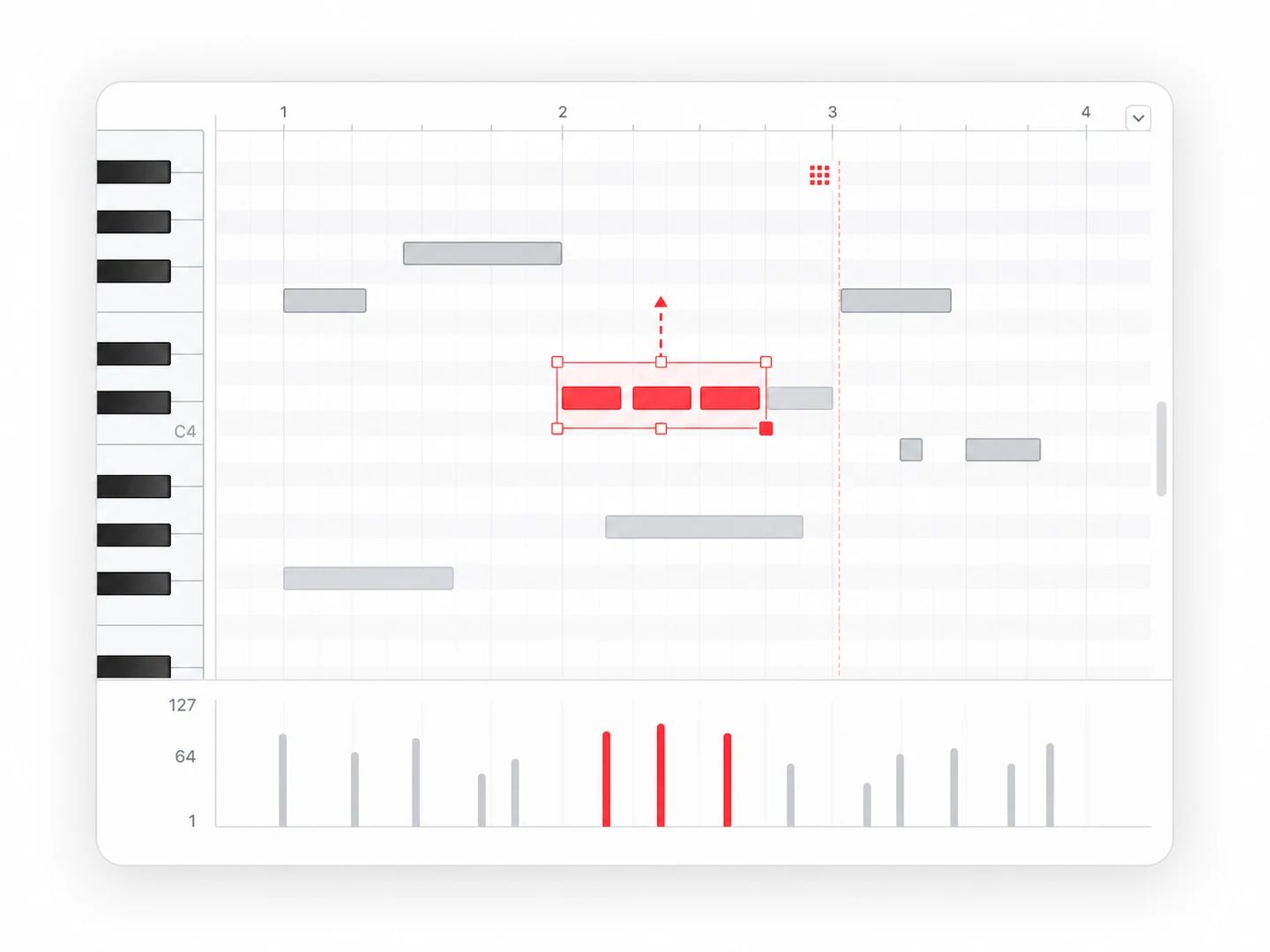
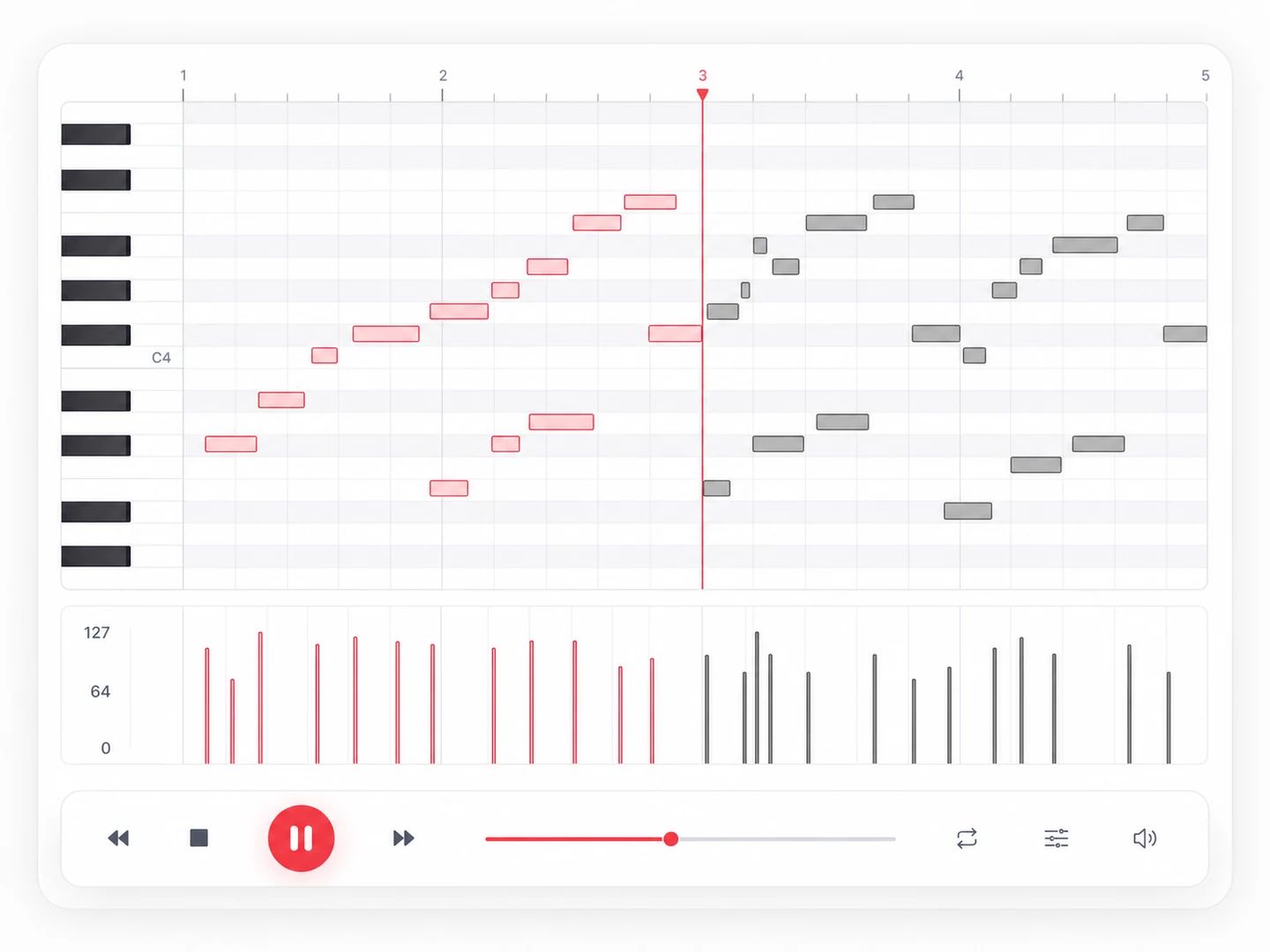
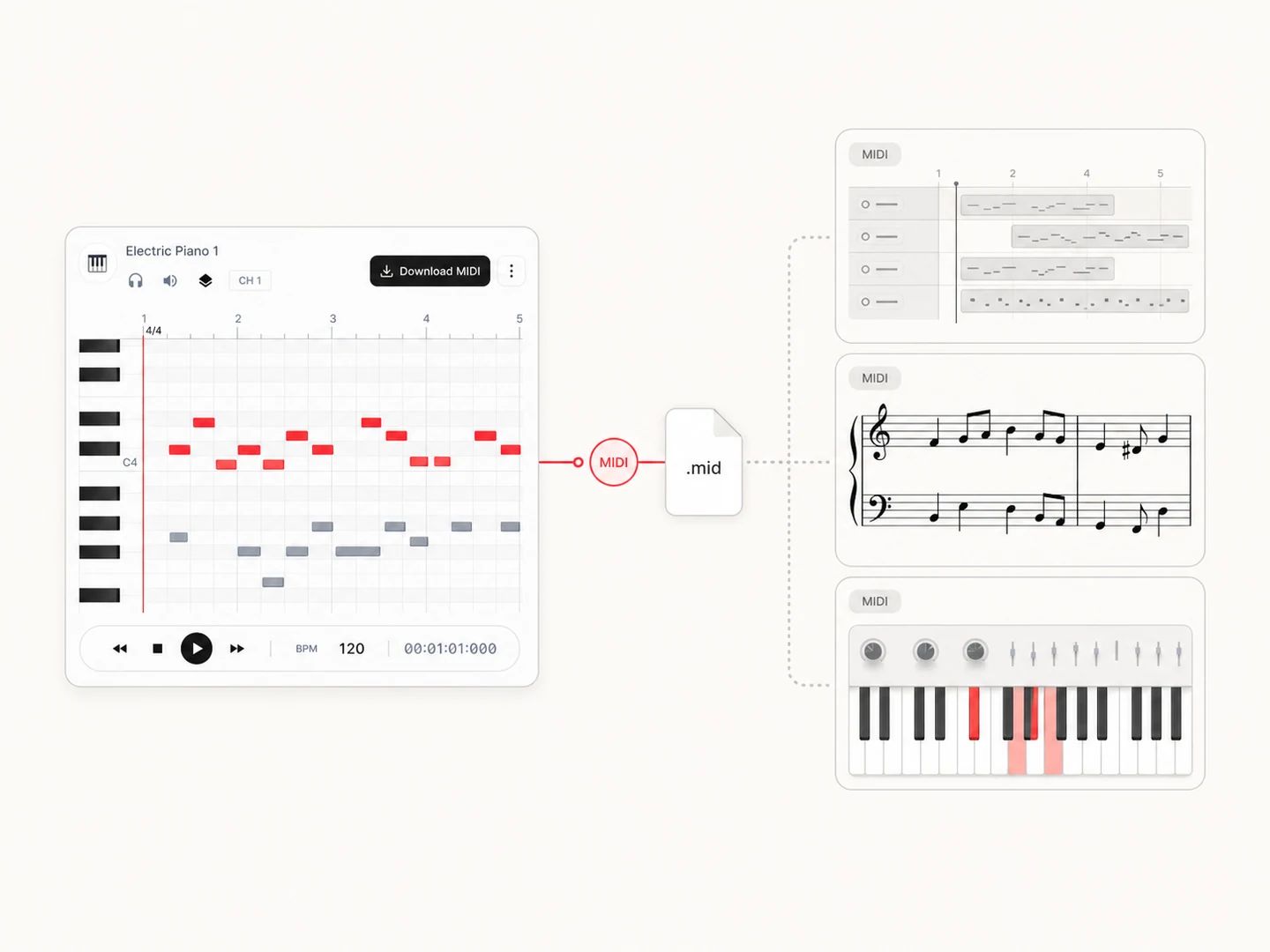
Play the result back on an interactive piano roll, then download a standard .mid file ready to drop into any DAW, sampler or soundfont.
From producers rebuilding a sample to students figuring out a melody by ear — turn audio into MIDI you can work with.
Pull a melody or bassline out of a reference track and rebuild it with your own instruments — no re-playing it by hand.

Find the notes of a song you're learning. Convert it to MIDI, watch the piano roll, and see exactly which notes are played.

Turn a hummed idea or an old recording into MIDI, then chop, re-voice and remix it however you want.

Convert a performance into notes for practice, notation or analysis — a fast starting point for transcription work.
Upload your MP3 to the converter above and hit Convert. Lacuna's AI transcribes the notes and builds a MIDI file automatically — no manual note entry. Preview it on the piano roll, then download the .mid. The same works for WAV, M4A, OGG and FLAC.
Yes — Lacuna is free to start, so you can convert audio to MIDI at no cost and download the .mid. Upgrade later if you need more conversions.
Yes. The same audio to MIDI pipeline accepts MP3, WAV, M4A, OGG and FLAC, so you don't need a separate wav to midi or m4a to midi tool — just upload whatever you have.
It's most accurate on single-instrument audio and clear lead melodies — piano, solo vocals, a hummed line, a bassline. Dense full-band mixes, heavy layering and drums are harder to separate, so expect to clean up a few notes in your DAW. It's a fast starting point, not a perfect transcription of a whole mix.
Open the .mid in any DAW (Ableton, FL Studio, Logic, GarageBand), notation software like MuseScore, or a soundfont player. Because it's real MIDI, you can change the instrument, transpose, quantize, or edit individual notes — that's the whole point of converting mp3 to midi instead of just resampling the audio.
You can upload one, but MIDI transcription works best on a single instrument or the lead melody. In a busy mix the AI will focus on the most prominent notes and may miss or merge some — for the cleanest result, feed it a stem or an isolated part.
Convert MP3 to MIDI free — preview it on the piano roll and download the .mid in seconds.