
01
Music collectors
Clean up messy metadata across a downloaded library so every track shows the right title, artist, album and cover.
Drop in an MP3 to load its ID3 tags, edit any field, then download it back — all on your device.
Your file stays on your device — nothing is uploaded to a server.
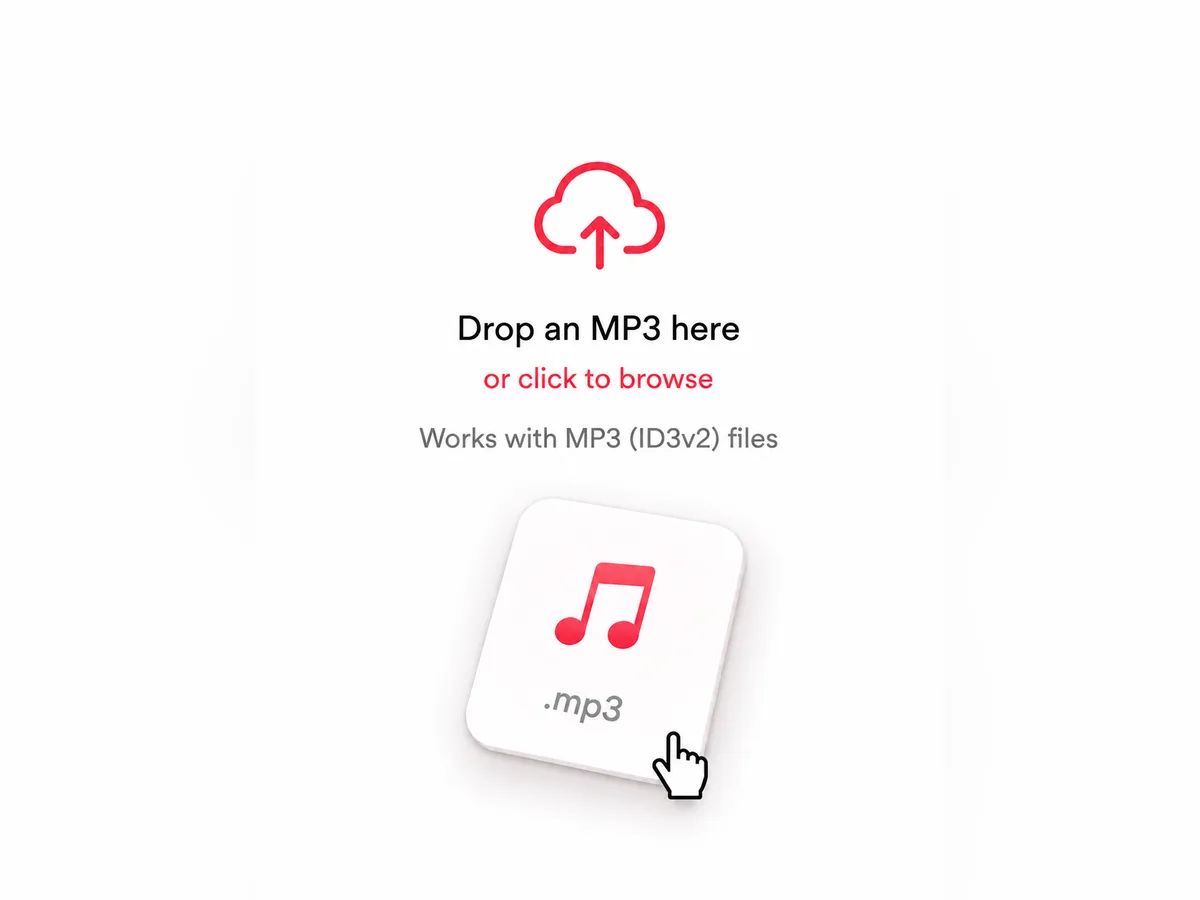
Drop an MP3 into the editor or pick one from your device. Its existing ID3 tags load instantly — nothing is uploaded to a server.
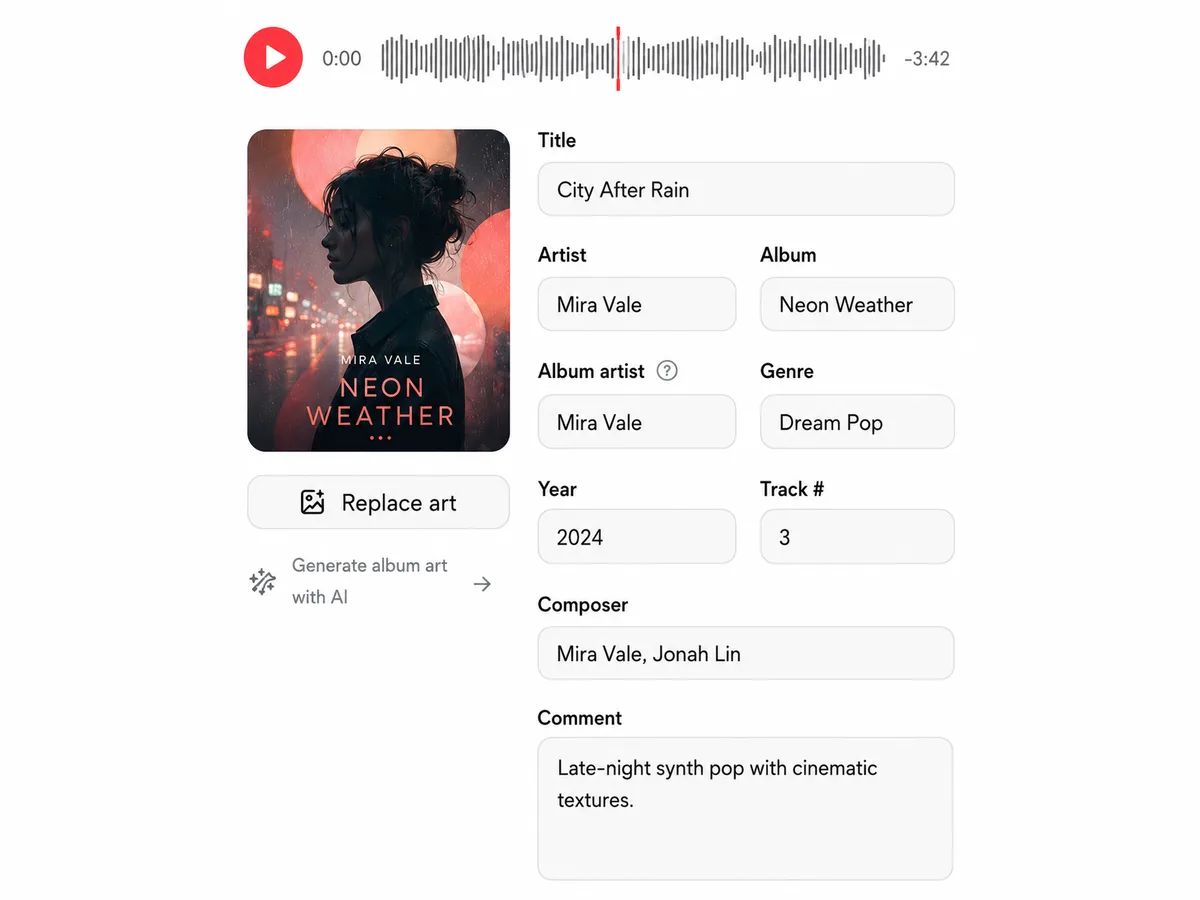
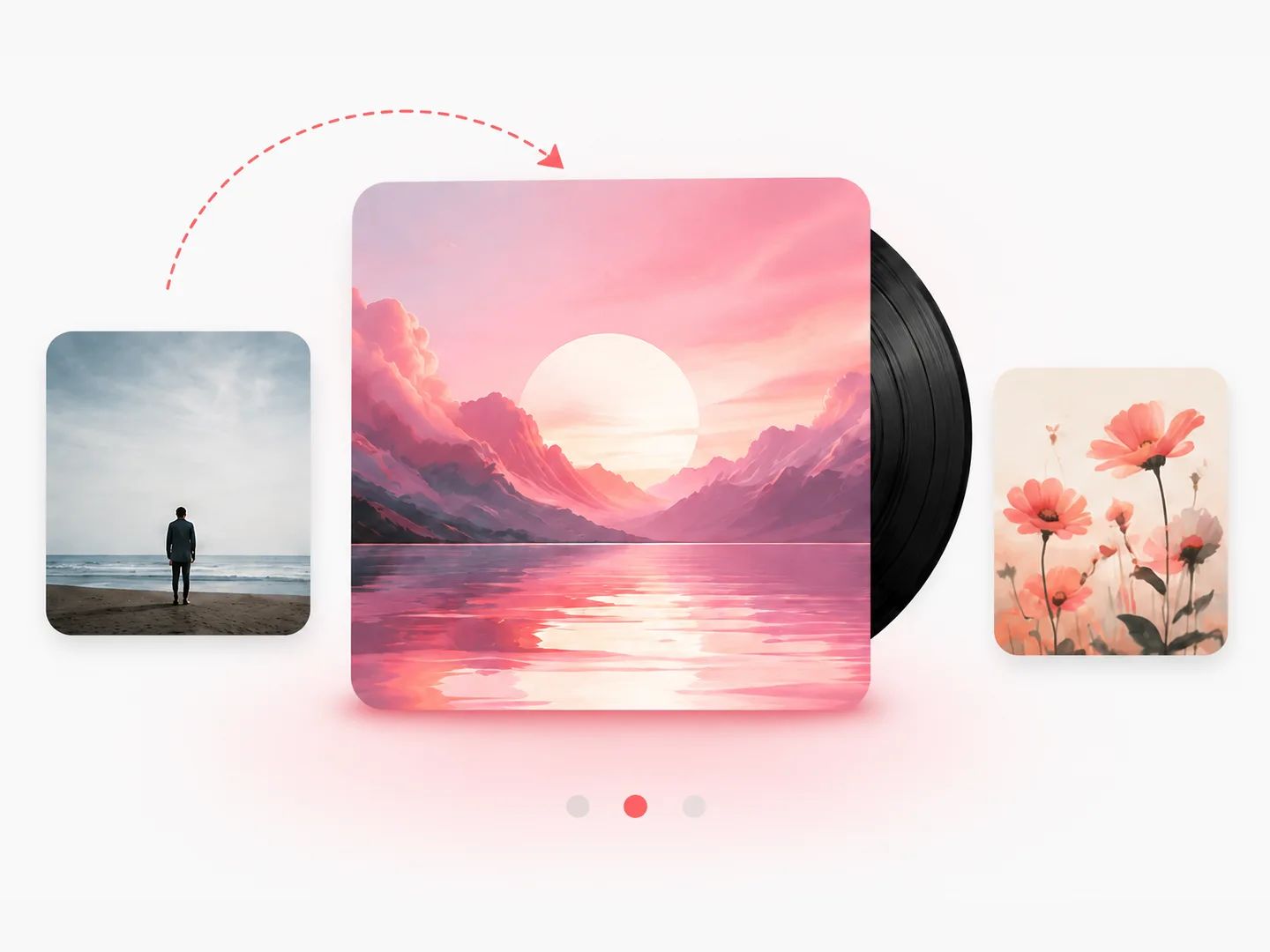
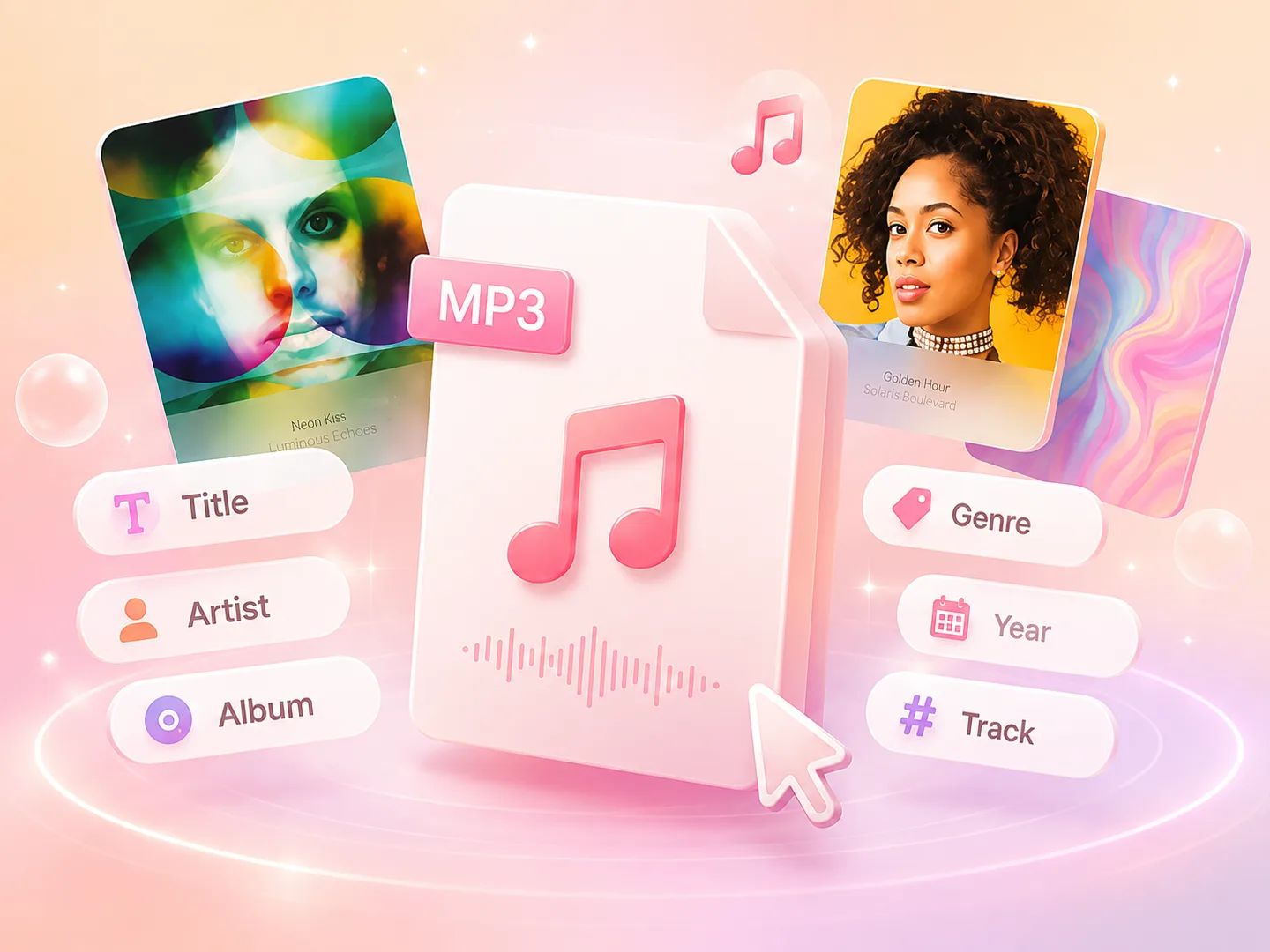
Change the title, artist, album, year, genre, track number and comments, and drop in new album art. Every field is yours to fix.
Save your MP3 with the updated metadata back to your device — same audio, clean tags, ready for any player or library.
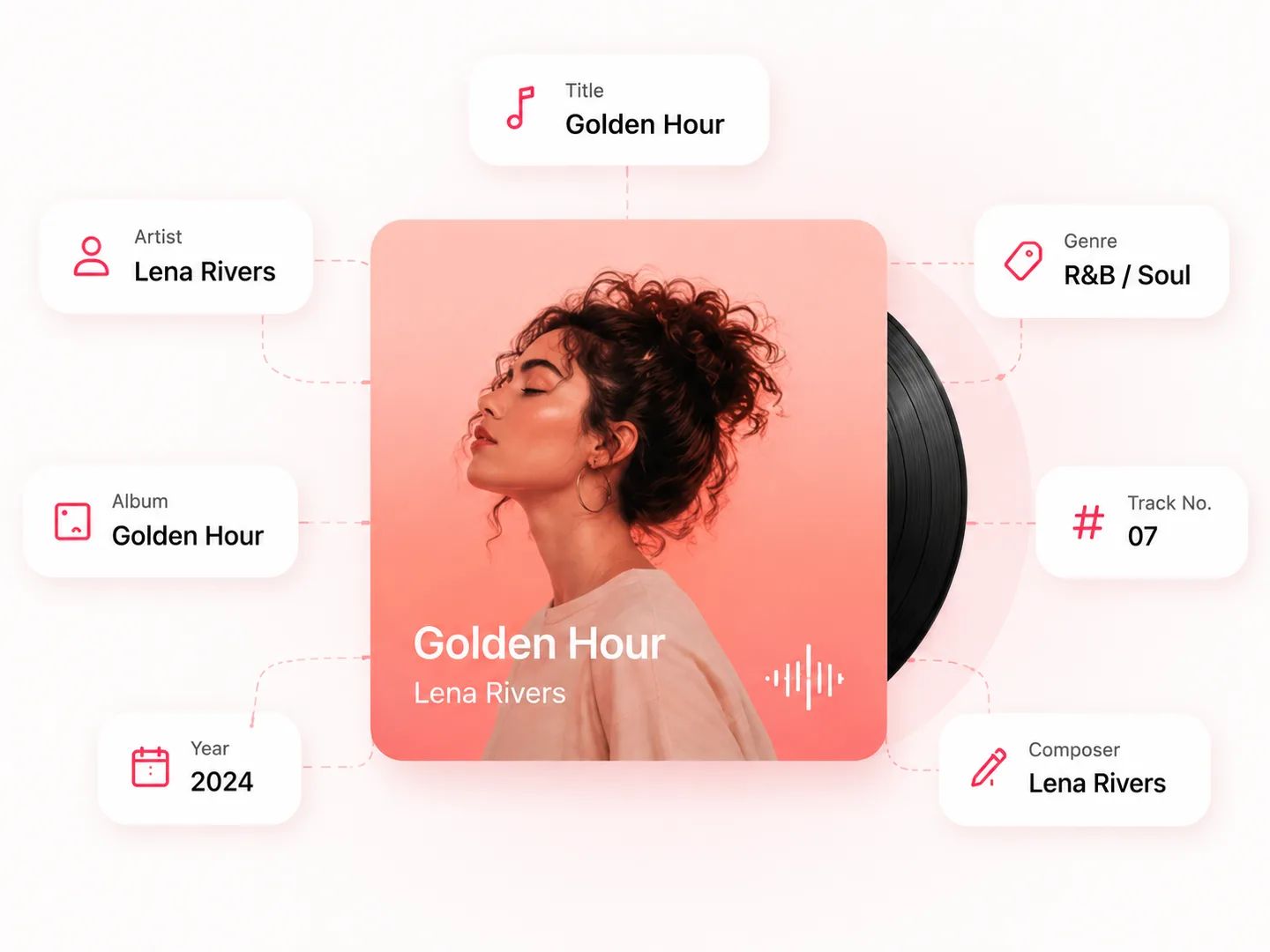

From music collectors to creators and DJs — a music tag editor for anyone who needs clean, correct ID3 metadata on their MP3 files.
Clean up messy metadata across a downloaded library so every track shows the right title, artist, album and cover.
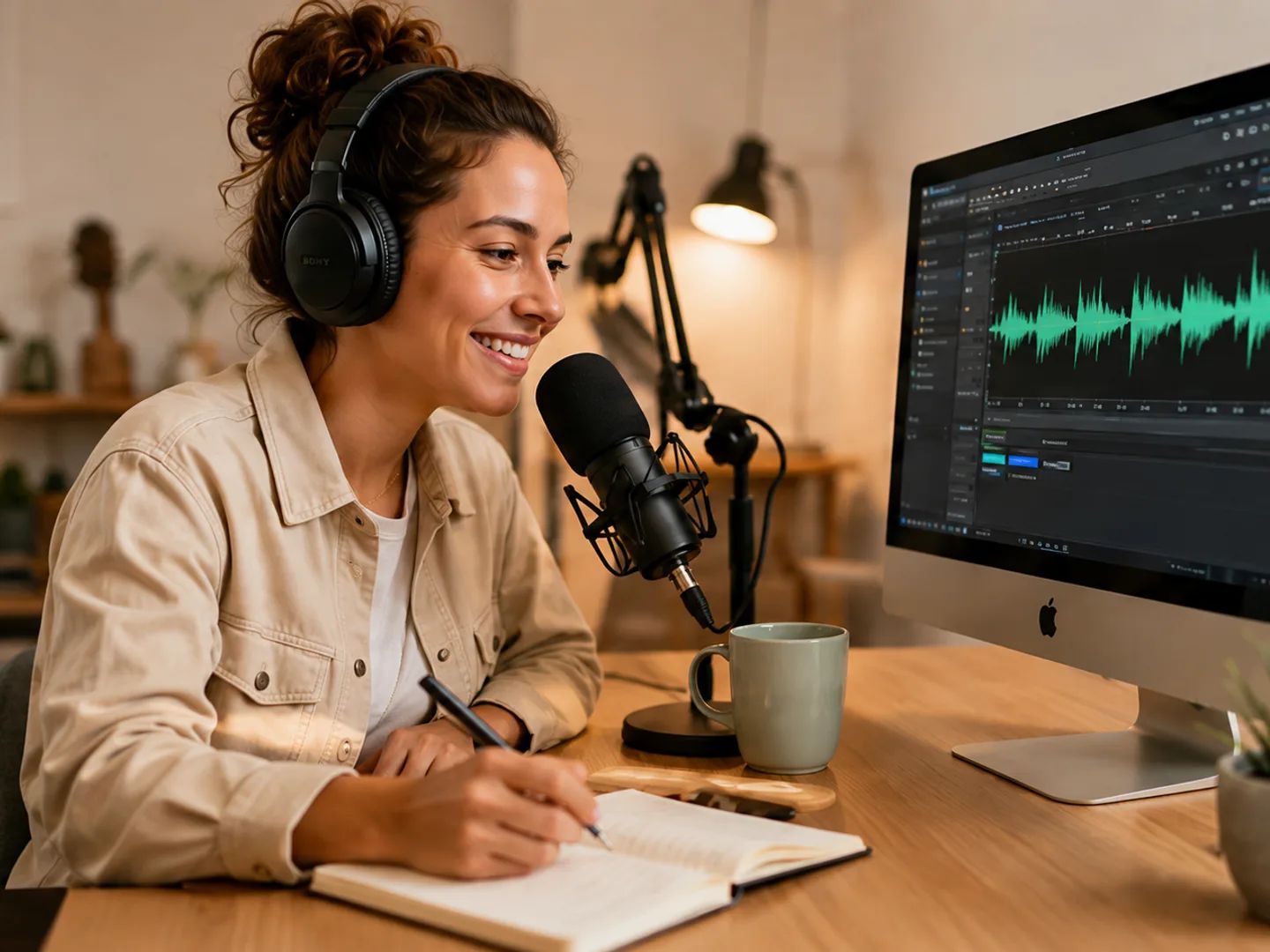
Set consistent ID3 tags and album art on episodes and audio files before you publish or hand them off.

Keep crates organized with accurate artist, genre and album-art tags that read correctly in any DJ software.

Fix a wrong title or a missing cover on a single file in seconds — no software to install, nothing to sign up for.
Yes — it's completely free with no sign-up. Edit metadata on as many MP3 files as you want, right in your browser.
No. Everything happens locally in your browser — your MP3 never leaves your device, so editing tags is private and instant.
Title, artist, album, album artist, year, genre, track number, composer, comments and album art — all the standard song metadata (ID3 tags) stored inside an MP3.
Yes. Drop in a JPG or PNG to add cover art — it's embedded into the file's ID3 tag, so the cover shows up in your player and music library.
It reads your existing tags and writes standard ID3v2 metadata, which is what modern players, phones and apps use to display track info.
No — it's an online tool that runs in any modern browser. There's nothing to download or install, on desktop or mobile.
Yes — it works as a free online MP3 tagger: open a file, edit any ID3 tag and the album art, and download the tagged MP3. Tags are edited by hand, so what you type is exactly what's written — no auto-lookup guessing wrong matches.
Yes — if you're looking for Mp3tag online, this works as a browser-based alternative: open an MP3, edit the same ID3 fields — title, artist, album, genre, cover art — and download the tagged file. Nothing to install, and your file never leaves your device.
Yes — it works as a music tag editor and audio tag editor for MP3 files: fix titles, artists, albums, genres and cover art so every track reads correctly in your music player, phone or DJ software.
No. Only the metadata is rewritten; the audio itself stays exactly the same, at the same quality.
Update ID3 metadata and album art privately in your browser, then download the finished MP3.