
01
Story-first creators
Turn a memory, scene, relationship, or emotional turn into a vocal song before the lyrics are finished, then hear which point of view and hook best carry the story.
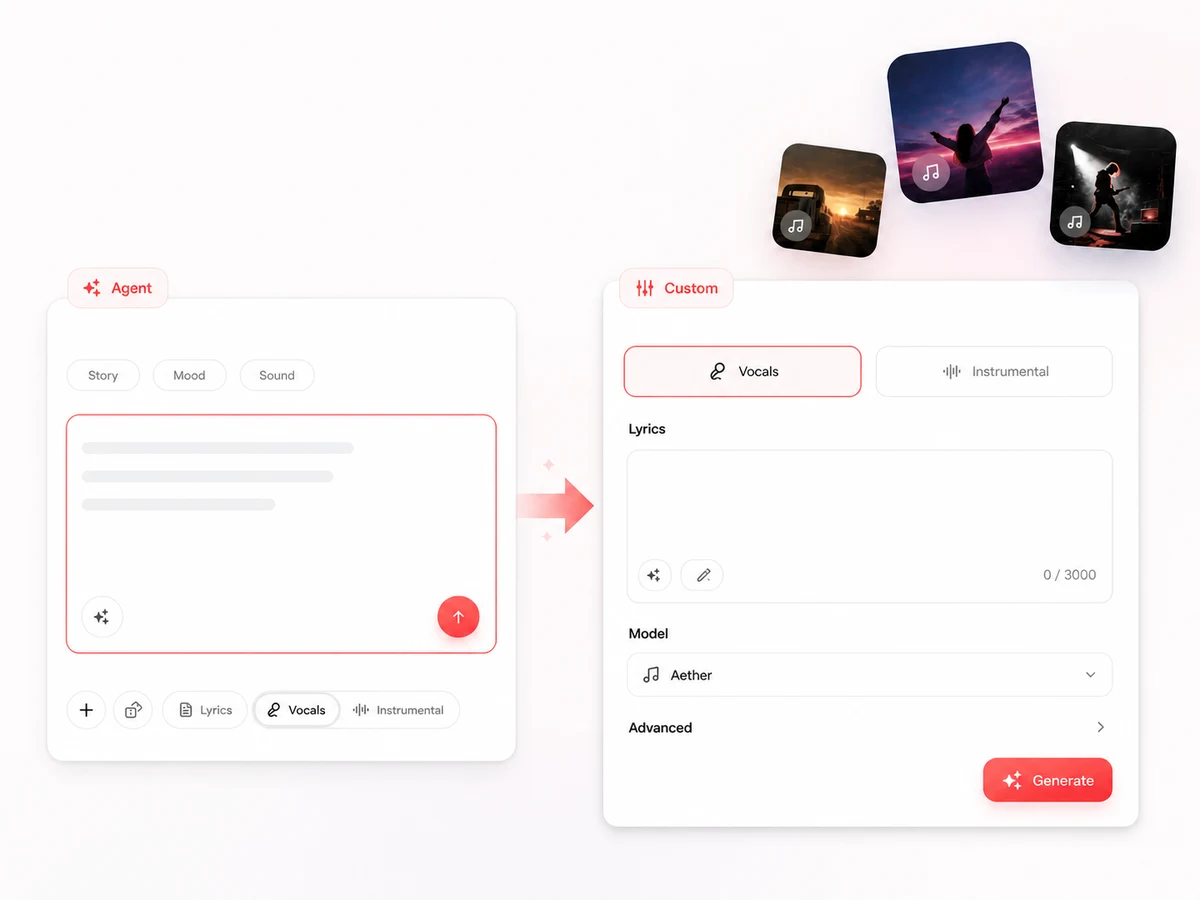
Describe an idea, story, mood, or sound in your own words. Already have complete lyrics? Use Lyrics to Song to keep them as the lyric input.
Tell Lacuna what the song is about, how it should feel, where it will be used, and any sound you already hear. One sentence is enough; add tempo, era, or instruments when those constraints matter.
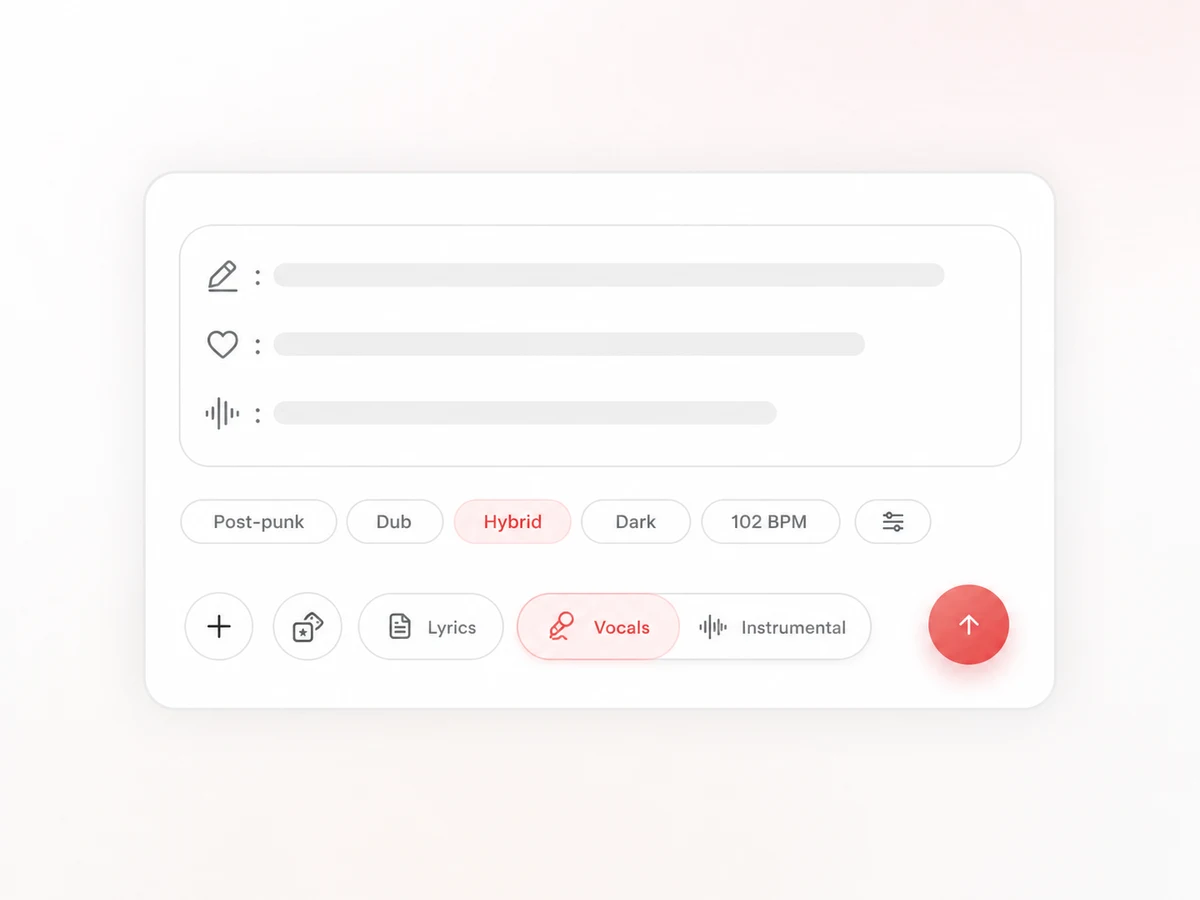
Ask the Agent to develop original lyrics, add lyrics yourself, or keep the result instrumental. Your description guides the song without becoming the sung text, keeping production notes separate from the vocal.
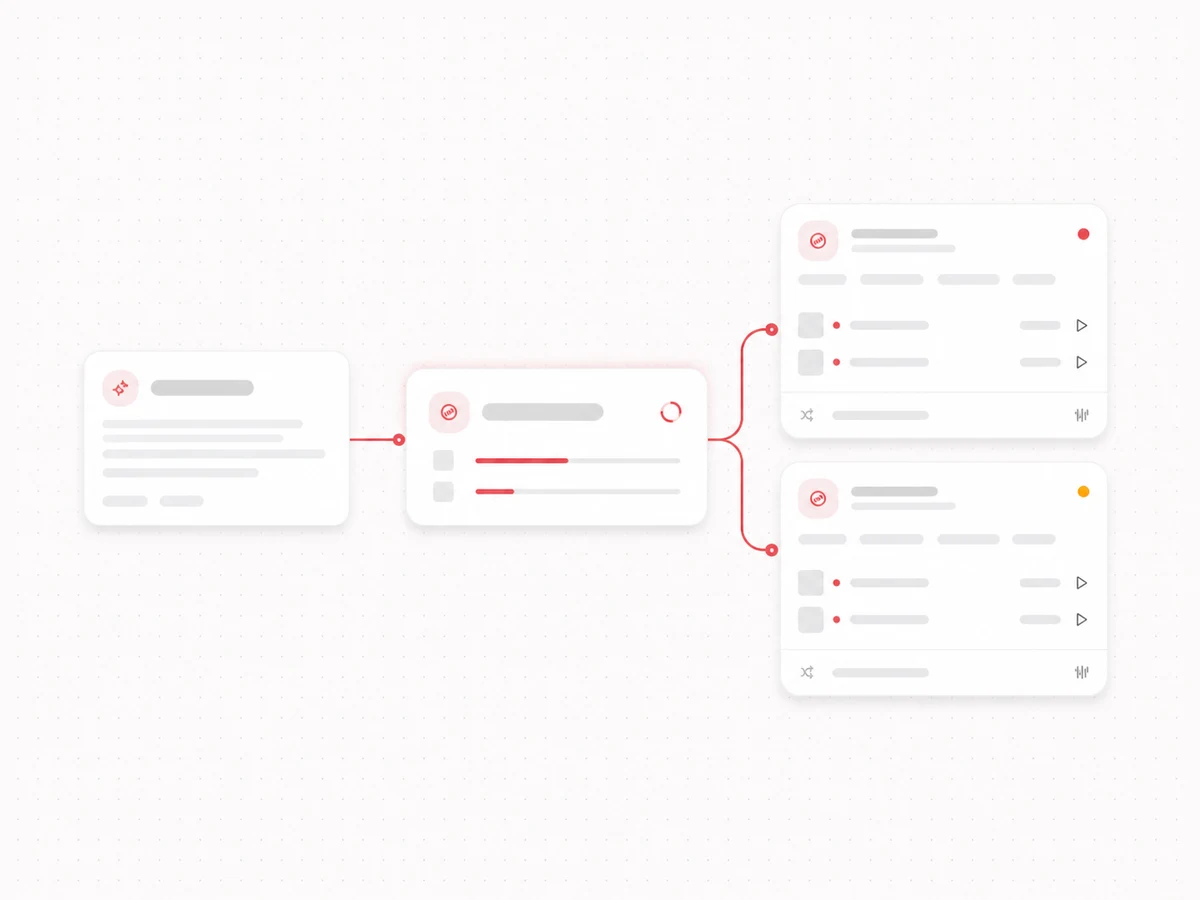
Generate a take and listen for the melody, pacing, vocal character, and arrangement. Then open the canvas to compare versions, reinterpret the brief, or continue the track.
You do not need music terminology. Give the model the information you already know, combine subject and sound in the same brief, and leave the rest open. These patterns work for a song from a written idea or instrumental music from a prompt.
For a subject with an emotional turn: “A warm indie-folk song about two childhood friends meeting again in the town they left, intimate female vocal, acoustic guitar and brushed drums, bittersweet but hopeful.”
For instrumental music around a picture: “A slow cinematic instrumental for sunrise over an empty city, felt piano and soft strings, no drums at first, gradually opening into a hopeful final minute, no vocals.”
For a sound you already hear: “Glossy 1980s synth-pop with bright arpeggiators, tight electronic drums, restrained verses, a wide final chorus, and a clear male vocal.”
For an idea the Agent can develop: “Write and produce a playful pop song about being late to everything except falling in love, with short verses and one memorable repeated hook.”
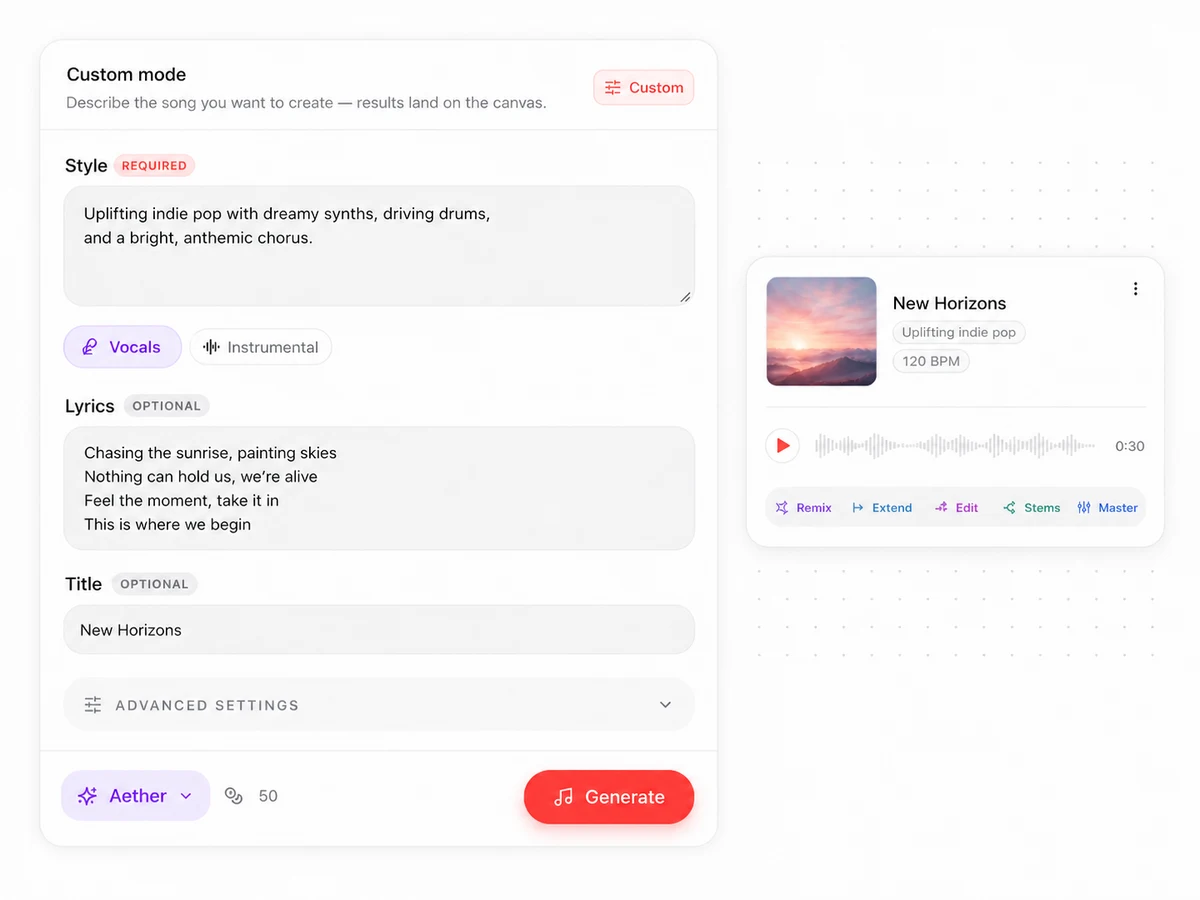
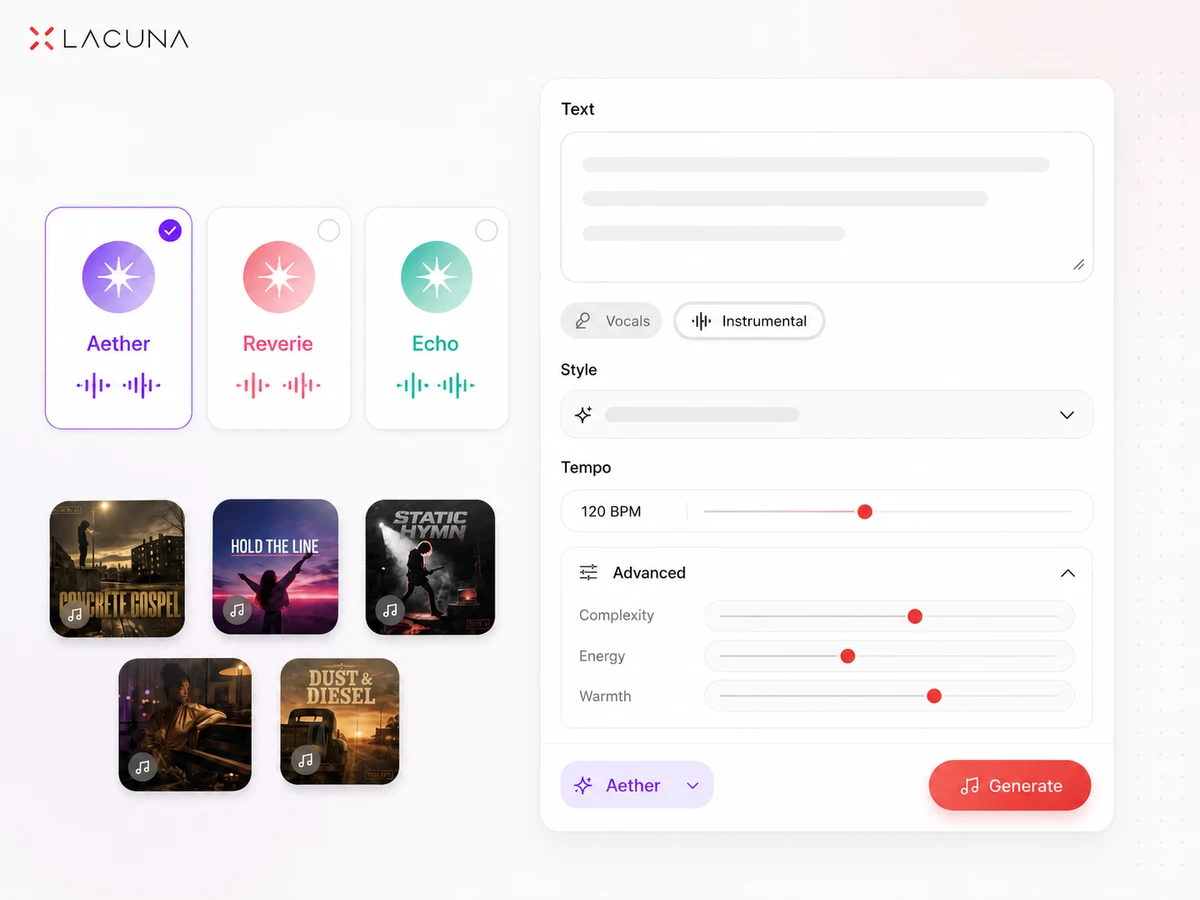
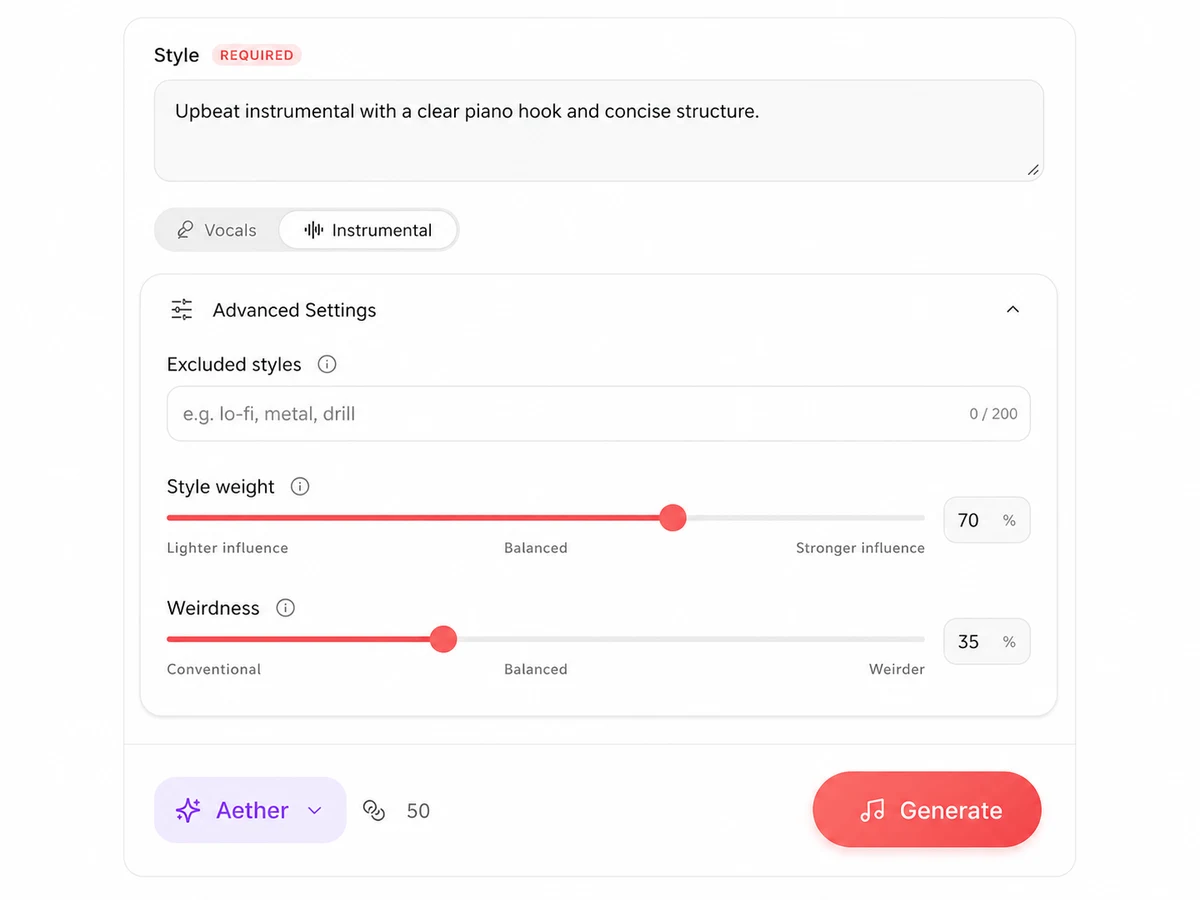
Keep every result connected to the brief and its revisions, so the text-to-music process continues after the first take.
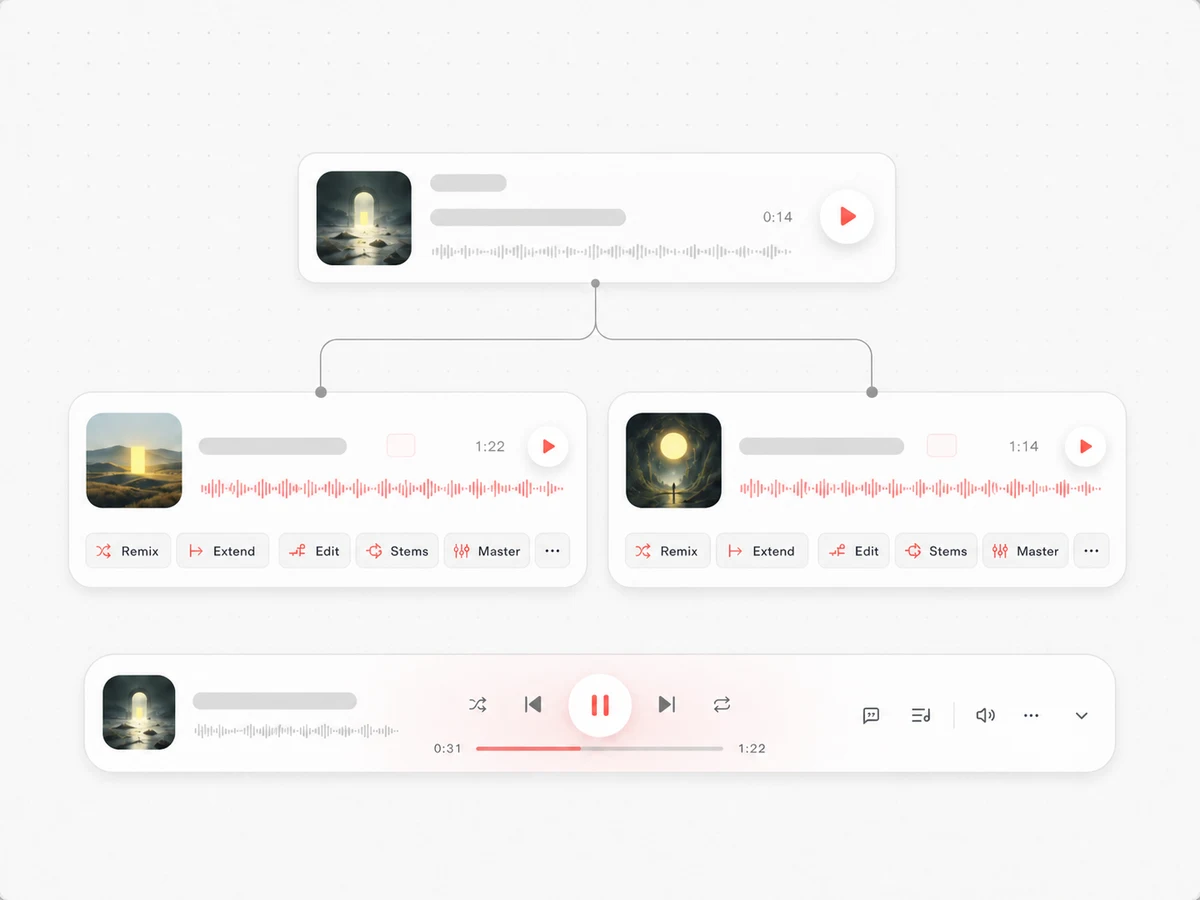
Generations, edits, and stems stay connected on a visual canvas. Compare alternate interpretations, follow each branch to its origin, and keep the promising route intact.
Remix a finished take into another genre, mood, or production style. The same premise can become a quiet acoustic version, a club treatment, or another contrasting direction.
For supported tracks, extend from the waveform or replace one section while preserving the rest. Keep a strong opening or chorus and address only the part that needs work.
Split vocals, drums, bass, and instruments into stems for remixing, practice, voiceover, or DAW work.
Master the mix, follow synchronized lyrics, and inspect BPM, key, chords, spectrum, and loudness before choosing a final version.
Turn ideas you can describe into music you can use.
Turn a memory, scene, relationship, or emotional turn into a vocal song before the lyrics are finished, then hear which point of view and hook best carry the story.
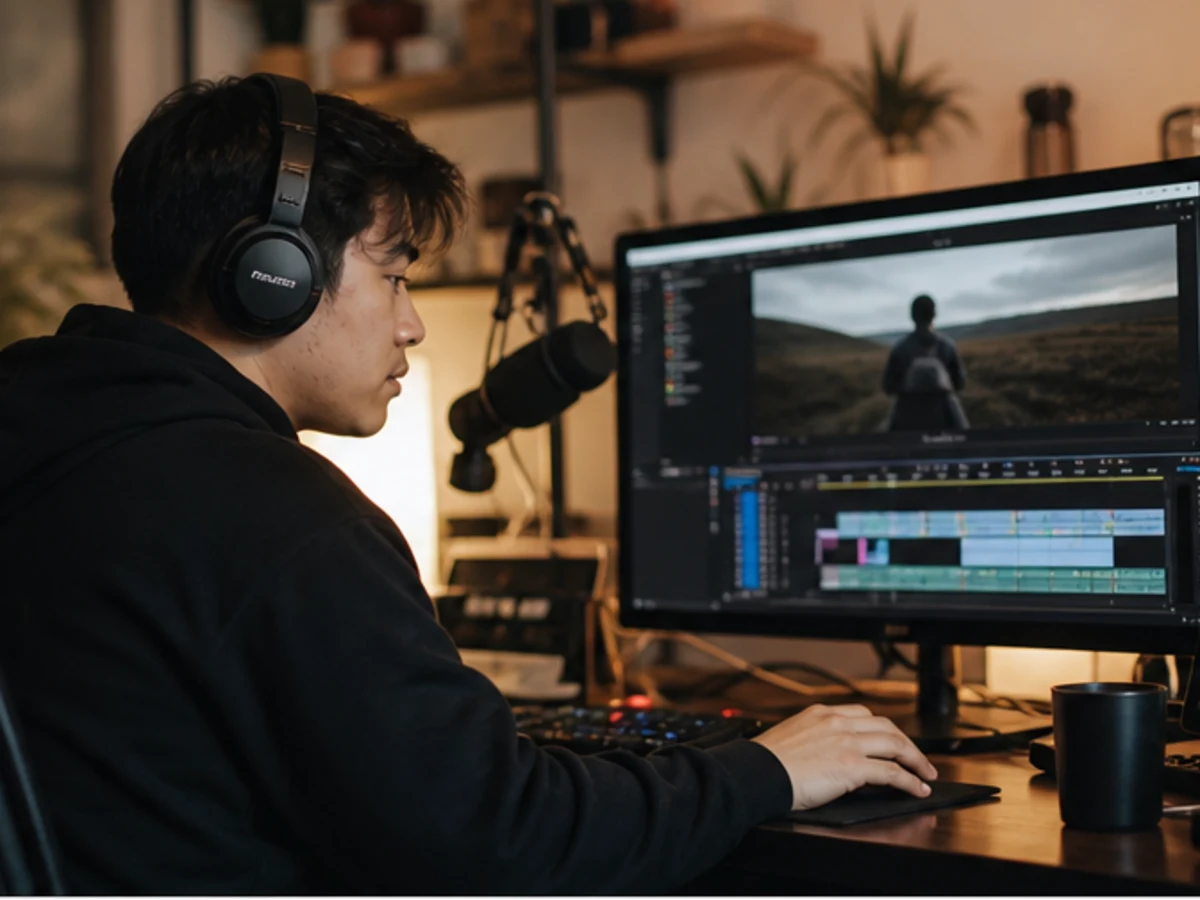
Describe the scene, pace, emotional arc, and where the music should build or recede for an edit, spoken segment, trailer, or playable moment.
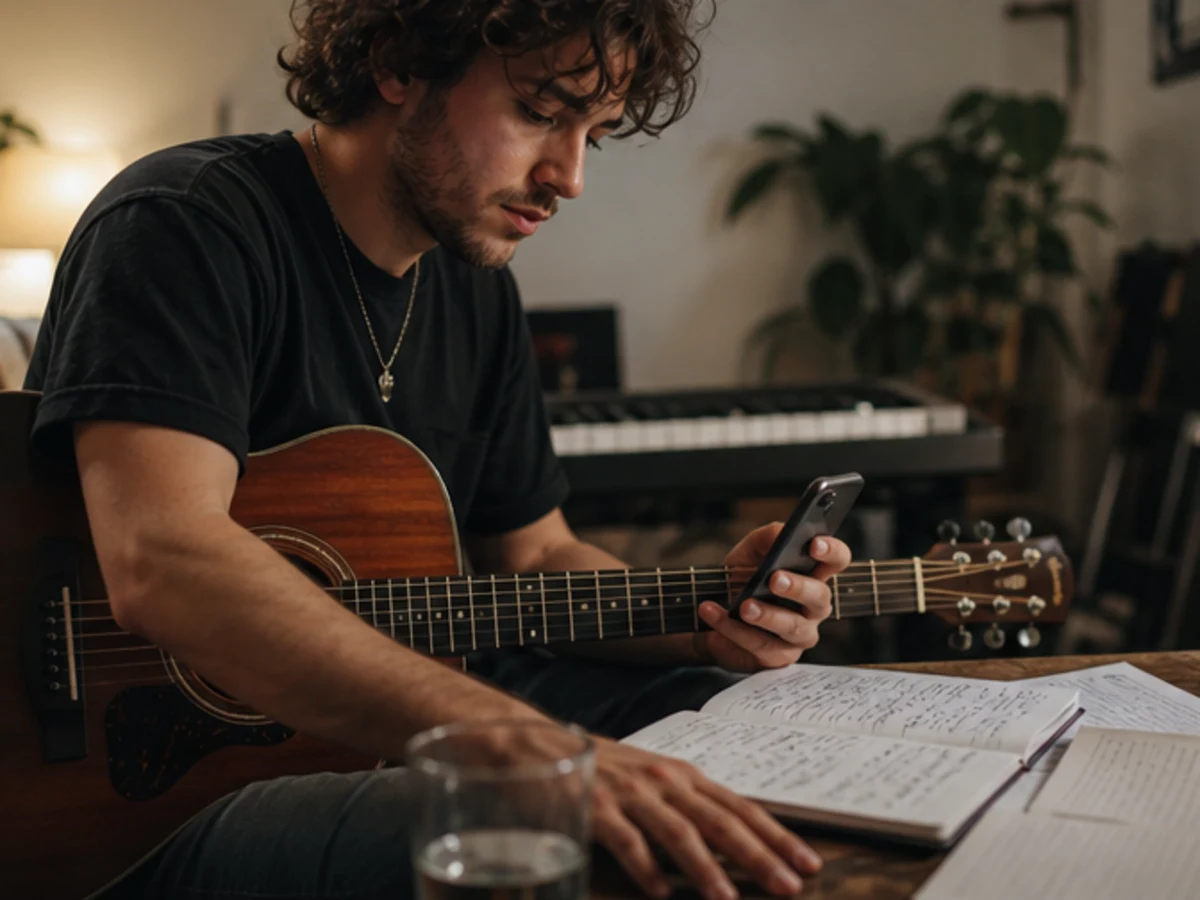
Explore themes, hooks, structures, and musical treatments before finalizing the lyric. A draft that turns words into a song can test the premise as folk, pop, rap, or another form.
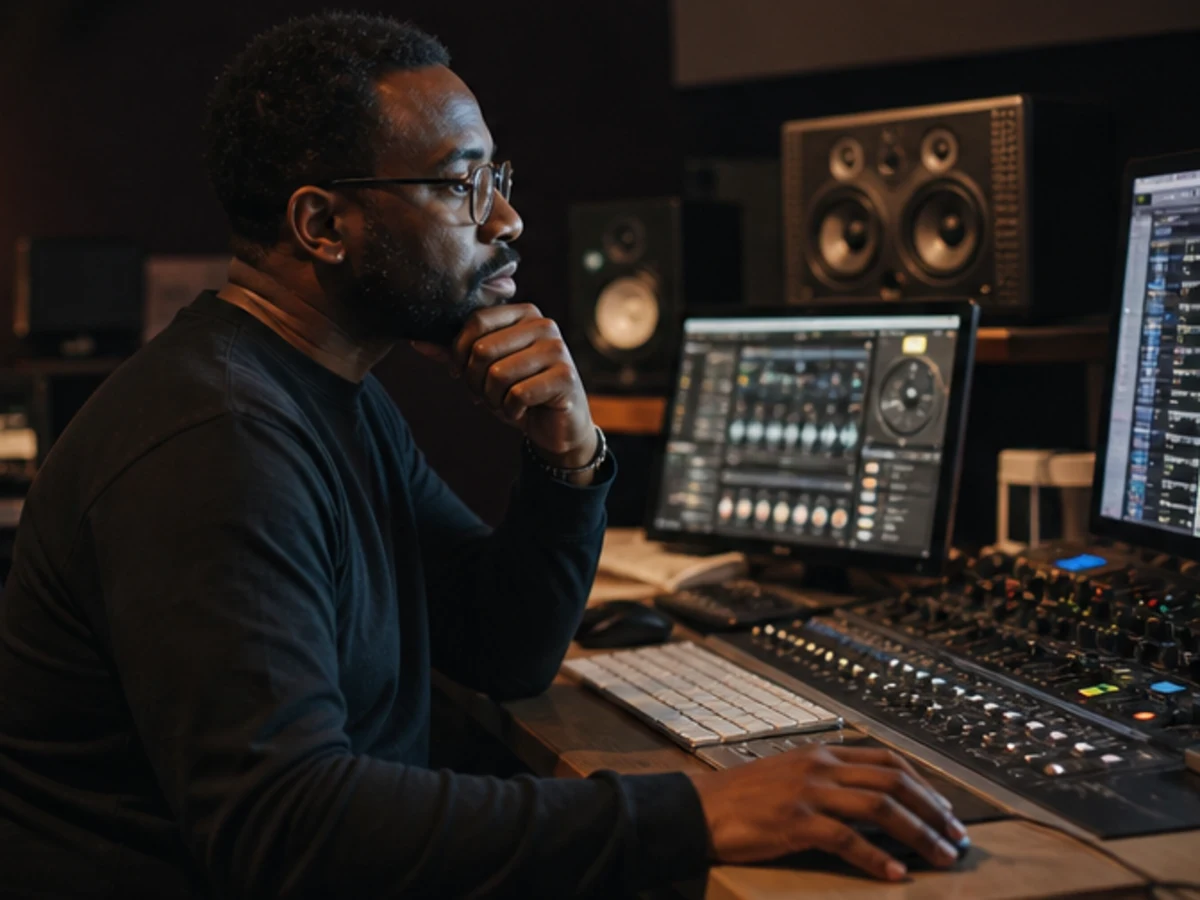
Turn production briefs into reference tracks, compare interpretations with collaborators, and export stems for arrangement studies, presentations, or further DAW production.
Tracks stay in your workspace for continued work. Downloads depend on your plan, and commercial use is governed by the applicable agreement.
Keep versions in your library, favorite useful takes, and return to their workspace to review the brief, branches, and production assets.
Paid plans include audio downloads for moving a selected version into an editor, DAW, video timeline, presentation, or publishing workflow.
Pro and Ultra users can download a personalized commercial license agreement. You remain responsible for rights to every text, lyric, audio file, or reference supplied.
Use Lacuna's broadest creation workflow when you want to move among complete songs, standalone vocals, beats, and instrumentals.
Focus on a complete vocal song, then remix, extend, split stems, and master it on the same creative canvas.
Turn finished lyrics into melody, vocals, harmony, and arrangement.
Develop a theme into structured lyrics with rhyme, syllable, and line-level writing tools before producing the music.
Turn a subject, point of view, flow, and beat direction into a complete rap track rather than a general song draft.
Build a country song around a story, era, and sound.
Turn a brand, product, and slogan into a memorable jingle.
Create a birthday song from the person and your shared story.
A text-to-song generator turns a written creative brief into music. Describe the subject, mood, genre, instruments, vocals, or intended use, and Lacuna creates a complete song or instrumental without music notation.
Not automatically. Your prompt describes the song, so production instructions do not need to be singable. Ask the Agent to write lyrics, paste your own in Custom mode, or use the existing-lyrics workflow for exact wording.
One clear sentence is enough. Add the subject, mood, genre, instruments, vocal character, or use only when it matters. Leaving choices open gives the model room to interpret.
Yes. Give the Agent a story, point of view, emotional turn, or hook premise to develop into original lyrics.
Yes. Choose Instrumental and describe the scene, energy, pacing, instruments, and intended use. A text-to-music generator interprets those details as production direction without adding a sung vocal.
Choose Aether for broad styles and advanced controls, Reverie for close lyric adherence, or Echo for a structured song up to three minutes. Check the selector for current language and capability details.
No. Length depends mainly on lyric amount and structure. Describe the arrangement and provide a complete lyrical structure for a fuller song.
Yes. Compare canvas versions, remix the full track, use supported extension or section editing, split stems, master, regenerate cover art, and share the selected result.
Yes. Sign-in includes complimentary monthly credits; audio downloads require a paid plan.
Pro and Ultra users can download a personalized commercial license agreement. Usage depends on that agreement and your rights to every input, so review it before publishing or monetizing.
Describe the idea in your own words, choose how much control you want, and turn the brief into music with Lacuna.