01
Songwriters
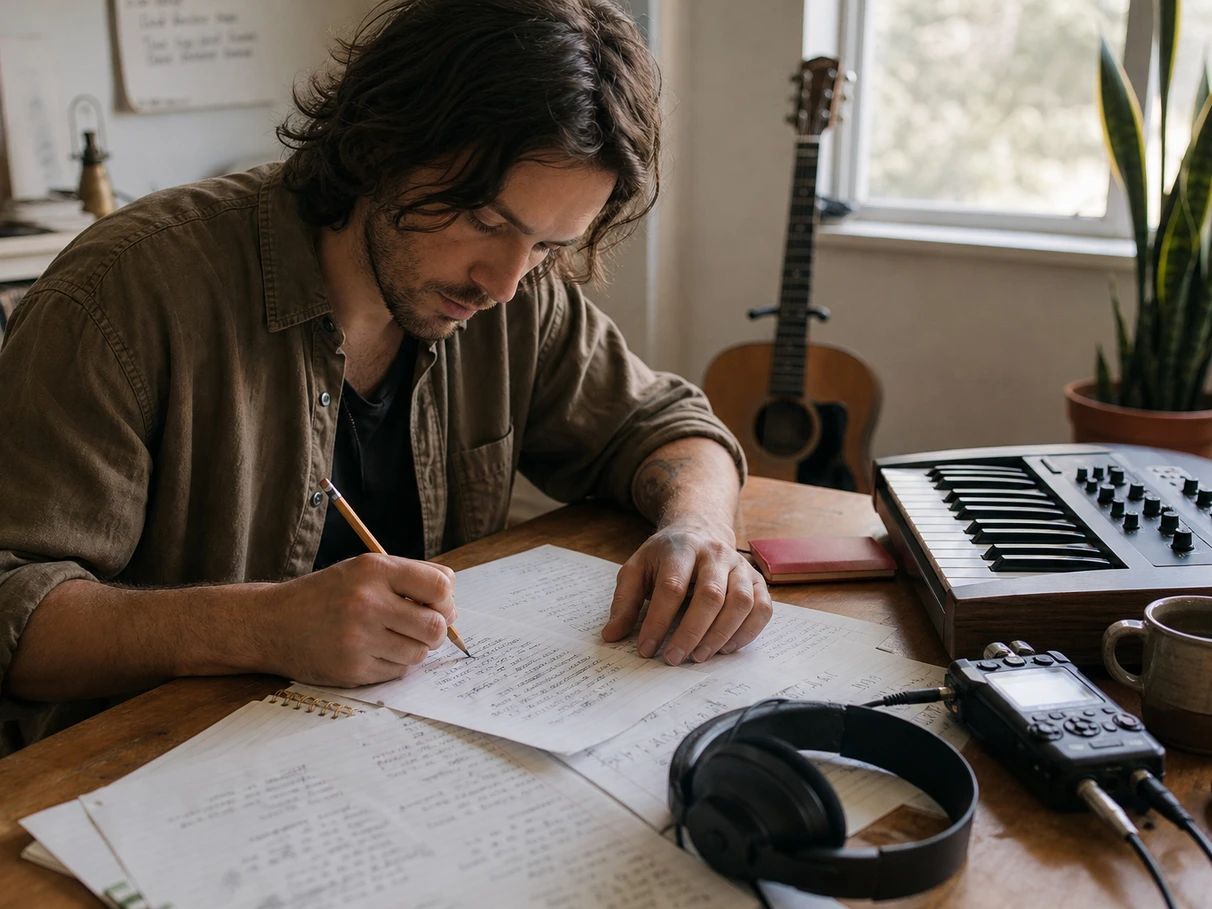
Beat writer's block with a co-writer that drafts, then get surgical: tune one line, keep the rhyme scheme honest, and hear the song sung back before you commit to it.
A feeling, a story, a late-night thought — let's turn it into lyrics.
Type the idea — a feeling, a scene, a memory — and get a full set of lyrics with proper section tags. Or start from a Pop, Hip-Hop, Rock, Ballad, or R&B structure and fill in the blanks yourself.
Work line by line: syllable counts in the margin, rhyme scheme colored in, rhymes on hover. Ask the chat to sharpen one line, rewrite a verse, or change the whole angle — every edit lands in the document.
Send the finished lyrics straight to the music generator and get a full track with AI vocals singing your words. Your section tags carry over, so verses and choruses land where you wrote them.
Whether you're writing your first chorus or your fiftieth topline, the workspace bends to how you write.
Beat writer's block with a co-writer that drafts, then get surgical: tune one line, keep the rhyme scheme honest, and hear the song sung back before you commit to it.
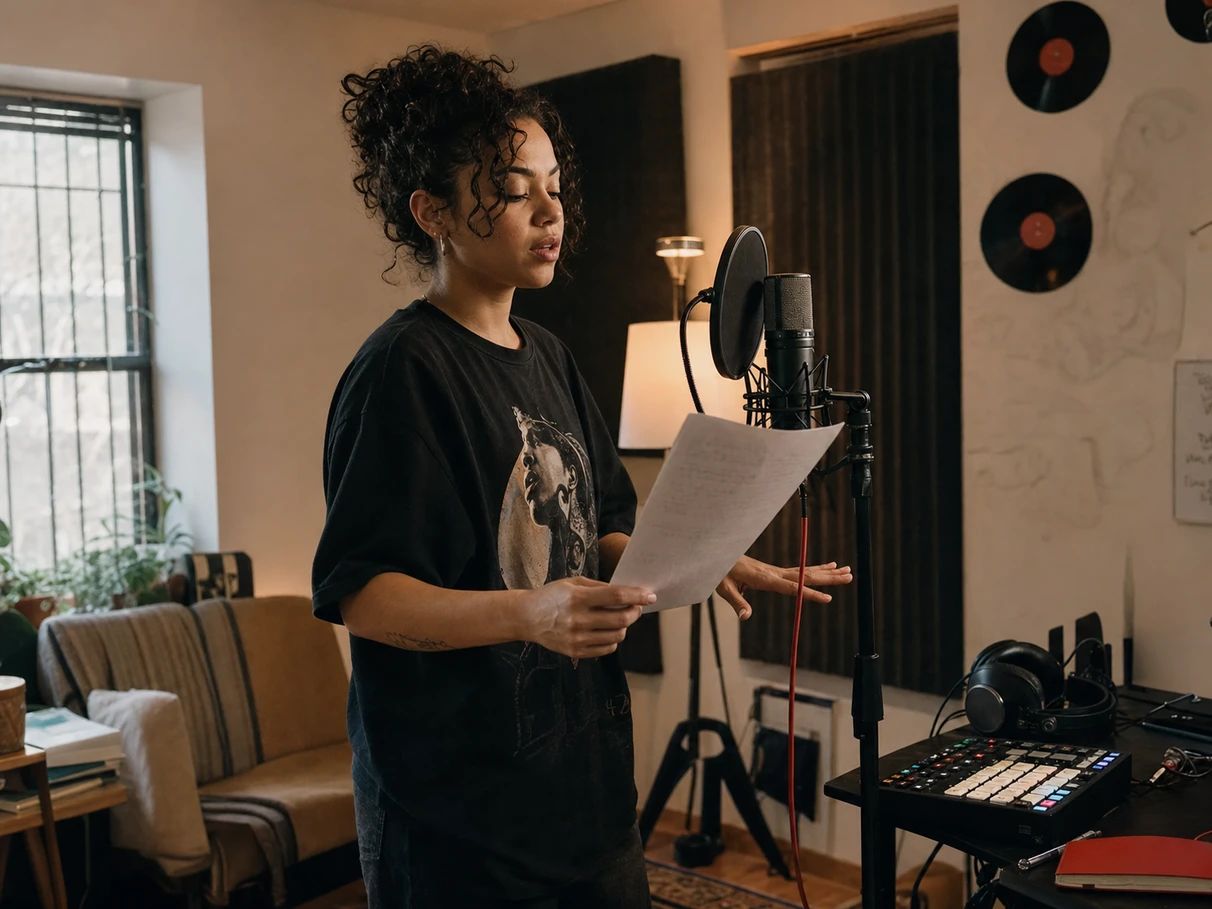
Multis and internal rhymes are the point, so the editor shows them: hover for slant rhymes, watch the scheme color in, and keep bars on the syllable count your flow needs.
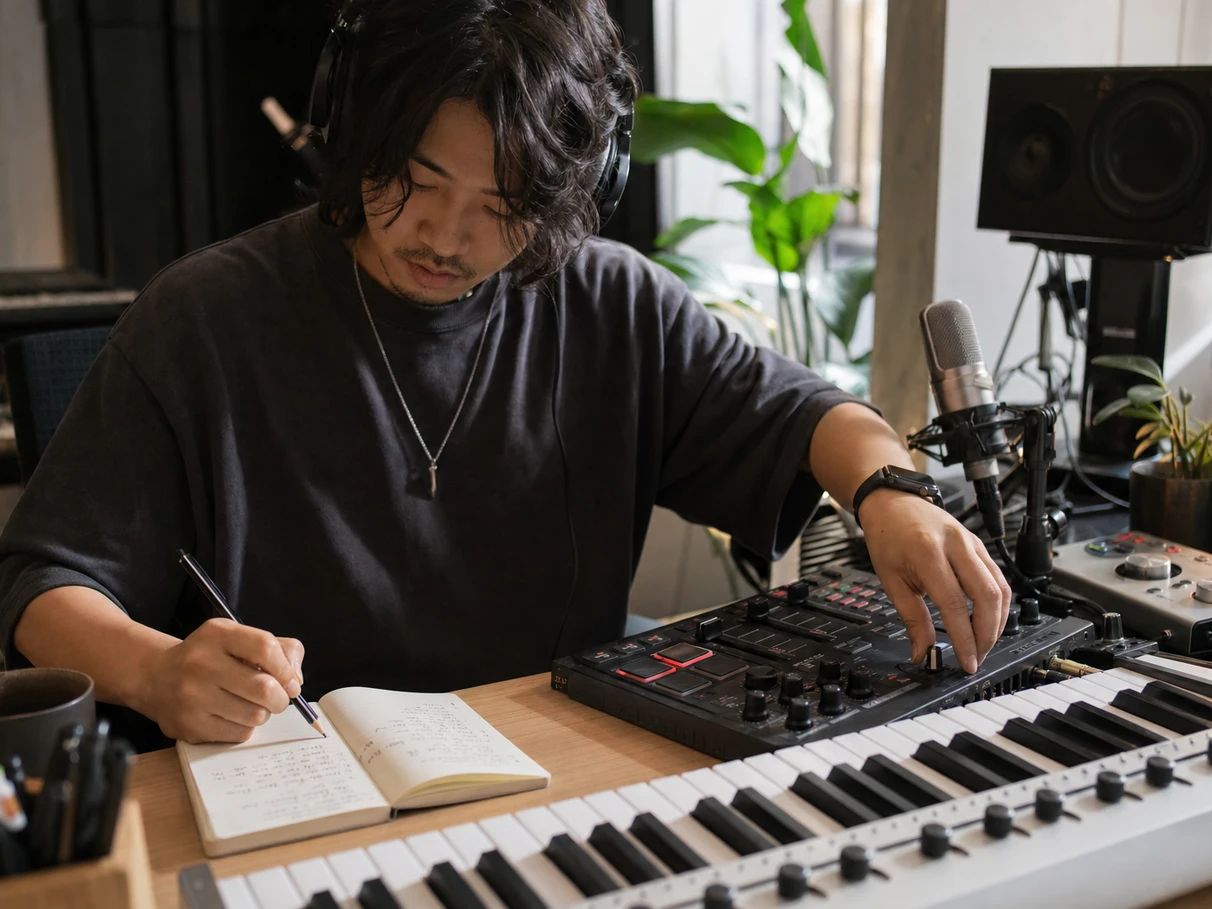
Have the beat but not the words? Sketch placeholder lines where the melody is, fill them in later, and turn the finished lyrics into a reference vocal without leaving the tab.
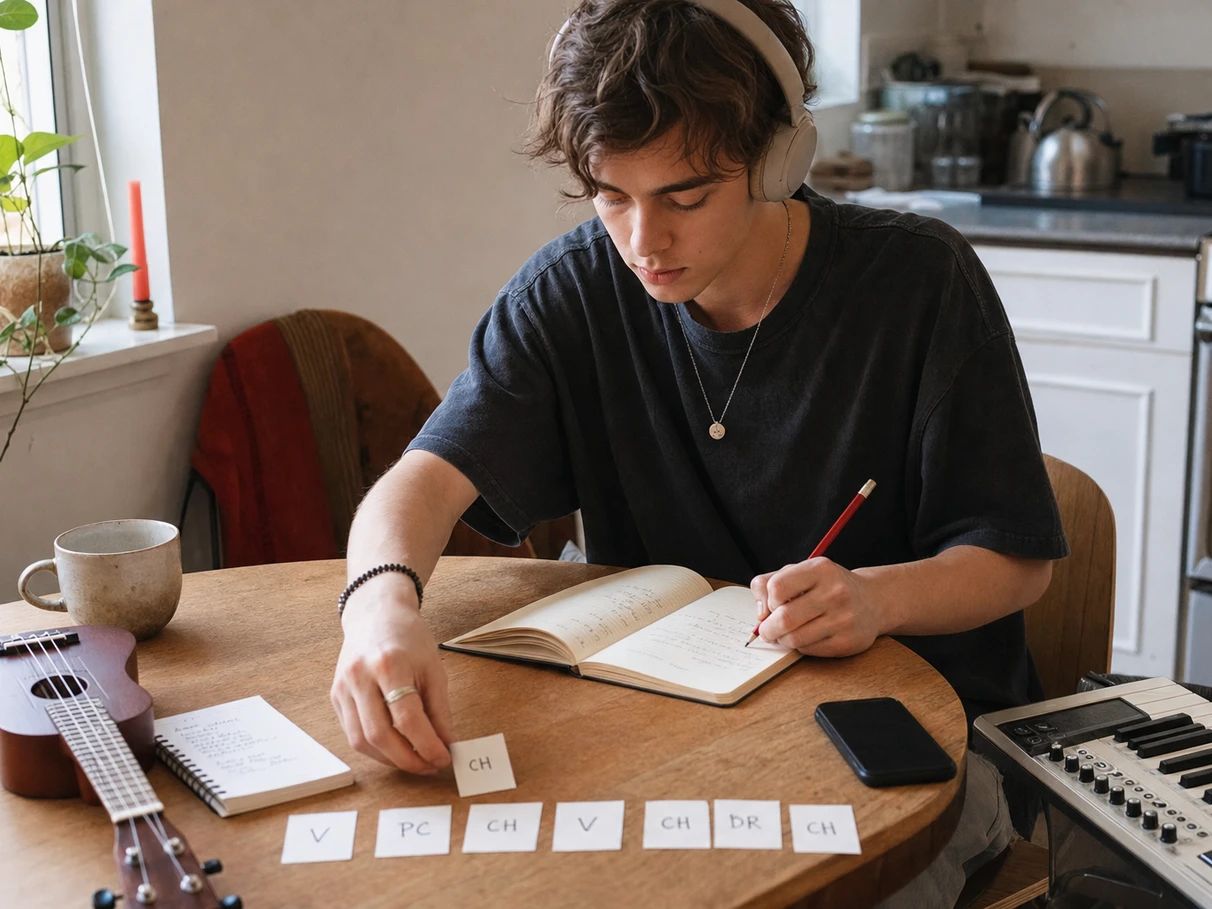
Start from a structure template so the song has a shape, let the AI draft, then change the words that don't sound like you. Nothing here assumes you know what a pre-chorus is.
Describe your song idea in plain language — a feeling, a story, a title — and the AI writes a complete set of lyrics with section tags like Verse, Chorus, and Bridge. From there it's an editor: rewrite any line, ask for a new verse, or type over the words yourself.
Yes — Lacuna is free to start. You get monthly credits that cover writing and editing lyrics, and you only need to upgrade when you want more volume or want to generate a lot of full tracks.
Yes. Lyrics you generate and edit are yours to record, release, and use commercially. They're written fresh for your prompt, not retrieved from existing songs.
Yes. The workspace runs in nine languages, and the rhyme engine uses real phonetics for English, Spanish, Chinese, Japanese, and Korean — with orthographic fallbacks for French, German, and Portuguese.
Each line is counted by the phonetic engine for the language you're writing in — English uses the CMU Pronouncing Dictionary. The count updates as you type, so you can shape lines against a melody instead of guessing.
That's the point of writing them here. One click sends your lyrics to Lacuna's music generator and returns a full track with AI vocals — verses, choruses, and bridges land where your section tags say they should.
Absolutely. Start from a blank structure template and type. The syllable counts, rhyme highlighting, and rhyme lookup all work on lyrics you wrote yourself — the AI only steps in when you ask it to.
Write it, sharpen it, and hear it sung — free to start.