01
Singers & cover artists
Drop the vocals for a clean backing to sing over, or isolate the acapella and learn the part from the original.
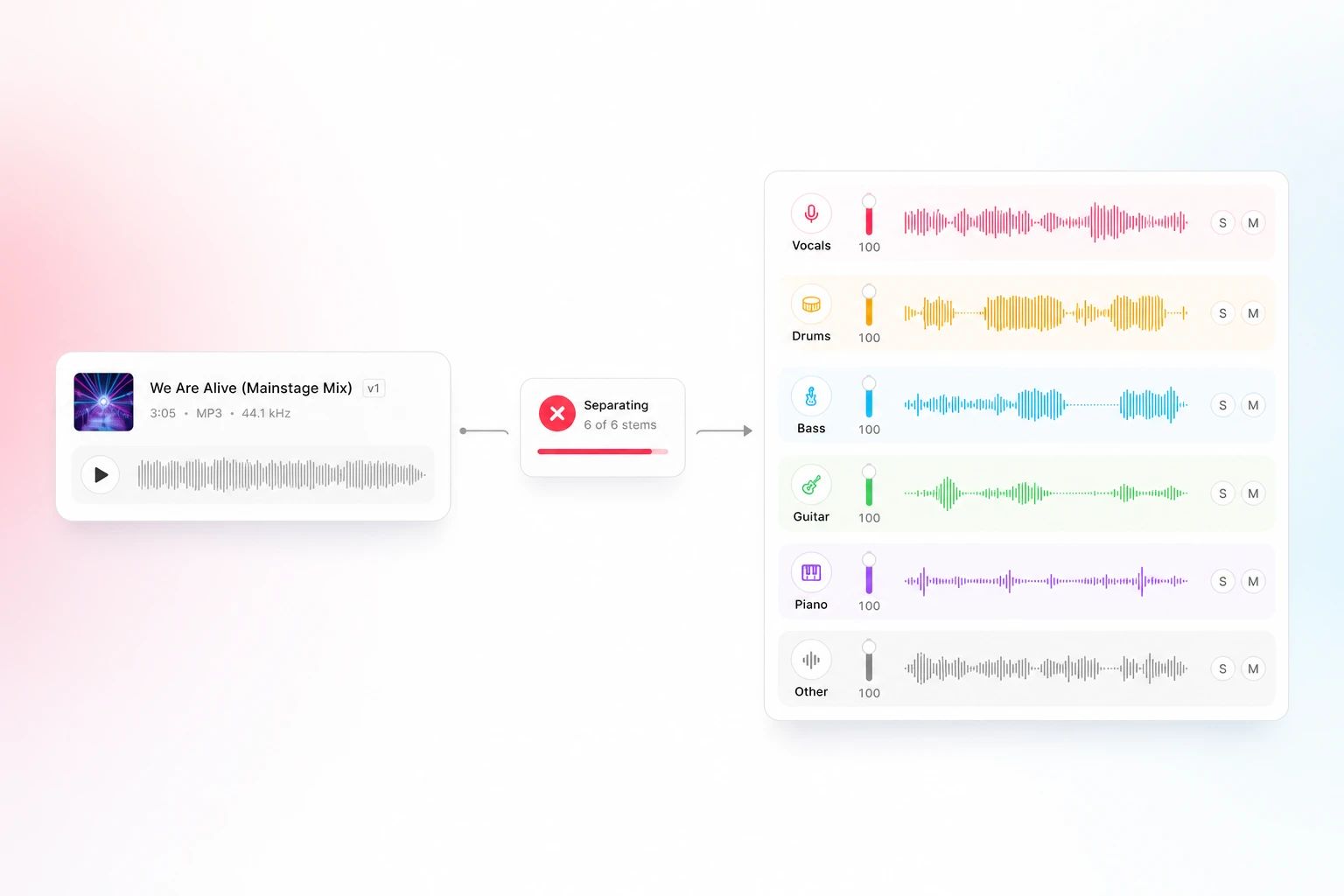
Split into vocals, drums, bass and other instruments.
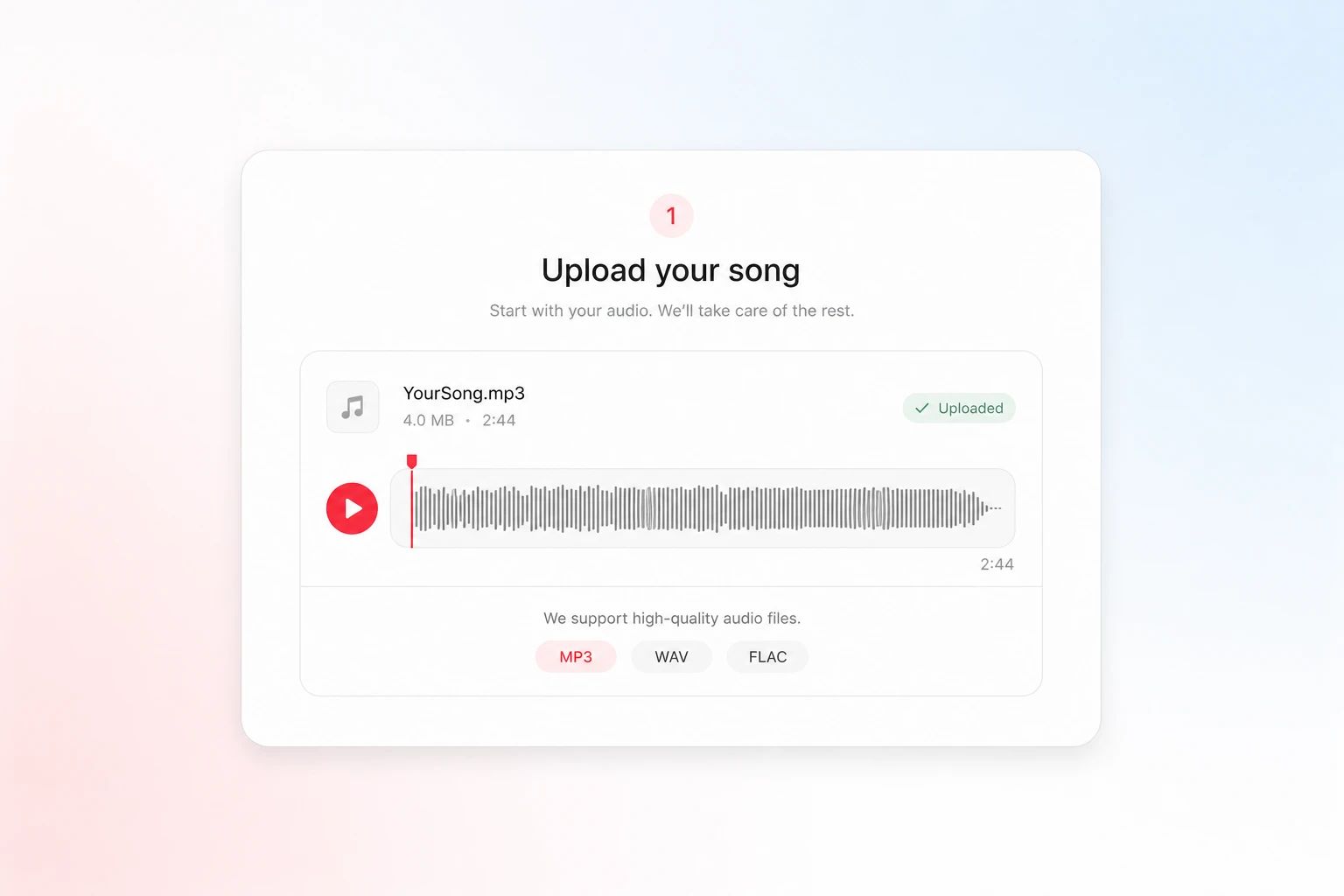
Drop in any MP3, WAV or FLAC. Your file uploads privately and processes in the cloud — nothing to install.
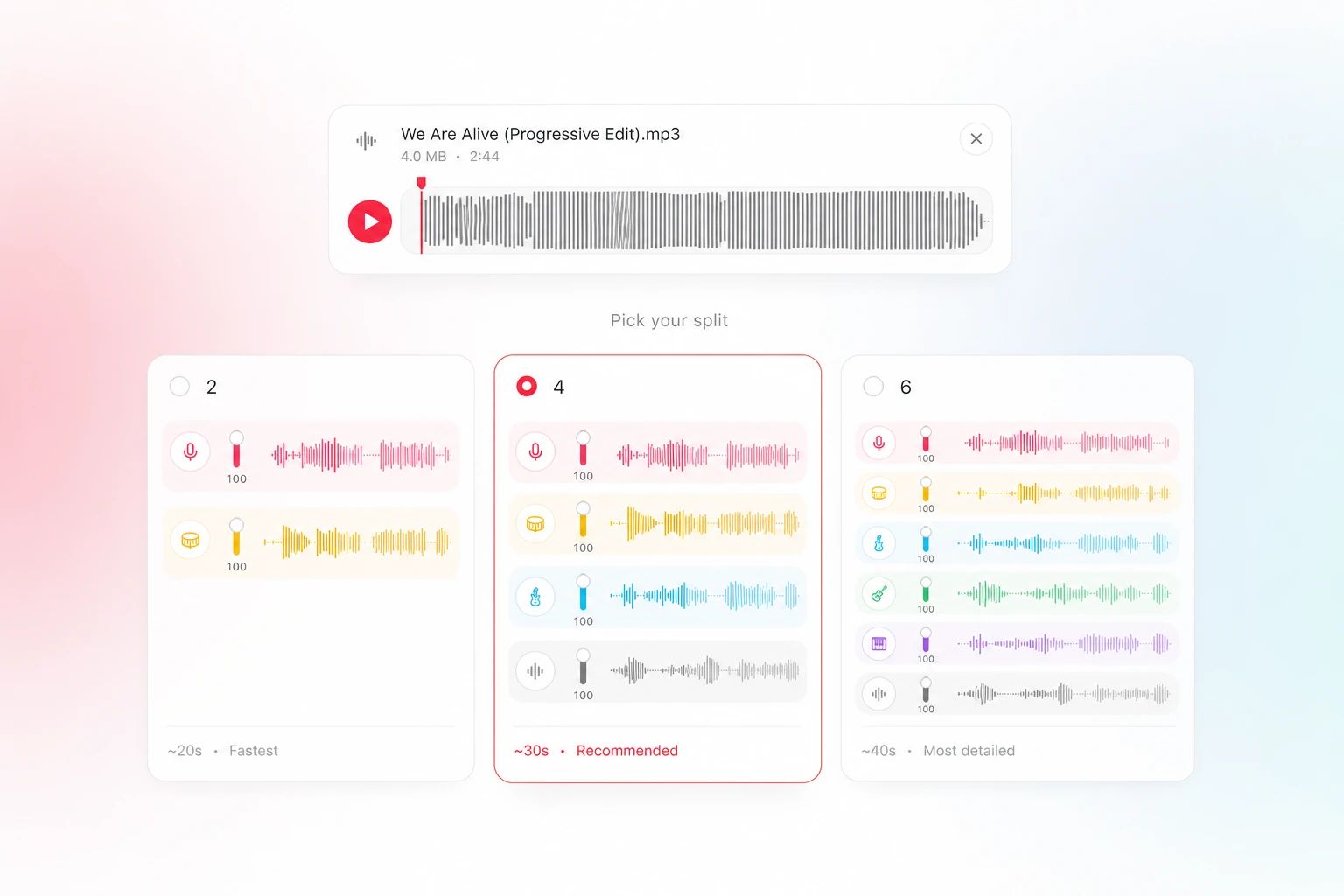
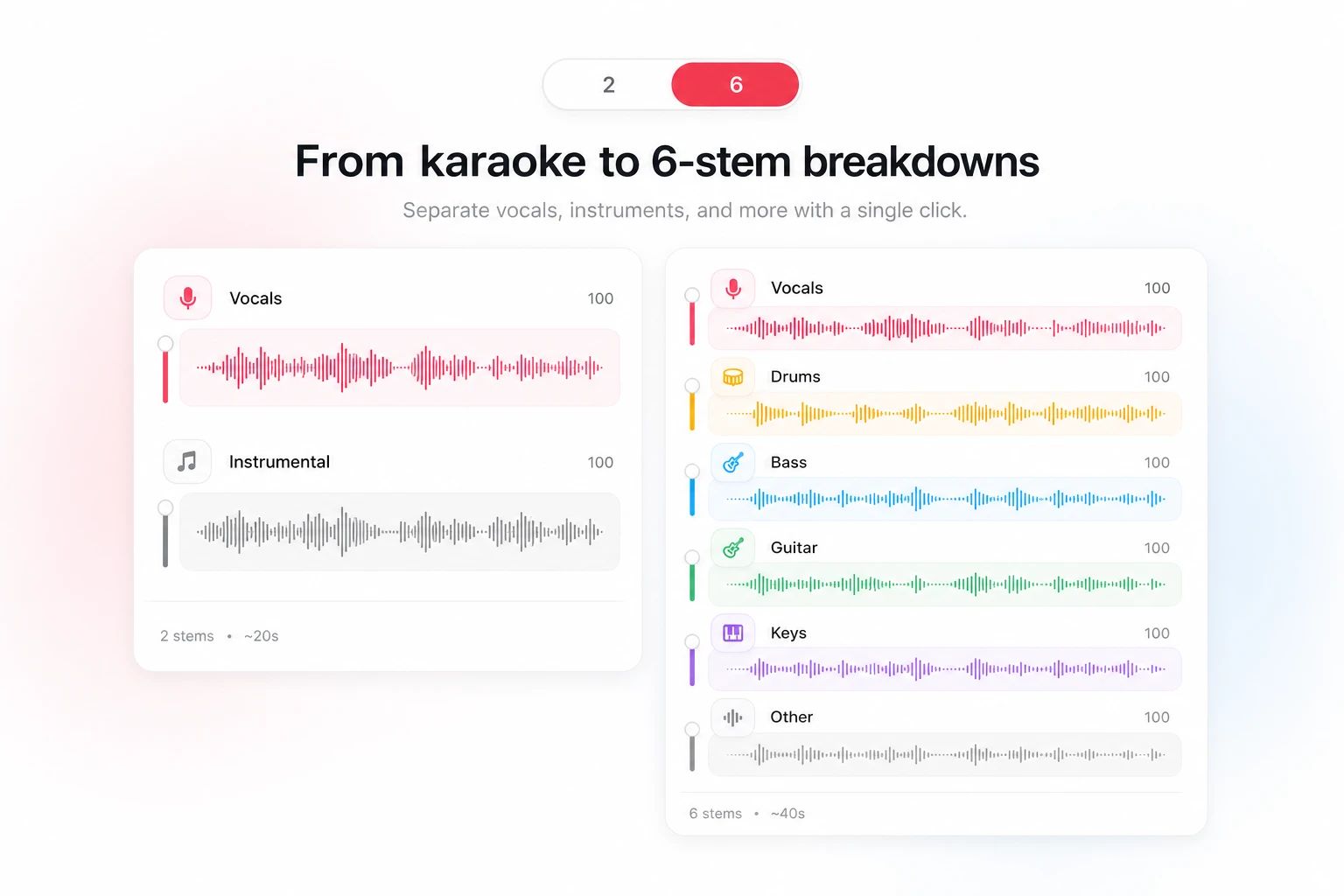
Choose 2 stems for vocals and instrumental, 4 for vocals, drums, bass and other audio, or 6 to add separate guitar and piano.
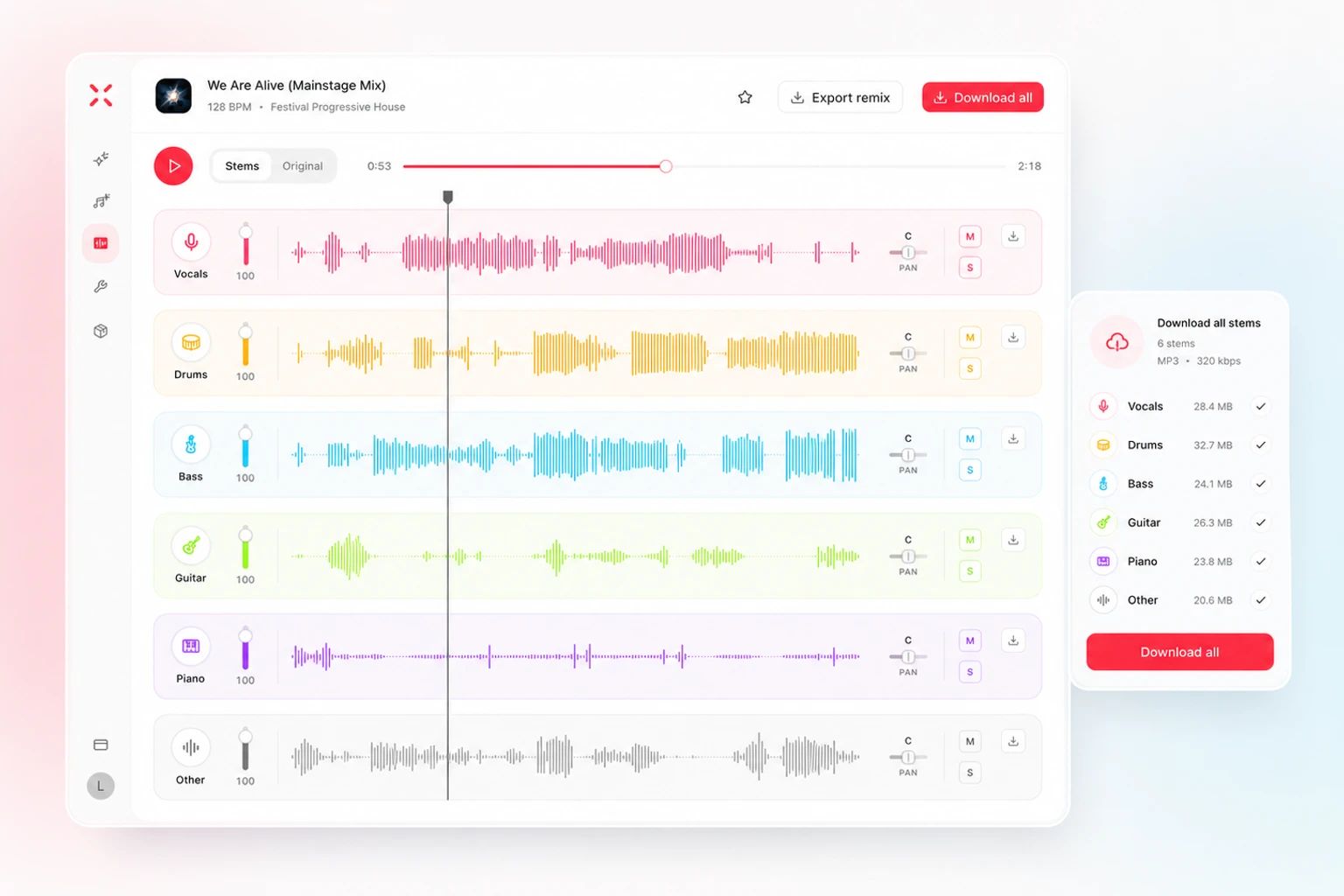
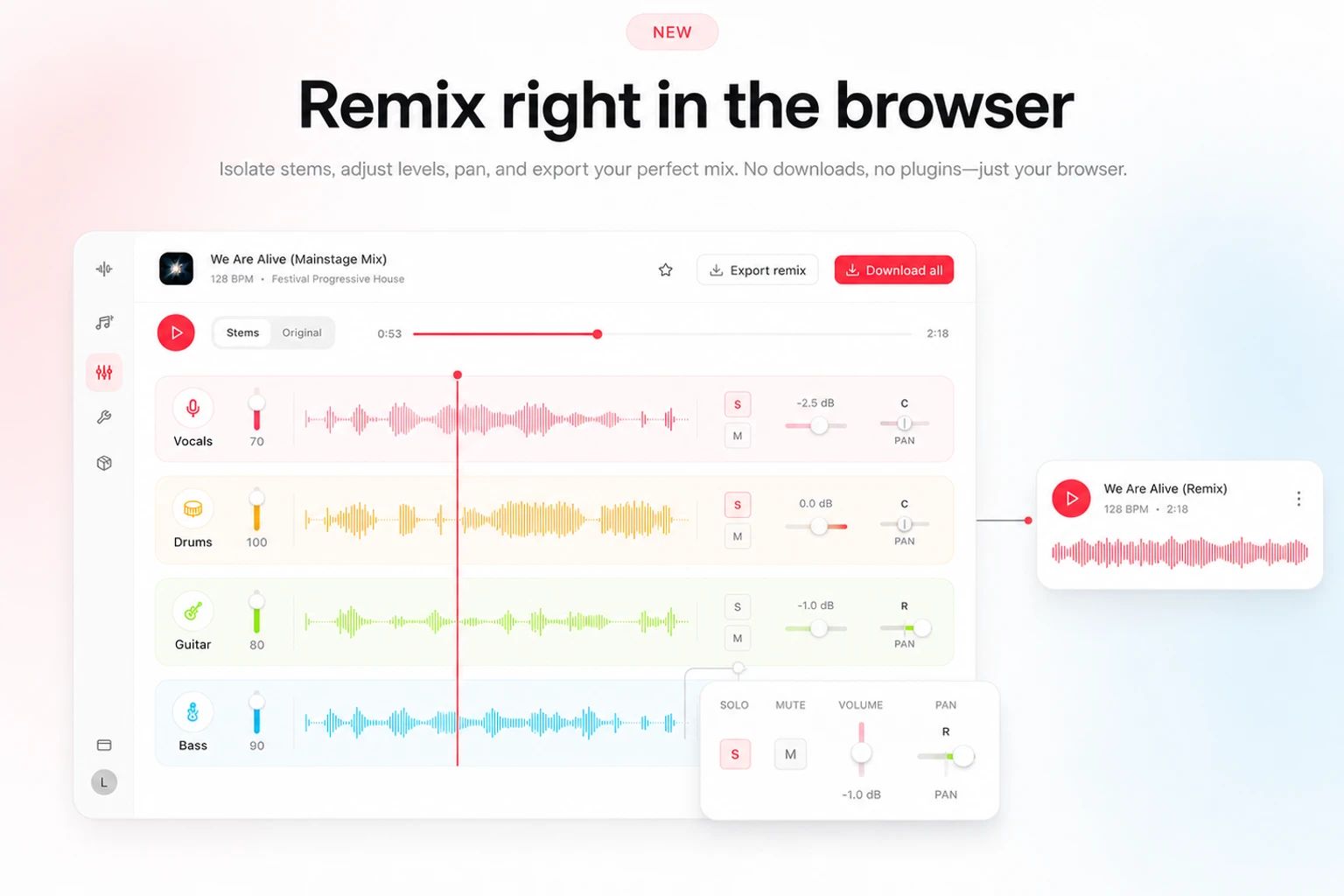
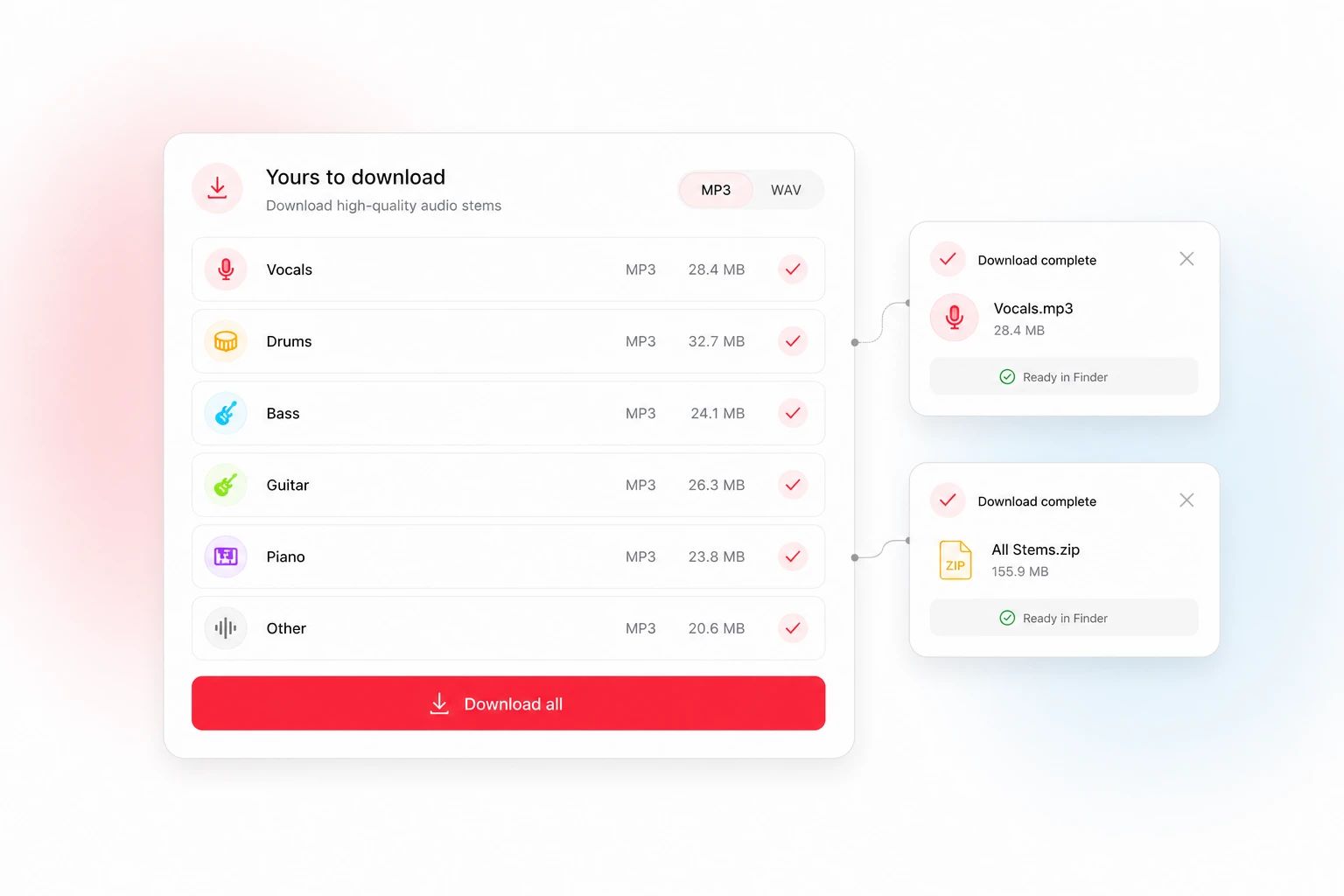
Preview each stem, remix them in the built-in mixer, then download the parts you need as MP3 or lossless WAV.
Singers, producers, musicians and creators use stems to sing over, sample, learn, and score — Lacuna gets you there in one upload.
Drop the vocals for a clean backing to sing over, or isolate the acapella and learn the part from the original.
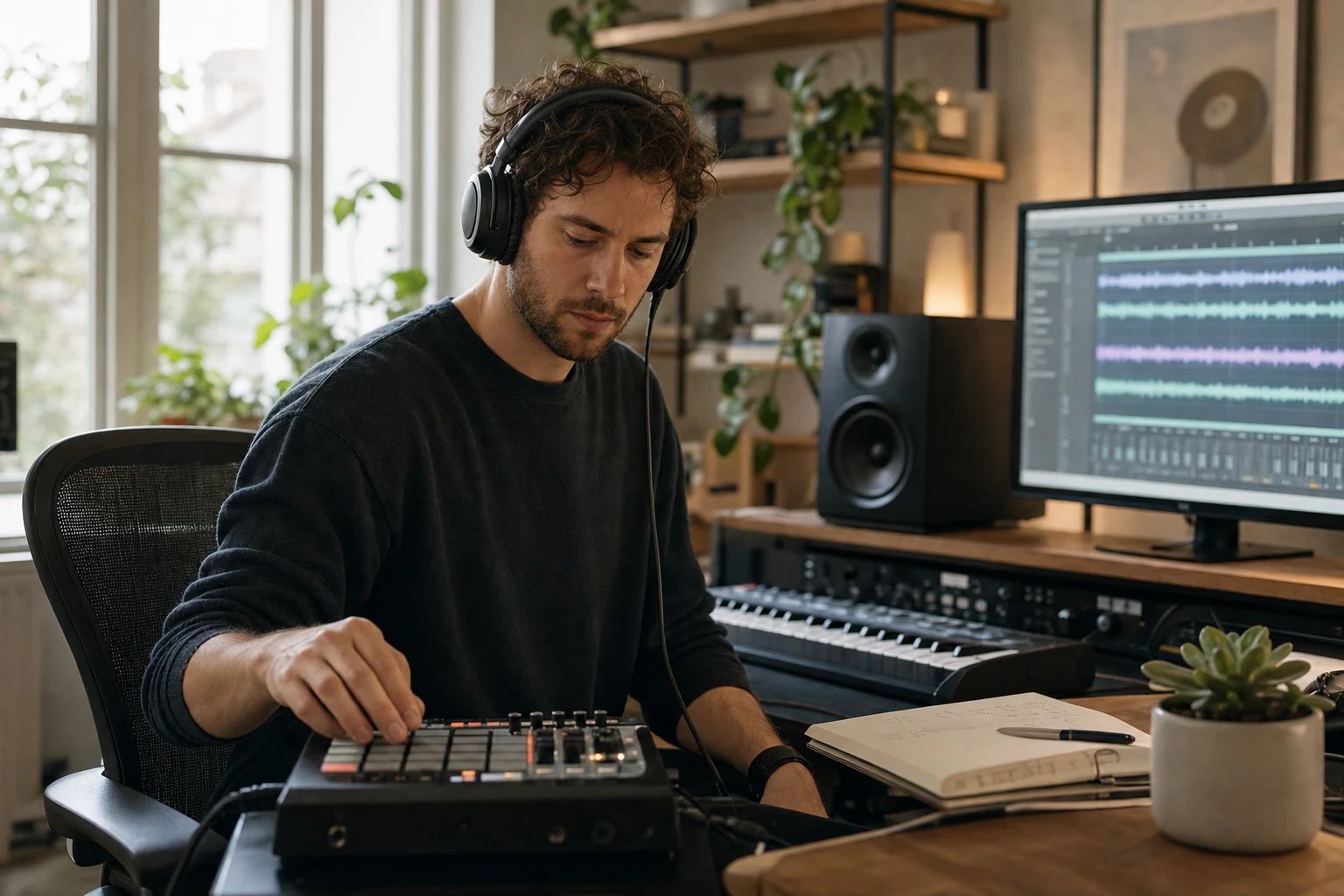
Pull drums, bass and melodies out of any track to sample, flip and rebuild into something of your own.
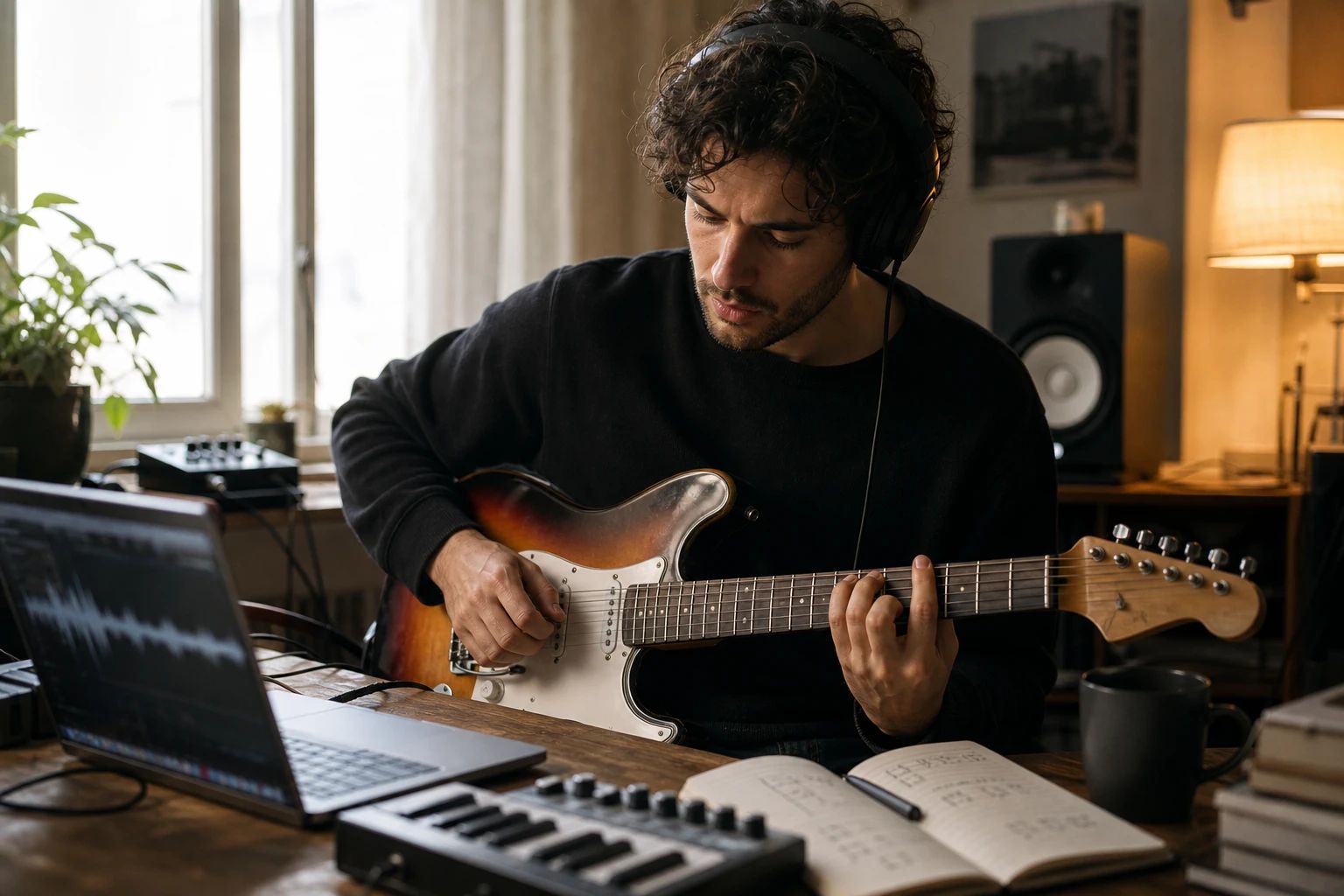
Isolate the guitar, piano or bass line to learn a part by ear or slow it down for practice.
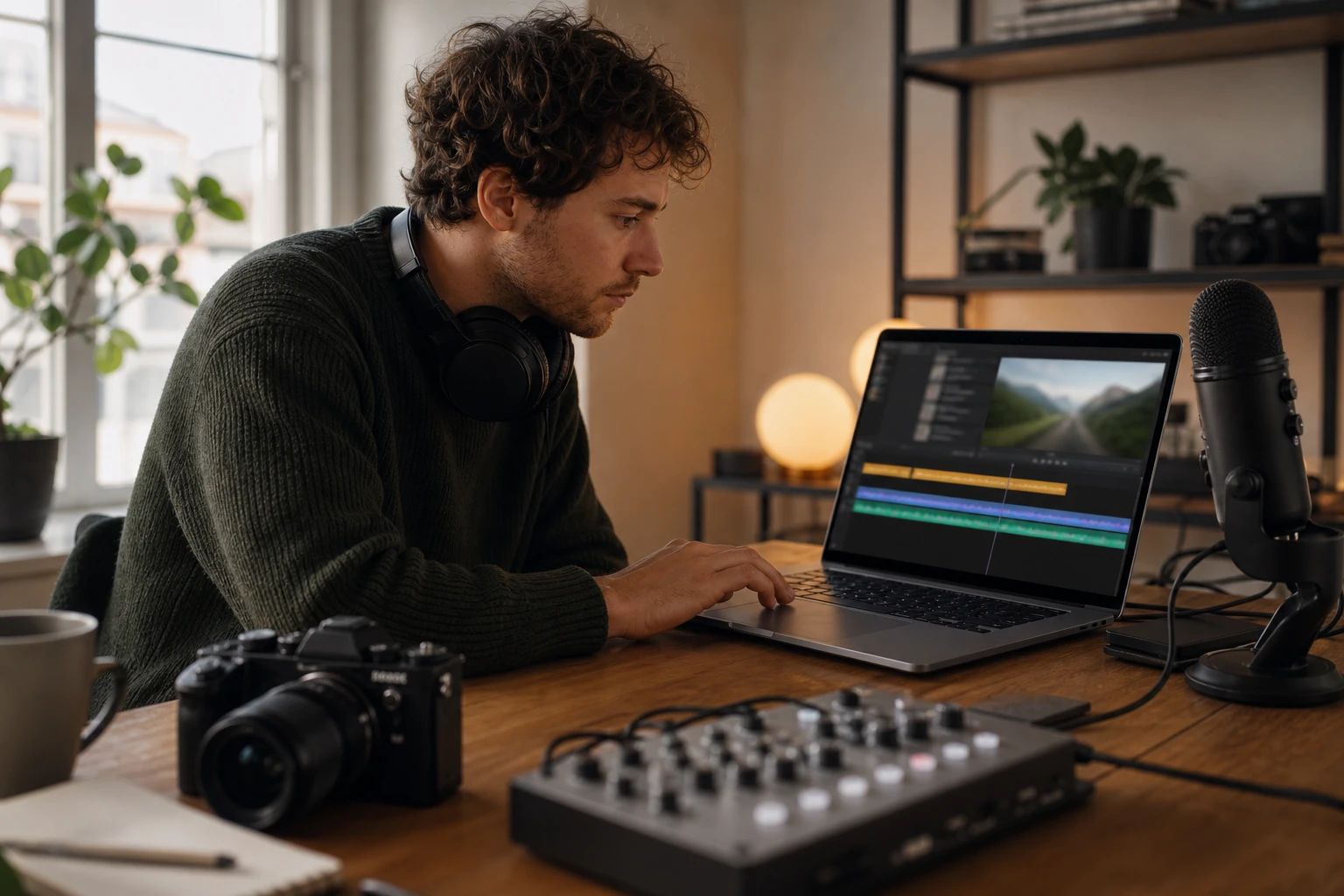
Lift a clean instrumental for videos, podcasts and streams without the vocals getting in the way.
A stem splitter, also called a stem separator or song splitter, uses AI to estimate the vocal and instrument parts in a finished recording. Choose 2, 4 or 6 stems, then preview, mix and download individual audio files for remixes, sampling, covers or practice.
Upload any MP3, WAV or FLAC, choose how many stems you want (vocals + instrumental, 4 stems, or 6 stems), and hit Separate. Preview, mix and download the stems once they're ready.
Pick the vocals + instrumental split and that's exactly what you get — a clean backing plus the isolated acapella, nothing else to wade through. There are also pages set up end to end for that one job: Vocal Remover when you want both sides, Karaoke Maker when you're going to sing over it, Instrumental Maker when you're building on the backing.
Two (vocals + instrumental), four (vocals, drums, bass, other), or six (which adds separate guitar and piano). Pick the breakdown that fits what you're building.
MP3, WAV, FLAC, AAC, M4A and OGG, up to 50 MB and 12 minutes per track. You can export your stems as MP3 or lossless WAV.
You get monthly credits free to start, so you can split songs at no cost. Larger splits and heavier use draw more credits, and you can top up any time.
You keep the stems you generate. Just note that separating a copyrighted song doesn't grant rights to the original recording — make sure you have permission for whatever you release.
Upload a track and hear every part on its own — vocals, drums, bass and more. Free to start.