
01
Independent artists
No label, no mastering budget, a release date looming. Point the AI at a song that sounds the way you want, and hit distribute with a master that holds up next to it.
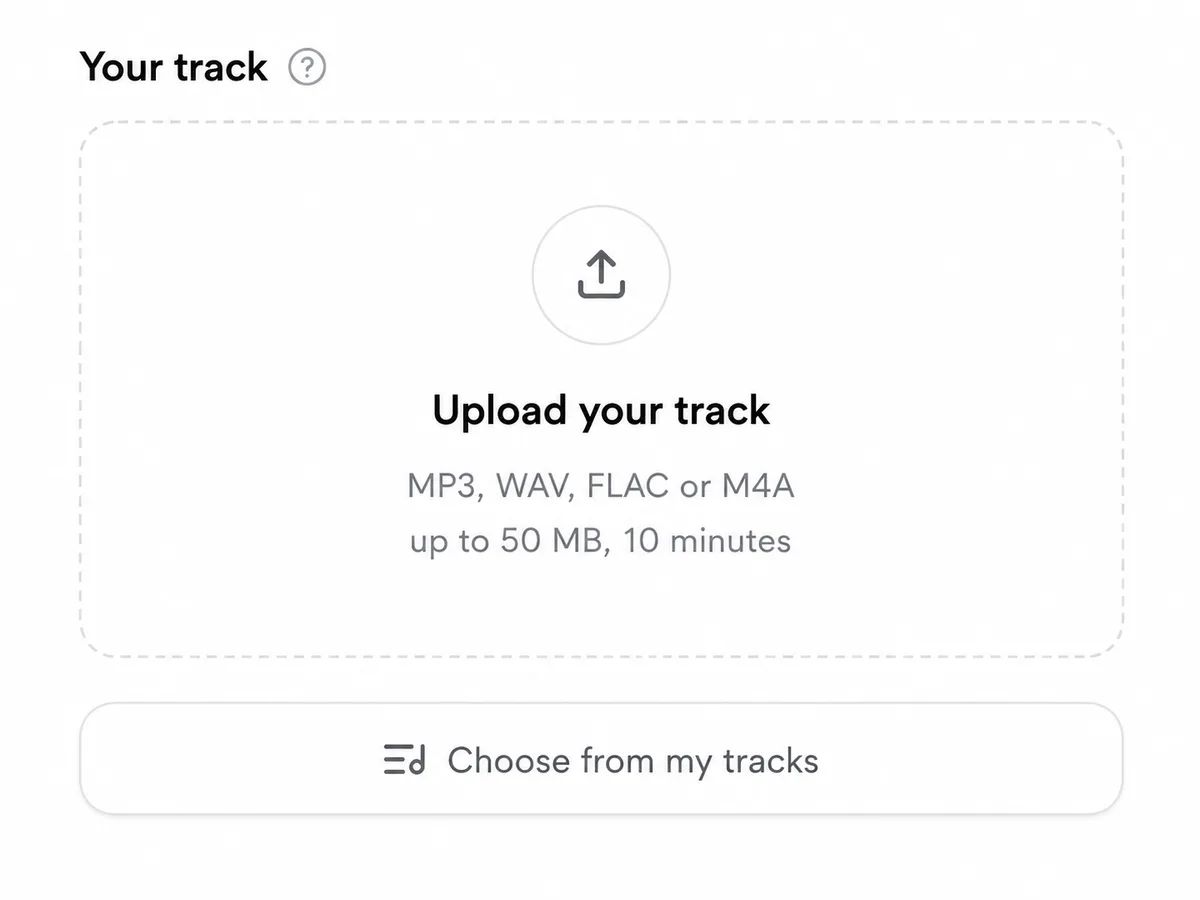
Drop in your finished mix — MP3, WAV, FLAC or M4A. It stays private and is auto-deleted from storage after 30 days.
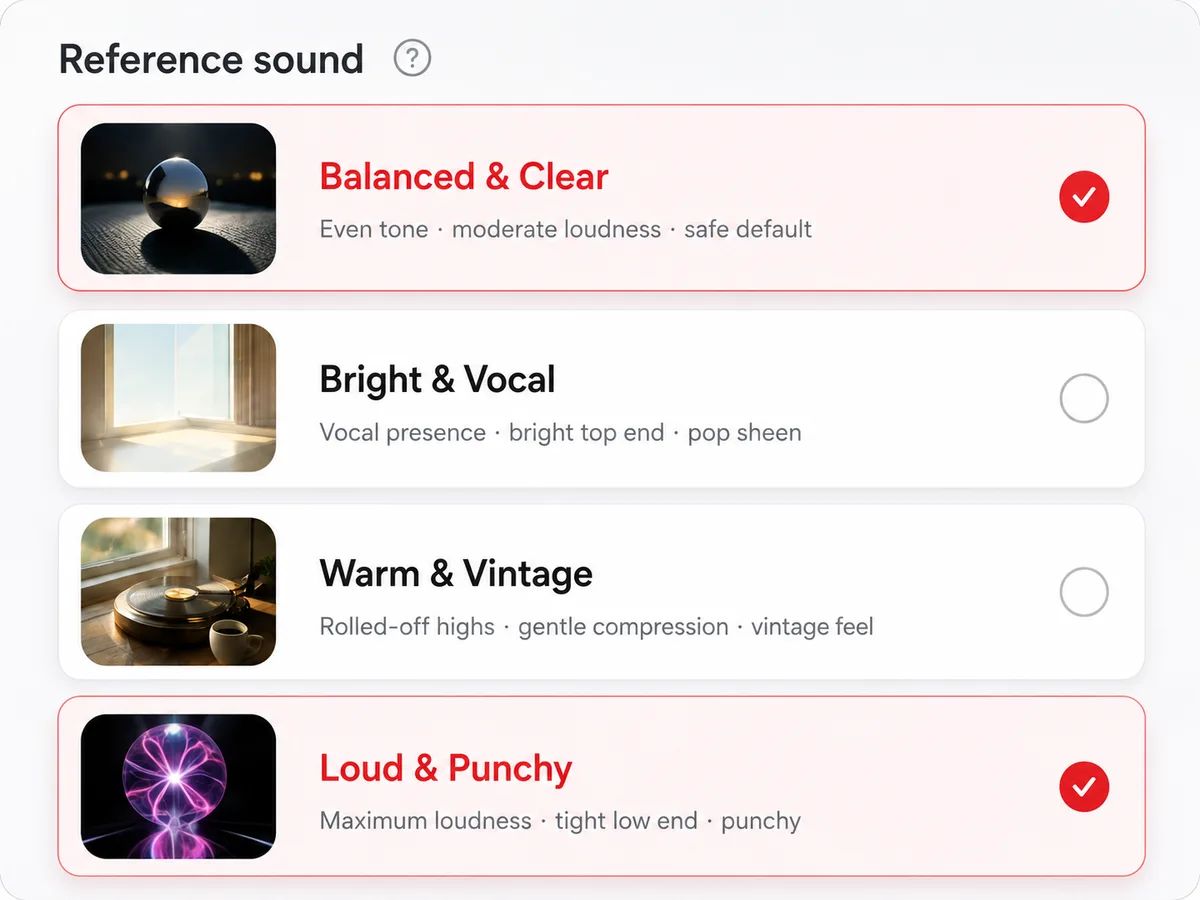
Pick a professionally mastered song with the sound you want. The AI analyzes its loudness, EQ balance, stereo width and dynamics.
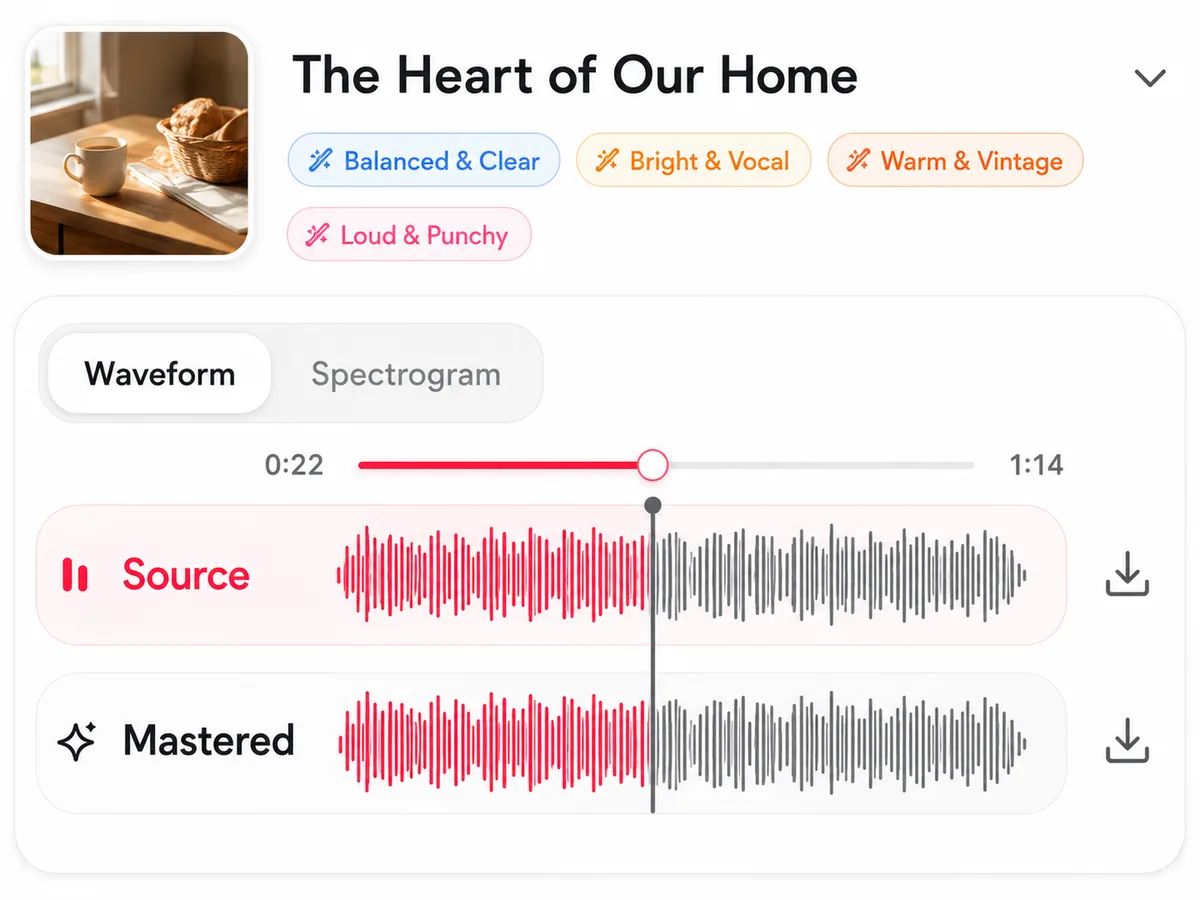
The engine matches your track to the reference and delivers a release-ready master — download as WAV or MP3, and A/B it against the original.
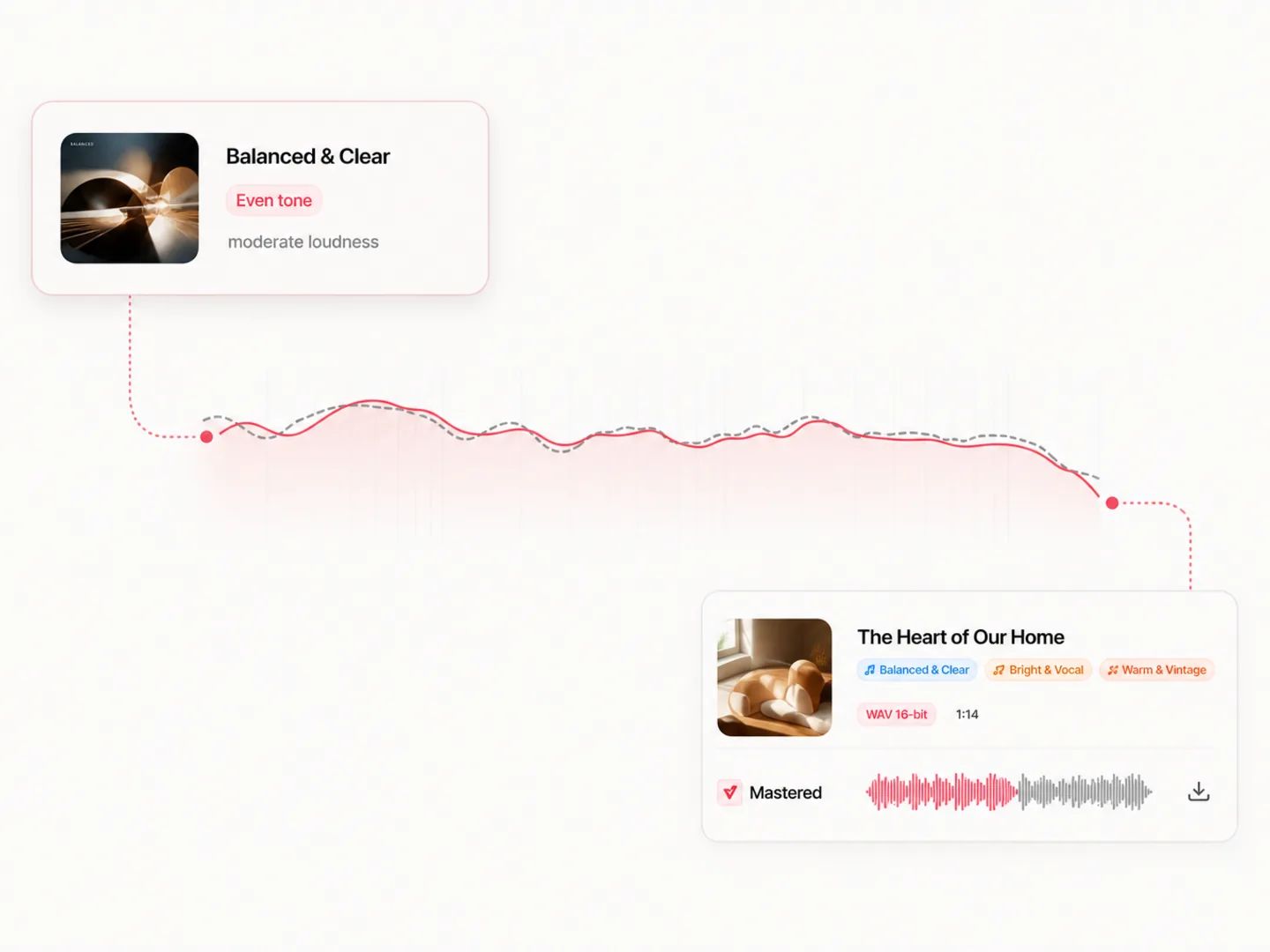
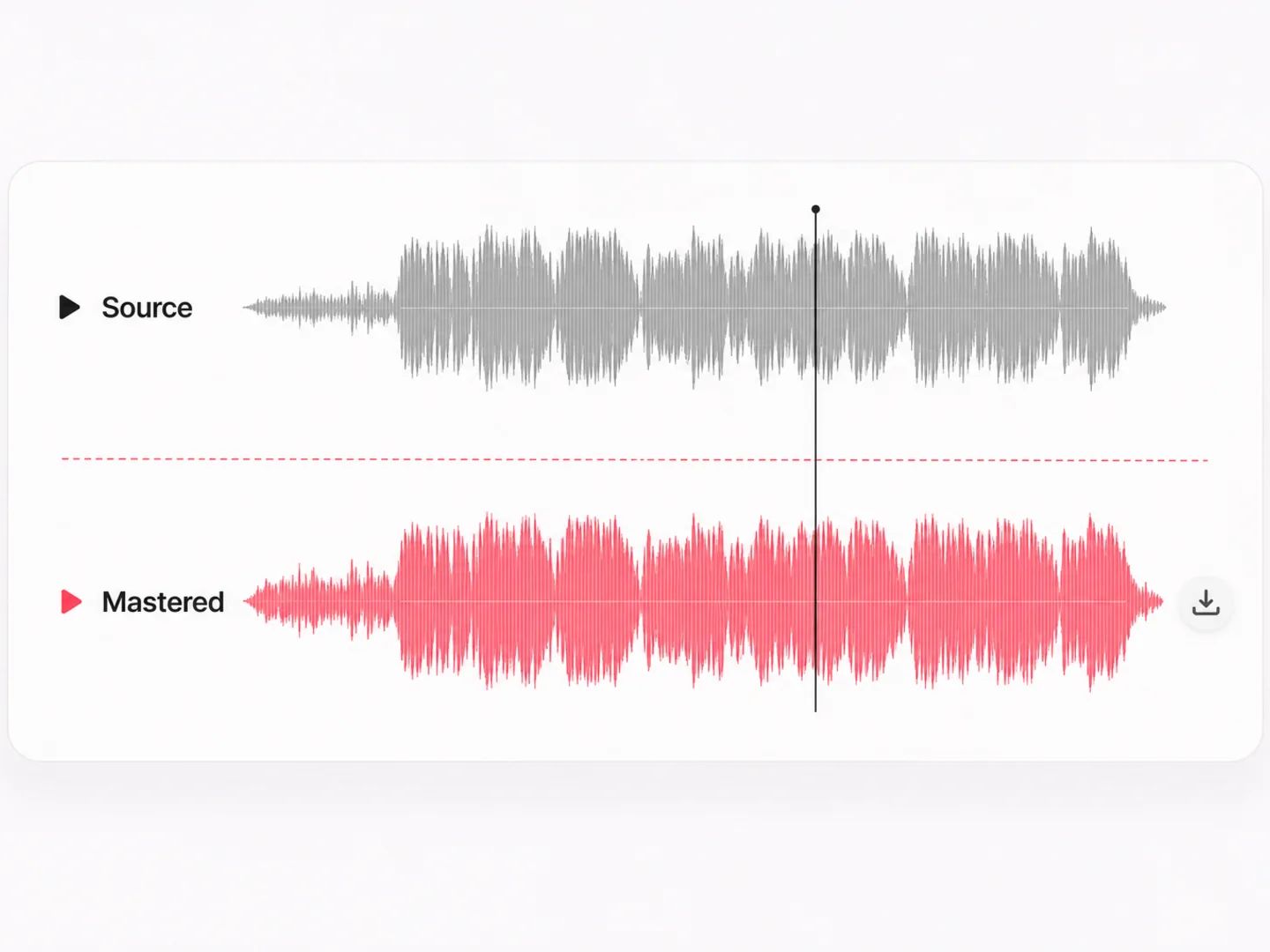
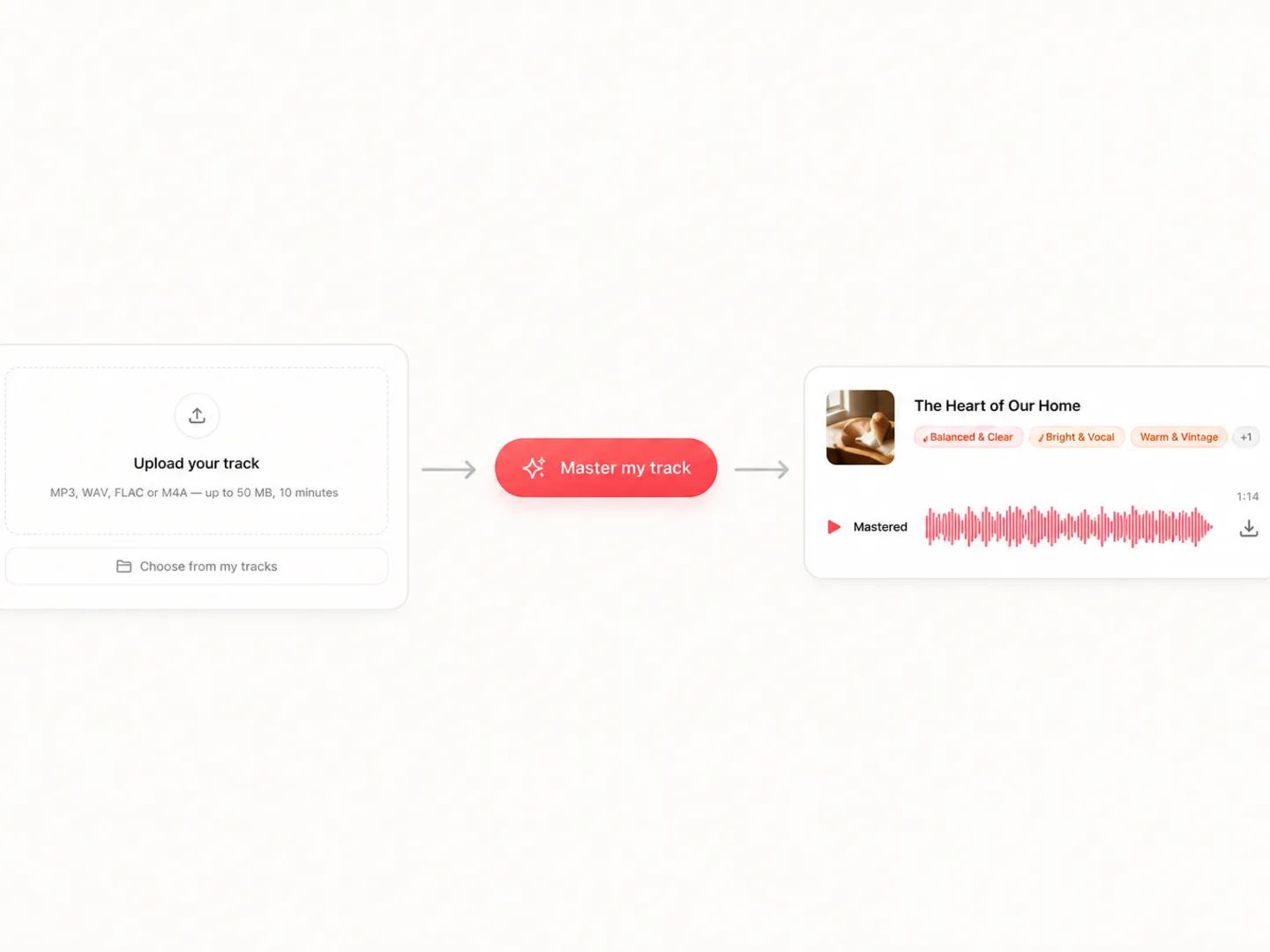
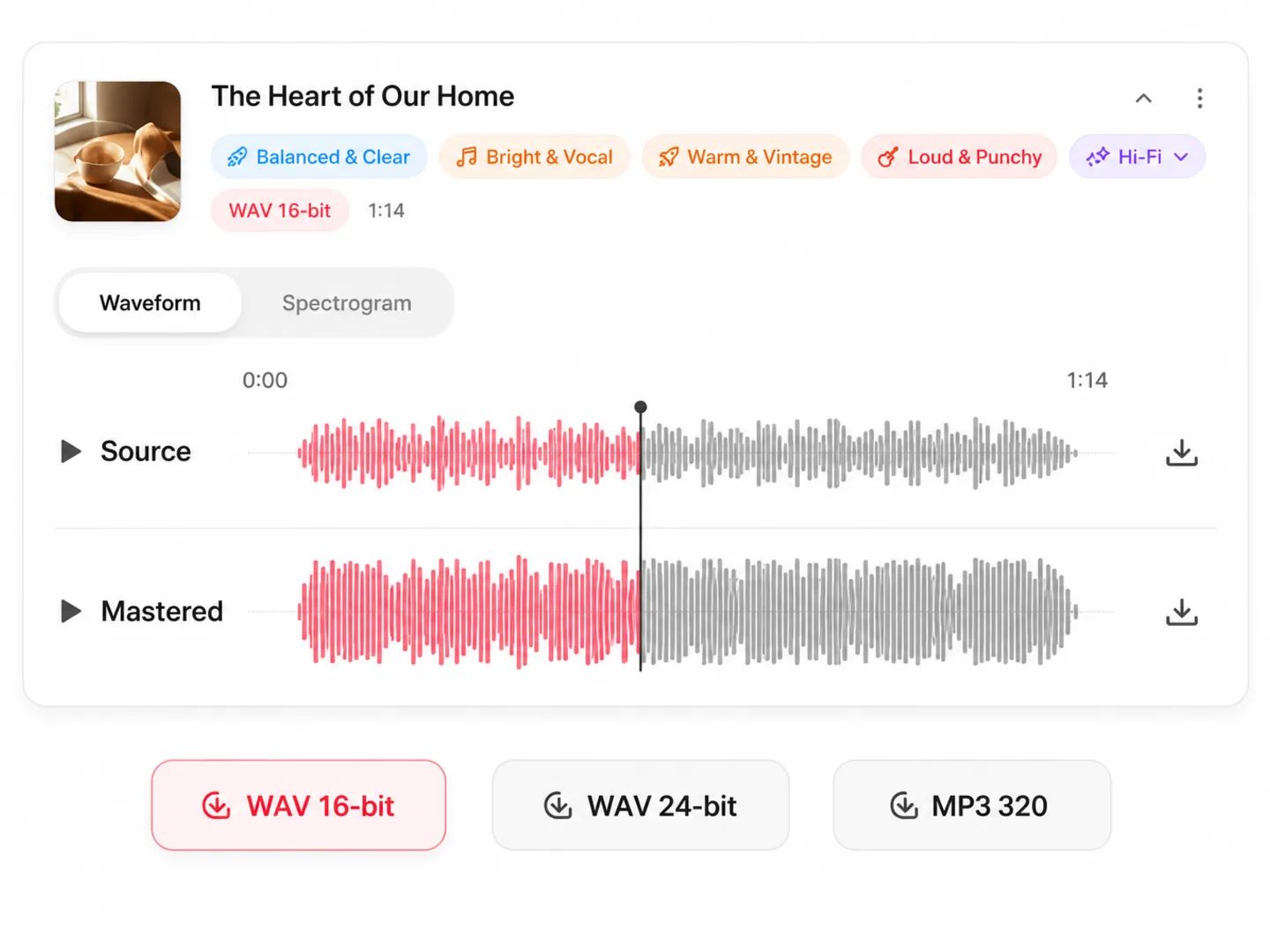
From bedroom producers to beatmakers and creators — get a release-ready master without a studio, a plugin chain, or a mastering budget.
No label, no mastering budget, a release date looming. Point the AI at a song that sounds the way you want, and hit distribute with a master that holds up next to it.

You mixed it in an untreated room on headphones. Reference mastering gives you the final polish and translation a treated studio would — loud, balanced, and true on every speaker.

A whole catalog of beats to ship, all needing the same competitive loudness. Master each toward the same reference and keep your sound consistent across every drop.

Clean, consistent, loud-enough audio for videos, reels, streams and podcasts — no audio engineer required. Match a reference once and every export sits at the same level.
For most releases, yes — especially reference-based mastering. In an independent 472-listener double-blind test of mastering services, the open reference-matching engine this tool builds on ranked third overall and first among automatic tools, ahead of several paid services. Because it masters toward a real song you choose rather than a generic preset, results stay musical instead of over-compressed.
You can start for free. Every account includes free monthly credits, and each mastered version costs a small amount of credits — try one reference or several to compare, and you only pay for the versions you generate. Paid plans add bigger credit pools for heavier use.
Mastering is the final polish on a finished mix: it balances the overall EQ, controls dynamics, sets competitive loudness, and makes the track translate well across speakers, headphones and streaming platforms. It's the step between your mix and a release-ready file.
Mixing balances the individual tracks inside a song — vocals, drums, instruments — while mastering treats the finished stereo mix as a whole. This tool does mastering: upload your completed mix, not separate stems. If your mix itself needs work, fix the balance first and then master.
Yes — that's exactly how this works. Upload any professionally mastered song you want your track to sound like, and the engine matches your track's loudness, tone and stereo image to it. Choosing a reference in a similar genre and instrumentation gives the best results.
Upload your mix and a reference — the first master is on us.