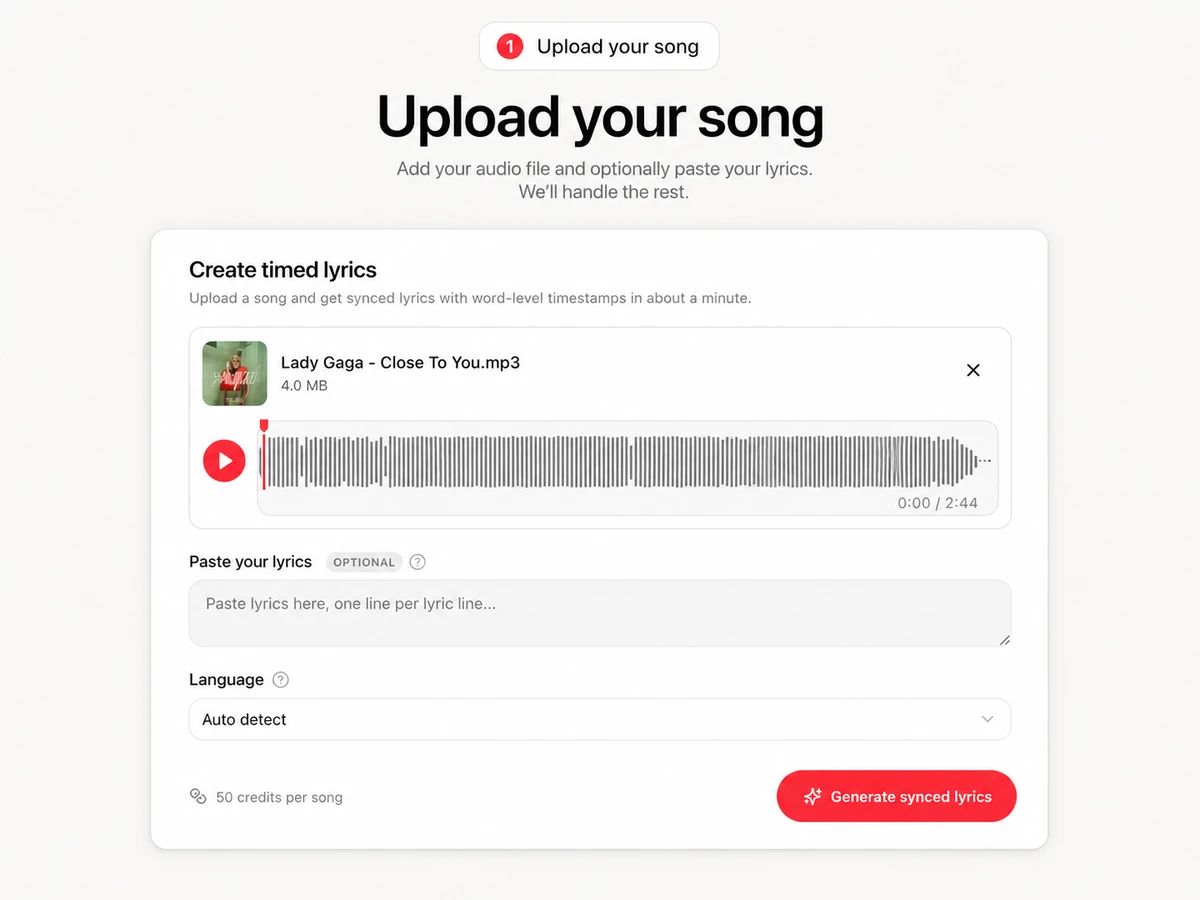
Create timed lyrics

Upload a song and get synced lyrics with word-level timestamps in about a minute.

Optional
50 credits per song

My lyrics

Tasks and exports stay here. Uploaded audio is kept for 30 days.

Loading…

LRC Generator

Upload any song and let AI transcribe the lyrics and sync word-level timestamps automatically — a modern LRC maker that turns audio into timed lyrics you can edit and export as LRC, SRT, or VTT.
How it works

From audio to timed lyrics in three steps

1Step {number} 1

Upload your song

Drop in any MP3, WAV or FLAC. Optionally paste the official lyrics — the generator will use your text and only sync the timestamps.

Upload your song
2Step {number} 2

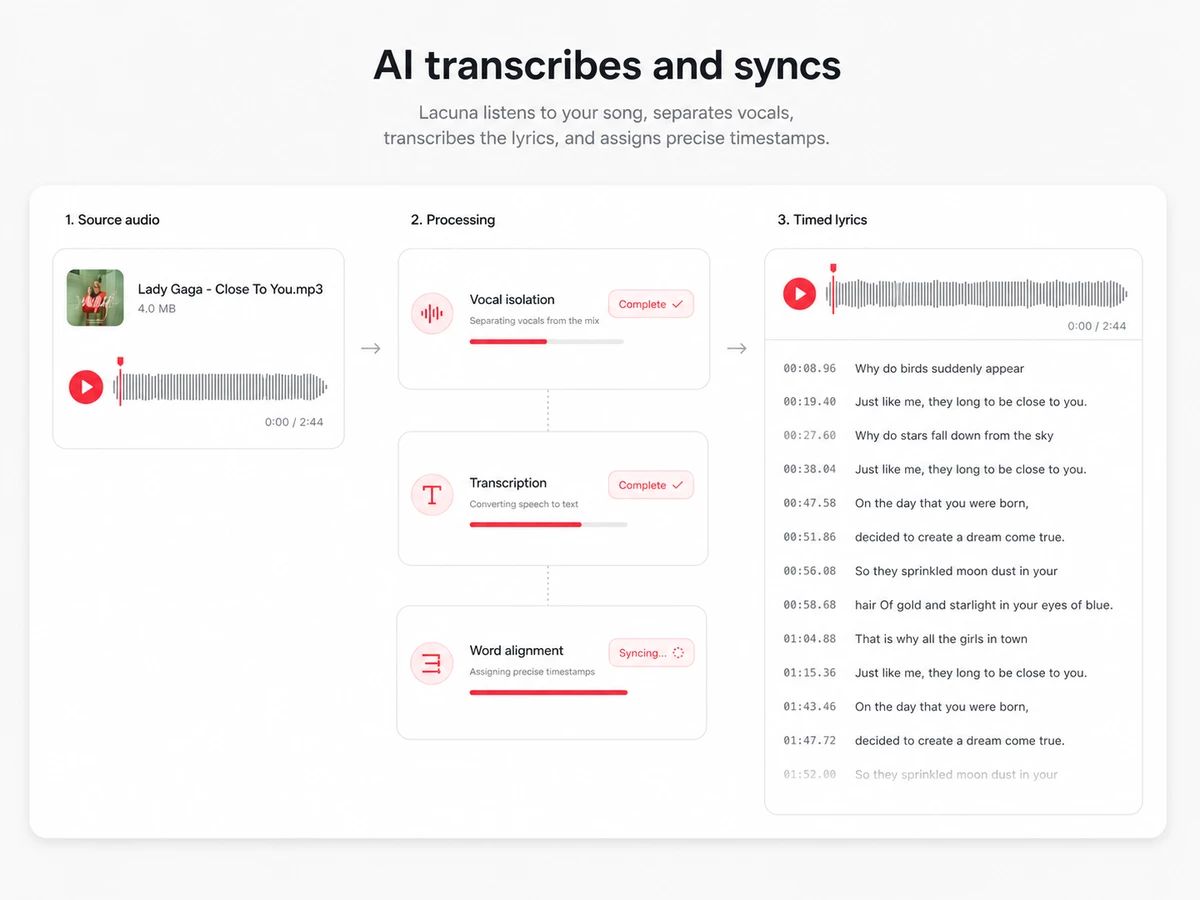
AI transcribes and syncs

Speech-tuned AI transcribes the vocals, separates them from the music, and aligns every single word to a precise timestamp.

AI transcribes and syncs
3Step {number} 3

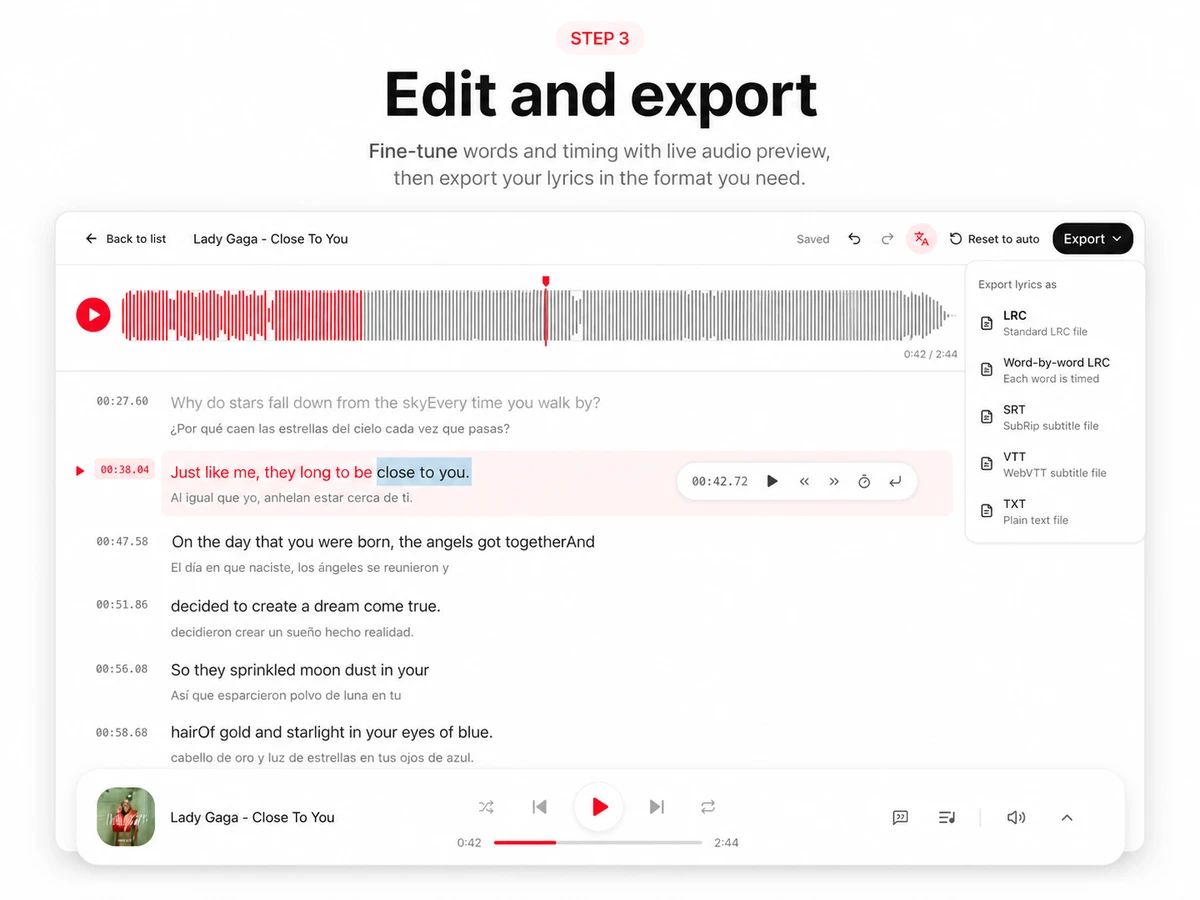
Edit and export

Preview the timed lyrics against the waveform, fix any word or timing in the LRC editor, then export LRC, SRT, VTT or word-by-word LRC.

Edit and export
Why this LRC maker

Timed lyrics without the manual tapping

Classic LRC makers make you tap a button on every line while the song plays. This one listens to the music and does the timing for you.
Word-level timestamps

Word-level timestamps

Not just line timing — every word gets its own start time, accurate enough for karaoke-style highlighting. Vocal separation keeps the sync tight even on dense mixes.
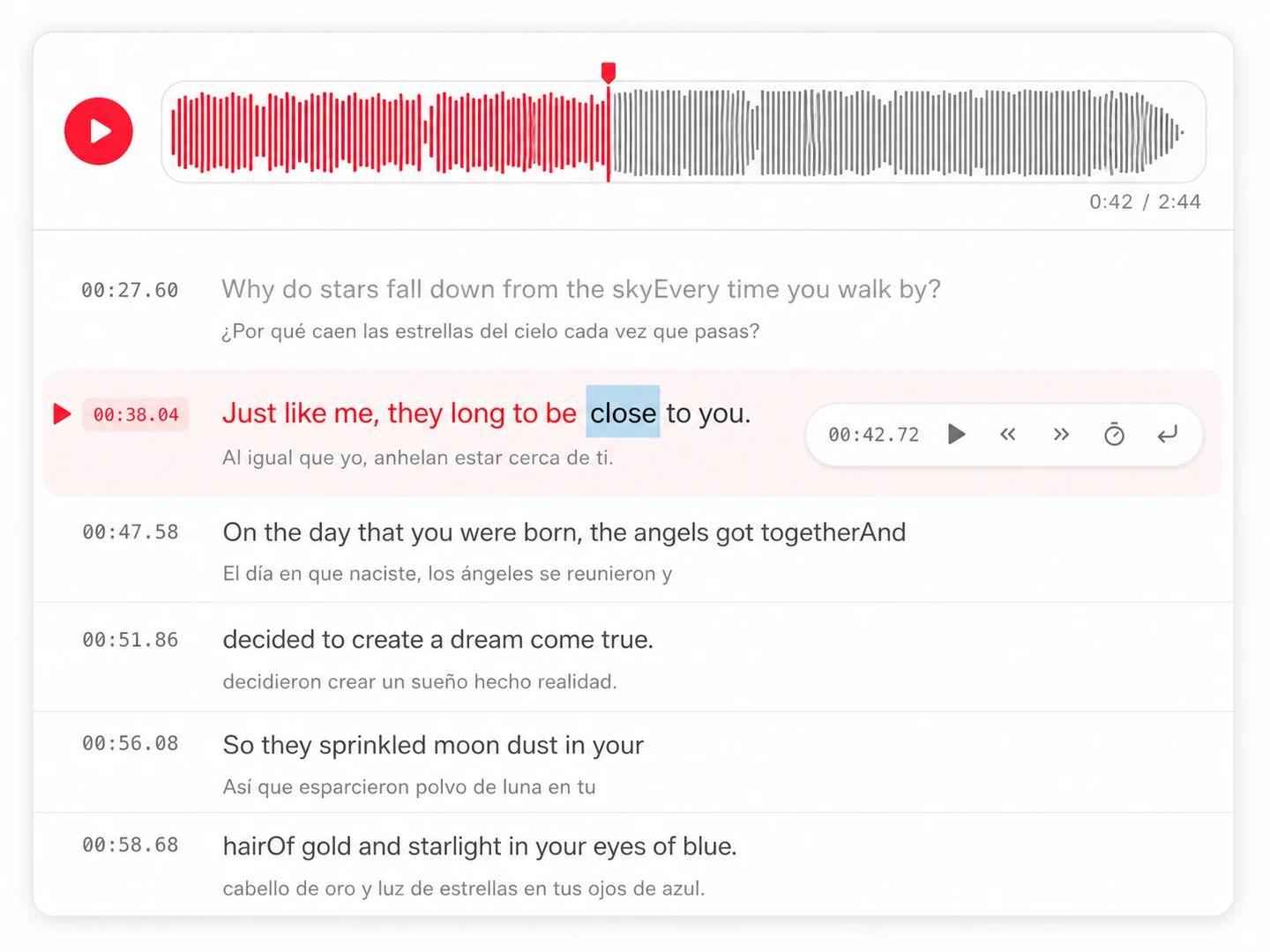
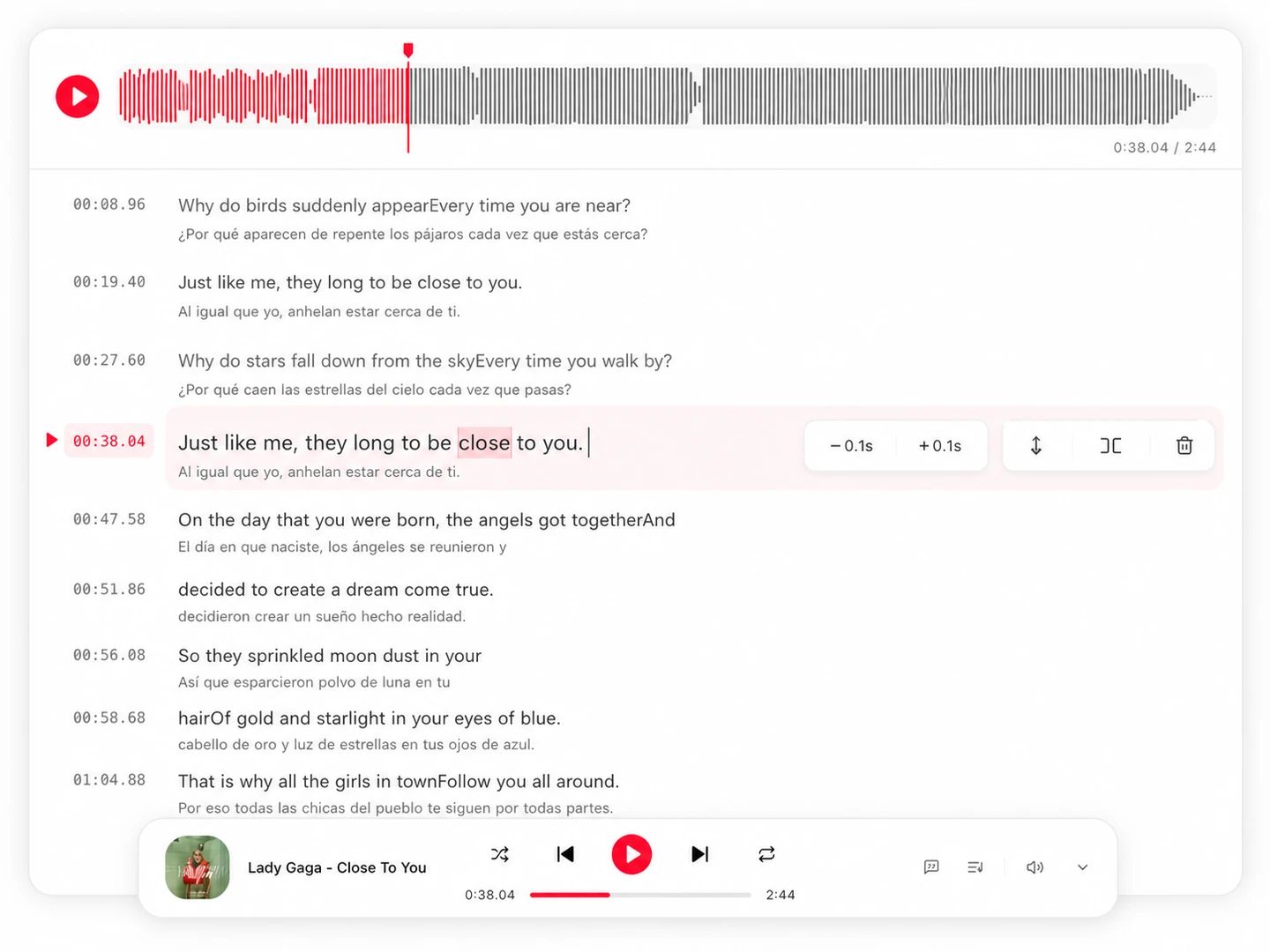
A real LRC editor built in

A real LRC editor built in

Nudge a line by 0.1s, snap it to the playhead while listening, fix a misheard word, split or merge lines — the editor plays the song and highlights exactly what you're editing.
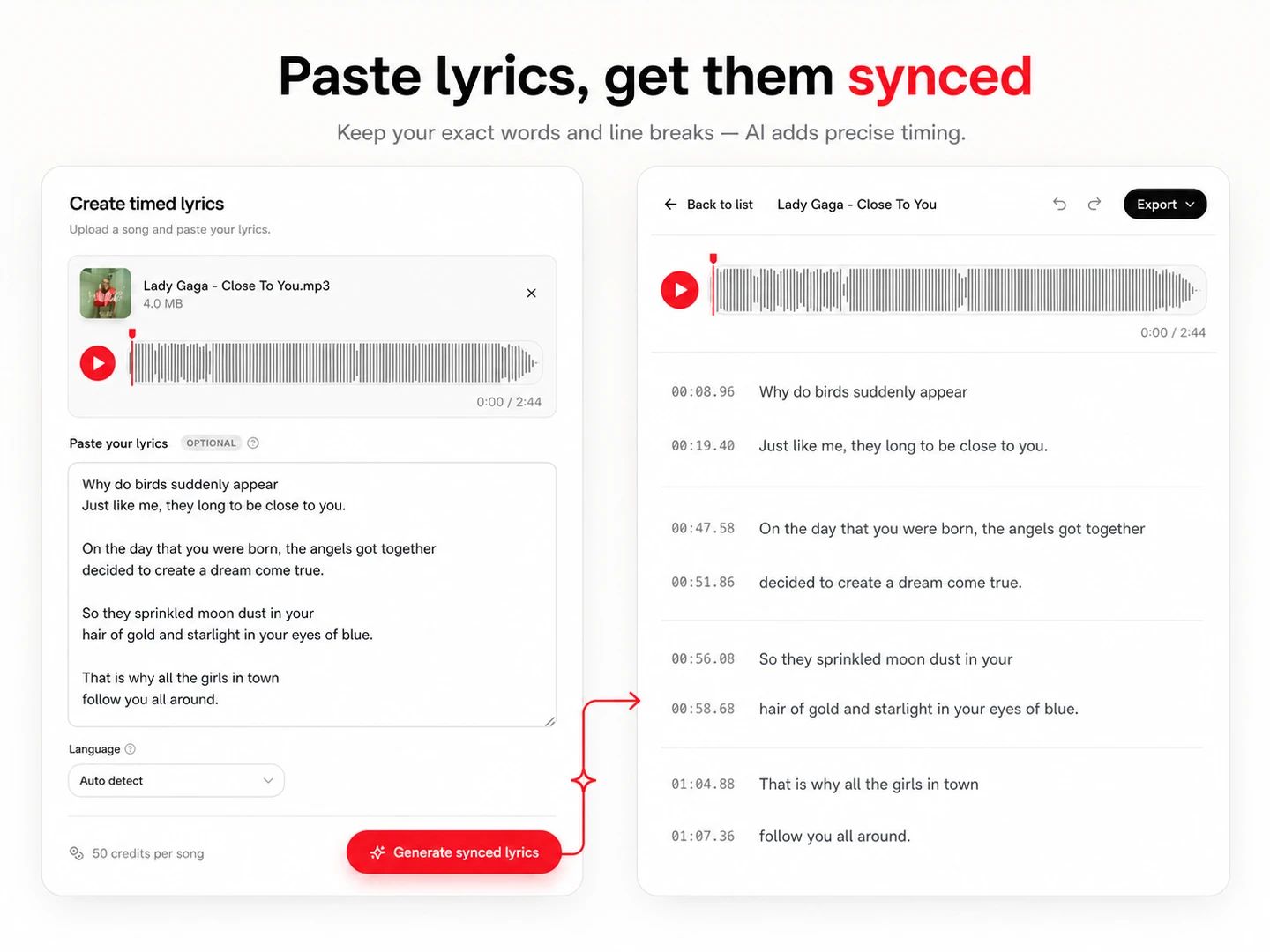
Paste lyrics, get them synced

Paste lyrics, get them synced

TXT to LRC in one step: paste the official lyrics and the AI aligns your exact text to the audio. Your line breaks are respected — no retyping, no tapping.
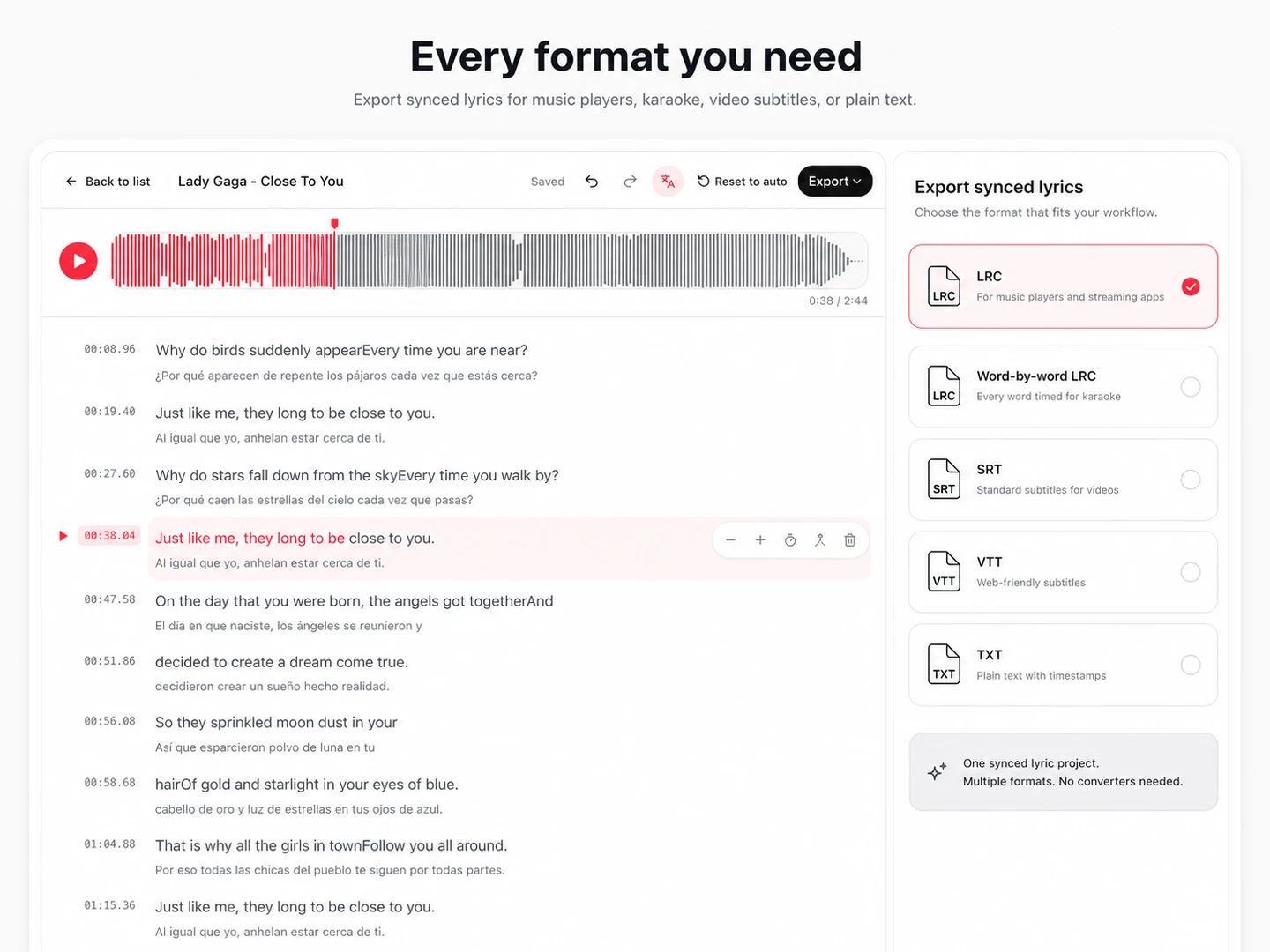
Every format you need

Every format you need

Export standard LRC for music players, word-by-word LRC for karaoke apps, SRT and VTT for video subtitles, or plain text. One generator instead of a chain of converters.
Who it's for

Made for everyone who needs synced lyrics

From karaoke nights to lyric videos, timed lyrics are the raw material.

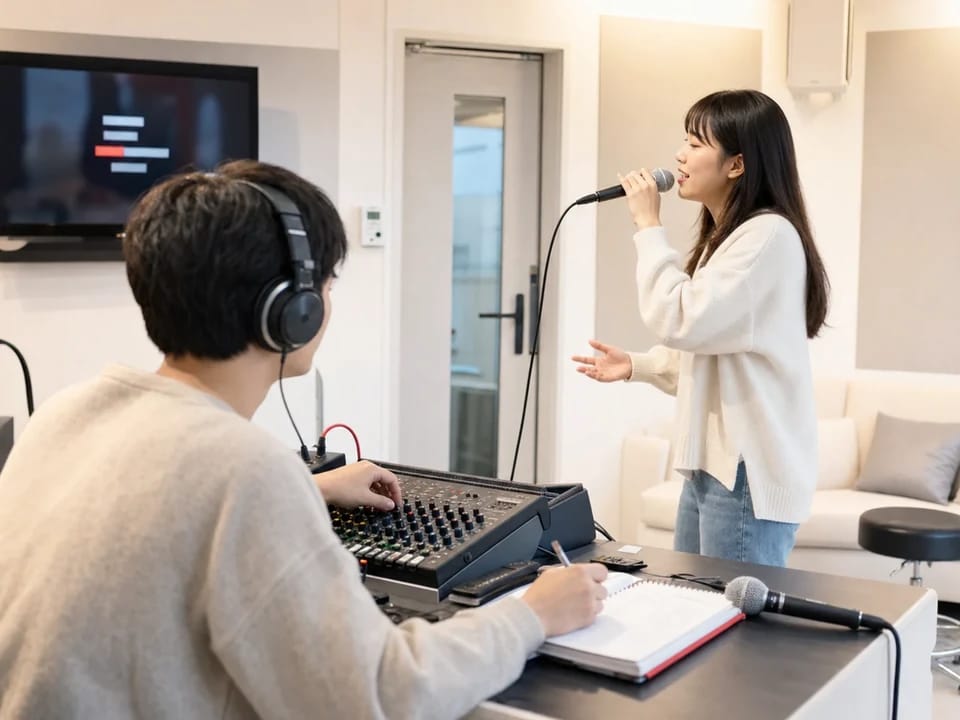
Karaoke screen with highlighted lyrics
01

Karaoke creators

Build word-by-word LRC files that light up in sync — the format karaoke apps and players expect.

Lyric video preview with synced captions
02

Lyric video makers

Get the timing layer for your lyric videos first, then bring it into a video editor or our lyric video maker.

Music player showing scrolling synced lyrics
03

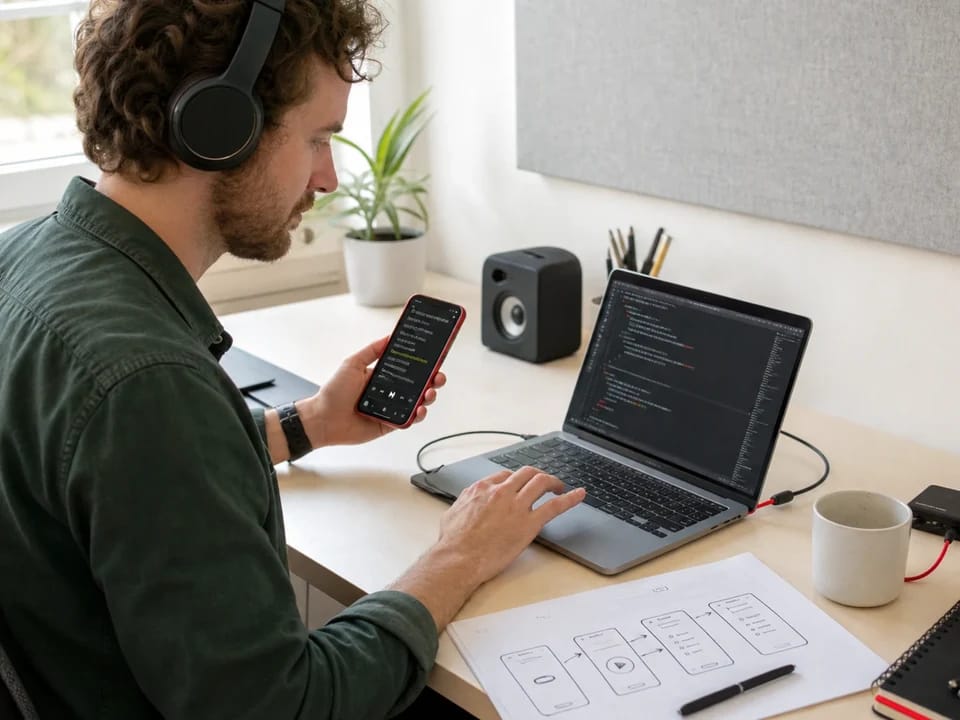
Music app builders

Ship synced lyrics in your player or app without licensing a lyrics API — generate LRC files from your own catalog.

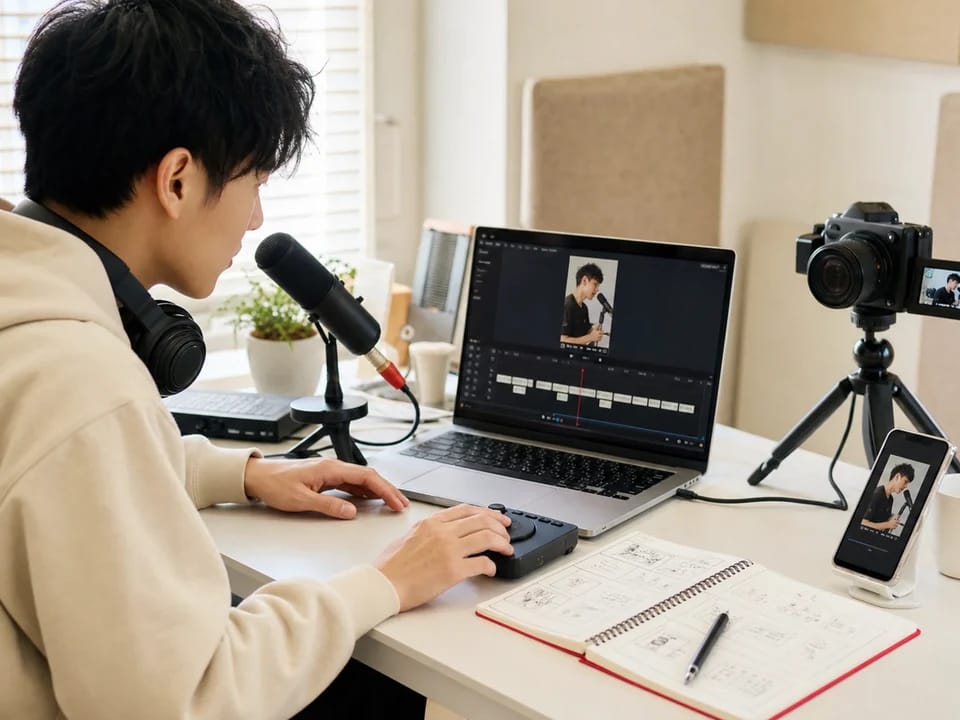
Video editor timeline with subtitle track
04

Content creators

Turn songs and vocal tracks into SRT or VTT subtitles for YouTube, TikTok and Reels in minutes.

FAQ

LRC files, answered

An LRC file is a plain-text lyrics format where each line starts with a timestamp like [01:23.45], so music players can scroll and highlight lyrics in sync with the song. The enhanced (word-by-word) variant adds mm:ss.xx tags inside each line for karaoke-style highlighting.

Upload your song to the generator above. The AI transcribes the vocals and assigns a timestamp to every word automatically — no manual tapping. Review the result in the editor, fix anything you like, and download the .lrc file.

Yes — paste your lyrics before generating. The generator keeps your exact text and line breaks and only computes the timestamps, which is both faster and more accurate than transcribing from scratch. It's effectively a TXT to LRC converter.

Save the .lrc file with the same name as the audio file, in the same folder. Most music players (VLC, foobar2000, Rockbox, many mobile players) then pick it up automatically and display the timed lyrics while the song plays.

Standard LRC has one timestamp per line — players highlight line by line. Enhanced LRC adds a timestamp to every word, enabling karaoke-style word highlighting. This generator produces word-level timing, so you can export either format.

Yes. The export menu includes SRT and WebVTT subtitle formats built from the same timed lyrics, ready for YouTube captions or any video editor — plus plain text if you just want the transcription.

English, Chinese, Japanese, Korean, Spanish, Portuguese, French, German, Italian and Russian. The language is detected automatically from the lyrics, and you can override it before generating.

Turn your audio into synced lyrics

Generate timed lyrics in minutes — then take them straight into a lyric video.