01
Music creators
Share your AI tracks as watchable videos instead of bare audio links — the lyrics carry the story.
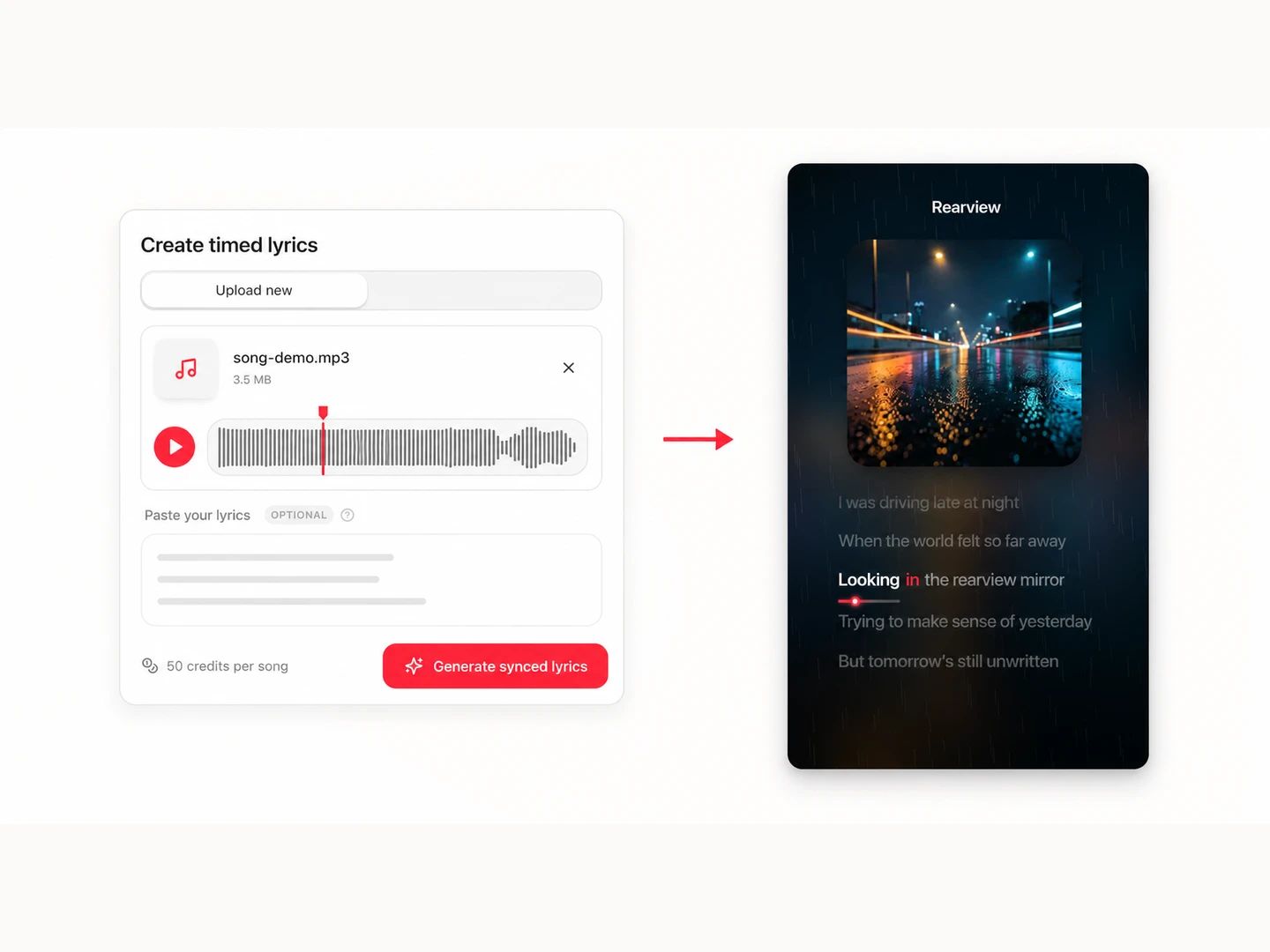
Generate a track with AI or choose one from your library. Every vocal track comes with word-level synced lyrics built in — nothing to transcribe or align.
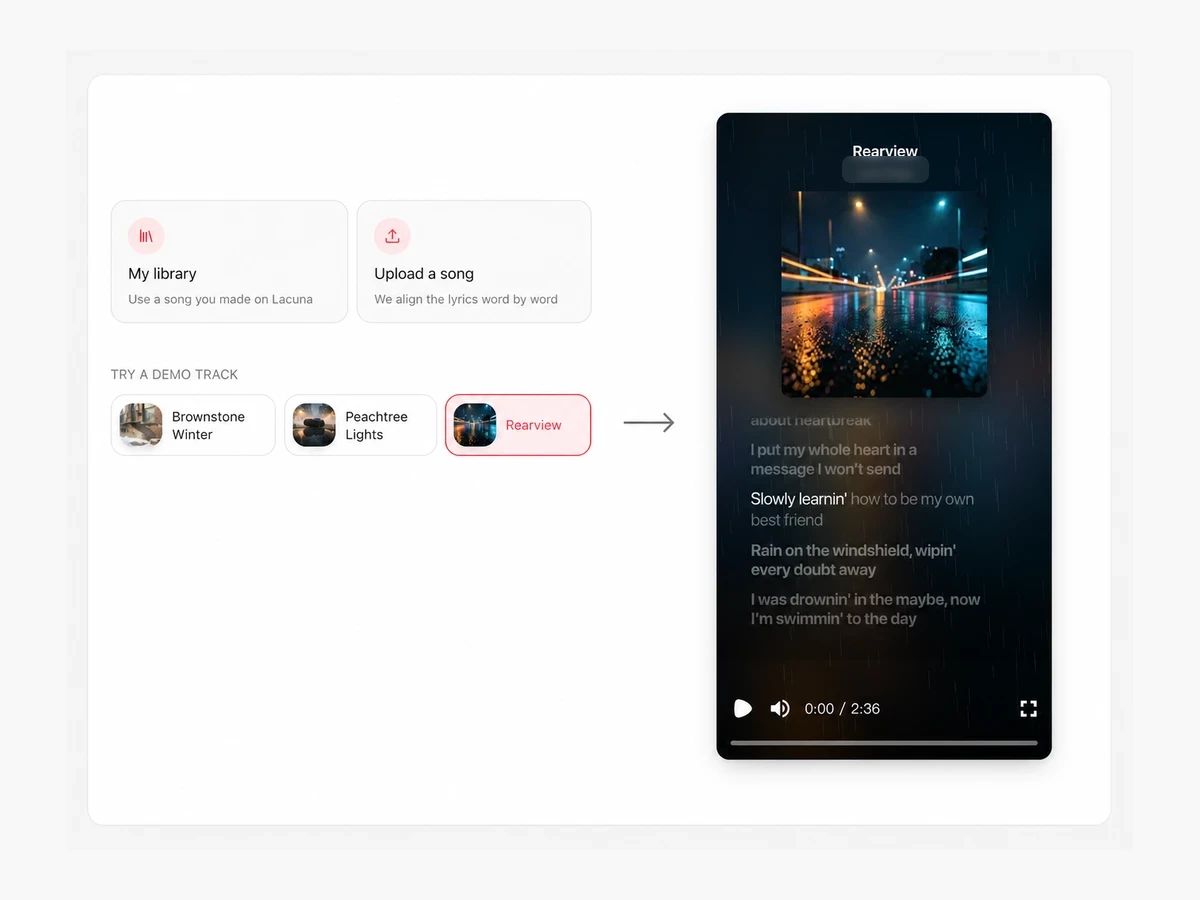
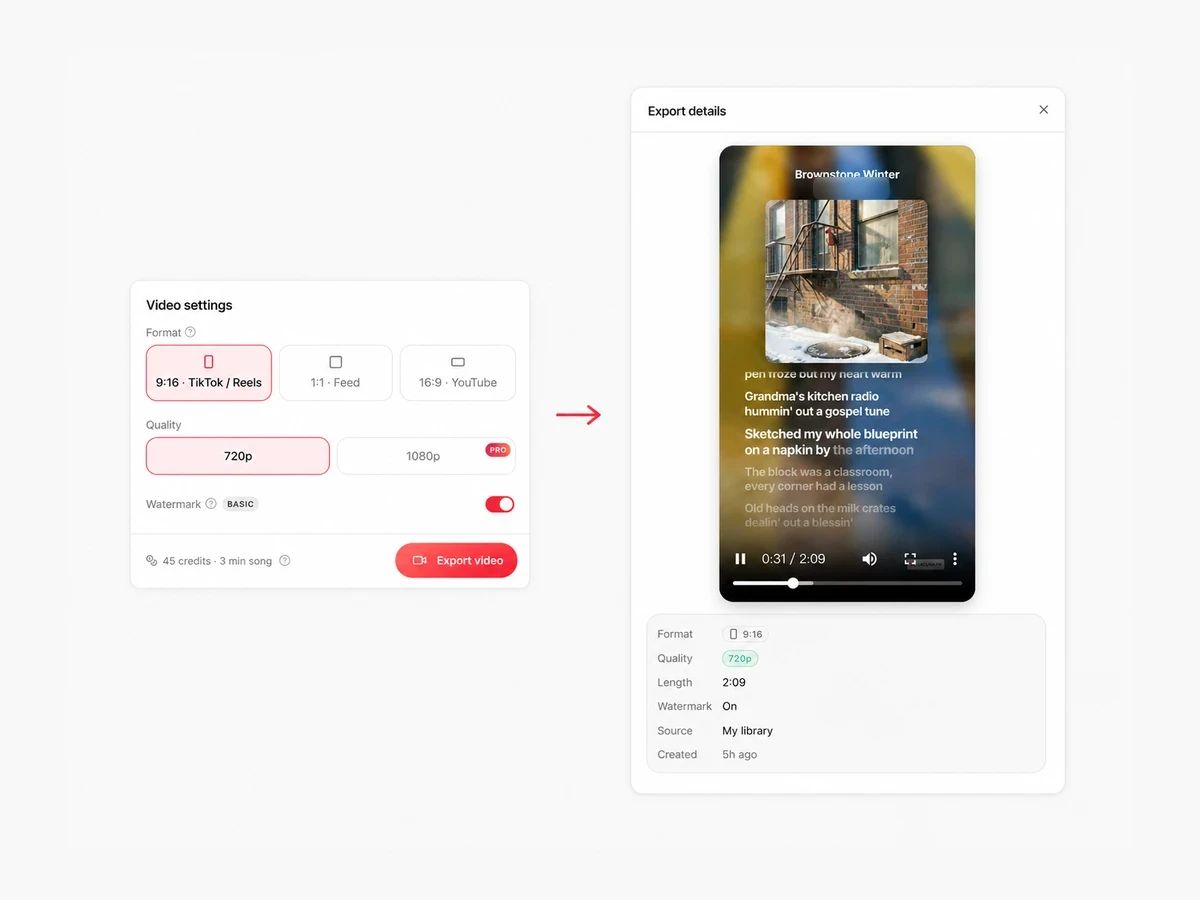
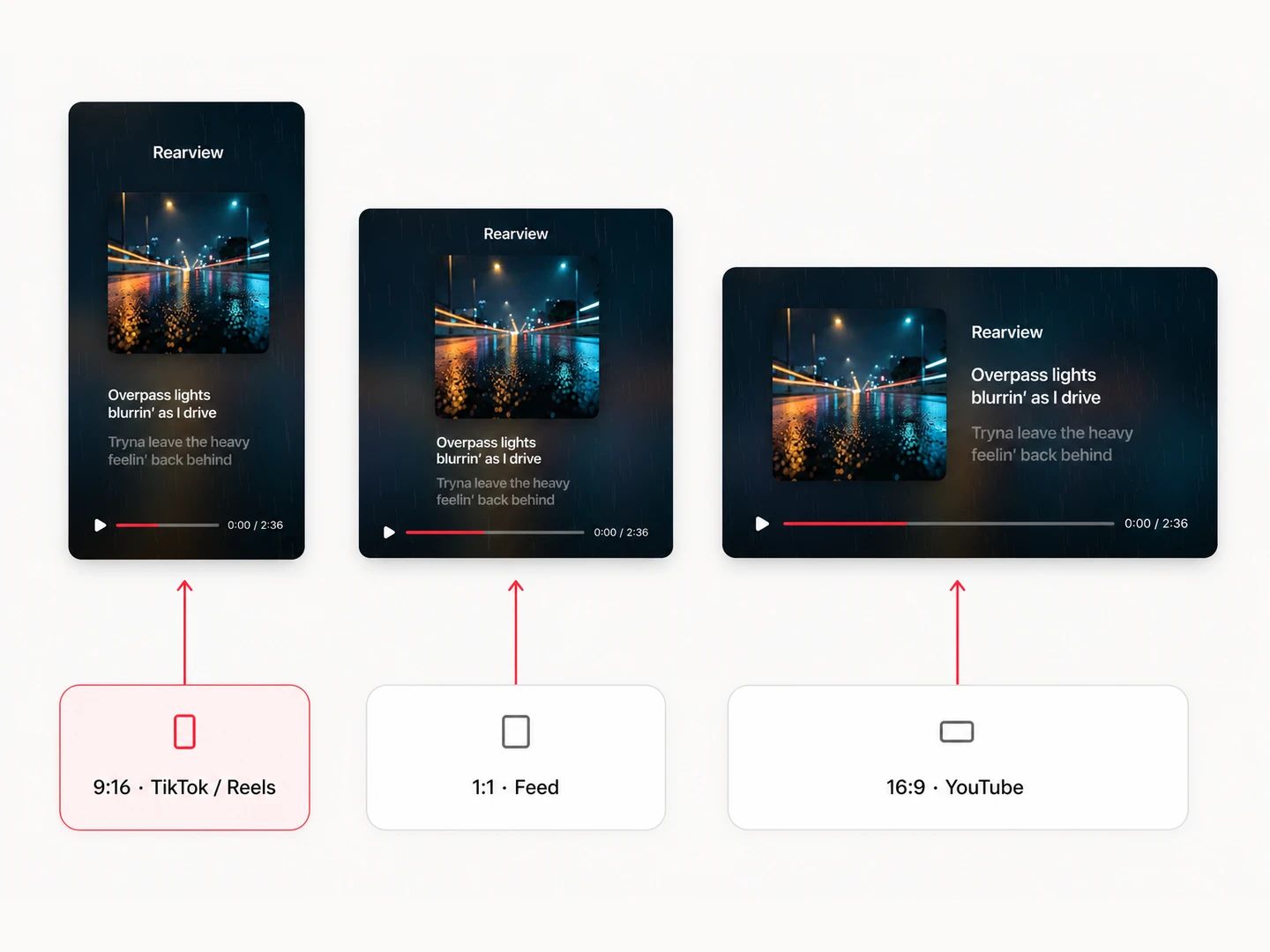
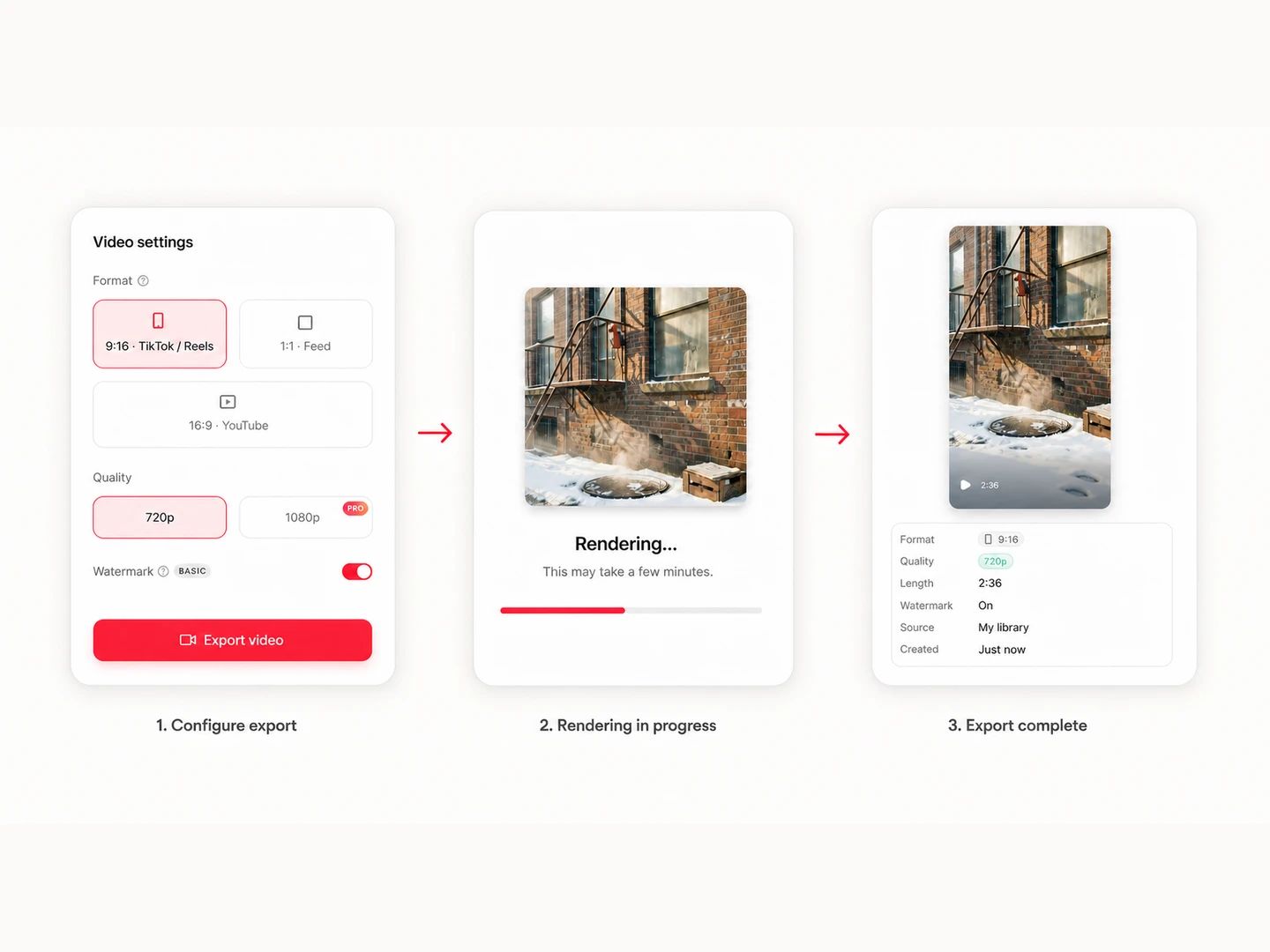
Choose 9:16, 1:1 or 16:9 and pick your quality. Lyrics auto-fit every format and the live preview updates as you click.
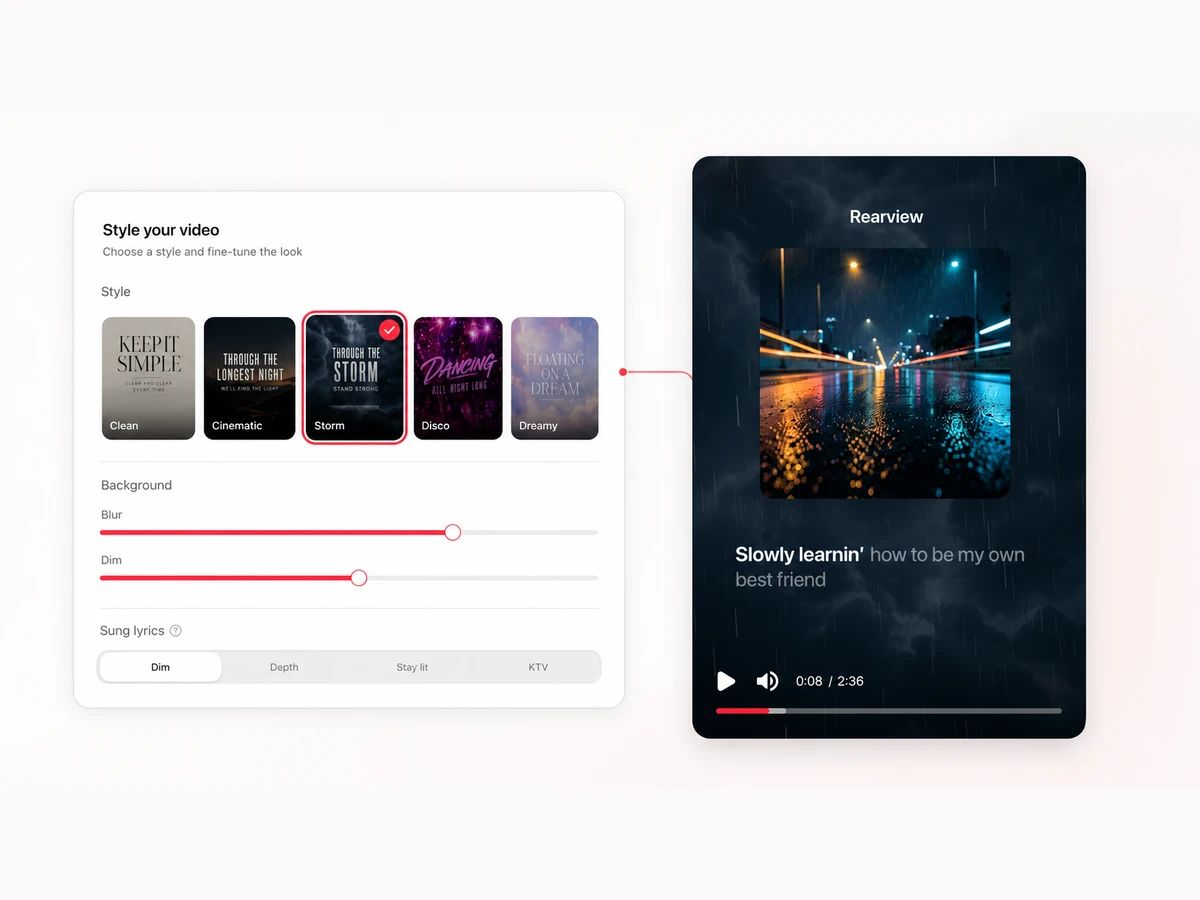
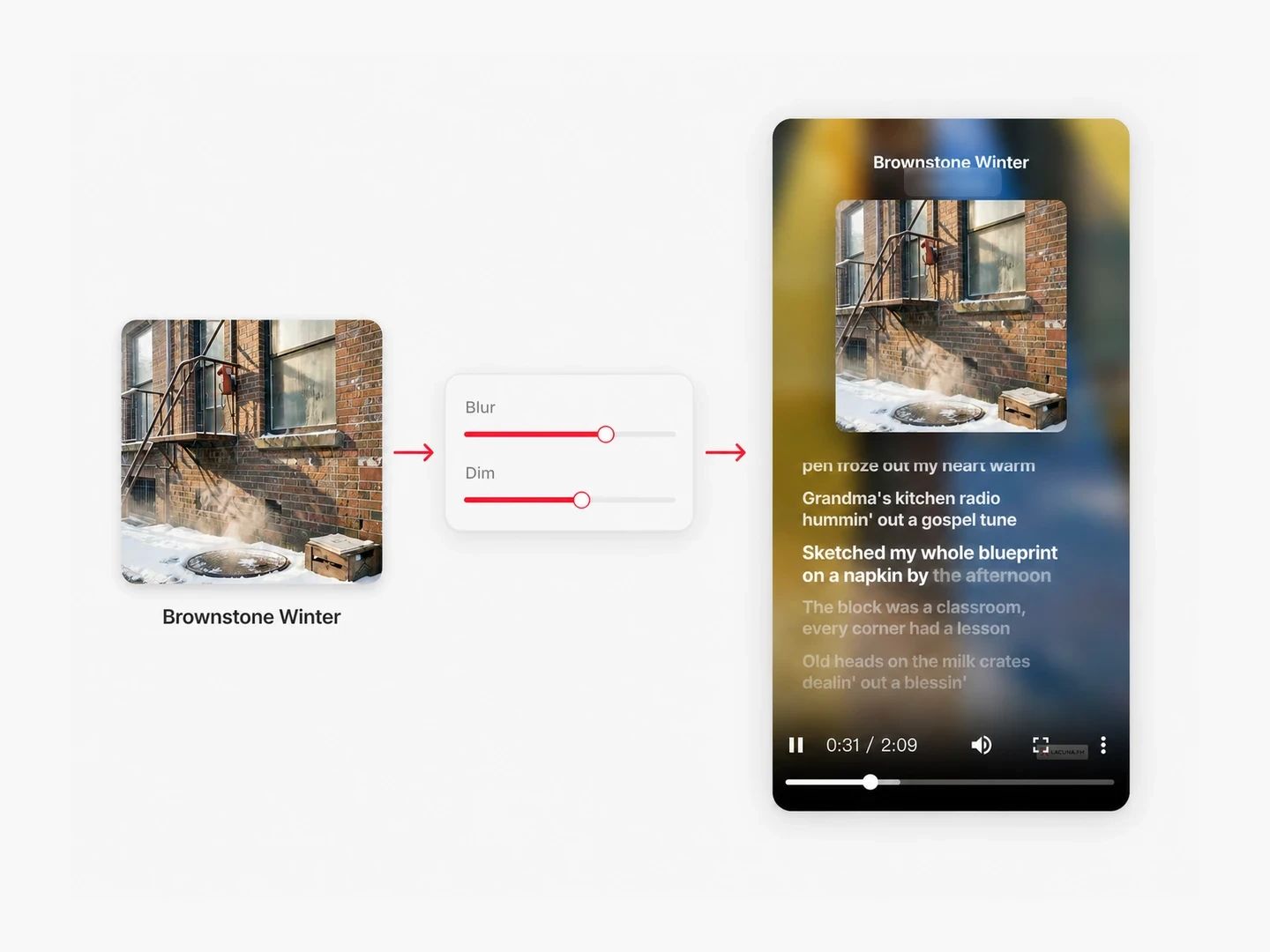
The MP4 renders in the cloud — leave the page and we'll notify you when it's ready. Post it to TikTok, Reels, Shorts or YouTube.
A bare audio link gets scrolled past. A lyric video gets watched.
Share your AI tracks as watchable videos instead of bare audio links — the lyrics carry the story.
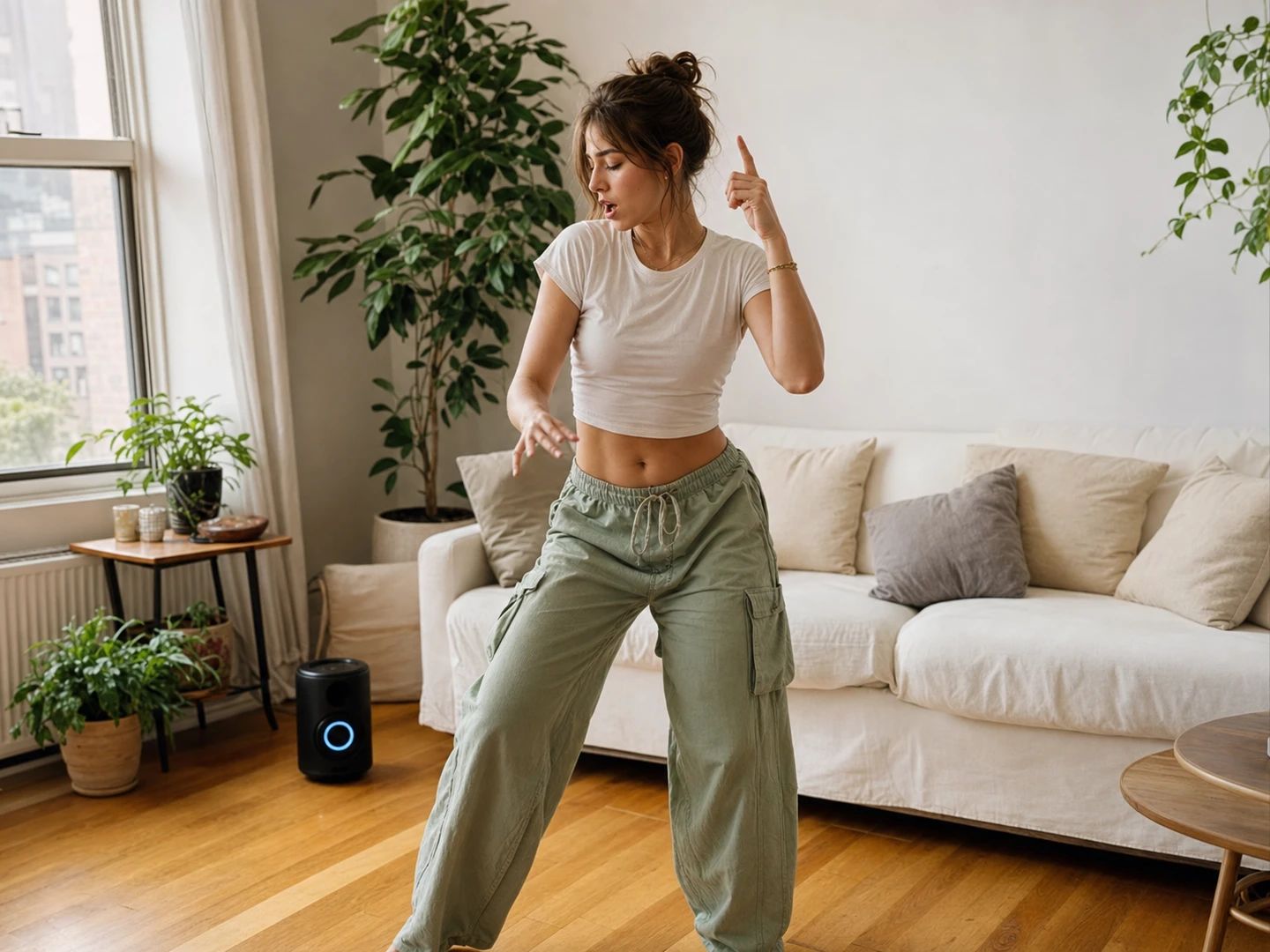
Cut a 30-second hook into a vertical lyric clip sized for the feed, with captions that survive the UI overlay.
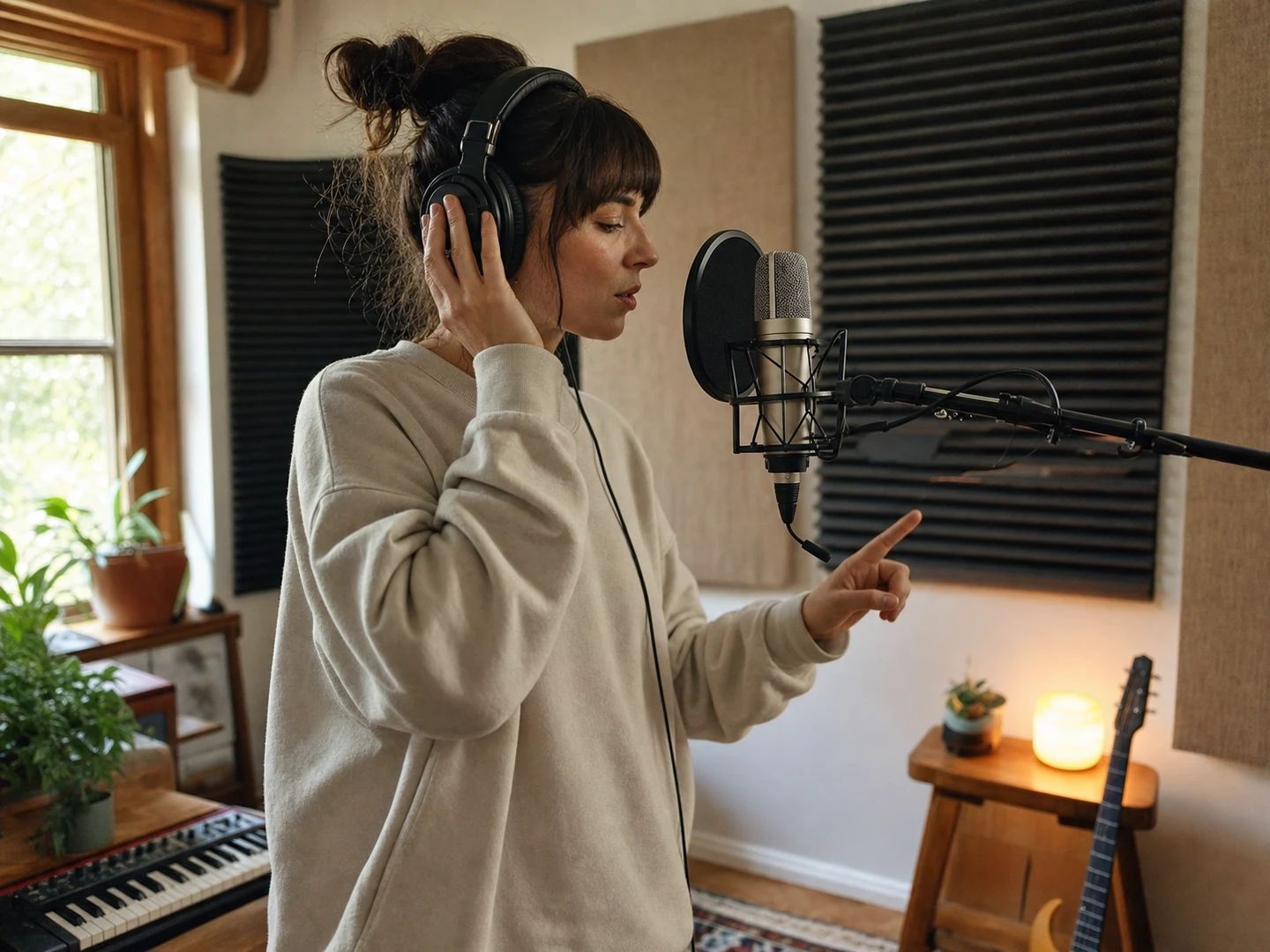
Build karaoke-style videos for YouTube without After Effects projects or plugin chains.
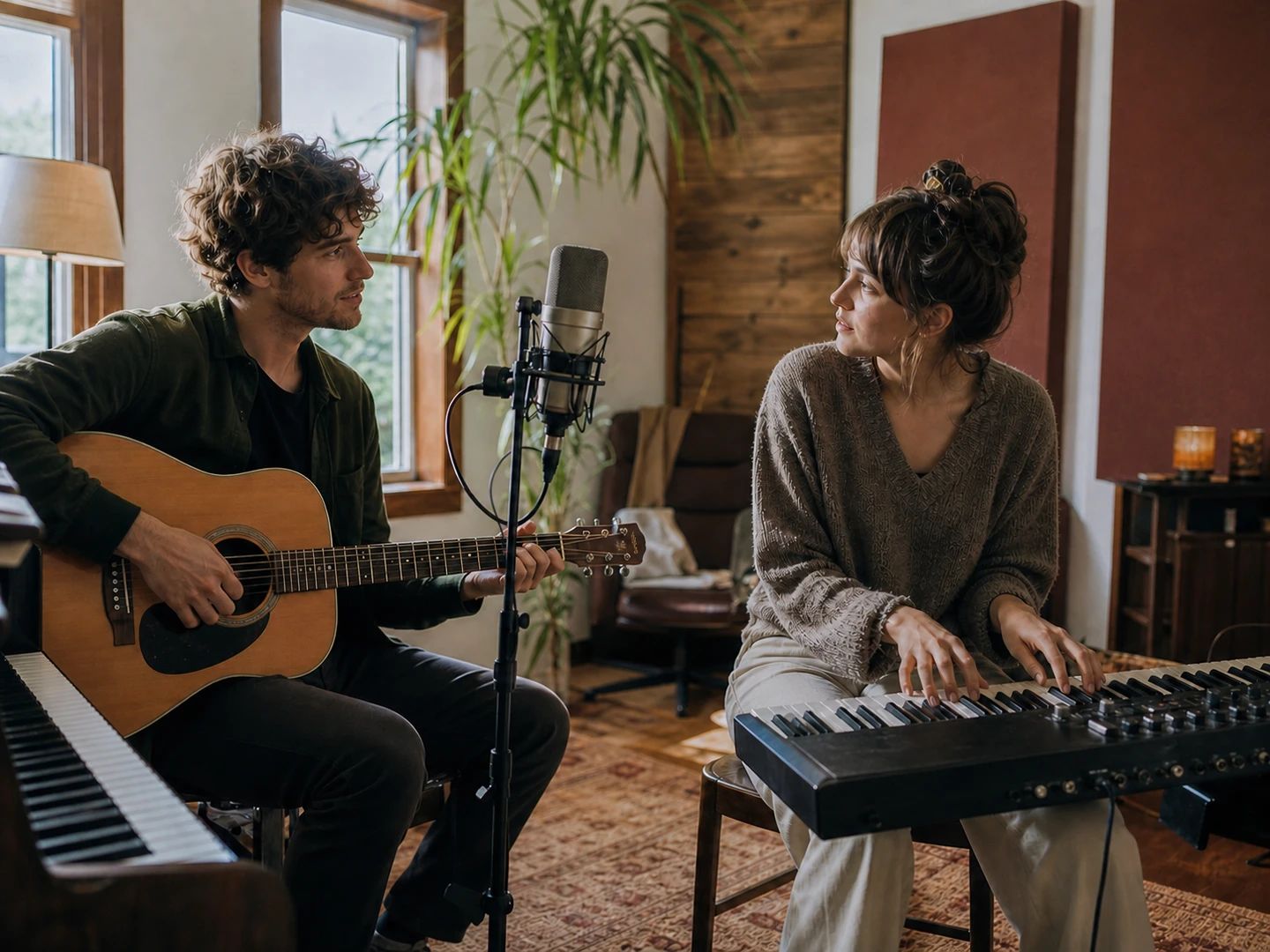
Pitch a lyric idea as a watchable demo — melody, words and mood in one link.
A lyric video maker turns a song into a video where the lyrics appear on screen in sync with the vocals. Most tools make you type the lyrics and drag each line onto a timeline by hand. Lacuna's lyric video generator skips that step: songs made here already carry word-level timestamps, so the video is synced the moment you pick a track.
Previewing is free and unlimited — the live preview shows exactly what exports. Exporting the MP4 uses credits: 15 per minute of song, rounded up, so a 3-minute track costs 45 credits. Failed renders are refunded automatically. Free accounts start with monthly credits, and videos carry a small Lacuna badge that subscribers can turn off.
Yes. Upload any song and the built-in lyrics aligner produces word-level timing automatically — paste your lyrics for exact alignment, or let AI transcribe them from the vocal (50 credits per song, refunded on failure). Already ran a song through the LRC Generator? Reuse that task directly, no second alignment needed. Uploaded audio is kept for 30 days; exported videos stay forever.
Every vocal track generated on Lacuna stores per-word timestamps. The lyric video maker reads those timestamps directly, highlights each word as it's sung, and smoothly scrolls between lines. If a track's timing data is coarser (line-level), the maker automatically falls back to line-by-line highlighting.
Three aspect ratios — 9:16 for TikTok, Reels and Shorts, 1:1 for feed posts, and 16:9 for YouTube — at 720p, or 1080p on the Pro plan, 30fps. The video runs the full length of your song.
In the cloud, on Lacuna's render servers. Hit export and the job runs server-side — you can close the page, switch devices, or keep browsing, and we'll notify you when the MP4 is ready. It works from any modern browser, including on mobile, and finished videos stay in your export history.
Yes — exported videos follow the same license as the underlying track. Songs generated on a paid plan come with a commercial license, so you can post lyric videos to monetized channels and ads.
Generate a song, watch the words light up in sync, and export a video made for the feed. Free to start.