
01
Singers & performers
Turn any song into a backing track and sing it live, or practise against the isolated vocal.
2 separate stems
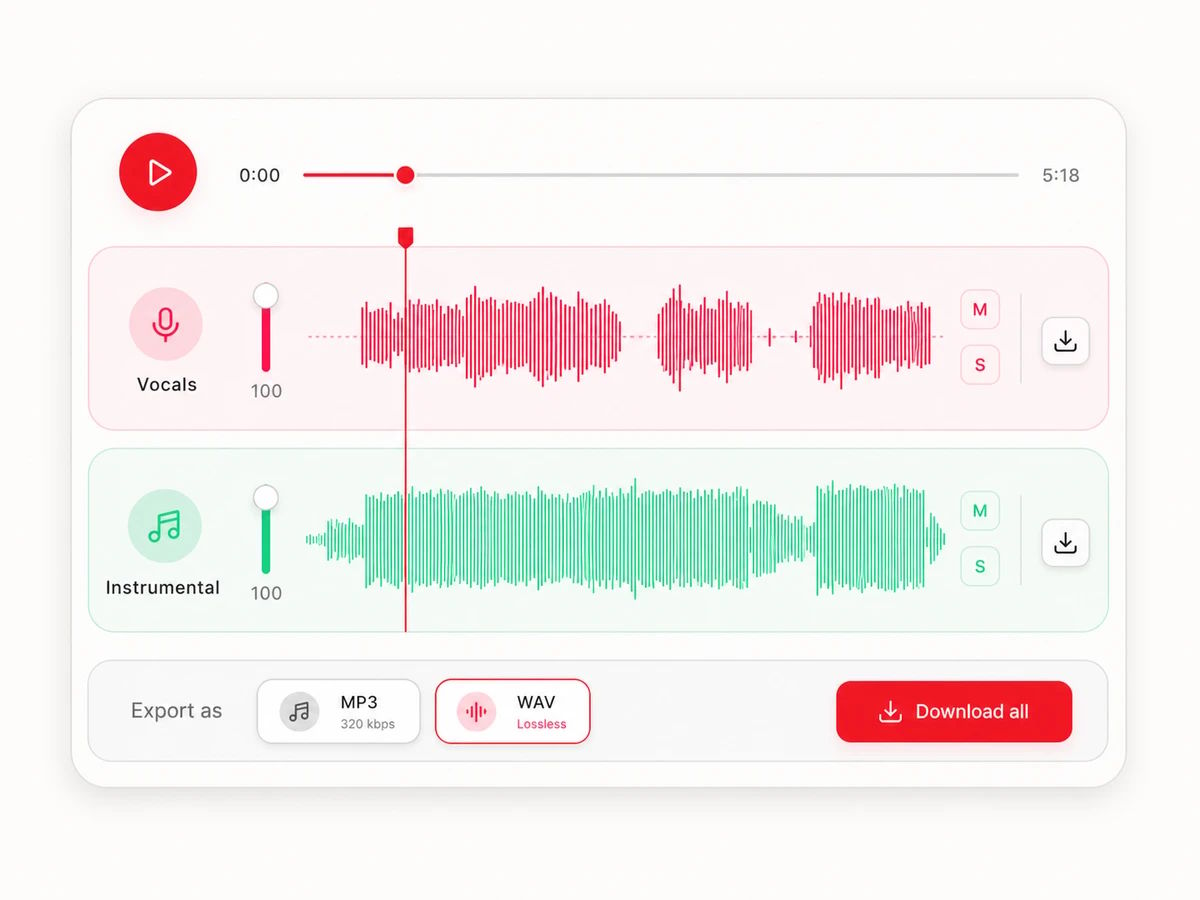
Get vocals and instrumental in one split. Preview and download each separately.
Drop in any MP3, WAV or FLAC. Your file uploads privately and processes in the cloud — nothing to install.
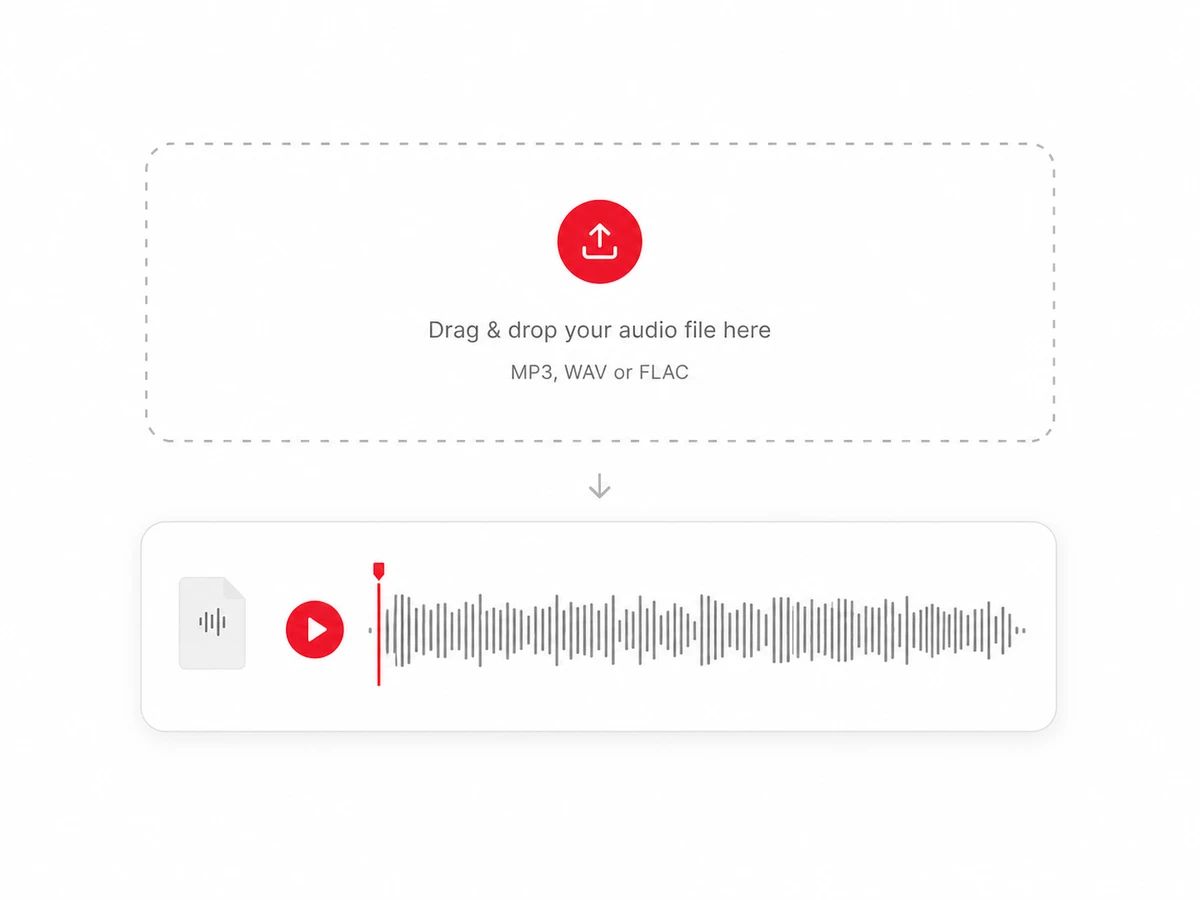
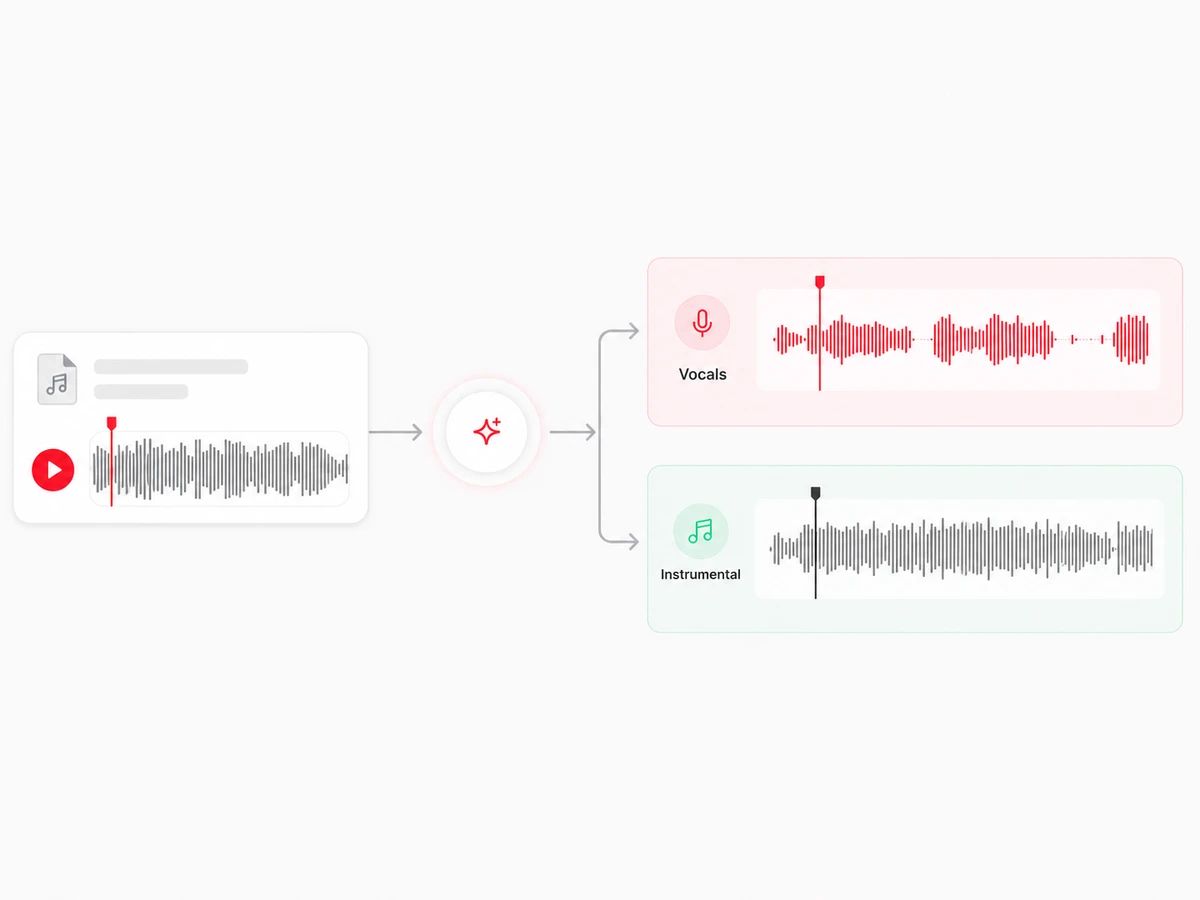
AI splits the track into two clean parts: a vocal-free instrumental, and the isolated vocal on its own.
Preview both parts, then download the instrumental, the acapella, or both as MP3 or lossless WAV.
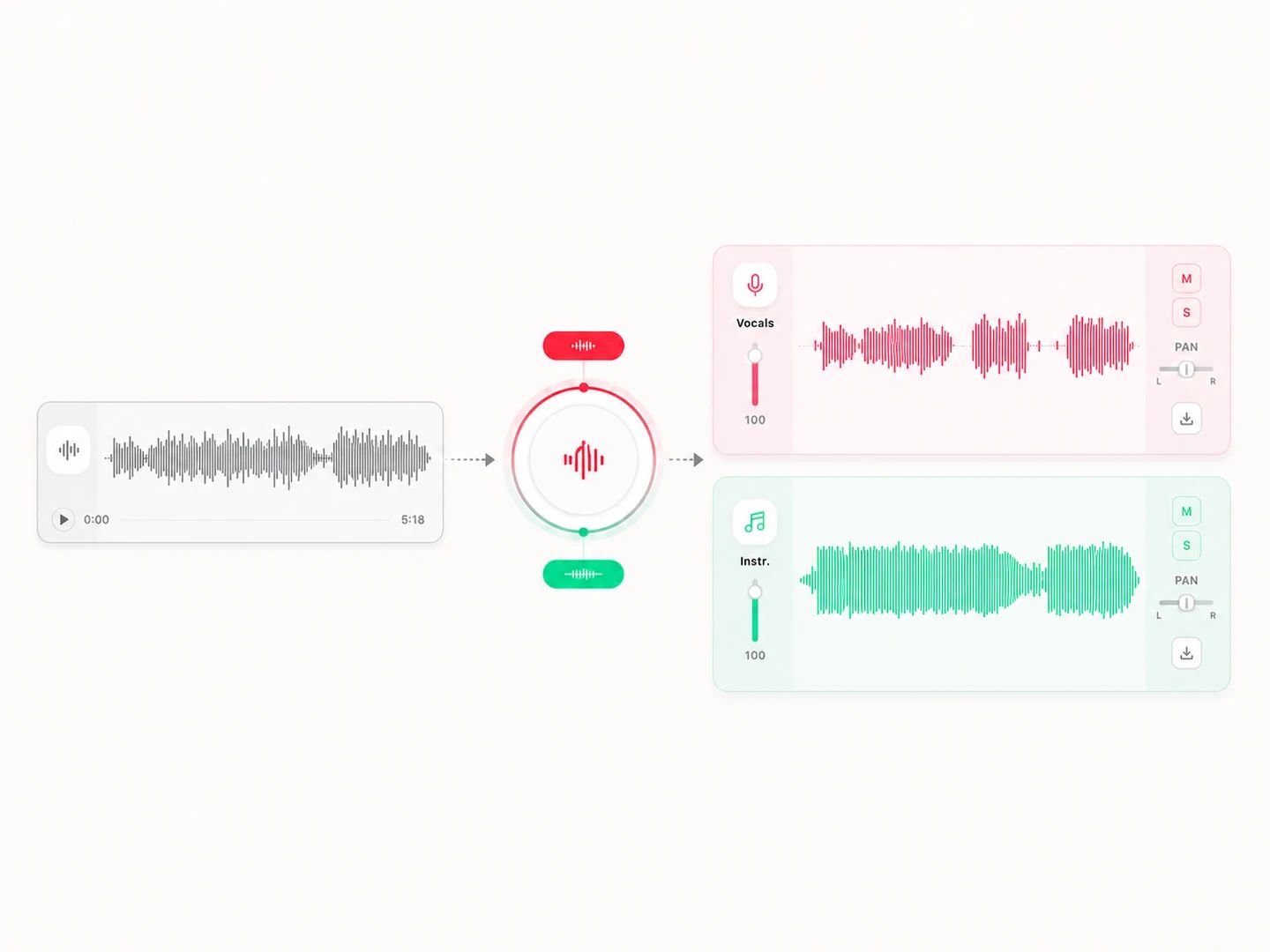
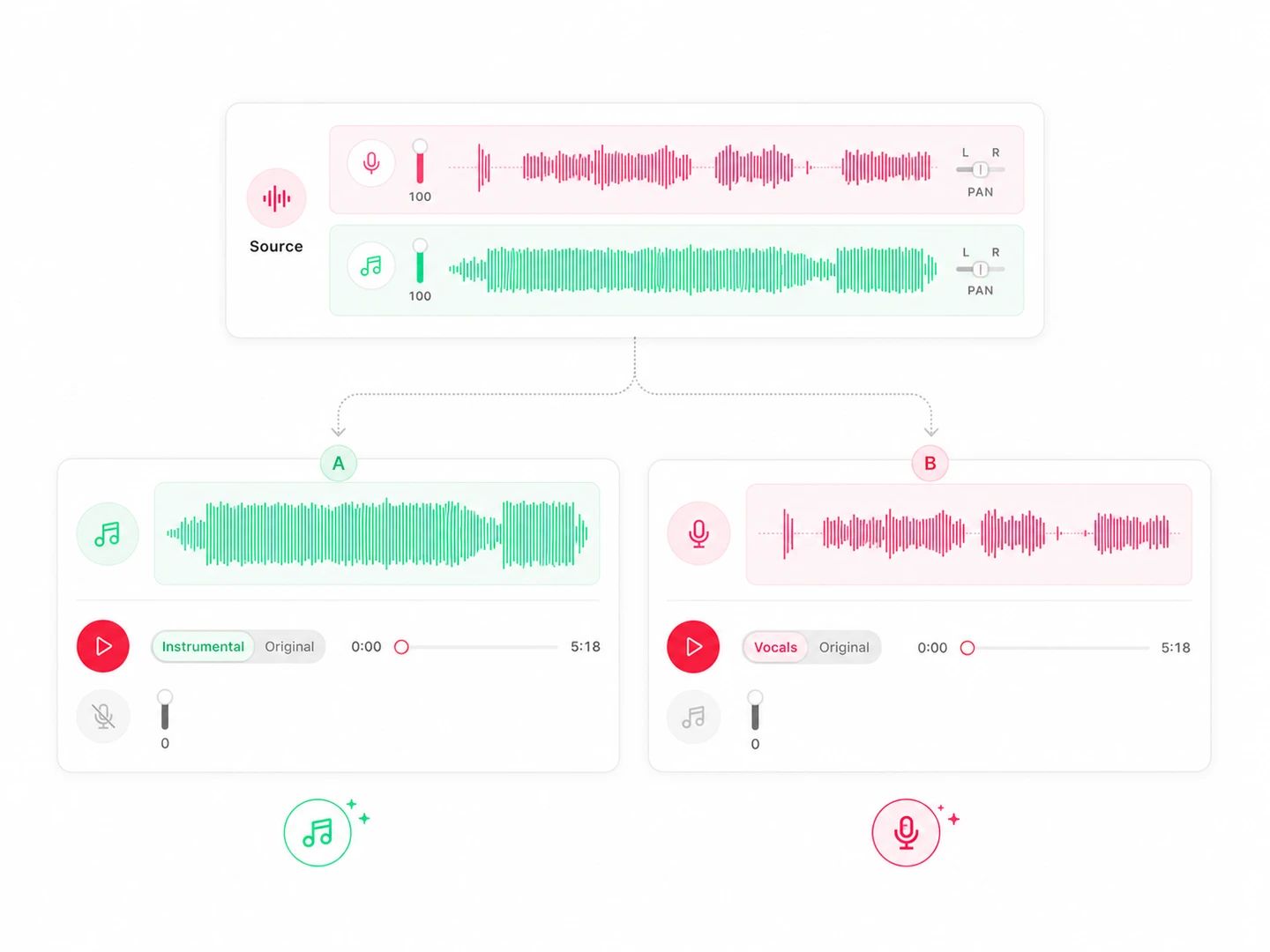
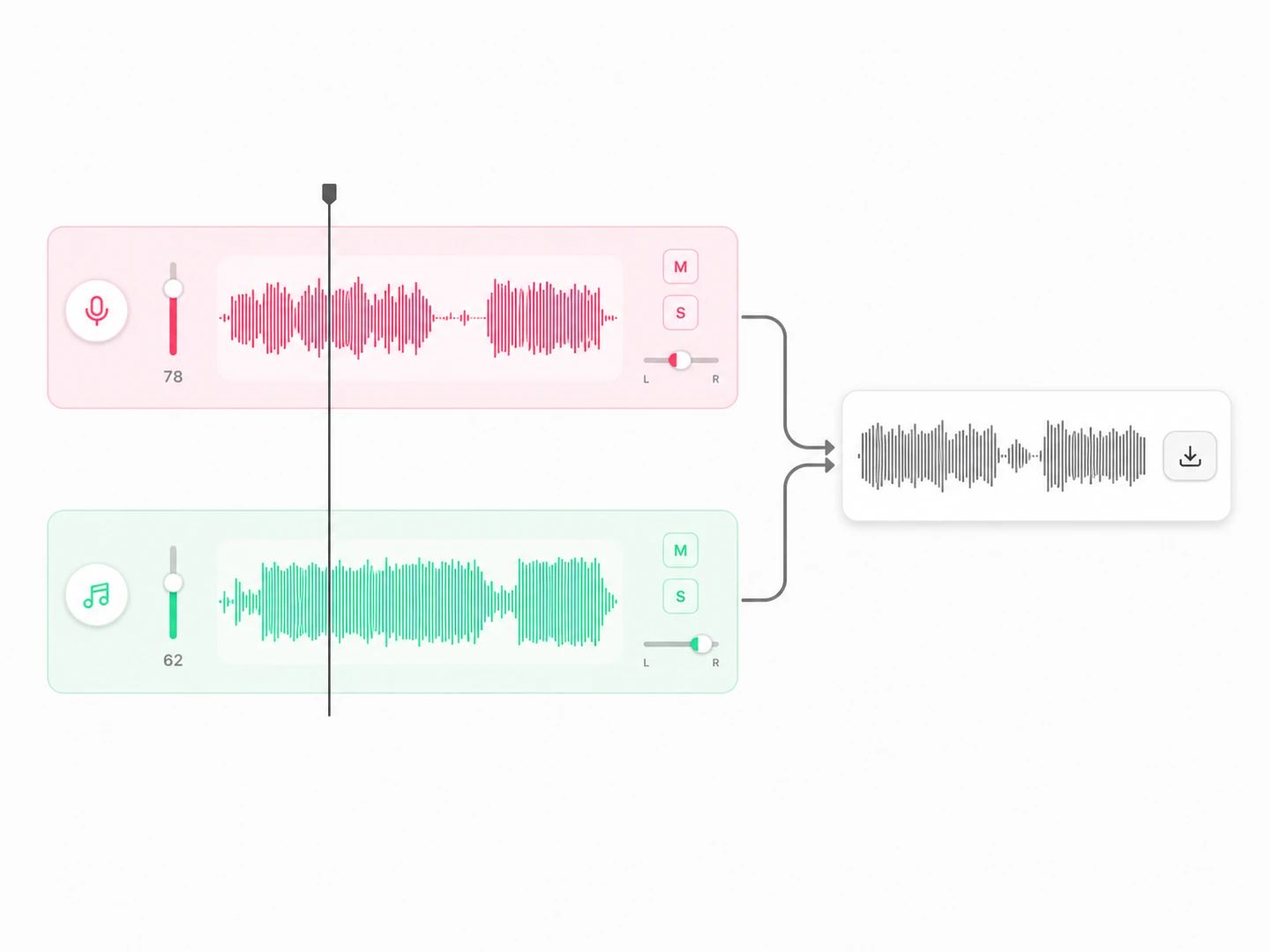
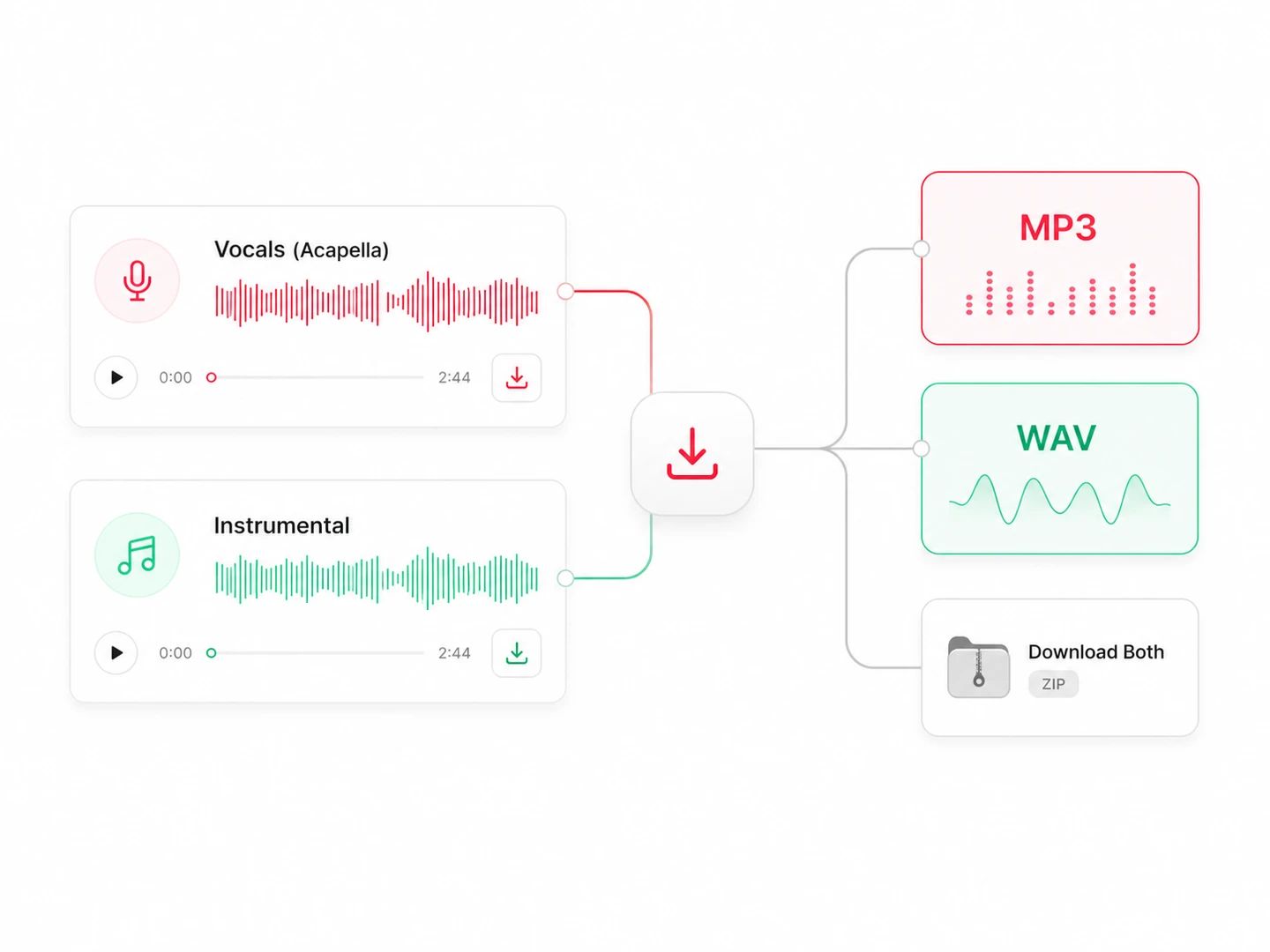
Singers, cover artists, DJs and creators can remove the vocal or keep it on its own, with both files available from one upload.
Turn any song into a backing track and sing it live, or practise against the isolated vocal.
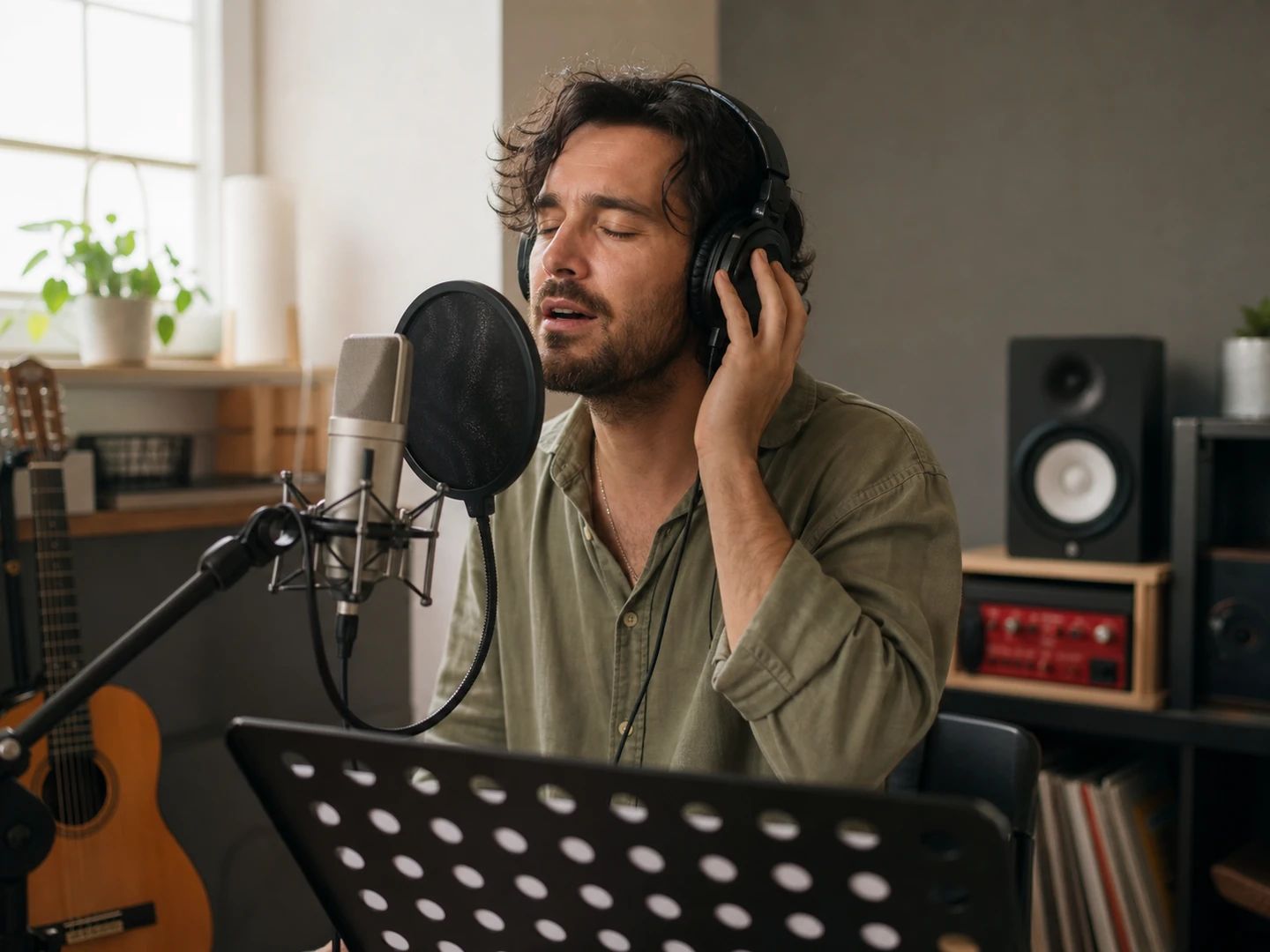
Strip the original vocal to record your own take over a clean instrumental version.

Pull a clean acapella out of any track to build mashups, edits and remixes.
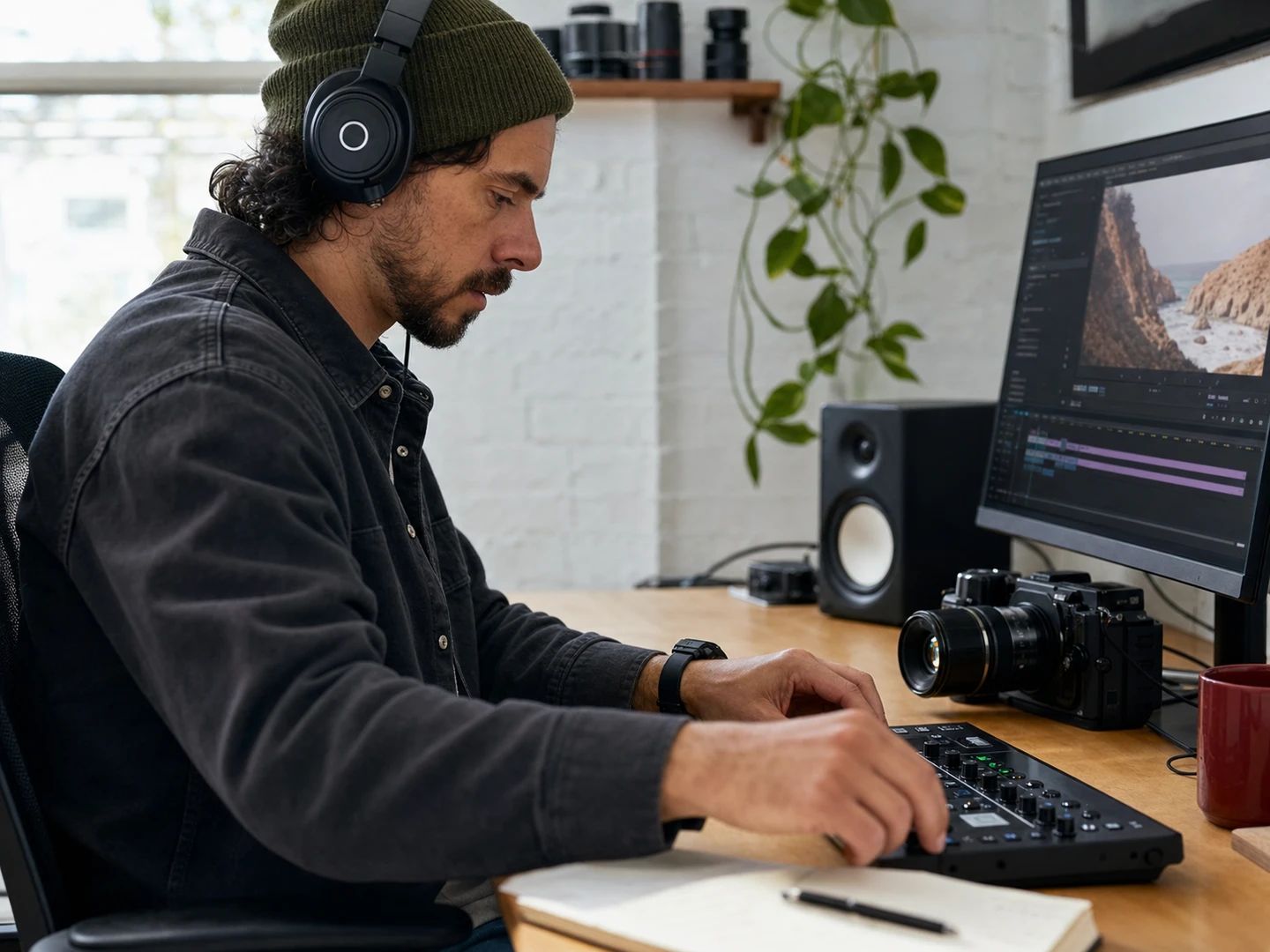
Grab a vocal-free instrumental for videos, podcasts and streams without lyrics getting in the way.
An AI vocal remover separates the singing from the instrumental in a finished song and returns both as separate audio files. It also works as a vocal isolator and acapella extractor: keep the instrumental to remove the voice, or keep the vocal to hear it on its own.
Upload any MP3, WAV or FLAC and hit Separate. Lacuna splits the track into a vocal-free instrumental and an isolated vocal — preview and download whichever you need.
Both run the same separation. Use the vocal remover when you want both sides as separate files — the instrumental and the acapella — to mix, sample or edit. If all you need is something to sing over, the Karaoke Maker is set up for that end to end, and carries on into synced lyrics and karaoke video when you want the words on screen.
Upload your song and start the separation. Preview the vocal track, then download it as MP3 or WAV to get the acapella; the instrumental stays available too. Dense mixes, reverb and overlapping instruments can leave some bleed or artifacts in the isolated vocal.
MP3, WAV, FLAC, AAC, M4A and OGG, up to 50 MB and 12 minutes per track. Export the instrumental or acapella as MP3 or lossless WAV.
You get monthly credits free to start, so you can remove vocals at no cost. Heavier use draws more credits, and you can top up any time.
You keep the parts you generate. Just note that removing vocals from a copyrighted song doesn't grant rights to the original recording — make sure you have permission for whatever you release.
Remove the vocals for a clean instrumental — or keep the acapella. Free to start.