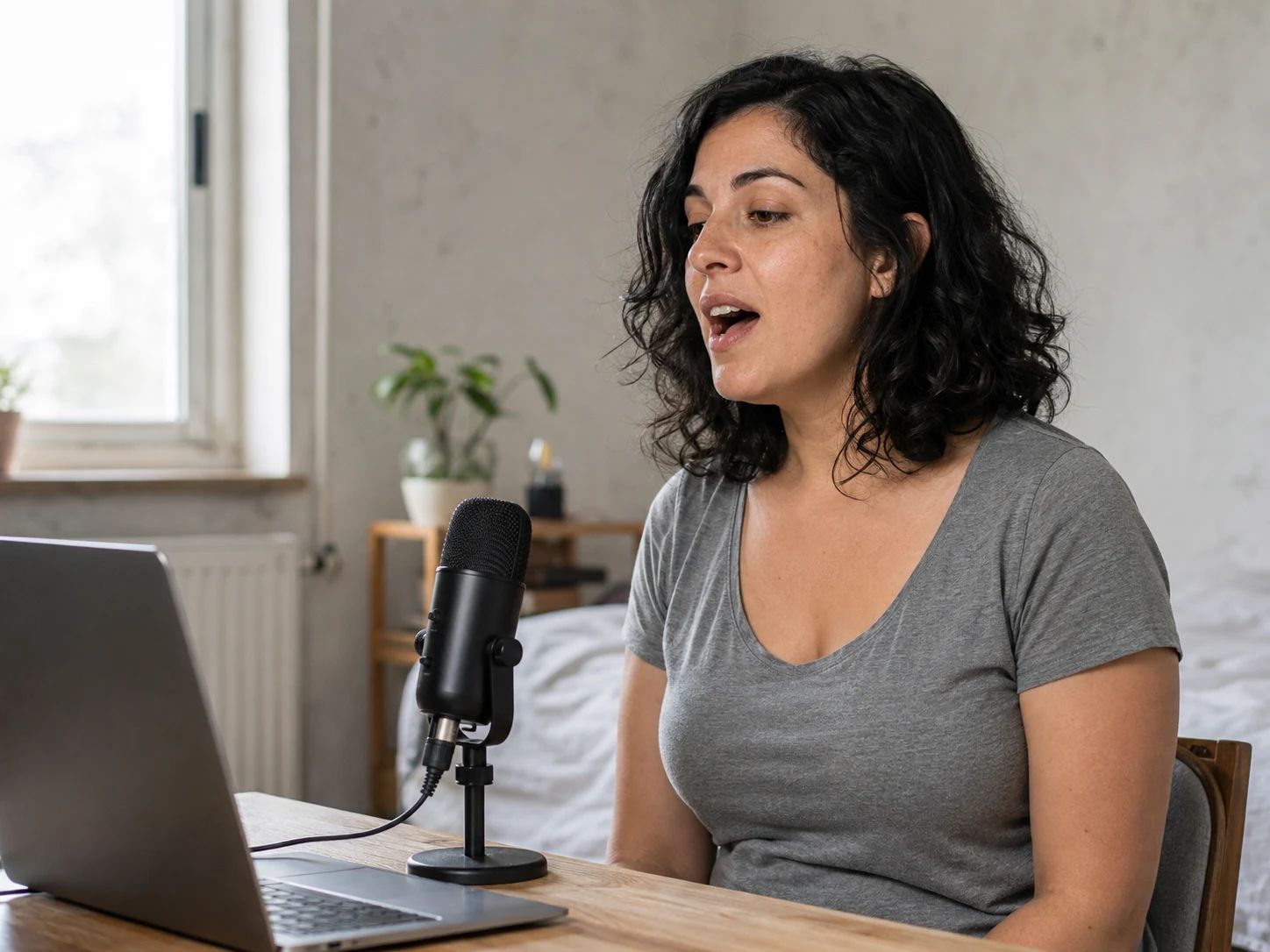
01
Singers getting started
Put note names to the low and high sounds you can comfortably repeat.
Take your time moving lower or higher. We keep the most extreme note you hold comfortably for 3 seconds. Pause whenever you are ready to review it.
Free to use · No signup
Current hold: 0.0 / 3 s
Warm up gently first. Use a natural volume and keep only notes you can repeat without strain. Stop if singing feels uncomfortable.
Start at an easy pitch and gradually move lower. Stay on a comfortable low “ah” or “oo” for about 3 seconds. Keep exploring, then pause to review your lowest held note.
Lowest held note this attempt
Waiting for a comfortable 3-second hold
—
Lowest comfortable note
—
Not set yet
Highest comfortable note
—
Not set yet
If you already know your notes, choose them here. You can also correct an octave reading after a microphone test.
Reference playback stops the microphone. Resume it when you are ready to sing.
This tester covers B1–F♯6. Notes outside that range are not included in this test.
Microphone sound is processed in your browser. No recording is uploaded or saved.
Open the pitch detector for a continuous view of the note you are singing or playing.
Open pitch detectorStep 01
Start your microphone and gradually move lower — no signup needed. Hold a comfortable note for about 3 seconds to add it to this attempt. Your lowest qualifying note stays kept while you explore. Pause to review and confirm it.
Step 02
Gradually move higher and hold a comfortable note for about 3 seconds. Your highest qualifying note stays kept through lower notes and breaths. Pause to confirm, or resume to keep exploring.
Step 03
Check your low and high notes, their distance in semitones and the highlighted keyboard. Correct a note manually if needed and download your result card.
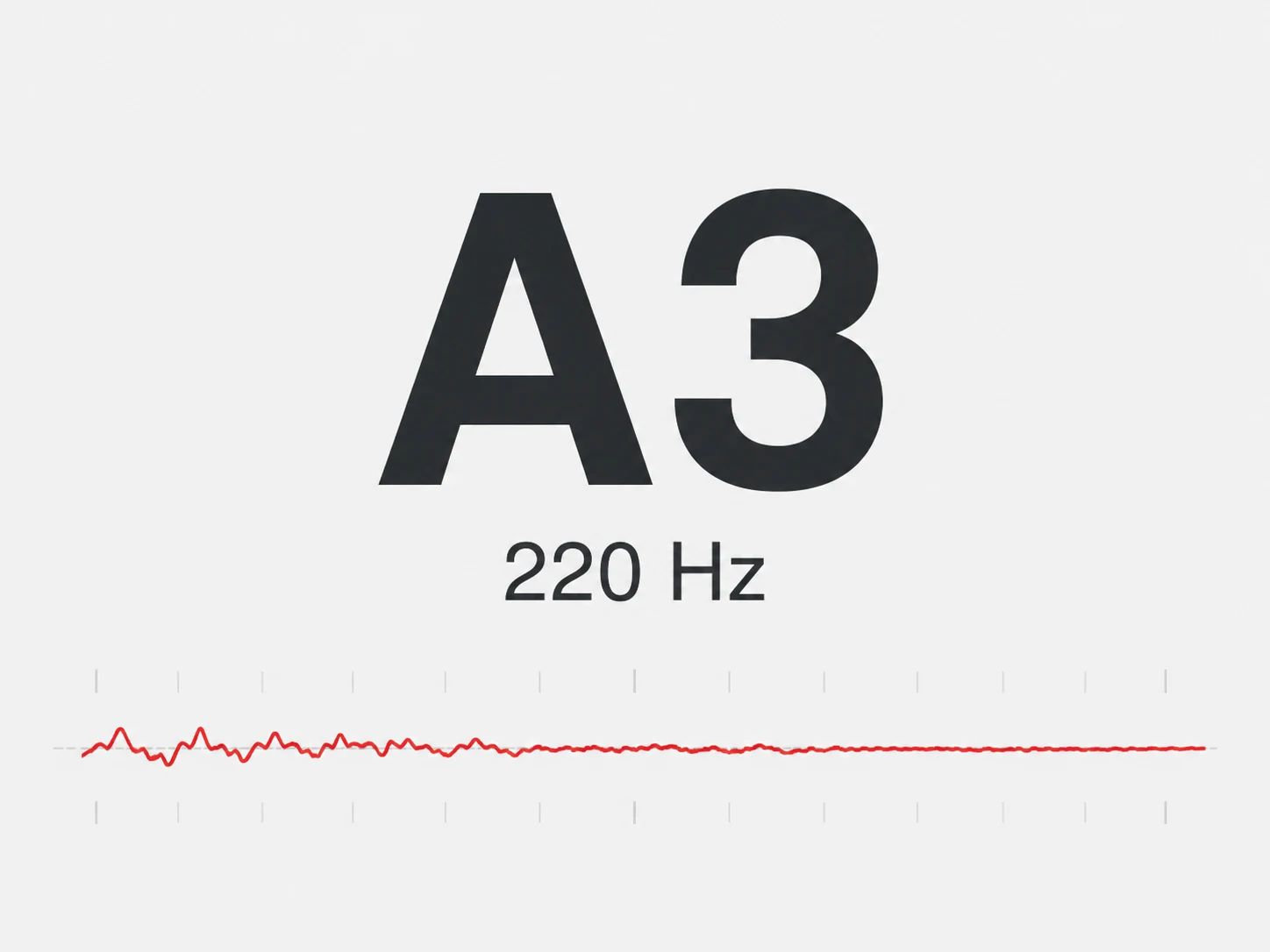
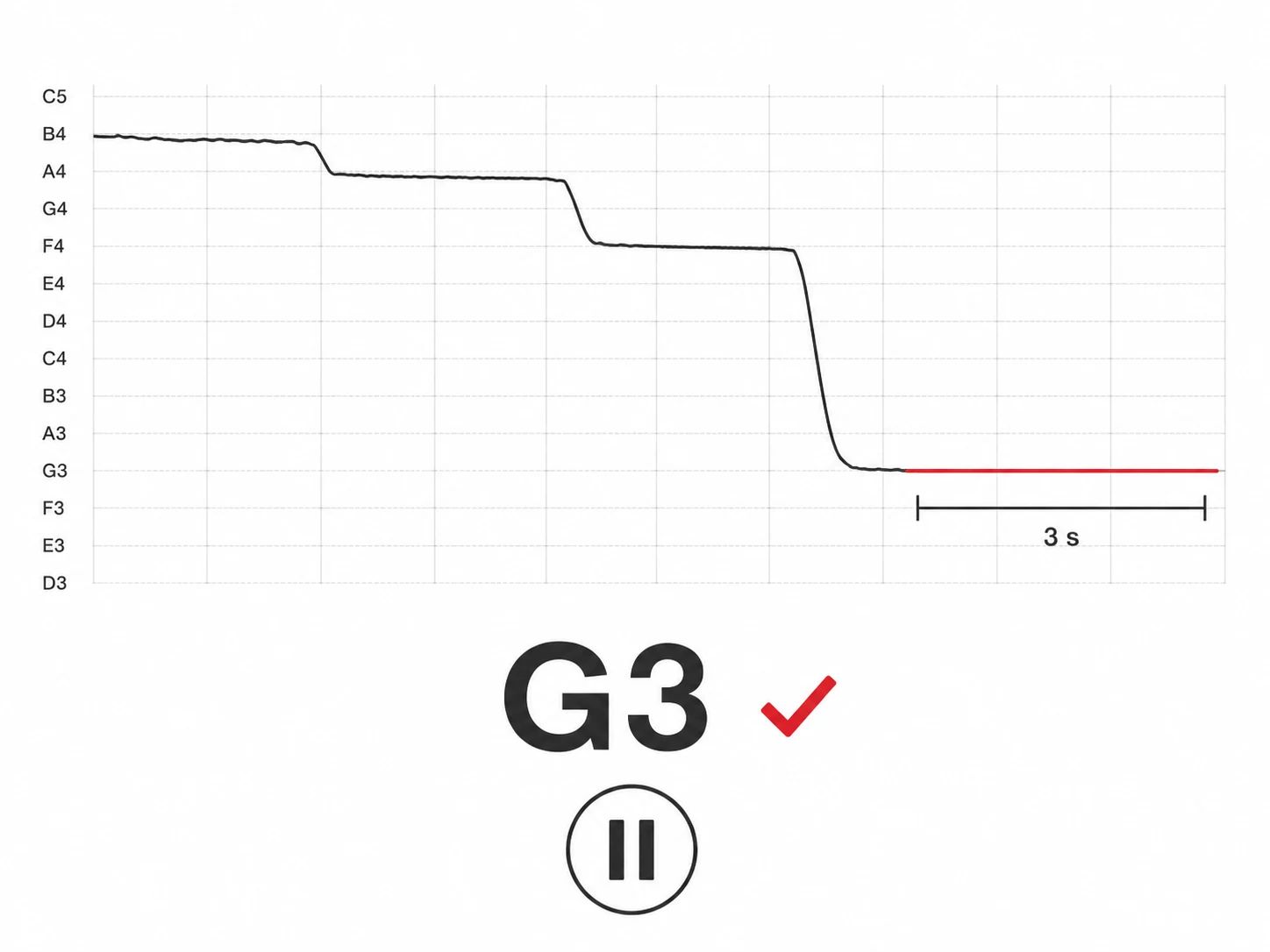
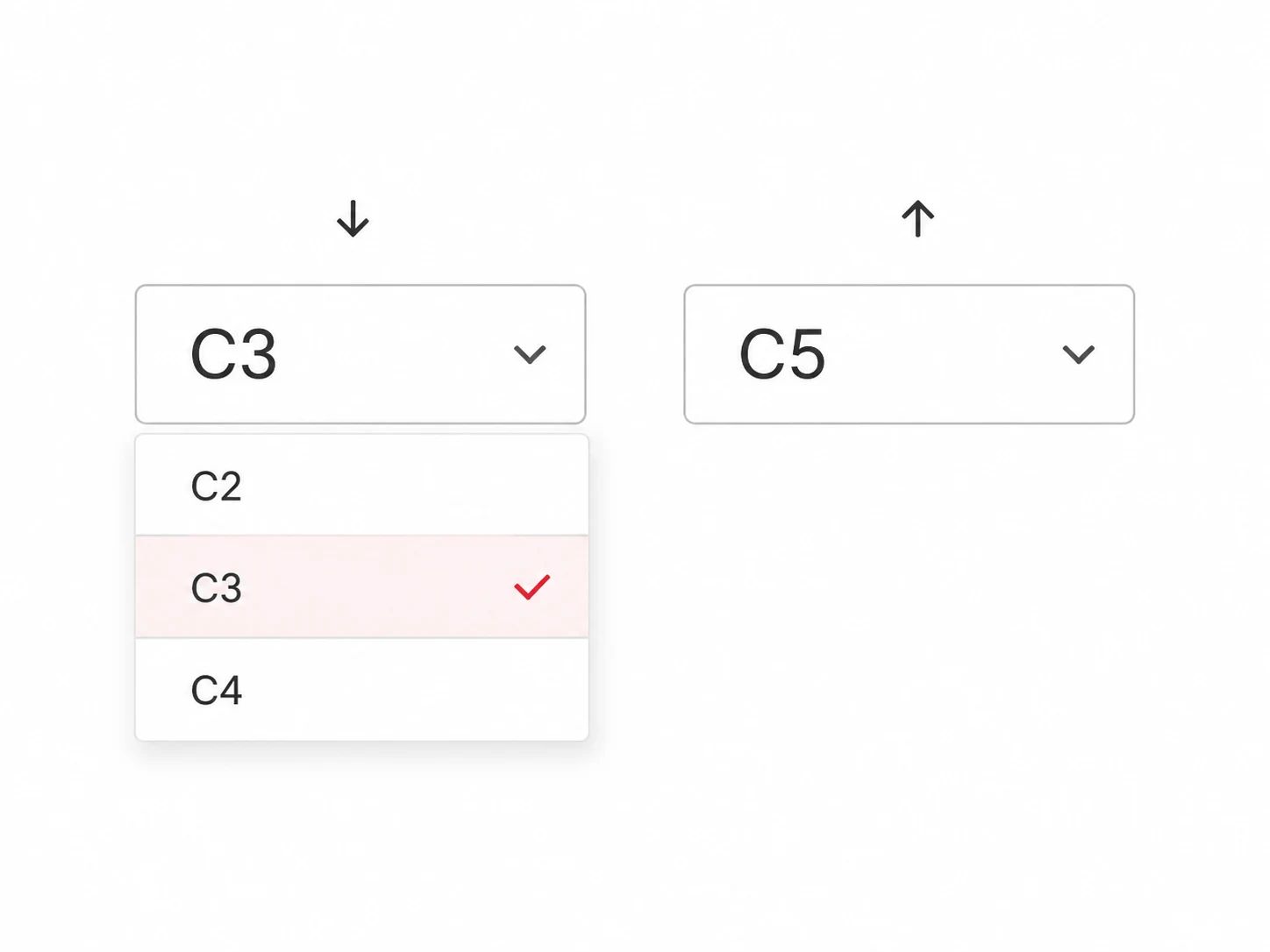
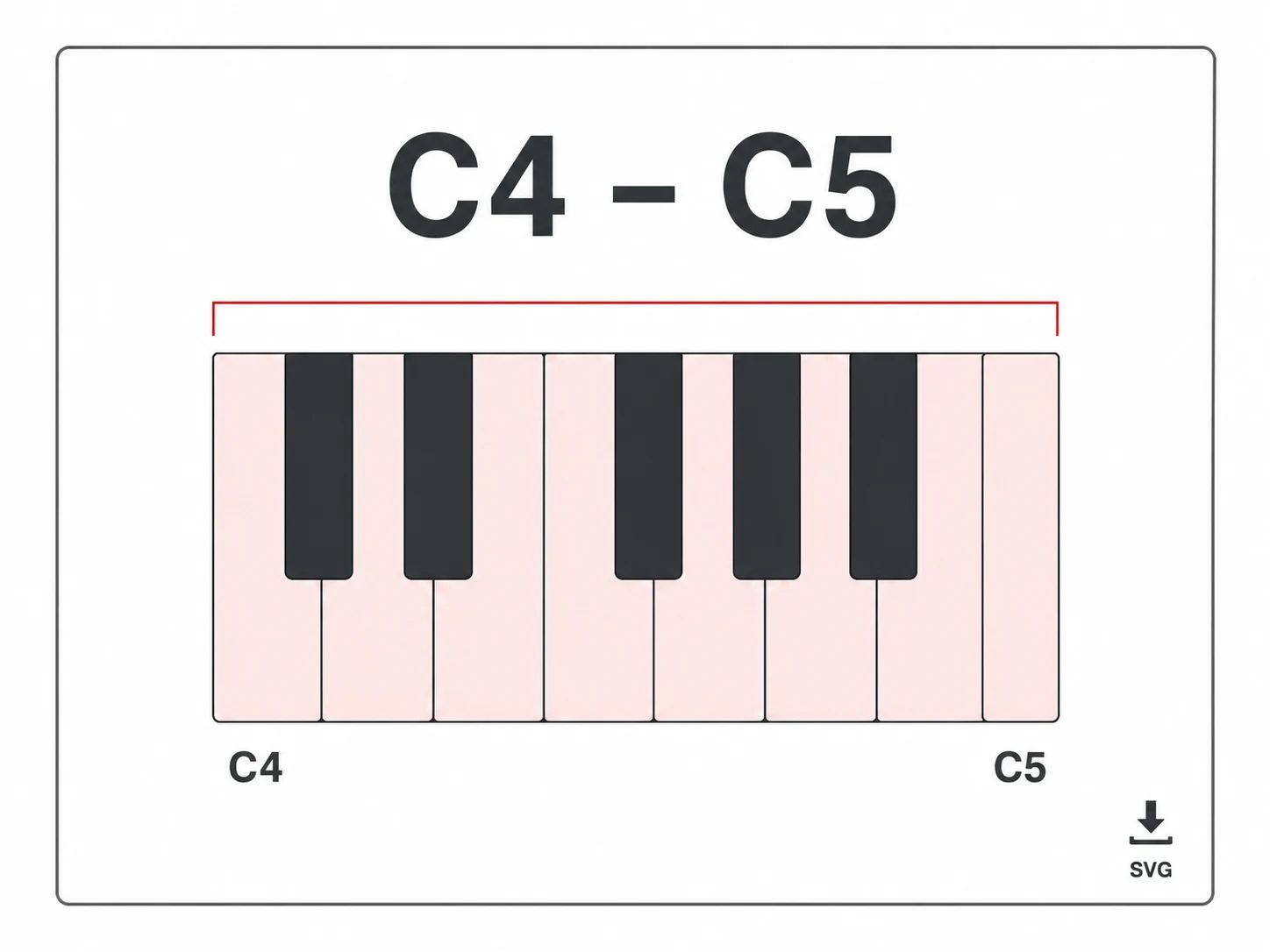
Keep your comfortable notes handy for a lesson, rehearsal or melody-writing session.
Put note names to the low and high sounds you can comfortably repeat.
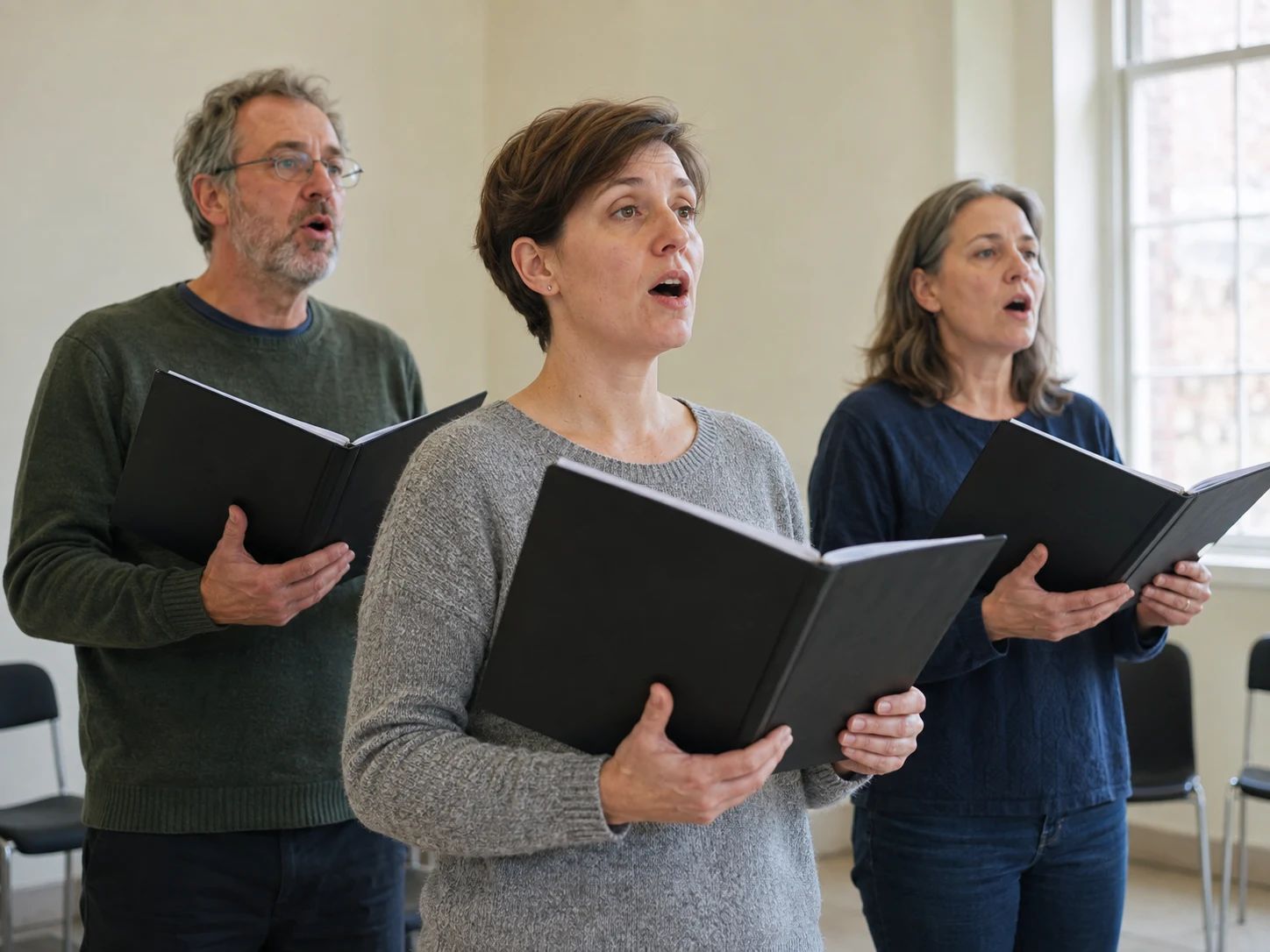
Bring a clear low-and-high note reference to a rehearsal or a discussion with your director.
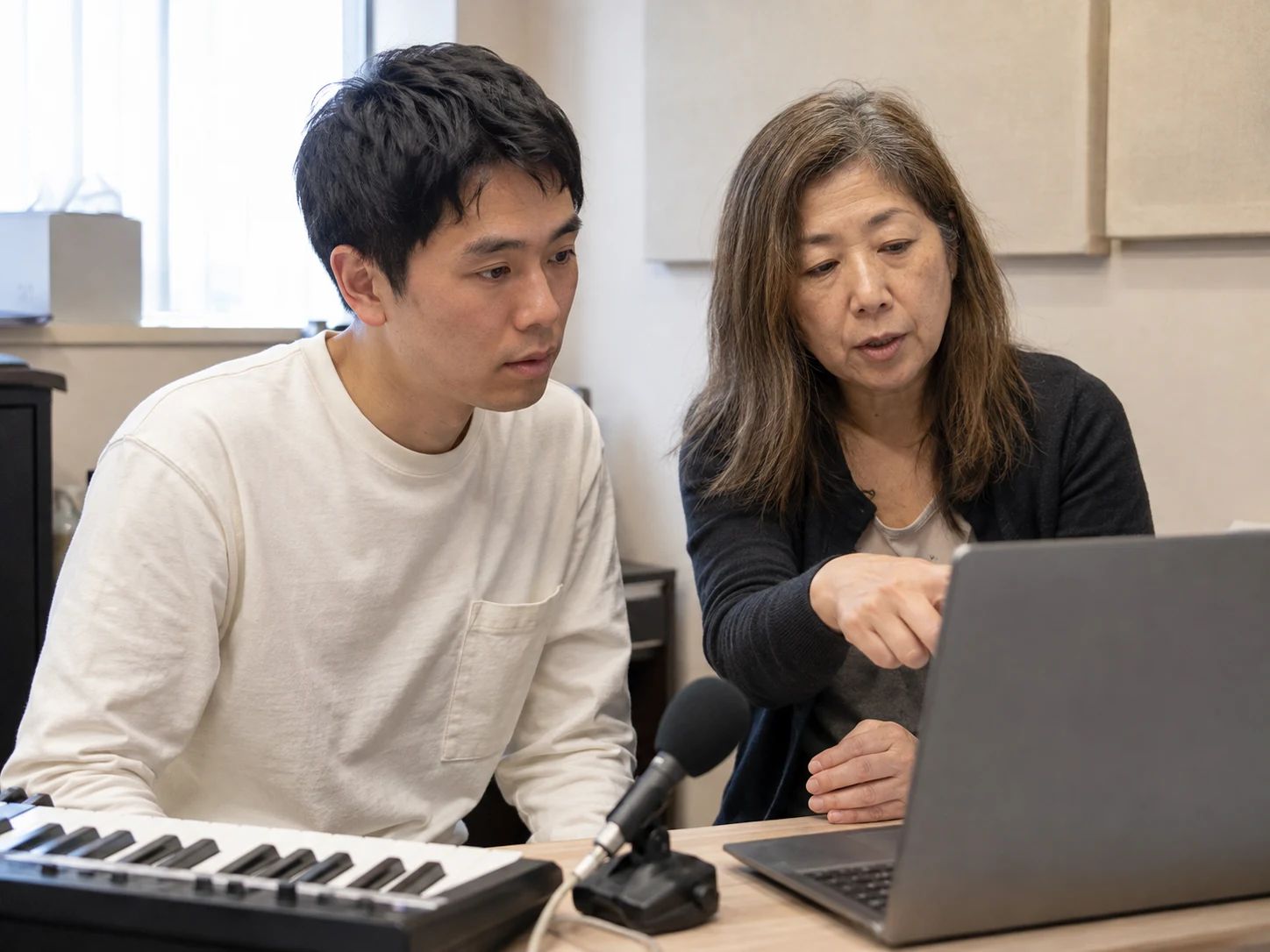
Discuss the result together and distinguish a steady pitch from a comfortably repeatable note.
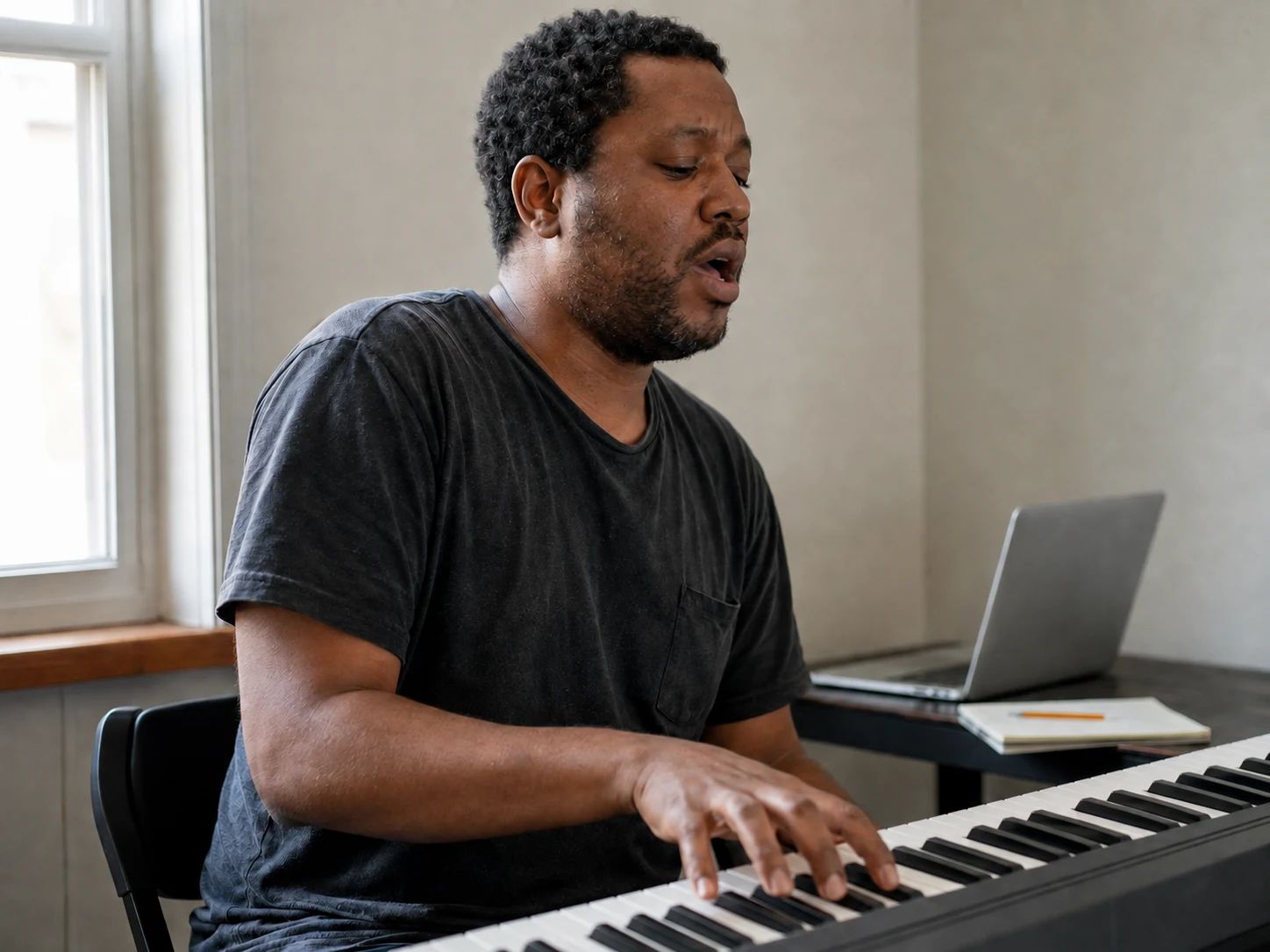
Keep a simple note-range reference nearby while trying out a melody at a keyboard.
Start the microphone and gradually move lower. Hold a comfortable note for about 3 seconds; the lowest qualifying note stays kept while you explore. Pause to review and confirm it, then repeat while moving higher. You can pause and resume without losing your best note. The result shows both endpoints and their interval on a keyboard.
Yes. The vocal range test and PNG result-card download are free, with no signup or credits needed.
No. This test records two notes you confirm. Voice classification also involves your comfortable working range, tone, registers and how your voice behaves while singing. The result card does not assign a voice type or rate your singing.
Try a quieter room, a steady vowel and one voice at a time. Keep a natural volume and avoid background music. Retest the note, or use the manual selectors if you already know the correct note and octave.
Yes. Open the manual note controls, choose your lowest and highest comfortable notes, and select Show my range. The card notes that the result includes manual entries.
No. Microphone sound is processed in your browser for live pitch detection. The page does not upload or save a recording. Downloading a result card saves a PNG image containing the notes, span and keyboard.
Your result depends on the notes you choose, your warm-up, the room and microphone, and how you sing during that test. Treat it as a snapshot rather than a permanent limit. This tester covers B1–F♯6 and does not assess vocal health.
Create an instrumental backing track, then try out your own melody over it.