Convert M4A to MP3
Drop in one voice memo or a folder of albums. Every file is decoded and re-encoded on your own machine, so the audio never leaves the device it was recorded on.
Conversion runs in your browser. Nothing is uploaded, and no account is needed.
Keep working with this track
M4A to MP3 Converter
How to convert M4A to MP3
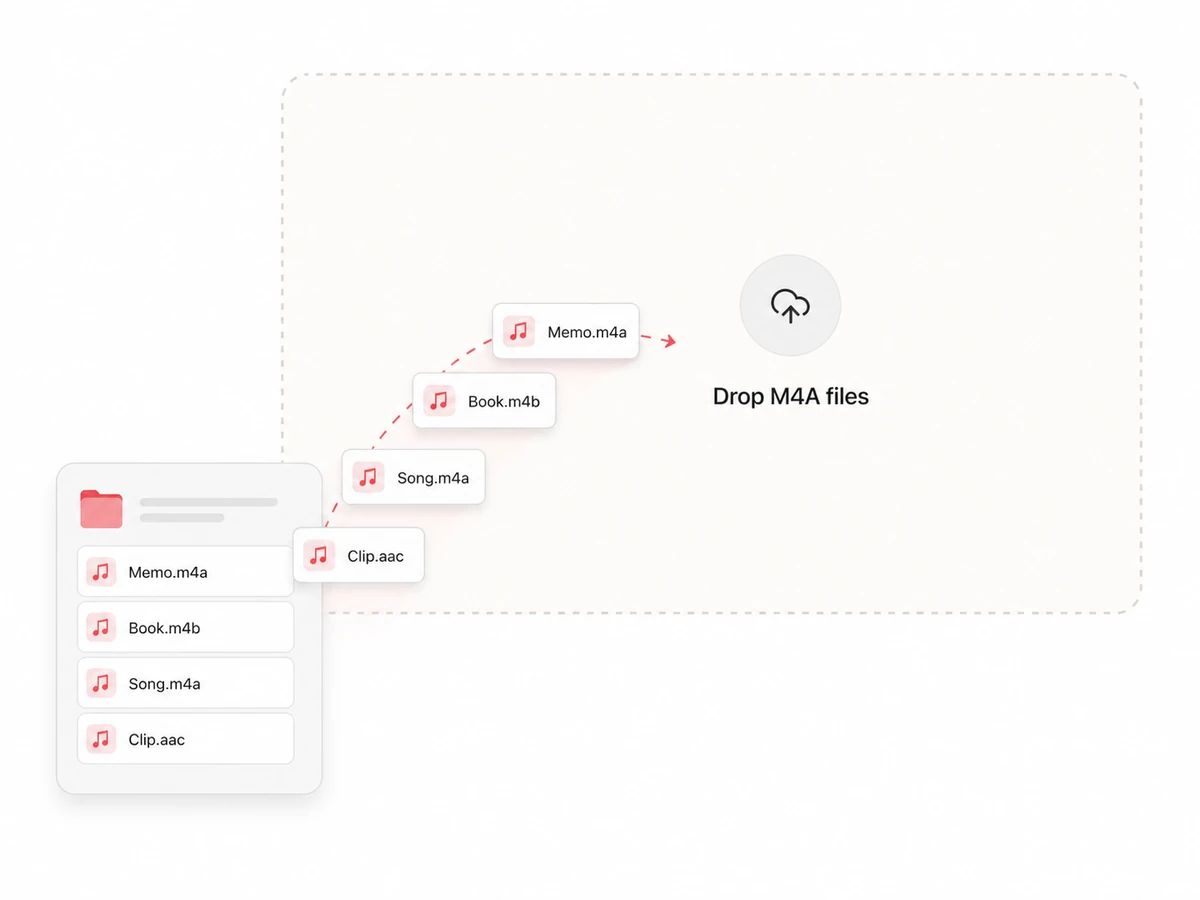
Drop in your M4A files
One voice memo, an M4B audiobook, or a whole folder pulled off an iPhone. The page reads them straight from your disk — there is no upload to sit through and no account to make first.
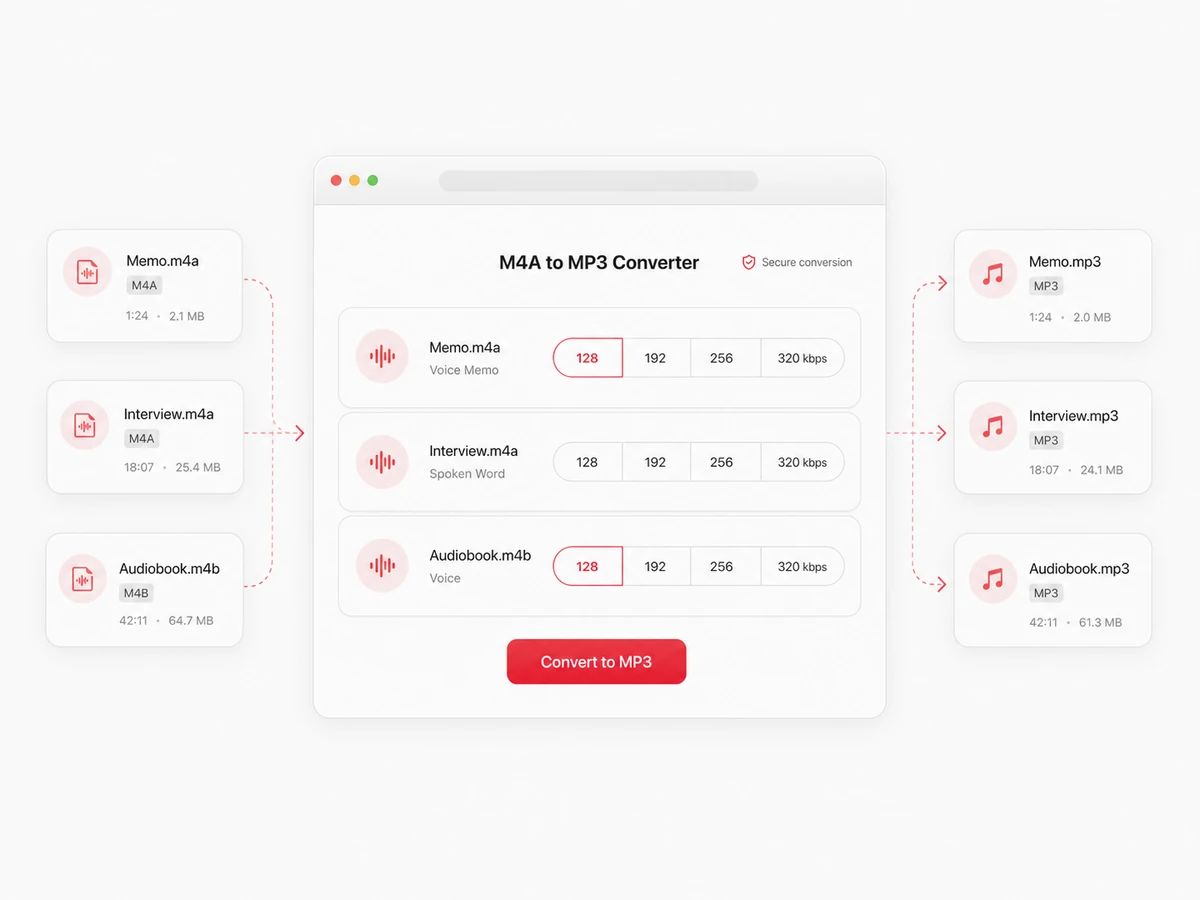
Pick a bitrate
320 kbps by default, which is the most an MP3 can carry. For spoken word — memos, interviews, narration — 128 kbps sounds the same to most ears and lands at roughly a quarter of the size.
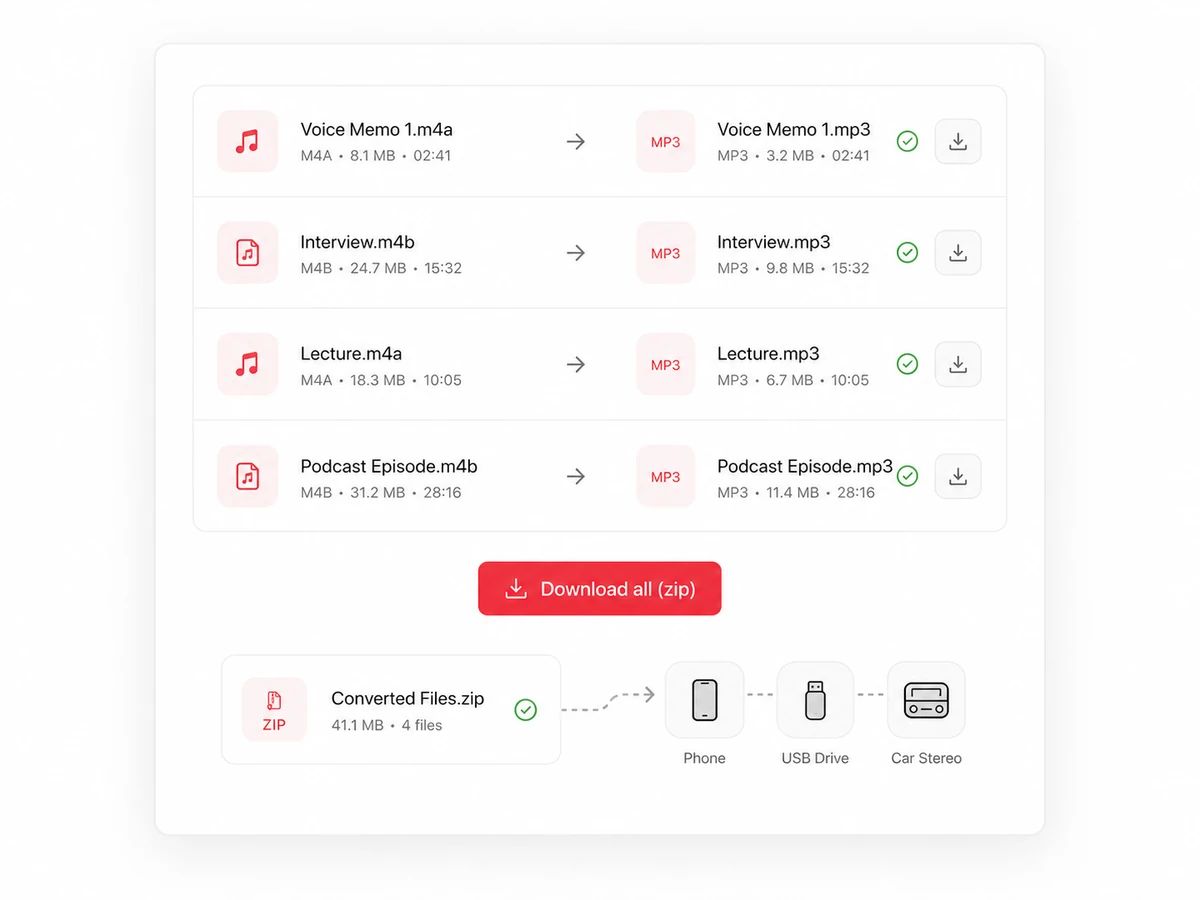
Download one file or the whole batch
Each row shows its before and after size as it finishes. Take them one by one, or grab everything as a single zip and put it on the phone, the USB stick, or whatever rejected the M4A.
Built For The Files Apple Hands You
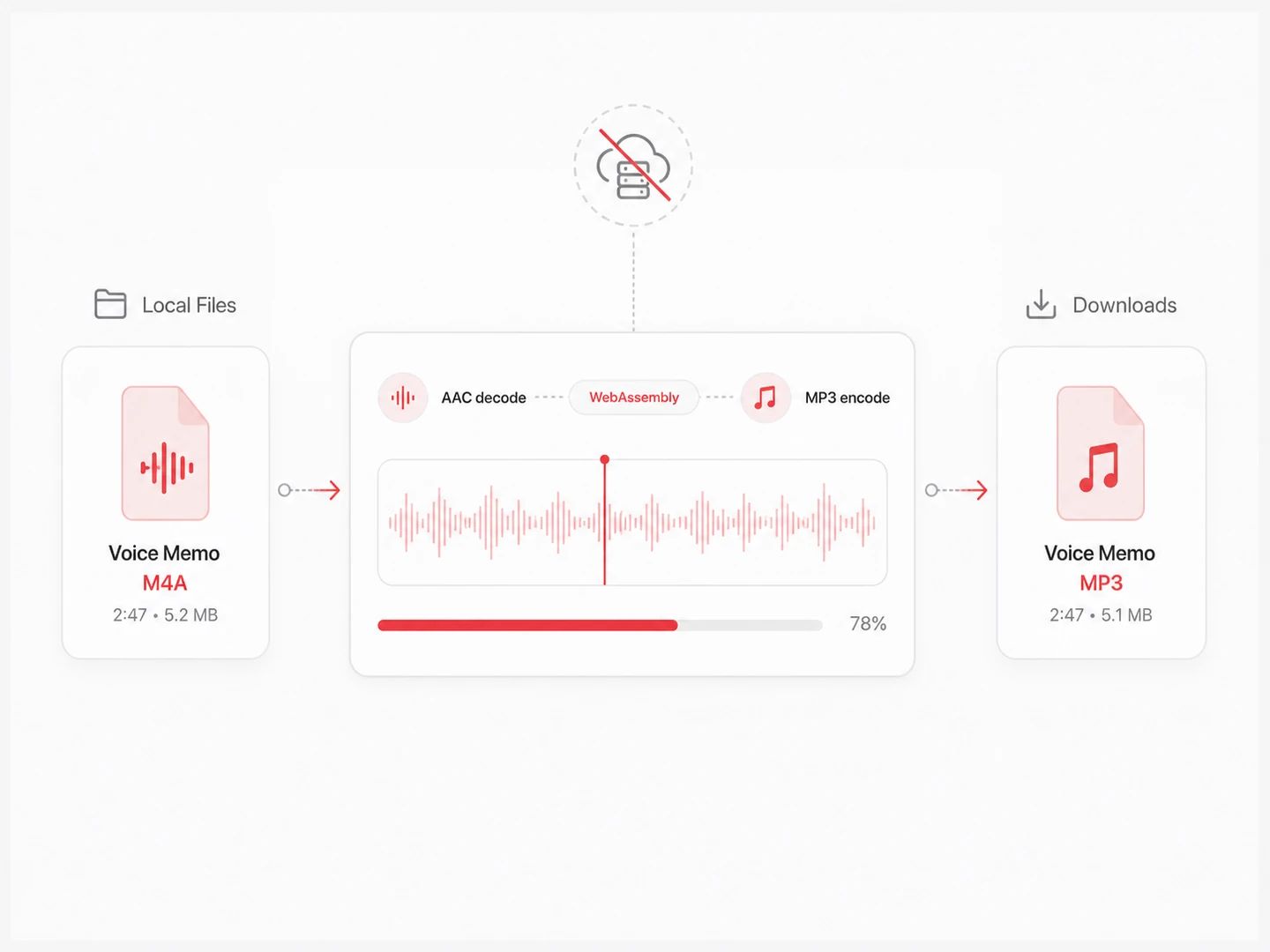
An M4A converter that never uploads your files
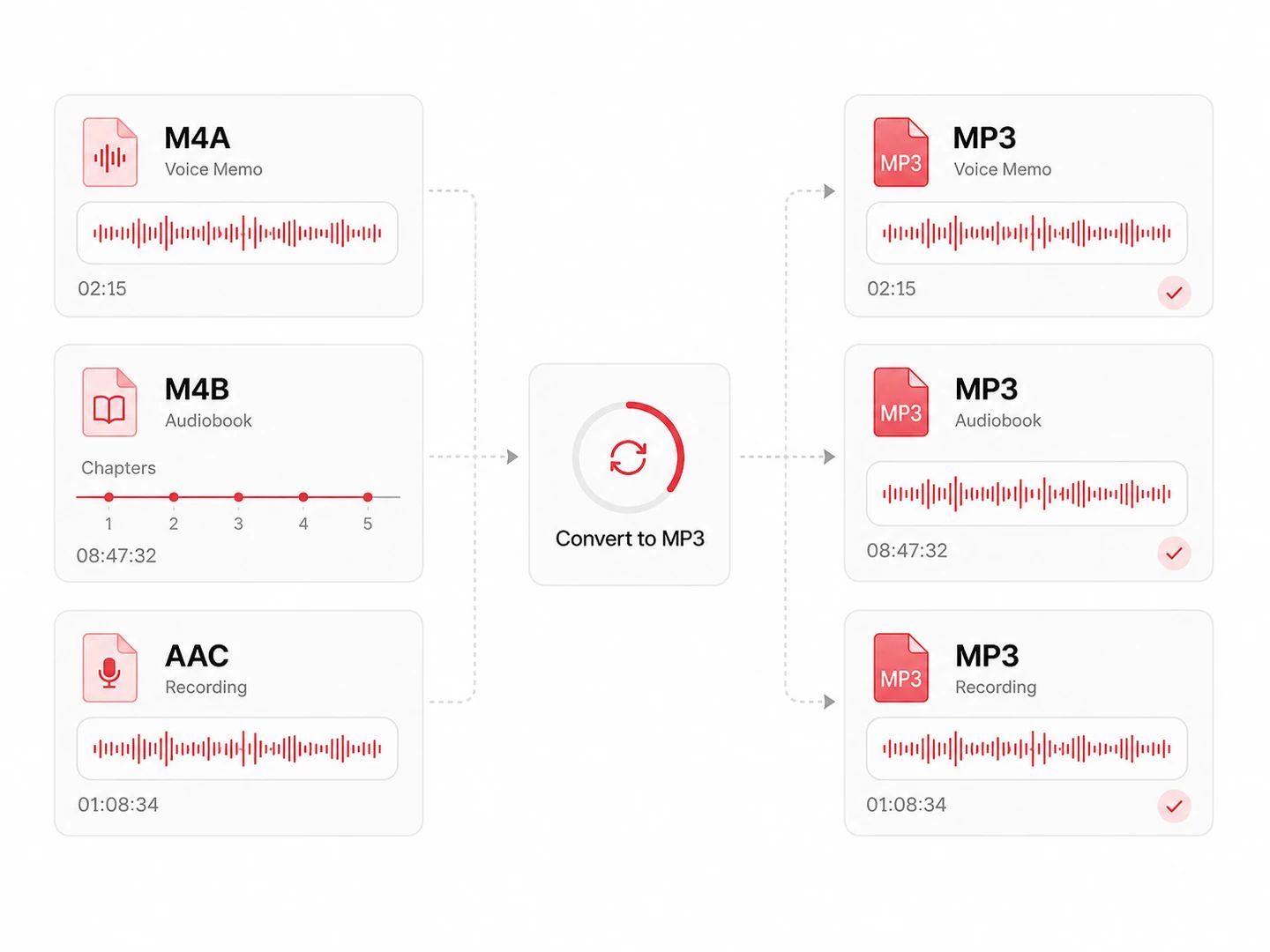
M4B audiobooks and loose AAC files as well
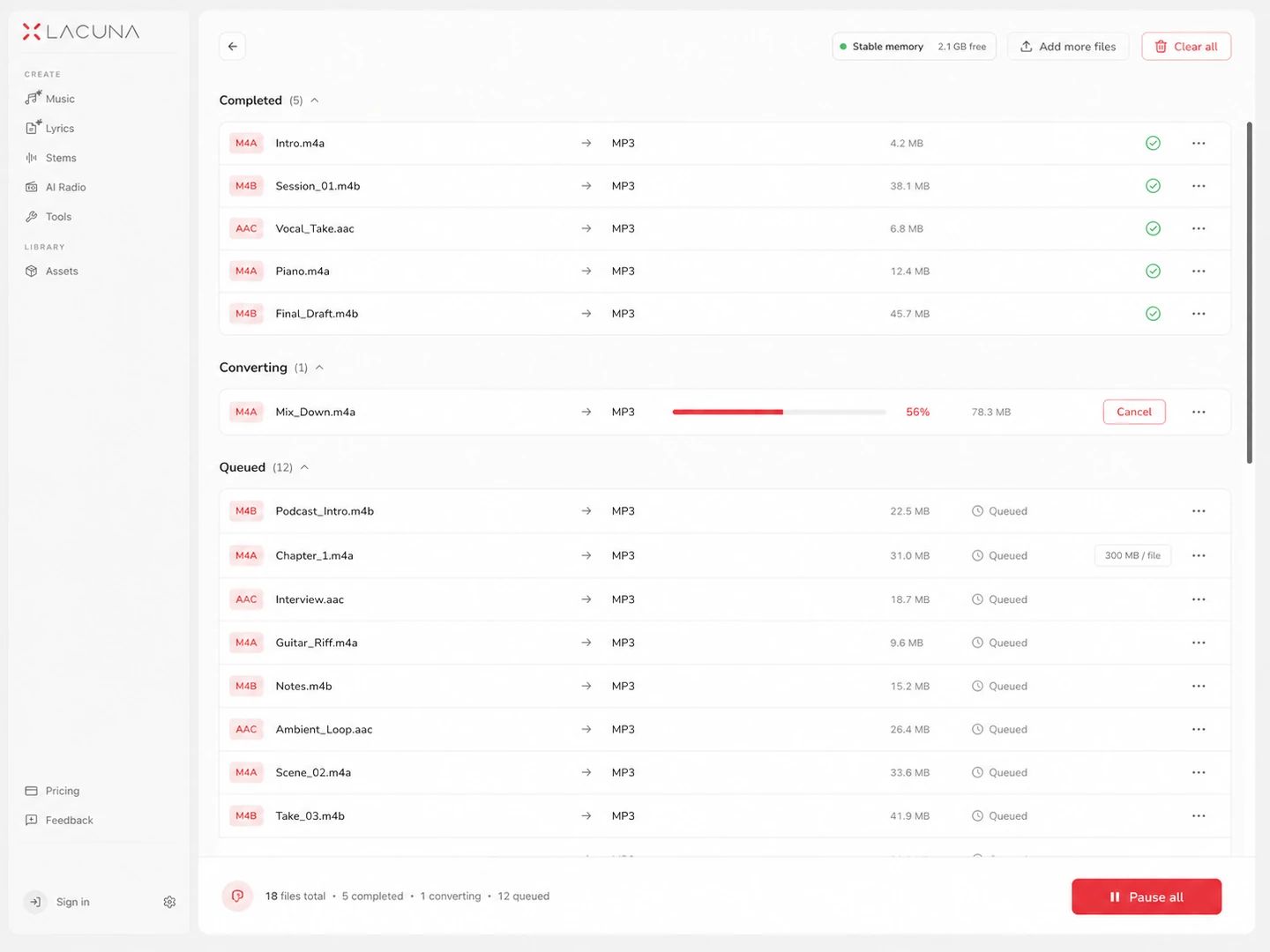
No file count and no daily limit
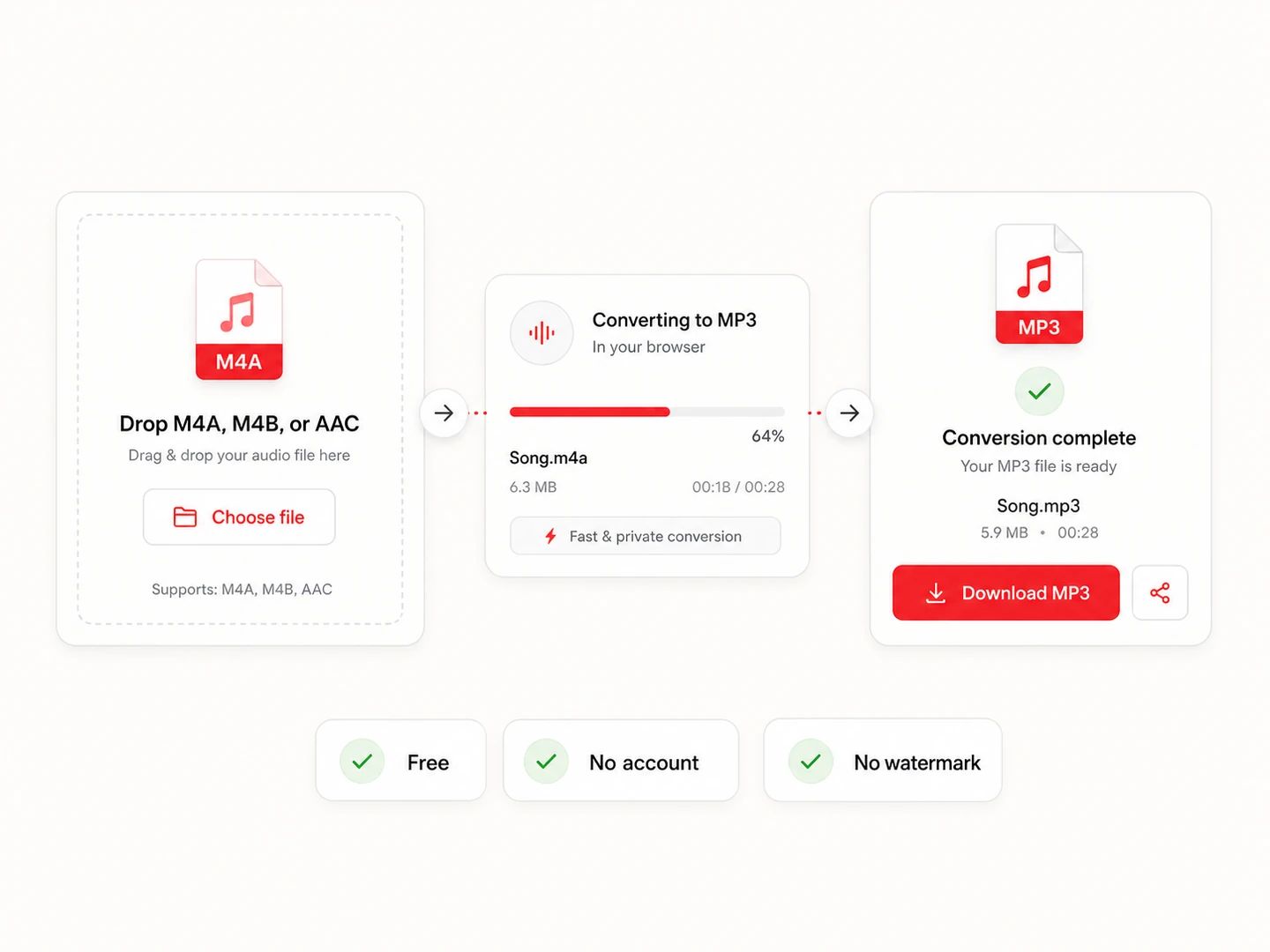
Free, no account, no watermark
What You Trade Going From M4A To MP3
Both formats are lossy, so this conversion is not about getting better audio — it is about which players will open the file. AAC inside an M4A is the newer, more efficient codec; MP3 is the one nearly every device built since the late nineties can read. Convert from the original M4A, once, and keep that original.
| M4A | MP3 | |
|---|---|---|
| Codec | AAC audio in an MP4 container | MPEG-1 Layer III, unchanged since 1993 |
| File size | About 1.9 MB per stereo minute at 256 kbps | About 2.4 MB per minute at 320 kbps, 1 MB at 128 |
| Sound quality | Holds together better than MP3 at low bitrates — that is what the newer codec bought | Very close to the source at 256–320 kbps; thin and splashy below 160 |
| Typical source | iPhone voice memos, iTunes purchases, Apple Books, YouTube audio | Anything that has to play on hardware you don't control |
| Compatibility | Fine on Apple gear and modern browsers; car stereos, gym equipment and older players often refuse it | Played by essentially everything with a speaker and a file system |
| Extras it carries | Cover art, and chapter marks that M4B audiobooks depend on | Cover art and tags survive; chapter marks do not |
| Converting again | Already lossy, so treat it as the master and re-export from it | Each further MP3 pass costs a little more — go back to the M4A instead |
Which bitrate should you pick?
One voice in a room survives this rate without complaint, and an hour of it lands near 58 MB. Music at 128 loses its top end where you can hear it going.
The rate to fall back to when an email attachment limit or an upload form is deciding for you. Perfectly fine through phone speakers and earbuds.
iTunes and Apple Music encode AAC at 256 kbps, so this is the honest middle for music that came from there — enough that most people stop hearing the second pass.
The MP3 ceiling and the default here. Use it when this MP3 replaces the M4A in your library, or when someone asked for the best MP3 you have.
M4A to MP3 questions
Drop the files into the converter above, pick a bitrate, and download the MP3s. There is nothing to install and iTunes does not need to be on the machine — Windows is where M4A most often goes wrong precisely because it isn't. The work happens inside the browser tab, which is why the steps are identical on Windows and on a Mac.
The same page, the same three steps. macOS can do it through the Music app, but that route imports the file into a library first and hides the encoder settings in preferences. Here you choose 128 to 320 kbps, drop the files, and the MP3s land in your Downloads folder. Because it runs in the browser, there is no install and no iTunes involved on either platform.
Usually one of two reasons. The player may not read the MP4 container that M4A uses — plenty of car head units, older stereos and cheap MP3 players only speak MP3 and WAV, and they tend to show the file as missing rather than say so. Or the file is DRM-protected: tracks downloaded through an Apple Music subscription are locked, and no converter, this one included, can decode them. Songs purchased from iTunes are not protected and convert normally.
Yes. Share the recording out of the Voice Memos app to Files, AirDrop it, or copy it off with a cable, then drop the .m4a in here. 128 kbps is plenty for a single speaker; go higher if there is music in the recording. Nothing is uploaded, so an interview or a rough song idea stays on your own machine.
No. Your browser decodes the M4A with its own AAC support, and an MP3 encoder bundled with this page writes the output. Nothing is sent anywhere, which is also why there is no queue and no daily limit — there is no server paying for bandwidth.
No quota and no daily cap. The only ceiling is your browser's memory: files up to a few hundred megabytes convert comfortably, and anything past 300 MB is turned away with a message instead of taking the tab down with it. A very long M4B audiobook is the one file that regularly hits this — split it and convert the parts.
Yes — drop in as many as you like, or select a whole folder. They convert one after another so memory stays under control, each row shows its own progress and final size, and one button packs the finished MP3s into a single zip.
Yes, with no sign-up and no paid tier that unlocks the same button. Every conversion runs on your own hardware, so there is no per-file cost for us to pass on.
Same Converter, Other Formats
Convert from MP3
Convert from M4A
Pairs without a page of their own open the full audio converter with the output already chosen.
Turn those M4A files into MP3 and move on
A free M4A to MP3 converter with bitrate control, M4B and AAC support, and no upload step at any point.