Convert FLAC to MP3
Add one track or every track in an album folder. Each FLAC is decoded and re-encoded on your own machine, one file after another, so nothing is uploaded and memory stays flat however long the queue gets.
Everything runs in this page. No upload, no account, no daily limit.
Keep working with this track
FLAC to MP3 Converter
How to convert FLAC to MP3
Add the album, not one track at a time
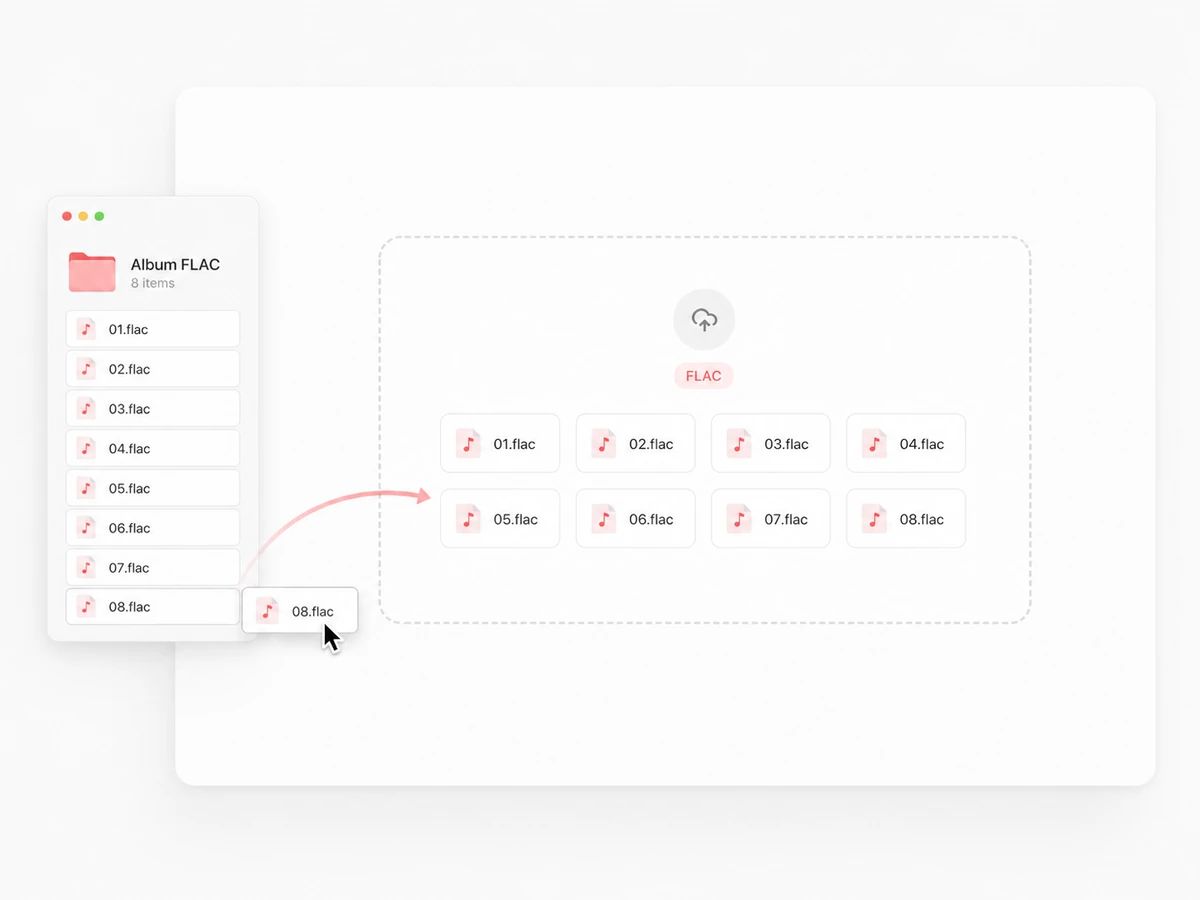
Open the picker and select every FLAC in the folder, or drag the files in together. There is no upload to sit through and no queue to wait behind — the page reads each file off your disk when its turn comes.
Leave it at 320 kbps, or don't
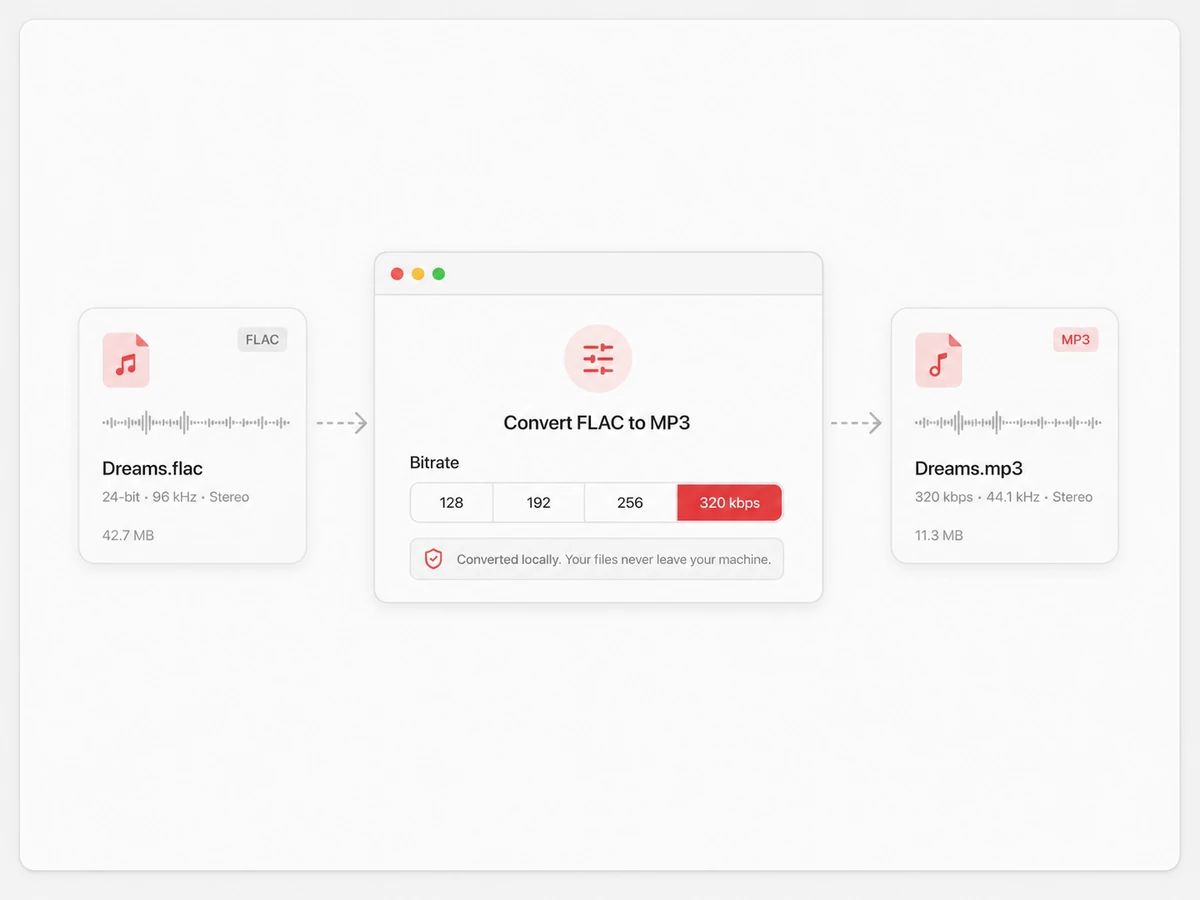
320 kbps is the default and the highest an MP3 goes, which is the right starting point when the source is lossless. Drop to 256 or 192 when the destination is a phone with little room left or a stick the whole set has to fit on.
Take the tracks, or the whole zip
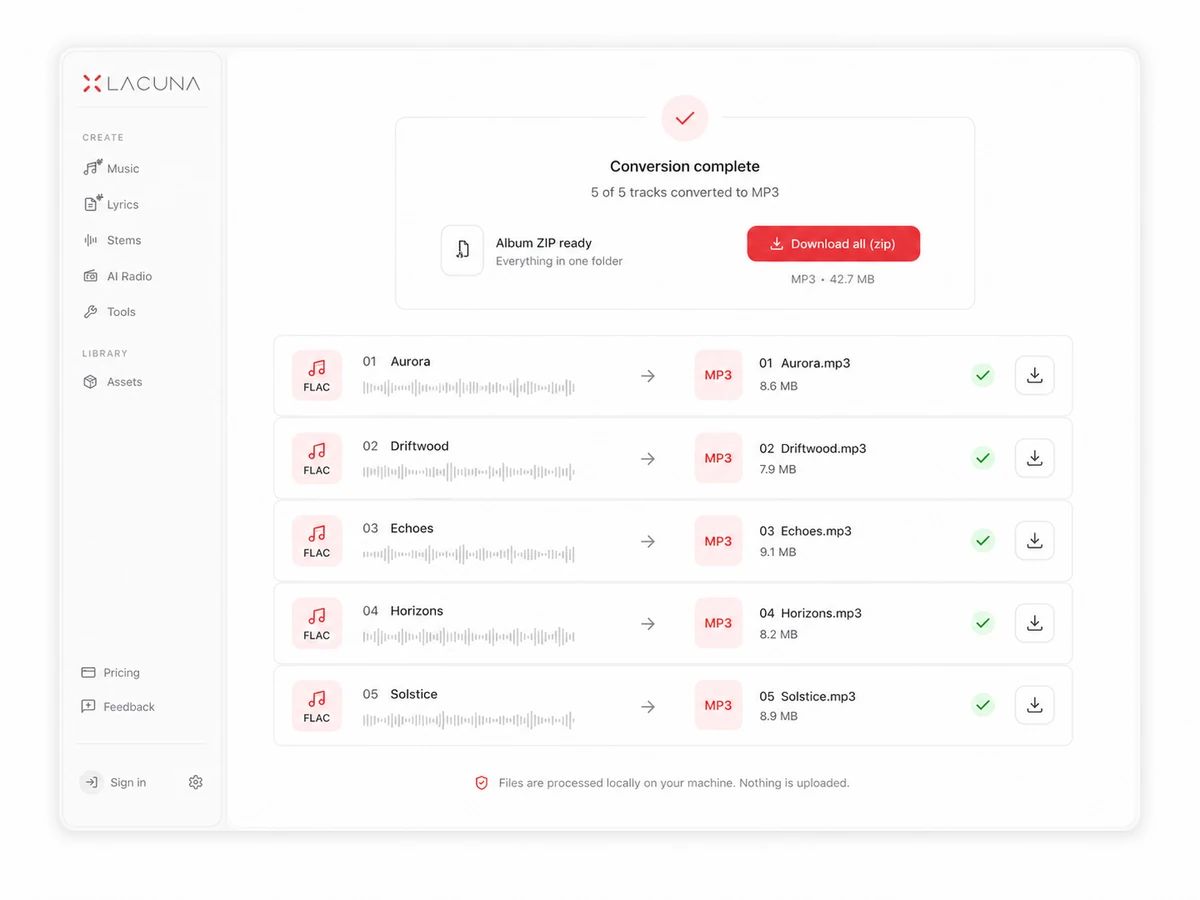
Files convert one after another, each row showing its own progress and final size. Download them as they land, or press one button and get the finished album as a single zip with the track names intact.
Built For A Library, Not A Single File
A FLAC converter that never uploads your library
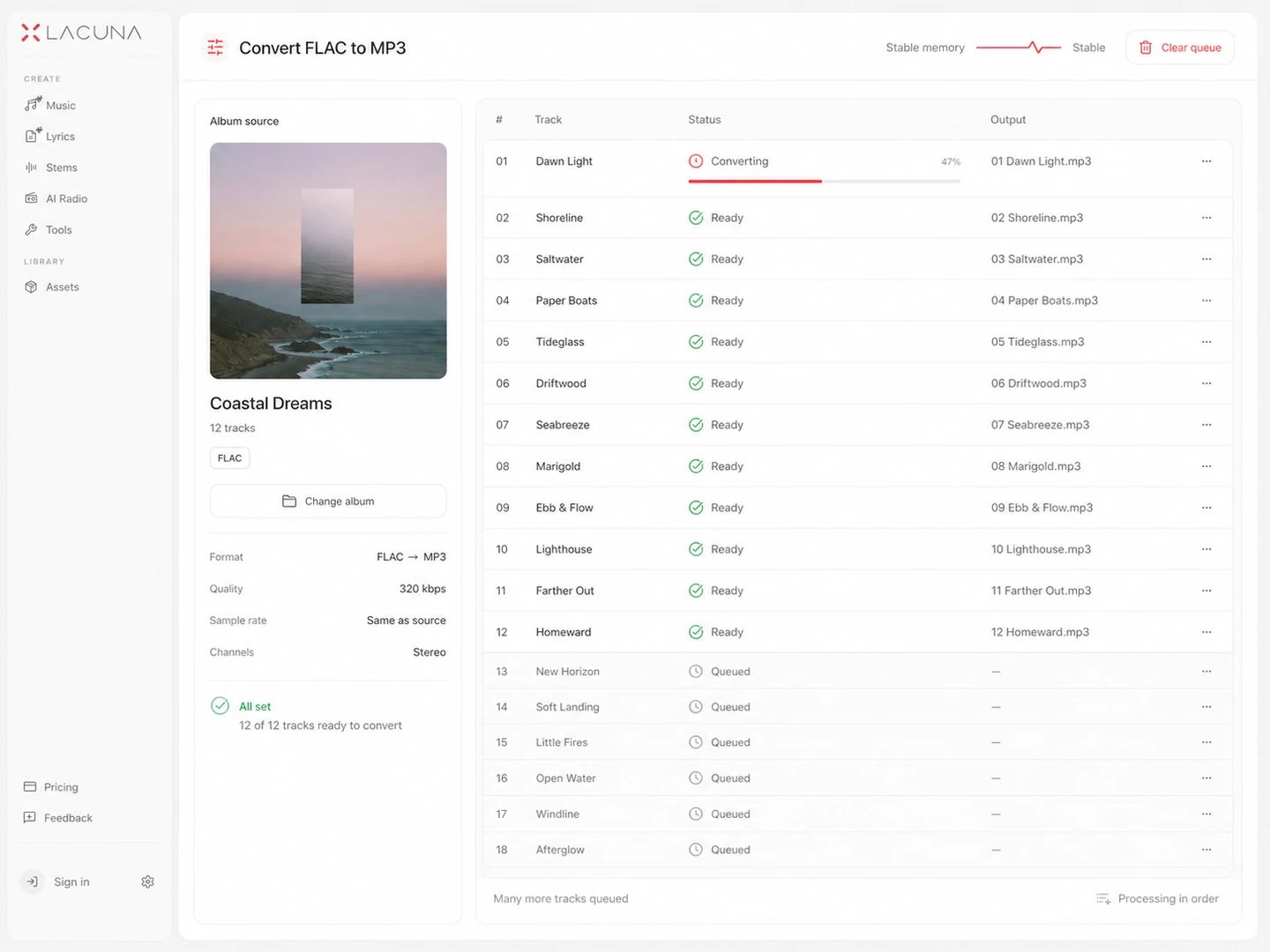
Whole albums, no file count, no daily limit
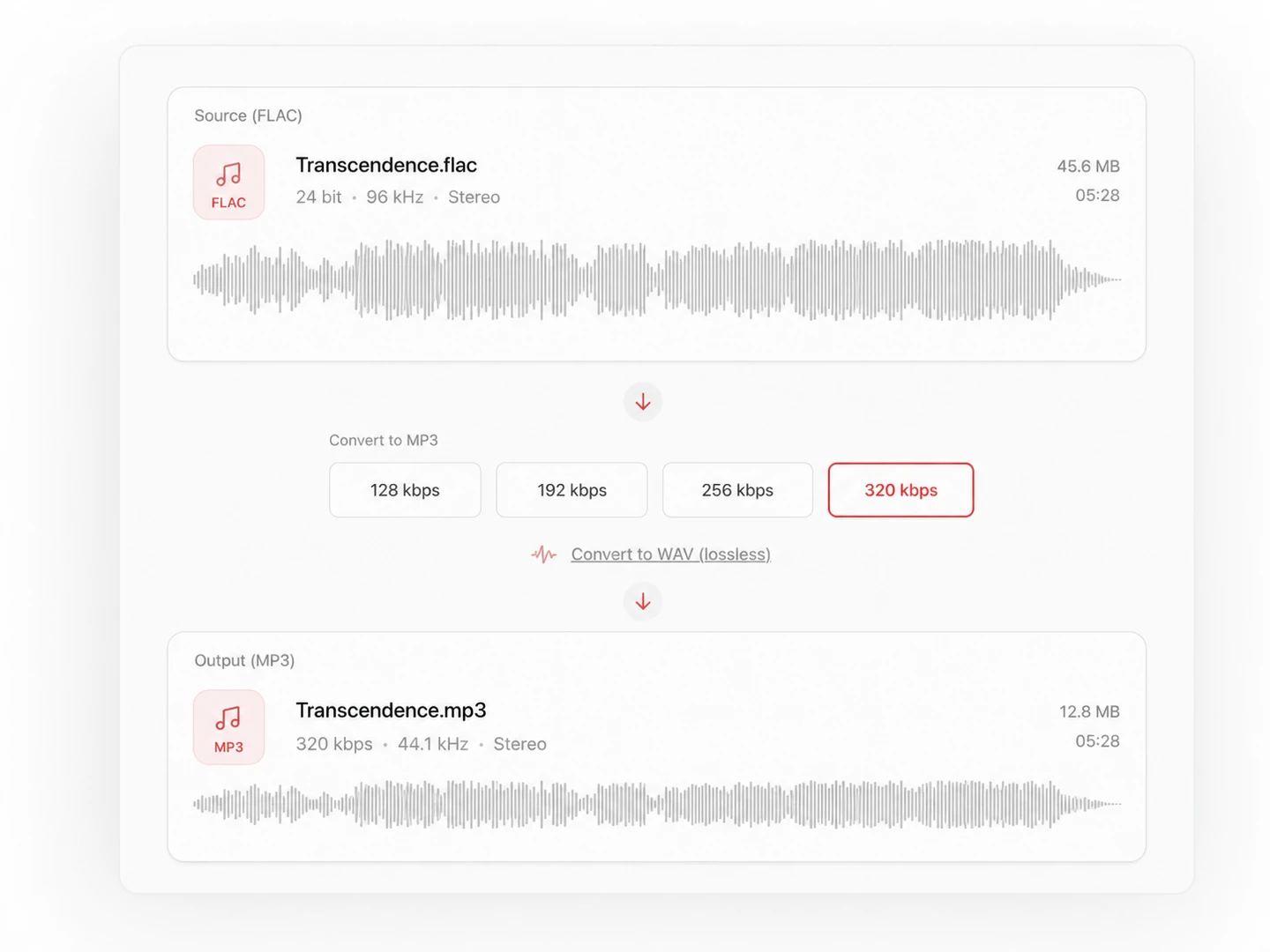
320 kbps by default, because your source is lossless
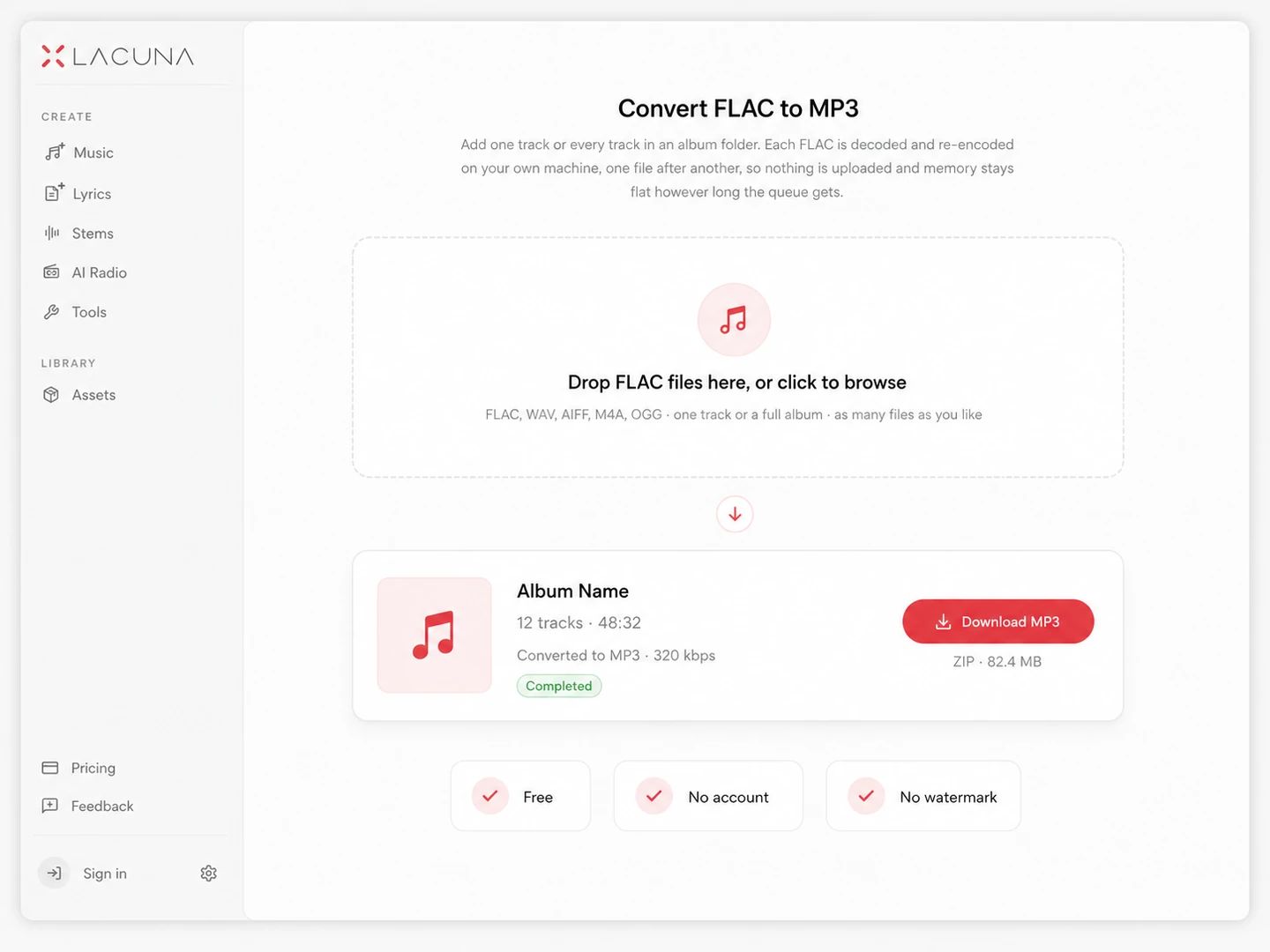
Free, no account, no watermark
What Changes When A Lossless File Becomes MP3
FLAC is compression that throws nothing away — decode it and the original samples come back bit for bit. MP3 discards what the ear is least likely to miss and lands at roughly a fifth of the size. That is a one-way door, so the arrangement that works is to keep the FLAC as the archive copy and treat the MP3 as the travelling copy.
| FLAC | MP3 | |
|---|---|---|
| Compression | Lossless — about half the size of WAV, decodes back bit for bit | Lossy — the detail it drops does not come back |
| File size | Around 5 to 6 MB per stereo minute from a CD rip | About 2.4 MB per minute at 320 kbps, 1 MB at 128 |
| Sound quality | Identical to the source, by definition | Very close at 320 kbps; thinner and splashier below 160 |
| Typical use | Archiving, CD rips, hi-res purchases, DAW sessions | Phones, car stereos, DJ sticks, sharing, anywhere storage is tight |
| Compatibility | Fine on desktop players and Android; still refused by plenty of car head units and older portable players | Played by essentially everything with a speaker built since the late nineties |
| Tags and cover art | Vorbis comments and embedded art, usually filled in by whatever ripped the disc | ID3 tags, which every player reads — but a re-encode writes a new file, so they need adding back |
| Converting again | Go back to it every time — a second MP3 from the FLAC is as good as the first | Re-encoding an MP3 stacks loss on loss; don't use one as a source |
Which bitrate should you pick?
One voice in a quiet room takes this rate without complaint. On music from a lossless source the loss shows up in cymbals and reverb tails, so use it only when something is forcing your hand.
A reasonable floor for music when a size limit is real. Holds up through earbuds and phone speakers, and gives away what it dropped on a proper system.
On decent headphones this is the point where an A/B against the original FLAC stops being reliable for most people. A five-minute track lands near 9 MB.
The MP3 ceiling. If the FLAC is staying on your drive as the archive, there is no reason to make the copy you carry around any worse than MP3 allows — a ten-track album lands near 100 MB.
FLAC to MP3 questions
Yes. Select every track in the album folder and add them together — there is no limit on how many files go into a batch, and no daily count either. They convert one after another so memory stays flat, each row shows its own progress, and one button packs the finished MP3s into a single zip with the track names kept. Because nothing is uploaded, a collection bigger than any converter's upload quota is beside the point: only one file is ever being decoded at a time.
Yes. FLAC is lossless, so decoding it gives back the original samples exactly; MP3 is not, so part of the signal is discarded to get the file down to roughly a fifth of the size. At 320 kbps that loss is hard to hear on most material and most equipment. Keep the FLAC as the archive copy and treat the MP3 as the travelling copy — and if you want a different MP3 later, convert from the FLAC again rather than from the MP3.
320 kbps unless something is stopping you. It is the top of what MP3 allows and costs about 2.4 MB per minute, so a ten-track album lands near 100 MB. 256 kbps is where most people stop hearing a difference on headphones. 192 and 128 are for when a storage limit or an upload form is deciding for you, and on music that started out lossless, 128 is audible.
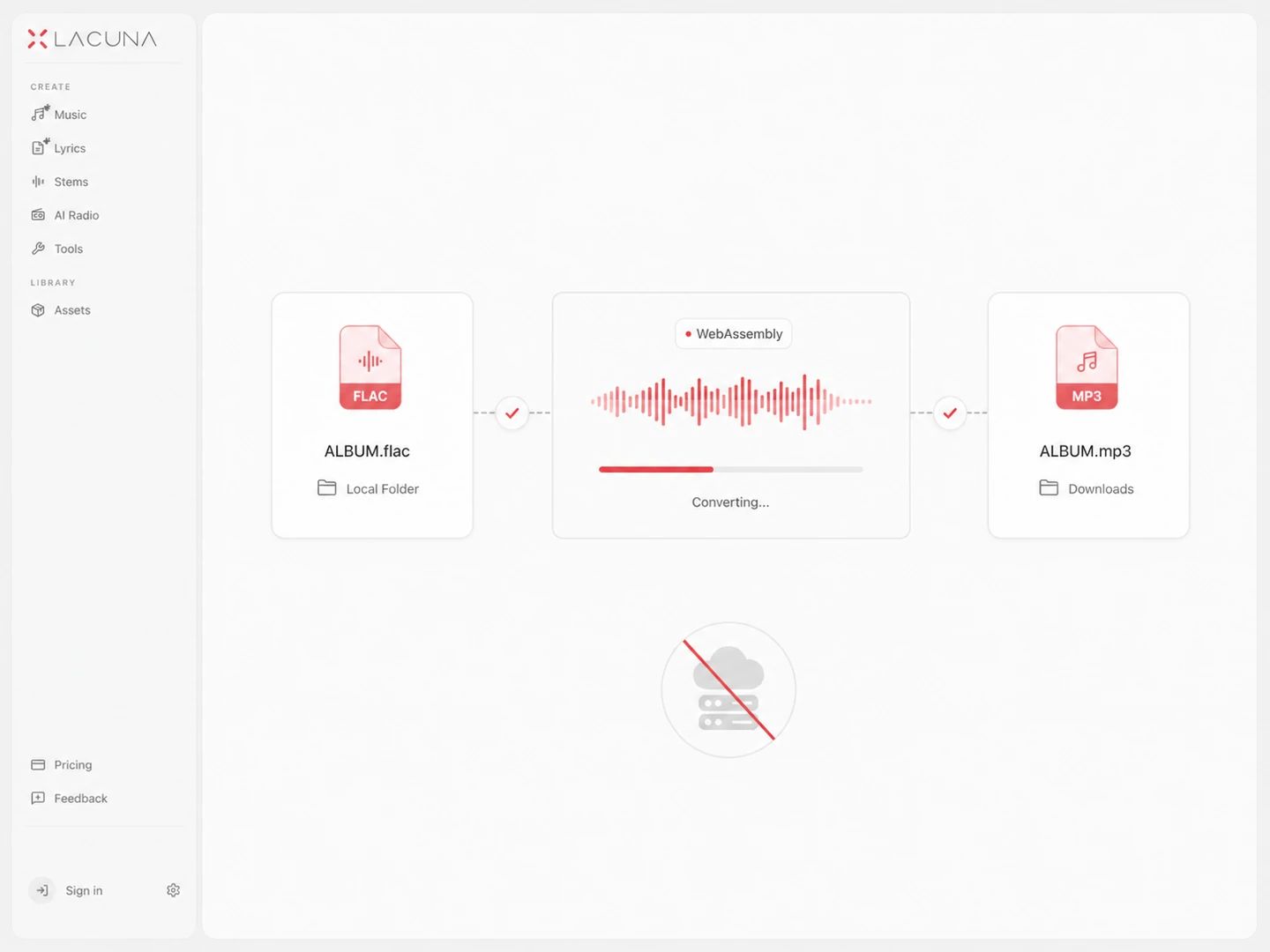
No. Your browser decodes the FLAC with its own decoder and an MP3 encoder bundled into this page writes the output. Nothing is sent to a server at any point, which is also why there is no queue, no ads and no account — there is no bandwidth for anyone to pay for.
No quota, no daily cap, no paid tier. The only ceiling is 300 MB per file, and it is a browser-memory guard rather than a business rule: a source that large expands to several gigabytes of raw audio while it is being decoded, which is past what a tab holds reliably. Individual album tracks are nowhere near it. The one thing that regularly is: a whole disc ripped as a single FLAC with a cue sheet — split that into tracks first.
Yes. Each output keeps the name it arrived with and only swaps the extension, so 07 - Nightdrive.flac becomes 07 - Nightdrive.mp3 and a numbered album stays in order wherever you copy it. The batch converts in the order you added the files, and the zip is written in that same order.
No. Converting decodes the audio and writes a new MP3, so the Vorbis comments and embedded artwork in the FLAC do not come along — artist, album, track number and art all start empty. File names survive, which is usually enough to re-tag from. The MP3 tag editor on this site takes the finished files and fills those fields back in.
Yes, with no sign-up and no upgrade that unlocks the same button. Every conversion runs on your own hardware, so there is nothing per file for us to charge for.
Other Formats, Same Engine
Convert from MP3
Convert from FLAC
Pairs without a page of their own — FLAC to WAV among them — open the full audio converter with the output already selected.
Turn the lossless library into something portable
A free FLAC to MP3 converter with bitrate control, whole-album batches, and no upload step at any point.