Convert OGG to MP3
Drop in one file or a folder full of them. Each OGG is decoded and re-encoded on your own machine, so there is no upload to wait for and no server holding a copy afterwards.
Everything happens in this page. No upload, no ads, no account.
Keep working with this track
OGG to MP3 Converter
How to convert OGG to MP3
Add your OGG files
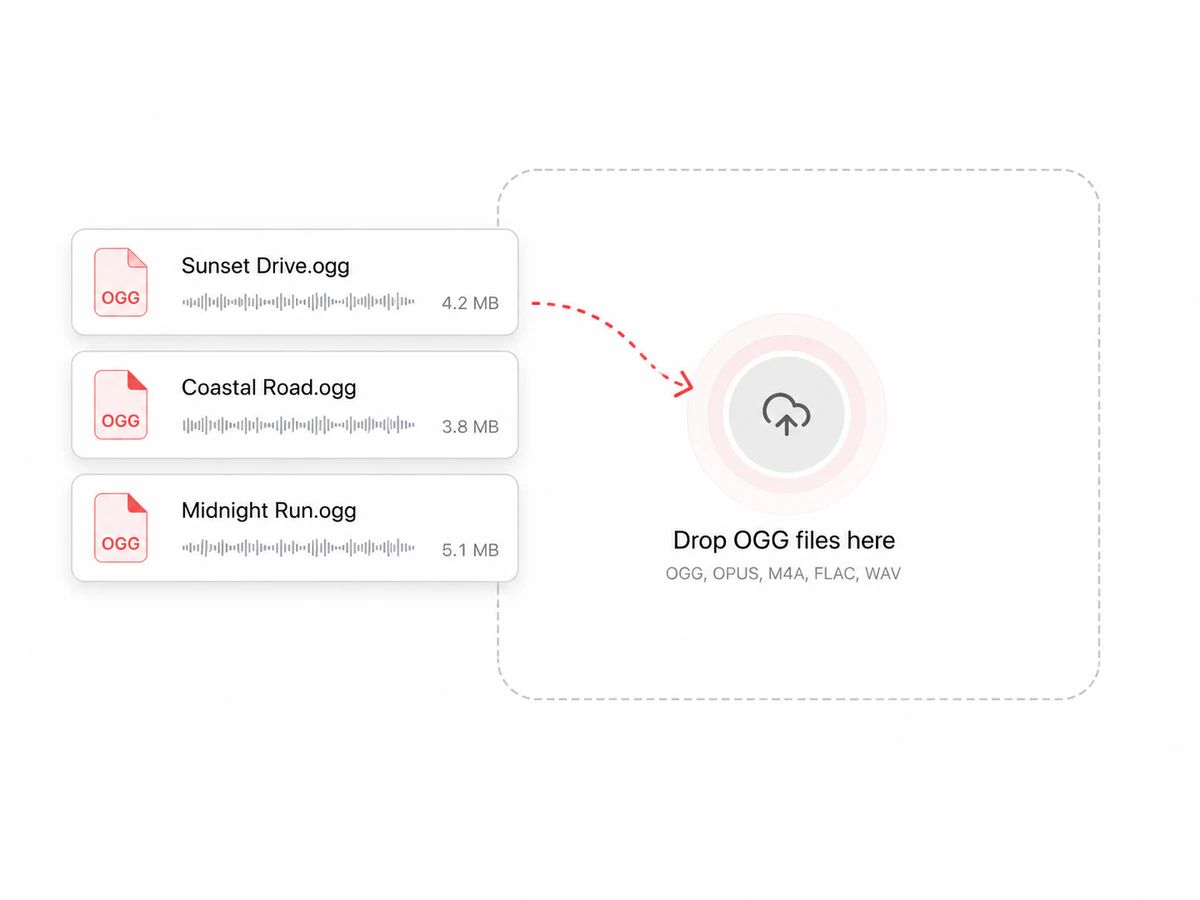
Click to pick files, or drag a folder of them onto the page. The browser reads them off your disk directly — there is no upload step, so nothing is sitting in a queue on somebody else's machine.
Choose a bitrate
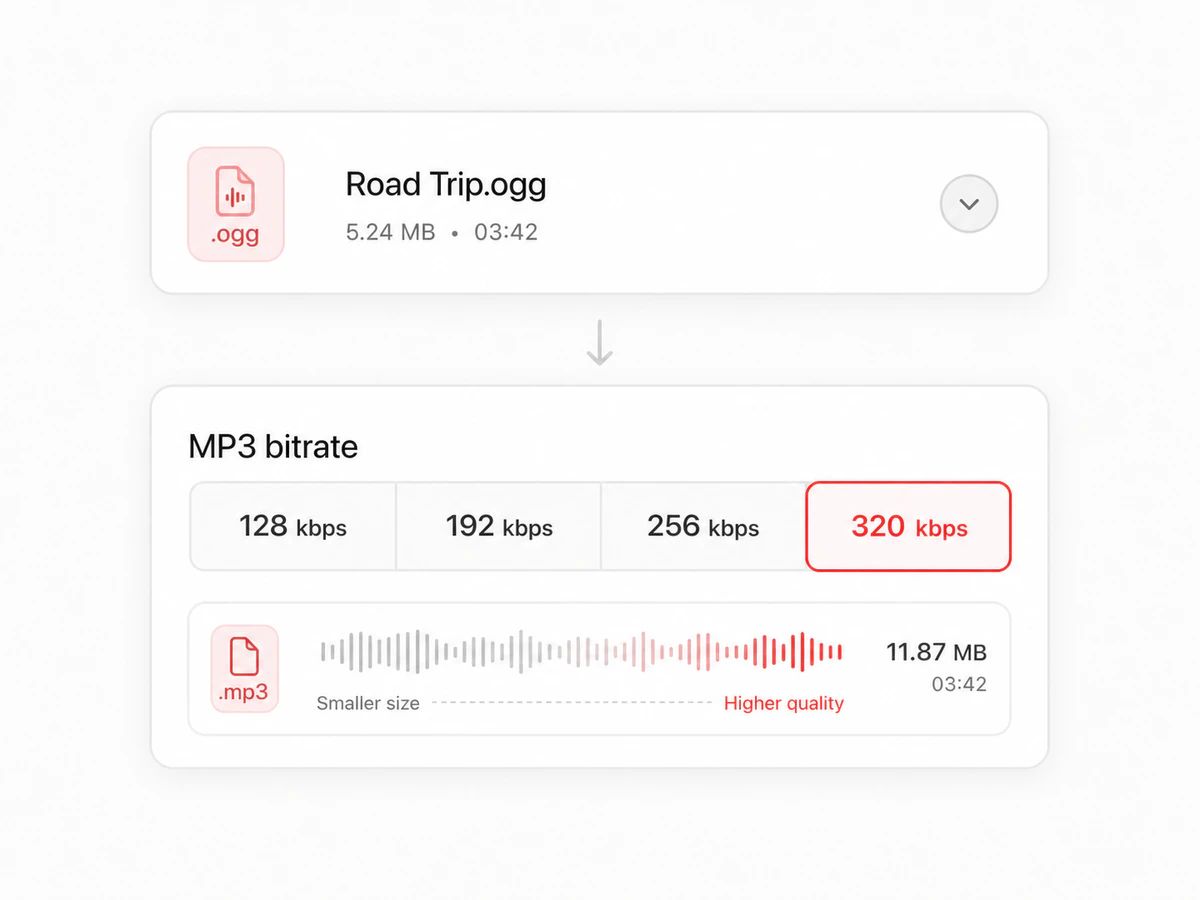
320 kbps by default, because an OGG has already been through one round of lossy encoding and a high MP3 bitrate keeps the second round from stacking up. Step down to 256 or 192 when a size cap is the real problem.
Download the results
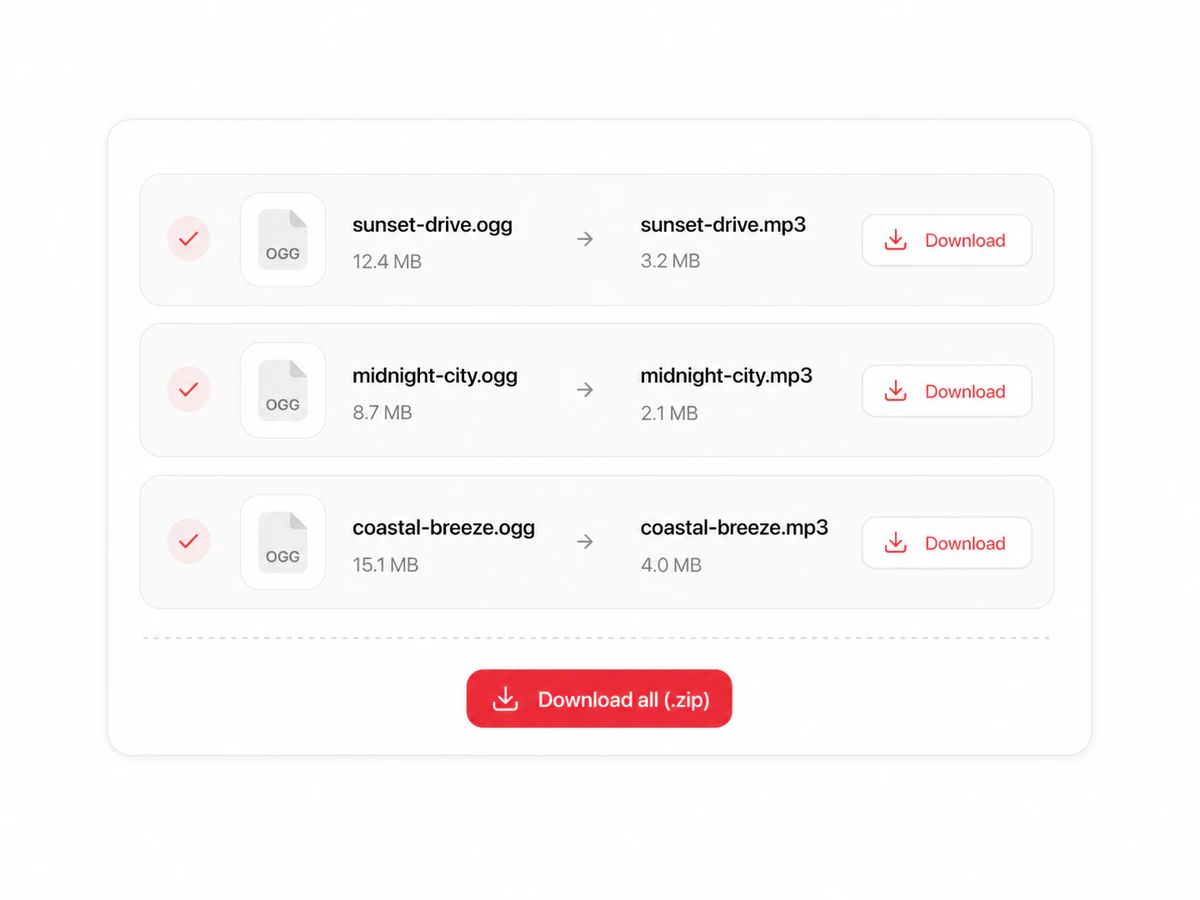
Every finished file shows its before and after size next to its name. Grab them one by one, or take the whole batch as a single zip with the original filenames intact.
Safe Because Nothing Leaves Your Browser
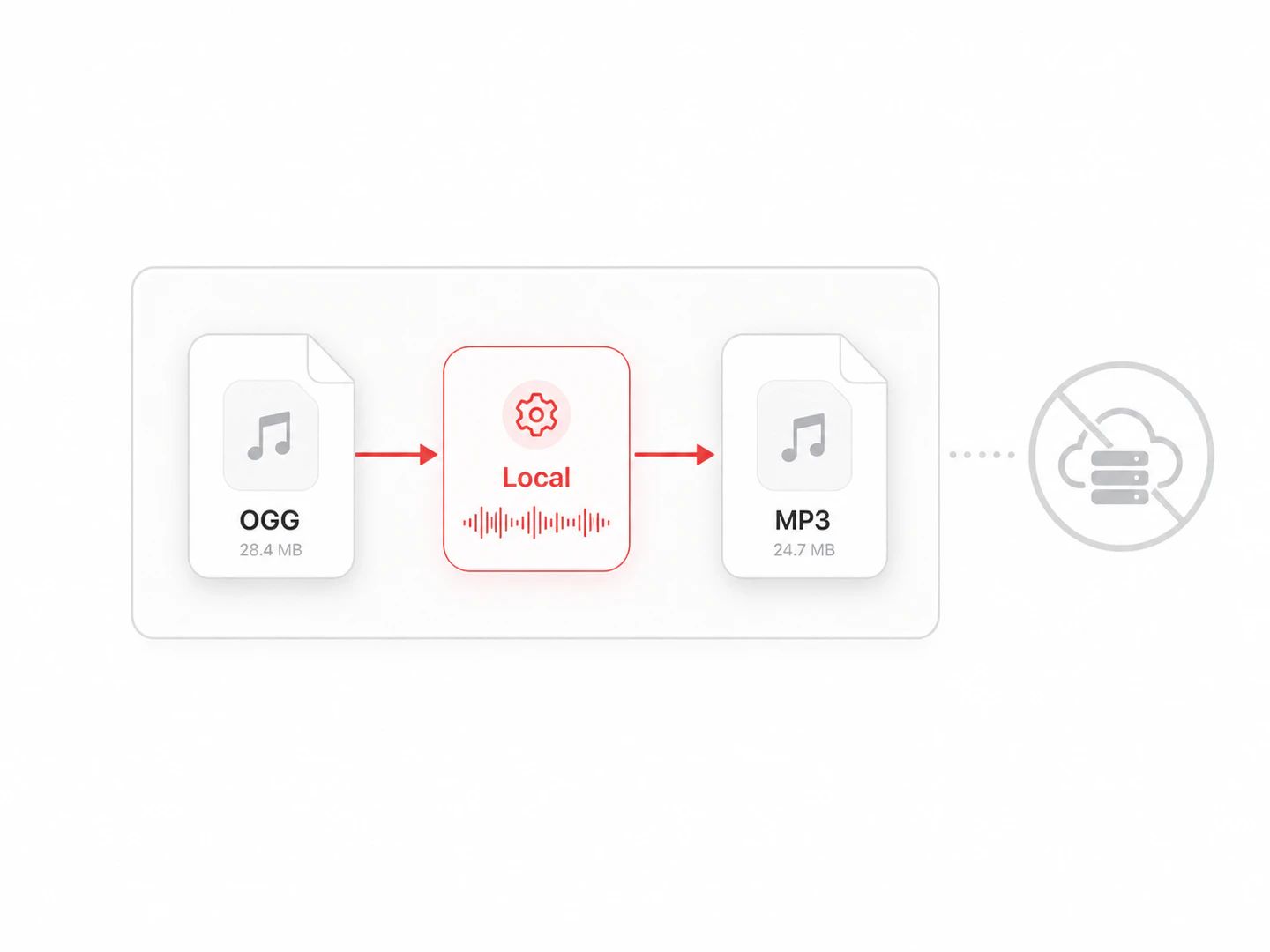
No upload, so there is no copy to worry about
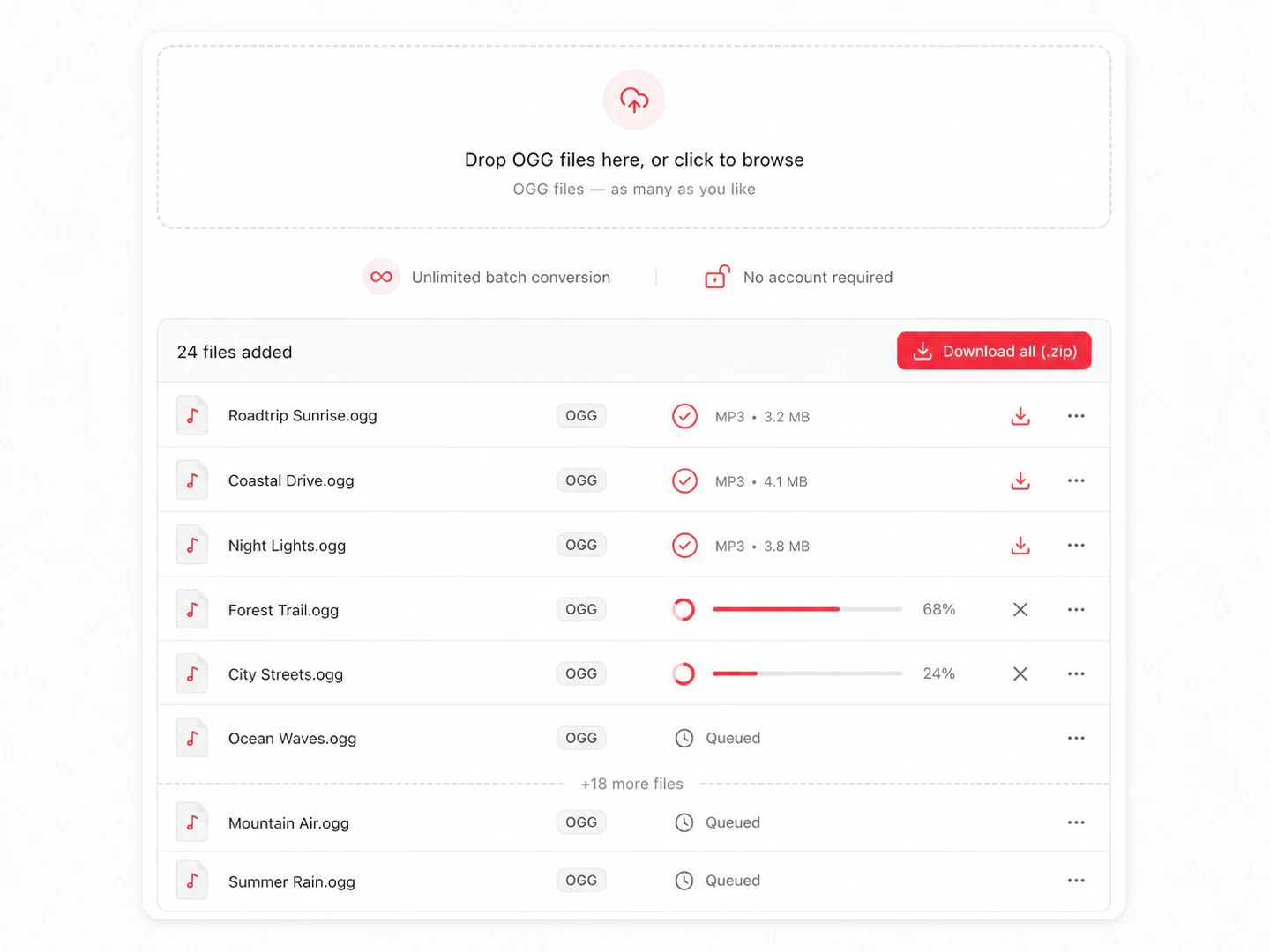
No ads, no sign-up, no limits
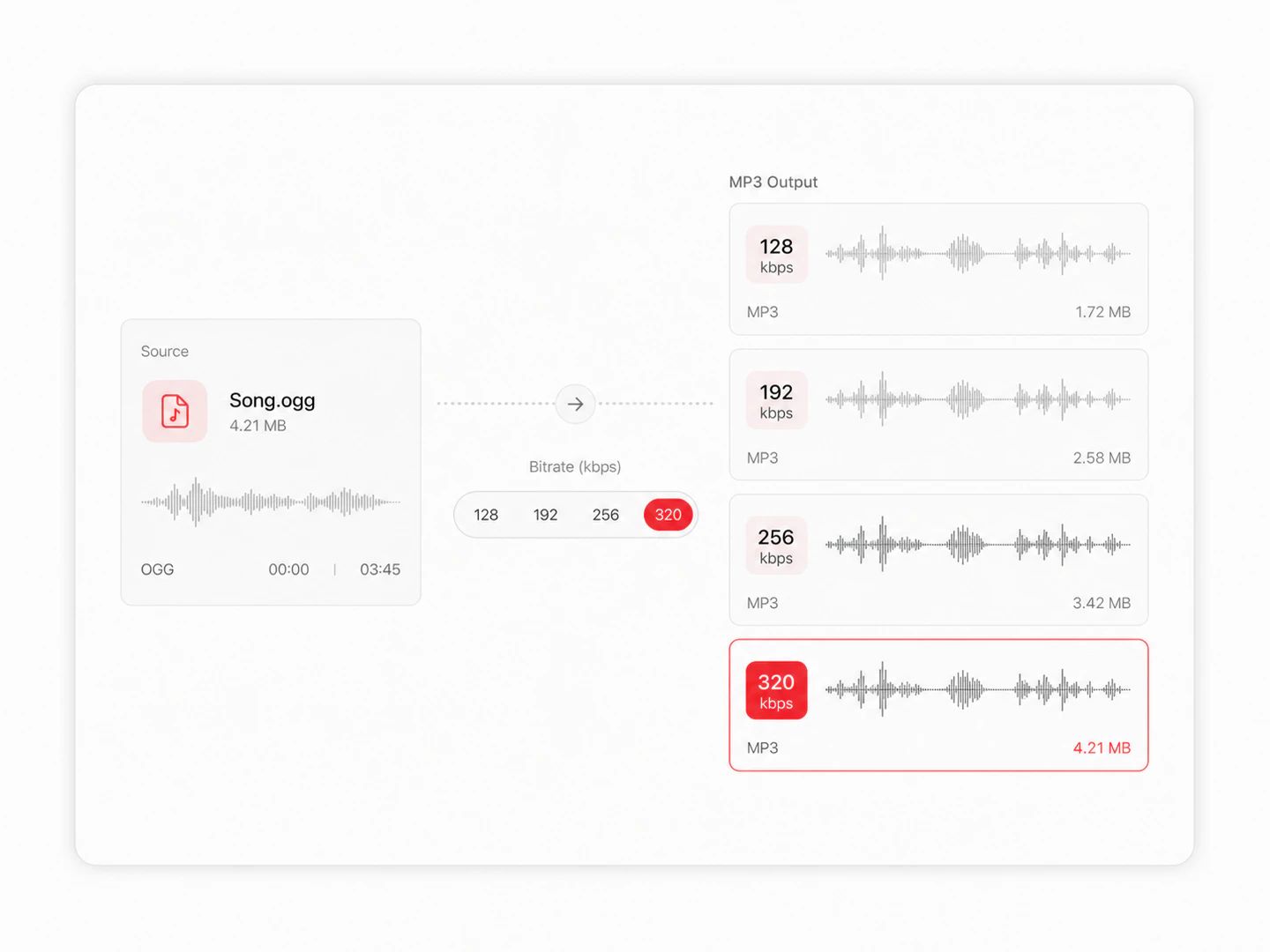
Bitrate control from 128 to 320 kbps
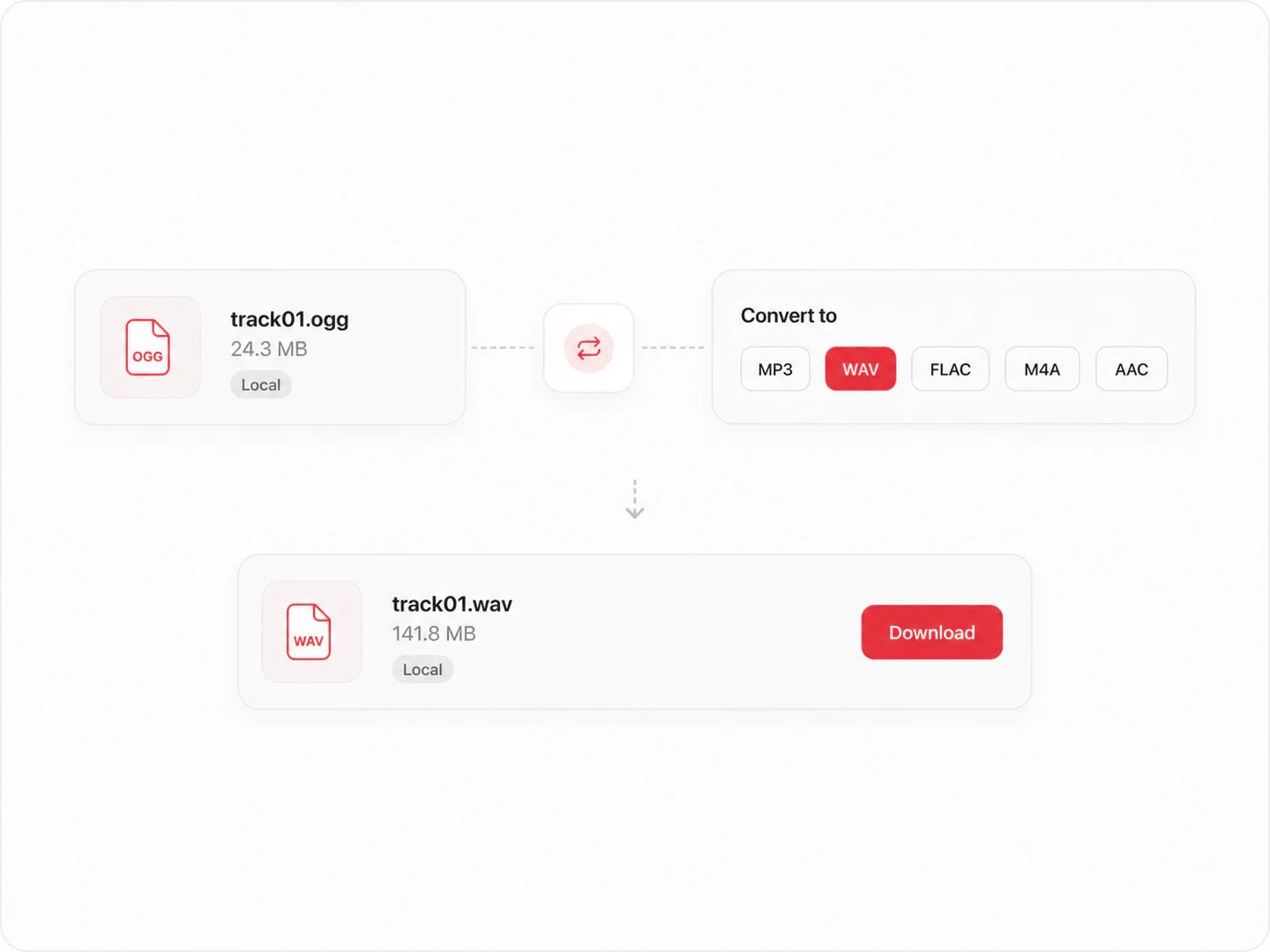
OGG to WAV when MP3 isn't what you need
Why Your Player Wants The MP3
Ogg Vorbis is a good codec with a licensing story that suited open-source projects and game engines, and that is largely where it stayed. MP3 is the format hardware manufacturers shipped for twenty-five years. The audio inside is comparable; the number of devices that will open it is not.
| OGG | MP3 | |
|---|---|---|
| Compression | Lossy, Vorbis codec in an Ogg container | Lossy, MPEG-1 Layer III |
| Efficiency | Slightly better at the same bitrate, especially below 160 kbps | Needs a notch more bitrate to match; 320 kbps hides it |
| Device support | Browsers, Android, VLC, game engines | Effectively everything with a headphone jack |
| Where it shows up | Minecraft and Godot assets, Wikipedia audio, Bandcamp downloads, Discord clips | Car head units, iPods, DJ players, DVD players, voice recorders |
| Apple software | The Music app has never imported Ogg Vorbis | Imports and syncs without a thought |
| Keeping a master | Keep it if it is your only copy — this conversion is one-way | Treat as the distribution copy, not the archive |
Which bitrate should you pick?
Small enough for hundreds of short clips and fine for one speaker or a UI blip. On music it thins out the cymbals audibly, and more so when the source was already a low-bitrate OGG.
The rate to choose when an upload form or a mailbox is dictating terms. Holds up on phone speakers and earbuds; you would notice it on studio monitors.
Past the point where most listeners hear the re-encode on decent headphones. A four-minute track lands around 7 MB.
The highest MP3 goes, and the sensible choice when the OGG is already lossy: the encoder has room to reproduce what the decoder handed it instead of throwing away a second helping.
OGG to MP3 questions
It is safe here in a specific, checkable sense: there is no upload at all. The decoding and the MP3 encoding both run inside this page on your own machine, so no copy of your file exists on anyone's server, there is no ad network in the middle of the download, and you never hand over an account or an email address. Open your browser's network panel while you convert if you want to confirm it — the audio never appears in a request.
No. The page loads its encoder once, then works entirely offline as far as your audio is concerned. Nothing is sent, nothing is written to storage on our side, and closing the tab is enough to leave no trace of the conversion anywhere but your downloads folder.
No file count, no daily quota, no watermark, no paid tier that unlocks the same button. One cap exists: files larger than 300 MB are refused with a message, because decoding a file that big is where a browser tab runs out of memory. It is a guard against a crash, not a quota.
Because those players only decode the formats their manufacturer licensed, and Ogg Vorbis usually was not one of them. Car head units, older iPods, standalone DJ players and DVD players were built around MP3 and AAC, and Apple's Music app has never imported Ogg Vorbis. The file is not broken — nothing on the device knows how to read it, which is what converting to MP3 fixes.
Yes. Select as many files as you want, or drag a folder in. They convert one after another so memory stays predictable, each row tracks its own progress, and one button packs the finished MP3s into a zip with their original filenames.
Some, yes. Both formats are lossy, so this is a re-encode rather than a copy: the MP3 is built from what the Vorbis decoder produces, not from the original recording, and the two codecs discard different things. At 320 kbps the difference is very hard to hear on most material. Keep the OGG if it is your only copy of the audio.
Yes, with nothing to sign up for. Your hardware does the work, so a conversion costs us nothing to run and there is no per-file bill to pass on to you.
Same Converter, Other Formats
Convert from MP3
Convert from OGG
Pairs without a page of their own — OGG to WAV, for one — open the full audio converter with the output already selected.
Convert OGG to MP3 without handing your files to anyone
A free OGG to MP3 converter with bitrate control, batch conversion and no upload — no ads, no limits, no account.