
01
Songwriters
Loop four chords while trying a topline or a new verse.
Start with four chords. Keep the ones you love, change the rest, and hear where the loop takes you.
Free to generate, edit, play, and download MIDI, MP3, WAV, or a PDF chord chart. No signup required.
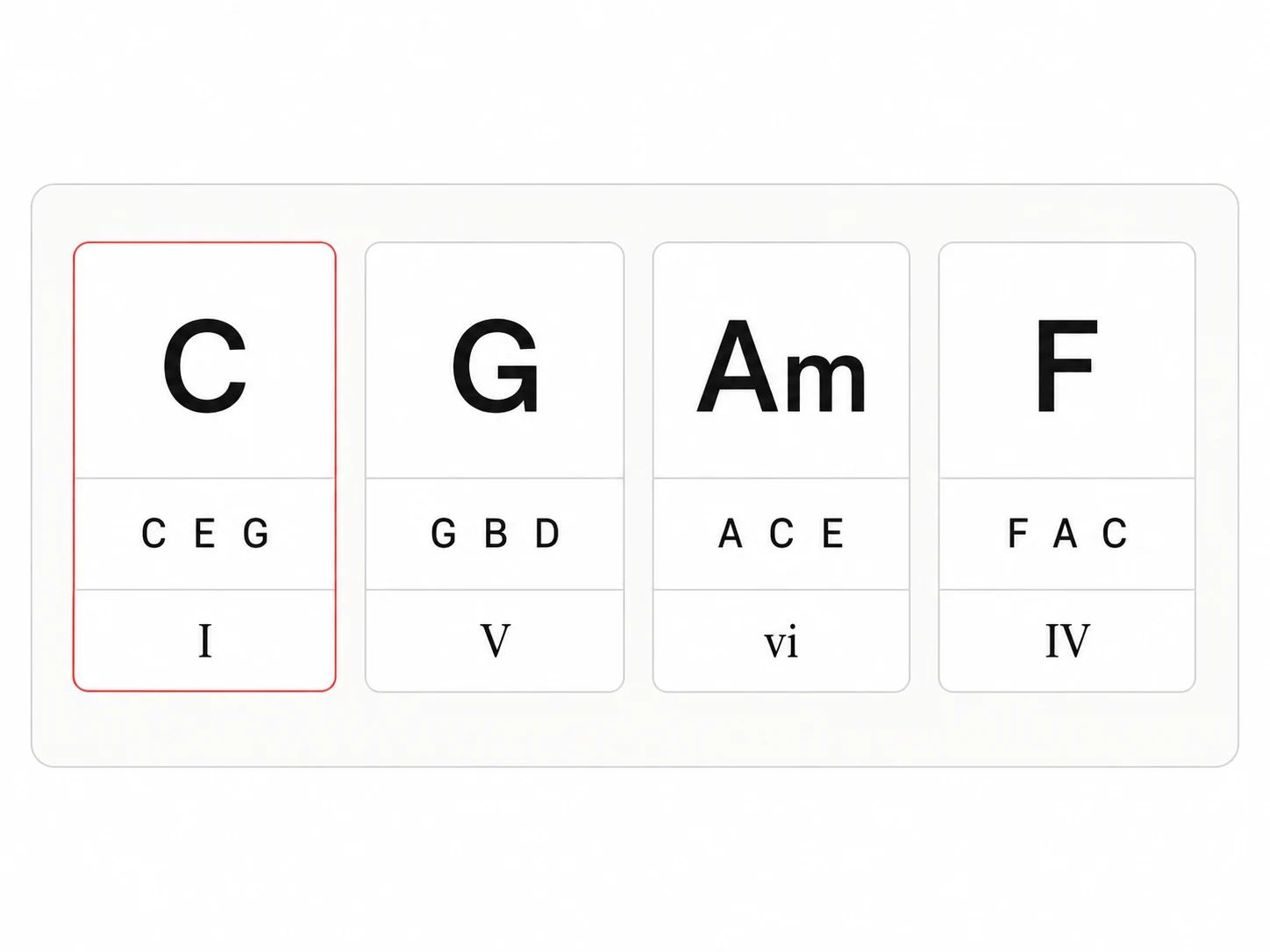
C · E · G
G · B · D
A · C · E
F · A · C
16 beats · 9.6 seconds
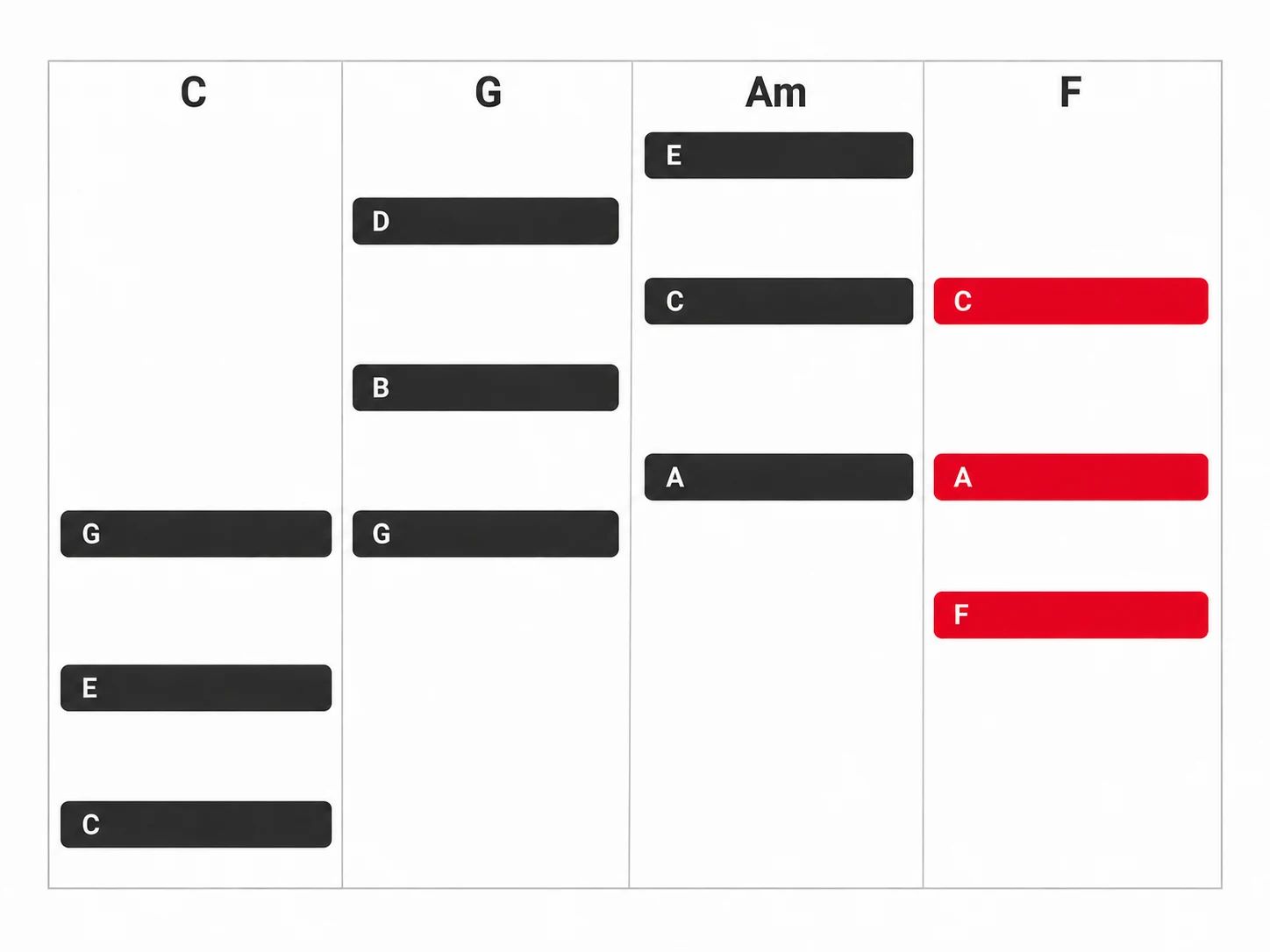
A simple keyboard tone previews the notes. The MIDI uses the same root-position triads and chord lengths.
Take the current chords, key, tempo, and lengths into the AI song generator as a starting prompt, then add your own mood and lyrics.
Step 01
Pick your home note, choose major or natural minor, and set a tempo between 40 and 240 BPM.
Step 02
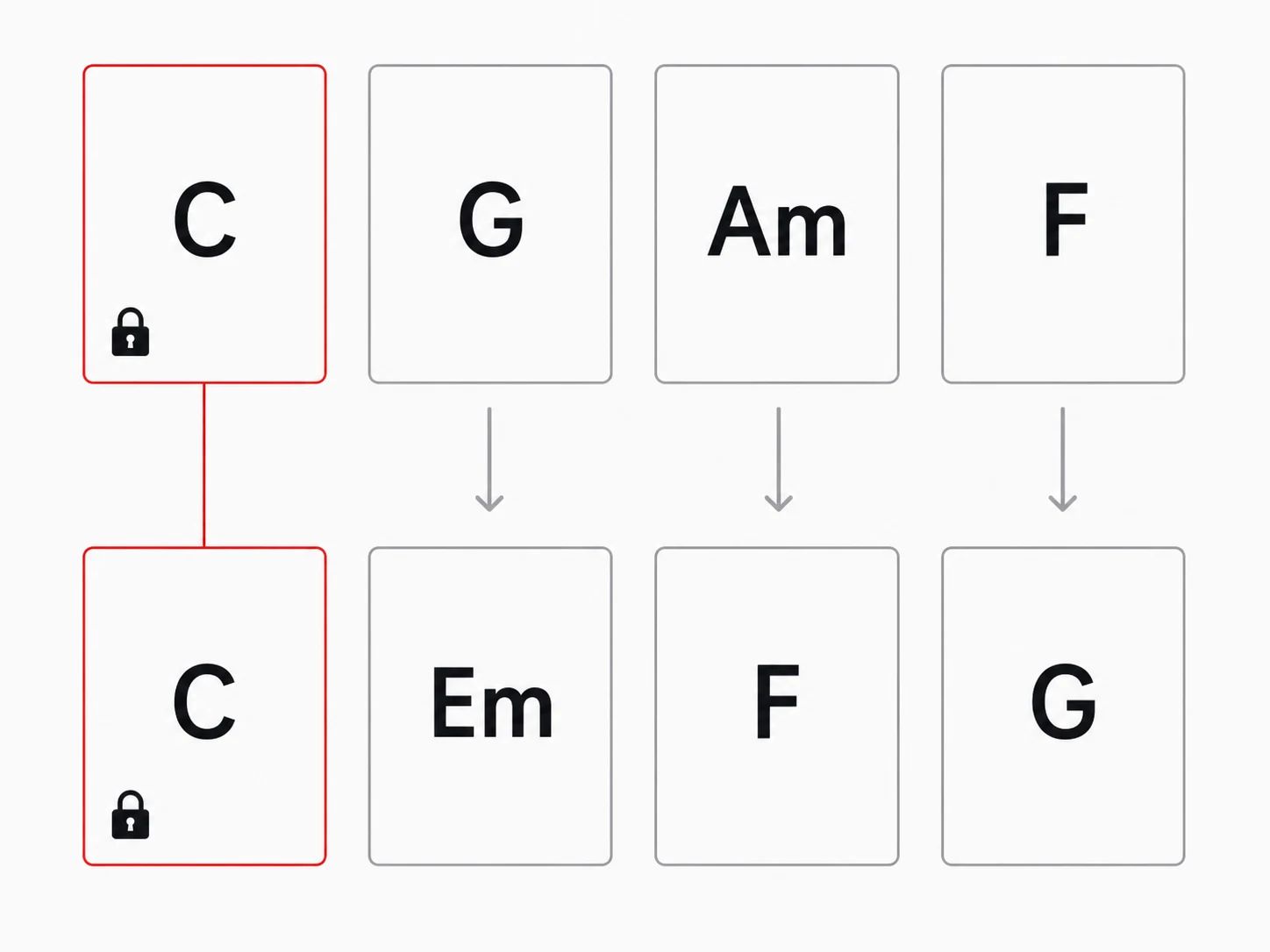
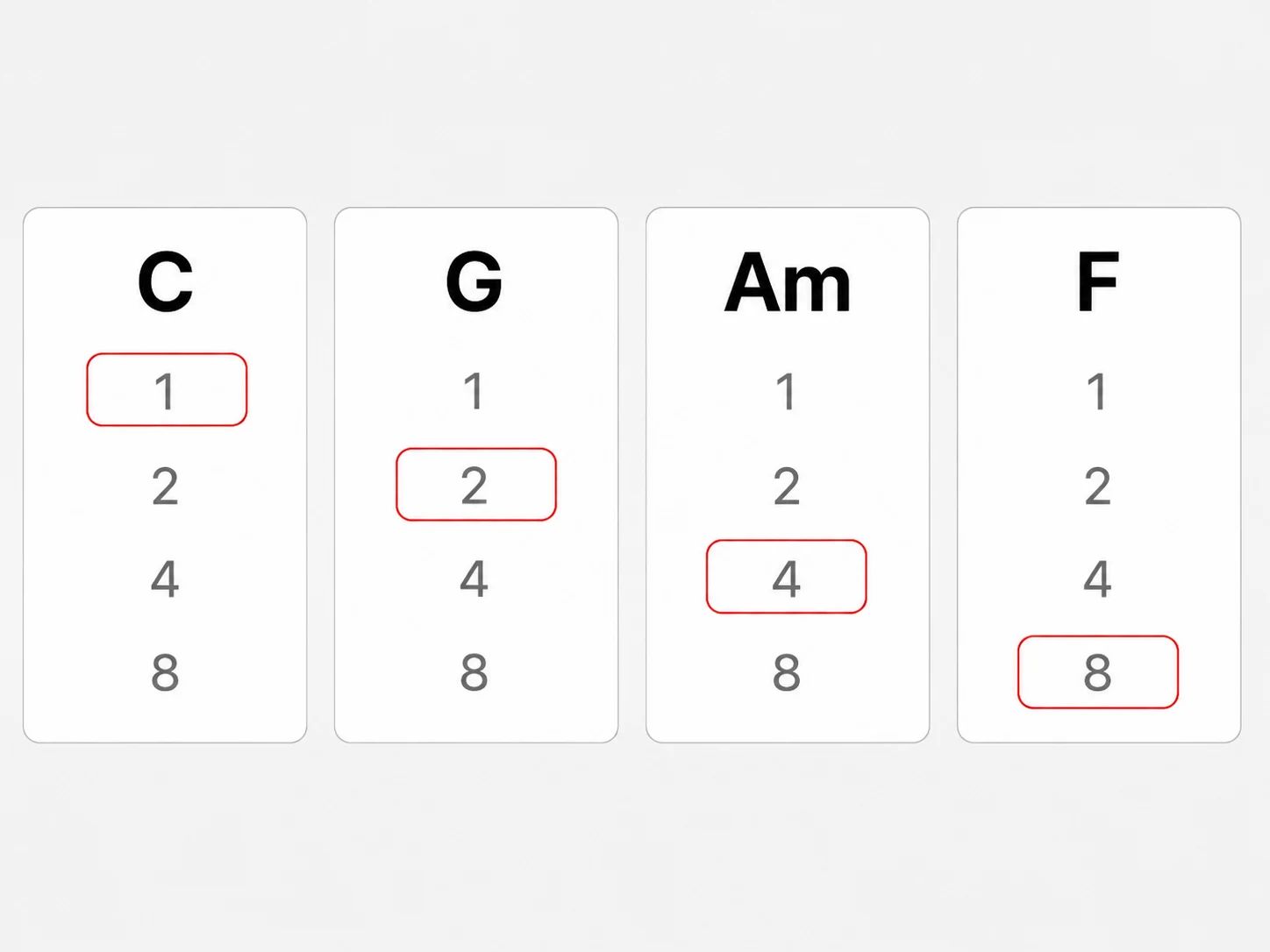
Generate a pattern, lock the chords you want to keep, and replace or lengthen any other chord.
Step 03
Loop the progression while you try a melody. Download its MIDI or open the notes directly in the editor, free and without signing in.
Use a short harmonic loop to try an idea before committing to a full arrangement.
Loop four chords while trying a topline or a new verse.
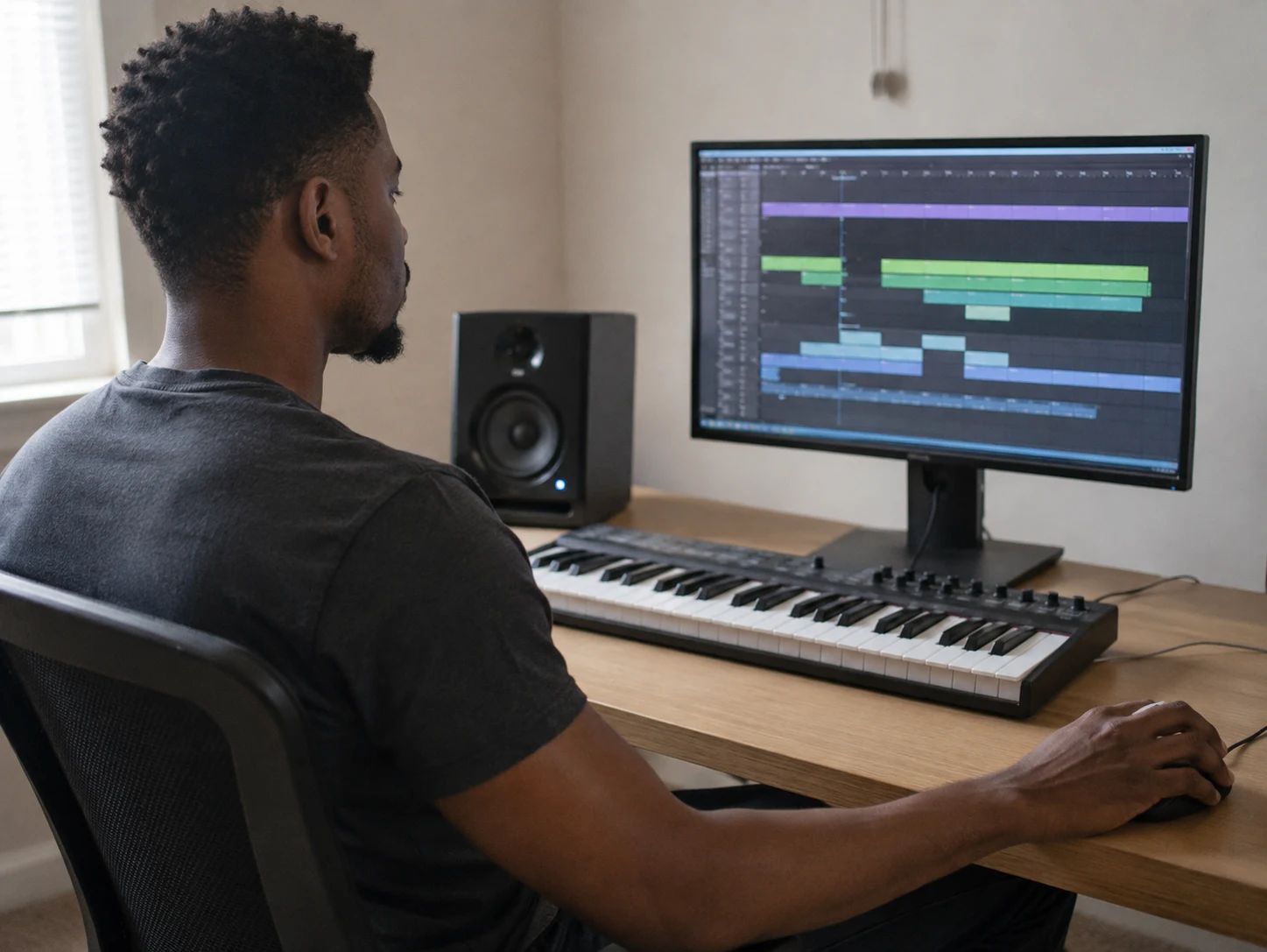
Export a MIDI foundation and assign your own synth or sampled instrument.

Read the chord names, then try your own voicings on an instrument.

Compare major and minor and hear how changing one scale degree affects a loop.
Choose a key, major or natural minor, and a tempo. The tool selects a four-chord pattern using triads from that scale. You can choose another in-key chord in each slot, randomize a single unlocked chord, or regenerate the progression.
Yes. Lock that chord before selecting Generate progression. Locked slots keep their chords and every slot keeps its length. If all four are locked, unlock at least one to generate again.
Every slot keeps its position in the scale and its duration. Changing key transposes all the chords. Changing between major and natural minor adapts their roots and qualities to that scale. Locks apply to random generation, so locked chords also follow a key or scale change.
Yes. The preview and MIDI use the same note pitches, tempo, and chord durations. The preview is a simple synthesized keyboard tone; your music software will use the instrument you select. The file contains root-position triads rather than guitar fingerings or a full arrangement.
Choose Open in MIDI editor to load a copy into Lacuna's existing editor, or download the .mid file for another editor or DAW. Edits in the MIDI editor do not change the generator's four chord cards.
The first version uses the seven diatonic triads in a major or natural minor scale: major, minor, and diminished chords. It does not add borrowed chords, seventh chords, or the raised leading tone of harmonic minor.
Yes. Generate progressions, edit the chords, listen, and download MIDI for free without signing in. The embedded MIDI editor is also available without an account.
Yes. Select Use these chords as song inspiration to bring the current chord names, key, tempo, and chord lengths into Lacuna's AI song generator. Review the starting prompt, add a mood or lyrics, and develop a new song from the idea.
Give Lacuna's AI song generator a musical direction and develop it with melody, lyrics, and a full arrangement.