Convert WAV to MP3
Drop in one file or a whole folder. Each track is decoded and re-encoded on your own machine — the audio never leaves your device.
Conversion runs in your browser. Nothing is uploaded, and no account is needed.
Keep working with this track
WAV to MP3 Converter
How to convert WAV to MP3
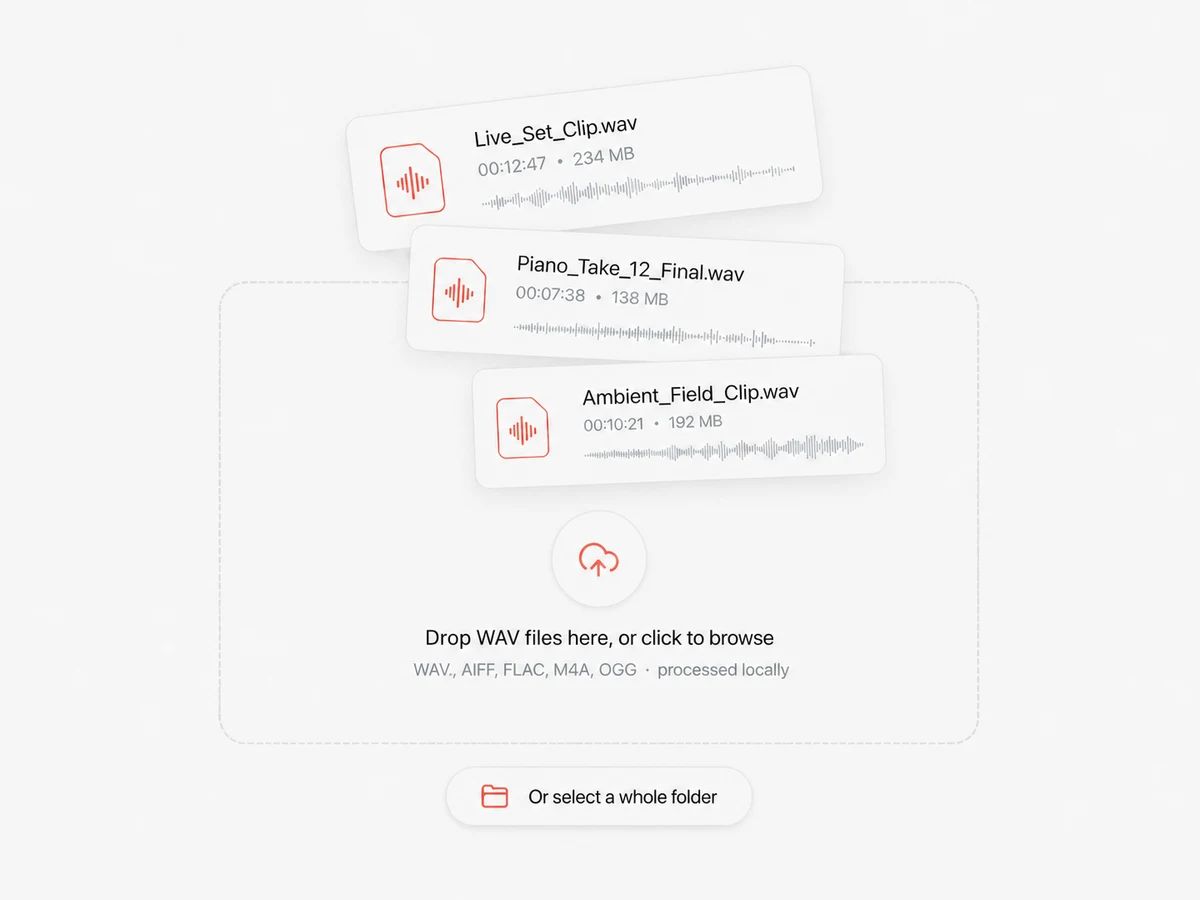
Drop in your WAV files
Pick one file or select a folder full of them. Nothing is uploaded — the page reads the files straight off your disk, so the size of your session recordings is nobody else's business.
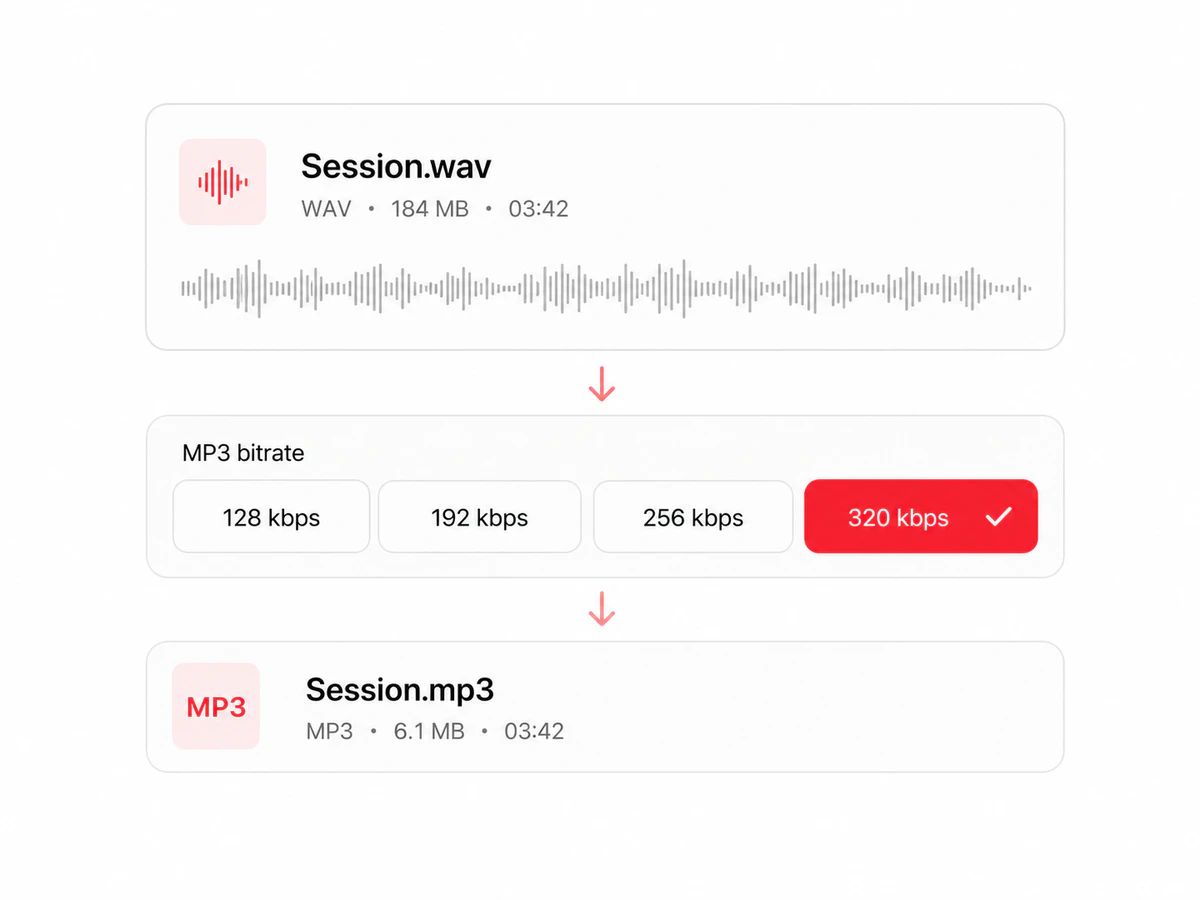
Pick a bitrate
320 kbps by default, which is as good as MP3 gets. Drop to 256 or 192 if you are sending the file somewhere with a size cap, or leave it alone and get an archive-grade copy.
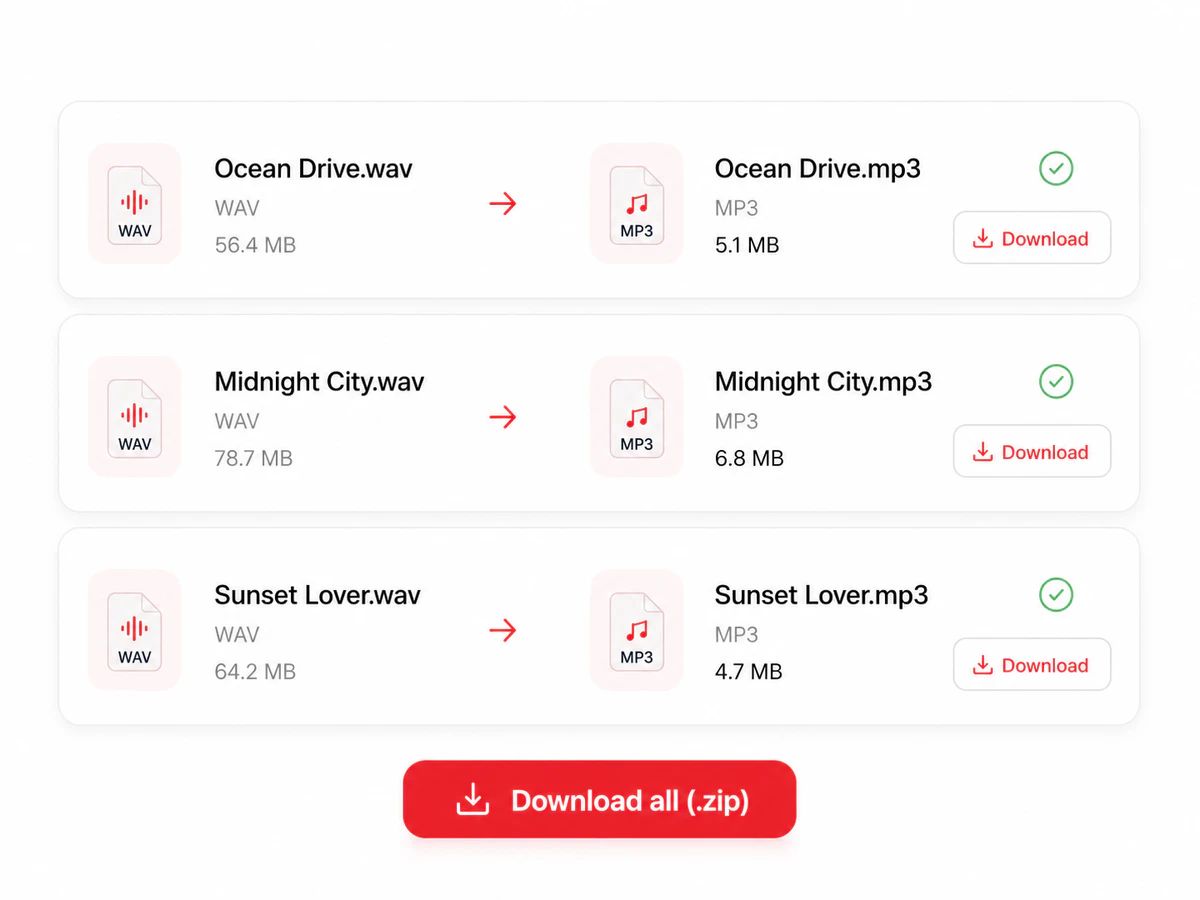
Download, one file or all of them
Each track appears with its before and after size the moment it finishes. Take them one at a time, or grab the whole batch as a single zip.
A WAV Converter That Keeps Your Files On Your Machine
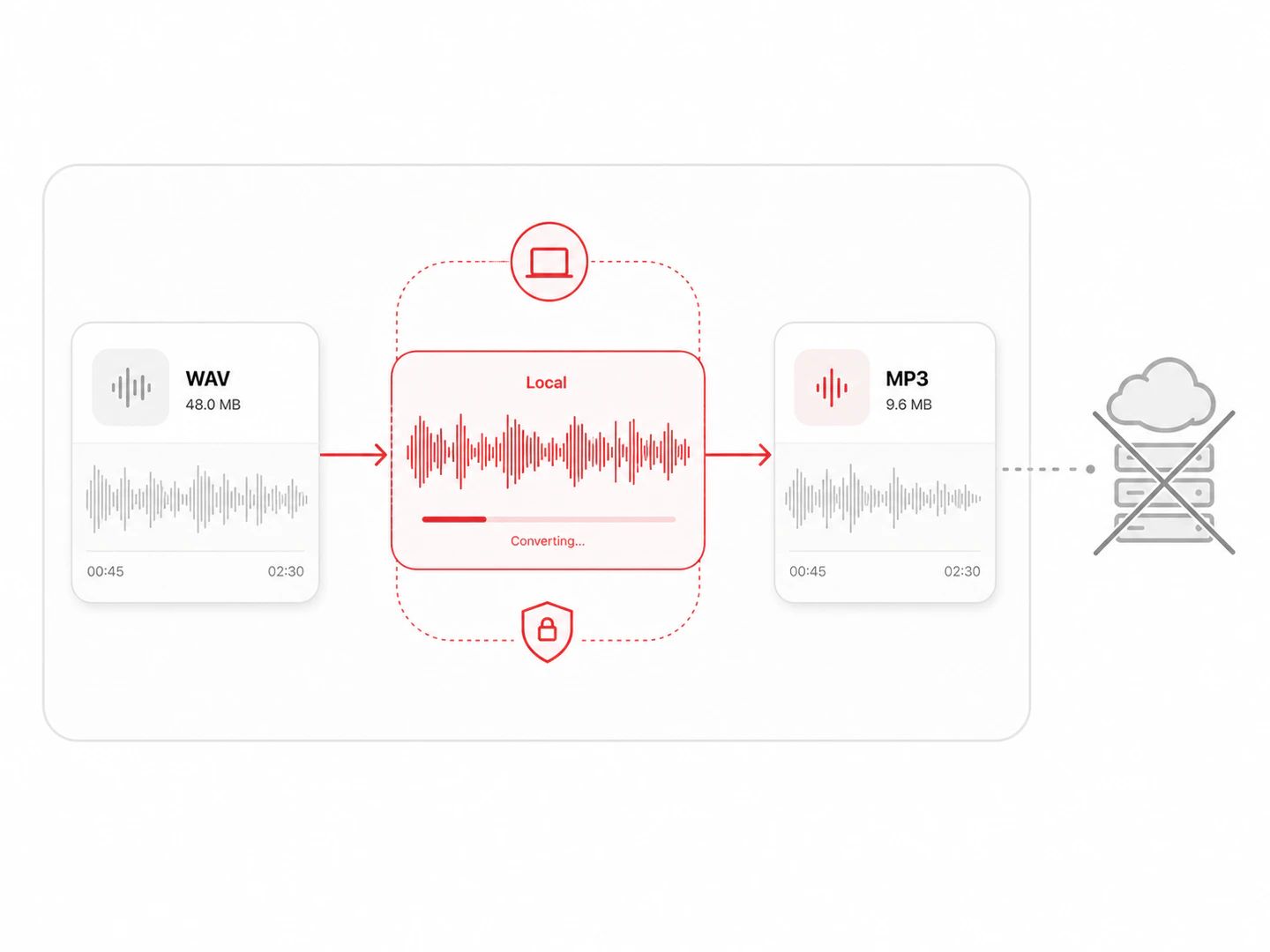
A WAV converter that never uploads your files
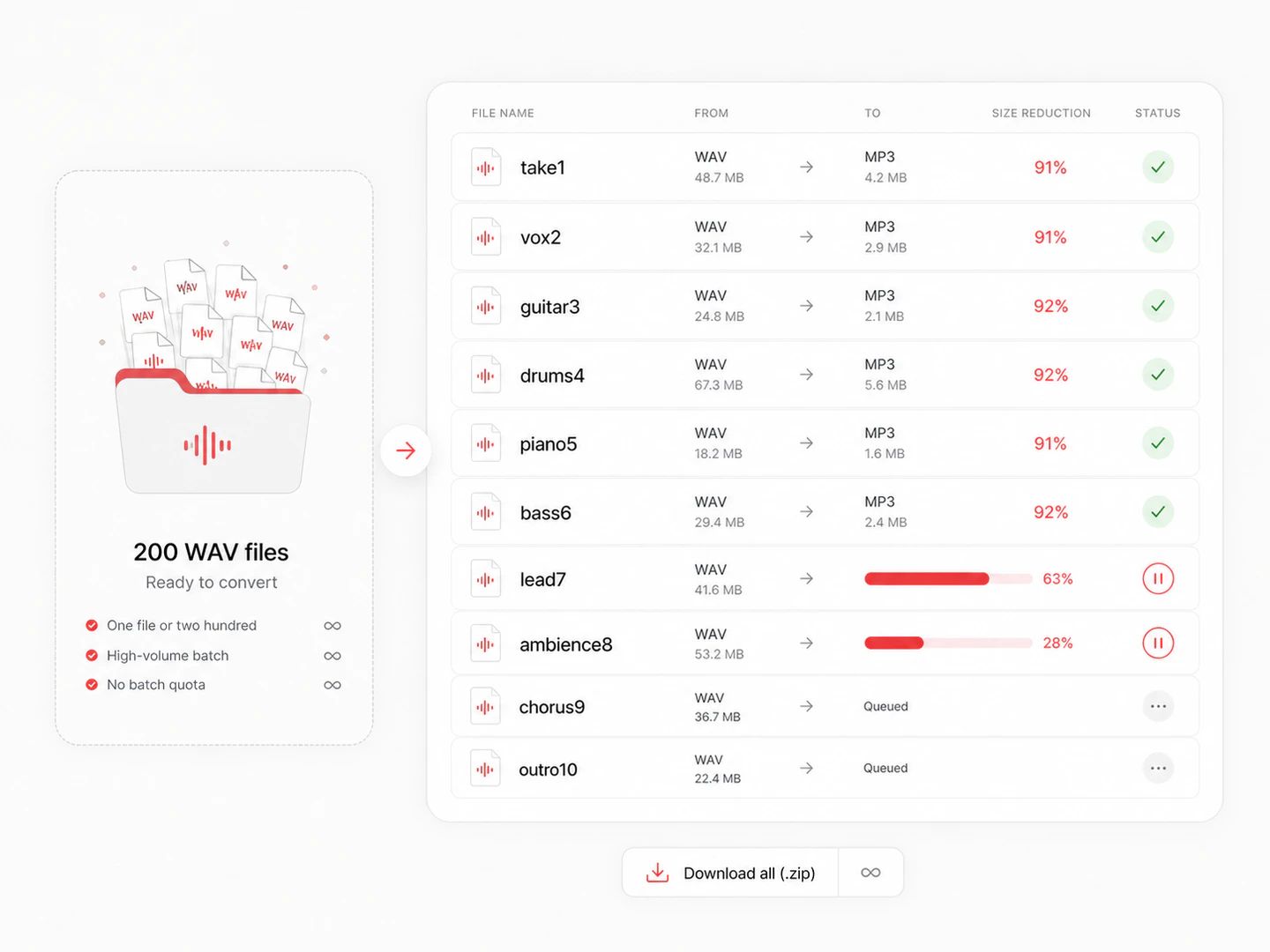
No file size limit and no batch limit
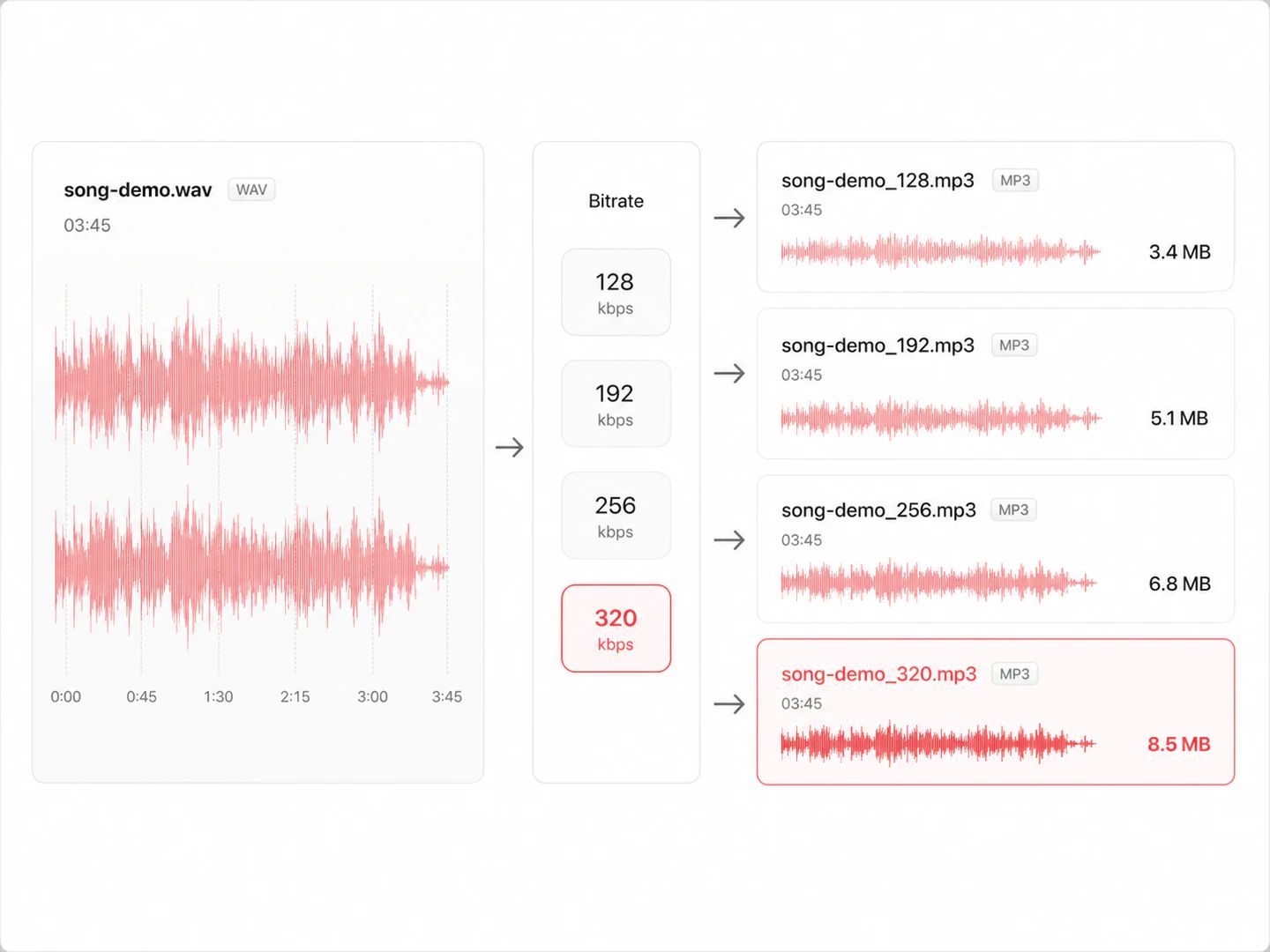
Bitrate control from 128 to 320 kbps
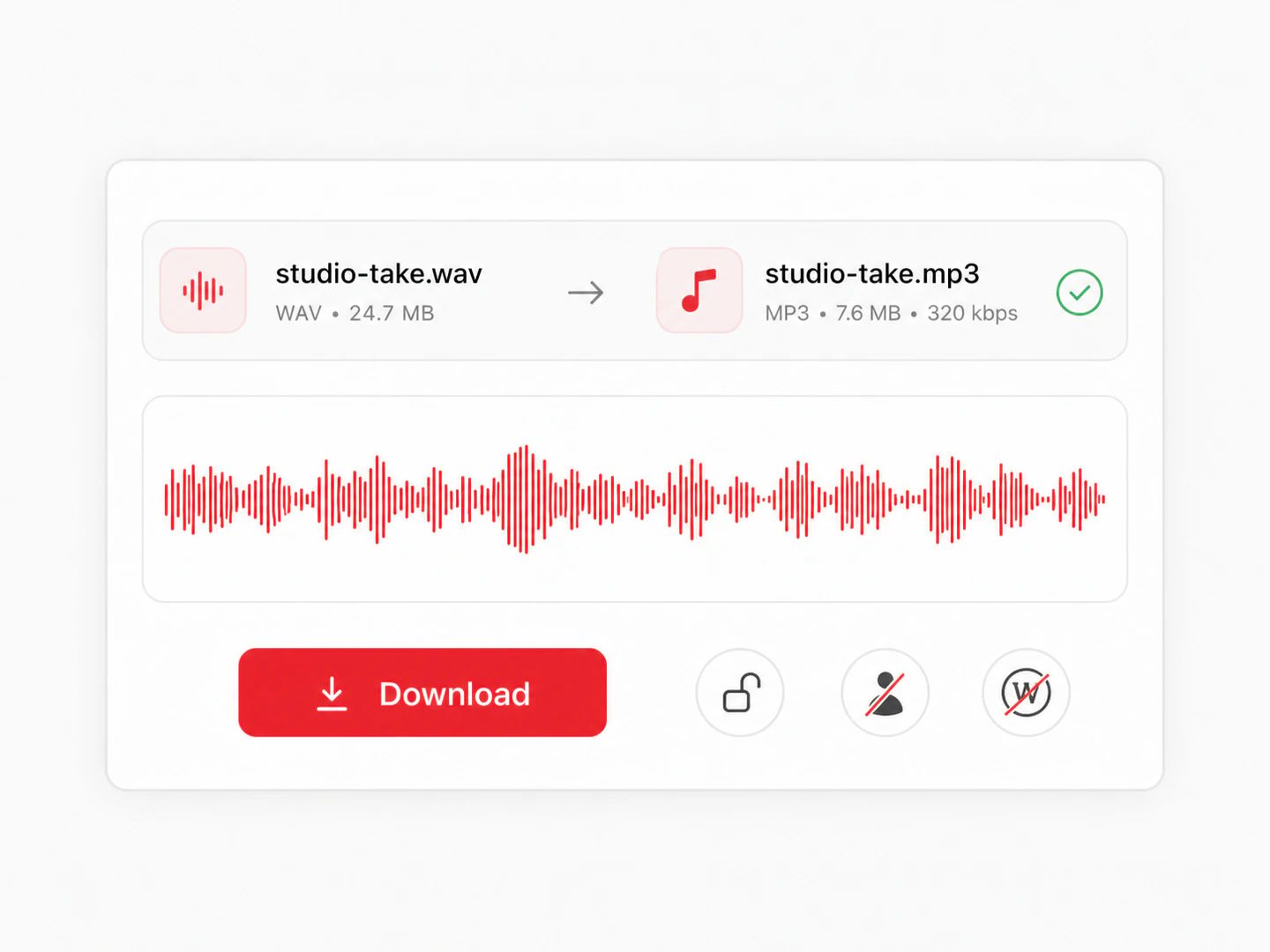
Free, no account, no watermark
What Changes When WAV Becomes MP3
WAV keeps every sample the recorder captured. MP3 throws away what the ear is least likely to miss and lands at roughly a tenth of the size. Which one you want depends entirely on what happens next.
| WAV | MP3 | |
|---|---|---|
| Compression | None — raw PCM samples | Lossy, perceptual |
| File size | About 10 MB per stereo minute at CD quality | About 1 MB per minute at 128 kbps, 2.4 MB at 320 |
| Sound quality | Identical to the source | Very close at 256–320 kbps; audible artefacts below 160 |
| Typical use | Recording, editing, mastering, CD authoring | Sharing, streaming, phones, car stereos, podcasts |
| Compatibility | Universal, but many web forms reject it for size | The one format every device made since 1998 plays |
| Editing again later | Safe — no loss on re-export | Each re-encode loses a little more; keep the WAV |
Which bitrate should you pick?
Fine for one voice in a quiet room, and the smallest file anyone will accept. Music at this rate loses its top end audibly.
The old web standard and still a sensible ceiling when a size limit is the real constraint. Good enough on phone speakers and earbuds.
Where most people stop hearing the difference on decent headphones. A five-minute track lands near 9 MB.
The MP3 ceiling, and the default here. Use it when the MP3 is the copy you keep, or when a distributor asks for the highest MP3 you have.
WAV to MP3 questions
Drop your WAV files into the converter above, pick a bitrate — 320 kbps is the default and the best MP3 can do — and download the results. There is no upload step and no account, because the encoding happens inside this page on your own machine.
No. Your browser decodes the WAV and an MP3 encoder bundled with the page writes the output; nothing is sent anywhere. That is also why there is no queue and no per-file limit — there is no server paying for bandwidth.
No quota, no daily cap, no paid tier. The only real ceiling is your browser's memory: files up to a few hundred megabytes convert comfortably, and anything past 300 MB is rejected with a message rather than crashing the tab.
Yes — drop in as many as you like, or select a whole folder. They convert one after another so memory stays under control, each row shows its own progress, and a single button packs the finished MP3s into one zip.
320 kbps if the MP3 is the copy you are keeping or sending to a distributor. 256 kbps is where most listeners stop hearing a difference. 192 or 128 only when a size limit is forcing your hand — spoken word survives 128 far better than music does.
Yes, by design: MP3 is a lossy format, so some of the original signal is discarded to make the file about a tenth of the size. At 320 kbps the loss is very hard to hear on most material. Keep the WAV as your master and treat the MP3 as a copy for listening and sharing.
Completely, with no sign-up. Every conversion runs on your own hardware, so there is no per-file cost for us to pass on.
Other Formats, Same Converter
Convert from MP3
Convert from WAV
Pairs without a page of their own open the full audio converter with the output already selected.
Convert WAV to MP3 without uploading a thing
A free WAV to MP3 converter with bitrate control and no size limits, running entirely in your browser.