Convert MP3 to WAV
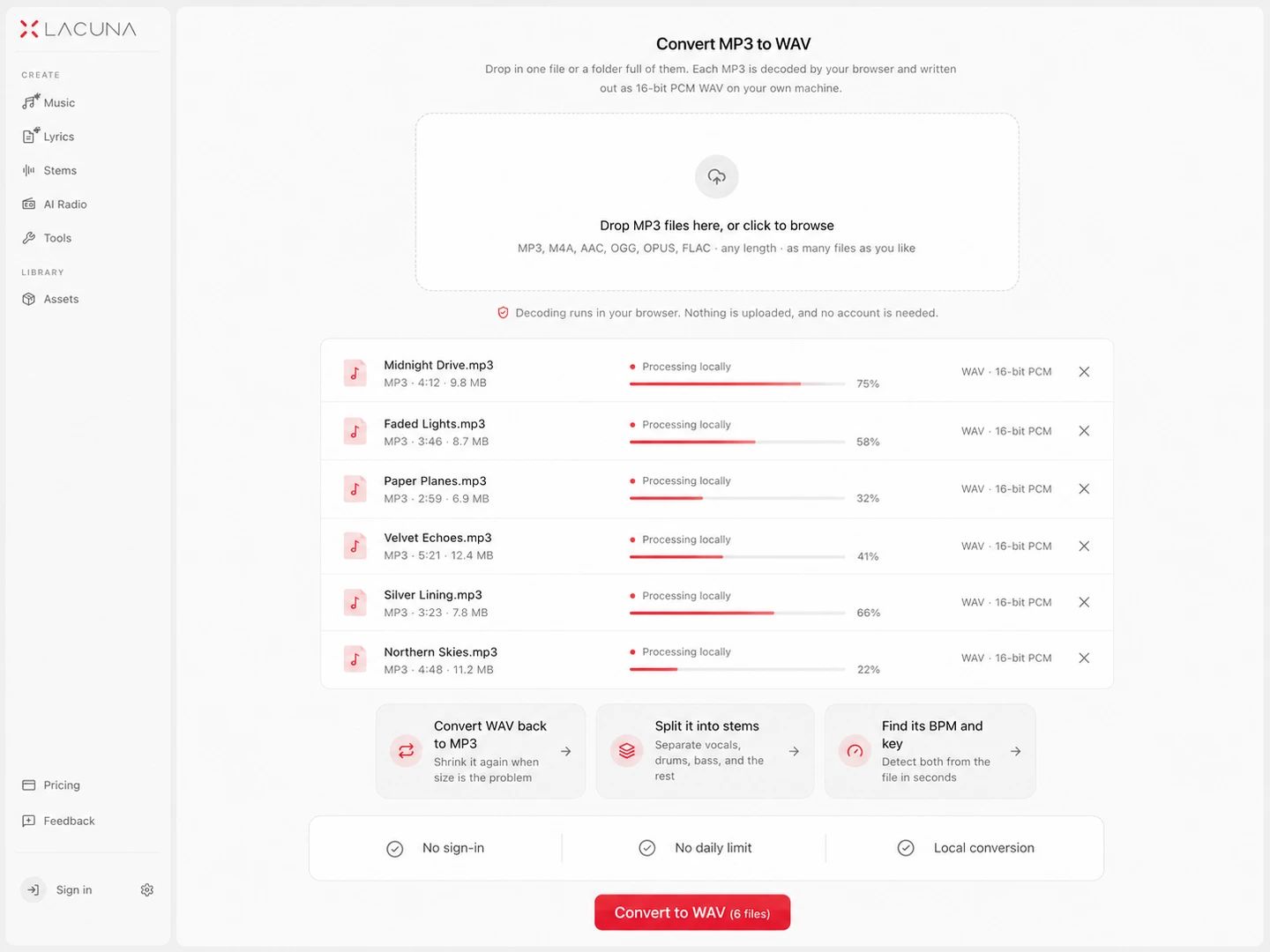
Drop in one file or a folder full of them. Each MP3 is decoded by your browser and written out as 16-bit PCM WAV on your own machine.
Decoding runs in your browser. Nothing is uploaded, and no account is needed.
Keep working with this track
MP3 to WAV Converter
How to convert MP3 to WAV
Drop in your MP3 files
One file, a handful, or a whole folder. The page reads them straight off your disk — there is no upload, no account, and no record of what you converted anywhere except this tab.
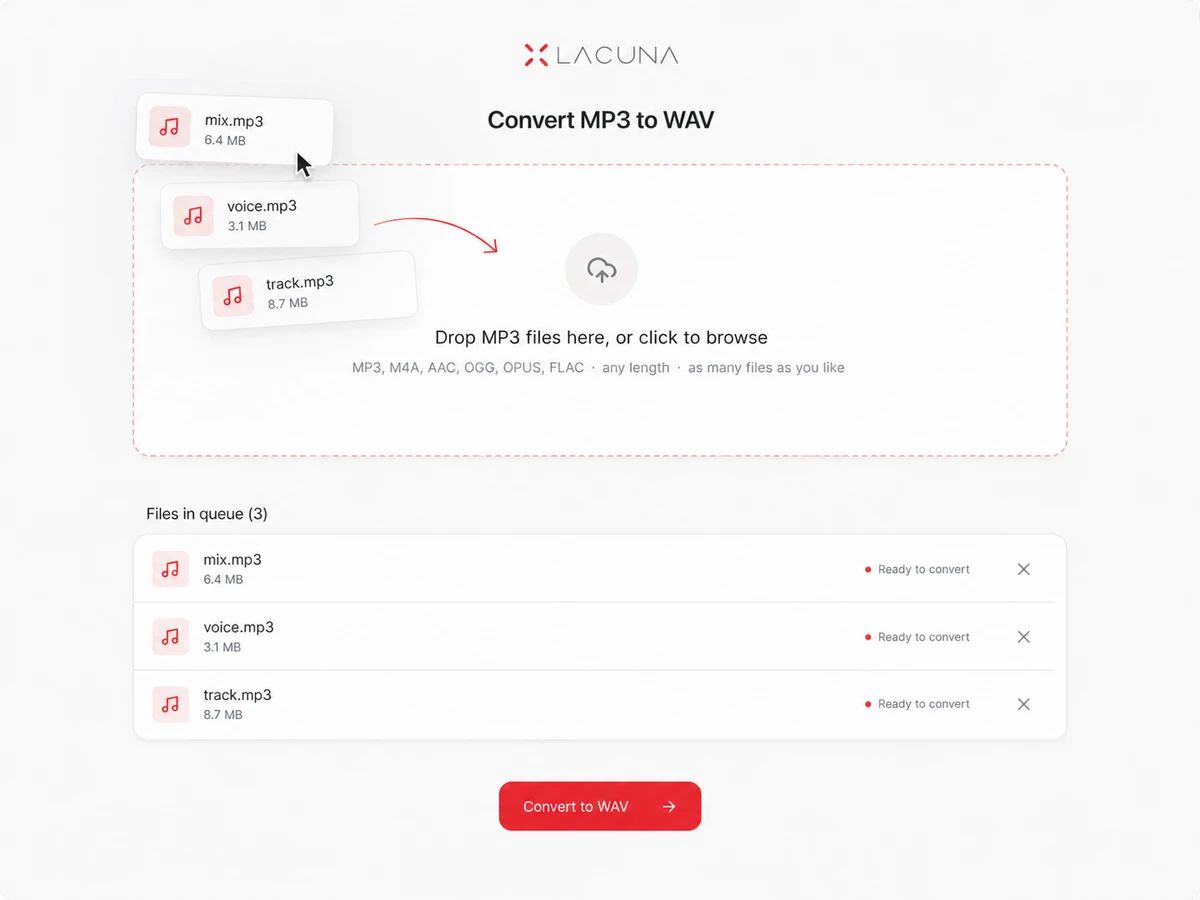
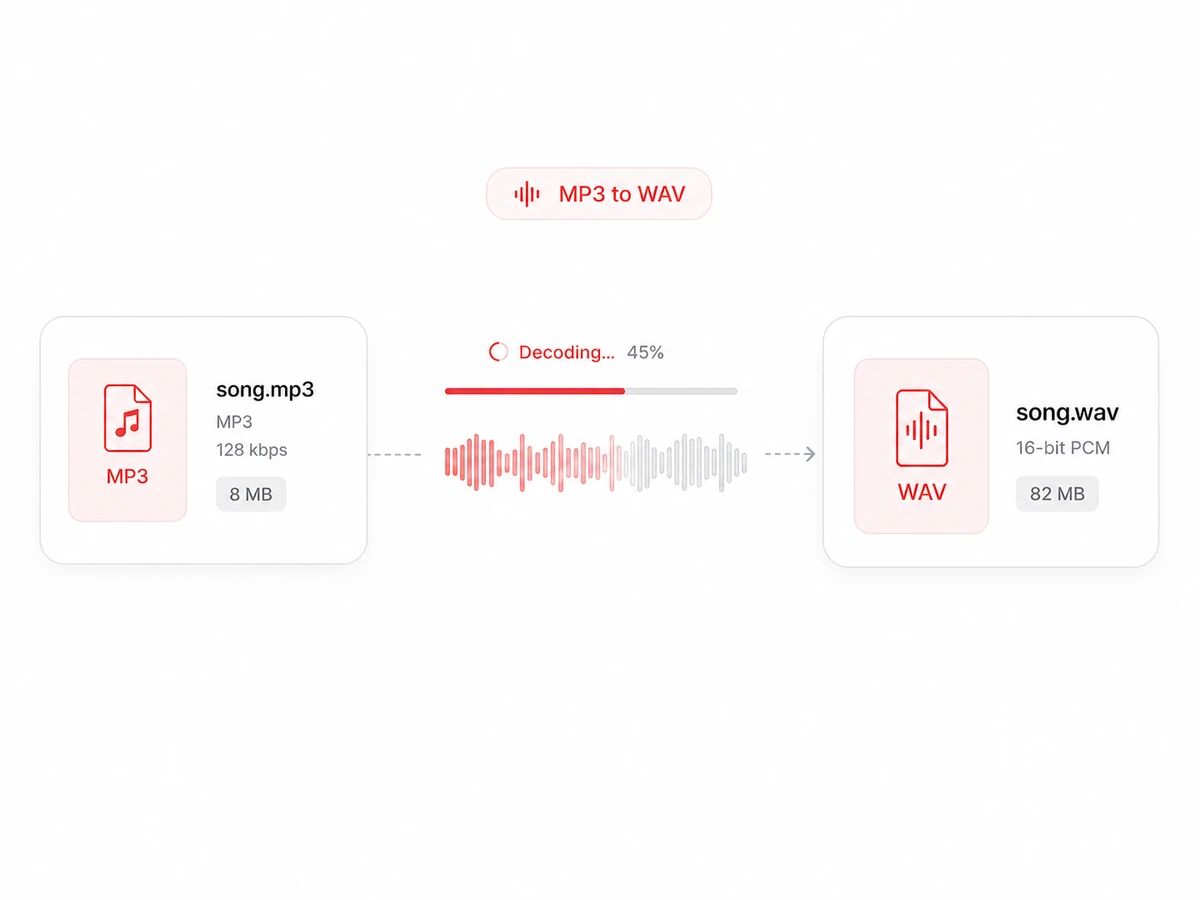
The MP3 is decoded to raw samples
Nothing to configure: WAV stores audio uncompressed, so bitrate settings do not apply. Expect the file to grow roughly tenfold. Decoding recovers what the MP3 holds, not what its encoder discarded — you get a bigger file, not a better one.
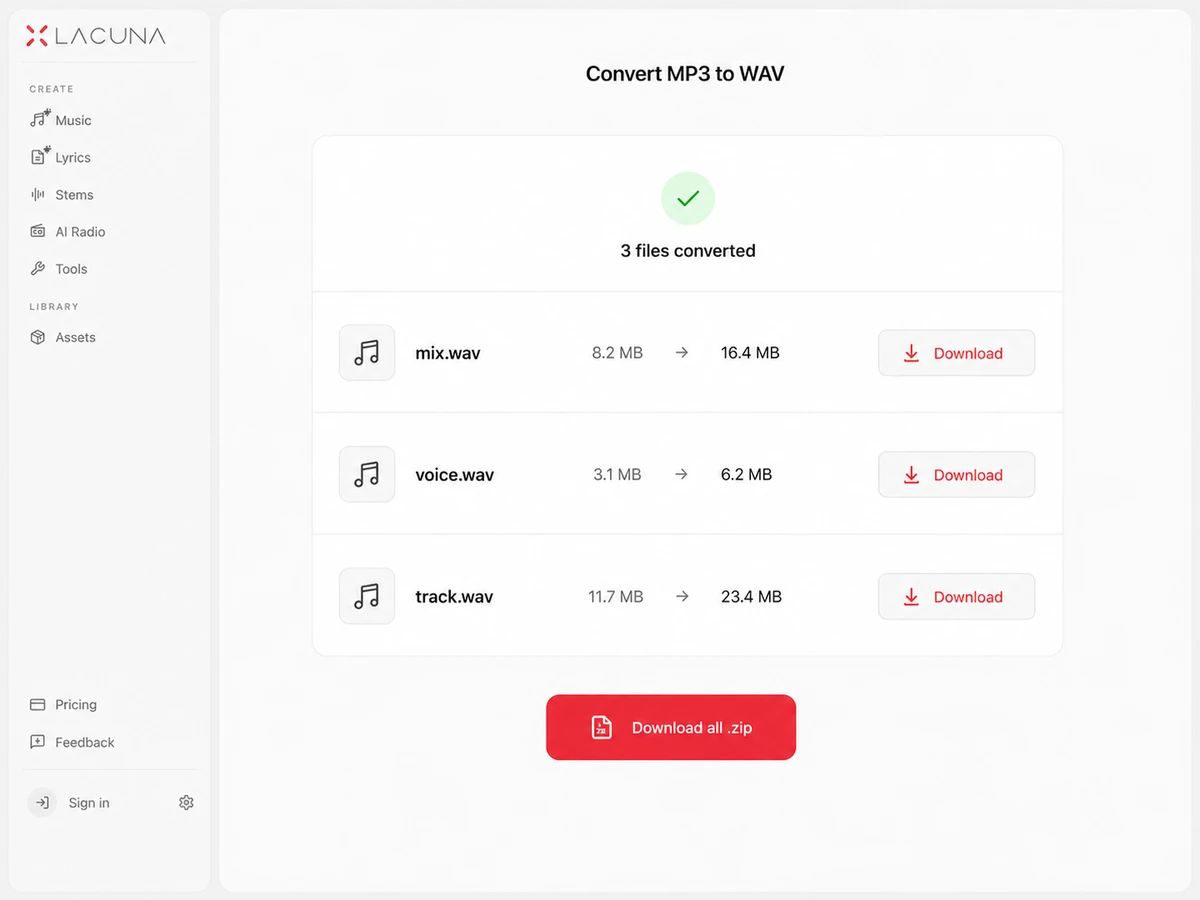
Download one file, or the batch as a zip
Each row shows its before and after size the moment it finishes, so the jump in size is never a surprise. Take files one at a time, or pack the finished WAVs into a single zip.
A Converter That Is Honest About What WAV Gives You
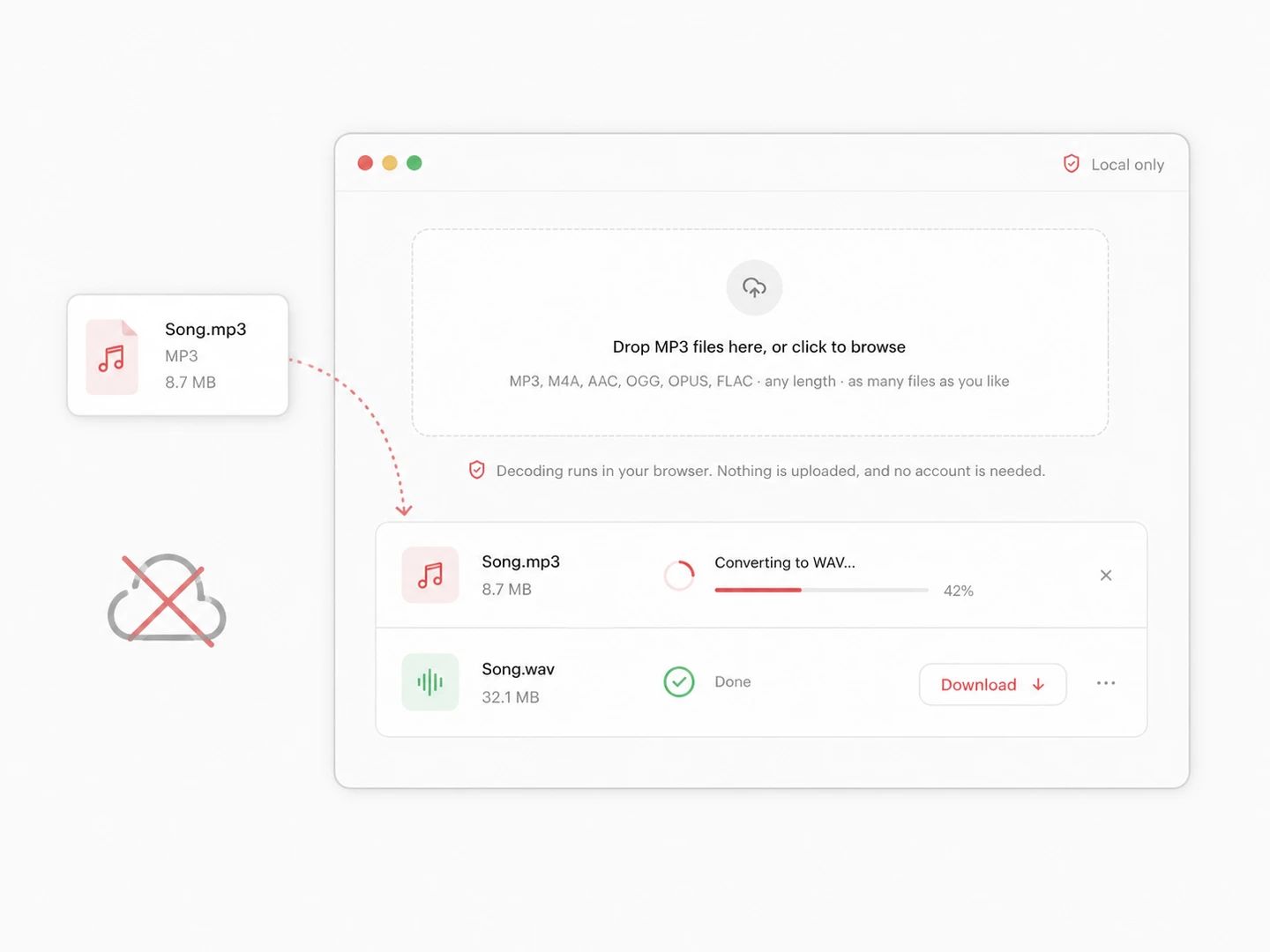
Nothing is uploaded, because no server is in the path
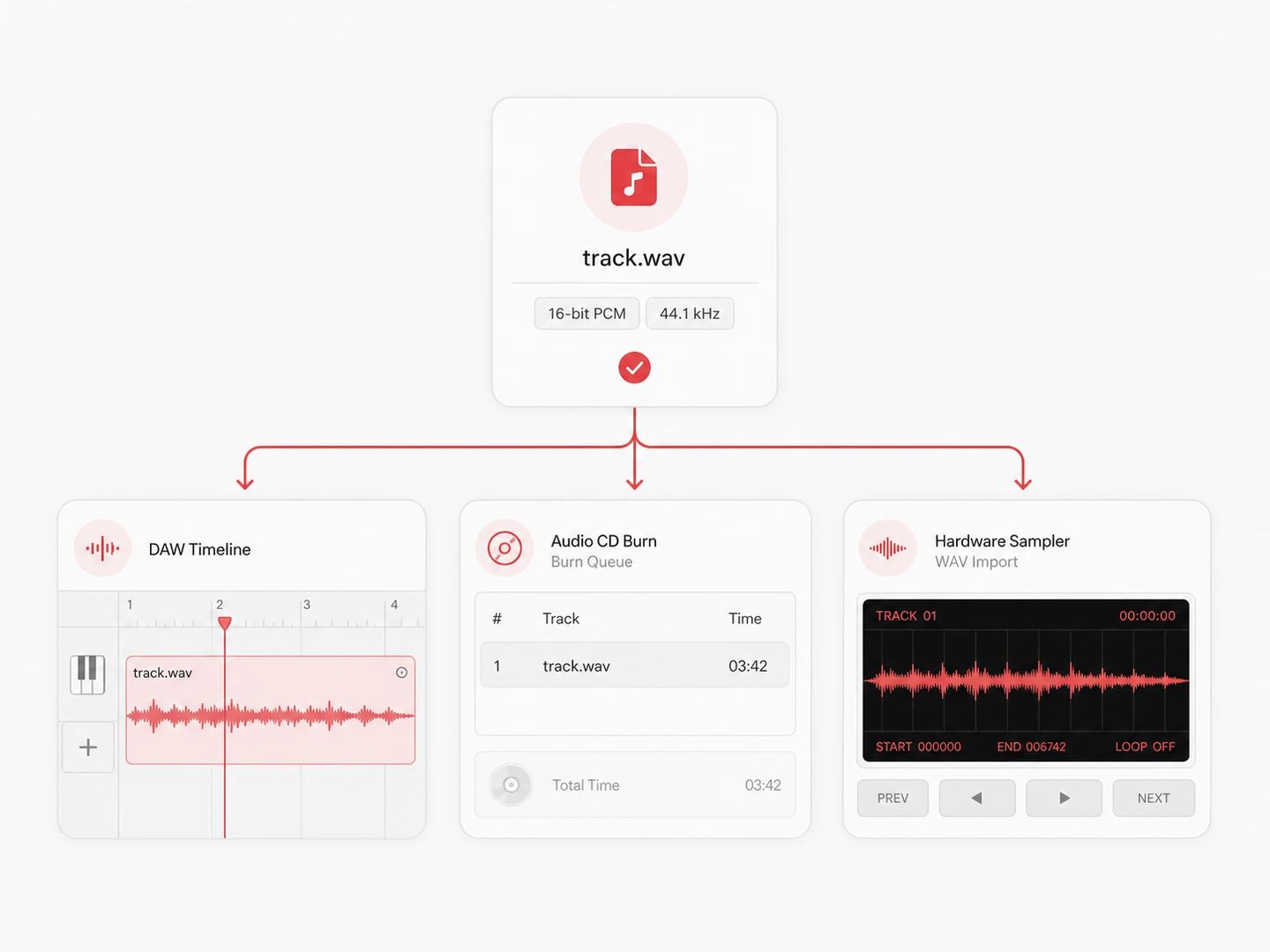
WAV that DAWs, CD burners and WAV-only hardware will open
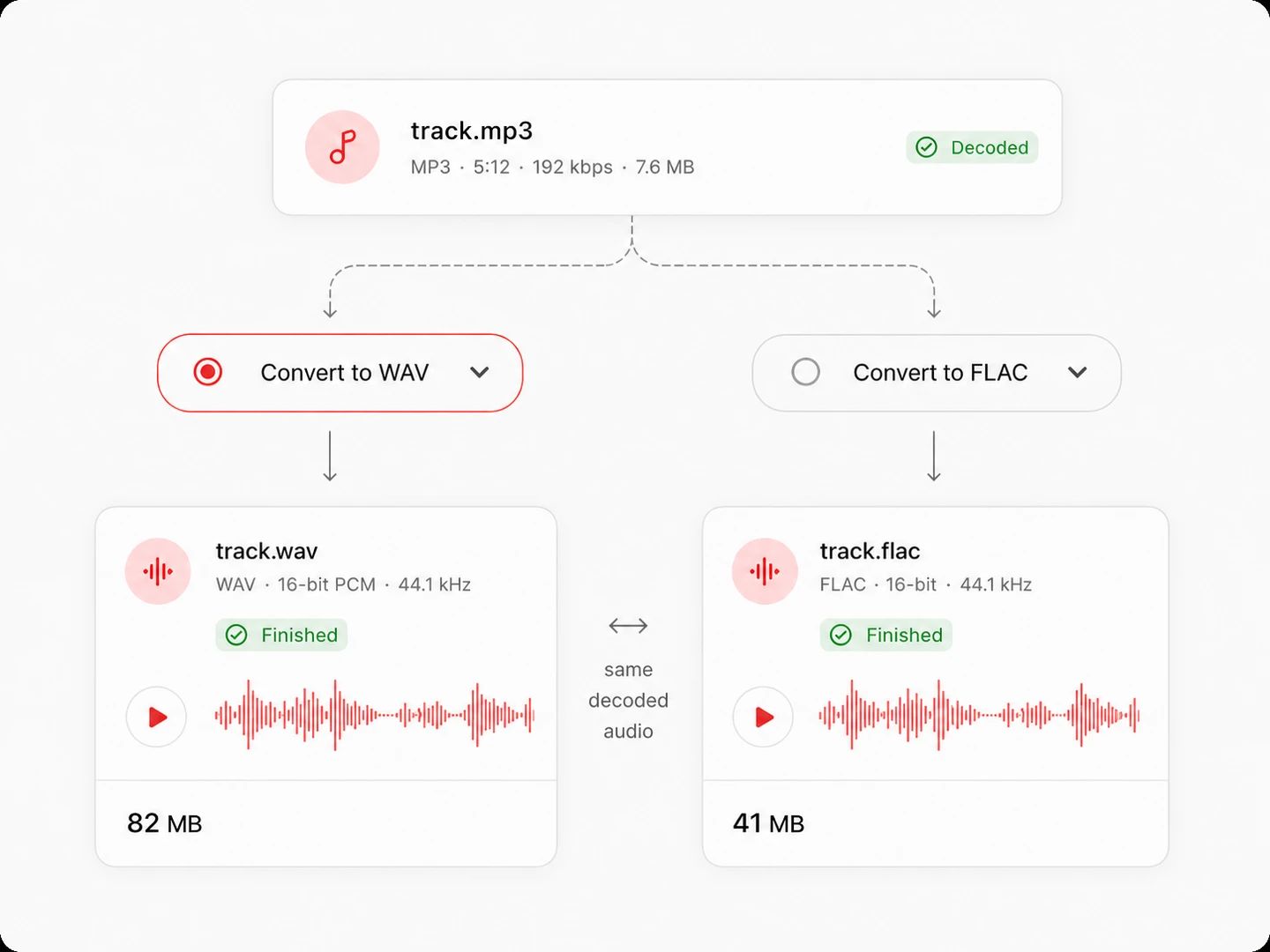
MP3 to FLAC as well, when you want lossless without the bulk
Free, no account, nothing metered
What Converting MP3 to WAV Actually Changes
The conversion writes out the samples the decoder produces, and that is all it can do. The file gets about ten times bigger; it does not get better, because the detail the MP3 encoder removed is not stored anywhere in the MP3. What you gain is a file that software and devices which refuse MP3 will accept.
| MP3 | WAV | |
|---|---|---|
| What the file holds | A perceptual encoding — detail judged inaudible was never written | The decoded samples, stored raw as 16-bit PCM |
| Four minutes of stereo | About 4 MB at 128 kbps, 9.6 MB at 320 | About 42 MB at 44.1 kHz, 16-bit |
| What this step does | The source — keep it, it is your only copy of that encode | Unpacks the source into a container more software accepts |
| Sound after the step | Whatever the original encode left behind | Identical to the MP3, stored far less efficiently |
| Editing and re-exporting | Each save re-encodes and loses a little more | No further loss, which is why editors and DAWs ask for it |
| Where it gets refused | CD authoring, some samplers, players with no MP3 decoder | Email, most upload forms, anywhere size is the constraint |
MP3 to WAV questions
Drop your MP3 files into the converter at the top of this page. There is nothing to set — WAV is uncompressed, so no bitrate applies — and a Download button appears on each row as soon as that file is decoded. No account, and no upload step to wait through.
No, and no converter can. The MP3 encoder permanently removed the detail it judged inaudible, and that information is not stored anywhere in the file. Decoding to WAV gives you the same audio in an uncompressed container: the file gets bigger, not better. What it does give you is a format that software and hardware refusing MP3 will accept, which is the actual reason to do it.
No. Your browser decodes the MP3 and a WAV writer shipped with the page assembles the output; nothing is transmitted. That is also why there is no queue and no waiting — no server is doing the work, so none of it is being scheduled against other people's files.
There is no quota, no daily cap and no file count limit. The single ceiling is 300 MB per file, which exists because a decode that large exhausts a browser tab's memory — oversized files are refused with a message rather than crashing the page.
Yes. Select as many files as you like, or a folder. They are decoded one after another so memory stays in hand, each row reports its own progress and sizes, and one button packs every finished WAV into a single zip.
Editors and DAWs want a format they can seek and cut sample-accurately without decoding first, and every edit of an MP3 would otherwise mean another lossy re-encode. CD authoring needs PCM because that is what an audio CD physically stores. And plenty of hardware — samplers, PA players, game callers, older field recorders — simply ships without an MP3 decoder, so WAV is the only file it can read.
Yes, with no sign-up. Every conversion runs on your own hardware, so there is nothing per file for us to charge for.
Other Formats, Same Converter
Convert from WAV
Convert from MP3
Pairs without a page of their own — MP3 to FLAC, MP3 to AIFF — open the full audio converter with the output already selected.
Turn an MP3 into a WAV your software will accept
Free, no account, no batch limit. The decode runs in this tab and leaves nothing behind when you close it.