Convert MP3 to OGG
Select a folder of sound effects, not one file at a time. Every track is decoded and re-encoded on your own machine, then handed back with its name intact.
Encoding runs in your browser. Nothing is uploaded, and no account is needed.
Keep working with this track
MP3 to OGG Converter
How to convert MP3 to OGG
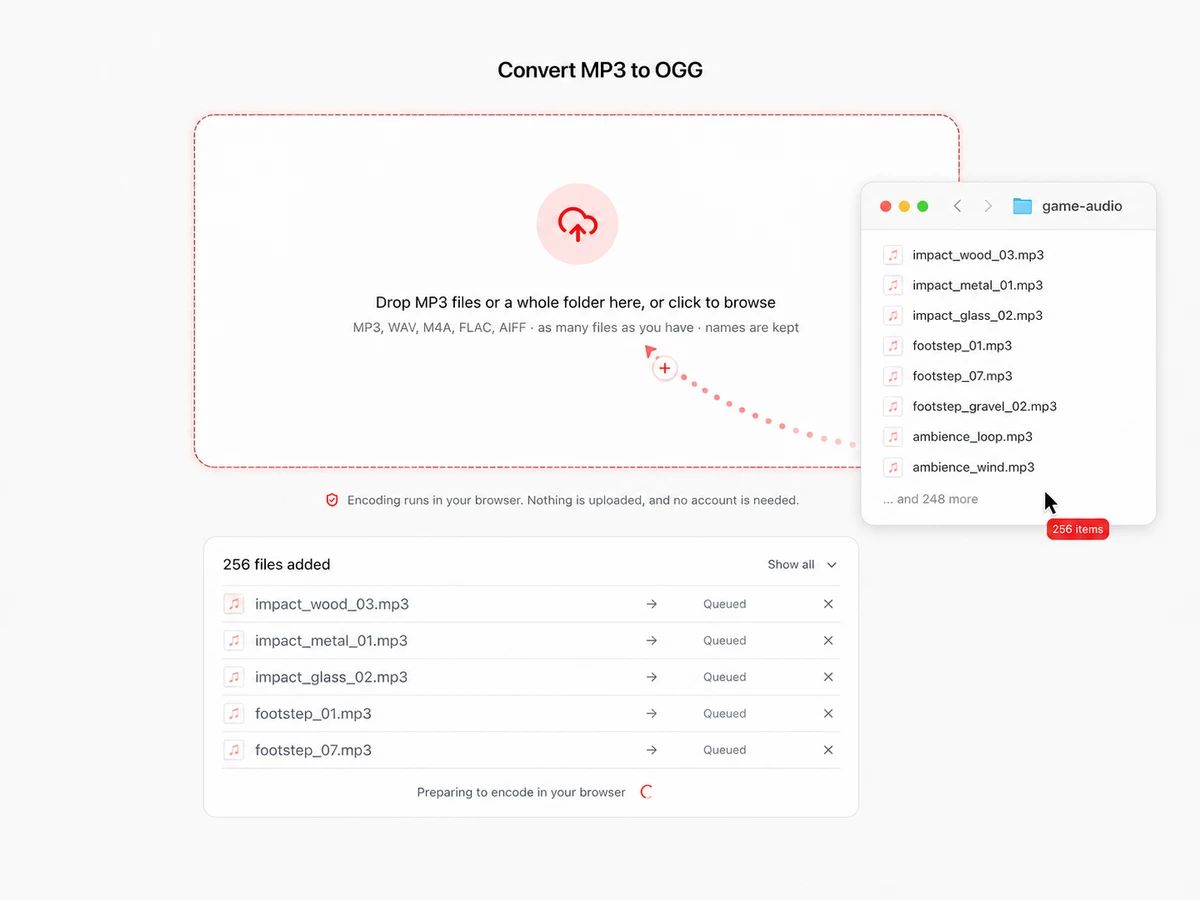
Drop in the whole folder
Select every sound in your audio directory at once instead of clicking through them one by one. The page reads the files straight off your disk, so a folder of 400 impacts and footsteps costs the same as a single file: nothing gets uploaded and there is no count to stay under.
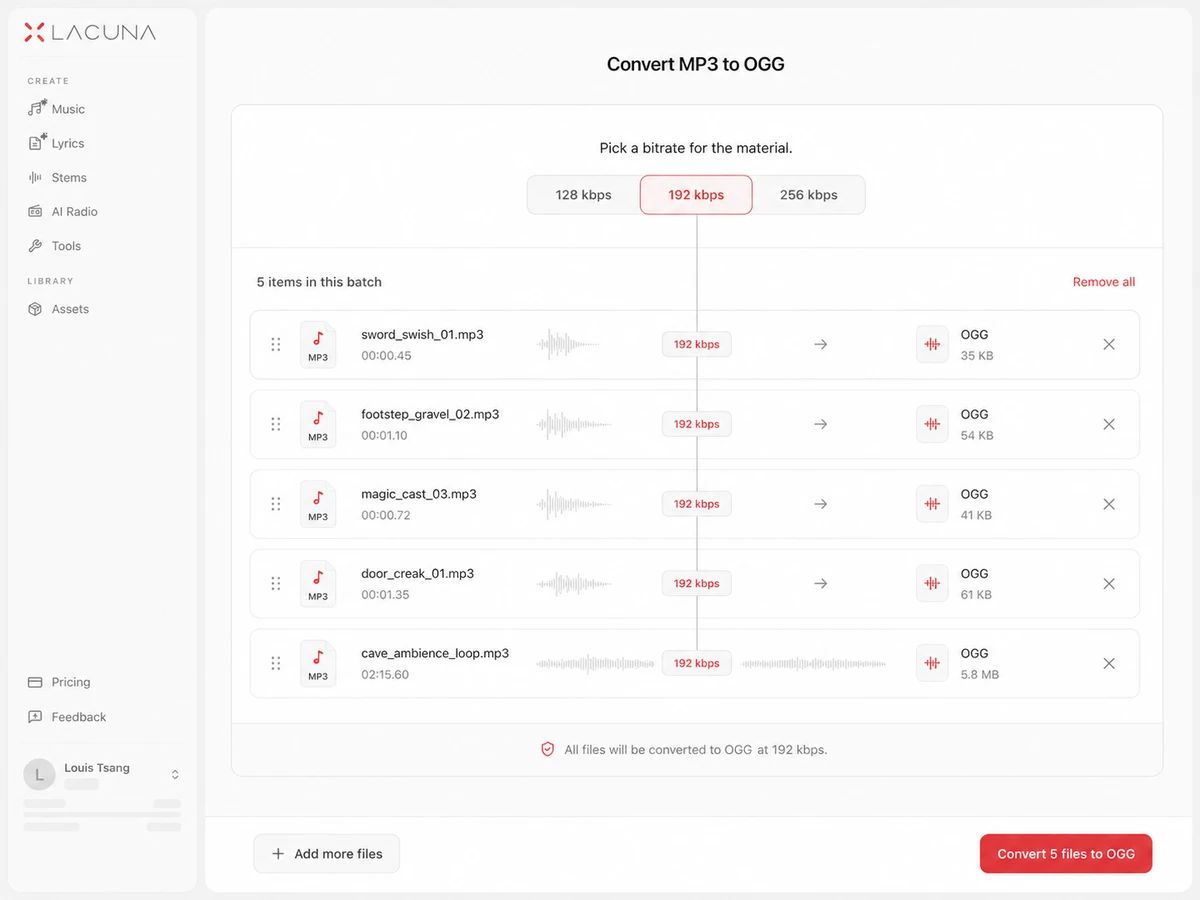
Pick a bitrate for the material
Short effects survive 128 kbps because nobody hears the top end of a footstep. Music beds and long ambience loops are worth 192 or higher. One setting applies to the batch, so a folder of like-for-like sounds is a single decision.
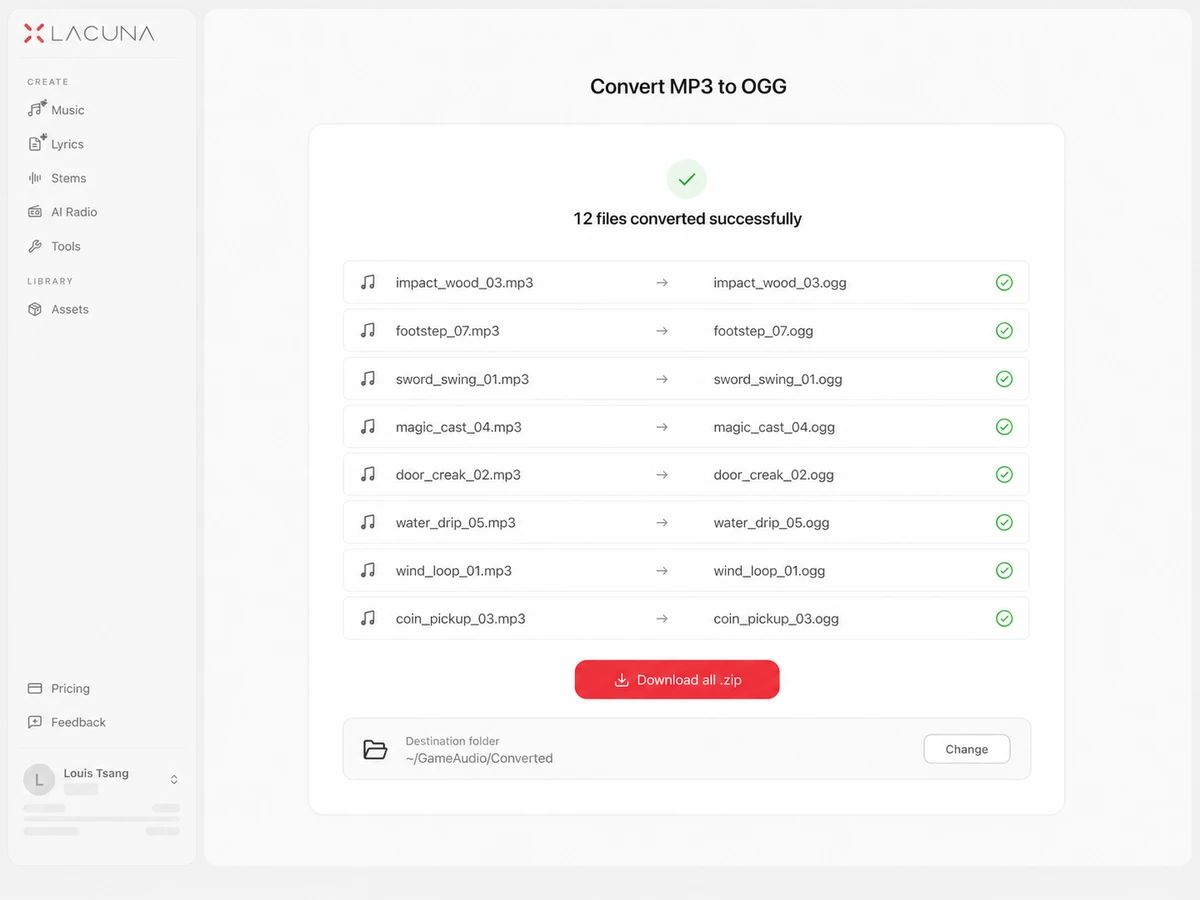
Download one zip and drop it in
Each file keeps its stem — impact_wood_03.mp3 becomes impact_wood_03.ogg — so the paths already written into your resource pack, RPG Maker project or Godot scenes keep resolving. Take files individually, or take the whole batch as one zip.
Built For Converting A Folder, Not A File
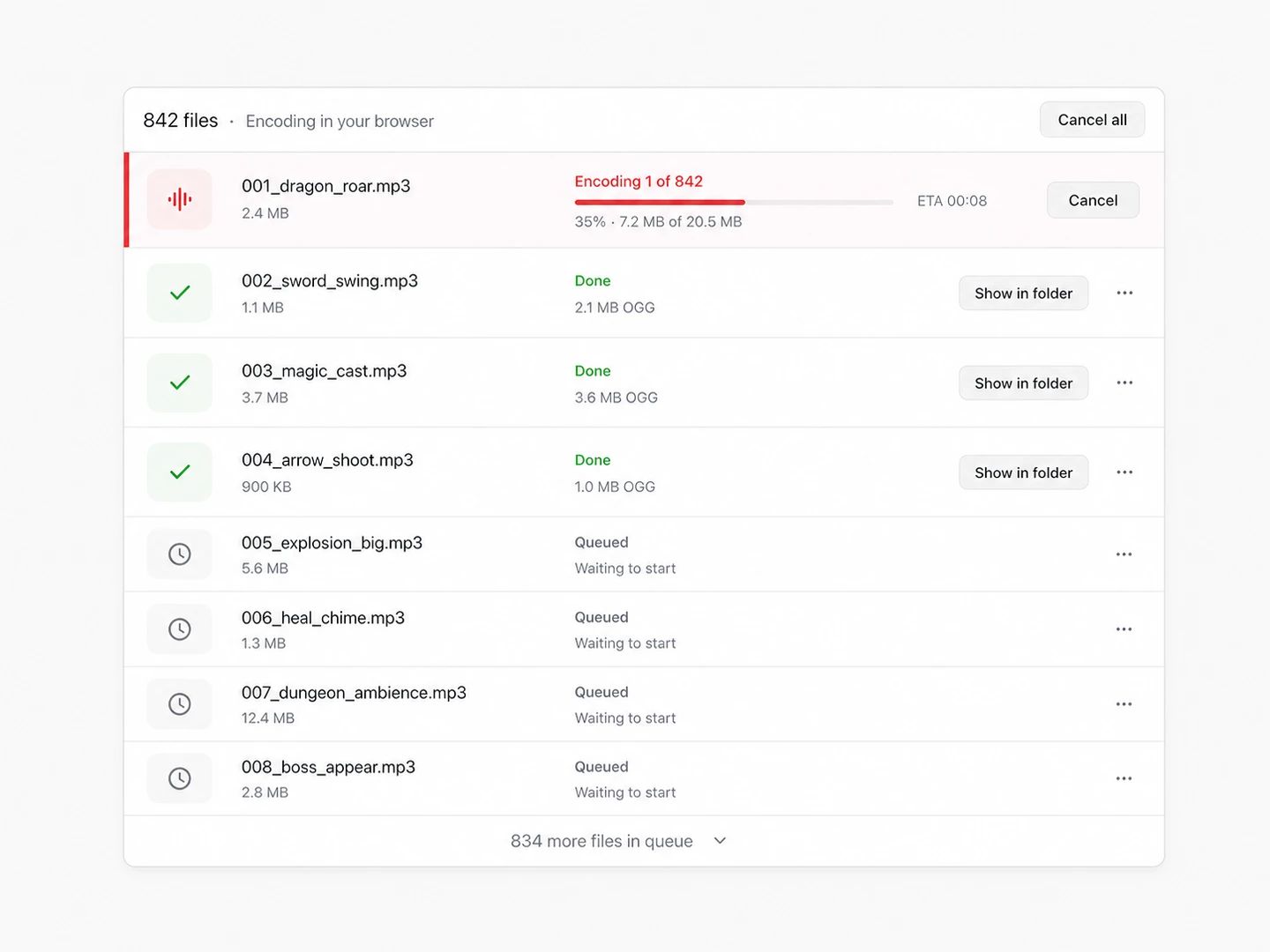
Batch with no cap on how many
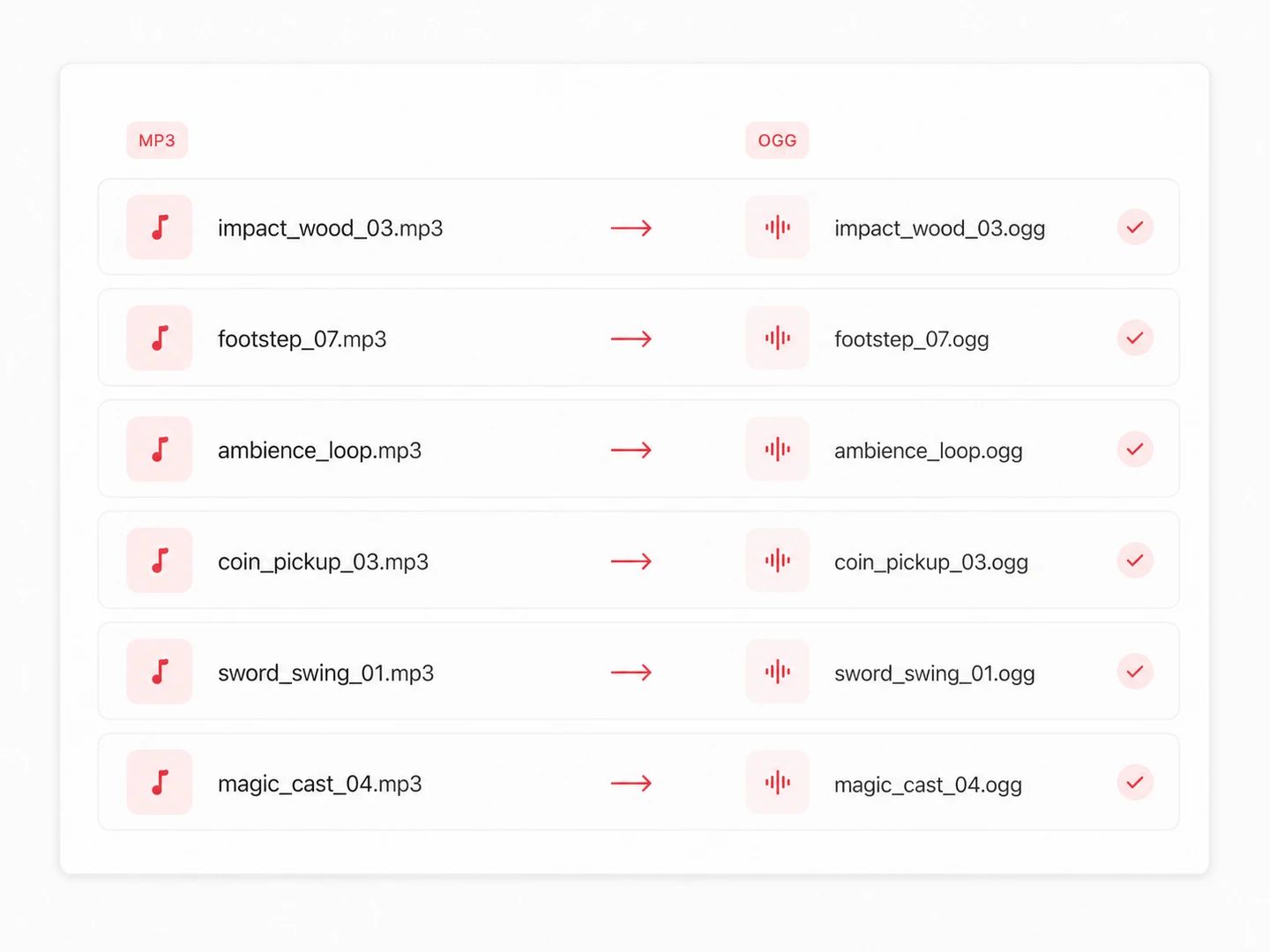
File names come out unchanged
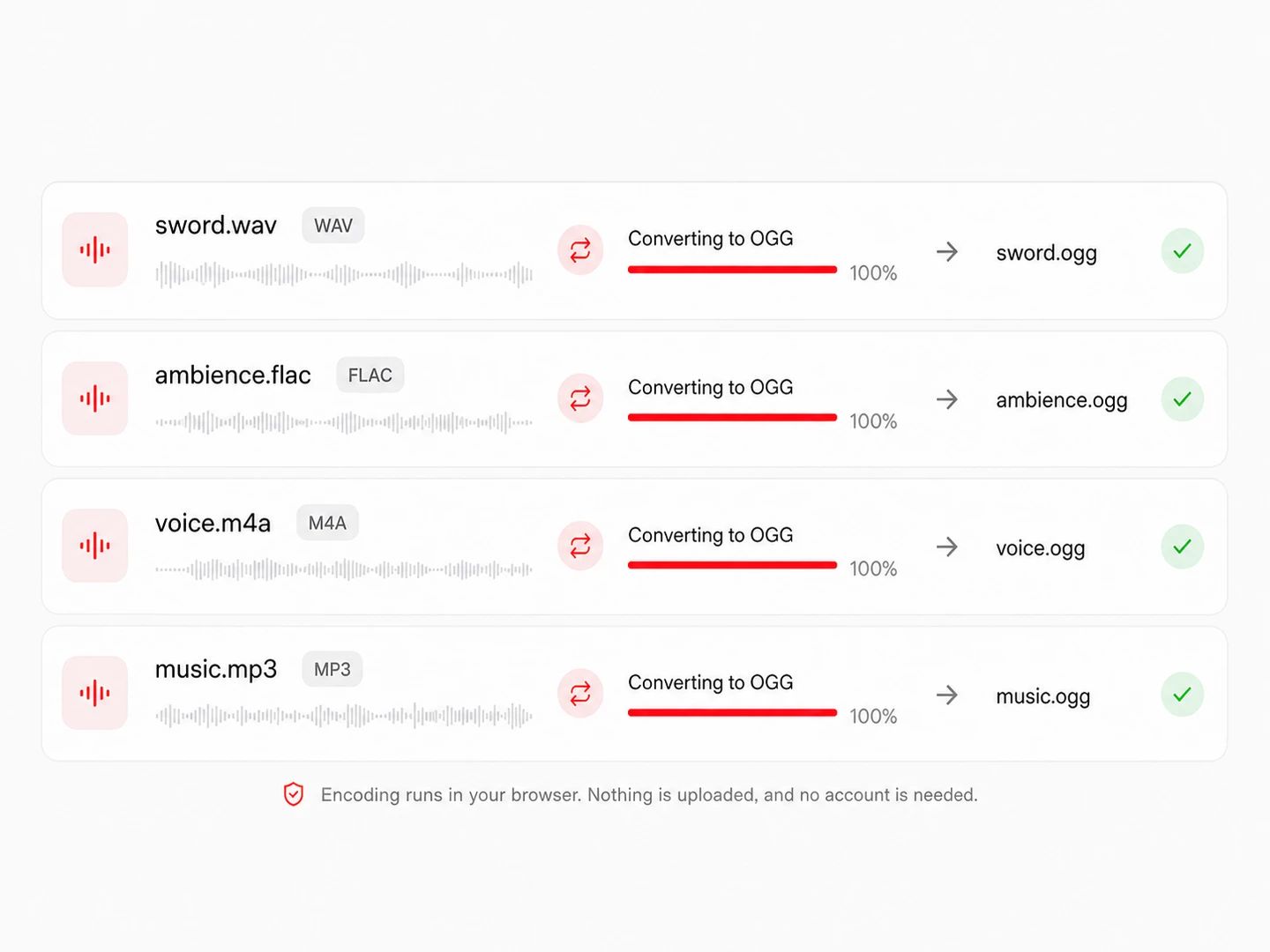
WAV to OGG in the same pass
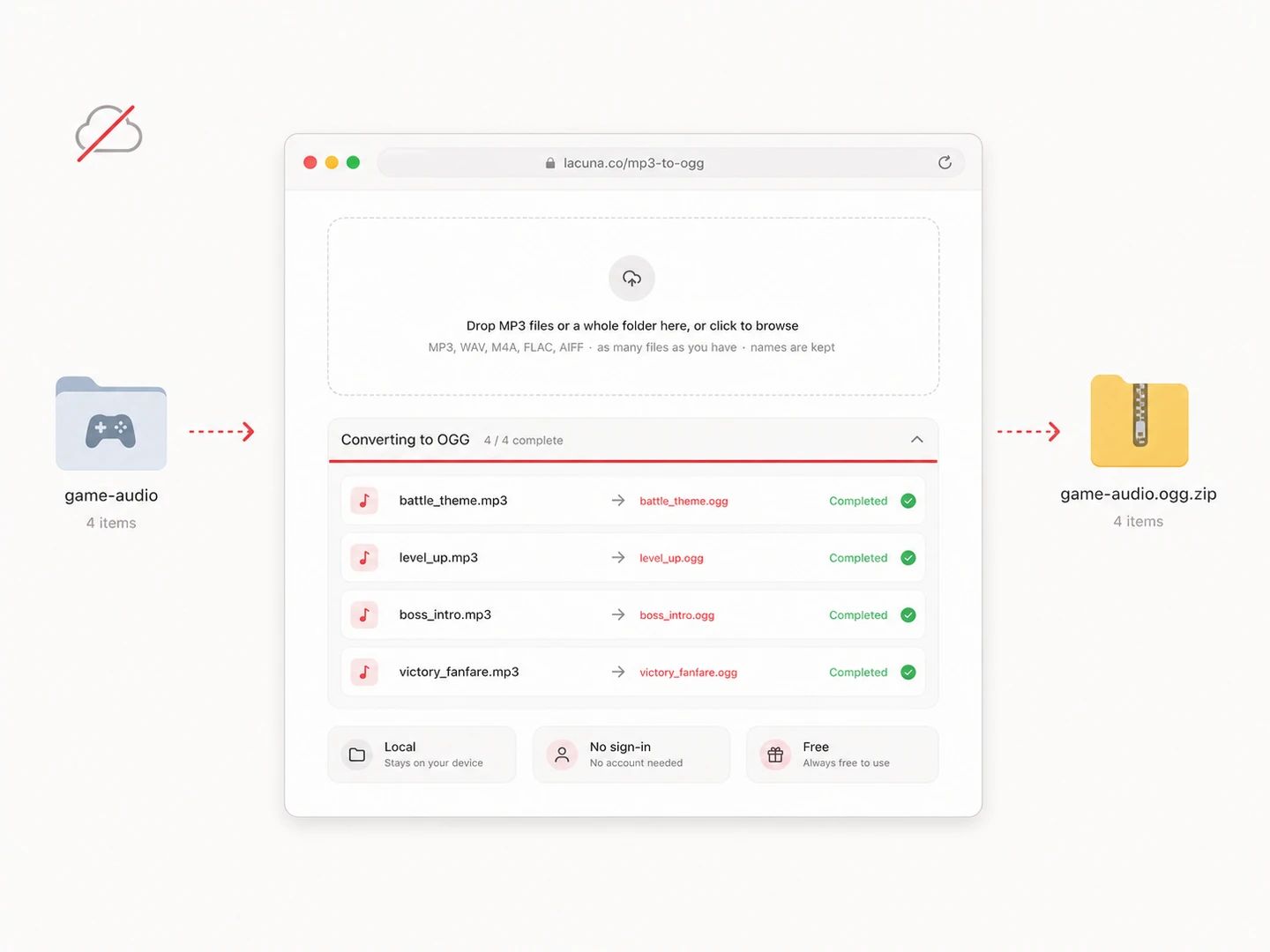
Free, no account, nothing leaves your machine
What Changes When MP3 Becomes OGG
Both formats are lossy, so this is not a quality upgrade — it is a compatibility move, and in one respect a technical one. Vorbis stores an exact sample count, which is why loops behave properly and why so many engines settled on it.
| MP3 | OGG | |
|---|---|---|
| Codec | MPEG-1 Layer III, lossy | Vorbis in an Ogg container, lossy |
| Engine support | Unity and Godot import it; Minecraft resource packs and RPG Maker projects will not load it | Read natively by Unity, Godot, Minecraft, RPG Maker, LÖVE and SDL_mixer |
| Licensing history | Was patent-encumbered for most of its life, which is why engines avoided it | Royalty-free from the start — the reason it became the default in open tooling |
| Loop points | Encoder delay and padding add silence at both ends, so a loop clicks | Exact sample length is stored, so a loop point lands where you put it |
| Size at matched quality | About 1 MB per minute at 128 kbps | Similar overall, and noticeably cleaner than MP3 at low rates |
| Converting between them | Keep it as the source if that is all you have | Re-encoding adds a second round of loss; go from the WAV when you can |
Which bitrate should you pick?
Footsteps, UI clicks, impacts, weapon sounds. A half-second one-shot lands around 8 KB, and the detail Vorbis discards at this rate is not detail anyone picks out under gameplay.
Rain beds, engine hums, room tone — anything that plays for minutes at a time and gets listened to whether the player means to or not. Low rates smear this kind of material audibly.
Menu themes and battle tracks a player hears for hours. Worth the extra megabytes on a soundtrack in a way it is not on a footstep.
For the copy you keep, or when the OGG feeds another export later. Note that a high rate cannot recover what the MP3 already threw away — it only avoids throwing away much more.
MP3 to OGG questions
Drop your sounds into the converter above — the whole folder at once is fine — pick a bitrate, and download the zip. Minecraft only reads .ogg for pack audio, and it finds each file by the path written in sounds.json, so the fact that names survive the conversion is the part that saves you time: unzip into assets/<namespace>/sounds/ and the references you already wrote still point at something.
Yes, and that is what this page is built around. Select a folder in the file picker or drag it onto the drop zone, and every audio file inside is queued. There is no limit on how many, no daily quota and no sign-in wall part way through — files convert in sequence so memory stays sane, and one button gives you a single zip at the end.
Not all of them do — Unity and Godot both import MP3 without complaint. The engines that insist on OGG do it for two reasons: Vorbis has always been royalty-free while MP3 spent most of its life patent-encumbered, and Ogg stores an exact sample count, so a loop starts and ends where you told it to instead of inheriting the silent padding an MP3 encoder adds. Minecraft resource packs and RPG Maker audio folders are the two cases people hit most.
At the same bitrate Vorbis usually holds up better, and the gap is clearest below about 128 kbps. Above 192 kbps the difference against a modern MP3 encoder is hard to hear on most material. But converting an MP3 you already have cannot recover anything MP3 discarded — you get a second round of loss on top of the first. Convert from the WAV or FLAC original whenever you still have it.
No. Your browser decodes each file with its own audio engine and a Vorbis encoder that ships with the page writes the OGG. Nothing is sent anywhere, which is also why there is no queue to wait in: no server is paying for the bandwidth or the CPU.
No file count limit, no daily cap, no paid tier that unlocks the same button. The one ceiling is 300 MB per file, which exists so a huge decode cannot take the tab down with it — an oversized file is rejected with a message instead. Individual sound effects and music loops are orders of magnitude below that.
Completely, and without an account. Your machine does the work, so a batch of two thousand sounds costs us the same as a batch of one.
Other Formats, Same Converter
Convert from OGG
Convert from MP3
Pairs without a page of their own open the full audio converter with the output already selected.
Convert a folder of MP3s to OGG without uploading them
A free MP3 to OGG converter with bitrate control, original file names and no limit on how many files go in.