01
Instrumentalists learning by ear
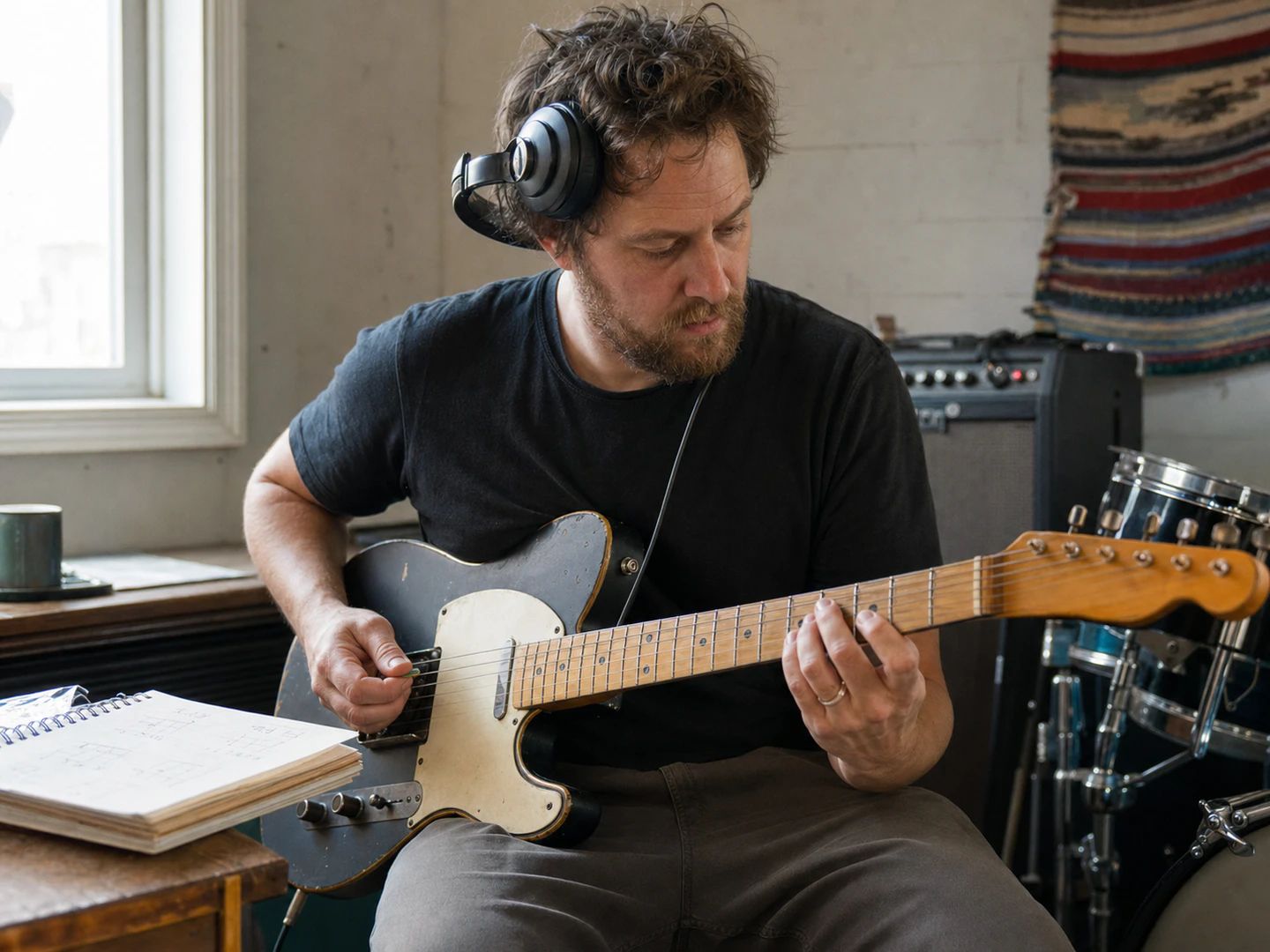
Slow a solo until you can hear every note, loop the hard bar, and bring it back up as it clicks.
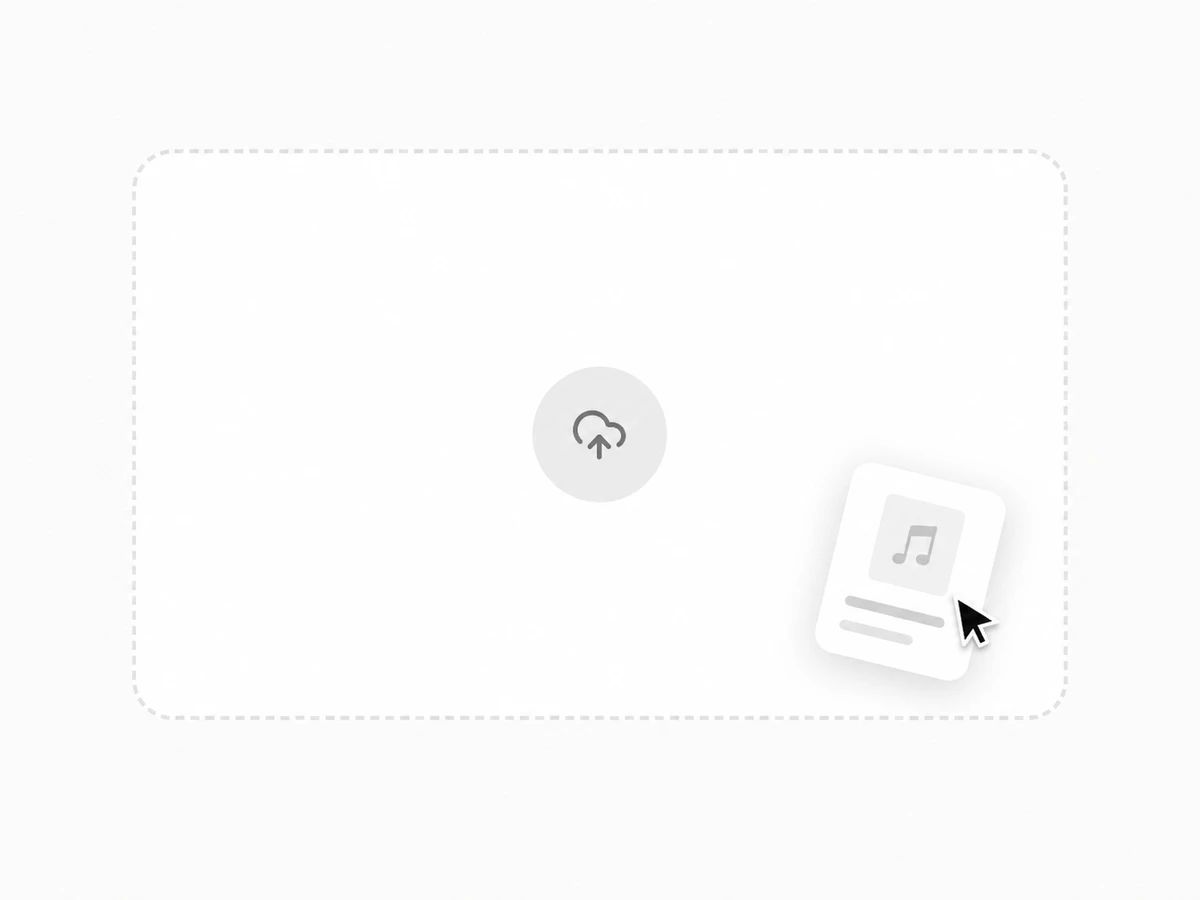
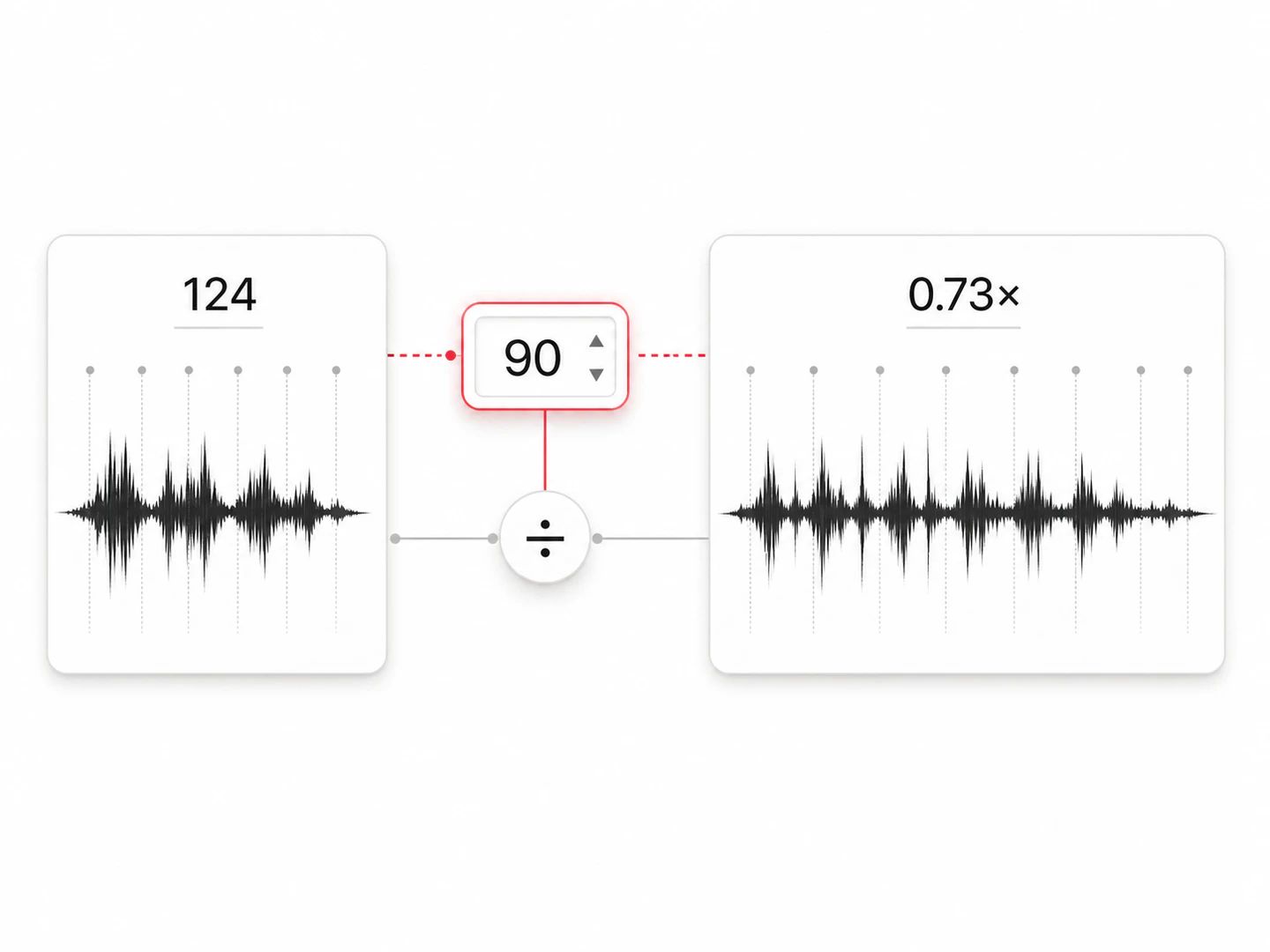
Drop in a track. It reads the original tempo first, so you can type the BPM you want instead of working out a multiplier.
Everything happens in your browser. The file is never uploaded, and there is no account to make.
Any song, practice recording, backing track or podcast. It loads straight from your device — there is no upload, so a 40 MB file starts playing immediately.
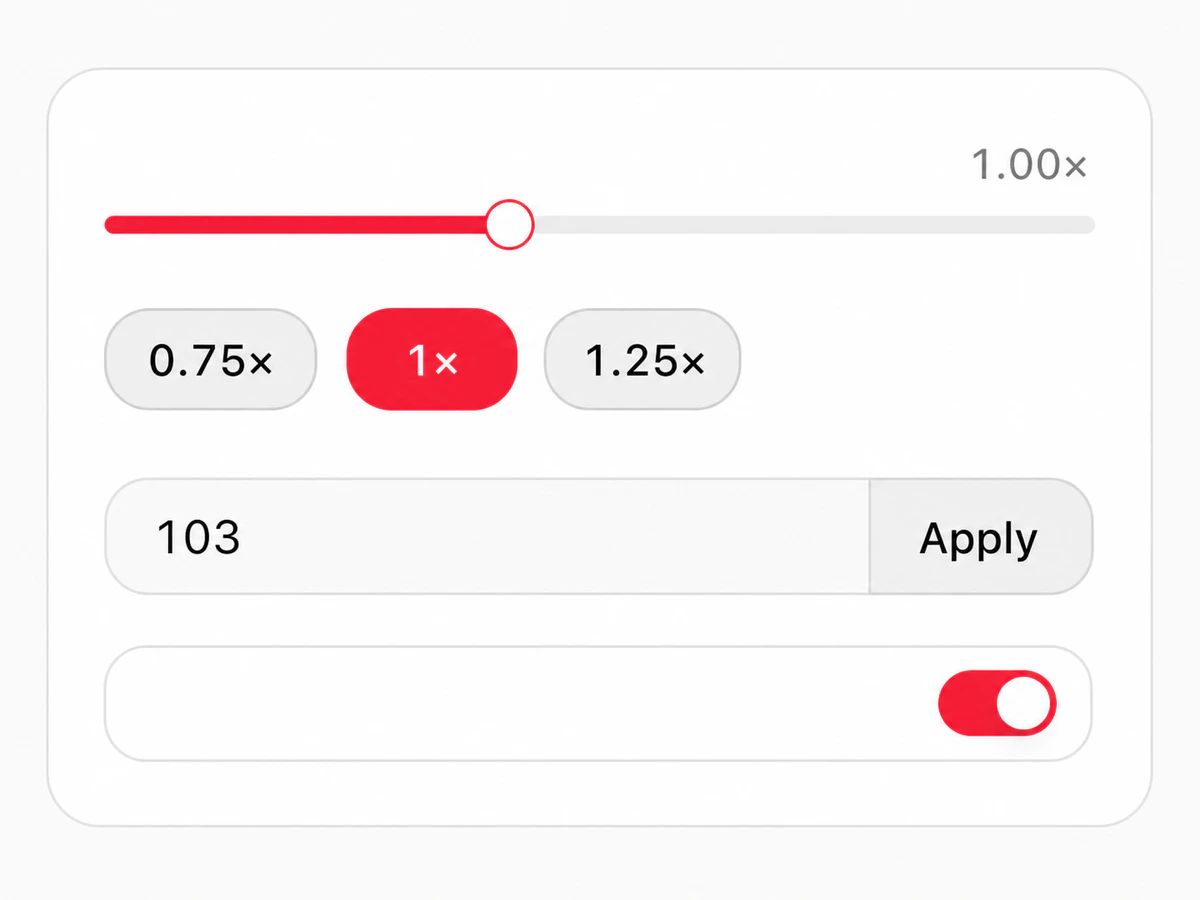
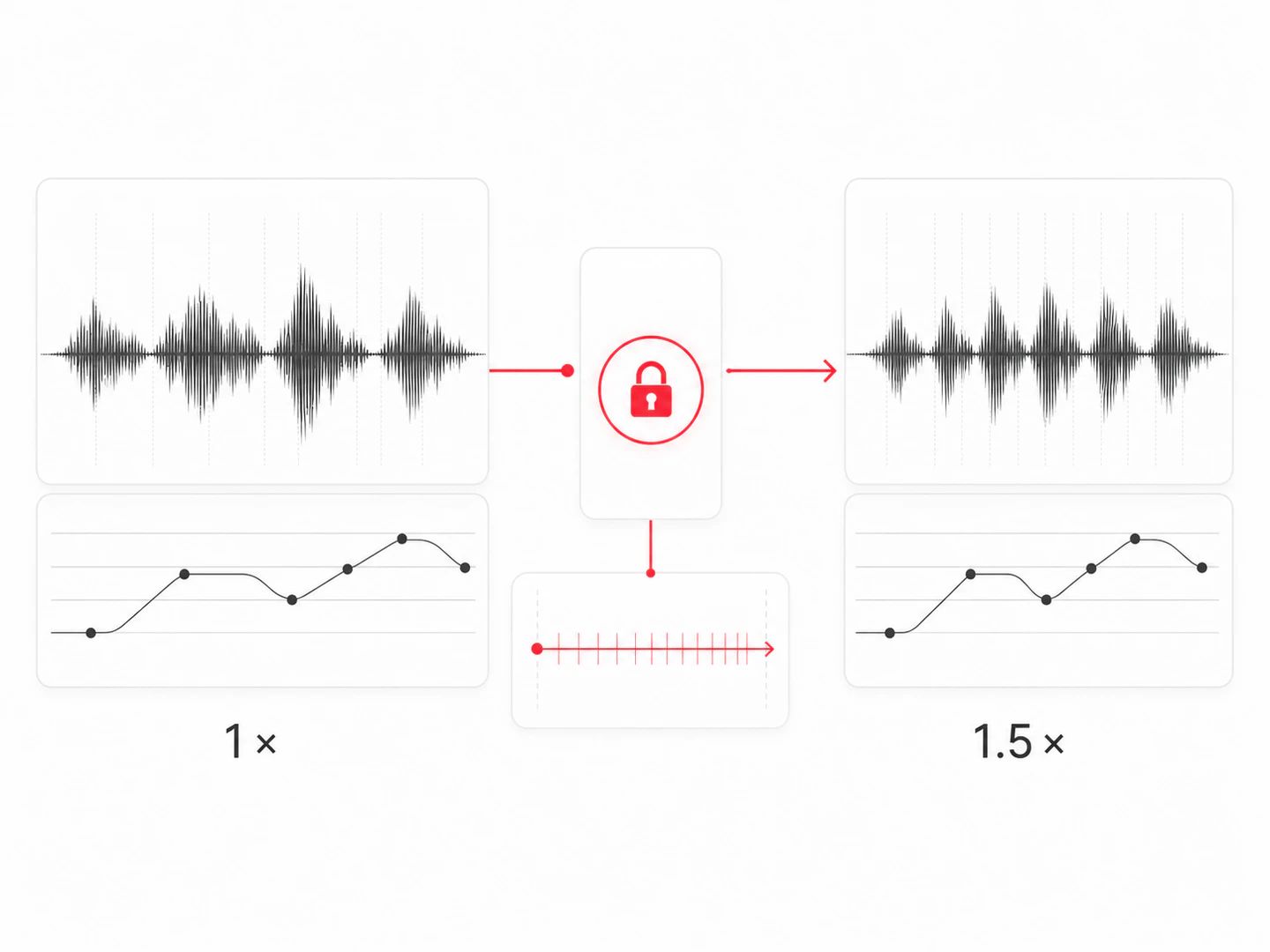
Drag the multiplier, or type the BPM you want and let the tempo changer do the arithmetic against the detected tempo. Pitch lock keeps the key where it was.
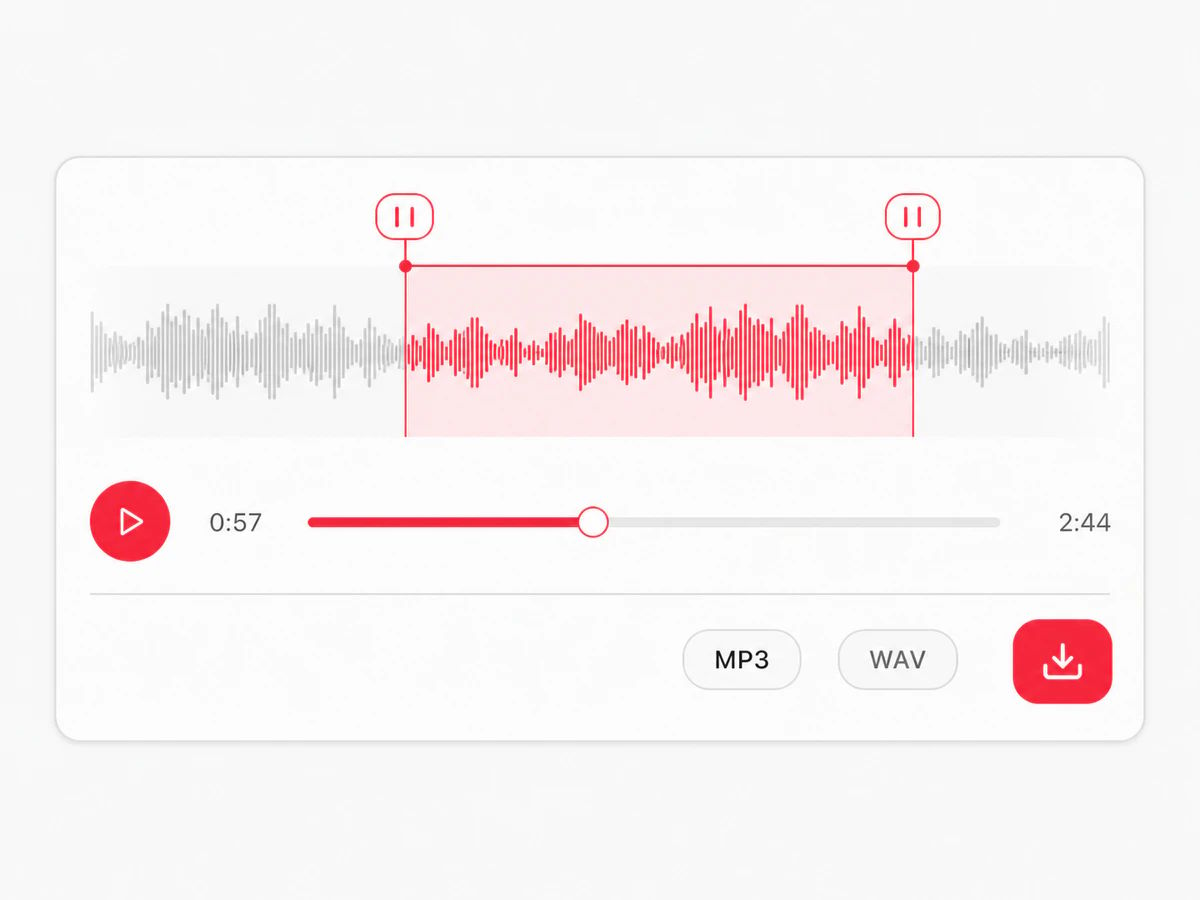
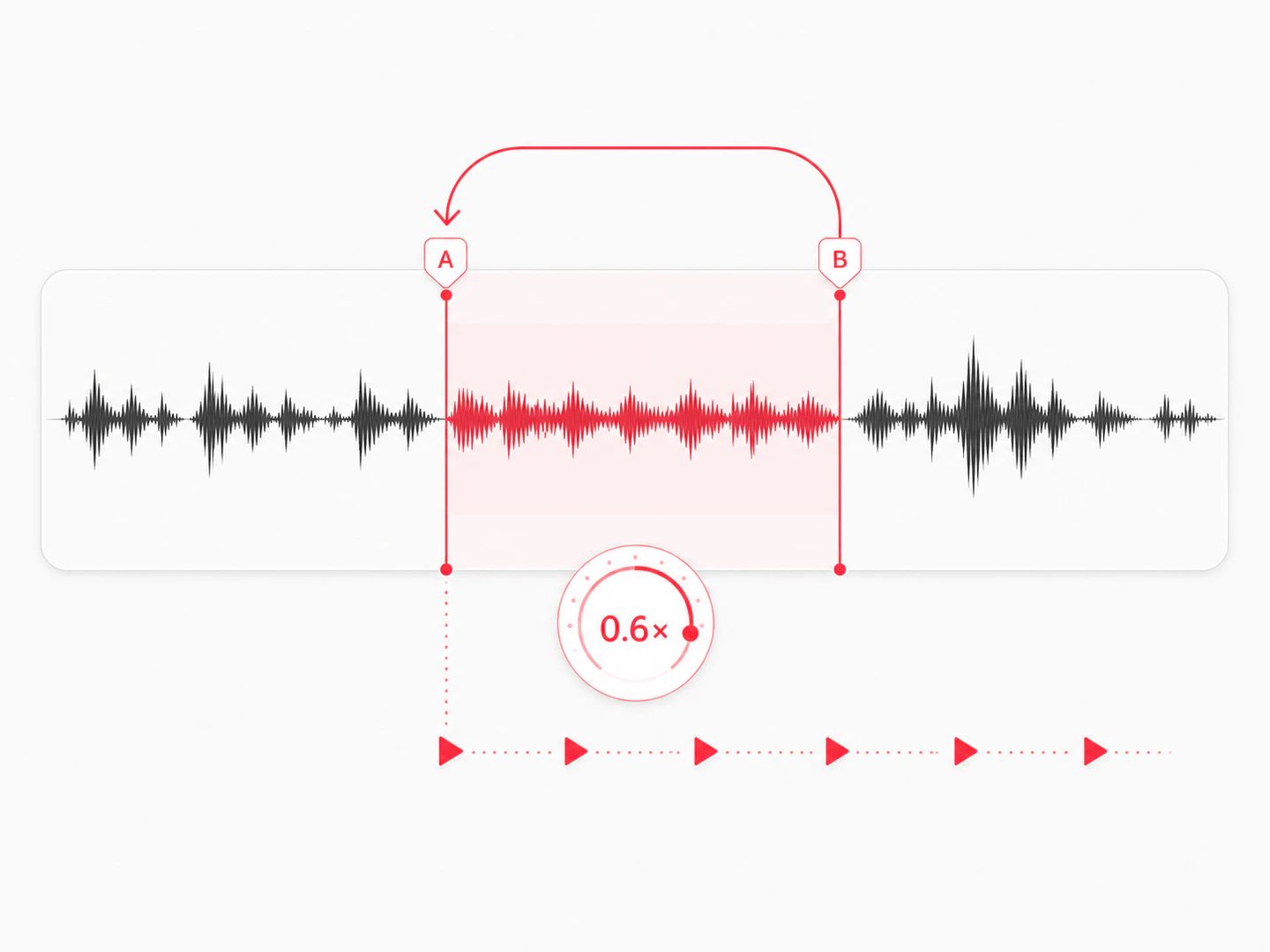
Mark an A and a B point to drill one phrase on repeat. When you want to keep the result, download it as an MP3 or a full-quality WAV, with no watermark.
Slower to learn it, faster to get through it, exact to fit it.
Slow a solo until you can hear every note, loop the hard bar, and bring it back up as it clicks.
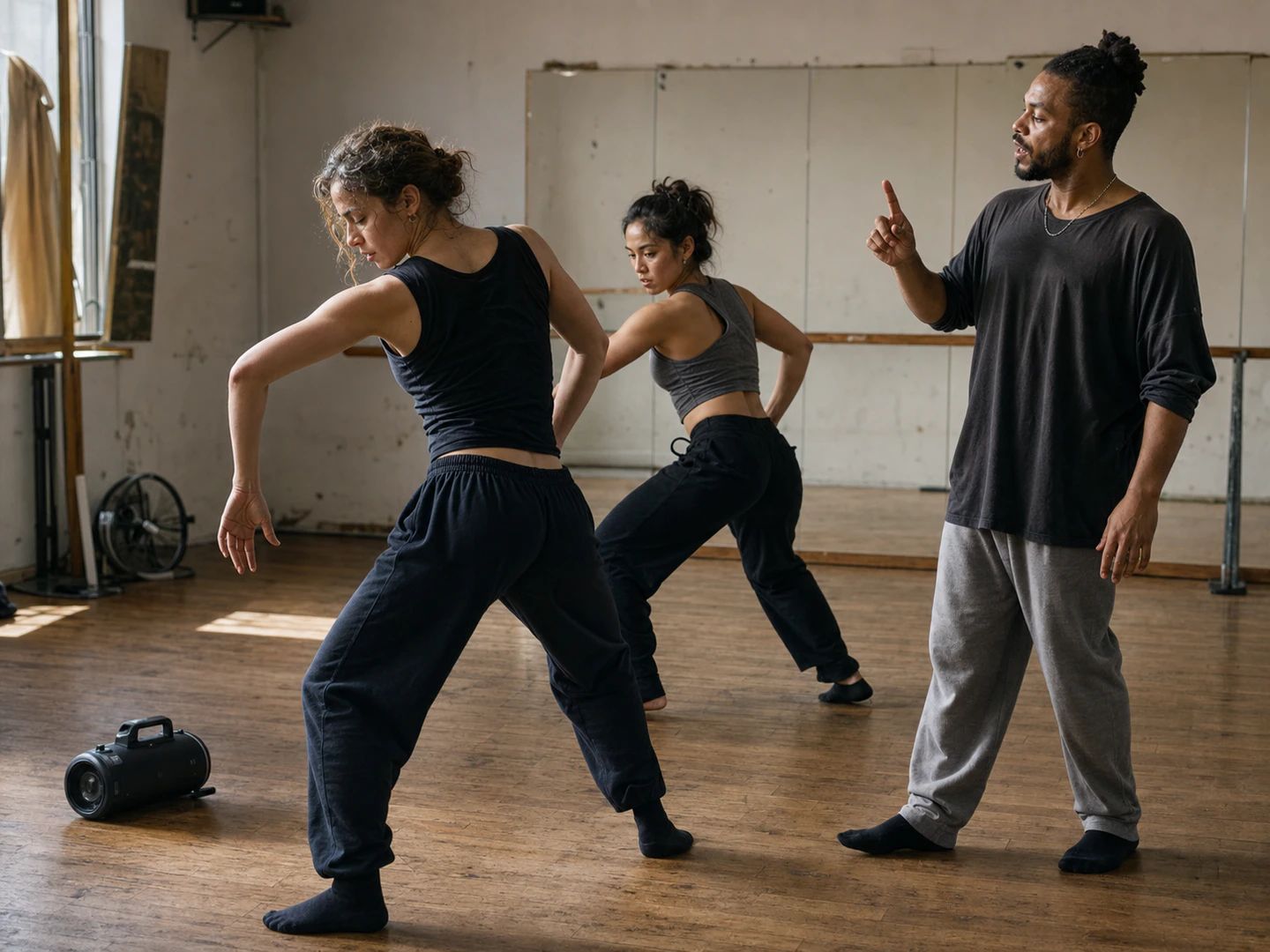
Drop a track to counting speed while you build the piece, then run it at tempo without re-exporting.
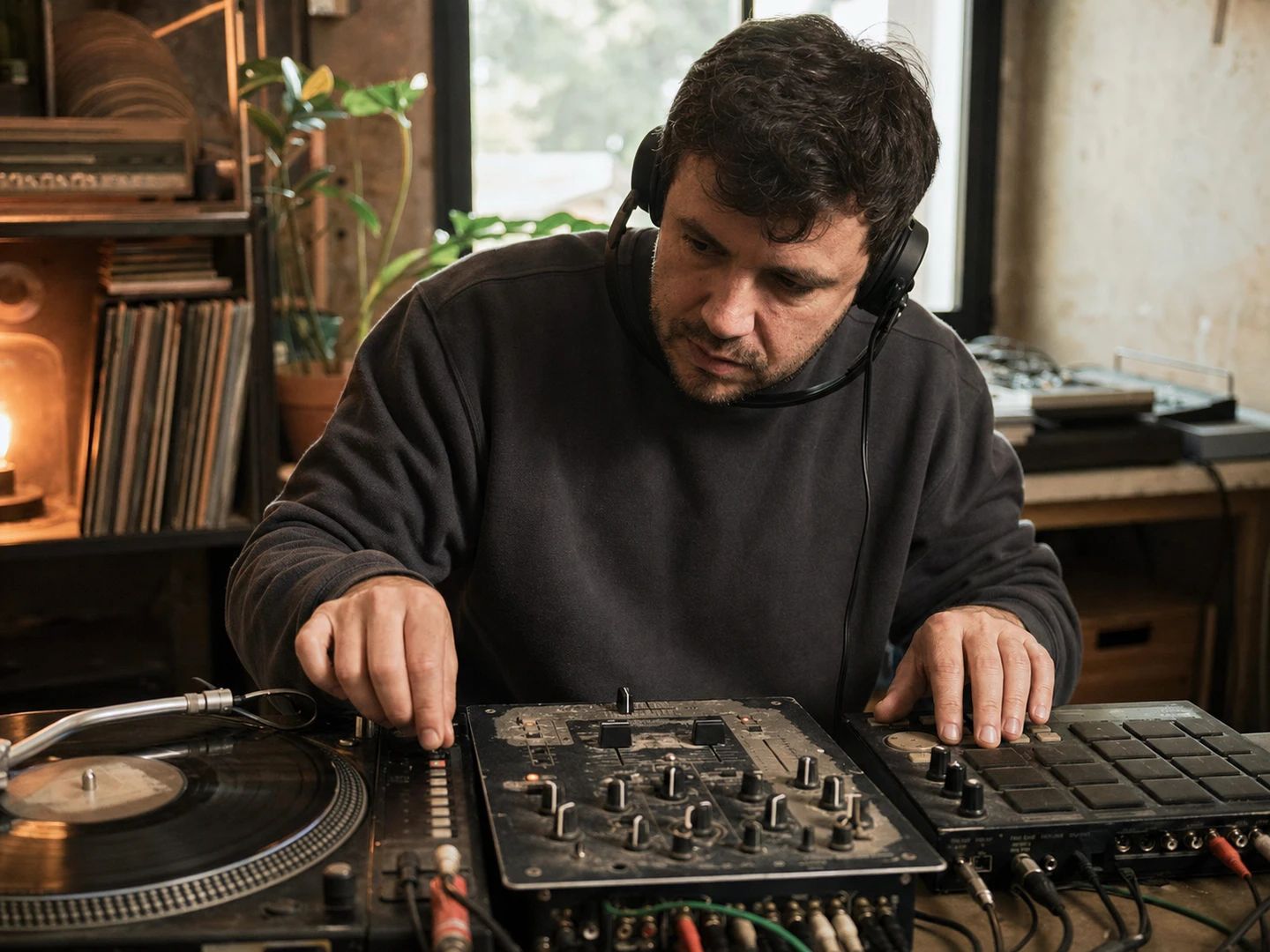
Move a sample to the session tempo, or hear what a track sounds like at the BPM you actually play at.
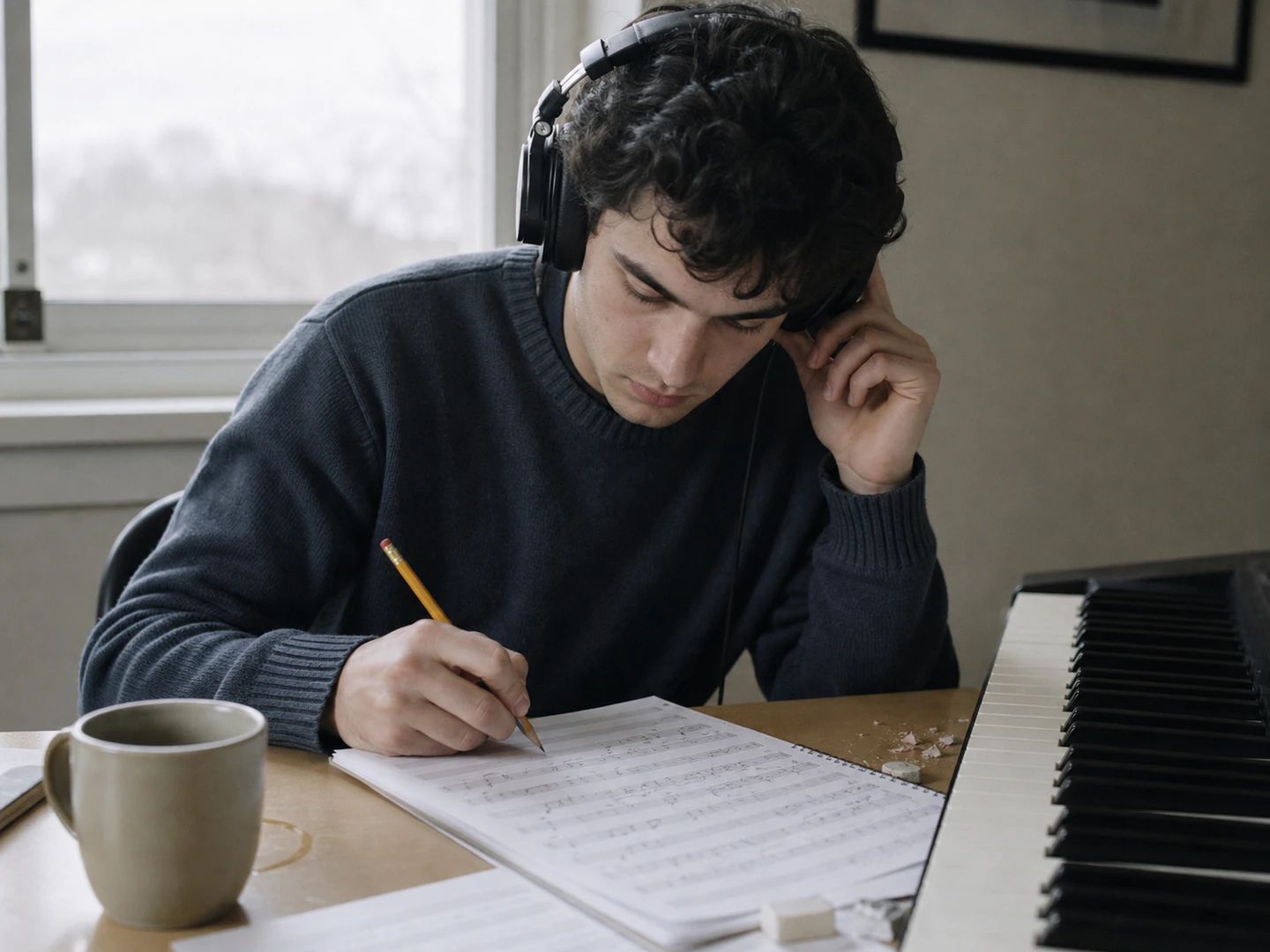
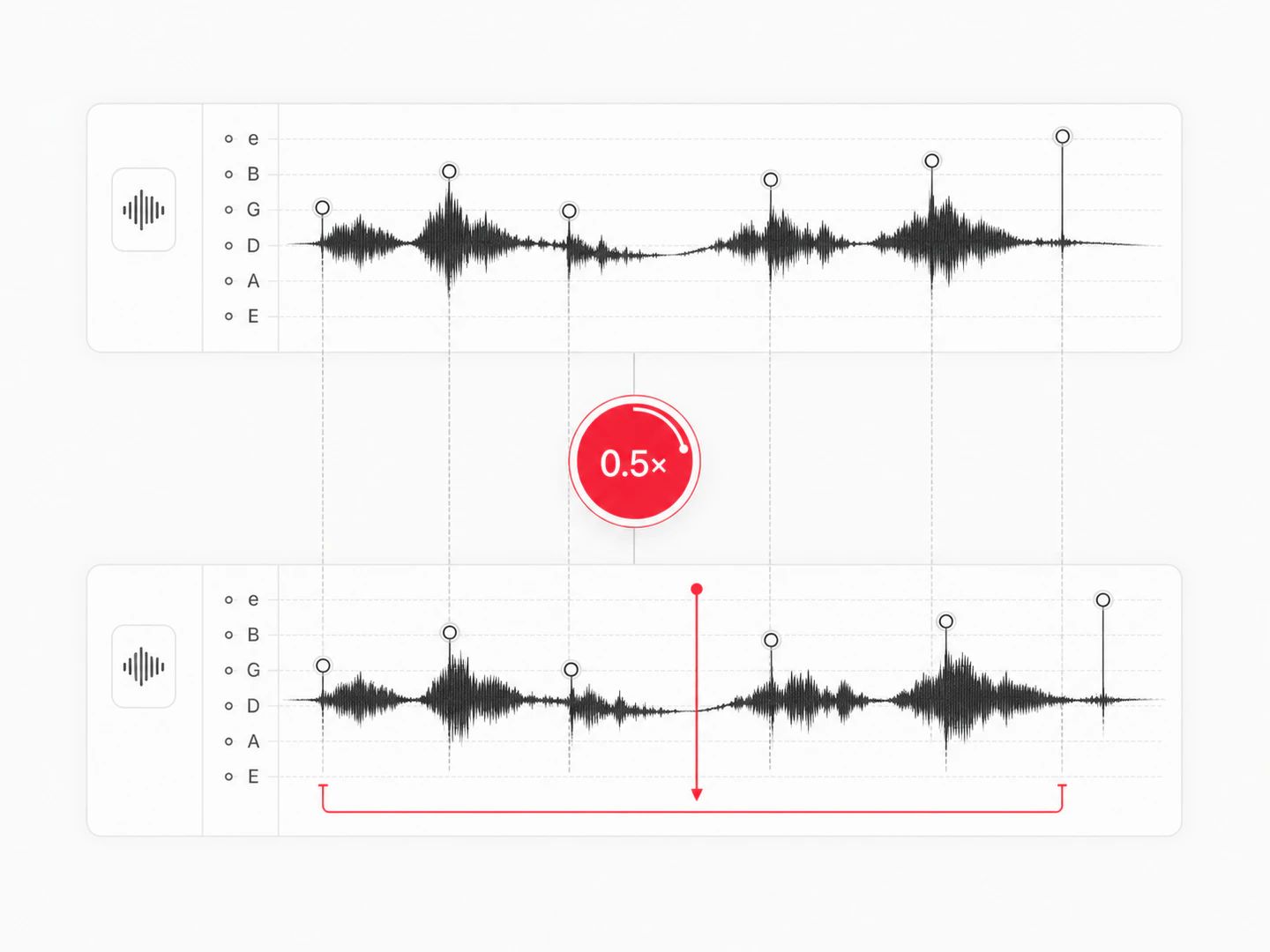
Half speed makes dense passages legible, and pitch lock keeps the notes where they were written.
Leave pitch lock on — it is the default here. The tool time-stretches the audio instead of simply playing it faster, so the tempo moves and the key stays put. Turn pitch lock off only when you want the tape or vinyl effect.
Drop the file in, pull the speed below 1× (or type a slower target BPM), and use the A/B loop to repeat the section you are working on. The pitch stays where it was, so what you learn at 0.6× still fits at full speed.
Time-stretching always re-synthesises the audio, so the further you go from 1×, the more you hear it — usually as a slight smearing on cymbals and reverb tails. Between roughly 0.7× and 1.4× it is hard to notice on most material; at 0.25× it is obvious, and that is normal for every tool that does this.
Yes. The pitch control here shifts the key on top of whatever speed you set, and the two stay independent. If the key is the main thing you are after, the song key changer puts that control first and lets you pick a target key or a vocal range.
A quarter speed to four times speed. Downloads are capped at 20 minutes of rendered output, so a very slow setting on a long track will need a shorter source — the preview still plays at any speed.
No. Decoding, time-stretching and rendering all happen inside this page, so the track never leaves your device. There is no queue and no account as a result — just a 50 MB ceiling per file, since your browser has to hold the audio in memory.
The whole track at your current speed and pitch settings, as a 320 kbps MP3 or a 16-bit WAV — your pick. No watermark, no trimming, no account.
Yes, and there is no sign-up. Since the work happens on your machine rather than ours, there is nothing to meter.
A free audio and music speed changer with pitch lock, target BPM and a practice loop, running entirely in your browser.