
01
Singers
Put a name to a comfortable held note and watch how its pitch moves during practice.
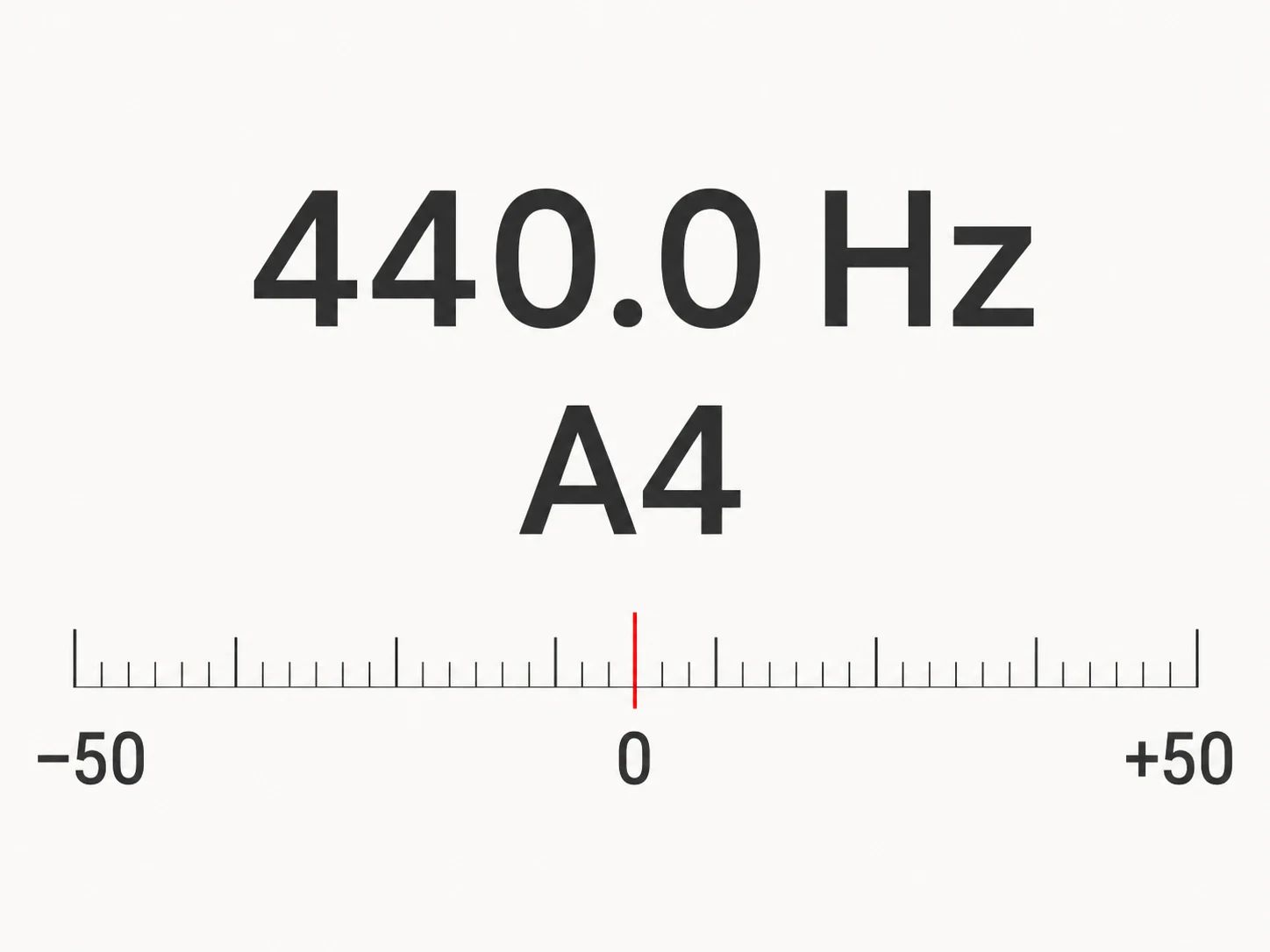
Sing or play one note. See its name, frequency and tuning live through your microphone.
Free · No sign-up · No credits used
Detected note
—
Start the microphone to find a note
Frequency (Hz)
—
Cents from nearest note
—
—
Recent pitch trace
Start the microphone to find a note
Use one clear voice or instrument at a time, with other audio paused. Hold a note for a moment so the reading can settle.
Tuning reference: A4 = 440 Hz. Note names use sharps, so C♯ is the same pitch as D♭.
Microphone audio is processed on your device. It is never recorded or uploaded.
Step 01
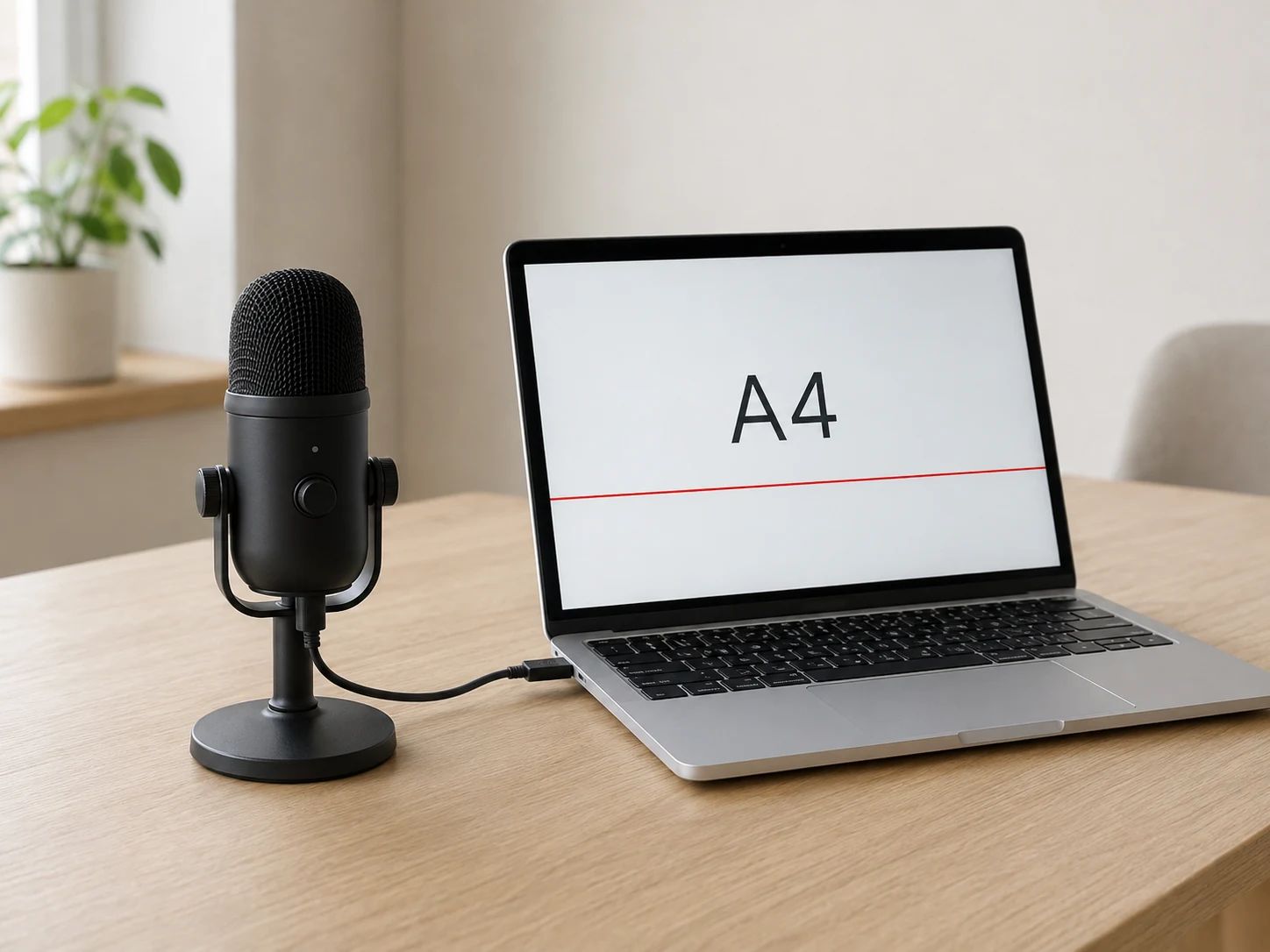
Select Start microphone and allow access in your browser. No account is needed. Use a quiet room and pause other audio.
Step 02
Hold a comfortable note or play a single instrument tone near your microphone. A clear, sustained sound gives the detector time to settle.
Step 03
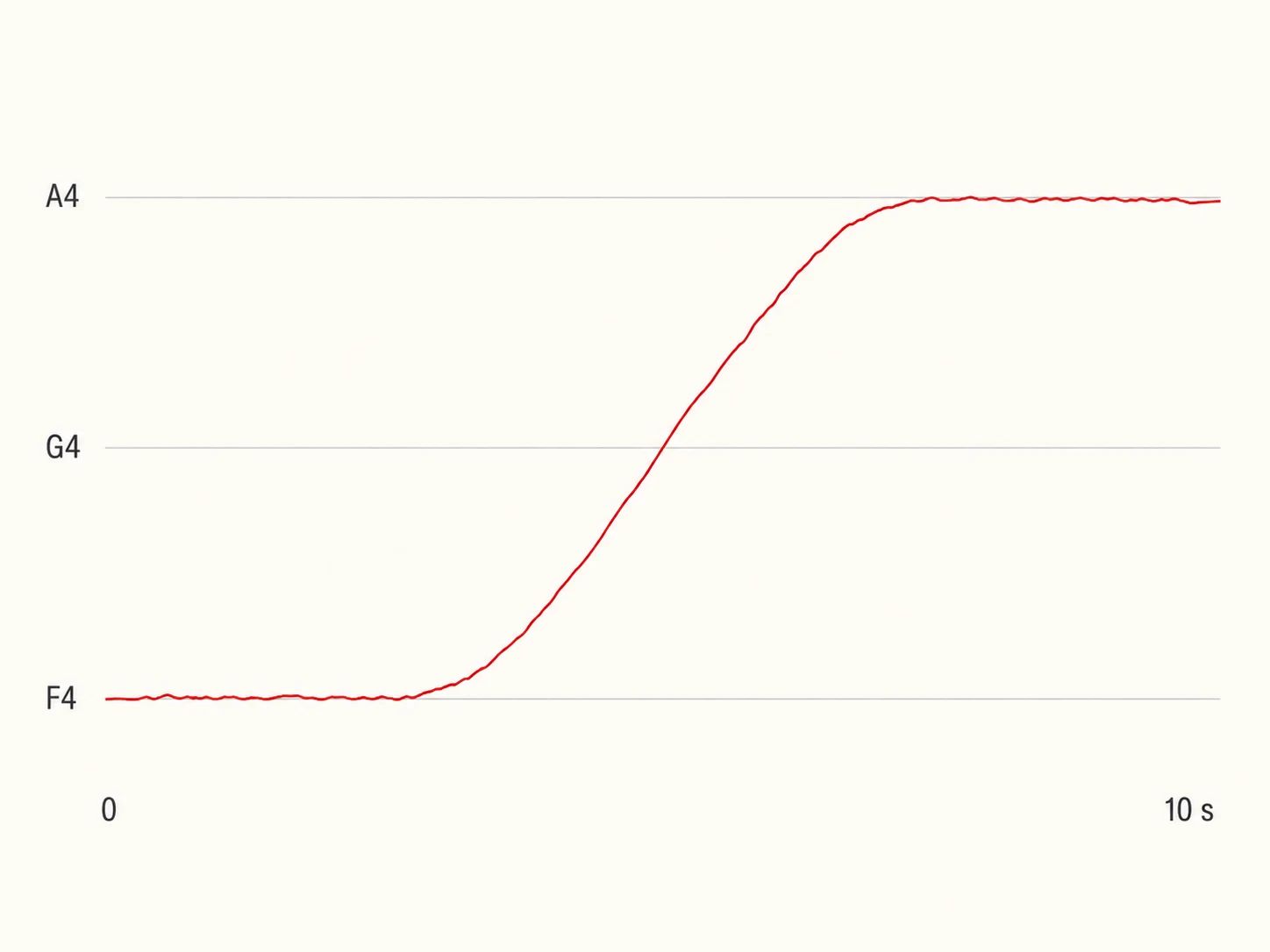
Check the note name, frequency and cents. Follow the trace as you sustain or change notes, then stop the microphone when you finish.
Use a single voice or instrument tone. Chords, backing tracks and complete mixes contain several pitches and can make the reading jump.
Put a name to a comfortable held note and watch how its pitch moves during practice.
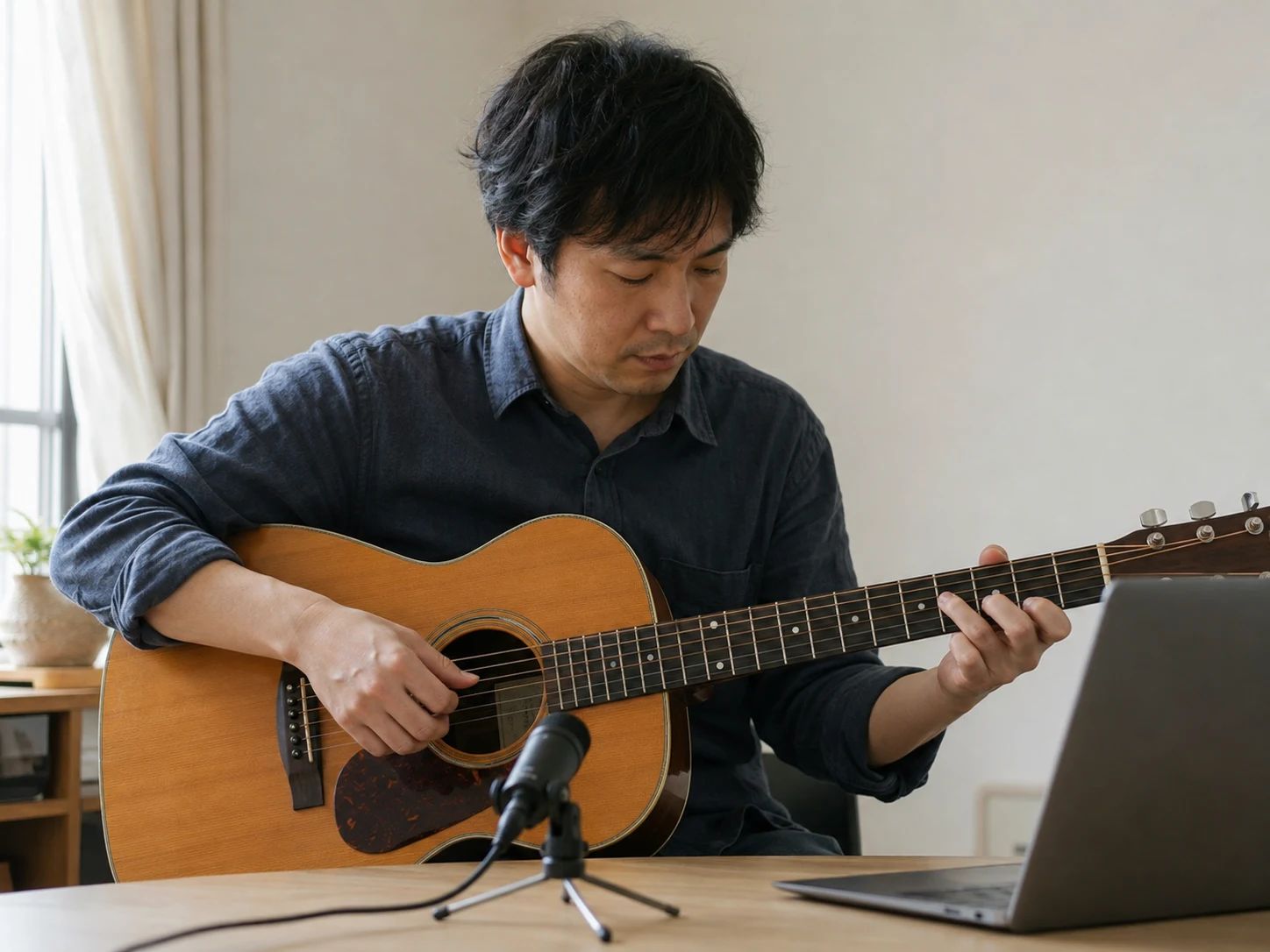
Check isolated tones and small tuning changes against the A4 = 440 Hz reference.

Find the notes in a melody you are humming, one sustained tone at a time.
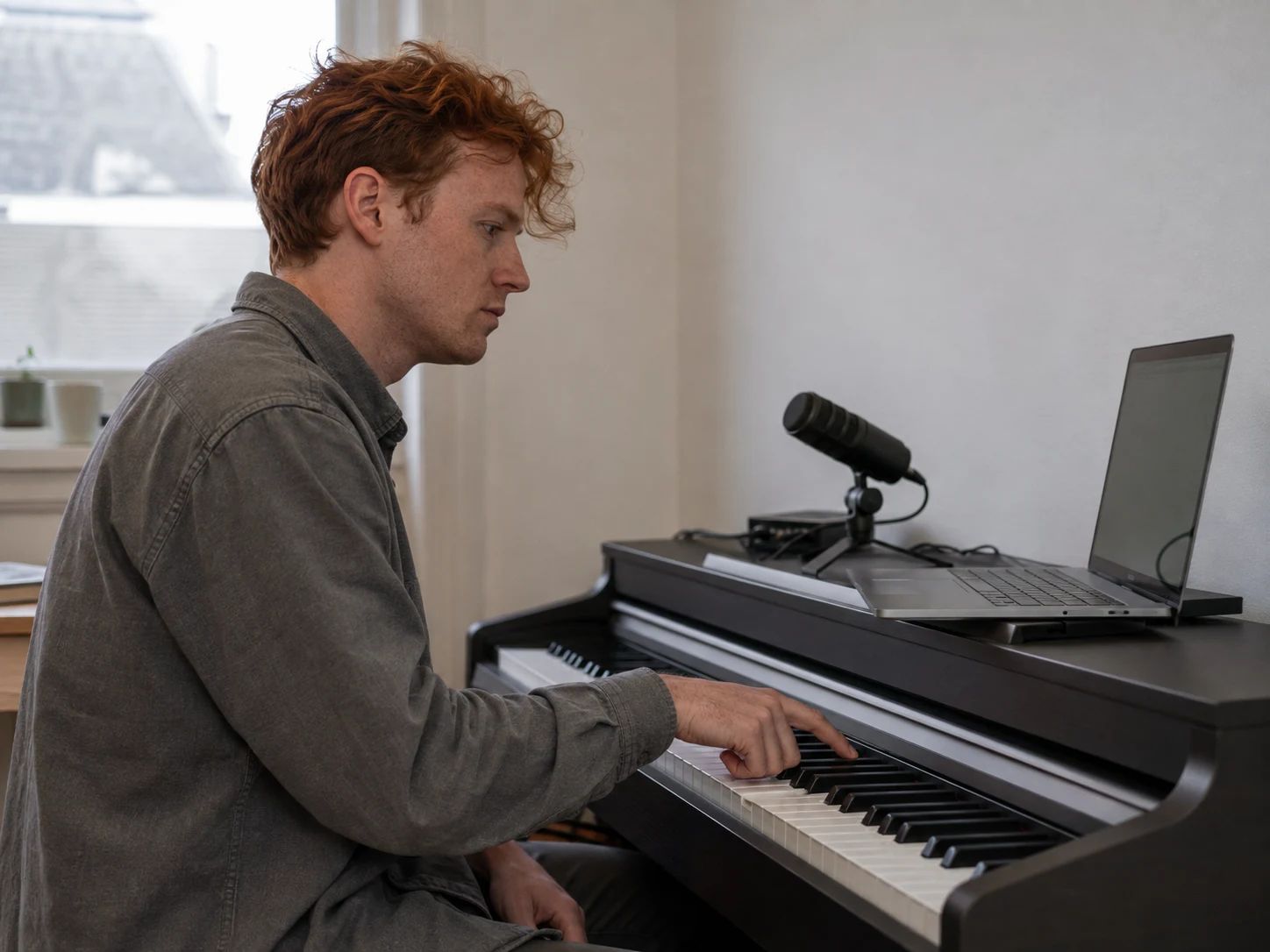
Connect what you hear with note names, octaves and measured frequency.
Select Start microphone and allow microphone access. Sing one comfortable note at a time. The detector shows the nearest note name, its frequency in hertz and the difference from that note in cents. Hold the note briefly to let the reading settle.
Yes. The pitch detector is free, requires no account and does not use credits. You only need a browser with microphone support and a working microphone.
No. Microphone audio is analyzed on your device in the browser. This tool does not record, save or upload it. Stop listening turns off microphone access for the session. Detection also stops when the page is hidden, you leave the page or Lacuna starts playing audio.
Hertz, abbreviated Hz, is the sound's frequency: the number of cycles per second. Cents describe a smaller musical difference, with 100 cents in one semitone. A negative cents reading is below the nearest note, a positive reading is above it, and zero is centered. This tool uses A4 = 440 Hz and equal-tempered note names.
Room noise, quiet input, several notes at once and strong overtones can confuse single-pitch detection. Pause backing tracks, move closer to the microphone and hold one clear note. Short attacks or very breathy sounds may not produce a steady reading. Silence and unclear input leave gaps in the trace.
Yes, for one clear instrument note at a time. The detector covers approximately 55 to 2,000 Hz, which includes many vocal and instrument notes. It is less suited to very low bass notes, percussion, noisy tones or several strings ringing together. Microphone quality and the room also affect the result.
No. A pitch detector follows the individual note sounding right now. A song key finder analyzes a longer piece of music to estimate its tonal center, such as C major or A minor. This page is for live microphone notes and does not identify the key of a complete song.
No. The readout is a pitch reference, not a singing score. Expression, rhythm, tone and vocal comfort are not measured. A steady line only describes a sustained detected pitch; use it alongside listening or guidance from a teacher.
Create an AI backing track for your next singing or instrument session. Review your idea in the song generator; AI generation requires an account and credits.