Music Visualizer Online

Give your music a visual identity. Add a track, choose an audio-reactive template, and make it yours with artwork, text and color.

Sign in to create. Basic templates and 720p on-device export are free. Higher resolutions, saved presets and premium templates require a subscription; cloud exports use credits.

FROM AUDIO TO VIDEO

How to make a music visualizer

1Step 1

Add your audio

Upload a track or choose music you created in Lacuna. Songs, instrumentals and beats all work—no lyrics needed.

2Step 2

Make it yours

Choose a template, add a title and artist name, and customize artwork, color and movement.

3Step 3

Preview and export

Watch the spectrum and scene respond to your track. Choose your format, then export locally or in the cloud.

YOUR MUSIC, YOUR WAY

Everything to shape your music video

Bring in a track, build your composition, and finish a video in one workspace.
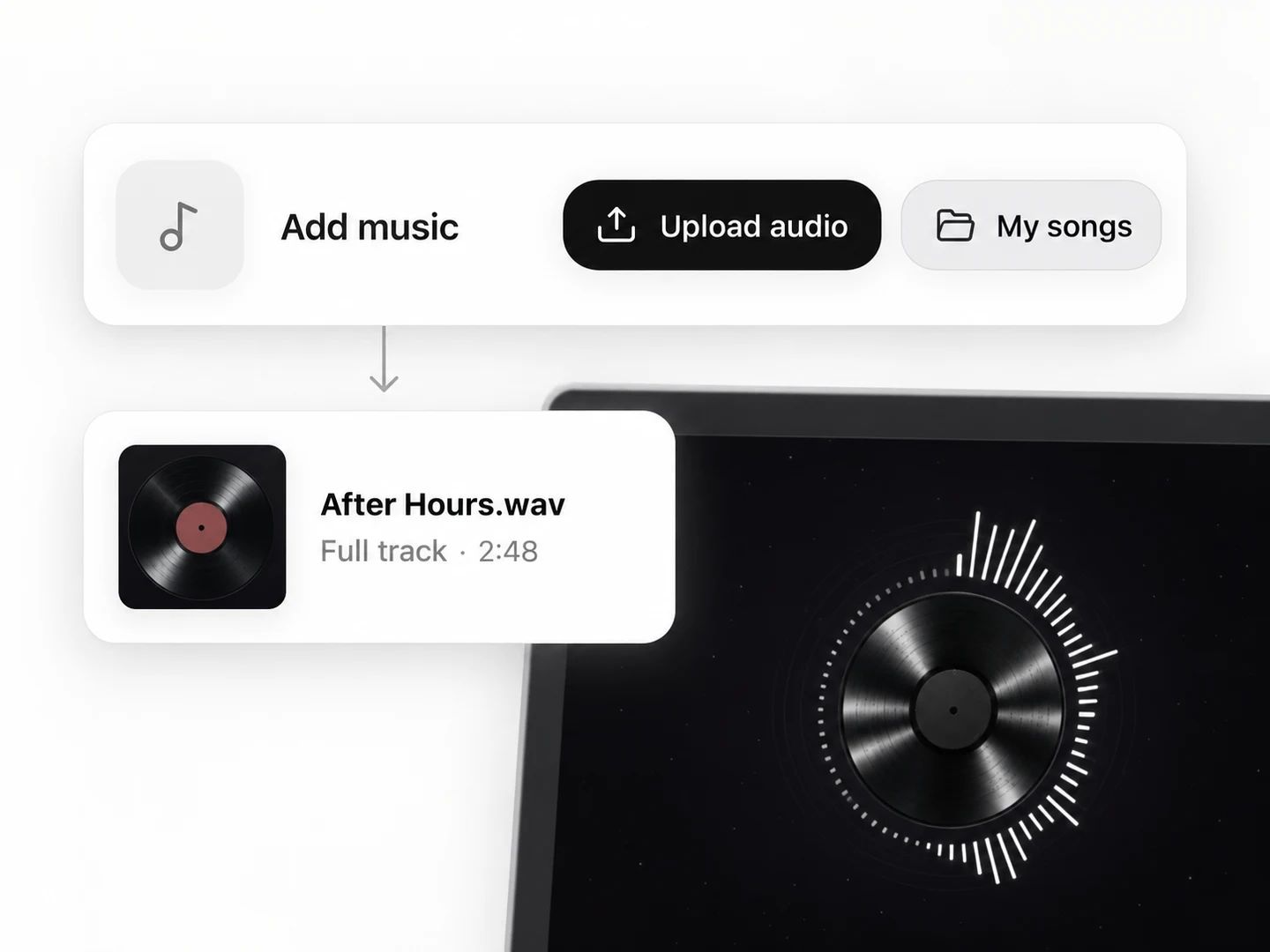
Lacuna audio input with Upload audio and My songs controls, leading to a loaded track and visualizer preview

Start with your music

Upload an audio file or choose a song from your Lacuna library. Use the full track or trim it to the moment you want to share. Songs, instrumentals and beats all work.
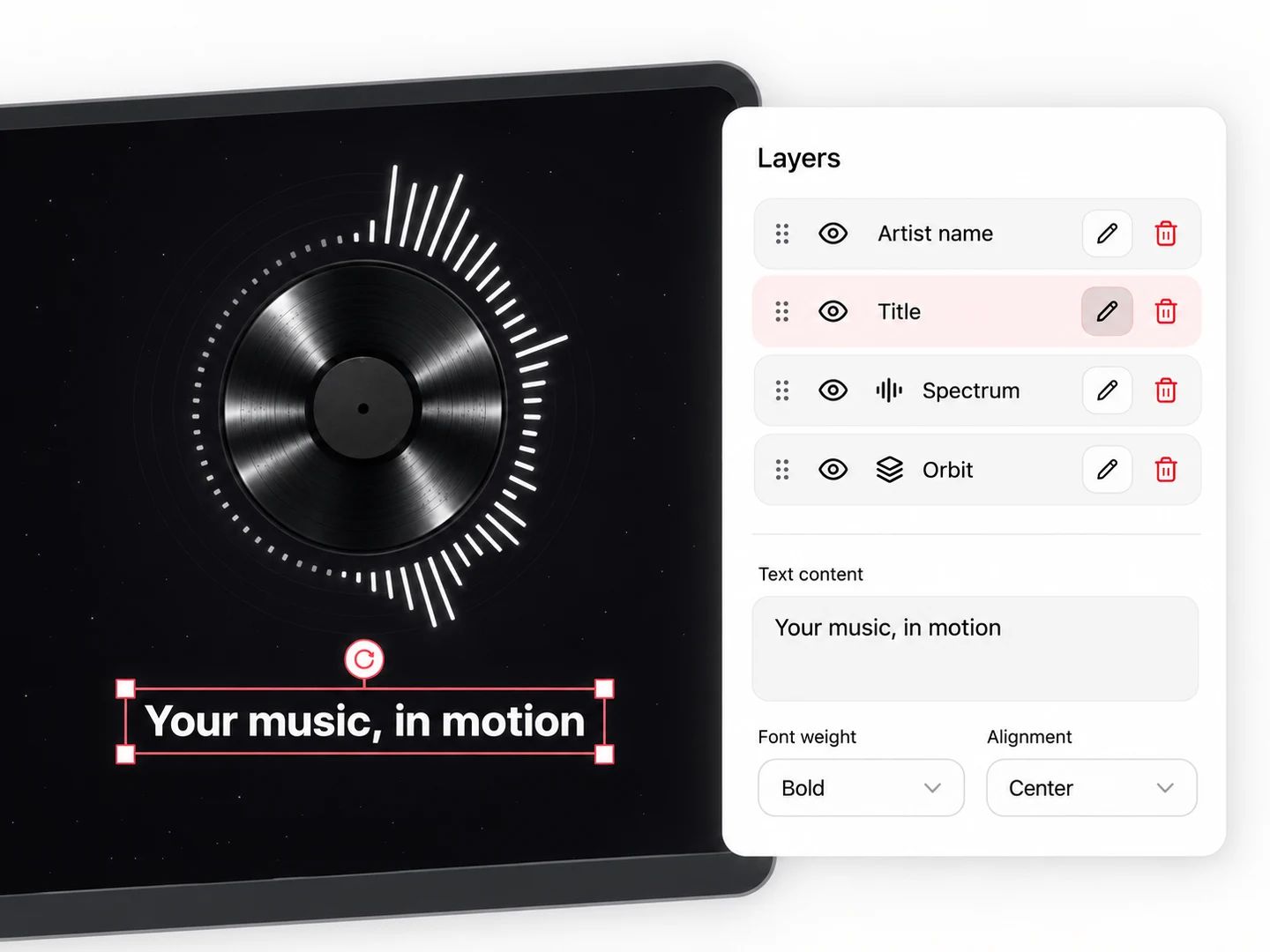
Lacuna visual canvas with an editable title selection, Layers panel and text formatting controls

Make every layer yours

Add your artwork, track title and artist name. Select layers directly on the canvas, move and resize them, and fine-tune text, color and opacity in the layer controls.
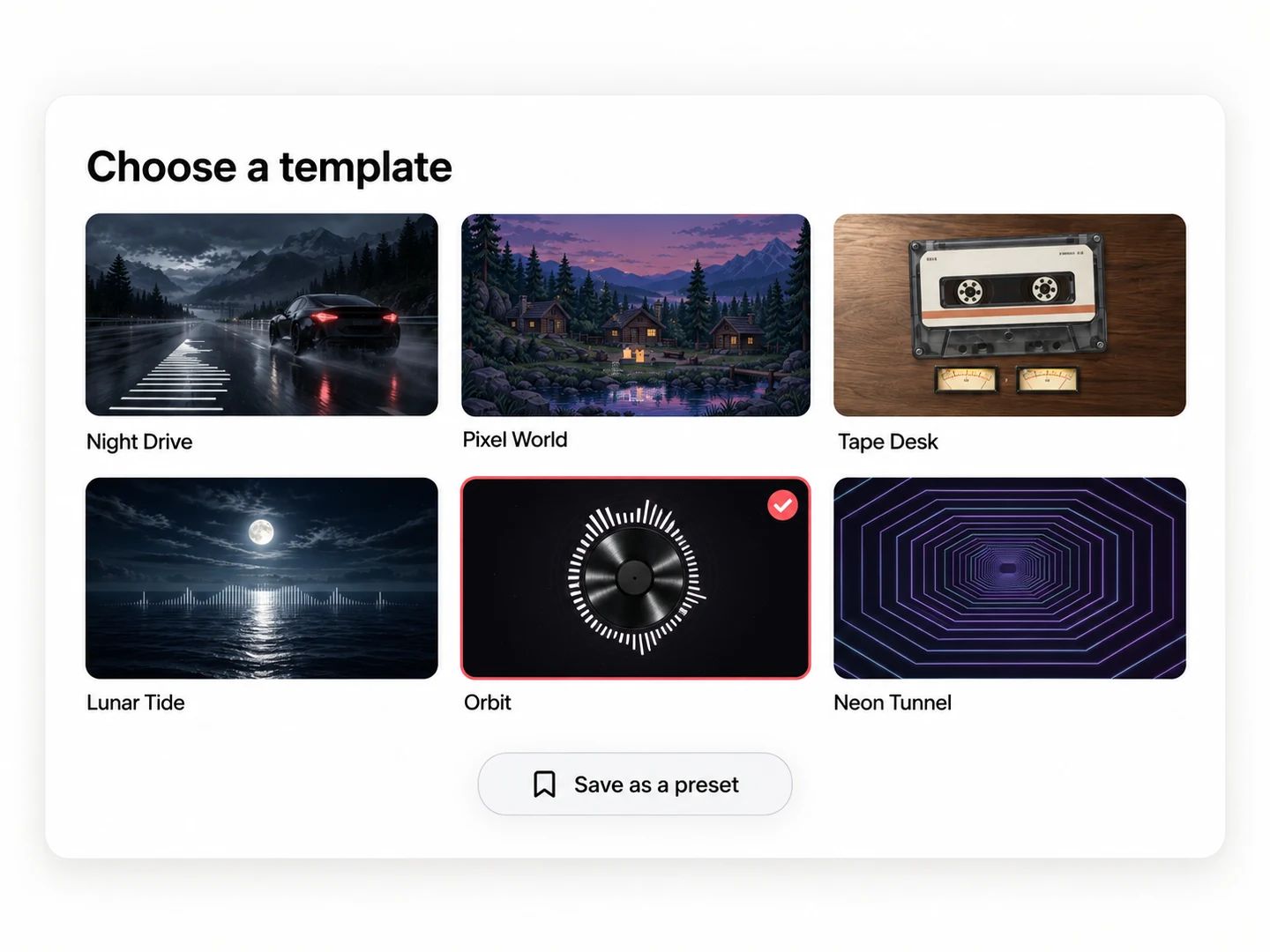
Lacuna template gallery showing different visual styles and a selected Orbit template

Find your visual style

Browse audio-reactive templates, from circular spectra to cinematic scenes. Customize a starting point for your music; subscribers can save the settings and artwork as a preset on this device.
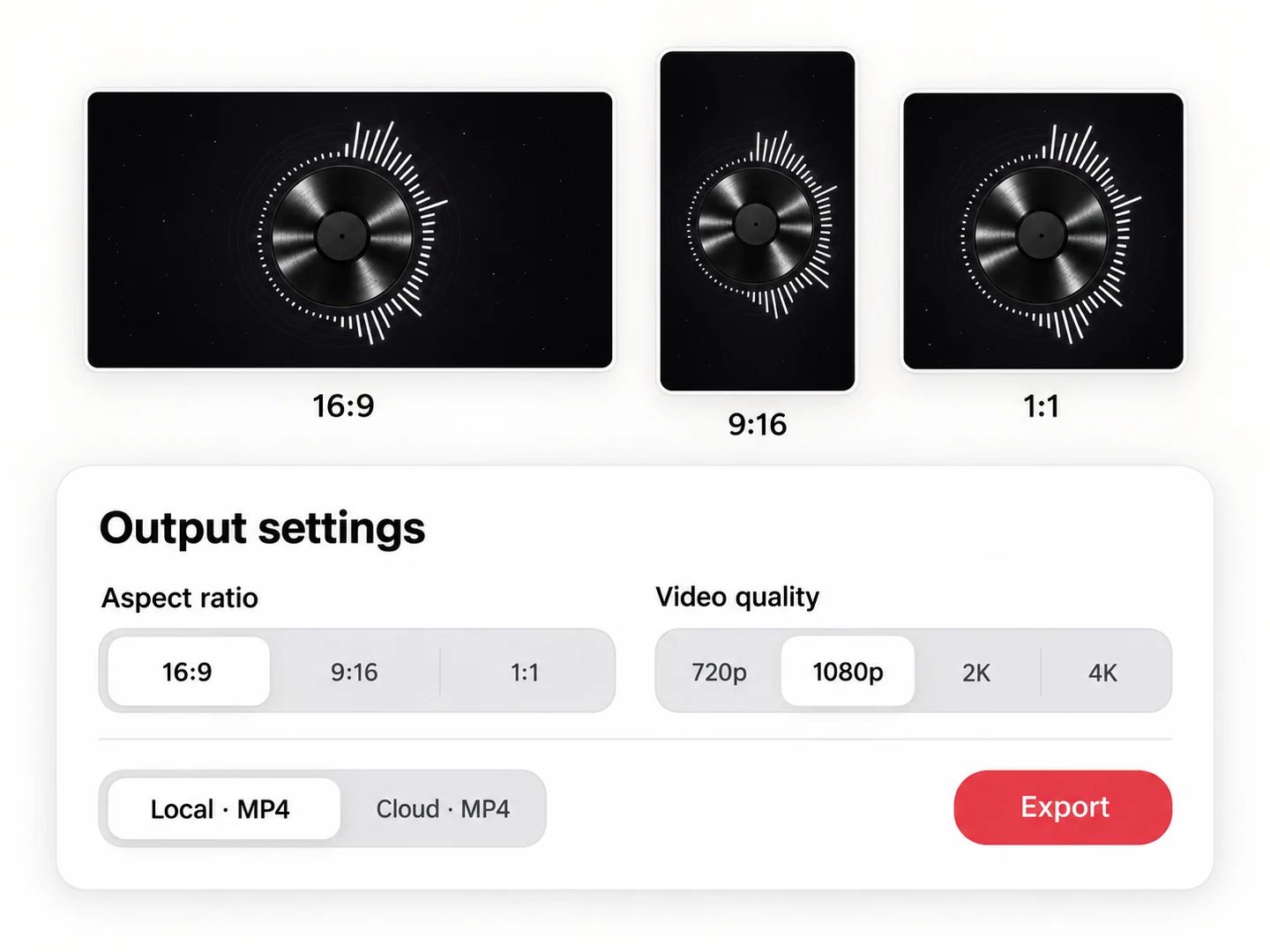
Lacuna output settings with landscape, portrait and square formats, video quality and local or cloud MP4 export

Ready for every screen

Preview in landscape, portrait or square. Choose your video quality and export an MP4 on your device or in the cloud, with access and any credit cost shown before you start.
TWO WAYS TO EXPORT

Choose where your video is rendered

Use the same template and settings for either export method. Template access and rendering credits are separate.

On your device

No export credits

Your browser renders an MP4 video using your device. Keep the page open until it finishes. Use a recent version of Chrome; availability and speed depend on your browser, hardware and chosen resolution.

720p is free. 1080p requires Basic, 2K requires Pro and 4K requires Ultra. Premium template rules also apply.

In the cloud

Credits per export

Send the job to Lacuna and return for the finished MP4 video. The editor shows the credit cost for your selected duration and resolution before you start.

Choose 720p, or 1080p with Basic or above. Failed cloud exports return the charged credits.

QUESTIONS, ANSWERED

Music visualizer FAQ

A music visualizer turns sound into moving graphics. Lacuna uses frequency and energy information from your audio to animate a spectrum, light or movement inside a template, then combines the visuals with your track in a video.

Yes. Sign in, choose a basic template and export at 720p on a supported device without spending export credits. Higher resolutions and premium templates require a subscription. Cloud rendering uses credits, with the cost shown before submission.

Yes. Add your track title, artist name and cover or logo, then adjust the available colors, text position, movement and image controls. Each template exposes the settings that fit its composition.

Subscribers can save a personalized preset of an existing template, including settings and uploaded artwork, on this device. Your audio is not saved with the preset. Creating entirely new scenes or editing template code is not part of this editor.

Yes. The visuals respond to audio, so instrumental tracks, electronic beats and songs with vocals all work. No lyric transcription or timing file is required.

Preview and export use the same audio analysis and timeline. The spectrum and effects follow the selected part of your track, including when you trim its starting point. Silent audio produces no audio-driven spectrum or light response; background rain and waves can keep moving.

Start with an MP3 or WAV audio file up to 15 MB and 10 minutes; decoding support for other accepted audio formats depends on the browser. Artwork can be PNG, JPEG or WebP up to 10 MB. Choose 16:9 landscape, 9:16 portrait or 1:1 square video.

This editor builds visuals around the sound and artwork of a track. For timed, on-screen lyrics, use Lacuna's Lyric Video Maker. You can use either tool with music you have already created.

KEEP CREATING

More ways to finish your release