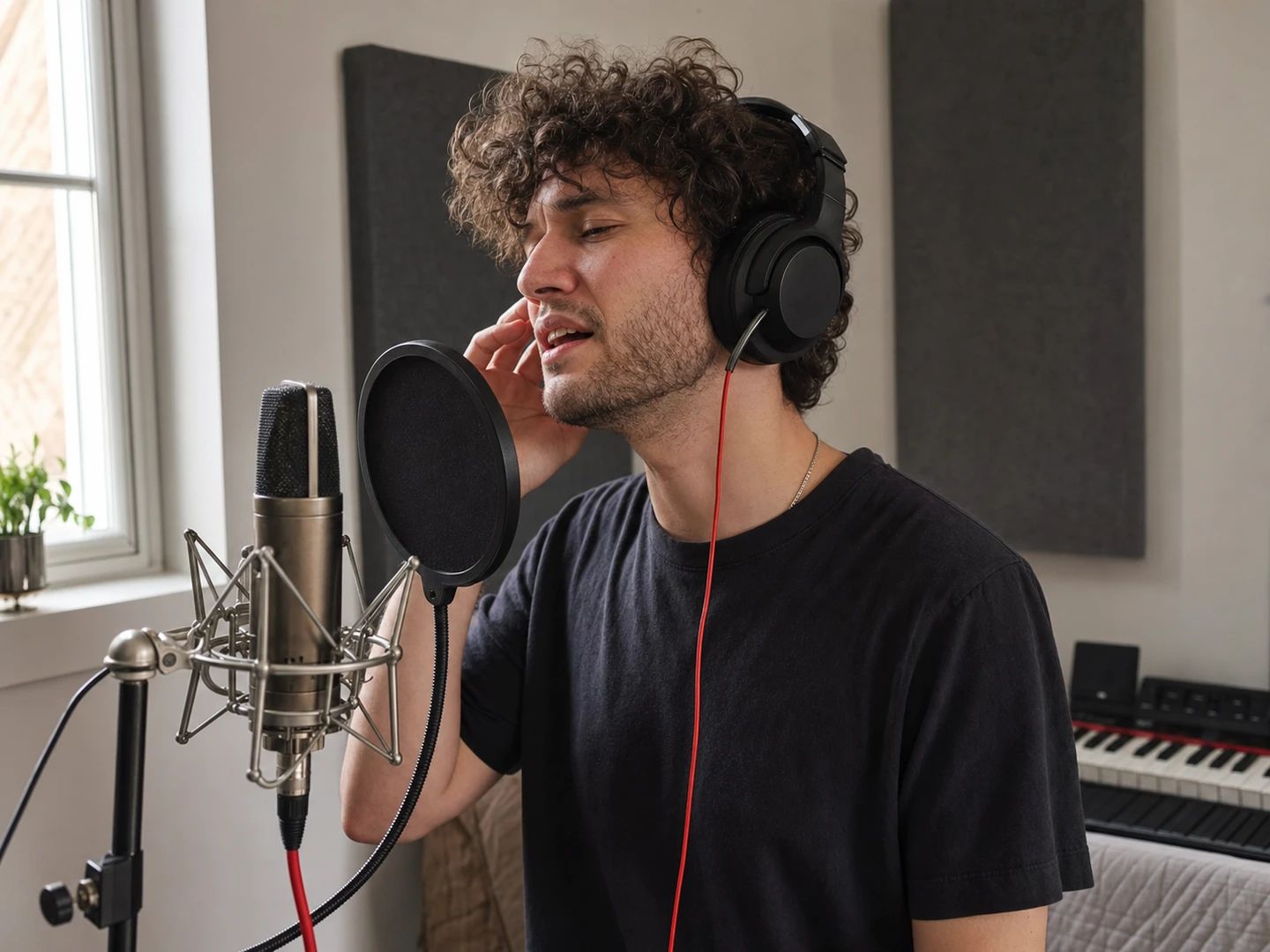
01
Cover artists
Record your own vocal over the original arrangement instead of a MIDI approximation of it.
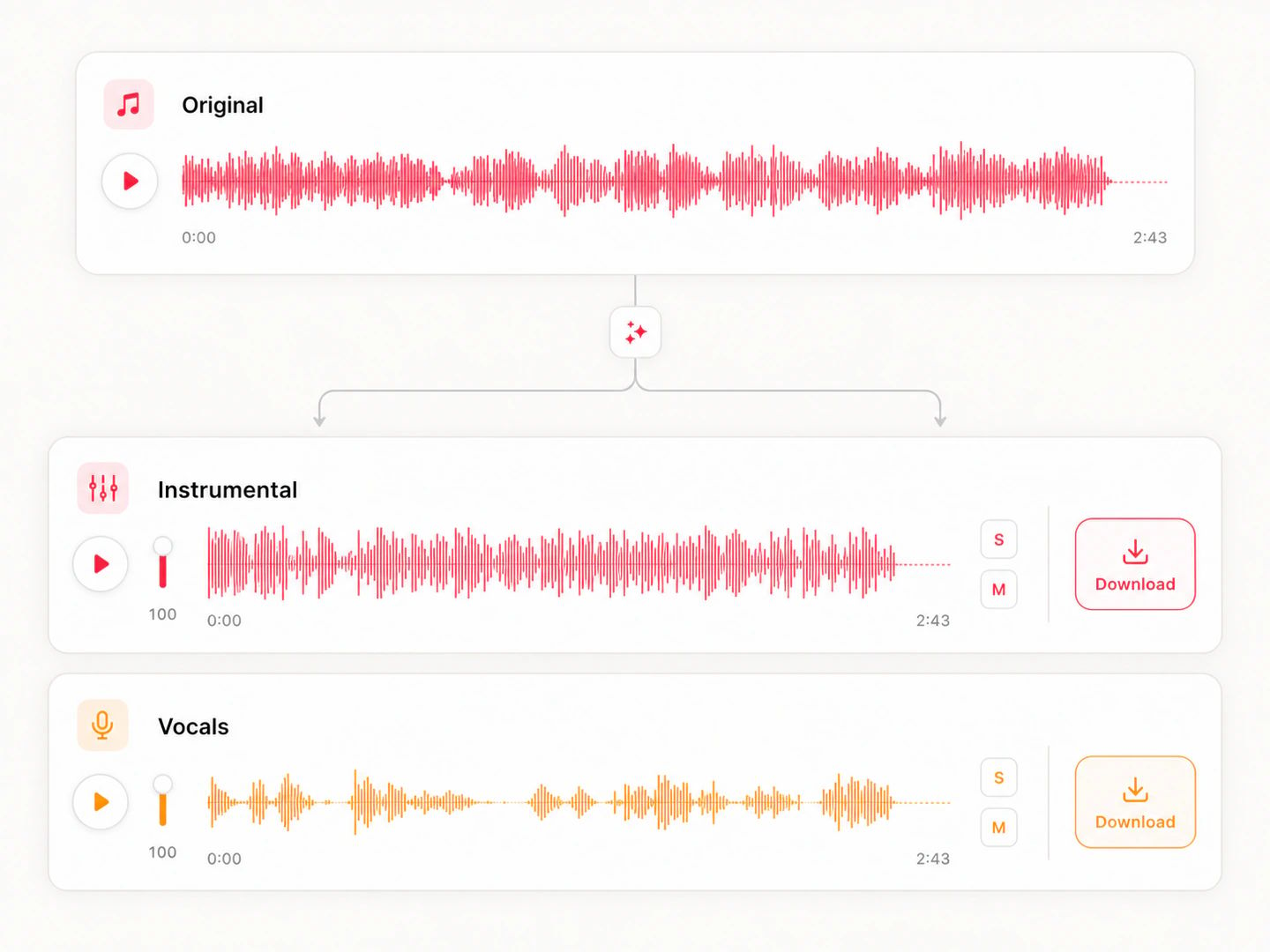
2 separate stems
Get vocals and instrumental in one split. Preview and download each separately.
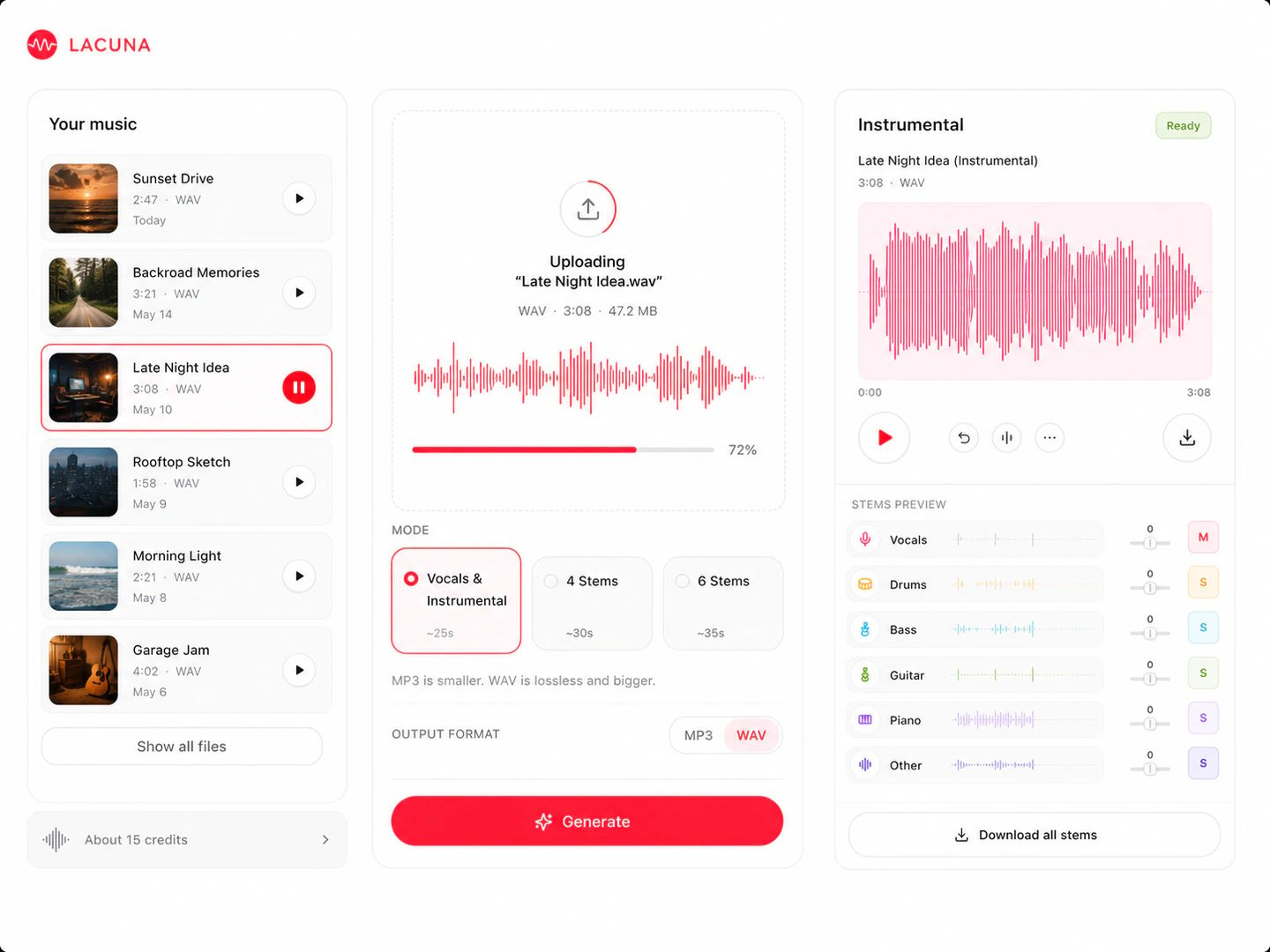
Any MP3, WAV or FLAC you own. It uploads privately and runs in the cloud — no DAW, no plugin chain, no install.
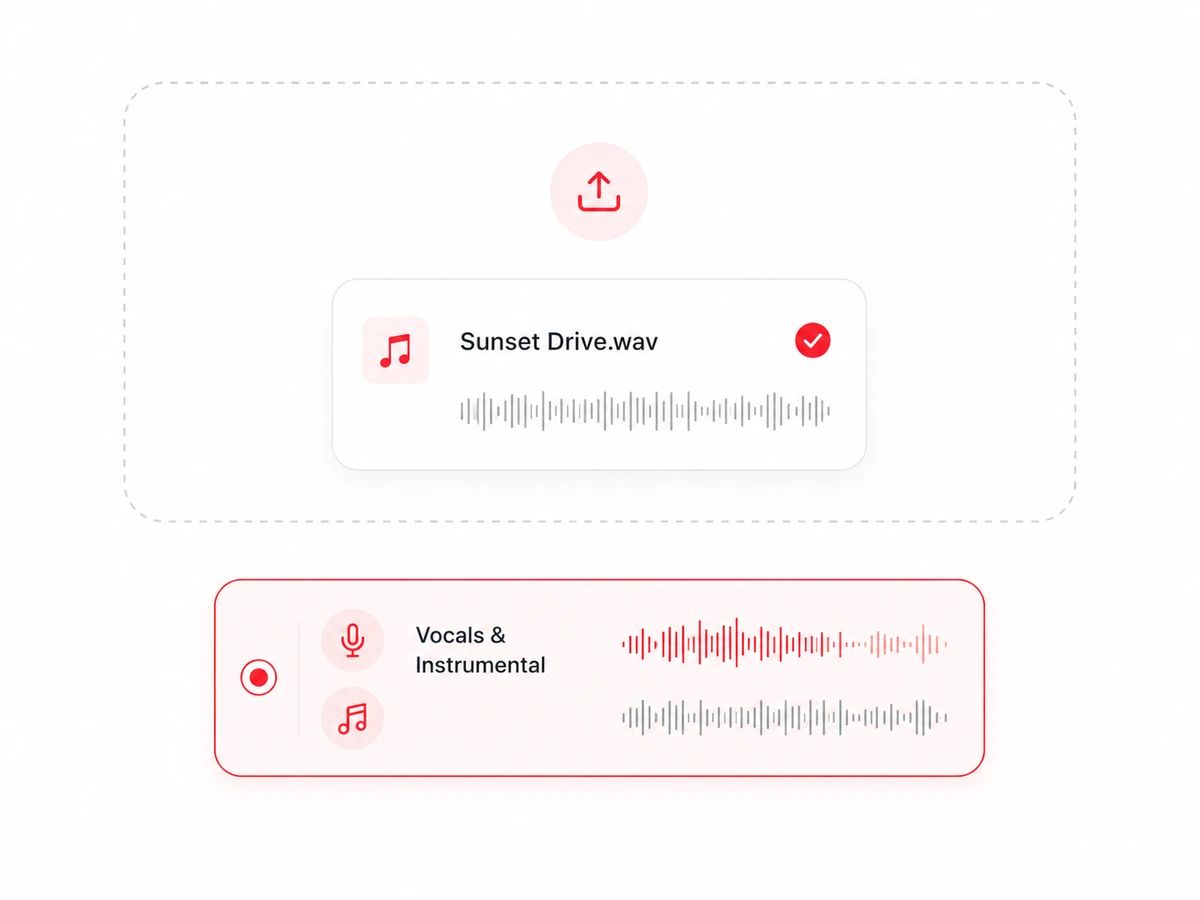
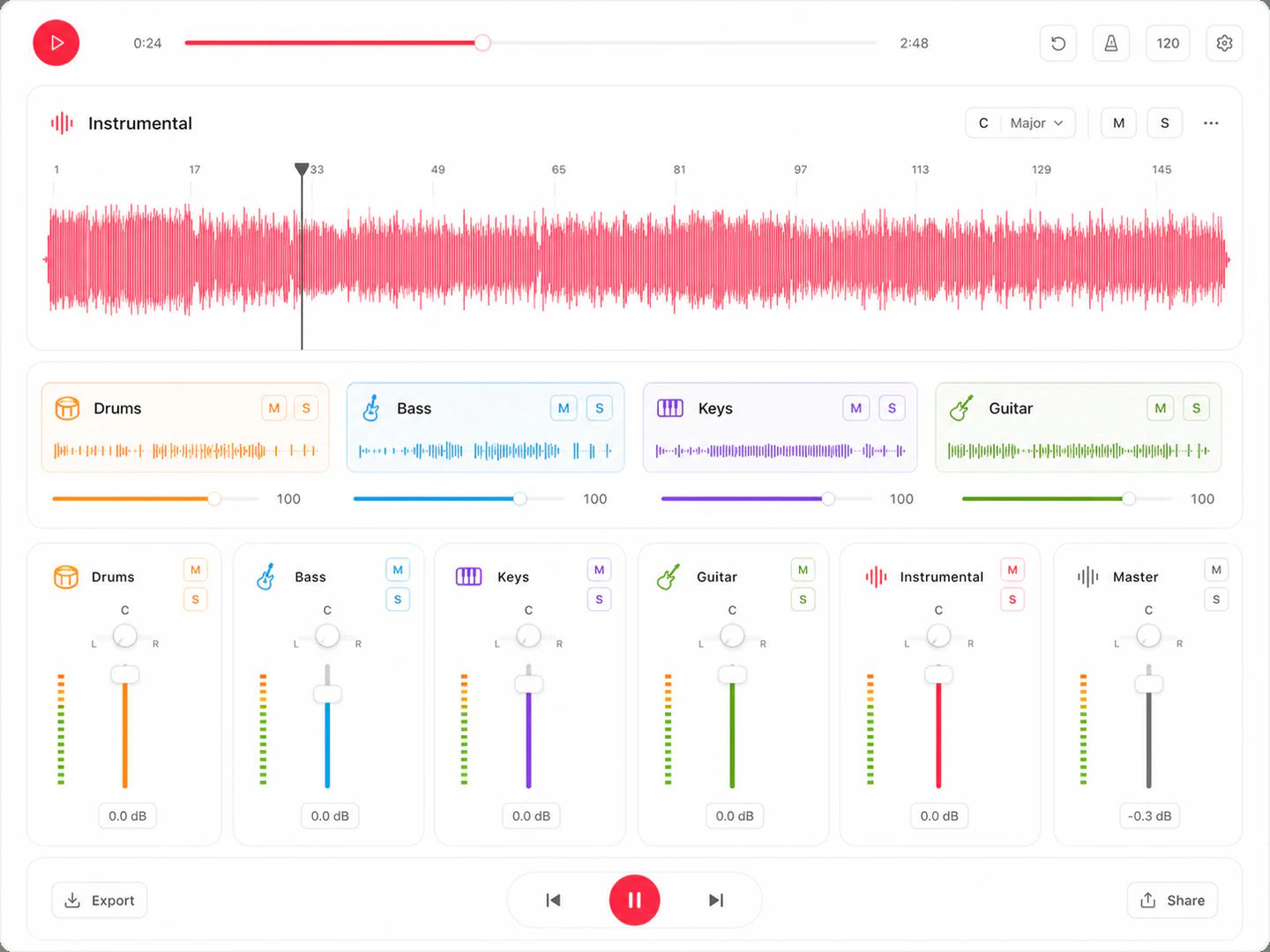
The instrumental keeps its full arrangement — drums, bass, keys, guitars, pads. What comes out is the record without the voice, not a thinned-out shell.
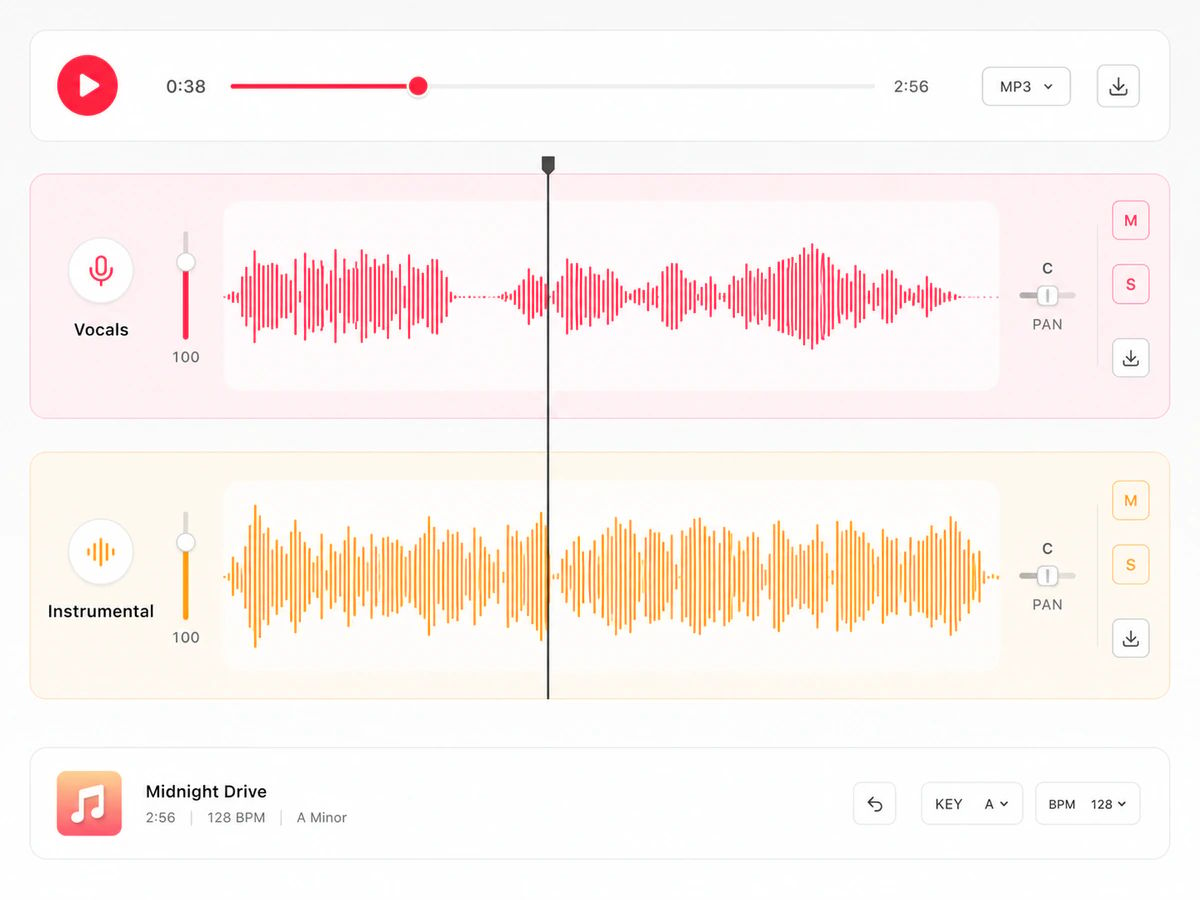
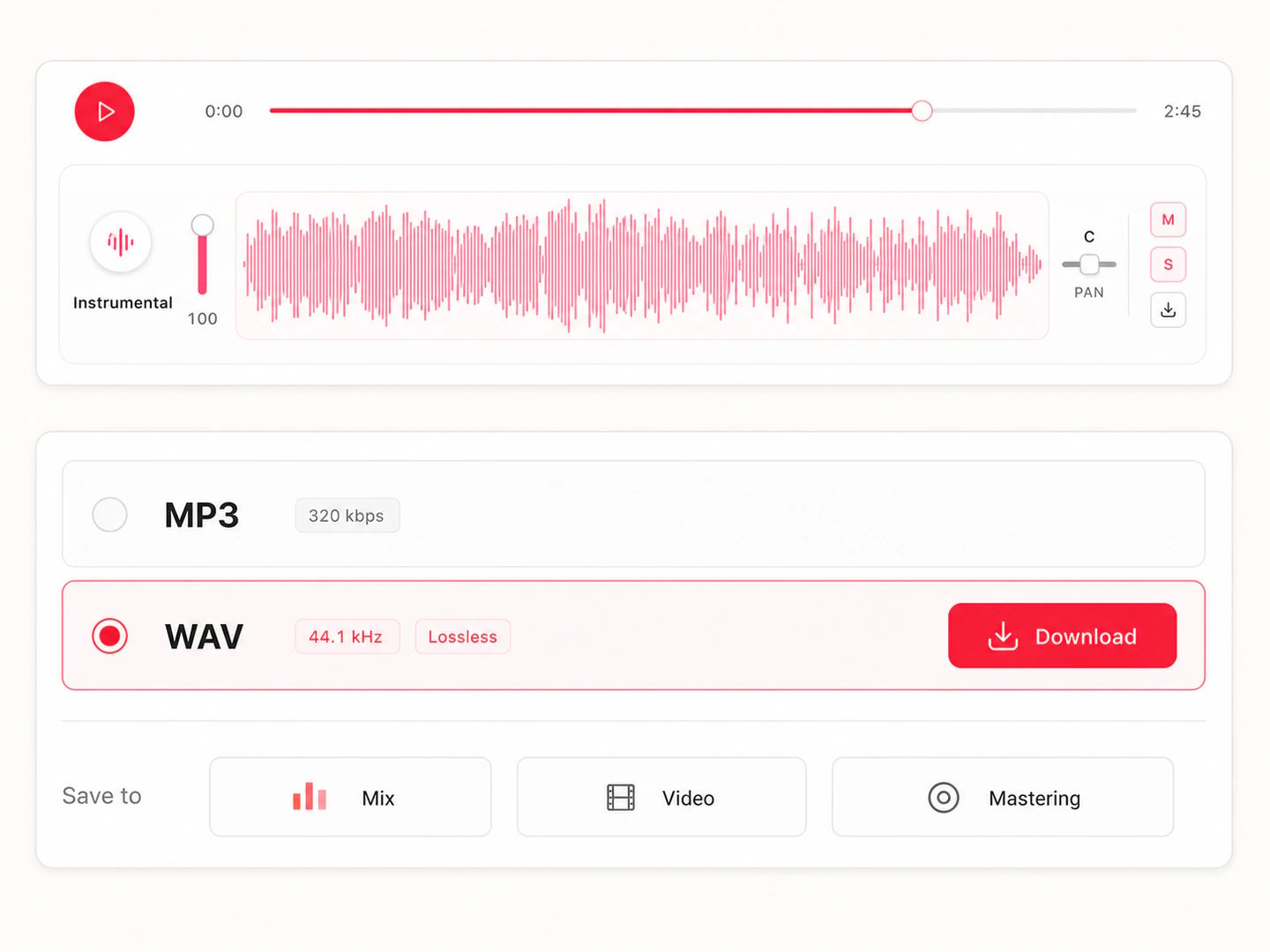
Take the instrumental as MP3 or lossless WAV and drop it straight into your edit, your video timeline or your session.
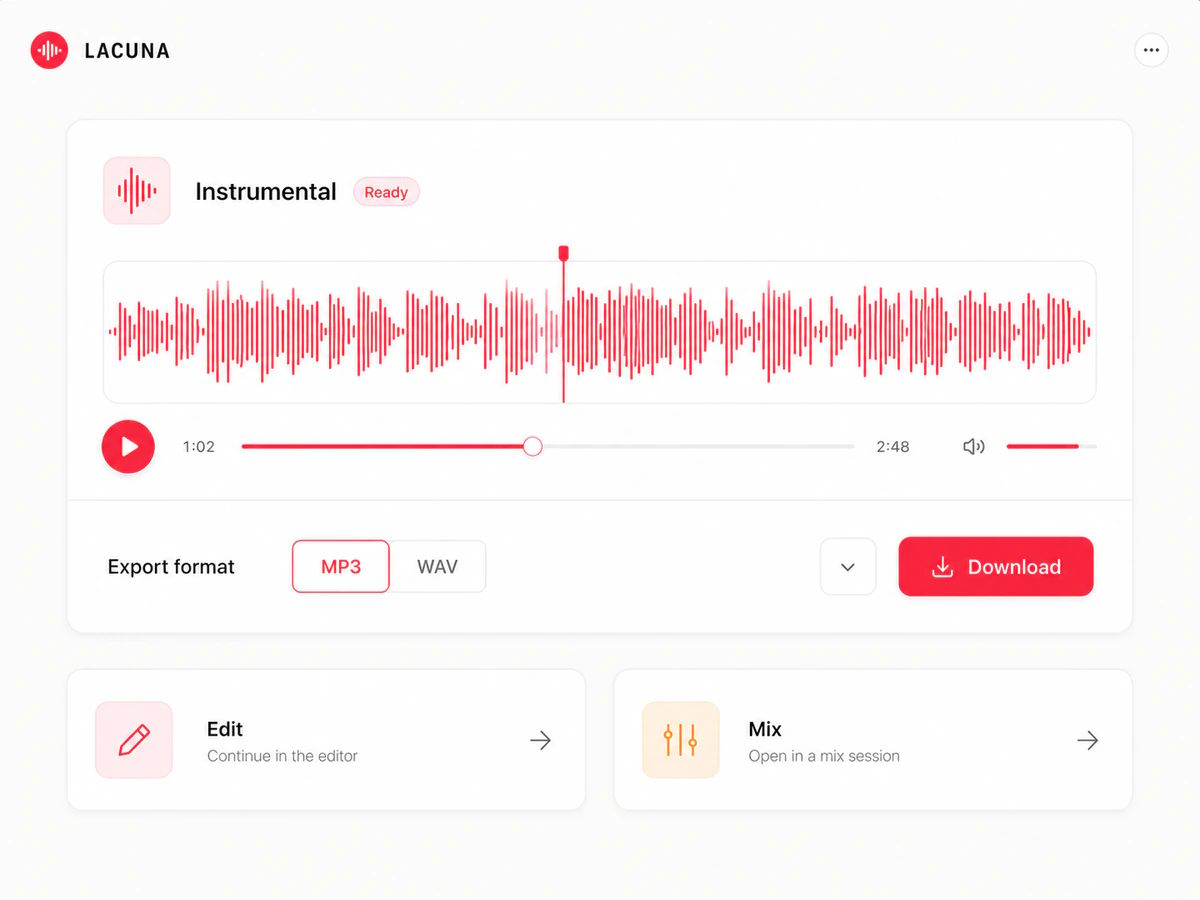
Covers, edits, video beds and rehearsal tracks all start from the same thing — the instrumental of a song that was never released as one.
Record your own vocal over the original arrangement instead of a MIDI approximation of it.
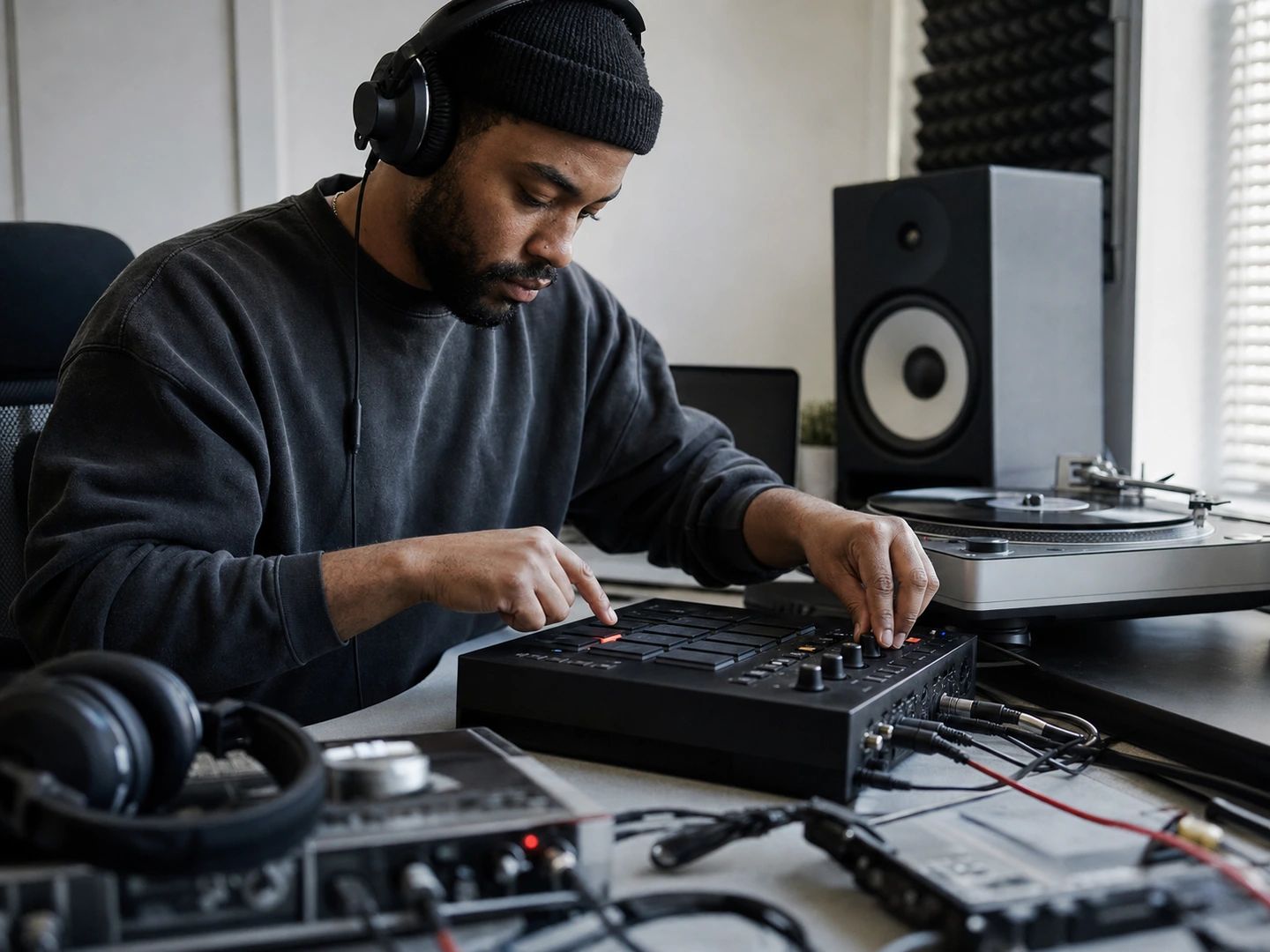
Pull the instrumental to sample, chop and rebuild — and keep the acapella from the same pass for the flip.
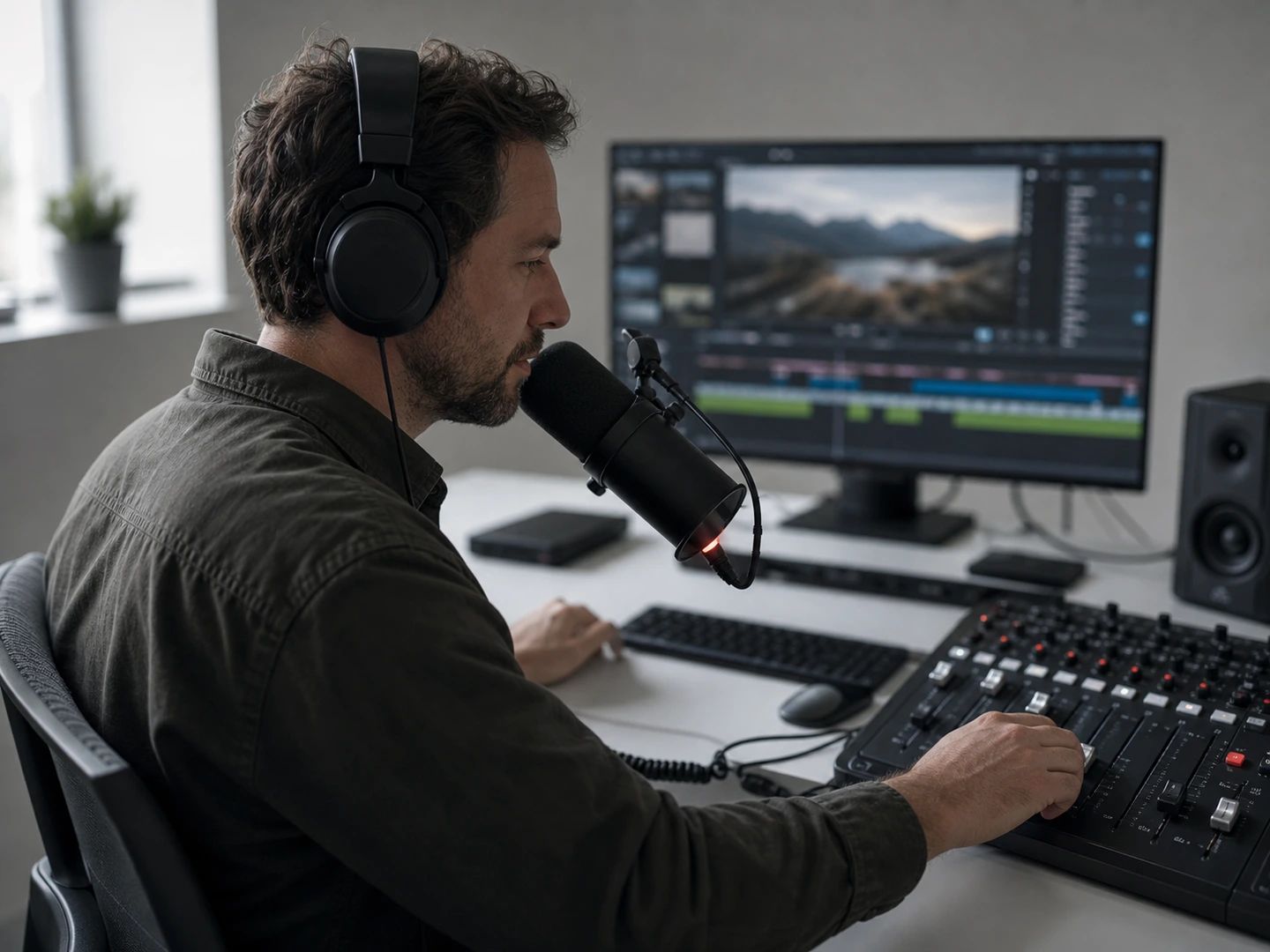
Score a scene with a track that has no lyrics fighting your voiceover or your dialogue.
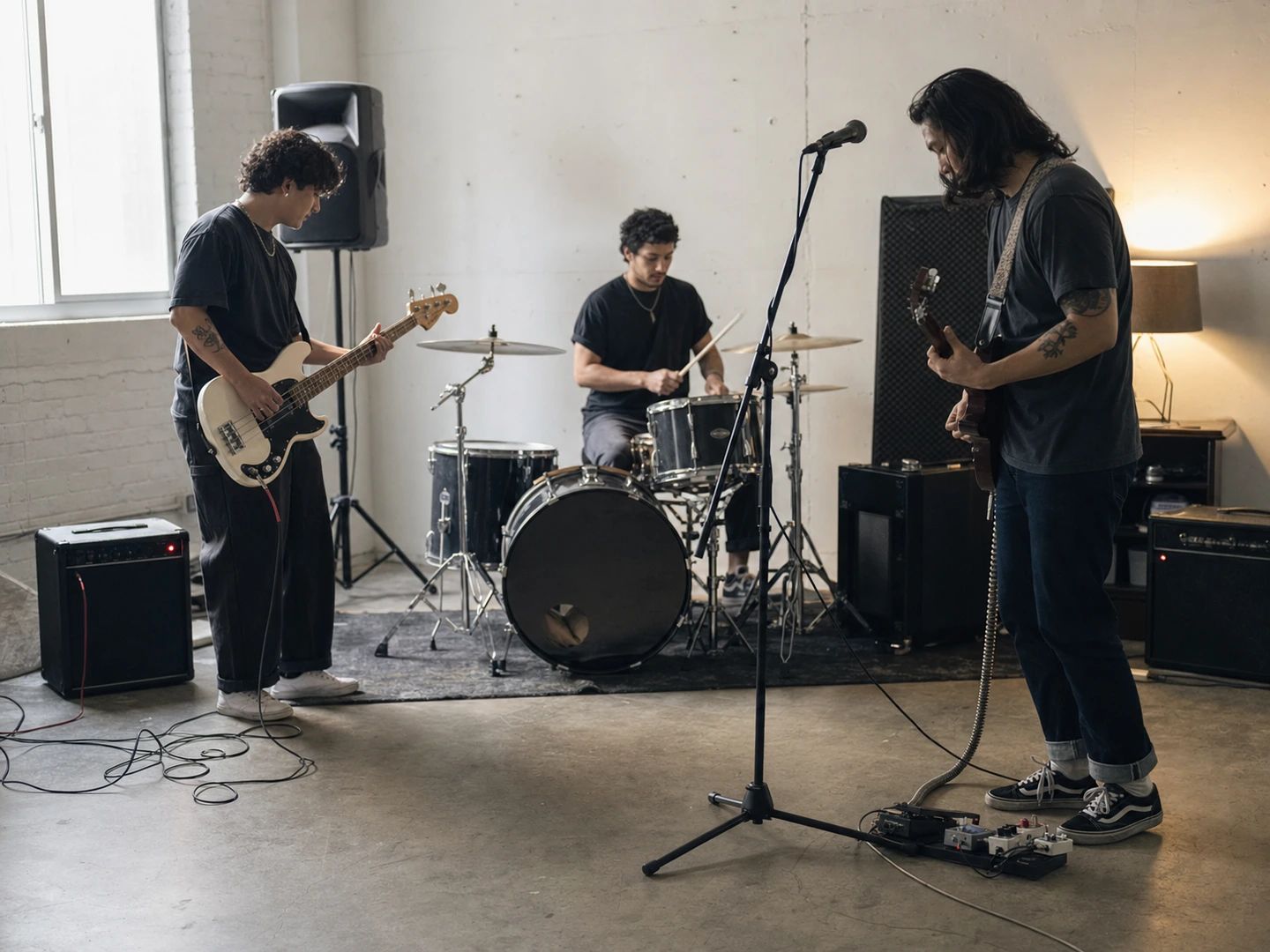
Practise your part against the real recording with the vocal out of the way, at full arrangement.
Upload the song and hit separate. That's all it takes to make a song instrumental — the AI lifts the lead vocal out and returns the instrumental as its own file, usually in about a minute. Download it as MP3 or lossless WAV.
It extracts. You upload a finished recording and get that song's own instrumental back — the real arrangement, not an AI-composed imitation of it. If you want a new instrumental generated from scratch instead, that's the AI Instrumental Generator.
For most studio recordings, yes — it's built for going into a session. Dense mixes with heavy vocal processing or loud backing harmonies are the hard cases, and you may hear traces of the voice in the busiest bars. Low-bitrate rips and live bootlegs separate worst.
MP3, WAV, FLAC, AAC, M4A and OGG go in directly, up to 50 MB and 12 minutes per track. Export the instrumental as MP3 or lossless WAV.
Yes — the same separation returns the isolated vocal alongside the instrumental. Download either, or both. If you need more than two parts, the Stem Splitter breaks a track into vocals, drums, bass, guitar and piano.
You get monthly credits free, so you can make instrumentals at no cost. Heavier use draws more credits and you can top up any time.
The files are yours to keep, but pulling the instrumental out of a copyrighted song doesn't give you rights to the underlying recording. Releasing a cover, remix or edit built on it still needs whatever clearance that release would normally require.
Master your finished mix against a reference track.
Turn a line from the instrumental into editable MIDI.
Go further — vocals, drums, bass, guitar and piano apart.
Tune the vocal you record over it.
Tag the instrumental — title, artist, cover art — before it joins your library.
Upload a song, take the voice out, build on what's left. Free to start.