01
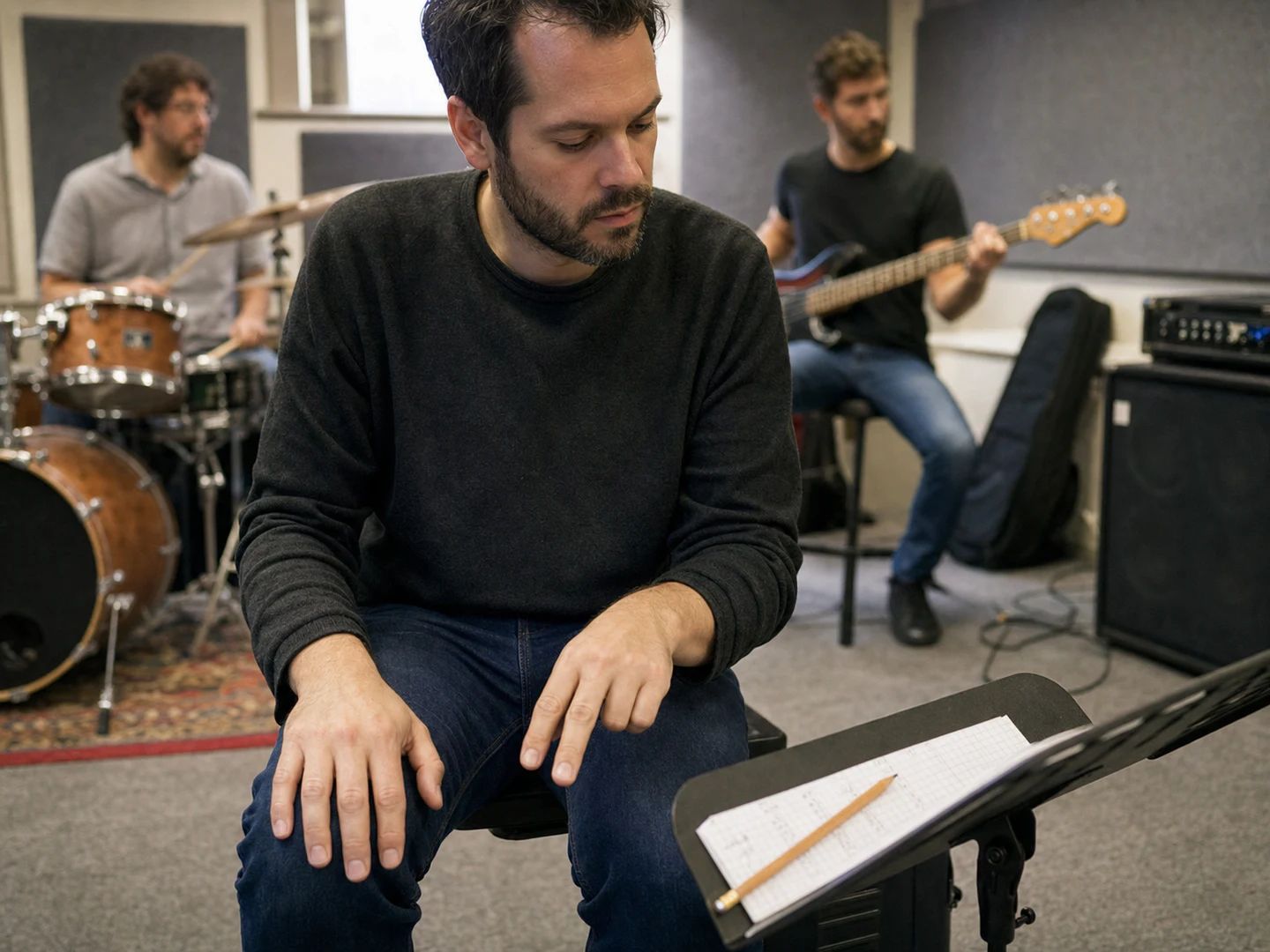
Musicians in rehearsal
Match the tempo the band actually plays a song at, then write it on the chart before anyone forgets.
Hit the spacebar — or click the pad — in time with the music. The BPM settles after a few taps.
Put on the track, the rehearsal room, or the metronome you are trying to match. Nothing needs to be loaded here — the tap tempo tool only measures your taps.
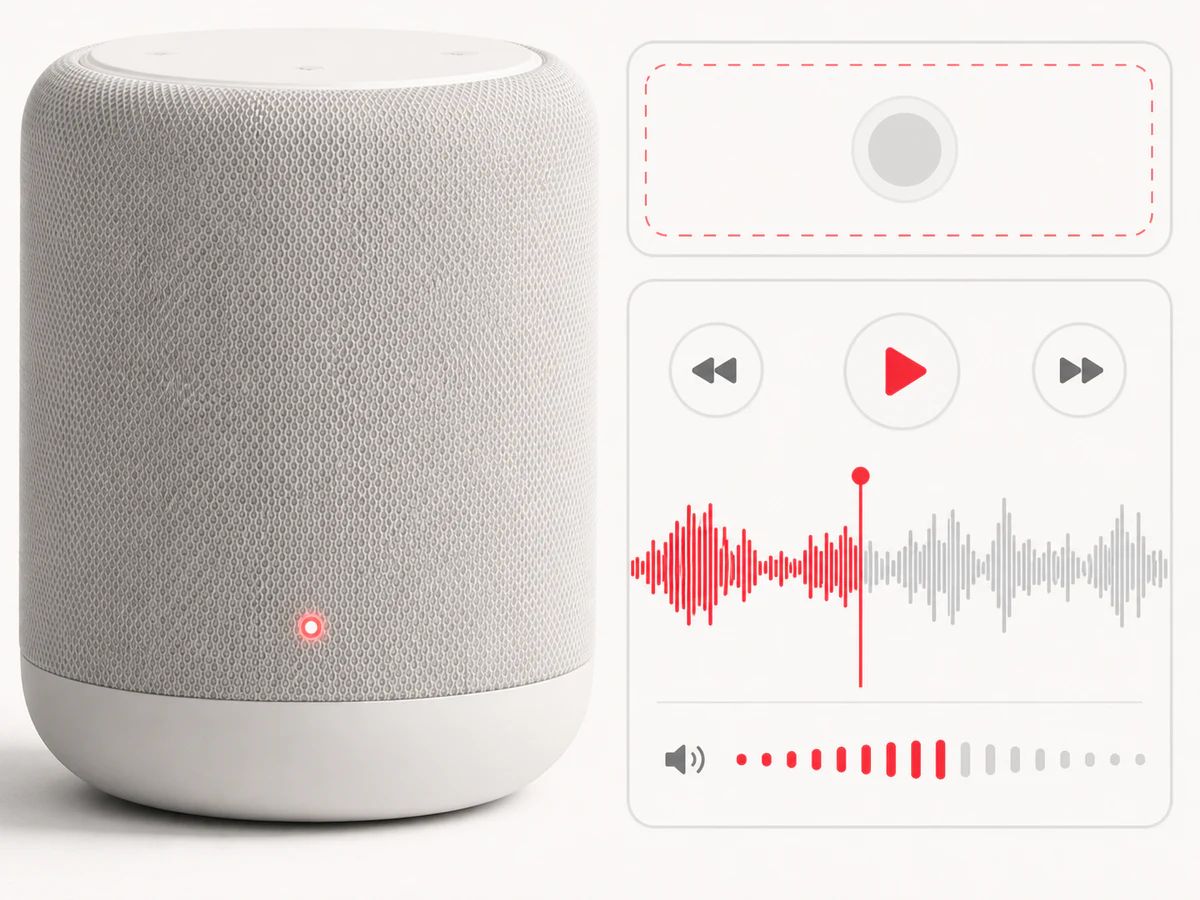
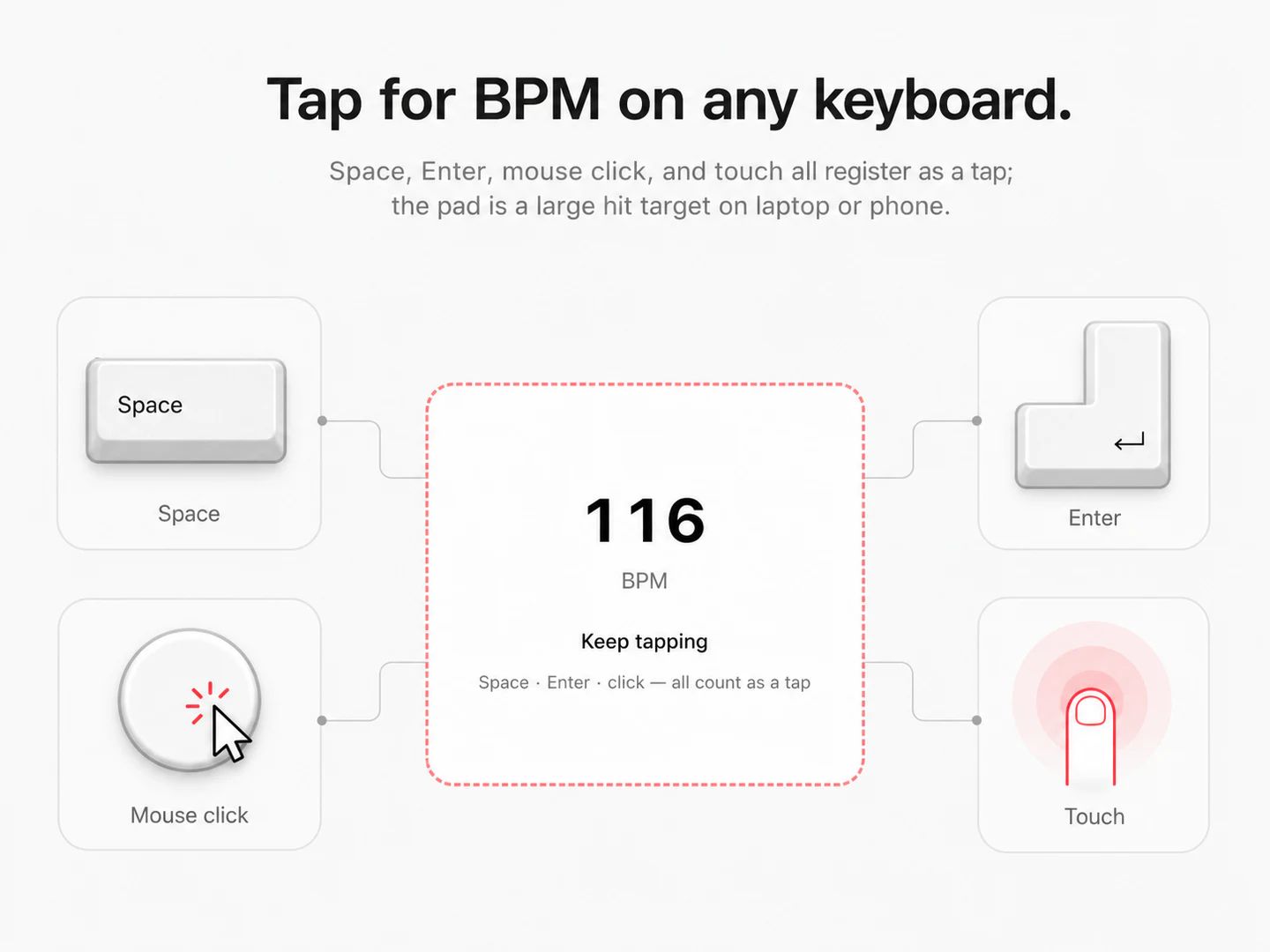
Hit the spacebar, Enter or the pad in time with the pulse. Four taps give you a reading; eight or more and the BPM counter stops drifting.
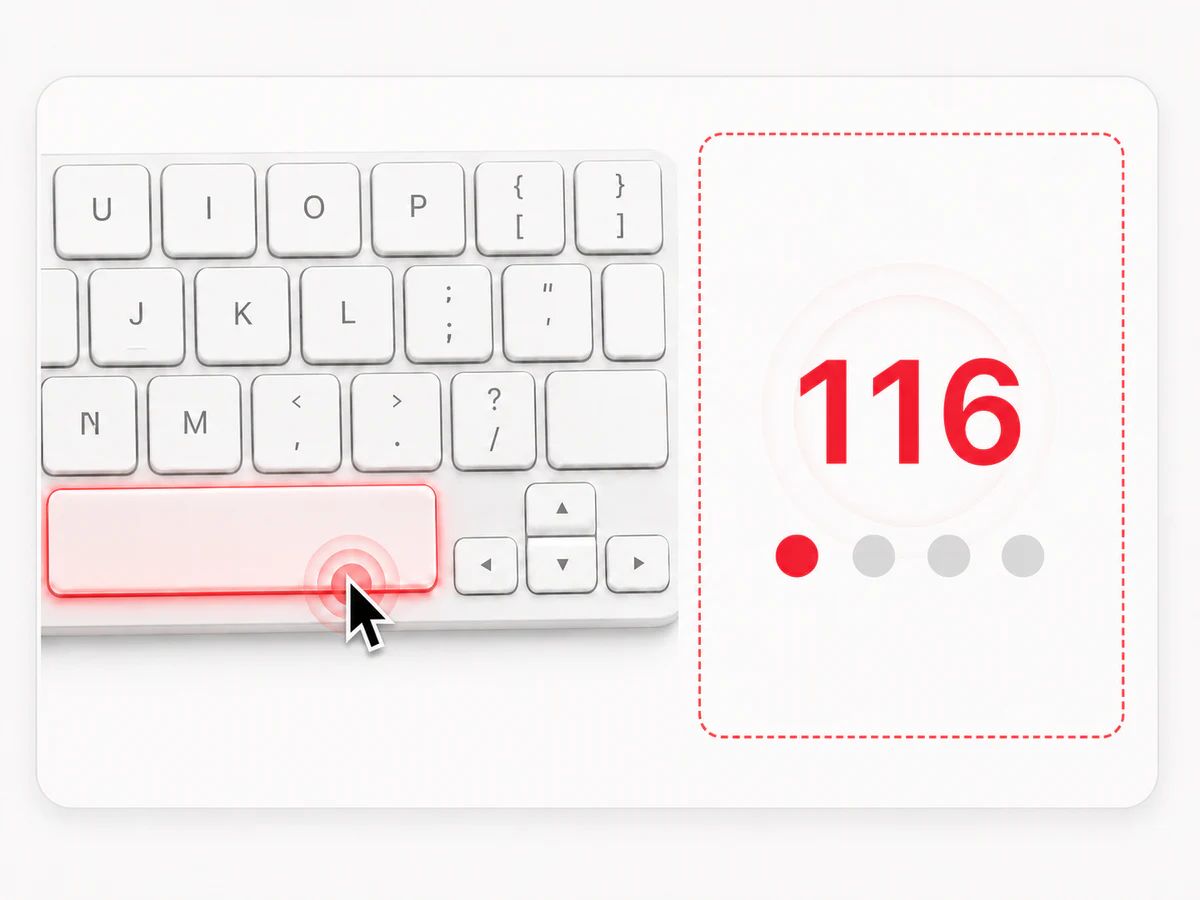
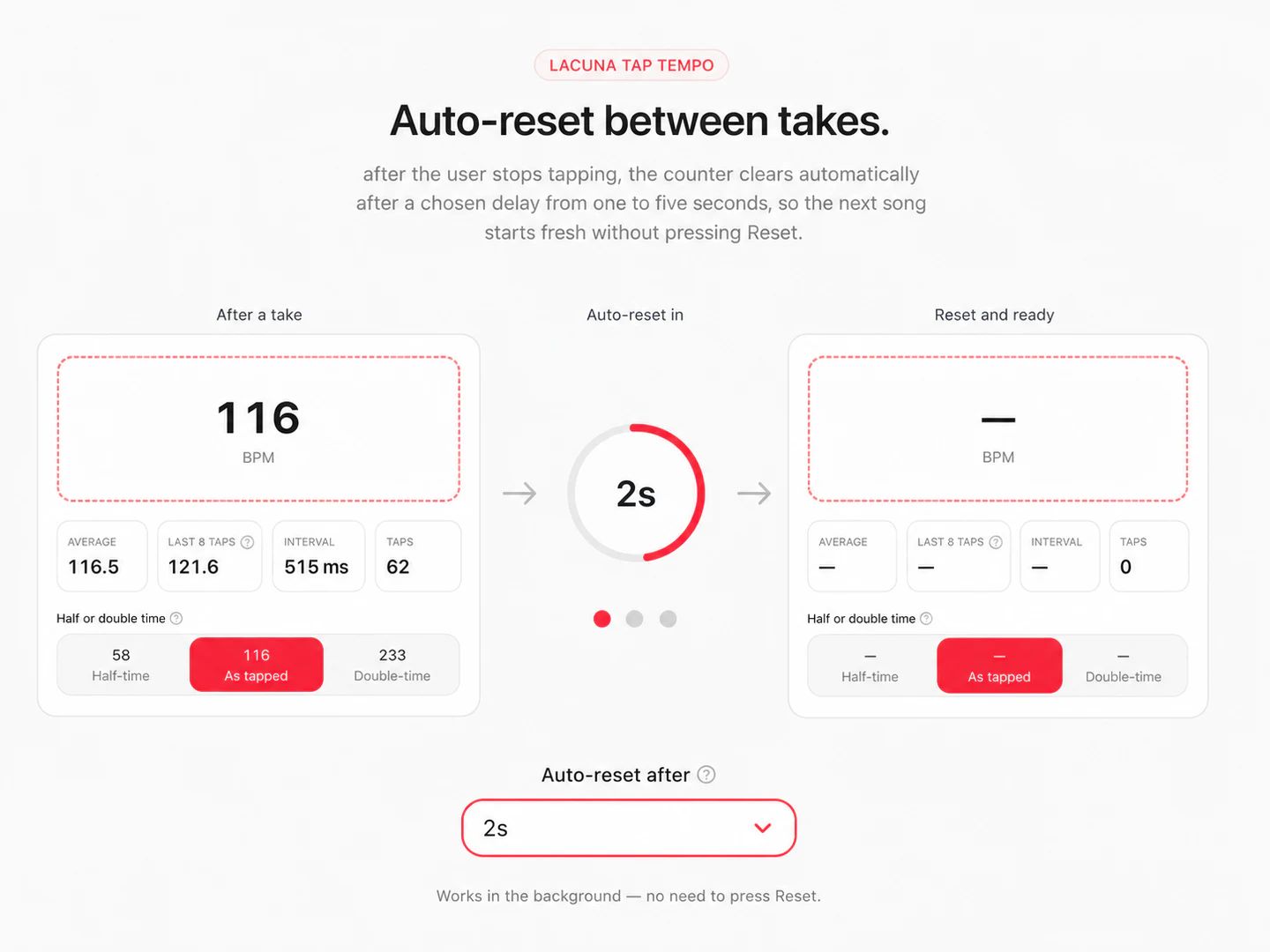
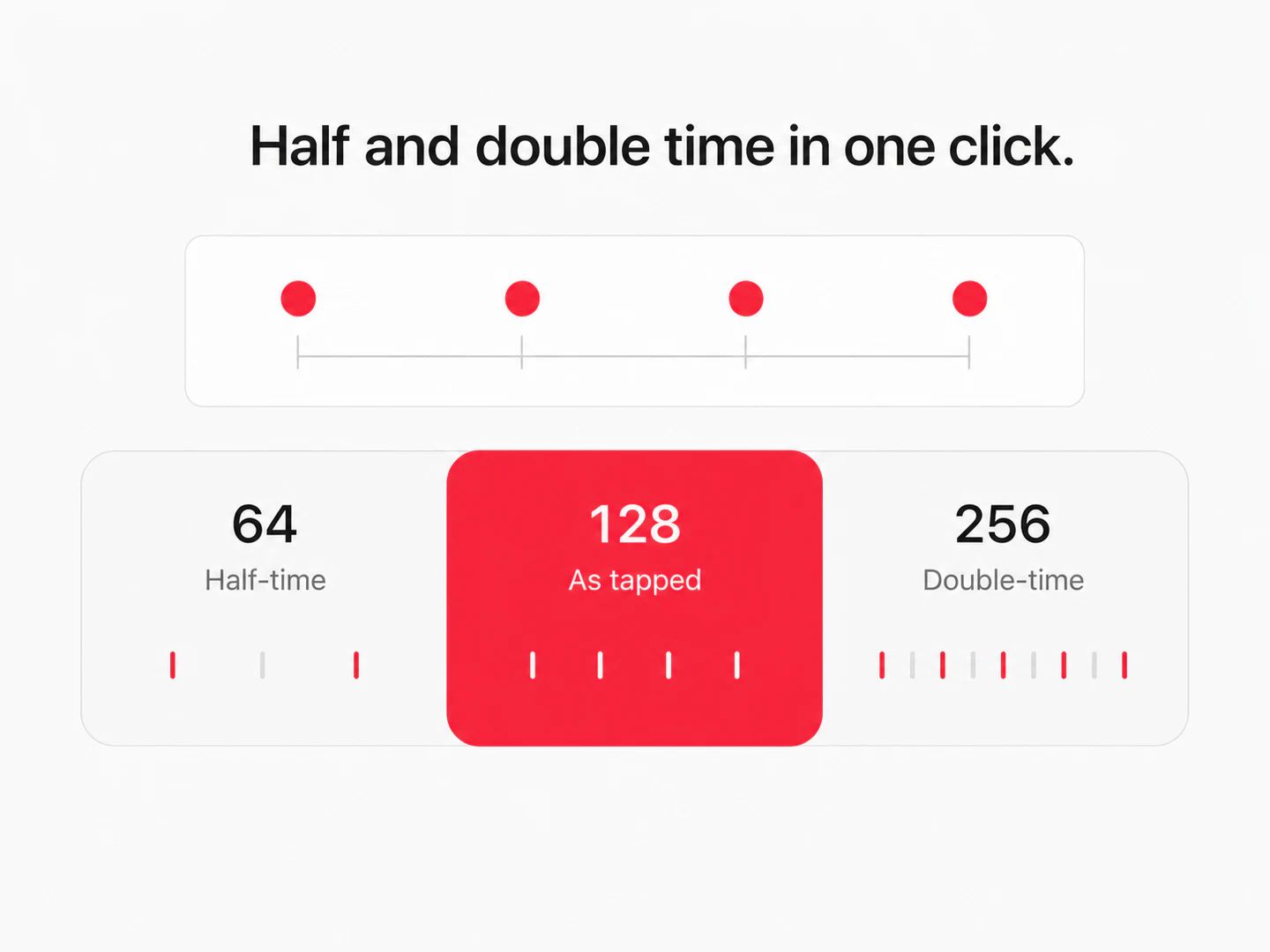
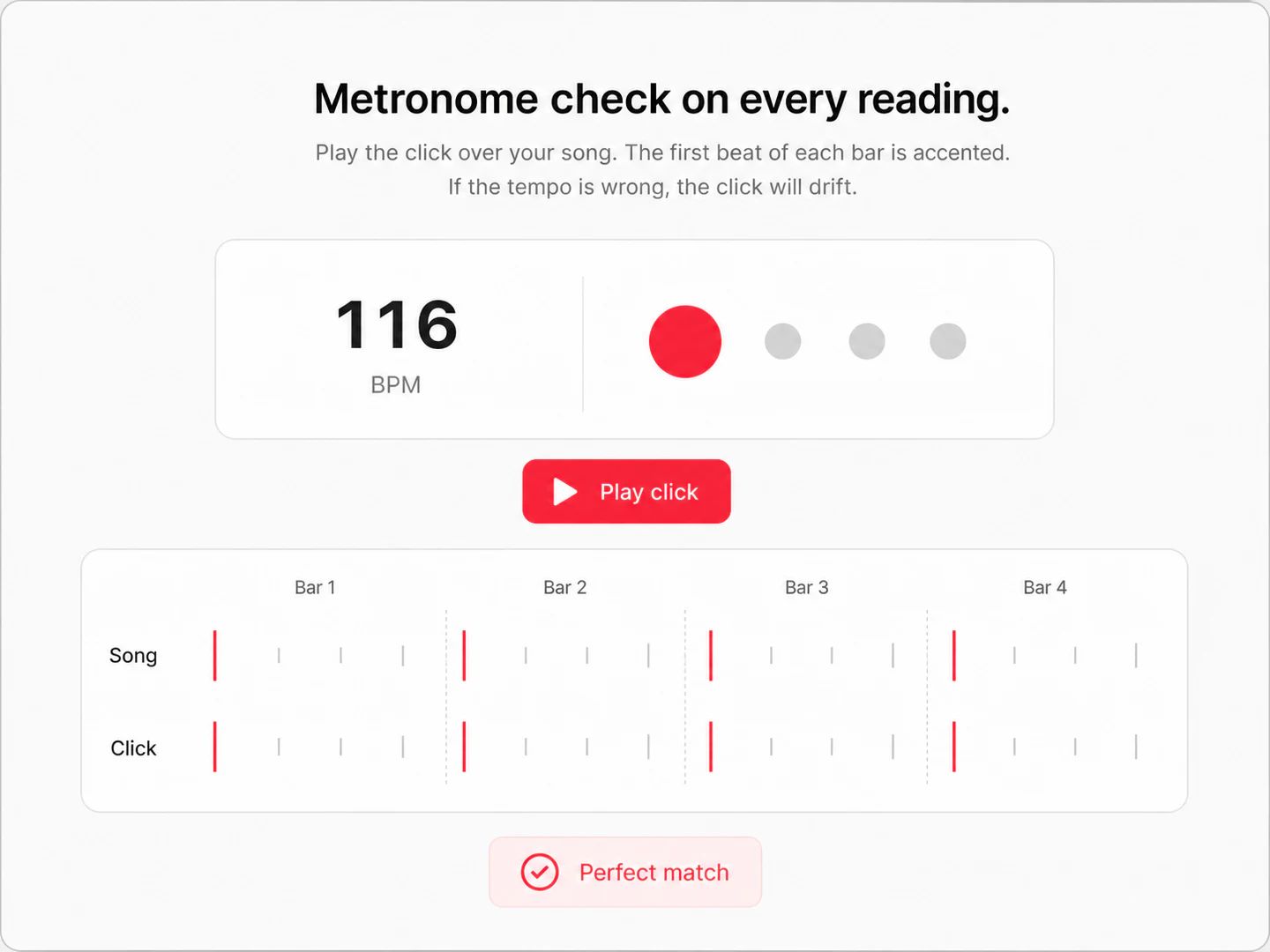
Compare the half and double-time readings, or play the tempo back as a click over the music to be certain. Then copy it straight into your DAW, drum machine or delay pedal — pause for a couple of seconds and the counter resets for the next song.
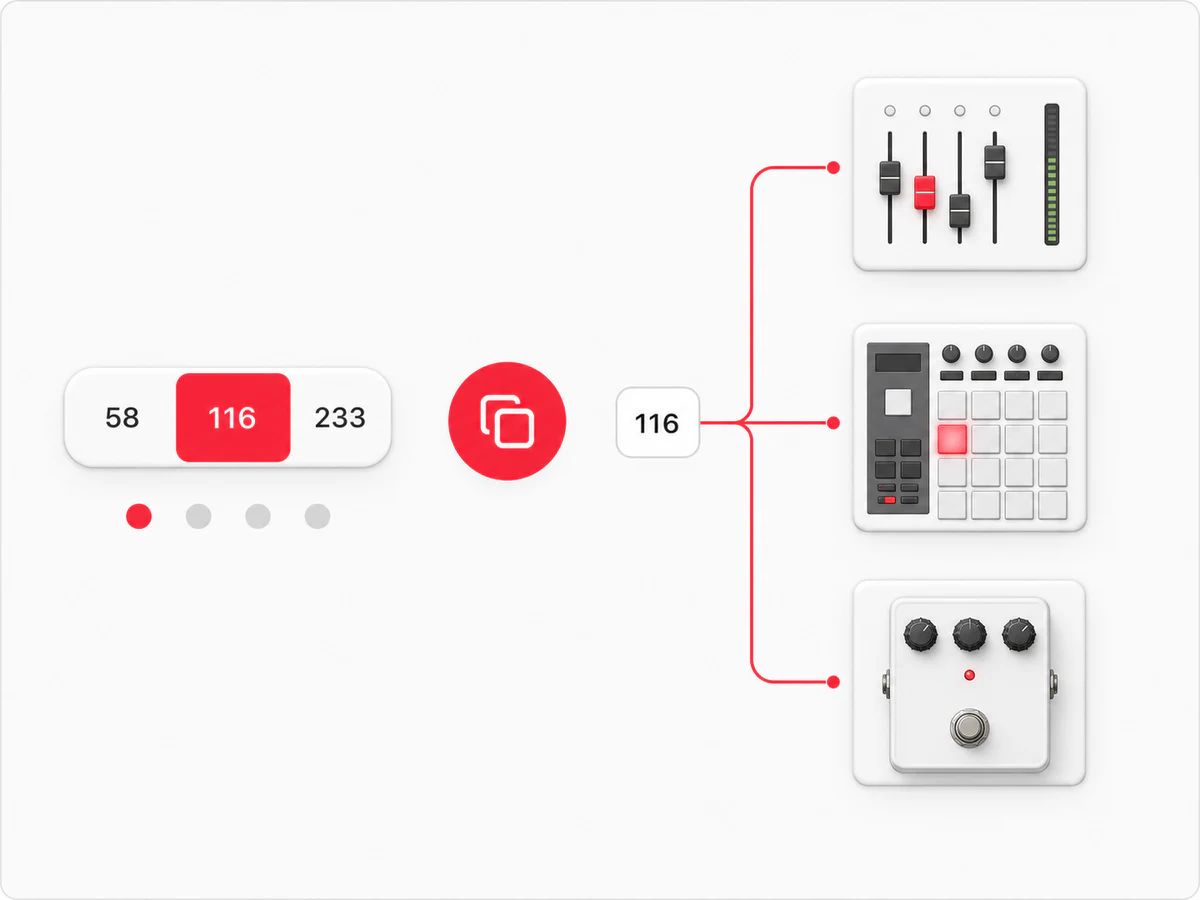
Tap tempo is the fastest way to a BPM when there is no file to analyse — just sound in the room.
Match the tempo the band actually plays a song at, then write it on the chart before anyone forgets.
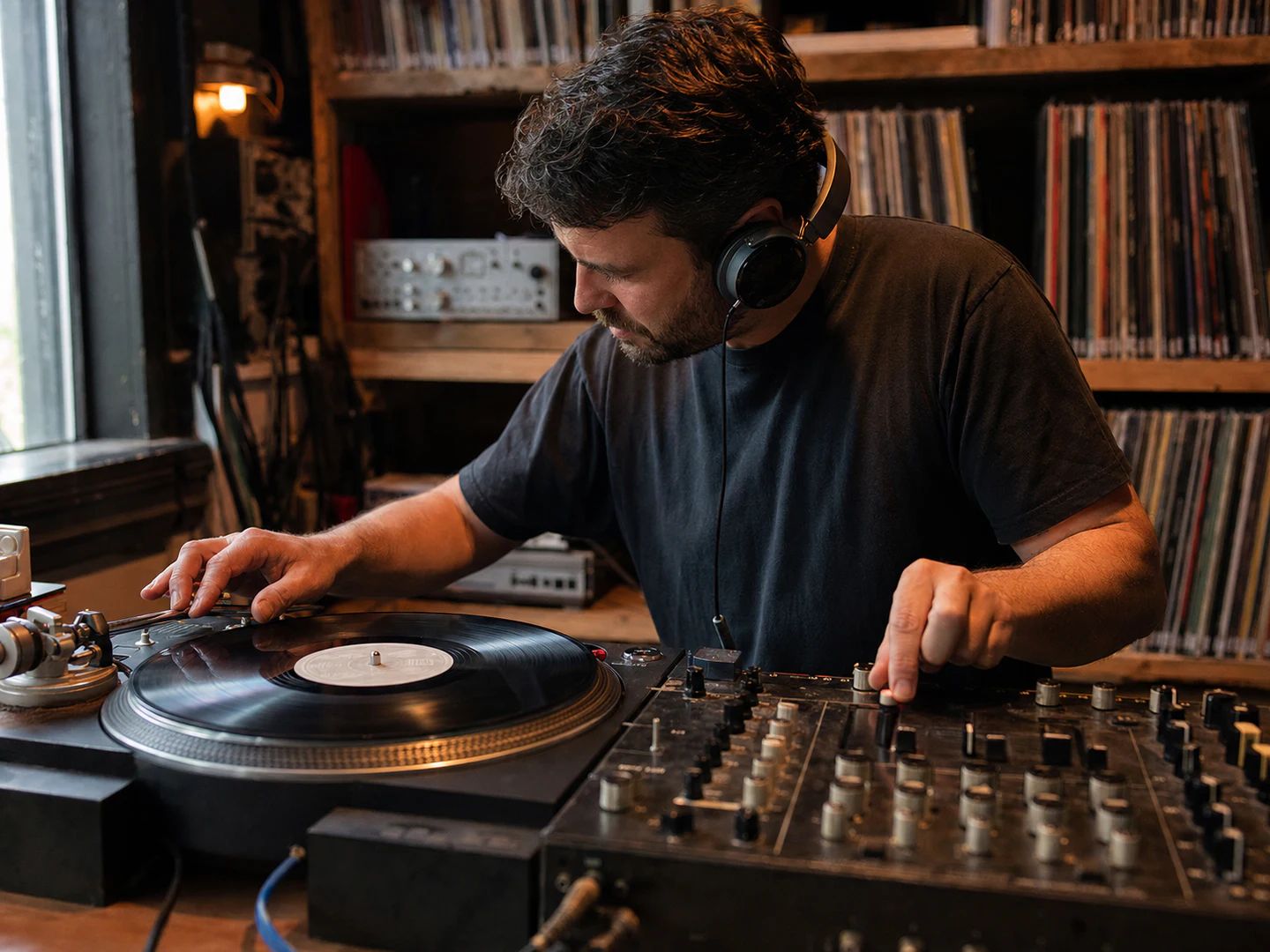
Get a BPM off a record, a radio stream or a video that never lands as a file on your drive.
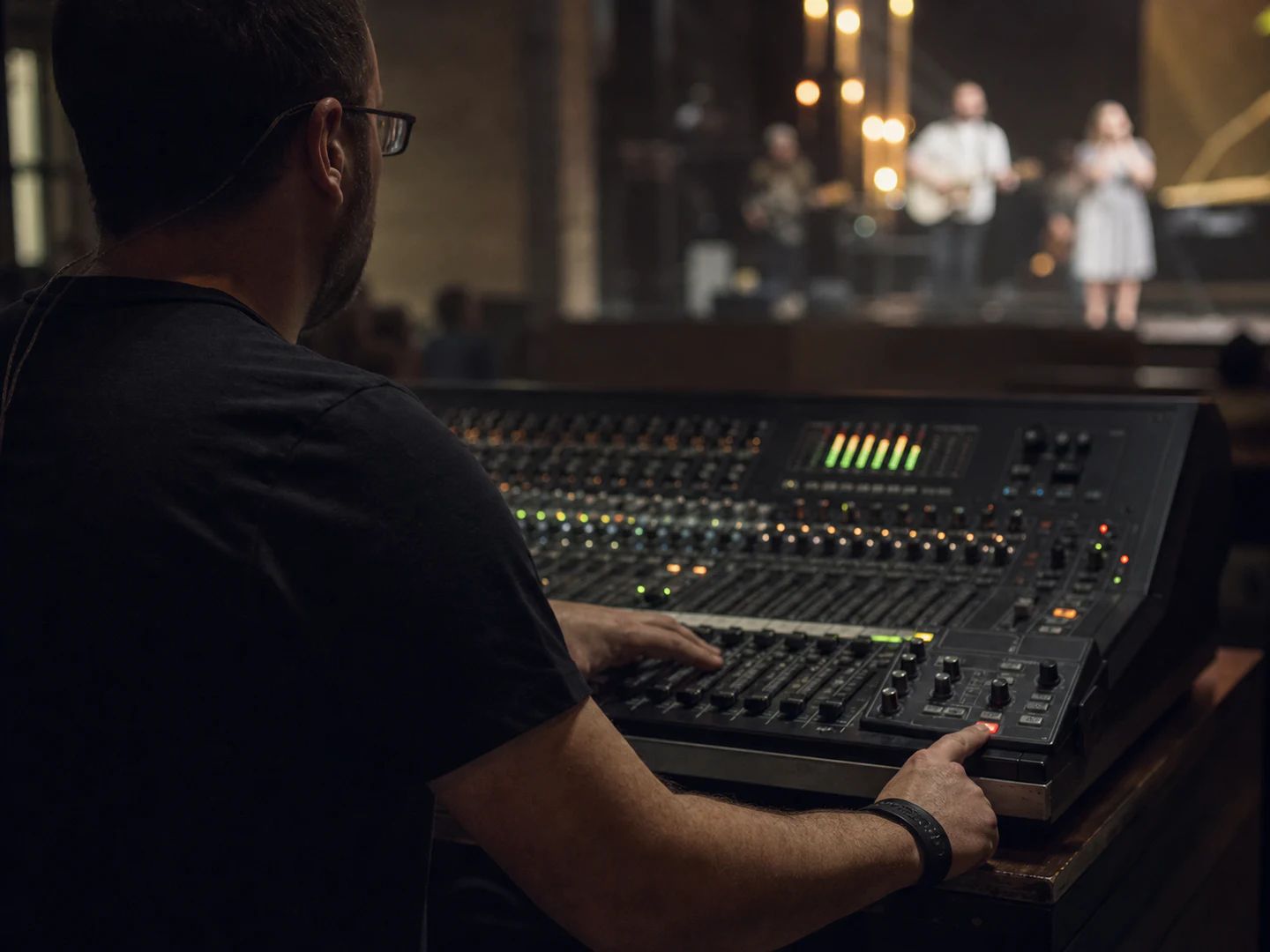
Set delay times and click tracks to the tempo the room is actually running at, between songs.
Check whether a practice run is drifting, or show what 60, 90 and 120 BPM really feel like.
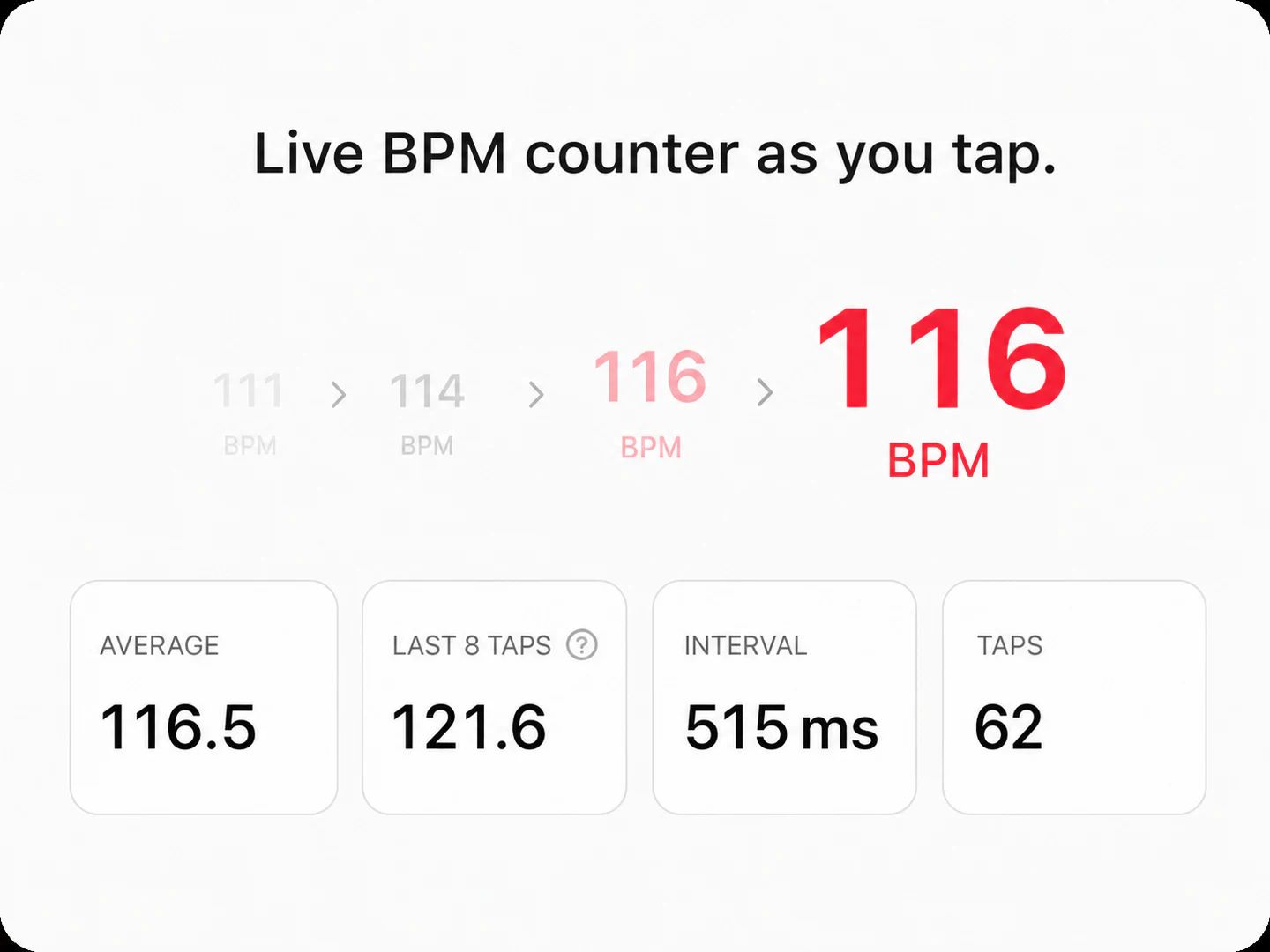
The tool times the gap between your taps. Two taps already give a rough beats-per-minute figure; from there it averages the intervals, so every extra tap smooths out the ones you hit slightly early or late.
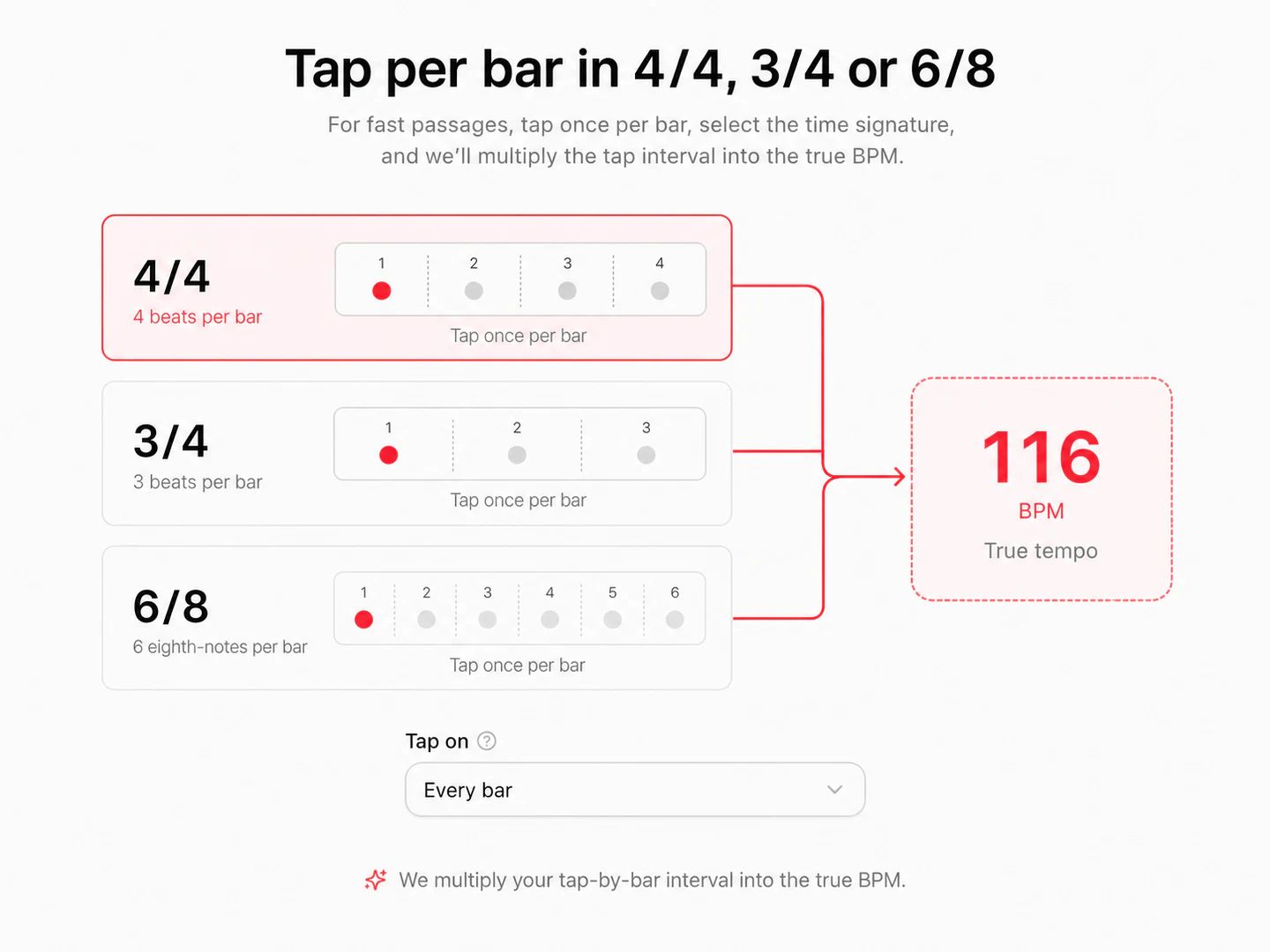
Four taps give a usable reading and eight or more is where it stops moving. If the number keeps jumping, you are probably tapping a subdivision — try switching to one tap per bar.
That is the whole point. Nothing is uploaded, nothing is analysed and no file is needed — the tap tempo tool measures your keystrokes, so it works on live music, a radio stream or a video just as well as on a track you own.
Tap tempo measures how fast you tap; a BPM finder analyses an audio file and reads the tempo out of the waveform. If you have the file, the automatic route is more precise — use the BPM and key finder, which also gives you the musical key and its Camelot code.
Because a beat can be counted at more than one level. If you tapped every eighth note you will read double; if you tapped every other beat you will read half. You do not have to work it out — all three readings are shown under the pad, so pick the one that matches the music. If you are still unsure, start the metronome check and let the click run over the track for a few bars: the wrong level drifts against the beat almost immediately.
Yes. Once there is a reading, press Play click and the tool sounds the tempo back at you with an accent on the first beat of every bar, following the time signature you picked. It is built as a check on the number rather than as a practice tool — but nothing stops you leaving it running once the tempo is set.
Yes — free, with no account and no limit on how many songs you count. It runs entirely in your browser.
A free online tap tempo tool and BPM counter that never asks for a file, an email or an account.