01
Parents
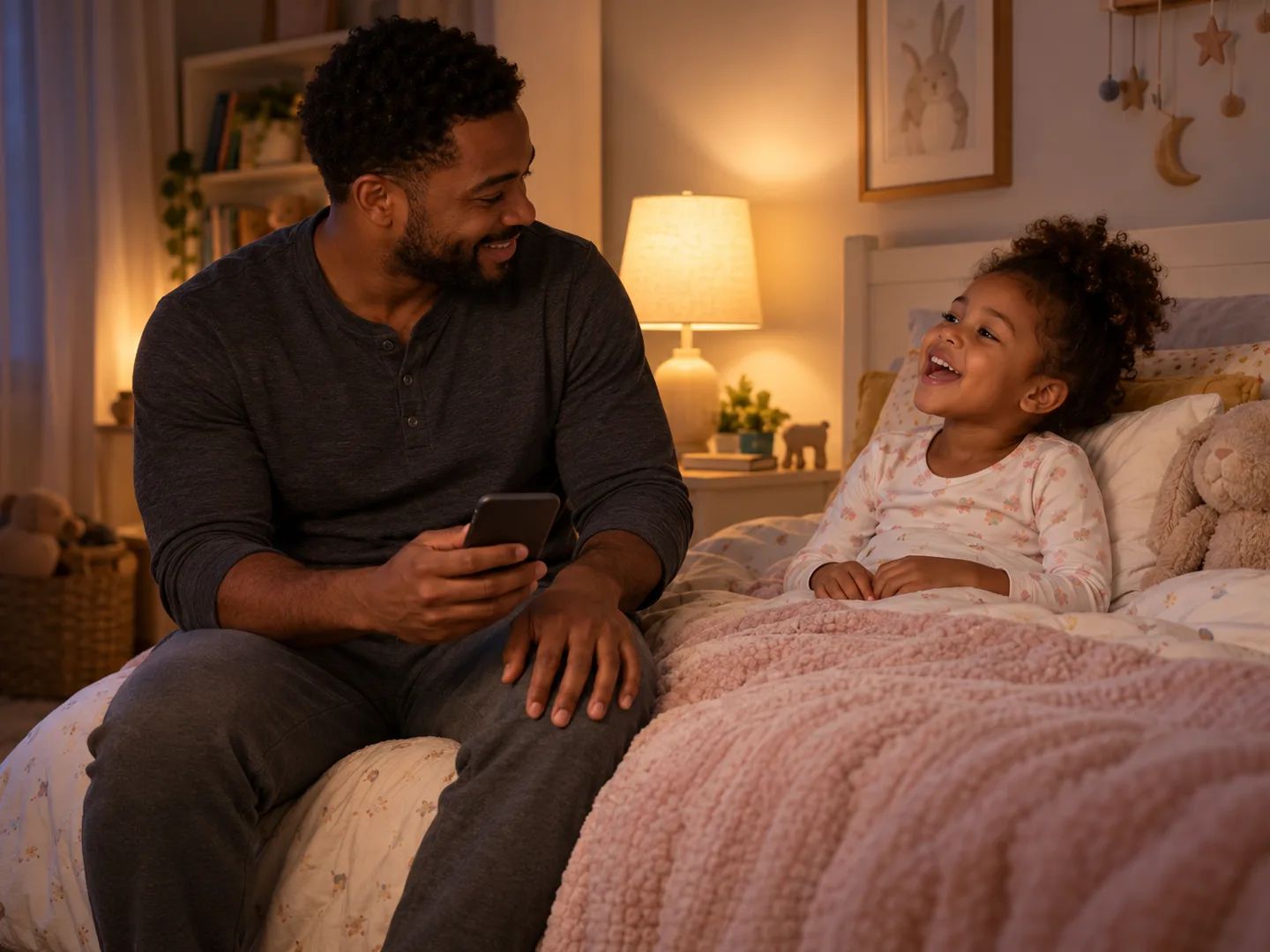
Make a song for the bedtime routine, the car ride, or the morning rush, with your child's first name in it.
Tell the music Agent the child's age, the topic, and a first name if you want one in the song. It writes simple, repeating lyrics and makes the song — then ask for it shorter, slower, or with new words.
What to tell the Agent
Say the age, the topic, and anything the song should include: a name, a routine, a few animals, or claps and actions. Write in any language.
The music Agent writes short lines and a chorus that comes back two or three times. Ask to see the words first, and change anything before the song is made.
Play the song in your workspace, then ask in plain words — shorter, slower, simpler words, one more verse — and make another take.
Use it as a nursery rhyme generator or a song maker for kids: copy an idea into the box, add the child's age, and change whatever you like.
“A counting song from one to ten for a 3-year-old, one animal for each number.”
“An ABC song where each letter gets a word a 4-year-old knows.”
“A handwashing song about 20 seconds long: soap, scrub, rinse, dry.”
“A silly brushing-teeth song for a 4-year-old named Leo, top teeth then bottom.”
“A farm animal song with the sound each animal makes, so kids can join in.”
“A good-morning circle-time song that greets each friend with a wave.”
“A clean-up song with claps and a call-and-response chorus: toys go in the box.”
“A song about feeling happy, sad, and mad, with a calm breath in the chorus.”
A parent, teacher, or caregiver uses the children's song maker and listens first; the kids just sing.
Make a song for the bedtime routine, the car ride, or the morning rush, with your child's first name in it.

Songs for circle time, transitions, clean-up, and the theme of the week, written for the age of your group.

Make a song about a visit, a shared joke, or a favorite animal, and play it on the next video call.
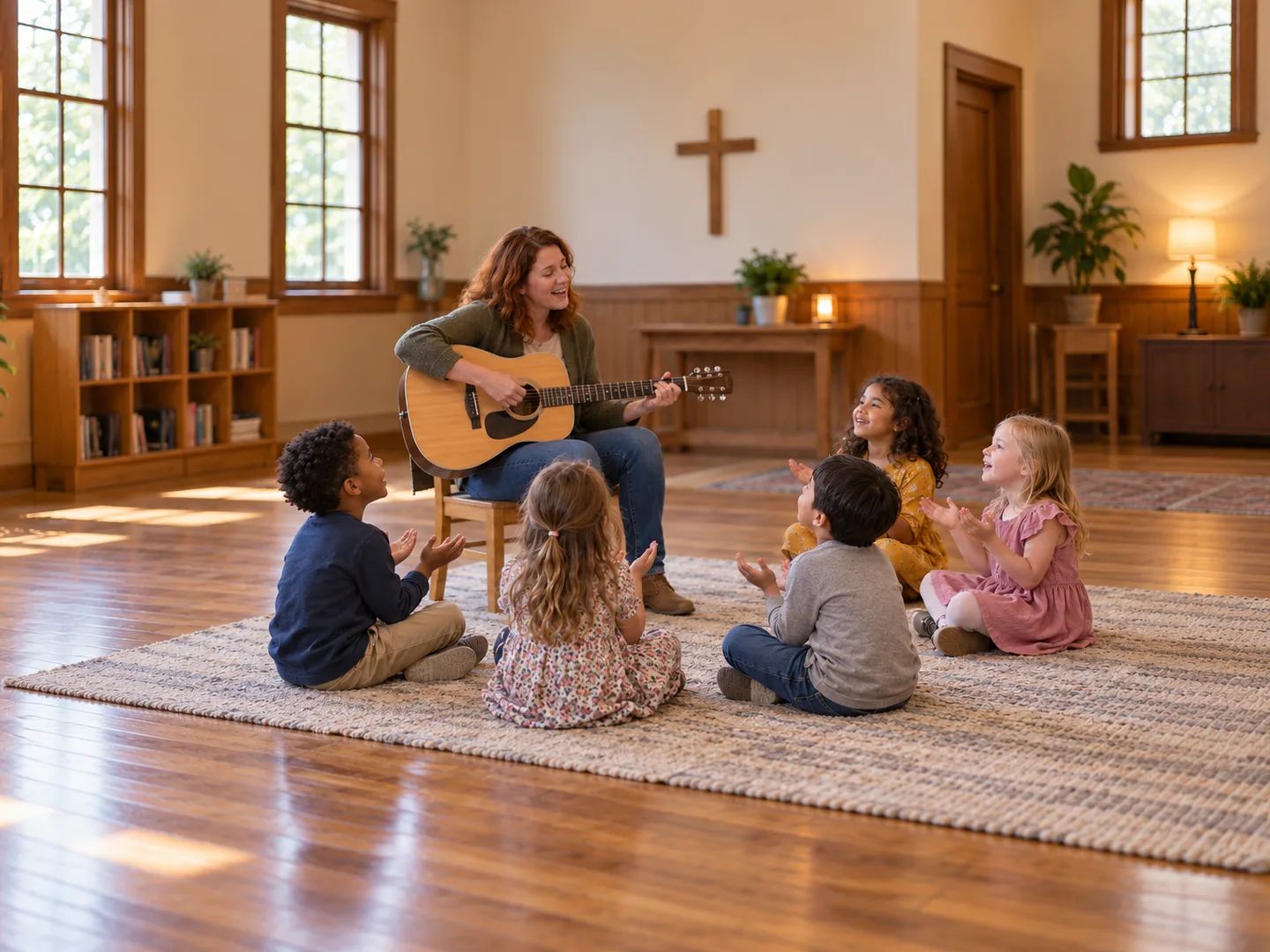
Short, repeating songs for Sunday school and kids' church, with words that fit your lesson.
A birthday song with the child's name, from a kids party template.
A slow, gentle lullaby for bedtime, sung or instrumental.
Turn a lesson, a routine, or a word list into a song the class can sing.
Already wrote the words? Keep your exact lyrics and turn them into a song.
Type what the song is for — the child's age, the topic, and anything it should include — and send it. The music Agent writes the lyrics, picks a sound, and generates the song in your workspace. Keep replying to change the words or the music.
No. Describe the song in plain words, the way you would to a friend. If you have a style in mind, such as a ukulele sing-along or a clapping game, say so; if not, the Agent suggests one.
Start with one line: the age, the topic, and one detail, such as “a brushing-teeth song for a 4-year-old named Leo.” Send it, read the lyrics, and ask for changes in plain words. You don't need to write lyrics or pick instruments unless you want to.
Tell the Agent the child's age so it keeps the words simple, then read the lyrics before you play the song. The Agent does not review songs for you, so you decide what is suitable. If anything is off, ask it to change that line, or ask to see the lyrics first and approve them before the song is made.
Yes. Use a first name or a nickname only, not a full name, and leave out other personal details such as where your child goes to school.
Yes. Ask for a short rhyme with a simple tune and a repeating line, on any topic you choose, and say the child's age. As a nursery rhyme maker it writes new words and a tune for the topic you give it.
No. Lacuna accounts are for adults — our Terms of Service require that you are not a minor — so a parent, teacher, or caregiver writes the request and listens to the song first.
You can try it with the free credits that come with a Lacuna account; you need to sign in to send a request. Messages to the Agent and song generations use credits, and audio downloads are included with paid plans.
You can share a link to any song in your library. Paid plans include downloads and commercial use under the applicable agreement, and Pro and Ultra users can download a personalized license agreement.
Tell the music Agent the age and the topic, read the lyrics, and make a song for kids they'll ask to hear again.