01
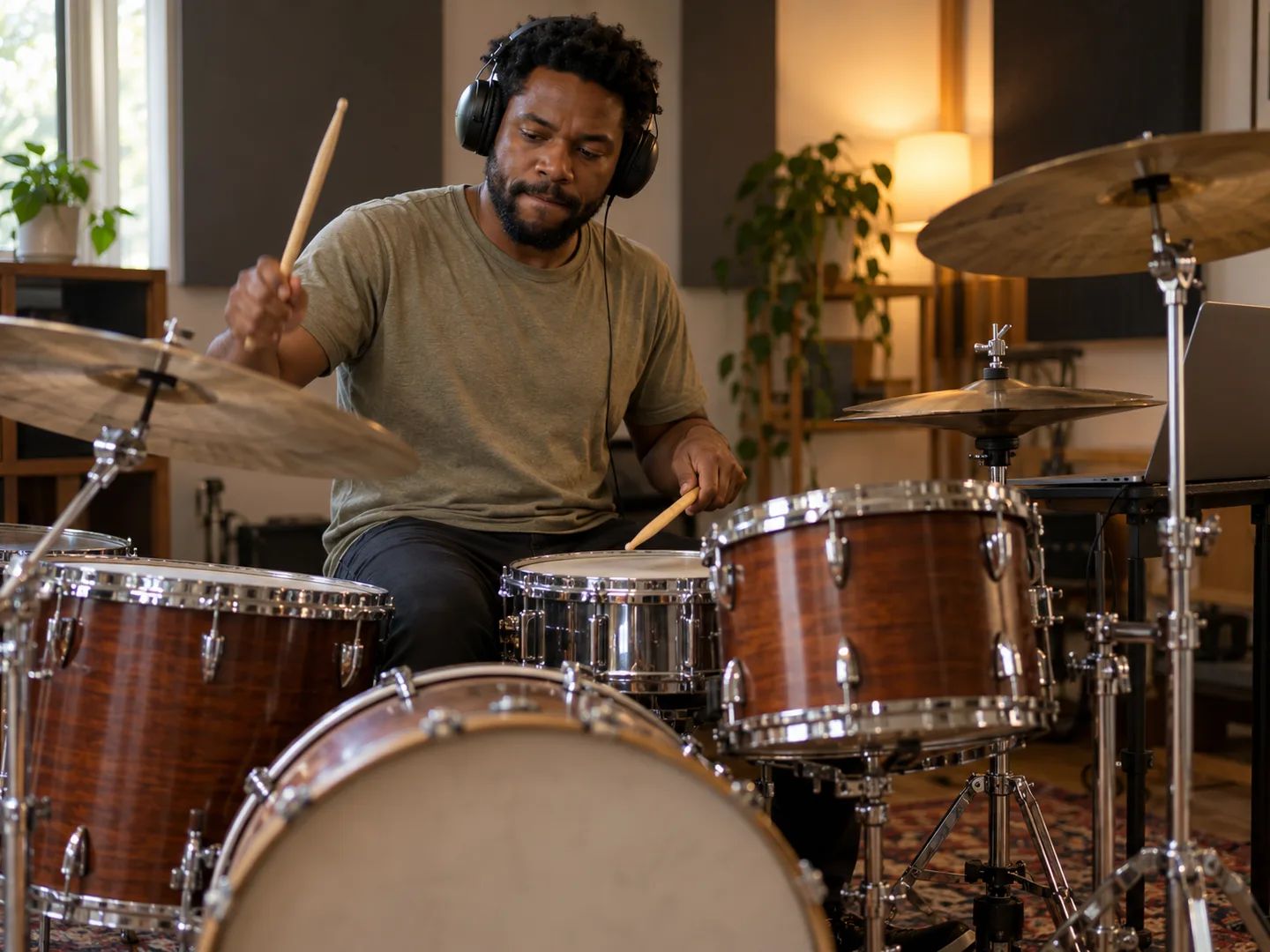
Drummers practicing a song
Play the part yourself over the original band instead of a click or a MIDI rendition. Unmute the drum stem quietly when you need a guide.
Drums are selected. Everything you check starts muted in the result, so Export remix gives you the song without it.
Sign in and add an MP3, WAV, FLAC, AAC, M4A or OGG file up to 50 MB and 12 minutes.
Lacuna runs a four-stem split, so vocals, drums, bass and the other instruments each land on their own track.
The drum stem opens muted. Listen, adjust the other tracks if you like, then use Export remix to download the song without drums.
Anyone who wants to put their own drums where the original ones were.
Play the part yourself over the original band instead of a click or a MIDI rendition. Unmute the drum stem quietly when you need a guide.
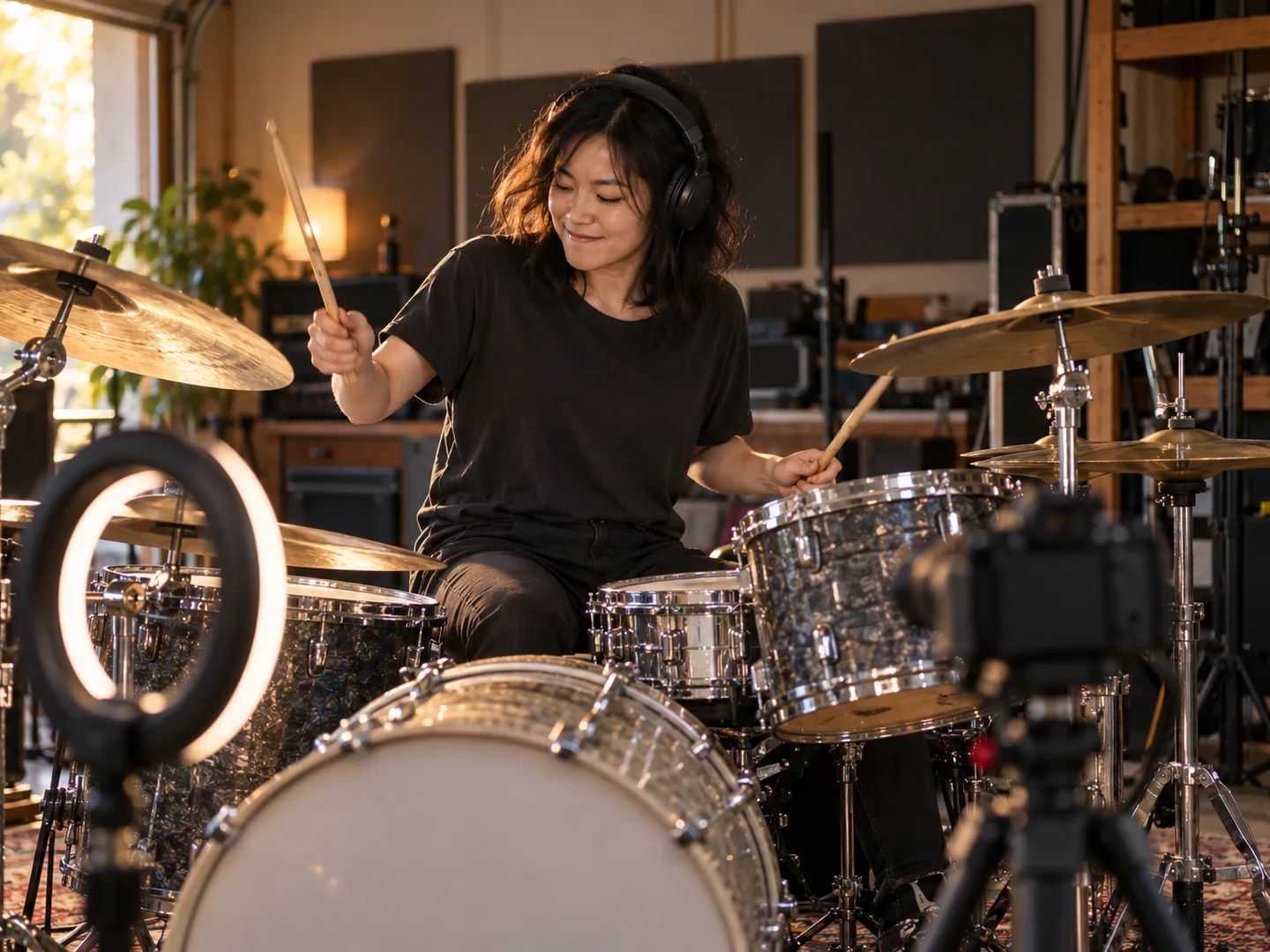
Record your cover over the drumless backing track, then keep the original drum stem to check your groove against the record.
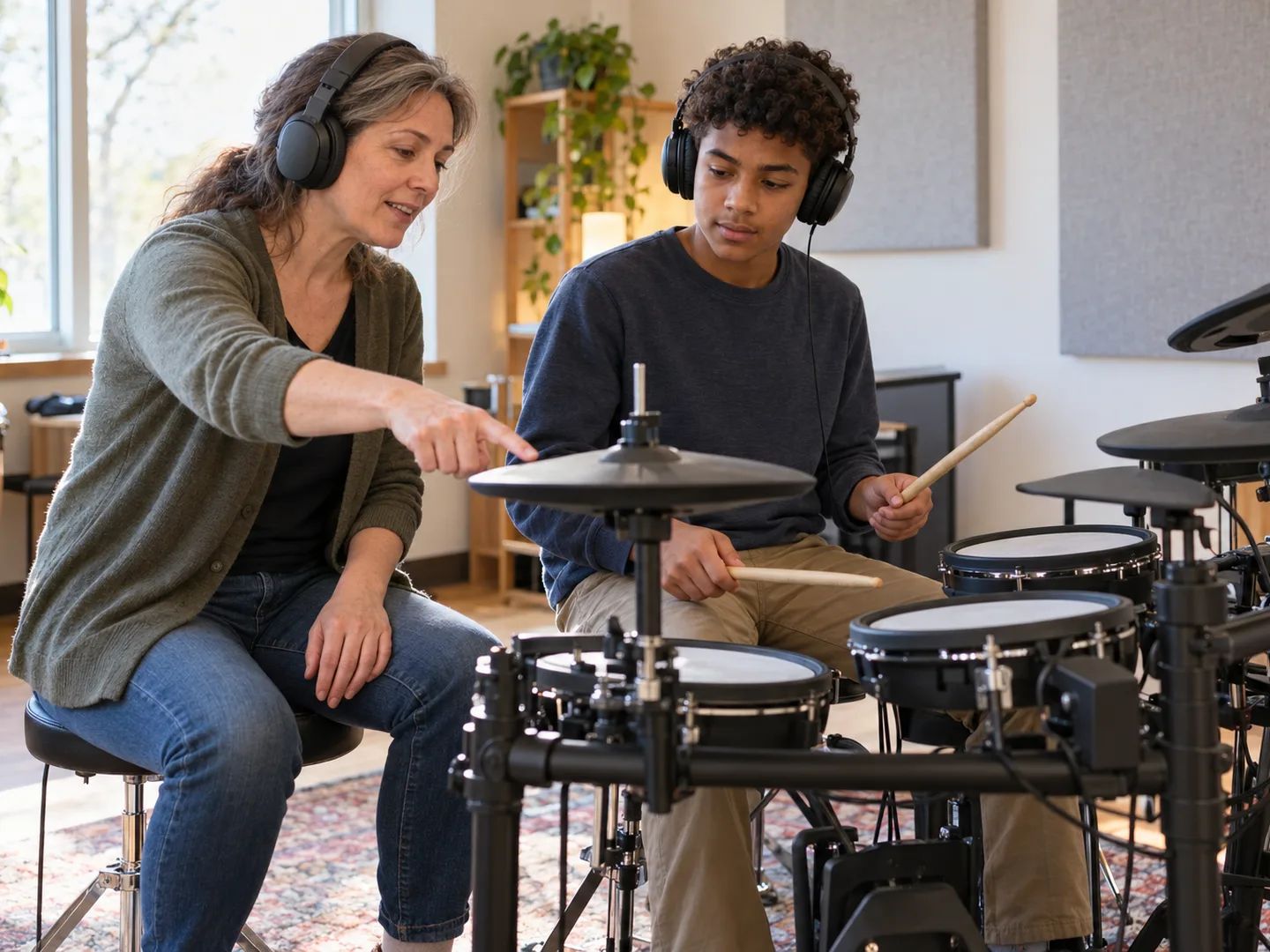
Make a practice track for a student or a band member who is learning the drum part, from the exact recording you rehearse.
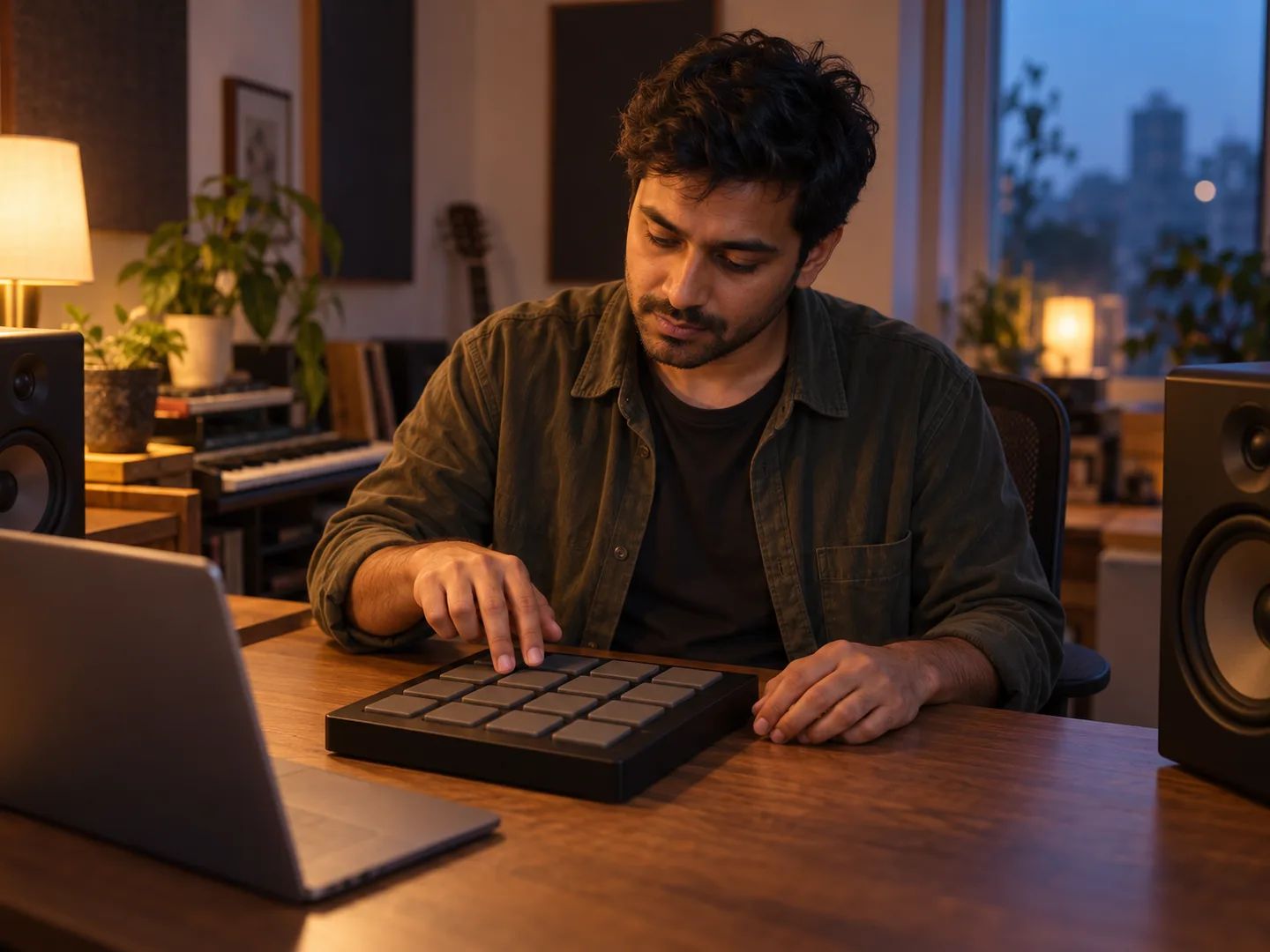
Strip the original beat and program your own drums under the vocal, bass and chords.
Sampling a record with the drums baked in? Upload the clip or the whole song, mute the drums, and export a drumless sample ready to chop and layer with your own kit.
A loop, a few bars or the full track all work. Trim the clip in your editor first if you only need one section.
Drums start muted. Export remix gives you the melodic and harmonic layers as one WAV file, ready to chop.
Download the drum stem separately when you want the original groove as a reference or as another layer.
Upload the song, keep Drums selected and start the separation. When it finishes, the drum stem is already muted in the mixer. Use Export remix to download the song without drums.
A version of a song with the drums taken out, so a drummer can play the part over the rest of the band. The drum remover makes one from any recording you upload.
Four stems (vocals, drums, bass and other instruments), each downloadable as MP3 or WAV, plus the drumless remix you export from the mixer as a WAV file.
Yes. Check Vocals as well as Drums before you start. Both start muted, so the export keeps the bass and the other instruments. You can also mute or unmute any stem after the split.
The drum stem covers the kit, cymbals included. Hand percussion, shakers and some electronic hits can land in either the drum stem or the other stem depending on the mix, so solo the drums to check before you export.
Usually not. Sub-bass and 808 lines tend to be separated into the bass stem, so they stay in the drumless mix. A kick drum with a long tail can split between the drum and bass stems.
Add Drum kit pieces under Detailed splits before you start. It costs extra credits, shown in the estimate, and opens as its own tab in the result. Drum Kit Splitter is built for that job on its own.
Sign in to upload. Free accounts get monthly credits that cover a separation, and the estimate next to the button shows the cost before you start. Exporting the remix runs in your browser and uses no extra credits.
MP3, WAV, FLAC, AAC, M4A or OGG, up to 50 MB and 12 minutes per file. Stems download as MP3 or WAV; the exported remix is a WAV file.
Split the drums into kick, snare, toms, hi-hat and cymbals.
Remove guitar, piano, bass or vocals for a minus-one backing track.
Separate vocals, drums, bass, guitar, piano and other parts together.
Isolate the bass line, or mute it and play the part yourself.
Slow the drumless track down for practice without changing the pitch.
Check the tempo before you set a click or chop a sample.
Upload a song, mute the drums and export a track you can play, record or sample over.