
01
Following a UVR guide
The tutorial names a model; pick the same family here instead of installing the app and downloading model files.
Get a clean vocal track and an instrumental backing. Perfect for karaoke and covers.
Sign in and add an MP3, WAV, FLAC, AAC, M4A or OGG file up to 50 MB and 12 minutes.
Select BS-RoFormer or Demucs v4 in the model menu, then vocals and instrumental, four stems or six stems.
WAV is selected by default. Download each stem on its own or all at once, and every result is labeled with the model that made it.
If a guide names BS-RoFormer or Demucs, you can run it here from the browser.
The tutorial names a model; pick the same family here instead of installing the app and downloading model files.

Large separation models can take a long time on an ordinary CPU. Here the work happens on cloud hardware.

Get a clean acapella and instrumental from a two-stem split, ready to sing over or remix.
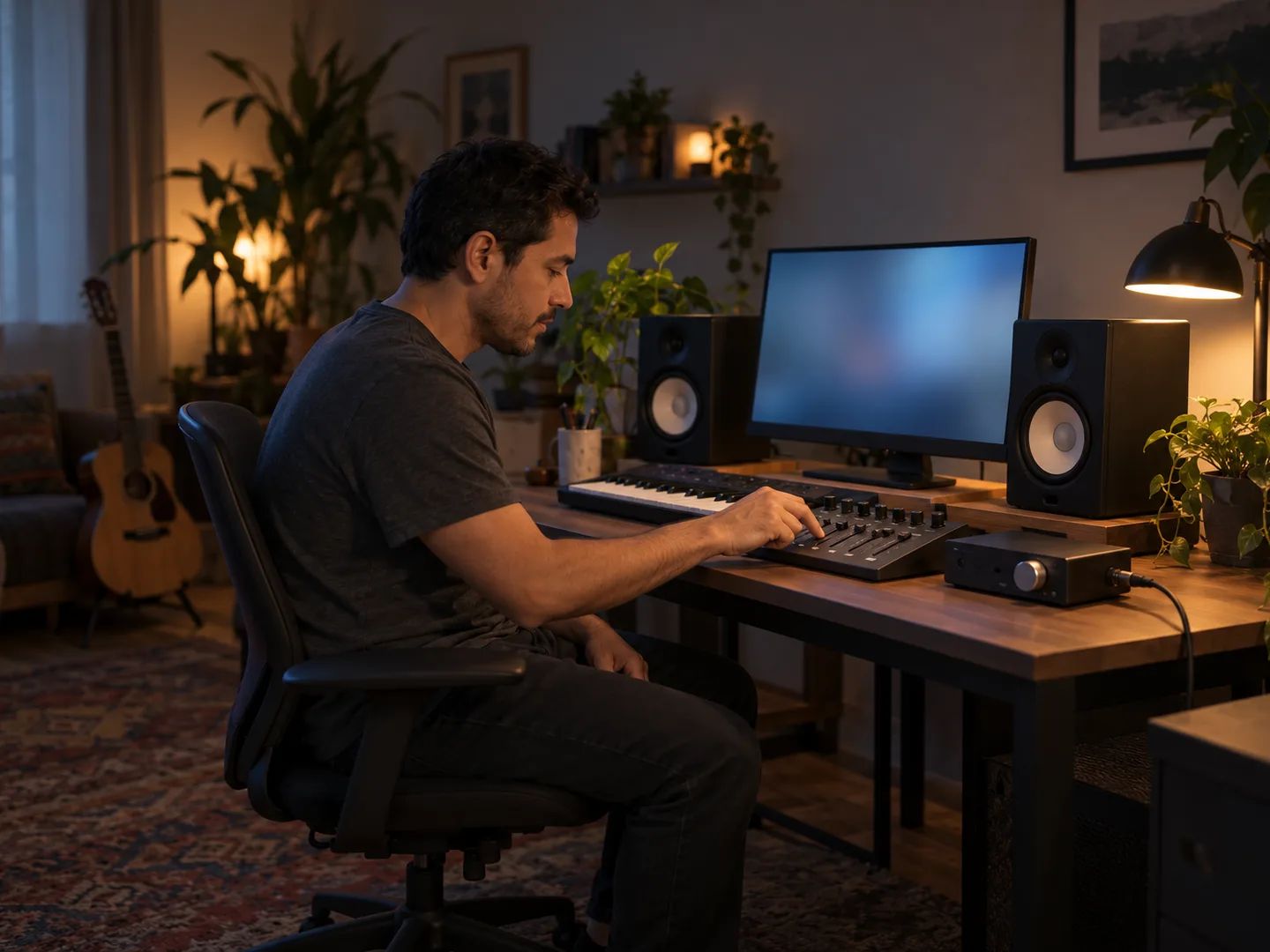
Take six WAV stems into your session and rebuild, sample or rebalance the parts.
Two open-source model families are available today. Both can run the 2, 4 or 6-stem split.
Band-split RoFormer. Two stems use a dedicated vocal model; four and six stems come from a six-stem RoFormer model. It is the default in the model menu.
Run Demucs online without installing Python or a GPU driver. Hybrid Transformer Demucs: htdemucs_ft for two and four stems, htdemucs_6s for six. It uses fewer credits per separation.
MDX-Net, VR Architecture, MelBand RoFormer and ensemble modes are not on Lacuna. If your guide depends on one of them, results here will sound different.
No. Ultimate Vocal Remover (UVR) is a free, open-source desktop app, and Lacuna is not affiliated with it. This page runs two of the open-source model families UVR users know, BS-RoFormer and Demucs v4, in the cloud so you can use them from a browser.
BS-RoFormer and Demucs v4 (htdemucs_ft, plus htdemucs_6s for six stems). MDX-Net, VR Architecture, MelBand RoFormer and ensembles are not available.
No. Separation runs in the cloud. You only need a browser to upload the song, play back the stems and download them.
Every result in your history shows the model name, and the top of the result repeats it. Run the same song once with each model to compare them side by side.
Vocals and instrumental, four stems (vocals, drums, bass, other) or six stems (adds guitar and piano). Optional detailed splits can also separate lead from backing vocals, the drum kit into pieces, or lead from rhythm guitar, for extra credits.
No. Each model runs with fixed settings. Your choices are the model, the stems and the output format.
Sign in to upload. Free accounts get monthly credits that cover a separation. BS-RoFormer uses more credits per run than Demucs v4, and the estimate next to the button shows the cost before you start. Downloads are included.
Upload MP3, WAV, FLAC, AAC, M4A or OGG files up to 50 MB and 12 minutes. Stems download as WAV, the default, or MP3.
Separate vocals, drums, bass, guitar, piano and other parts.
Get the instrumental and the acapella as two files.
Remove the singer and keep a backing track to sing over.
Take out the lead vocal and keep the backing harmonies.
Mute the drums and export a drumless version of the song.
Remove your instrument for a minus-one backing track.
Use UVR online: pick a model, upload a song and download the stems.