
01
Elementary and preschool teachers
Songs for math steps, phonics, science facts, transitions, and the morning meeting.
Tell the music Agent the grade and the lesson or routine, and paste the terms or steps it must include. Read the lyrics, then make the song — and ask for changes until it fits your class.
What to tell the Agent
Say the grade, the topic or routine, and paste the terms, facts, or steps the song has to cover, in the order you teach them.
Ask the music Agent to show the lyrics first. Check every fact, fix the wording, and approve the words before the song is generated.
Generate the song in your workspace, play it in class, and ask for changes — slower, shorter, easier words, an extra verse.
Any lesson with steps, terms, or a routine can become one of your classroom songs. A few places to start:
“The steps of long division for 4th grade: divide, multiply, subtract, bring down.” Each step gets its own line.
“Ten beginner Spanish animal words, each said in Spanish and then in English, with a chorus to repeat.”
“A short 'line up quietly' song for kindergarten that ends with everyone standing still.”
“A good-morning song that welcomes the class and names the day of the week.”
Classroom songs made by the teacher, who writes the request and checks the song; students sing along in class.
Songs for math steps, phonics, science facts, transitions, and the morning meeting.
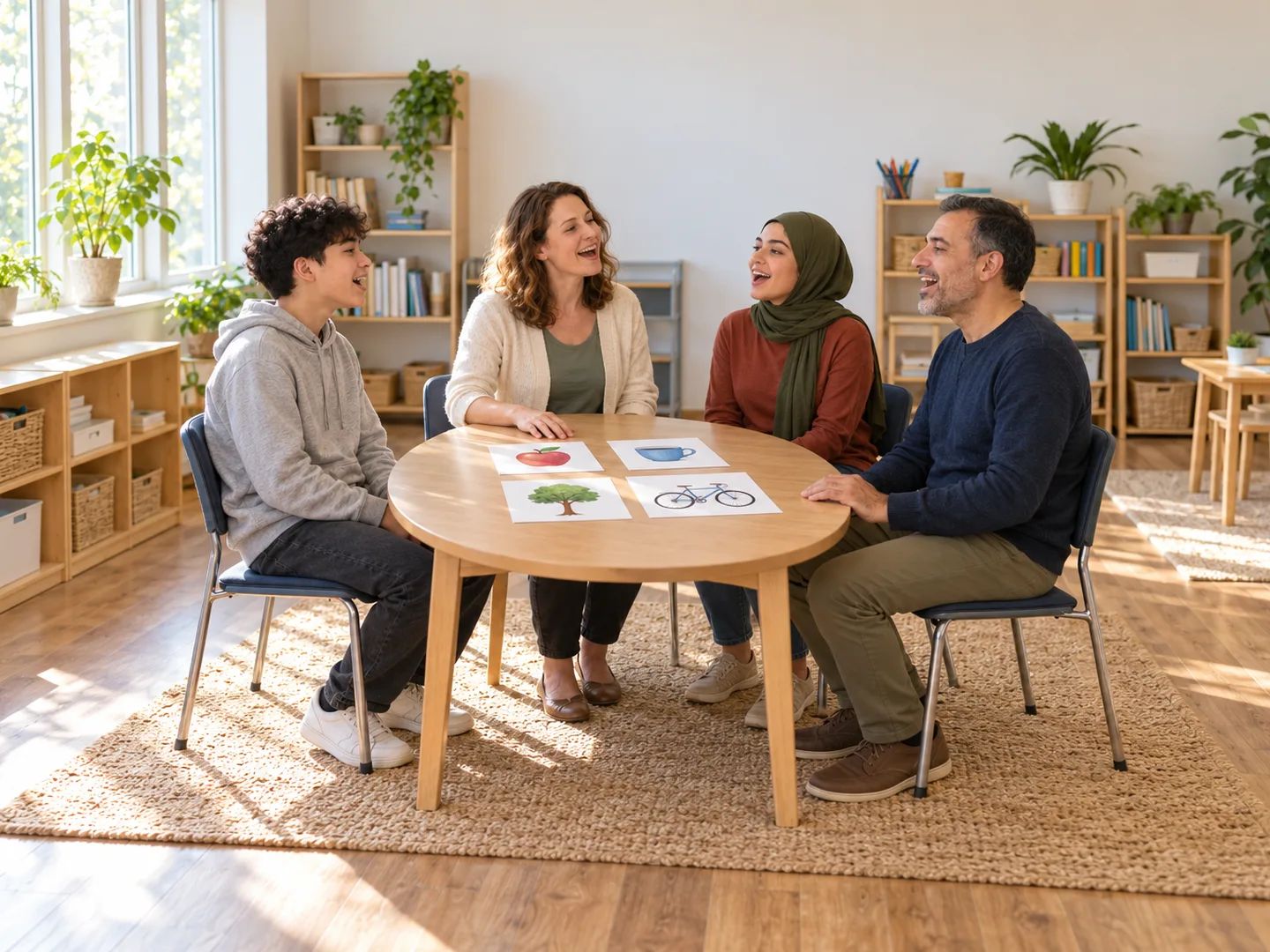
Vocabulary songs that repeat each word, in one language or with a translation in each line.
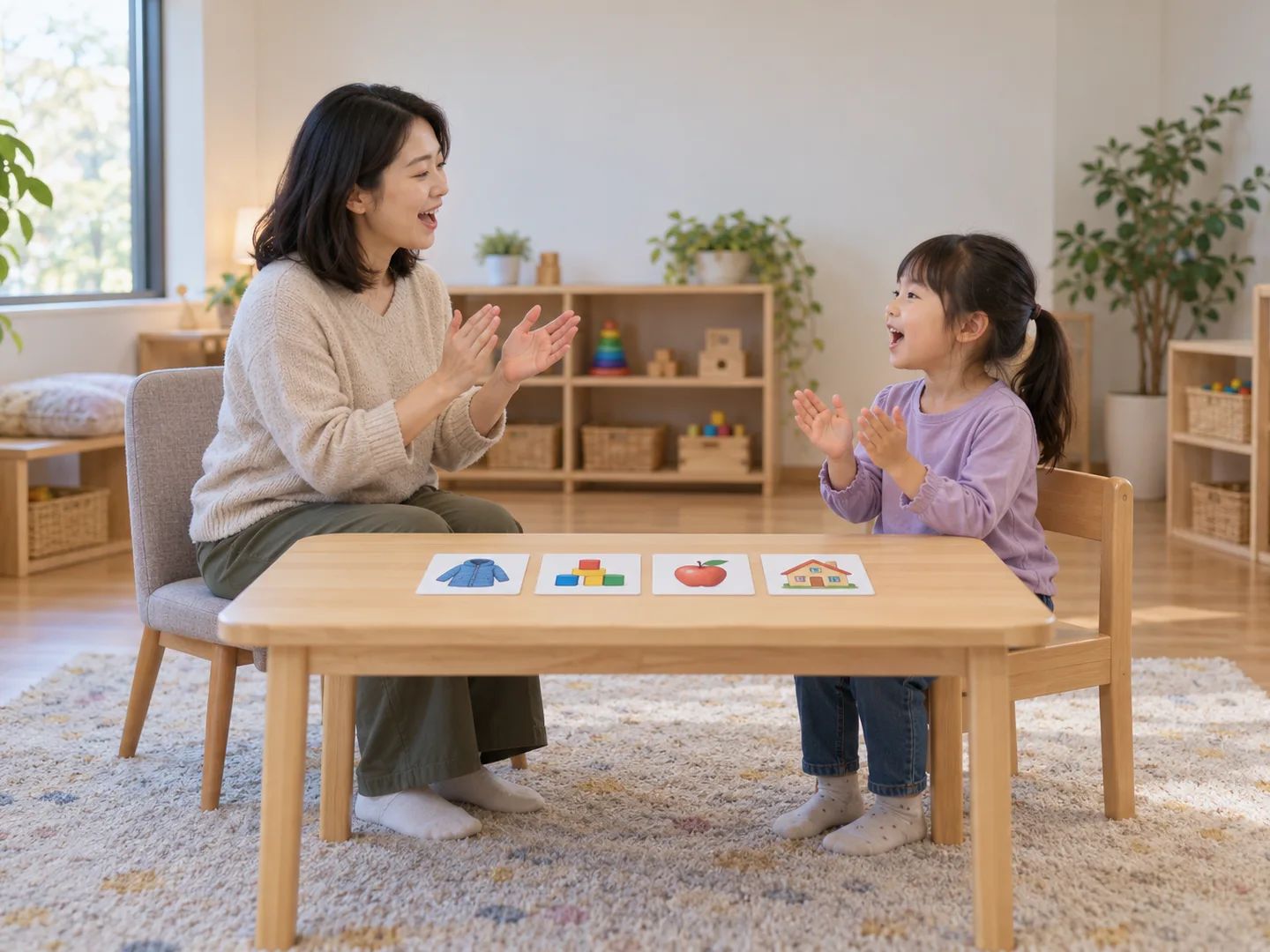
Short, predictable songs for routines and target words, at the pace your students need.
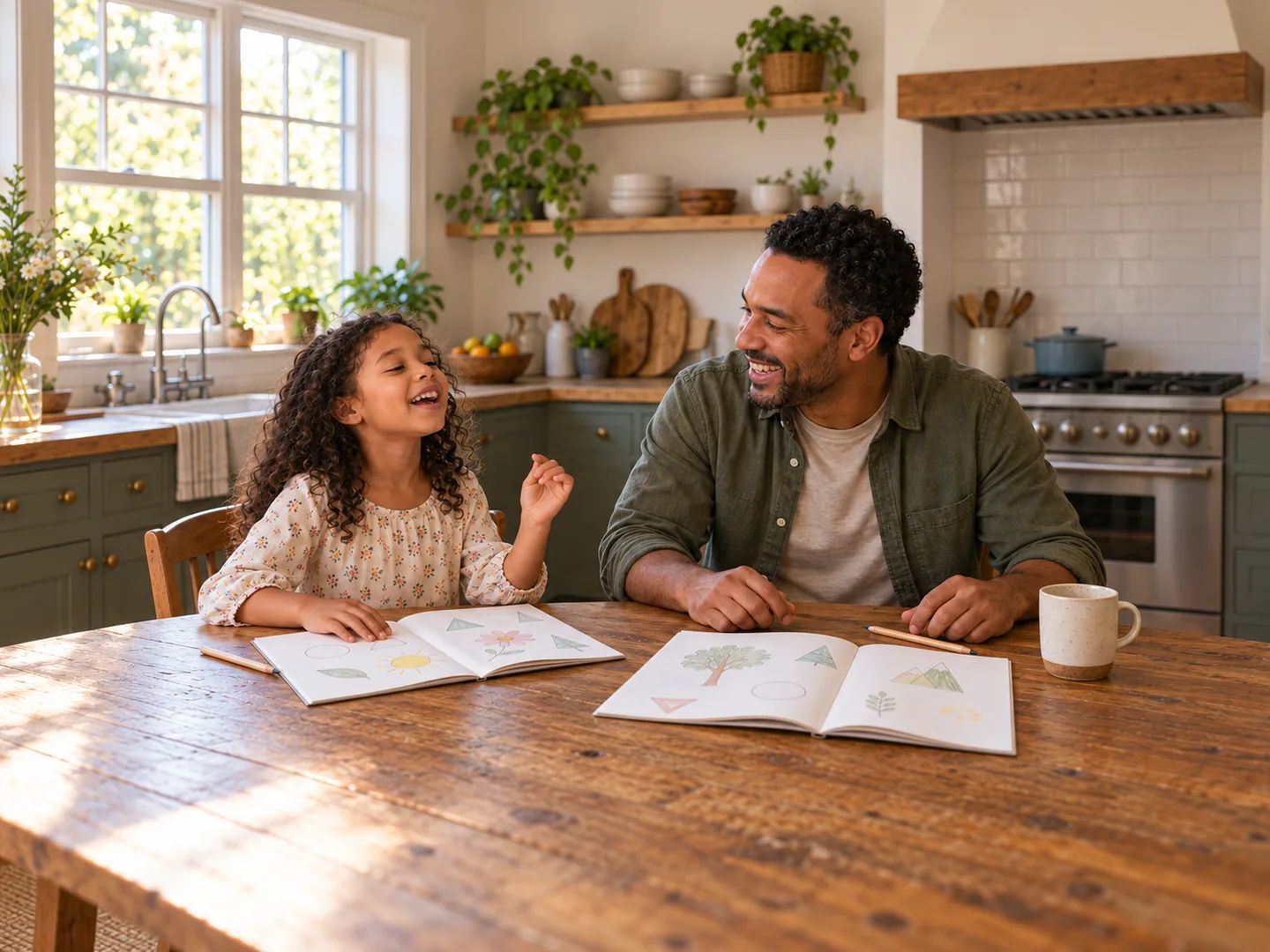
Turn this week's lesson into a song you can sing together at the kitchen table.
Simple, repeating songs for young kids: counting, animals, brushing teeth.
Turn study notes into a review song with a hook that comes back.
Turn the finished song into a video with the lyrics on screen, word by word.
Upload a song and get an instrumental to sing over.
Type the grade, the lesson or routine, and the terms or steps the song must cover, then send it. The music Agent writes the lyrics, picks a sound, and generates the song in your workspace. Keep replying to change the words or the music.
Lessons with a list, a sequence, or a set of terms: math steps, science processes, vocabulary, days and months, and classroom routines like lining up or cleaning up. Short classroom songs with one clear chorus are the easiest for a class to learn.
You can use it for any subject you can describe in words, from phonics to fractions to the water cycle. The more exact the terms and steps you paste, the closer the song stays to your lesson.
Not always. AI can get facts wrong or leave out a step, so check every line against your lesson before you teach it. Paste the exact terms and steps you want, ask to see the lyrics first, and correct anything before the song is generated.
Yes. Ask the Agent to show the lyrics first, then request changes or edit them yourself before you generate the song.
We suggest you don't. If you want names in a welcome song, use first names only, and follow your school's rules on sharing student information.
No. Lacuna accounts are for adults — our Terms of Service require that you are not a minor — so the teacher or a parent writes the request and plays the song for the class.
Check your school or district's policy on AI tools first. Many schools have rules about which tools teachers can use and what student information can go into them.
Yes. Ask the Agent to separate the vocals from a song you made, and it gives you the instrumental to sing over. Separation uses credits.
You can try it with the free credits that come with a Lacuna account; you need to sign in to send a request. Messages to the Agent and song generations use credits, and audio downloads are included with paid plans.
Paste the terms and steps, check the lyrics, and turn tomorrow's lesson into one of your songs for teaching.