Sheet Music to Song
Recognize your score, check the notes, and use its melody to create a vocal song or new instrumental arrangement.
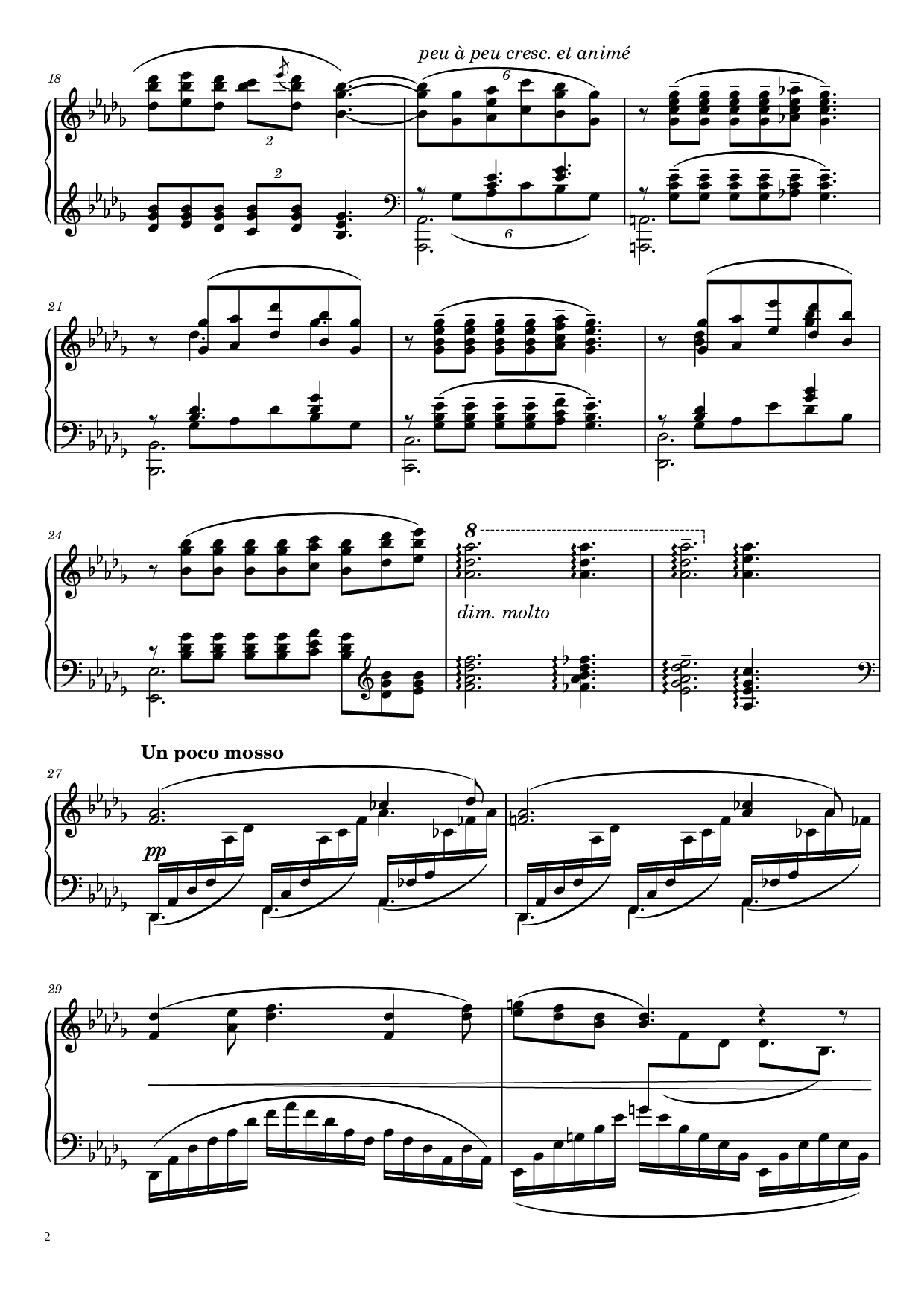
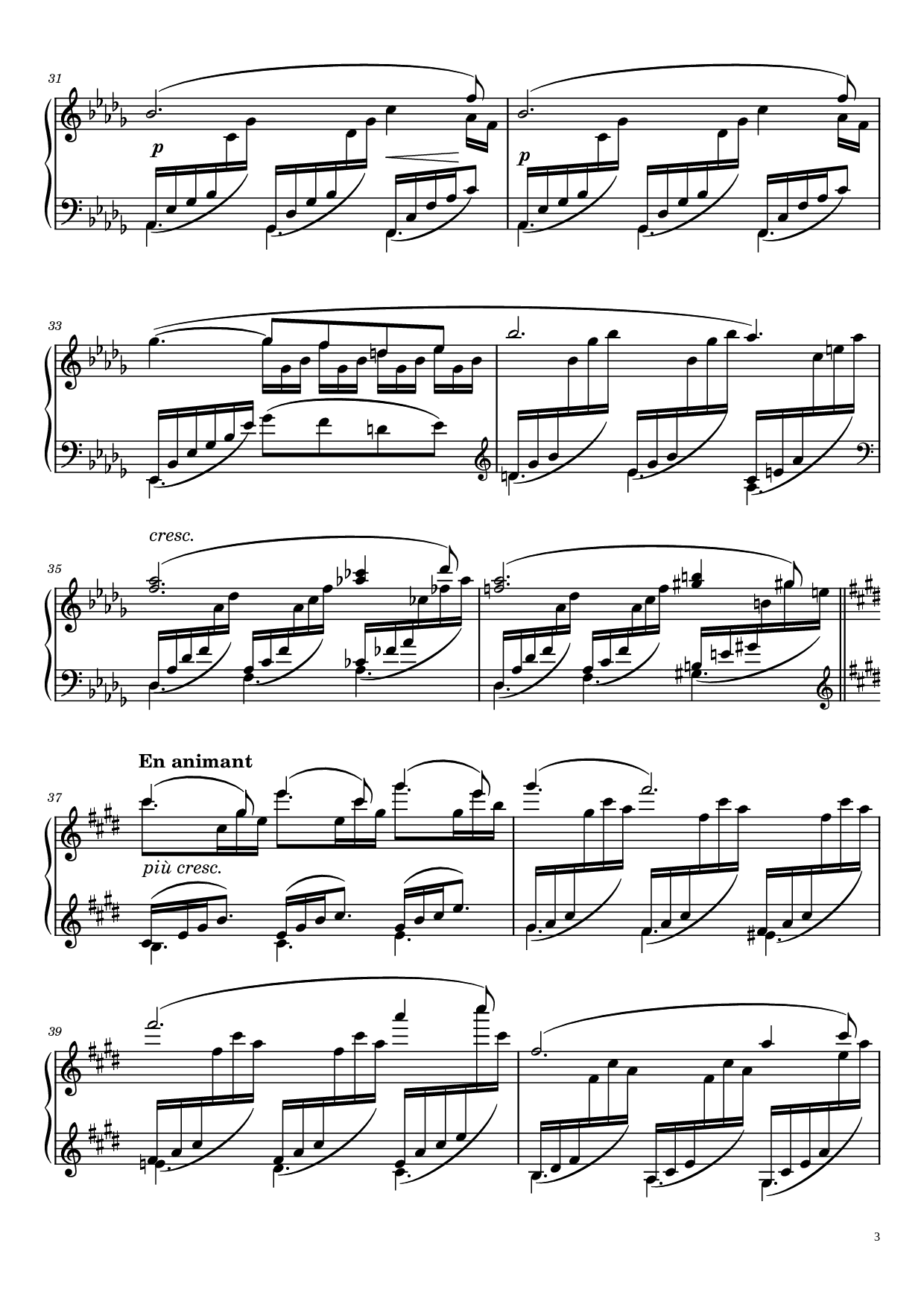
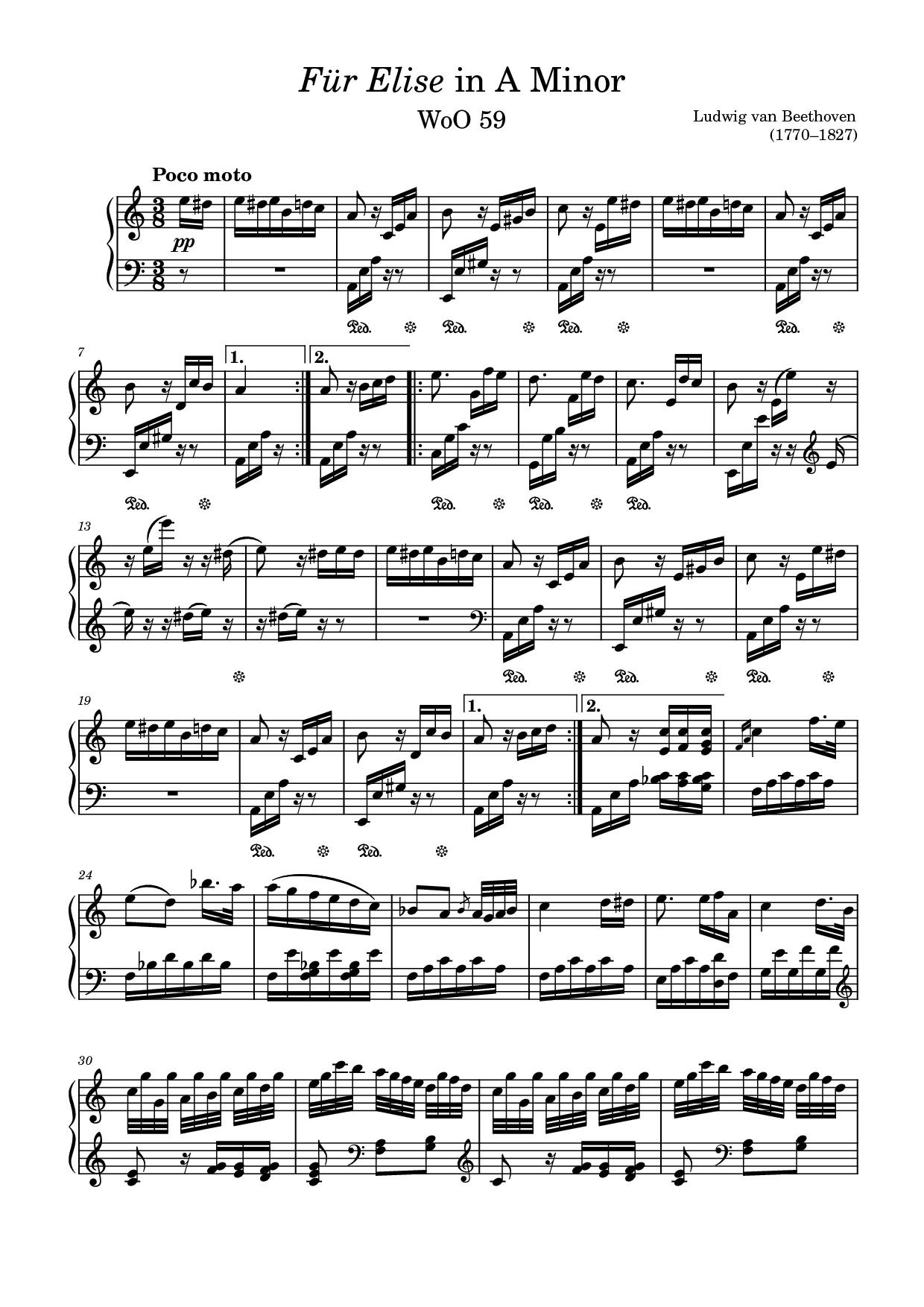
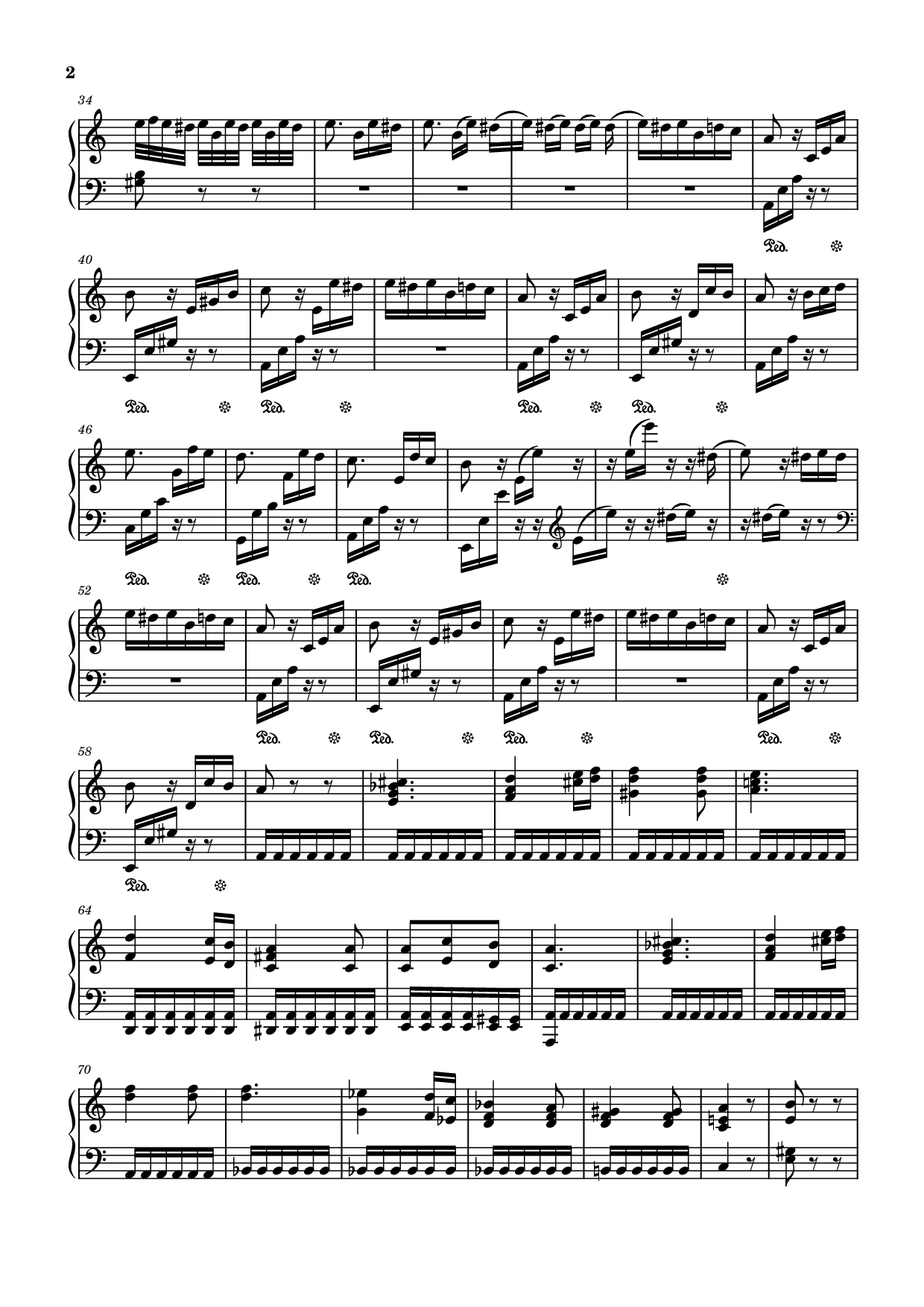
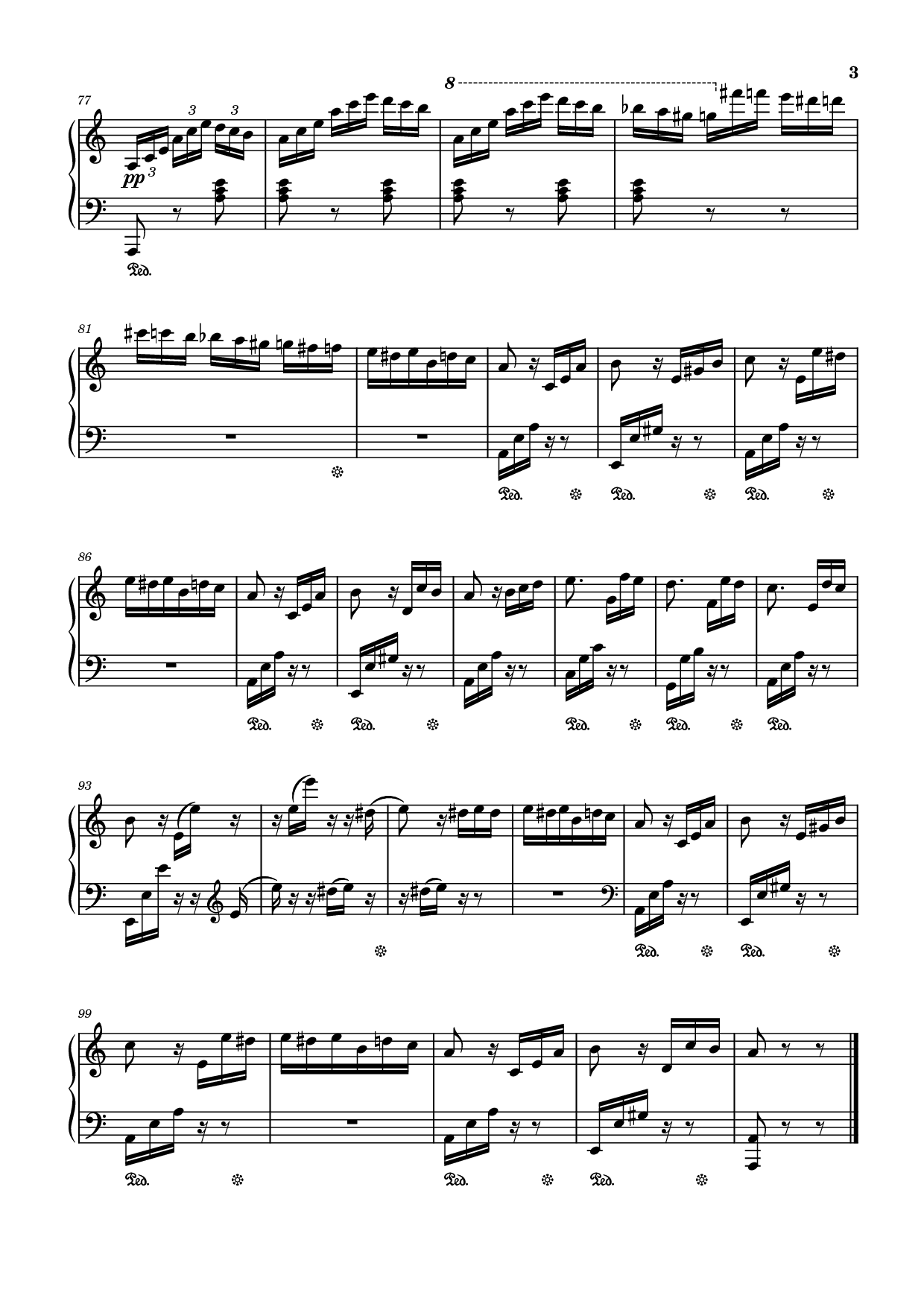
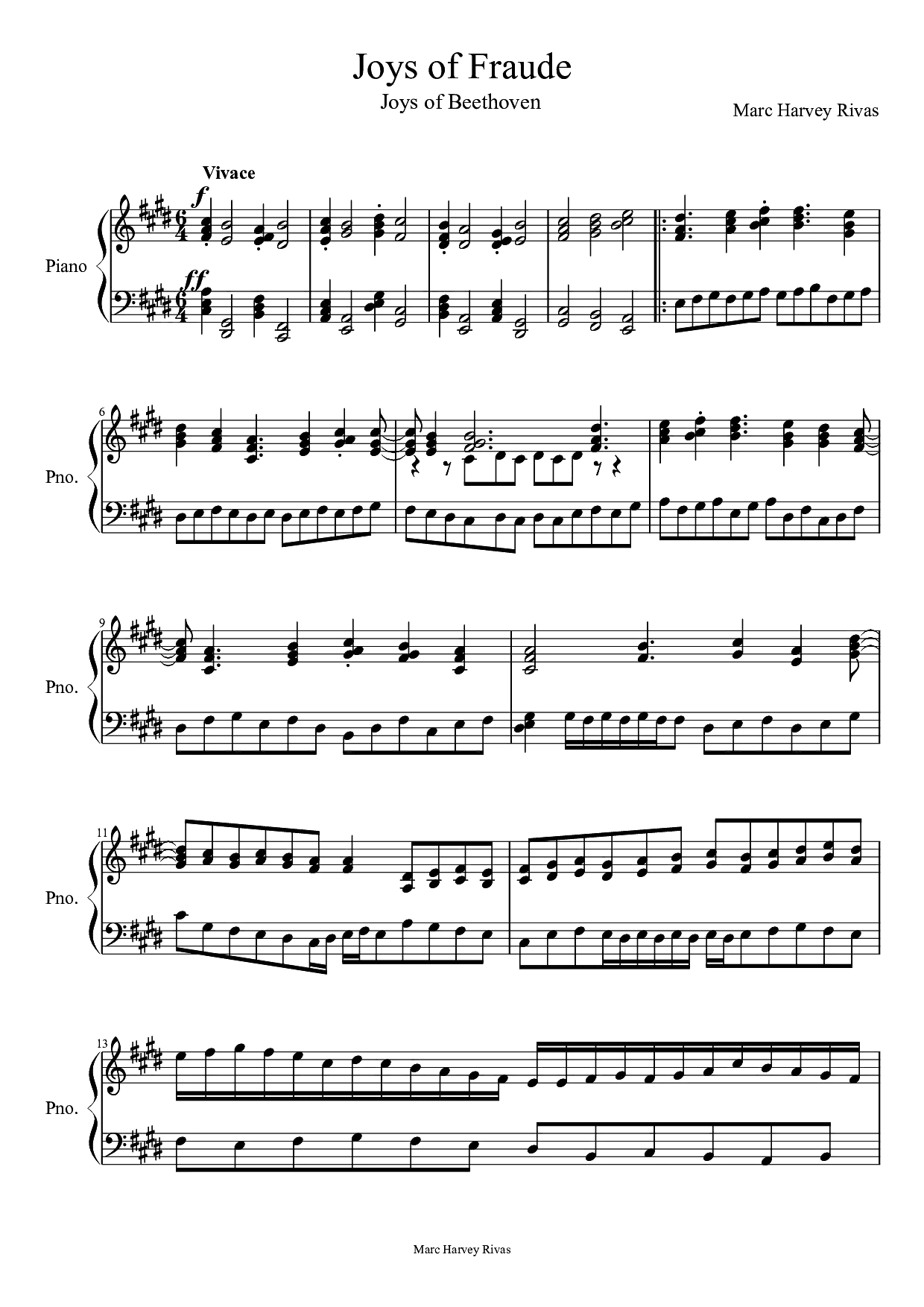
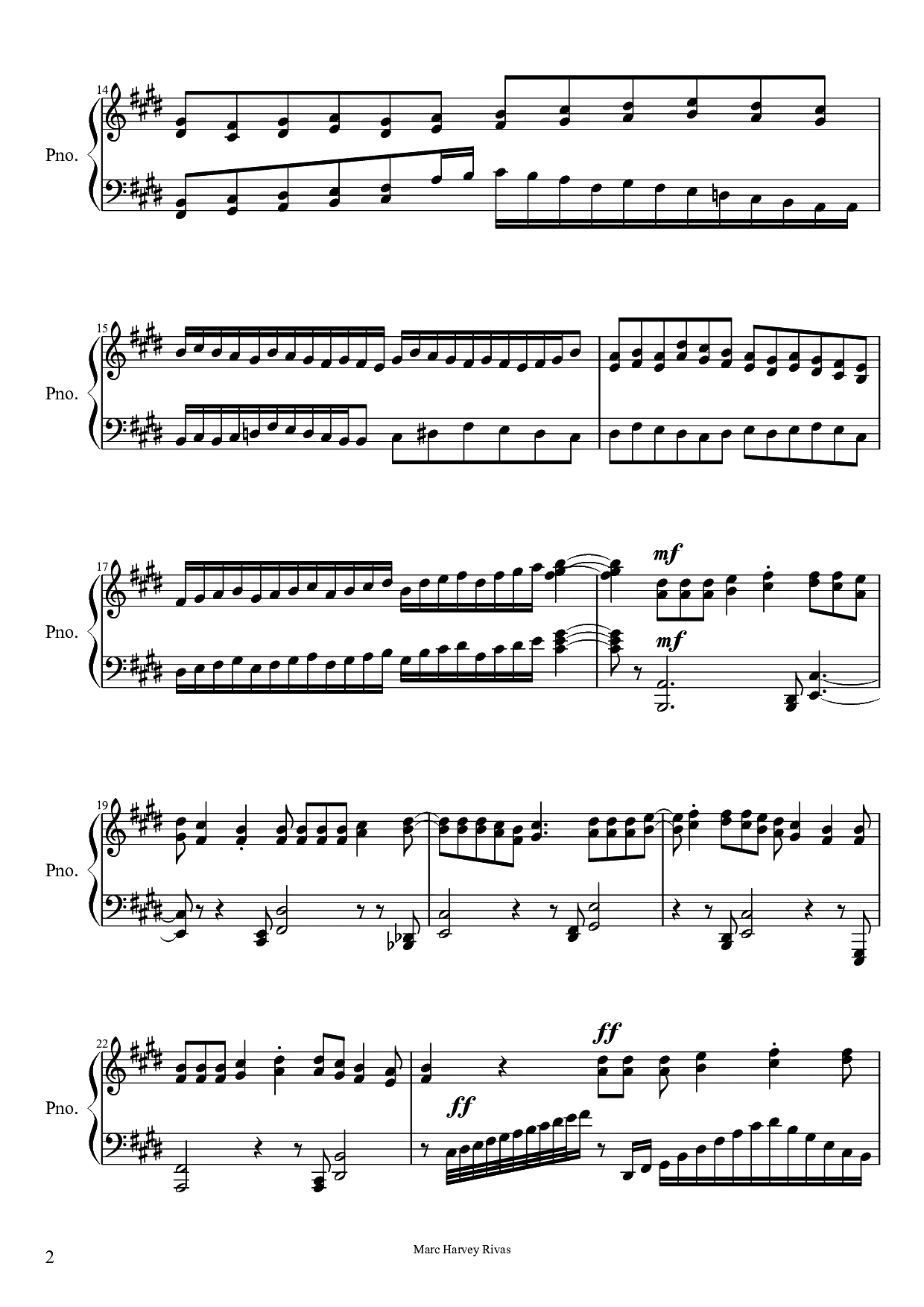
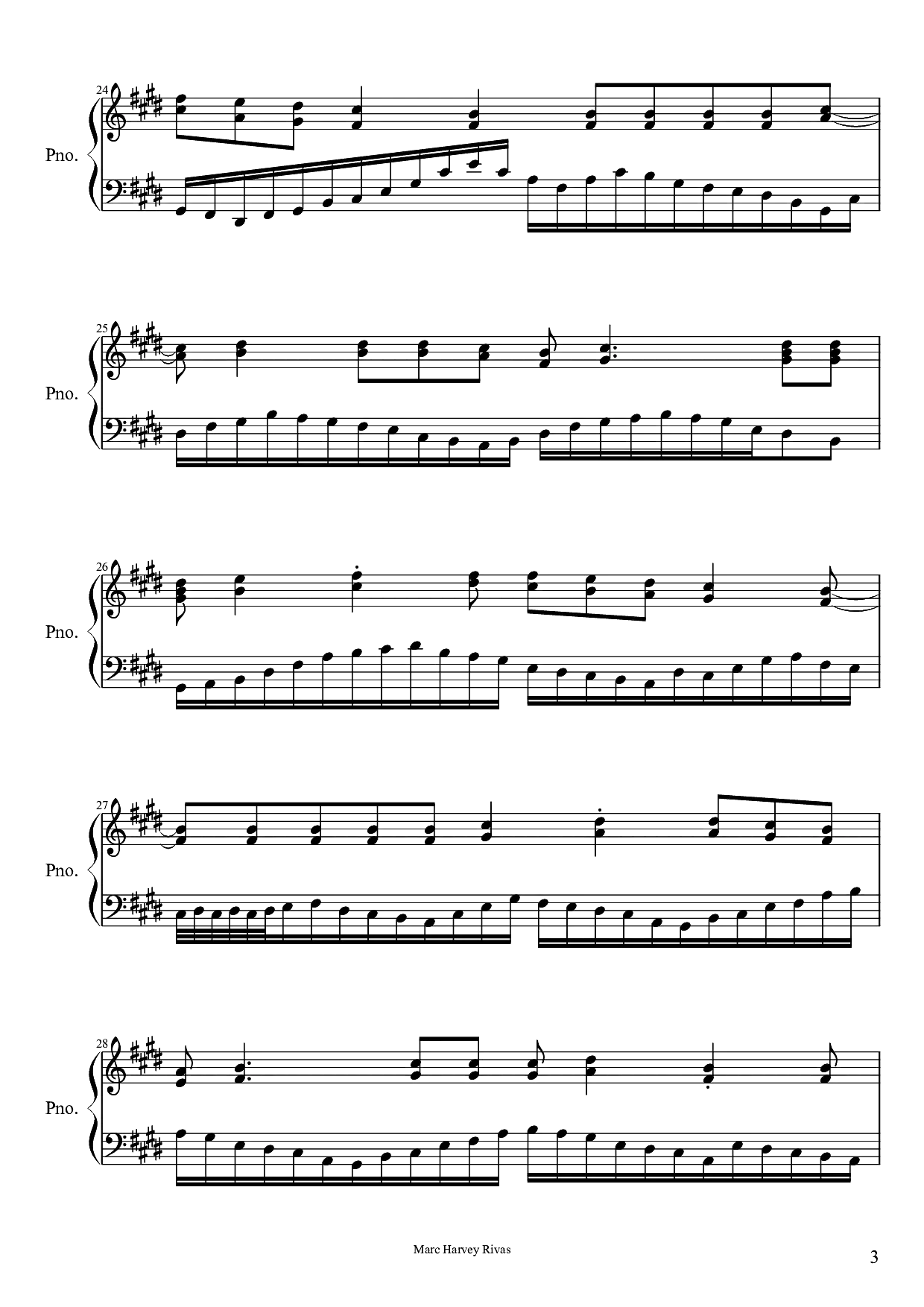
Bring a Written Melody Into a New Song
From your melody to a finished recording
Recognize the printed score
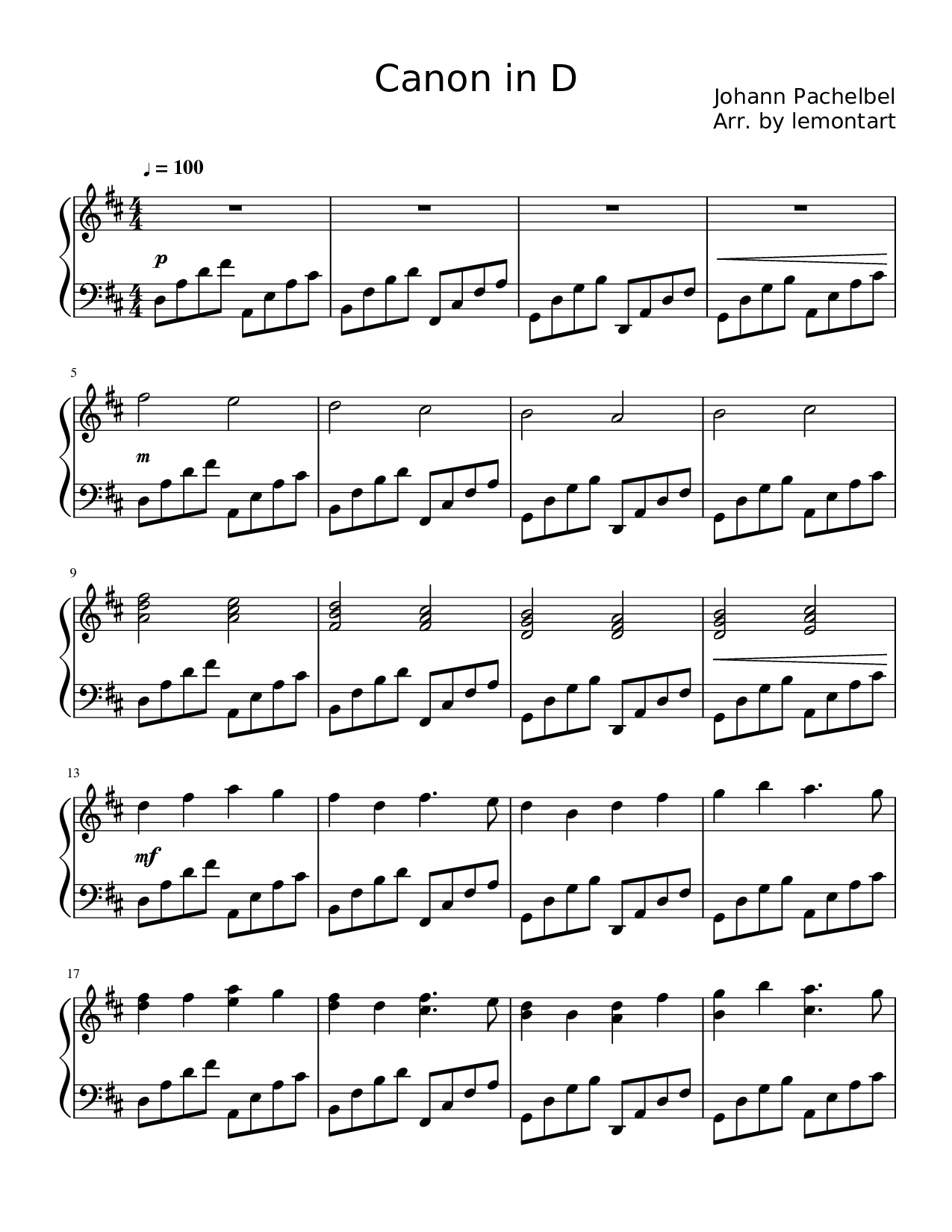
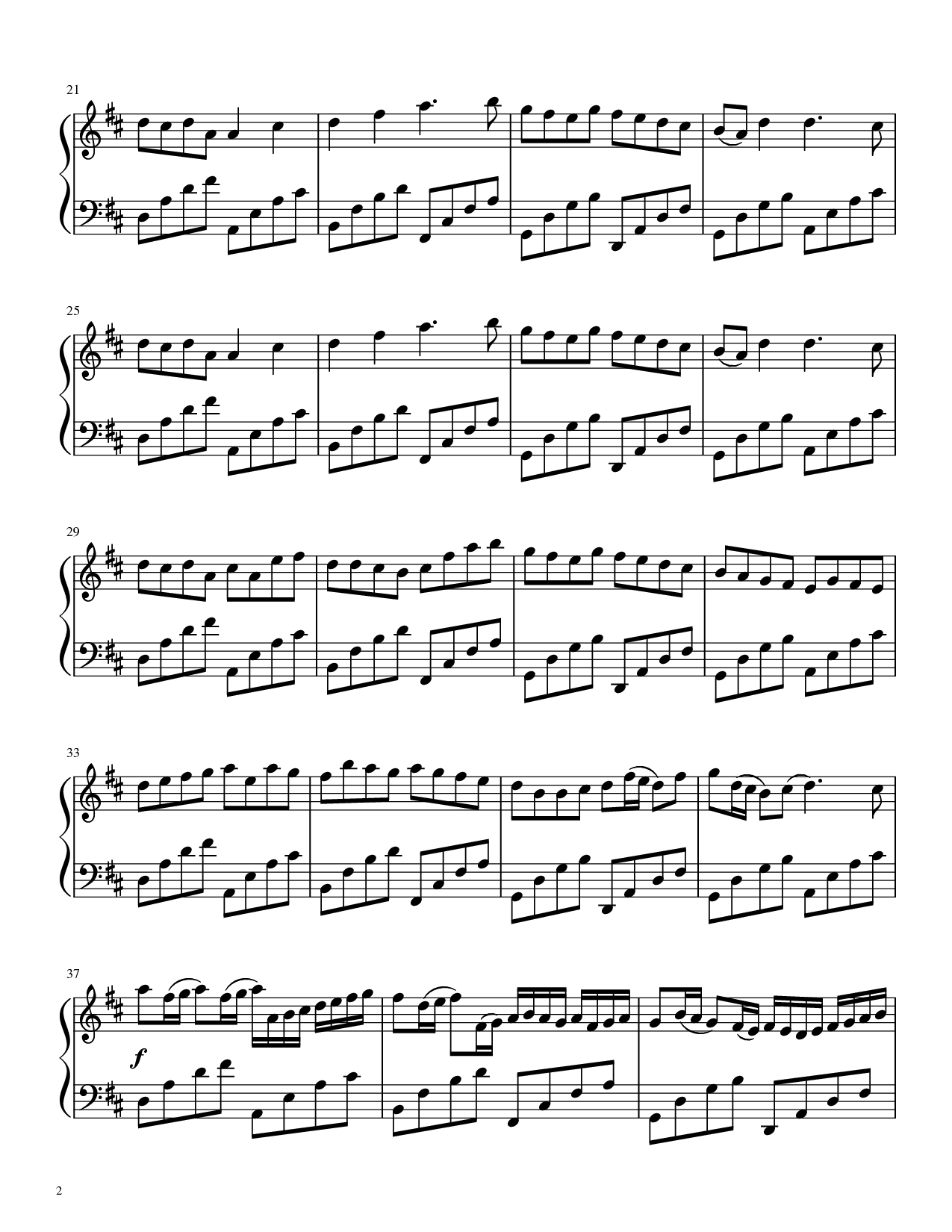
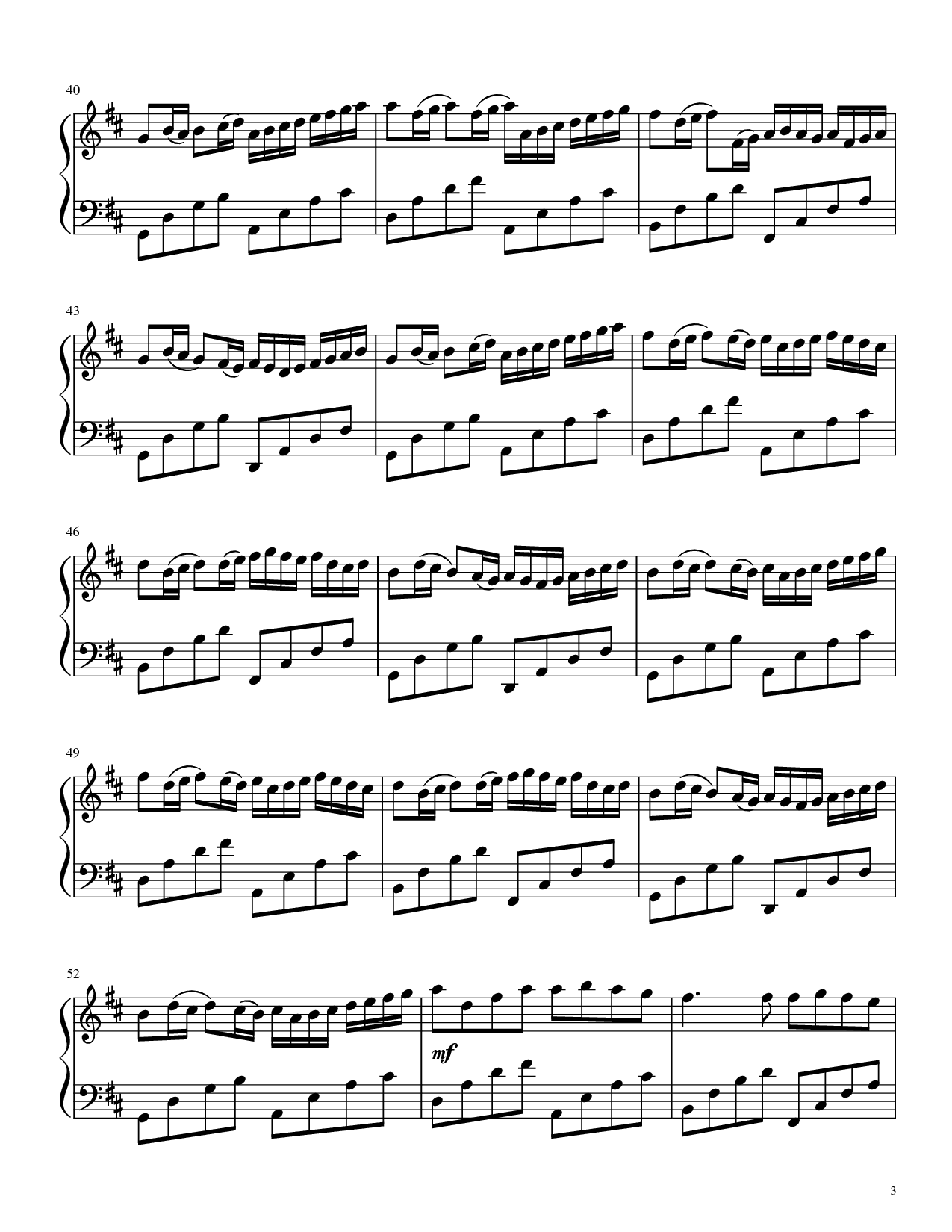
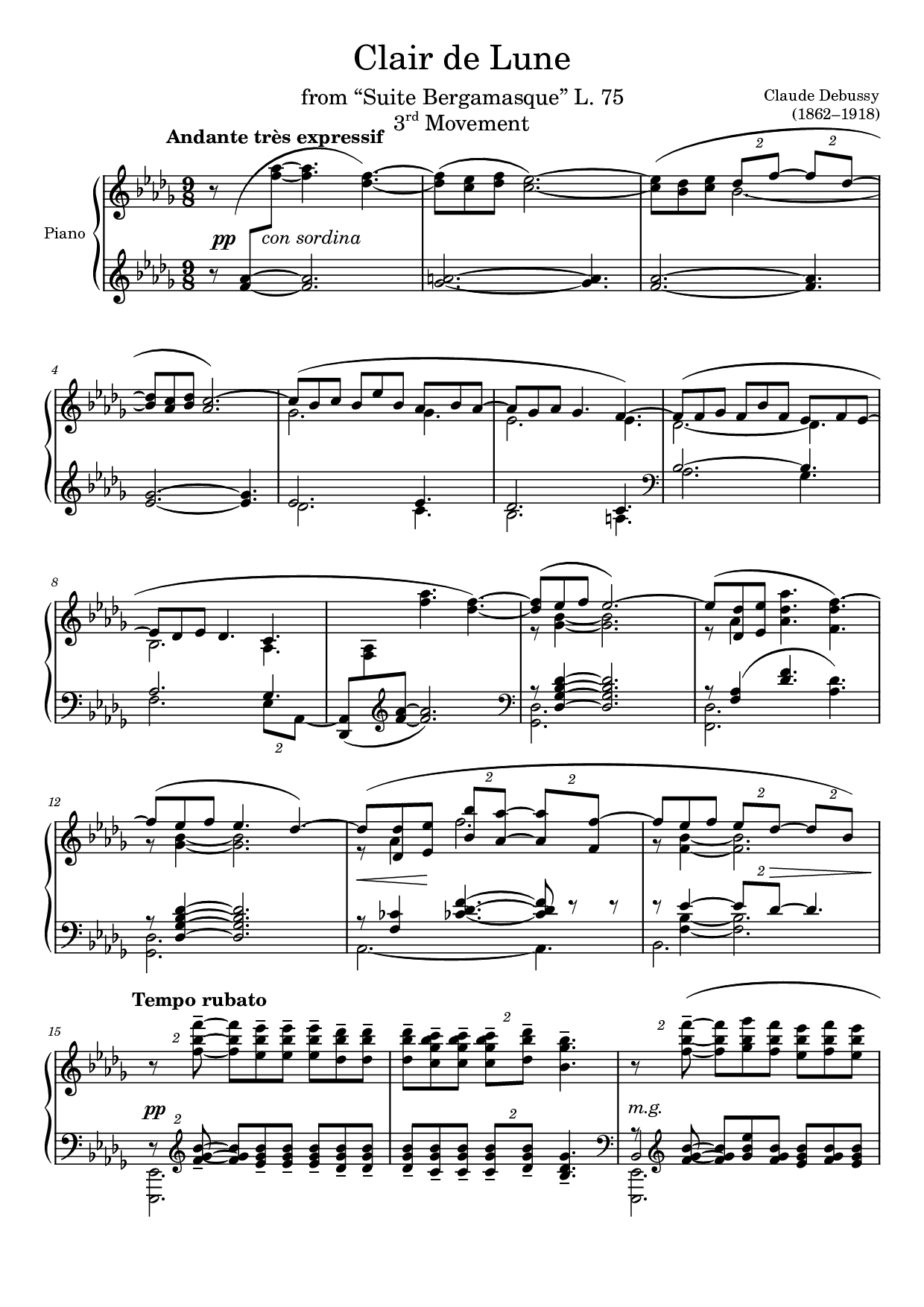
Upload a clear score image or PDF to the recognition tool. Recognition is a separate processing step with its own credit price, progress and history.
Check the notes and choose the lead
Inspect the recognized result and listen before making a song. Correct recognition errors in the MIDI editor when needed; download the edited MIDI and upload it through MIDI to Song to use those edits.
Create an arrangement around the melody
Choose “Make a song from this melody” to open the music workspace. Confirm your rights, choose and preview a lead track, add lyrics or an instrumental brief, and generate with Lacuna Cadence.
A musical starting point you can review
A reviewable step between the page and the performance
Keep recognition and creative generation under your control
Carry the result into the music workspace
Put the workflow to work
Start with the material you already have, then describe the result you want.
An original melody from notation software
Export a clear score image or PDF of your own tune, recognize it, and explore a band or vocal arrangement without starting again from a text-only prompt.
A printed piece you have permission to arrange
Check the recognized notes carefully, choose the relevant melodic line, and describe a new setting. Only upload works you own or have the necessary permission to use.
From rehearsal material to a creative sketch
First export a deterministic MIDI rendering for rehearsal. When you want a creative version, continue into song generation with an explicit style and instrumental or vocal direction.
Sheet Music to Song FAQ
Both are available as different steps. Recognition and MIDI audio export play the recognized notes. “Make a song from this melody” creates a new AI recording and arrangement around the lead you select.
Upload clear PNG or JPG images or a PDF of printed staff notation. Recognition is best reviewed before use; handwriting and complex layouts may need correction.
Yes. The recognized MIDI is the source used for melody selection. Check the score preview, listen, and correct errors before generating. If you edit the MIDI in the embedded editor, export that edited file and upload it through MIDI to Song.
A score without a recognized tempo may use 120 BPM. Repeats that cannot be expanded safely may be removed during conversion, with a result warning. Check the playback timeline before using the melody for a song.
The generation model can reinterpret phrasing, register and rhythm. The selected prepared melody is used as symbolic input, but generated audio is not guaranteed to reproduce every note. Use MIDI to MP3 or WAV for deterministic synthesized playback.
No. Recognition and AI song generation are separate operations with their own pricing. MIDI, MusicXML and score PDF downloads follow the recognition task’s export entitlement; audio export follows the existing audio policy.
You may use a score when you have the necessary rights to the work and the uploaded edition. The upload flow asks you to confirm this before the melody is used for generation.
Choose the next step for your music
Bring a Written Melody Into a New Song
Recognize your score, check the notes, and use its melody to create a vocal song or new instrumental arrangement.