PDF to MusicXML converter
Turn one printed score page into editable notation. Upload a PDF or clear scan, review the recognition, then download MusicXML for your score editor.

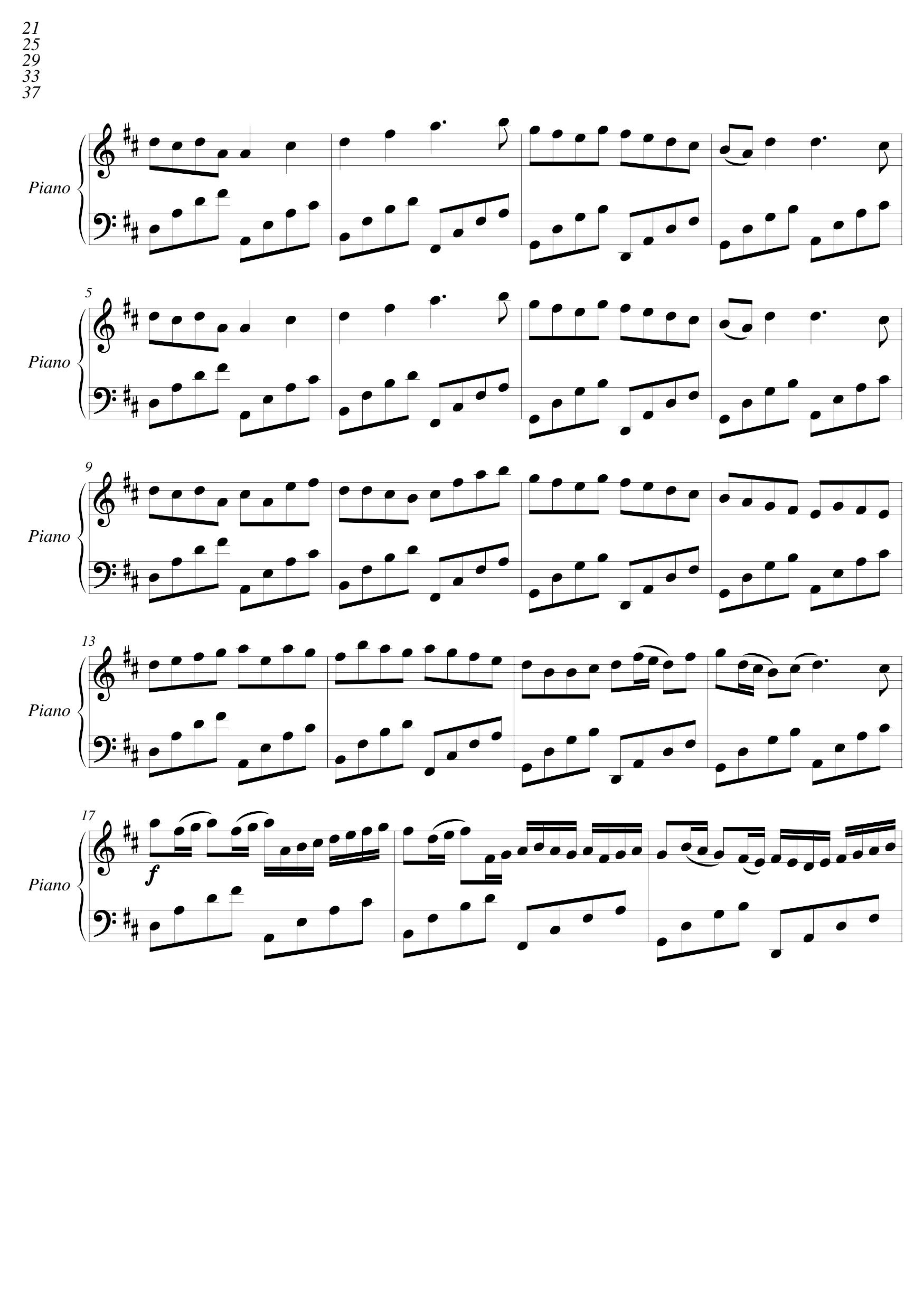
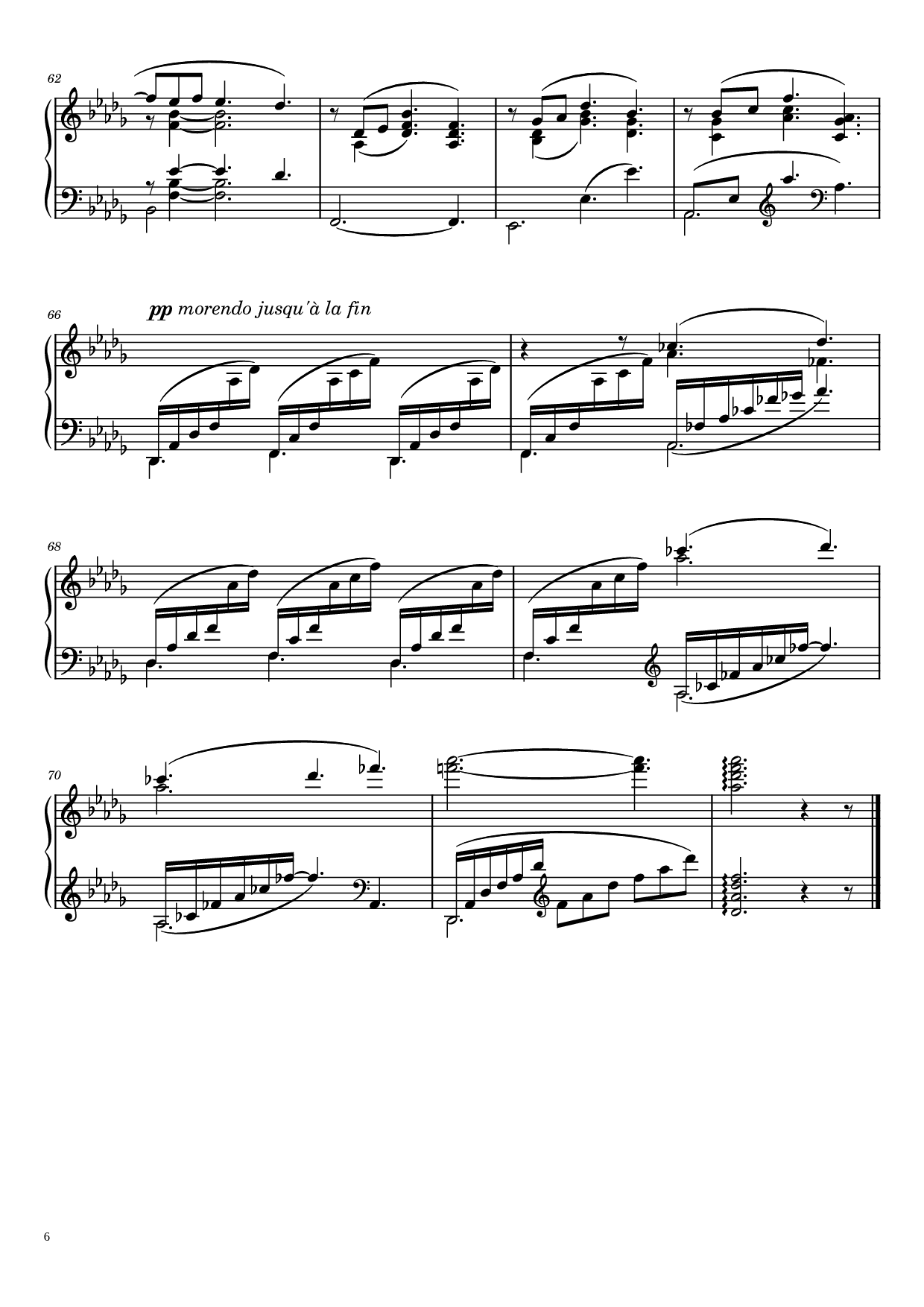

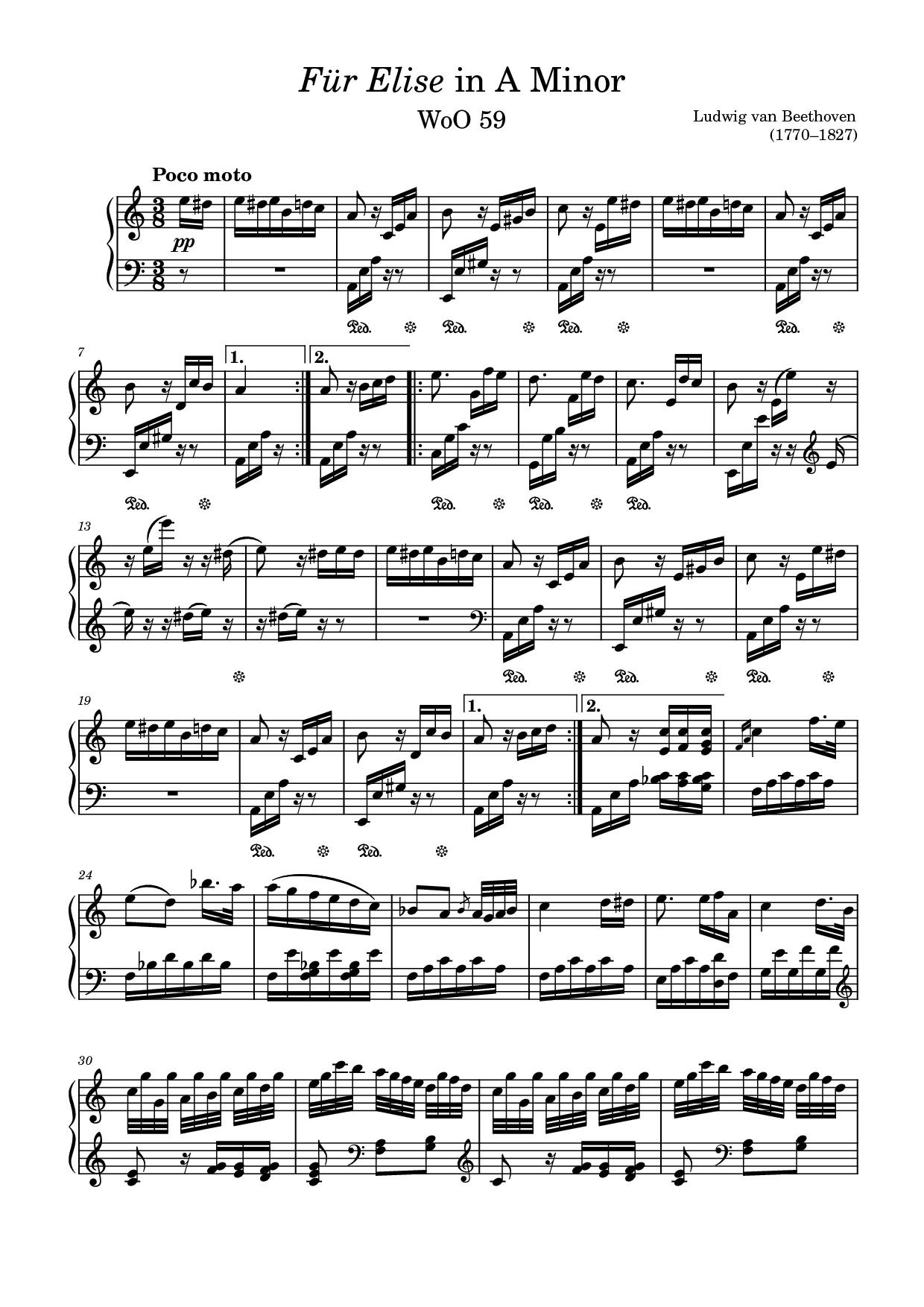
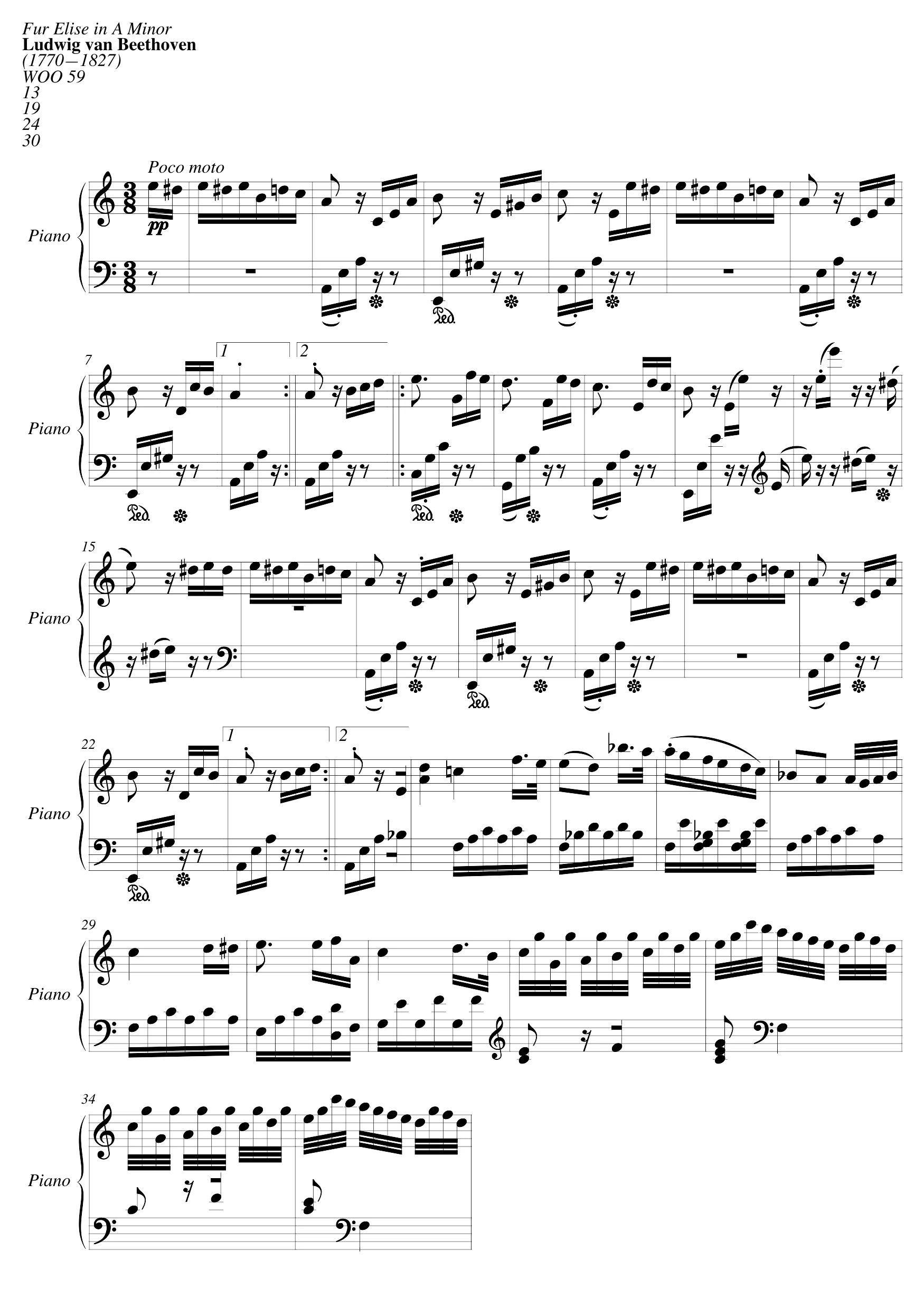
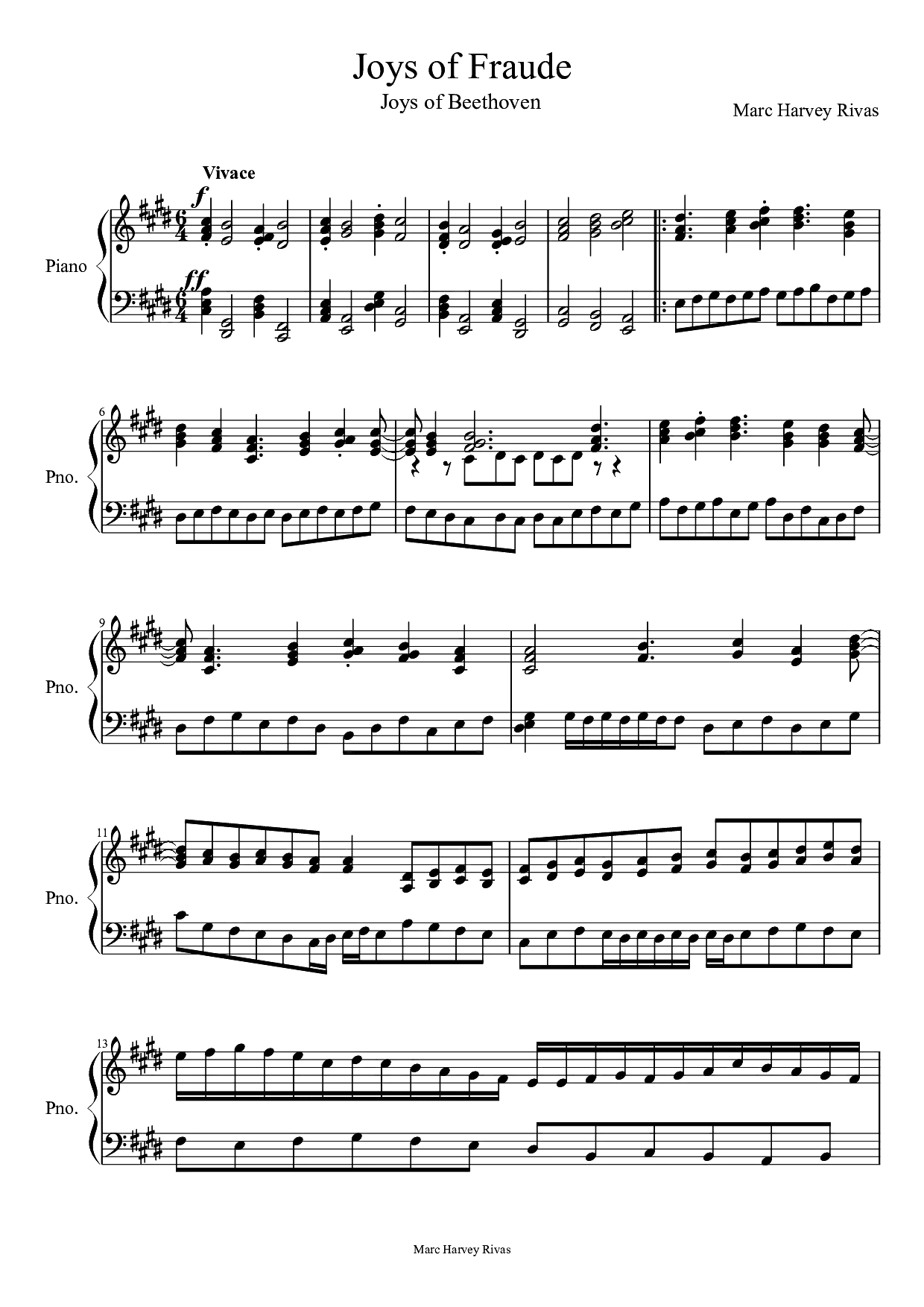
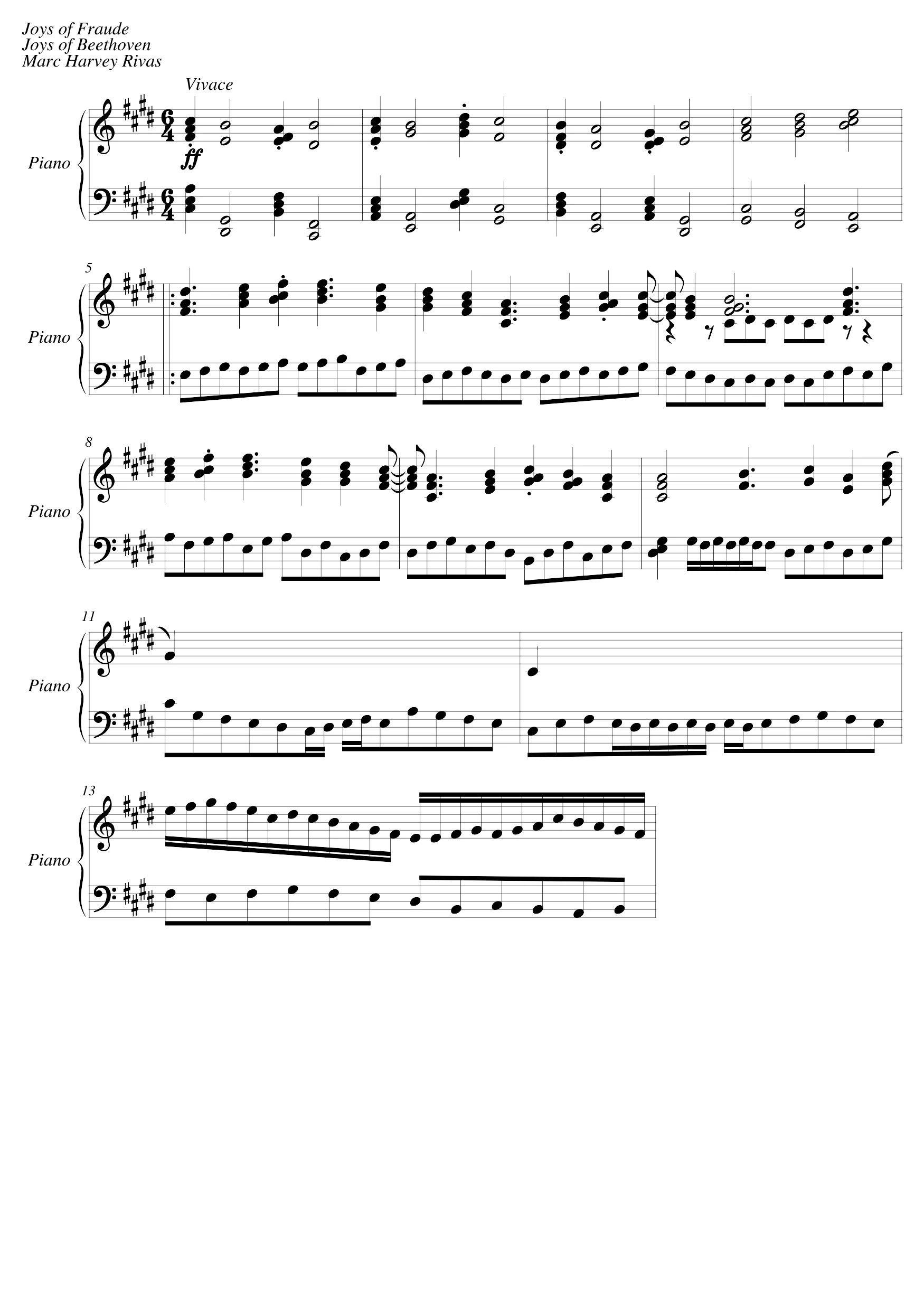
Move printed notation into your editing workflow
A PDF preserves the picture of a score. MusicXML stores notes, rhythms, measures, and musical instructions that a notation editor can work with. Lacuna recognizes a printed page and saves the original MusicXML result, so you can correct a note, change an instrument, or prepare a new part without entering the entire page by hand. Start with a single page and compare the result with your source before continuing.
How to convert a PDF score to MusicXML
Upload one readable page
Choose a single-page PDF up to 25 MB, or a PNG/JPEG scan up to 5 MB. Keep the complete staves in frame, straighten the page, and use a sharp image with strong contrast. Sign in before starting the conversion.
Check what was recognized
Open the recognized-score preview and compare the pitches, rhythms, rests, and barlines with the original. The MIDI editor lets you hear and inspect the recognized notes. Recognition is a starting point for editing, so check dense passages closely.
Export to your next tool
Download the original compressed MusicXML (.mxl) for a notation editor, or save MIDI and a printable PDF. MP3 and WAV exports render the recognized MIDI in your browser. Every file download (MusicXML, PDF, MIDI, MP3, WAV) uses the same export access.
An editable score, with a way to check the result
Original MusicXML recognition
Score preview alongside playback
Useful exports from one conversion
Single-page scope you can verify
For the work after scanning
Preparing a rehearsal part
Bring one printed page into your notation editor, fix recognition errors, and adjust the layout or instrumentation for rehearsal. Keep your original page nearby while you proofread.
Recovering an editable arrangement
When you have a PDF but have lost the notation project, recognition can give you a useful first draft of its notes and measures. Complex engraving and performance instructions may still need manual entry.
Studying a printed passage
Listen to a difficult passage, inspect its MIDI notes, or move its notation into your normal study setup. A recognized score gives you something editable instead of a static picture.
Moving a PDF arrangement into MuseScore
You have the arrangement as a PDF but want to edit it in MuseScore. Convert it one page at a time, open each .mxl in MuseScore, and proofread against the original before saving an .mscz project.
PDF to MusicXML questions
A sheet music PDF must be recognized as notation first. Lacuna uses optical music recognition to produce MusicXML from a printed page. Recognition can make mistakes, so review the result before treating it as a faithful transcription.
This page accepts a single-page PDF or one image per conversion. It does not merge a multi-page score into one continuous MusicXML document. Use individual pages and review their musical context in a notation editor.
MXL is a compressed MusicXML container. It represents editable notation, rather than an audio recording. Score editors that support compressed MusicXML can usually open it directly; the original recognition file is downloaded in the format the recognizer produced.
Convert the PDF page to MusicXML here, then open the downloaded .mxl file in MuseScore with File > Open. Proofread the notes against your original and save the score as a MuseScore (.mscz) file. The same file also opens in Dorico, Finale and Sibelius.
Recognition requires an account and uses the existing sheet-music conversion pricing: 30 credits per page, with recognition included for Ultra users. MusicXML, MIDI, score PDF, MP3, and WAV downloads use the existing conversion export access. Listening in the browser stays free.
This workflow is intended for clear printed standard notation. Handwriting, tablature, blurry photos, unusual symbols, and dense or damaged pages may not recognize correctly. Use a clean scan and inspect every important passage.
When recognition provides no usable numeric tempo, playback uses 120 BPM. If repeat instructions cannot be expanded safely, some marks are removed from MIDI playback and a warning is shown. The original MusicXML download remains the recognizer output.
Only conversions created after original MusicXML storage was introduced have a downloadable notation file. Older tasks may still have MIDI and audio export, but their original MusicXML cannot be reconstructed exactly from that MIDI.
Continue with your score
Bring one printed page into your editor
Upload a PDF or a clear scan above, review the recognition, then download MusicXML.