Santa Voice Generator

Pick a message, fill in the details, then hear Santa say it.

Message
Script
Write what Santa should say… For example: Ho ho ho! Merry Christmas, Emma! I hear you've been so kind to your little brother this year.
5 credits per 100 characters0 / 5,000
Voice
Tone
Pace
Santa Voice Generator

Santa Claus Voice Generator

Santa says your child's name, what they did well and what's under the tree. Pick a message, fill in the details and this Santa text to speech tool gives you an MP3 to play on a phone or speaker, or to drop into a video.
How it works

Make a Santa Message in Three Steps

1Step 1

Pick a message

Start from a nice list message, a Christmas Eve bedtime, a gift reveal or a little encouragement, or write your own.

2Step 2

Fill in the details

Add your child's name, age, something they did well and the gift. The script fills itself in, and you can change any word.

3Step 3

Hear it and download

Short messages are ready in seconds. Listen as often as you like, and download MP3 or WAV on a paid plan.

Santa message ideas

What Should Santa Say?

Eight ready-made messages, each about 15 to 25 seconds. Load one into the tool and swap in your own details.

For your child

Top of the nice list

Ho ho ho! Merry Christmas, Emma! This is Santa Claus, calling all the way from the North Pole. I've been checking my list, and I hear you have been so kind to your little brother. That puts you right at the top of my nice list! The elves are already working on a red bicycle. Ho ho ho!


Time for bed on Christmas Eve

Ho ho ho! Hello, Emma. It's Santa. Tonight is the big night! The reindeer are fed, the sleigh is packed, and a red bicycle is tucked safely in my sack. Now it's time to close your eyes and go to sleep, because I can only visit when children are sleeping. See you soon. Ho ho ho!

Christmas morning surprise

Ho ho ho! Merry Christmas, Emma! Have you looked under the tree yet? I flew all night to bring you a red bicycle, and I picked it out specially, because you have been so kind to your little brother. Mrs. Claus says hello, and Rudolph says thank you for the carrot. Ho ho ho!

A little encouragement

Hello there, Emma. It's Santa Claus. The elves tell me you're six years old now, and my goodness, how you've grown! I know some days are harder than others, so here's what I want you to remember: you have been so kind to your little brother, and the elves and I are very proud of you. Ho ho ho!

Thanks for the cookies

Ho ho ho! Thank you for the cookies, Emma! They were the best ones I had all night, and the reindeer loved the carrots too. I hope you love a red bicycle as much as I loved those cookies. Keep being so kind to your little brother, and I'll see you next year. Merry Christmas!

Birthday in December

Ho ho ho! Happy birthday, Emma! Yes, even Santa keeps track of birthdays, and I know you're turning six. The elves wanted me to tell you that you have been so kind to your little brother, so we're all singing for you up here at the North Pole. Have a wonderful day. Ho ho ho!

For classes and shops

For the whole class

Ho ho ho! Hello, boys and girls! Your teacher tells me you've been working so hard this year, and helping each other every single day. The elves and I are very proud of you. Have a wonderful holiday, be kind to your families, and remember to leave out a carrot for Rudolph. Ho ho ho!

Holiday shop announcement

Ho ho ho! Merry Christmas, everyone! Santa here, with a quick word from the workshop. The elves have been very busy this year, and our holiday gifts are ready and waiting inside. Take your time, ask us anything, and don't forget to make your list. Ho ho ho!

A good Santa message

What Makes It Feel Real

Kids notice the details. A few small things make the difference between a recording and a message from Santa.

Use their name early

Say it in the first line, then once more near the end. It's the moment they stop and look up.

Mention one real thing

Pick something they actually did this year, like helping a brother or learning to swim. One true detail beats a long list.

Keep it under 30 seconds

About 60 words holds a small child's attention. A 400-character message costs 20 credits, so free accounts can make about six a month.

Promise only what's real

Name the gift only if it's definitely under the tree, and skip the naughty list threats. Santa is here to make them feel good.
Who it's for

For Parents, Teachers and Anyone Playing Santa

You get an audio file, so it goes wherever you need it.

Parents at bedtime
01

Parents at bedtime

Play it on a phone or a smart speaker just before lights out on Christmas Eve.

Families making videos
02

Families making videos

Drop the MP3 into a video editor, over photos of the tree or the reindeer food.

Teachers
03

Teachers

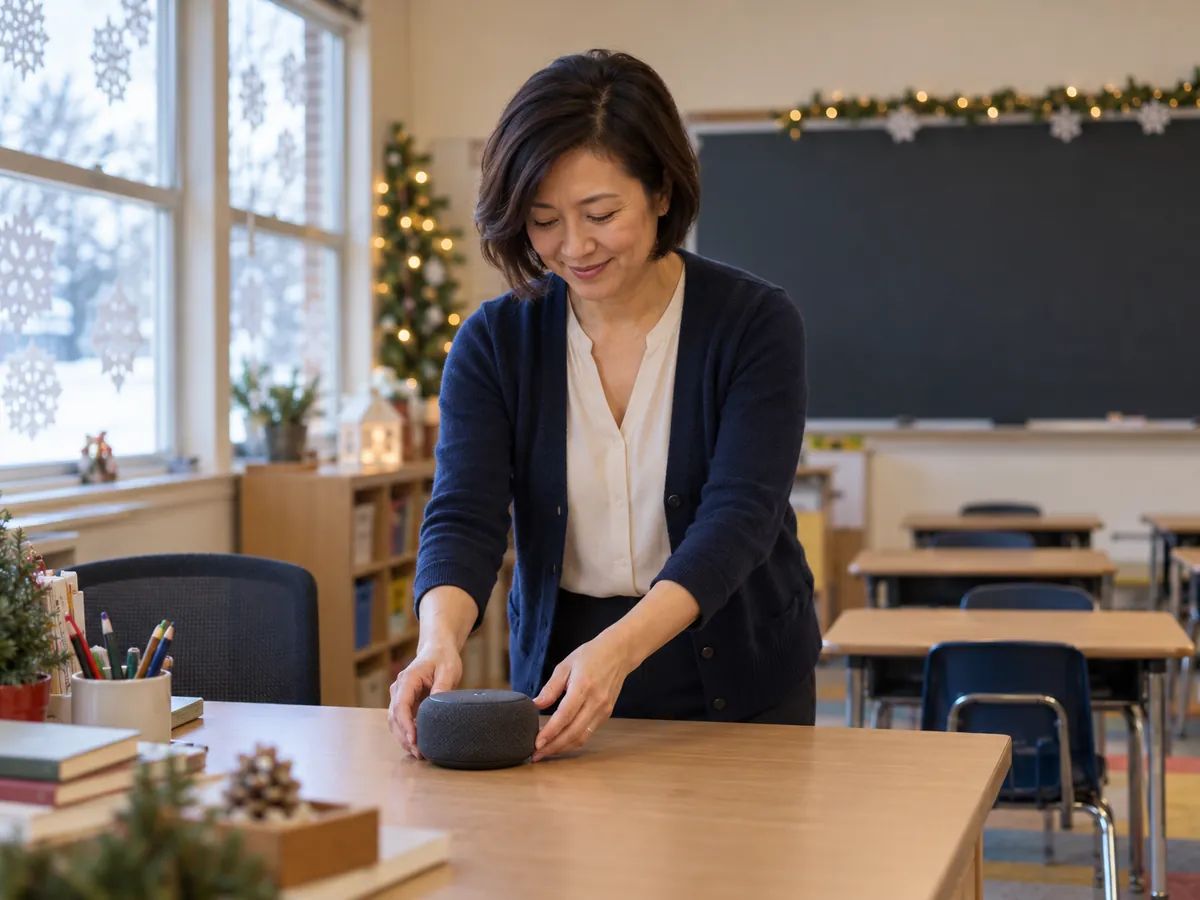
Play a message to the whole class on the last day before the break.

Shops and event hosts
04

Shops and event hosts

Use Santa's voice for a holiday announcement, a store greeting or a charity event.

More for the holidays

Make More Christmas Magic

FAQ

Santa Voice Questions

Pick a message, then type your child's name, age, something they did well and the gift. The script fills itself in, and you can change any word. Press Generate speech and Santa reads it back, usually in a few seconds, so you end up with a personalized message from Santa that's ready to play.

Listening to the examples is free without signing in, and free accounts get 120 credits a month. It costs 5 credits per 100 characters, so a 400-character message is 20 credits and you can make about six a month. Downloads come with paid plans.

Yes, on a paid plan. Every message is saved in your history and downloads as MP3 or WAV. Listening on this page is always free.

No. This tool makes an audio file and doesn't place phone calls. You can play the message on your phone so it sounds like Santa is on the line. Santa hotlines and calling apps are a different kind of service.

Use your child's name, mention one real thing they did this year, name the gift if it's certain, and finish with a ho ho ho. Keep it under 30 seconds. The eight messages on this page are ready to use.

This tool makes audio only. To make a video, download the MP3 and add it to any video editor, over photos of your tree or a clip of the sleigh.

It's an AI Santa voice, not a recording of a real person. The page starts with a mature, deep voice and a direction asking for a jolly, warm, booming old man. Try other low voices in the list, or change the direction under Direction.

It's Santa text to speech, sometimes called Santa Claus text to speech or Santa TTS: you type the words and this Santa AI voice generator reads them. It isn't a Santa voice changer, so it won't turn a recording of your own voice into Santa.

Yes, more than 130. Write the message in the language you want and Santa reads it in that language; there's no language menu to set.

Yes, on a paid plan. Audio you make while subscribed can go into ads, videos and in-store announcements.

Not in this tool. Make a backing track with the Christmas Song Generator, then put both in a video or audio editor.

Try it with the same tool: pick a brighter voice and describe the character under Direction. Results vary, so listen first.

It goes into the script and is saved with that message in your account history. Deleting the message removes that entry from your history, but anyone who already has a direct link to the audio may still be able to play it.

Make Their Christmas Morning

Type a name, pick a message and hear Santa say it in seconds. Your first messages are free.