01
Video creators
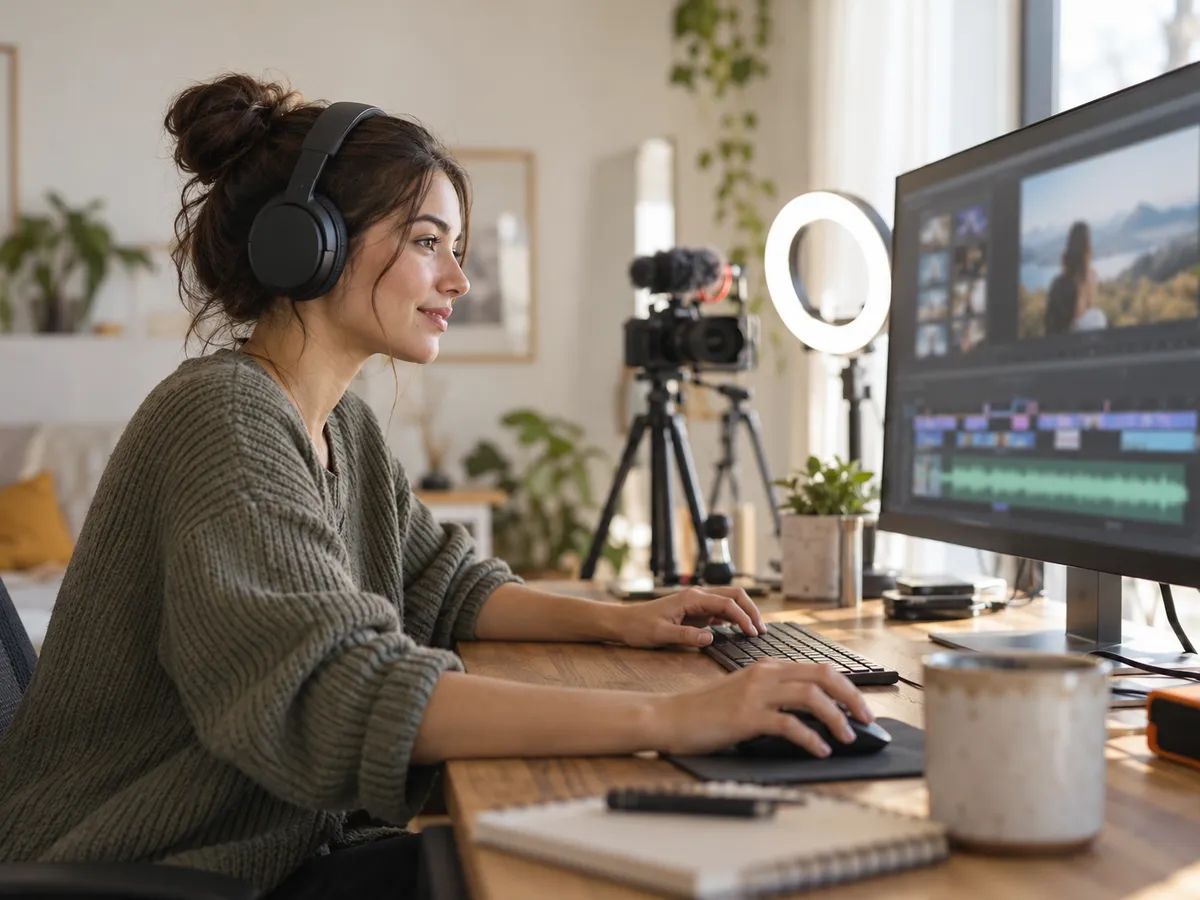
YouTubers and editors who need a clean voiceover by tonight — and the same voice in another language tomorrow.
Up to 5,000 characters in any of 130+ languages. There's no language menu — the voice reads whatever language you write in.
Choose from 30 voices, set the tone and pace, then select any sentence to whisper it, speed it up or make it excited. Add a laugh, sigh or pause where you want one — or tap Enhance.
Short scripts are ready in seconds. Every take stays in your history, ready to play again or download as MP3.
One editor for every kind of script — mark the moments that matter and let the voice do the rest.
Use text to speech for YouTube videos, explainers and tutorials instead of recording yourself — and redo a line in seconds.
Read a radio spot, product launch or in-store announcement with an upbeat advert tone and an excited call to action.
Tell bedtime stories and chapters with a storyteller voice — whisper the secrets, gasp at the twists.
Record a cold open, sponsor read or show outro in a relaxed, conversational voice.
Make a short shout-out to stamp on your beats and mixes, shouted, whispered or slowed right down.
Turn course scripts and onboarding notes into clear narration in your learners' own language.
From a single ad read to a full chapter, people use Lacuna text to speech when recording themselves isn't practical.
YouTubers and editors who need a clean voiceover by tonight — and the same voice in another language tomorrow.

Cafés, shops and studios writing their own radio spots, promos and announcements.
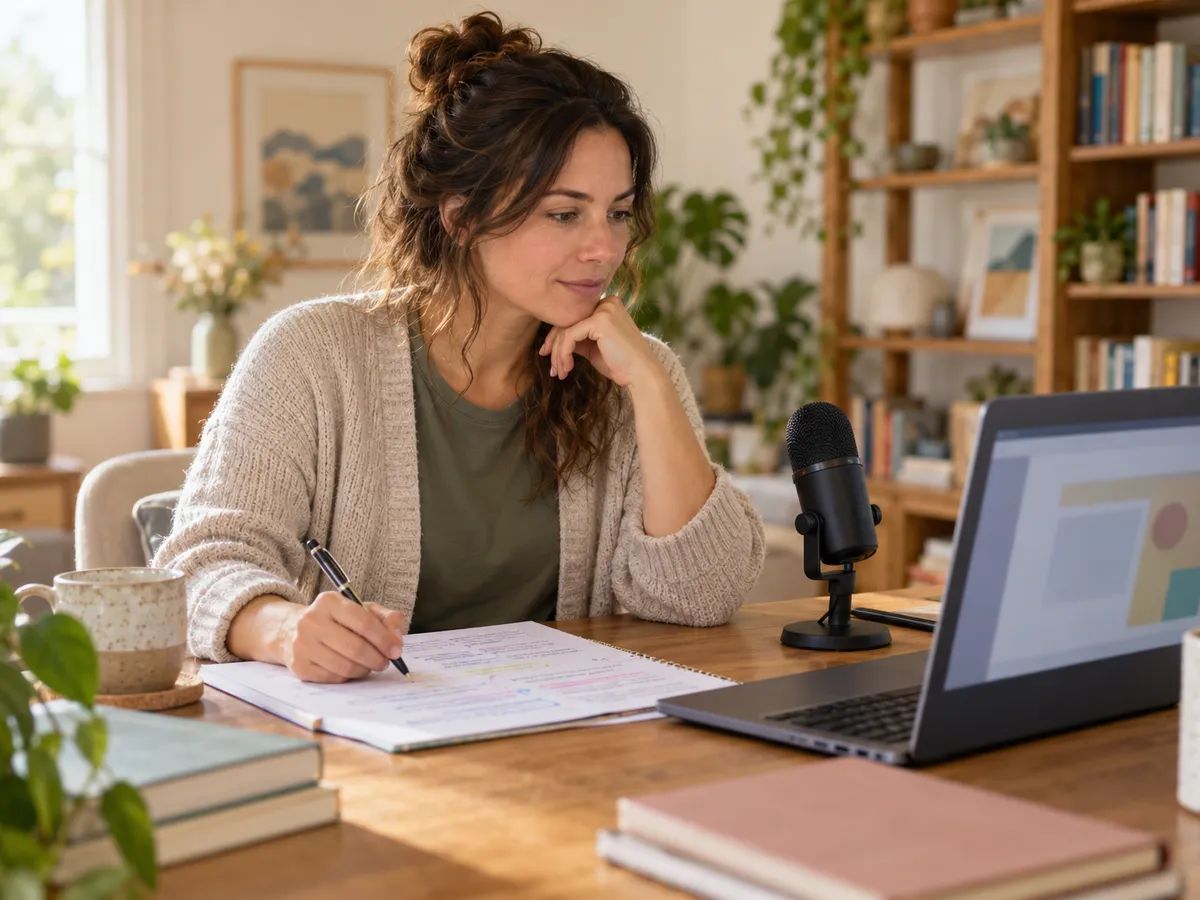
Educators turning lessons and training scripts into narration students can replay.
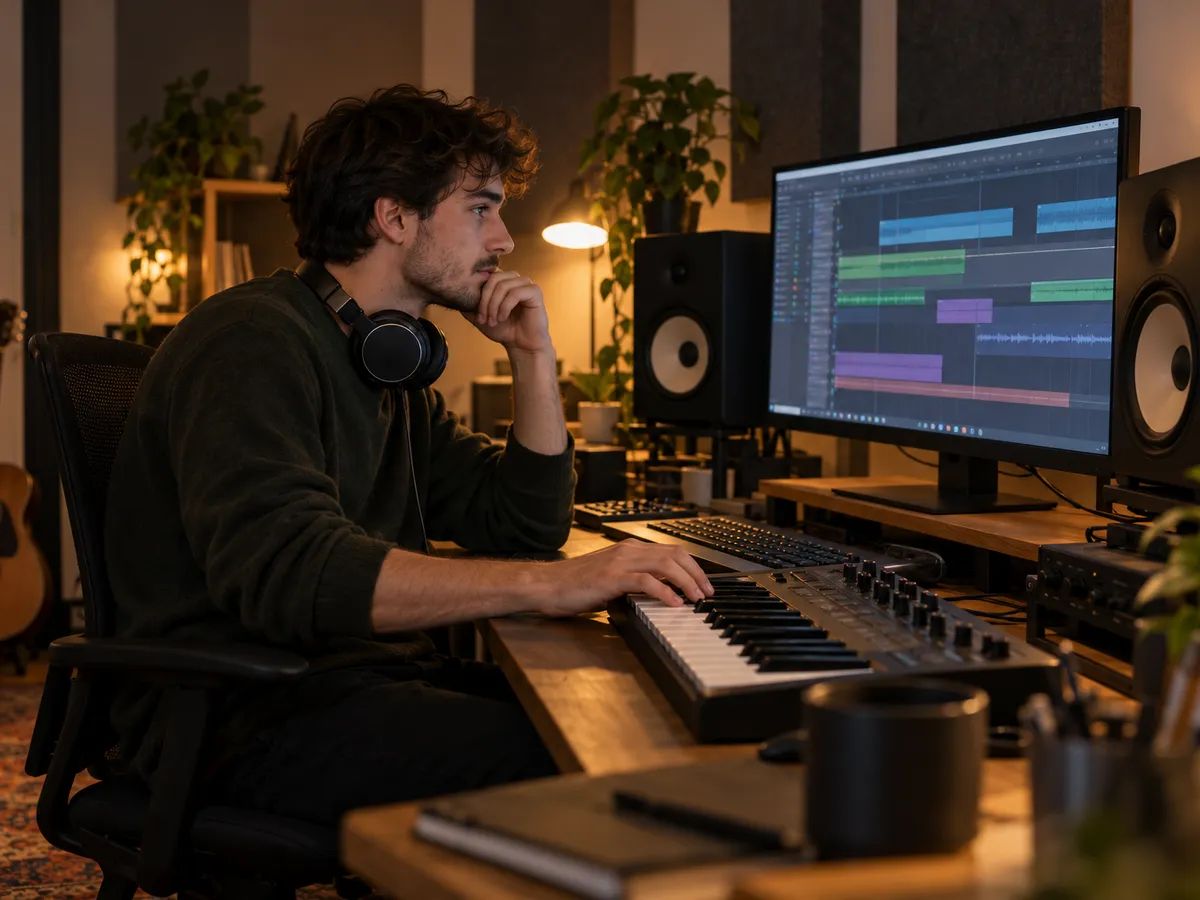
Producers and DJs making tags, drops and spoken intros to put on their tracks.
Make background music or a full song to put under your voiceover.
Type a line and hear it as a robot, with four effects to choose from.
Upload a PDF, check the text, and download it as MP3.
Turn your brand name into a sung jingle for ads and podcast intros.
Make a short sung voicemail greeting with your name in it.
Text to speech turns written text into spoken audio. Lacuna's AI text to speech reads your script in one of 30 natural voices, follows the delivery you mark — a whispered line, an excited one, a laugh or a pause — and gives you audio you can play or download.
Lacuna is free to start. Every voice sample and example plays without signing in, and free accounts get credits every month — about 2,400 characters of speech. Generating costs 5 credits per 100 characters; downloads and commercial use come with paid plans.
Type or paste your script, choose a voice, and pick a tone and pace. Select any sentence to change how it's delivered, or type < to add sounds like a laugh or a pause. Press Generate speech — short scripts take seconds, long ones a minute or two — and play it from your history.
Yes. Select a sentence and mark it whisper, shout, excited, cheerful, sad, angry, scared, calm, serious, sarcastic, slow or fast. Insert sounds such as laugh, chuckle, sigh, gasp, breath, short pause or long pause anywhere in the text. Enhance can add these for you, and the tone and pace settings shape the whole script.
More than 130 languages, including English, Spanish, Portuguese, French, German, Japanese, Korean, Chinese, Hindi and Indonesian. You don't pick a language: write the script in the language you want and the voice reads it in that language. Every voice speaks every language.
Up to 5,000 characters per generation — roughly 6 minutes of English or 20 minutes of Chinese speech. Sound tags count toward the limit. For longer pieces, generate them in parts.
Yes. Every take is saved in your history on this page, and paid plans can download it as MP3 or WAV at any time. Listening is always free.
Yes, on a paid plan. Audio you make while subscribed can go into YouTube videos, ads, podcasts, courses and other commercial projects.
Natural. This is realistic text to speech: the voices breathe, pause and stress words the way people do, and you can steer the delivery sentence by sentence. Play any voice sample above — no sign-in needed — and hear for yourself.
This one is. The speech is generated by an AI voice model rather than stitched together from recordings, which is why it can whisper, laugh, slow down or sound excited on cue.
Yes. It's an online text to speech generator that runs in your browser, so there's nothing to install. Sign in to generate; voice samples and examples play without an account.
Yes. Text to speech, text to voice, text to audio and TTS all describe turning written words into spoken audio. Here an AI voice text to speech model reads your script, and you can play the result right on this page.
Paste your text, pick one of 30 voices and mark how it should sound — your first takes are free.