01
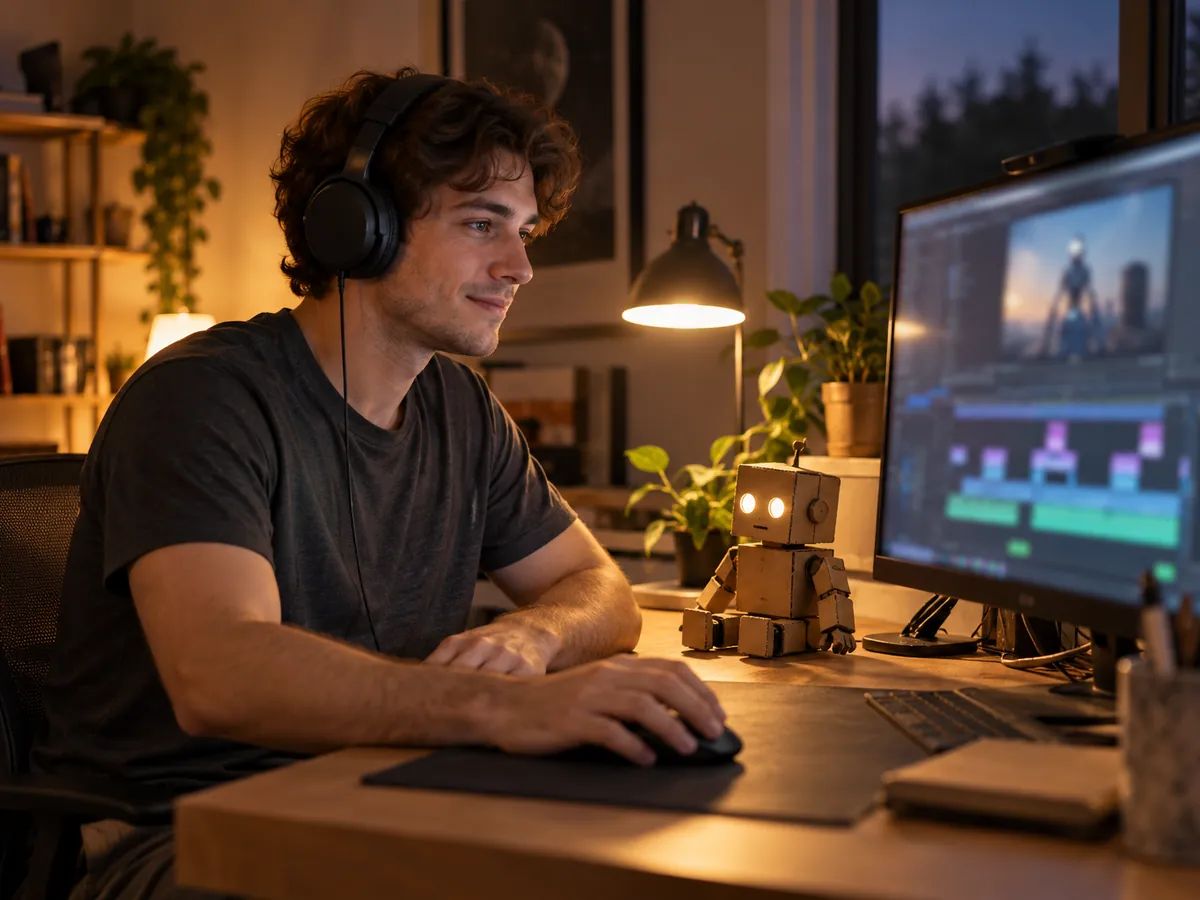
Video creators
Narrate a sci-fi skit, a tech explainer or an AI character on YouTube, TikTok or Discord.
Turn up to 5,000 characters of text to robot voice, in any language. Short lines work best: a countdown, a warning, a greeting.
Tap an effect to hear it. Robotize pulls the pitch flat, Ring modulator buzzes, Android sounds metallic and Deep robot goes low and slow.
Most lines are ready in seconds. Keep every take in your history, and download MP3 or WAV on a paid plan.
Short lines that need to sound unmistakably not human.
Narrate a sci-fi skit, a tech explainer or an AI character on YouTube, TikTok or Discord.
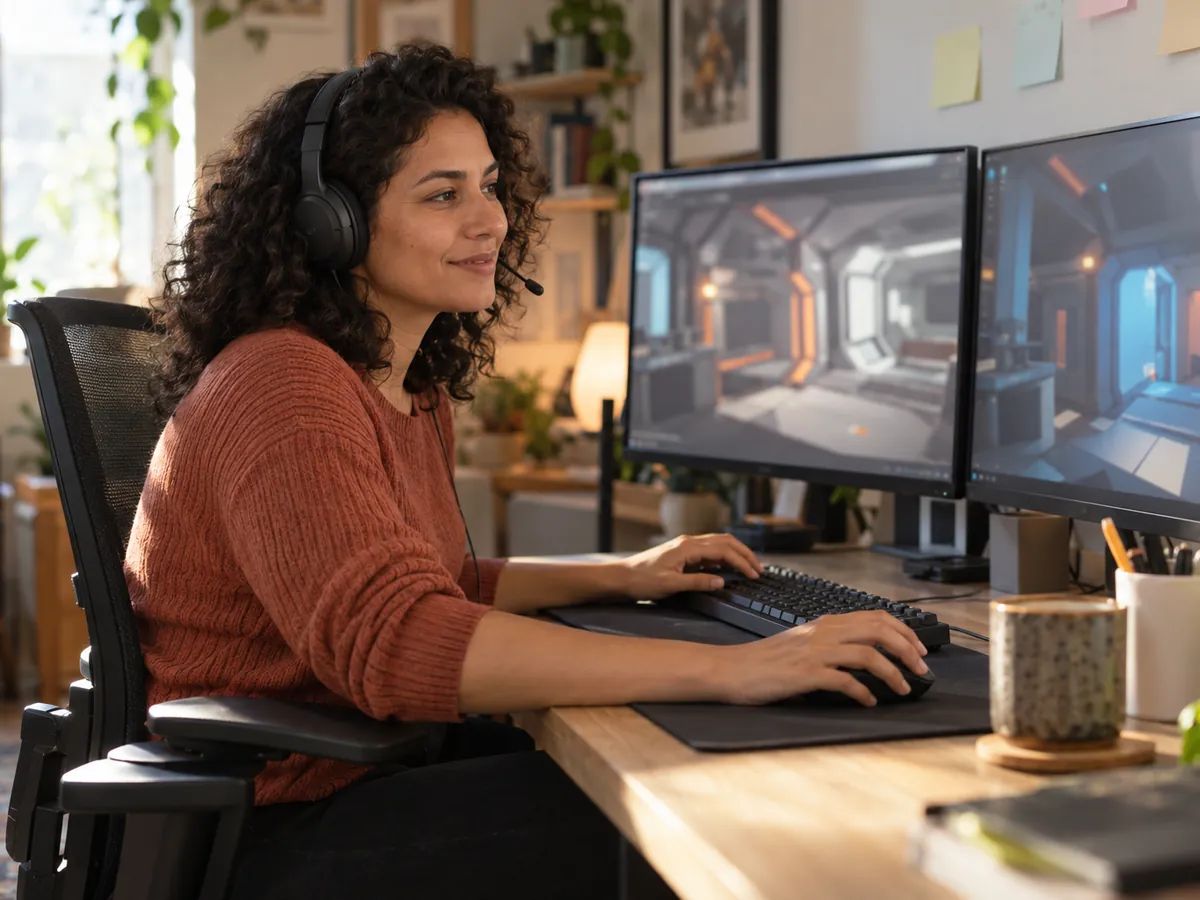
Give an NPC, a ship computer or a boss its own voice for an opening line or a warning.

Have a robot say the thing, then send it to a friend or drop it in your group chat.
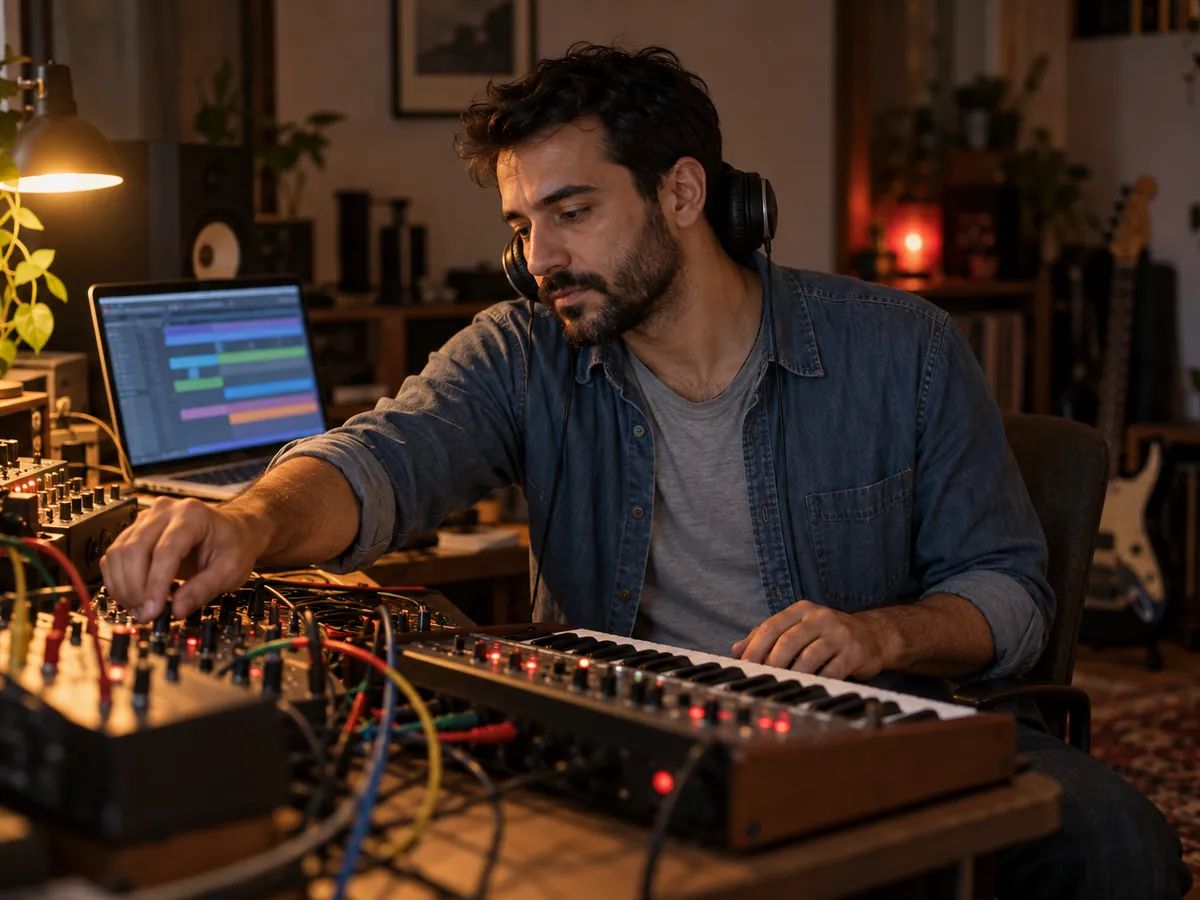
Add a robot spoken-word line to a beat, a podcast intro or a live set.
Type your text, choose one of the four effects and a voice, then press Generate speech. Tap an effect's icon first to hear what it sounds like. Most short lines are ready in a few seconds.
Type what you want said and pick an effect. This is robot text to speech, so you don't need a microphone or any audio to start with, and the robot talks for you in the voice and language you choose. Making your own recording sound robotic takes a robot voice changer, which this tool isn't.
All three. People use those names for the same job: you type text and get speech that sounds like a machine. Here an AI voice reads your text and an audio effect turns it into an AI robot voice, so it also works as a text to speech robot or a robot voice text reader for anything you paste in.
Lacuna is free to start. All the effect samples and examples play without signing in, and free accounts get 120 credits a month, about 2,400 characters of speech. It costs 5 credits per 100 characters, and effects don't cost extra. Downloads come with paid plans.
Yes, on a paid plan. Every take is saved in your history and downloads as MP3 or WAV. Listening is always free.
Robotize pulls the pitch flat, which is the classic robot sound. Ring modulator adds a buzz, like a sci-fi villain. Android has a metallic, inside-a-machine ring. Deep robot lowers and slows the voice for a heavier sound.
In our tests, writing "sound like a robot" in the instructions didn't flatten the pitch at all; the read only got slower. A robot voice comes from an audio effect applied afterwards, which is what this tool does.
No. This tool starts from text and doesn't process recordings. To tune your own singing hard enough to sound robotic, try Autotune Online.
Partly. Robotize, Android and Deep robot set the pitch themselves, so the voice you pick mostly changes the texture. Ring modulator keeps the voice's own pitch, so a female voice stays female. Use Direction to describe the attitude, like cold or cheerful.
Not in one take, because the effect applies to the whole audio. Generate the robot lines and the human lines separately and put them together in a video or audio editor.
More than 130. Write the text in the language you want and the robot speaks it; there's no language menu to set.
Yes, on a paid plan. Audio you make while subscribed can go into videos, games, ads and other commercial projects.
Type a line, pick an effect and hear it in seconds. Your first takes are free.