01
Coaches
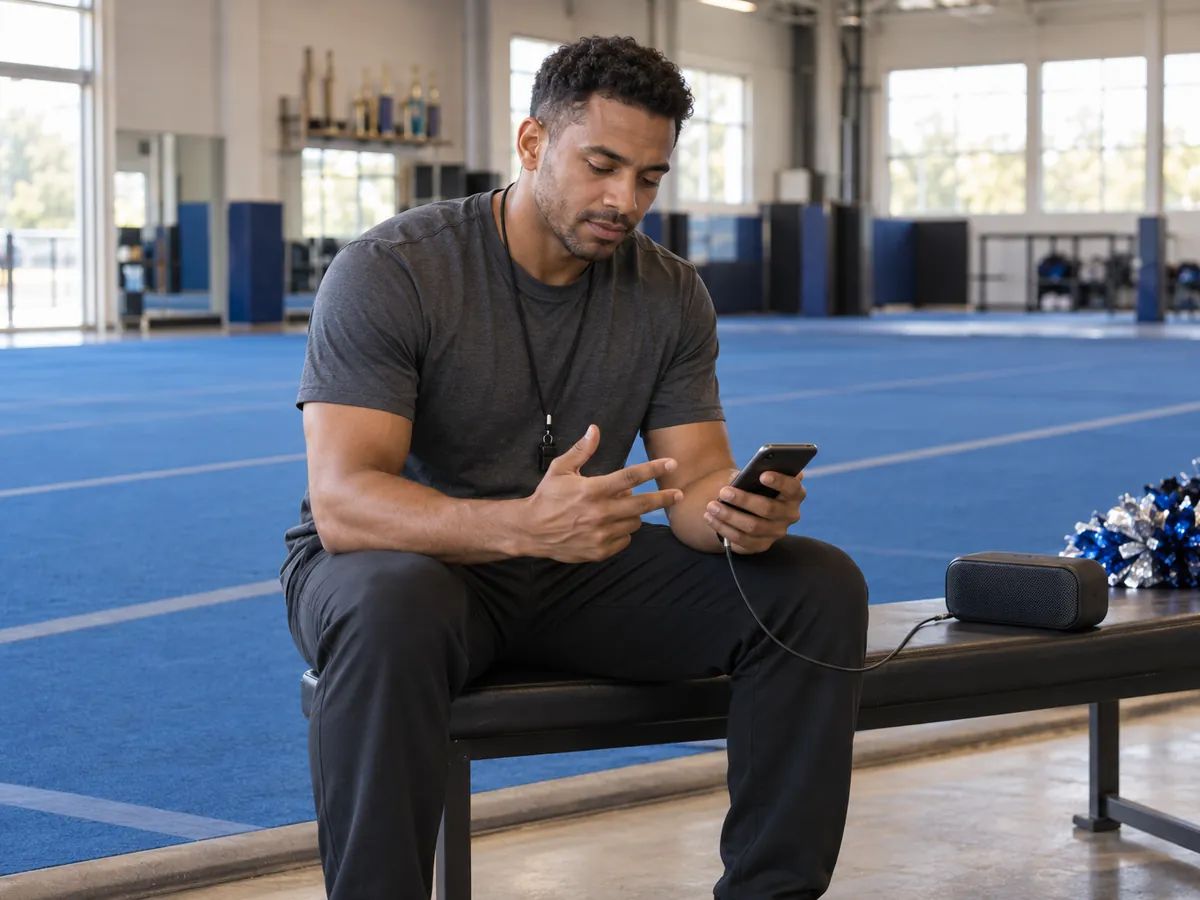
Practice music shaped around your routine's sections, so the team can run full-outs and count the routine against it.
Type your team name and anything you want yelled — school, mascot, colors, or the chant your team already uses.
Pick a routine type, then the sections in your routine: opening, tumbling, stunts, pyramid, jumps, dance, ending. Add booms, whooshes, or voice-over counts.
Play the takes, count the routine against the one that fits best, and refine it in the workspace. On a paid plan, download the audio for practice and performances.
Each routine type starts from its own production recipe and its own way of writing chants.
Hard-hitting hip hop and EDM cuts with sharp switches at every section change and dense effects. Around 145 BPM.
Drumline cadence, pep band brass, and short call-and-response chants for the crowd to yell back. Around 120 BPM.
A stomp-clap anthem with big gang vocals and chants the whole gym can join. Around 128 BPM.
Dance-pop and EDM drops with crisp hits on every accent, built for pom and dance sections. Around 128 BPM.
A riser that builds into a hard-hitting drop, with an announcer-style callout that introduces the team. Around 140 BPM.
For anyone who needs cheer music with the team's name in it, without a studio or a music editor.
Practice music shaped around your routine's sections, so the team can run full-outs and count the routine against it.
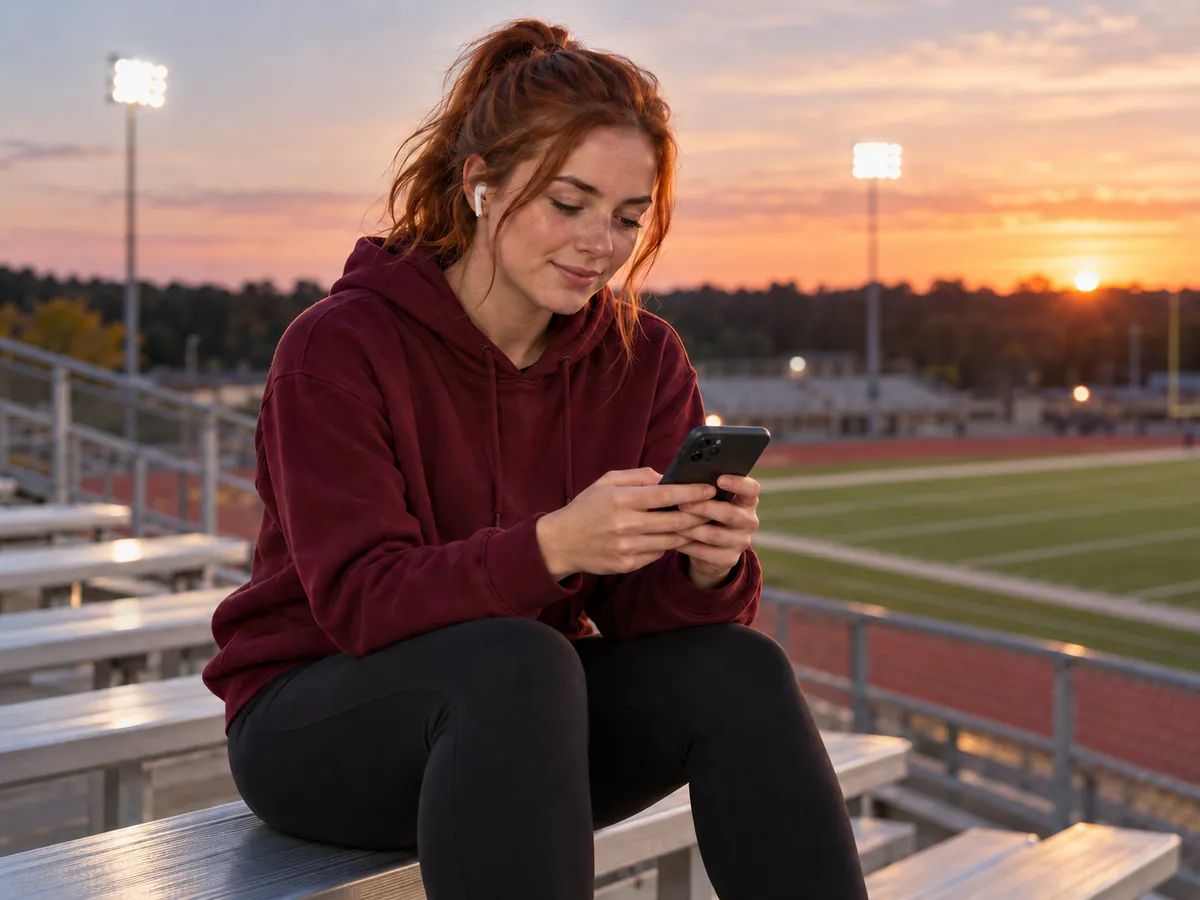
A sideline or pep rally mix with your team's chants and name in it, ready for the next game or assembly.
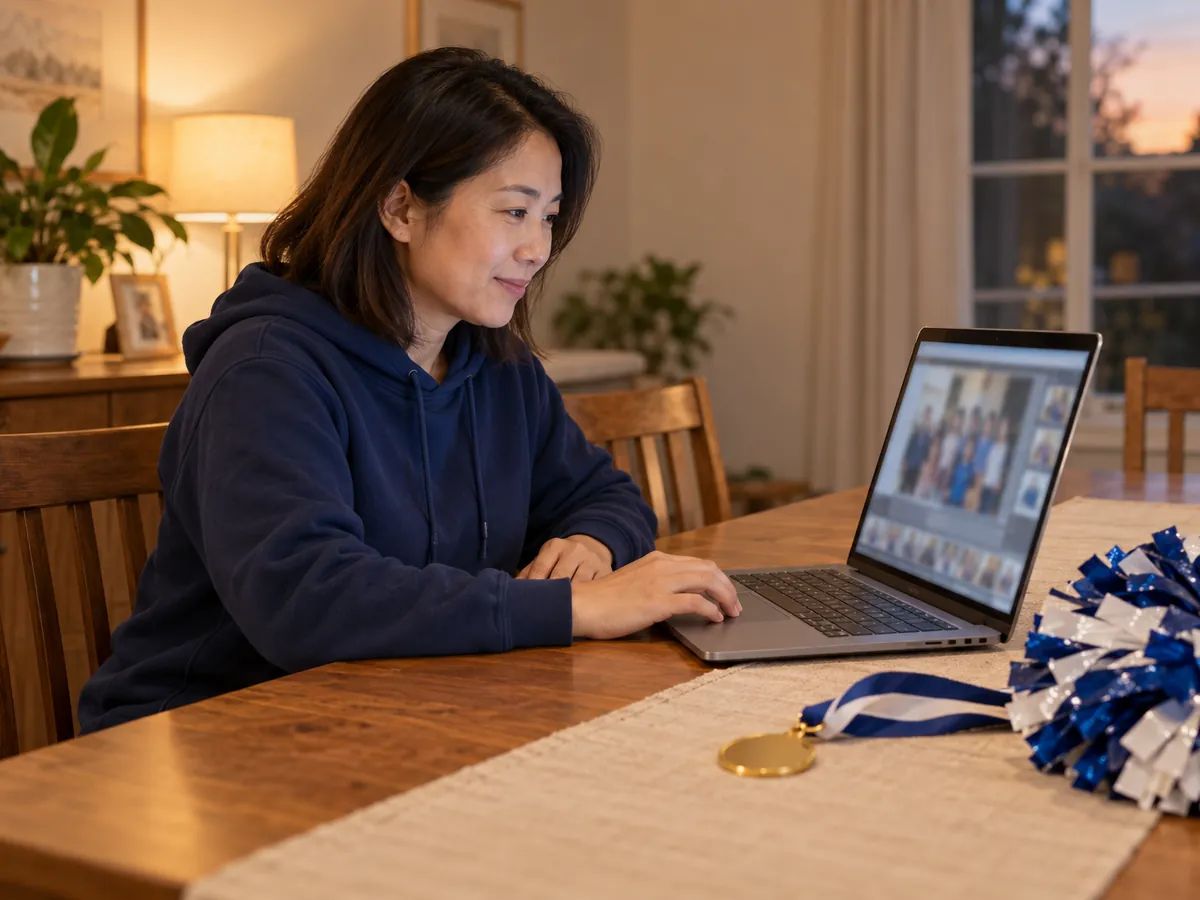
A mix for the team's showcase, banquet video, or practice playlist — with the gym and team name shouted in it.
Music for halftime, pep rallies, and local showcases when you don't have a budget for a custom mix.
Generate instrumental floor routine music with accents for tumbling passes and leaps.
Generate a hip hop, trap, or drill beat to use under a dance section or a hype video.
Put one song's vocal over another song's instrumental, with the tempo and key matched for you.
Slow a mix down to learn the counts, or bring it up to the pace your routine needs.
Pull the vocals out of a track to get an instrumental bed for chants and voice-overs.
Write a full song with vocals — a team anthem, a senior night song, or a banquet tribute.
A cheer music maker generates cheer music from a few choices instead of a studio session. Here you add your team name and chants, pick a routine type and the sections of your routine, and Lacuna writes the chants and produces a high-energy cheer mix.
Add your team name and chants, pick a routine type and the sections you need, choose vocals or instrumental, then generate. Each take comes back as a cheer mix you can listen to and refine in the workspace. It works the same for youth cheer music, school teams and all-star practice mixes.
Not at events that require licensed music. Many cheer competitions, including events that follow USA Cheer's music guidelines, only accept music from approved licensed providers and ask for proof of license. Lacuna isn't one of those providers. Use your mix for practice, school games and sidelines, pep rallies, showcases, videos, and competitions that don't require a licensed music provider — and always check the event's music rules before you compete.
The chants are written section by section in eight-counts, with a callout at the start of each section, and the music is asked to change at each section. The model can't guarantee an exact number of eight-counts per section, so count the take against your routine. You can edit the chants before you generate and refine the track in the workspace afterwards.
Yes. Type your team name and it is written into the callouts — in the opening, again mid-routine, and in the ending. Add your school, mascot, colors, or an existing chant in Chant details and those go in too.
There is no seconds setting. Length follows the sections you pick and the chants written for them, and it varies between takes. Trim the mix in your editor, or open it in the workspace to extend it where the model supports it, then time it against your routine.
Yes. Switch Vocals to Instrumental and you get the mix without chants, still arranged around the sections you picked, so you can record your own voice-overs on top.
Yes. Turn off Let AI write the chants and paste your own, with a section header such as [Opening] or [Dance] above each part. You can also write chants from your details first, then polish them before you generate.
Paid plans include audio downloads and commercial use under the applicable agreement, and Pro and Ultra users can download a personalized license agreement. Review it before you monetize a video, and make sure you have the rights to anything you reference in your chants or extra details.
You can try this cheer music maker for free with the credits that come with a Lacuna account; you need to sign in to generate. Each generation uses credits based on the model you choose, and audio downloads are included with paid plans.
Yes. Pick Sideline & game day for game day cheer music with a drumline and pep band sound and short call-and-response chants, or Pep rally for a stomp-clap anthem the whole gym can yell along to.
Add your team name, pick your sections, and make a cheer mix built in eight-counts. Free to start.