Convert audio files without uploading them
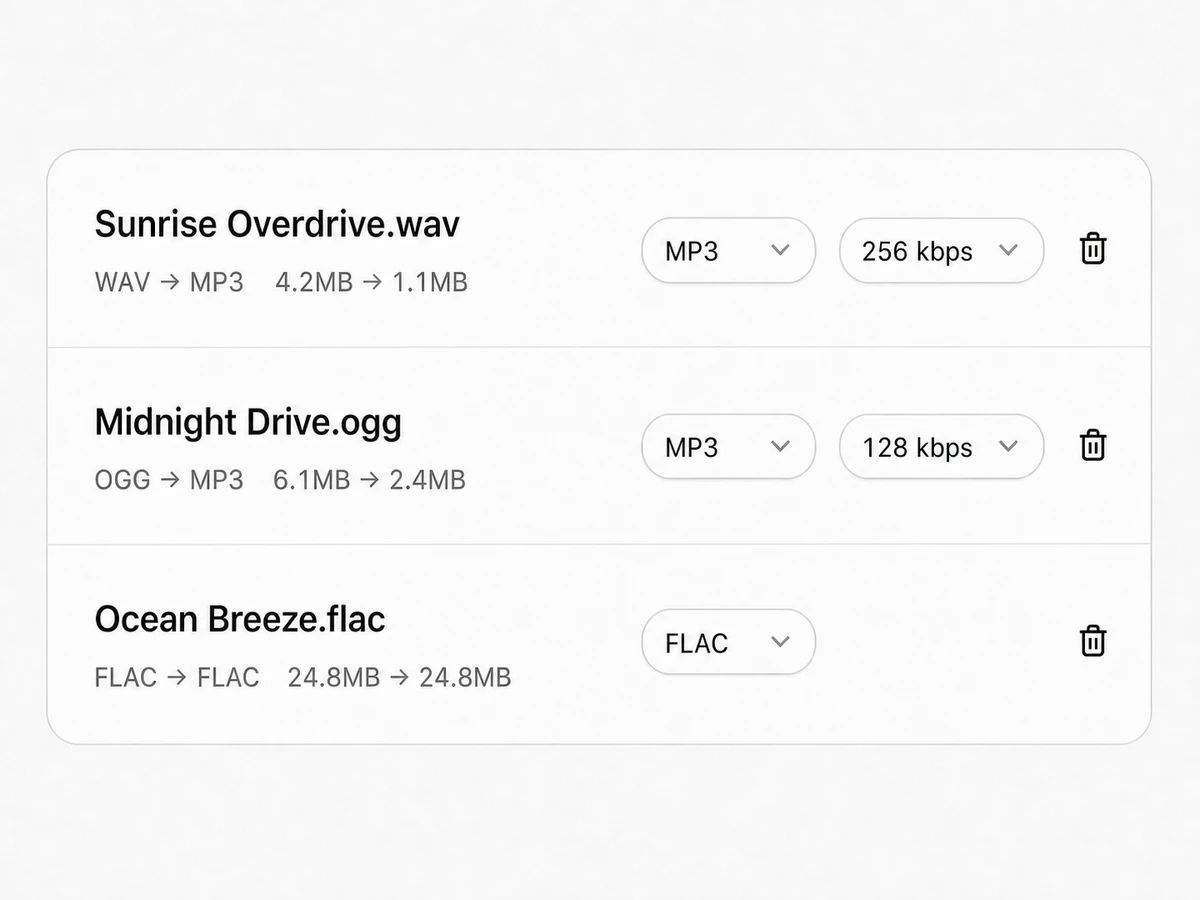
The files you drop in do not have to match each other, and neither does what comes out — every file gets its own output format and bitrate, right on its row. Everything is decoded and re-encoded on your own machine.
Conversion runs in this page. Nothing is uploaded, and no account is needed.
Keep working with these files
Audio Converter
How the audio format converter works
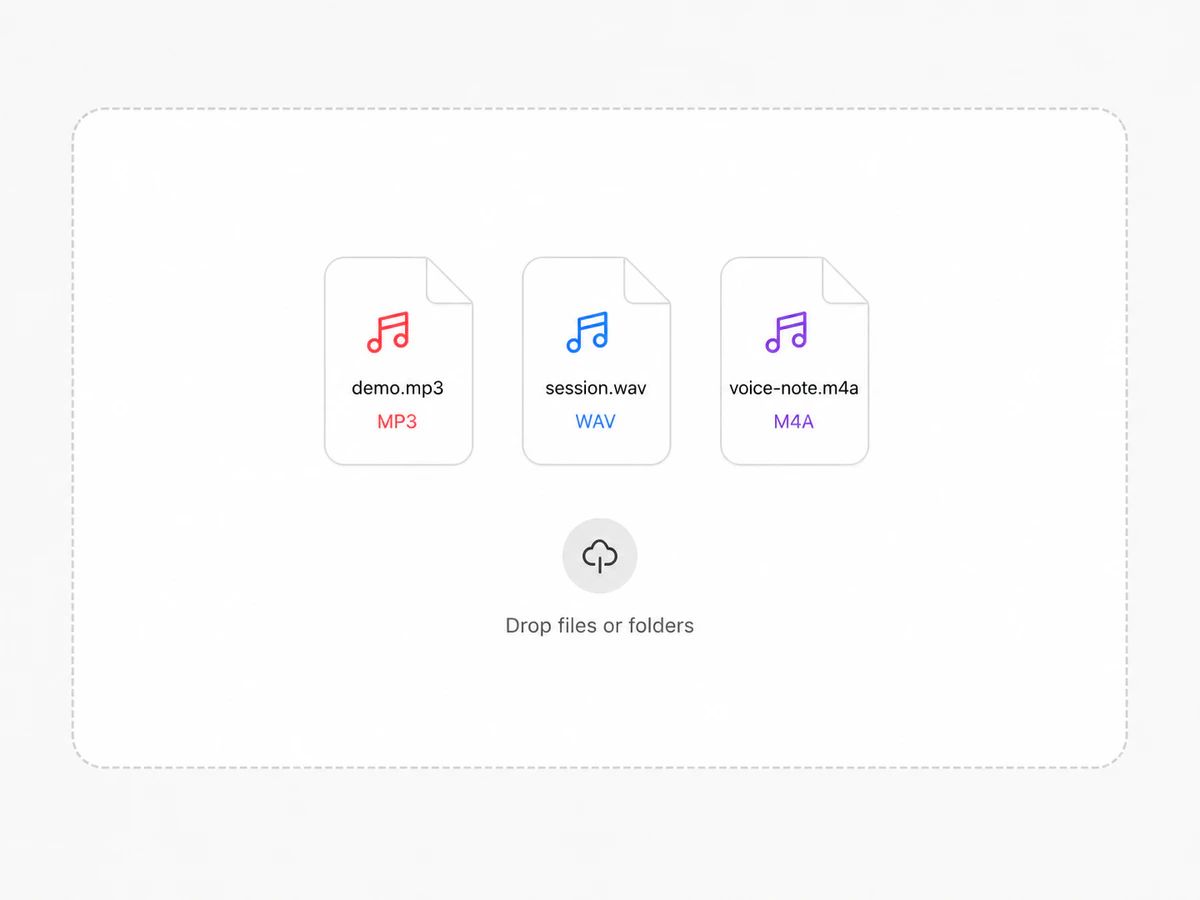
Drop in your files, mixed formats and all
One file, a folder, or a pile of MP3s, WAVs and M4As together. The page reads them off your disk and hands them to your browser's own decoders, so nothing is uploaded and nothing waits behind anyone else's job.
Pick the format you want out
MP3, WAV, OGG, FLAC, M4A, AAC or AIFF. The picker only lists what your current browser can write, so anything you can select will actually finish. Lossy targets get a bitrate; lossless ones have none to give.
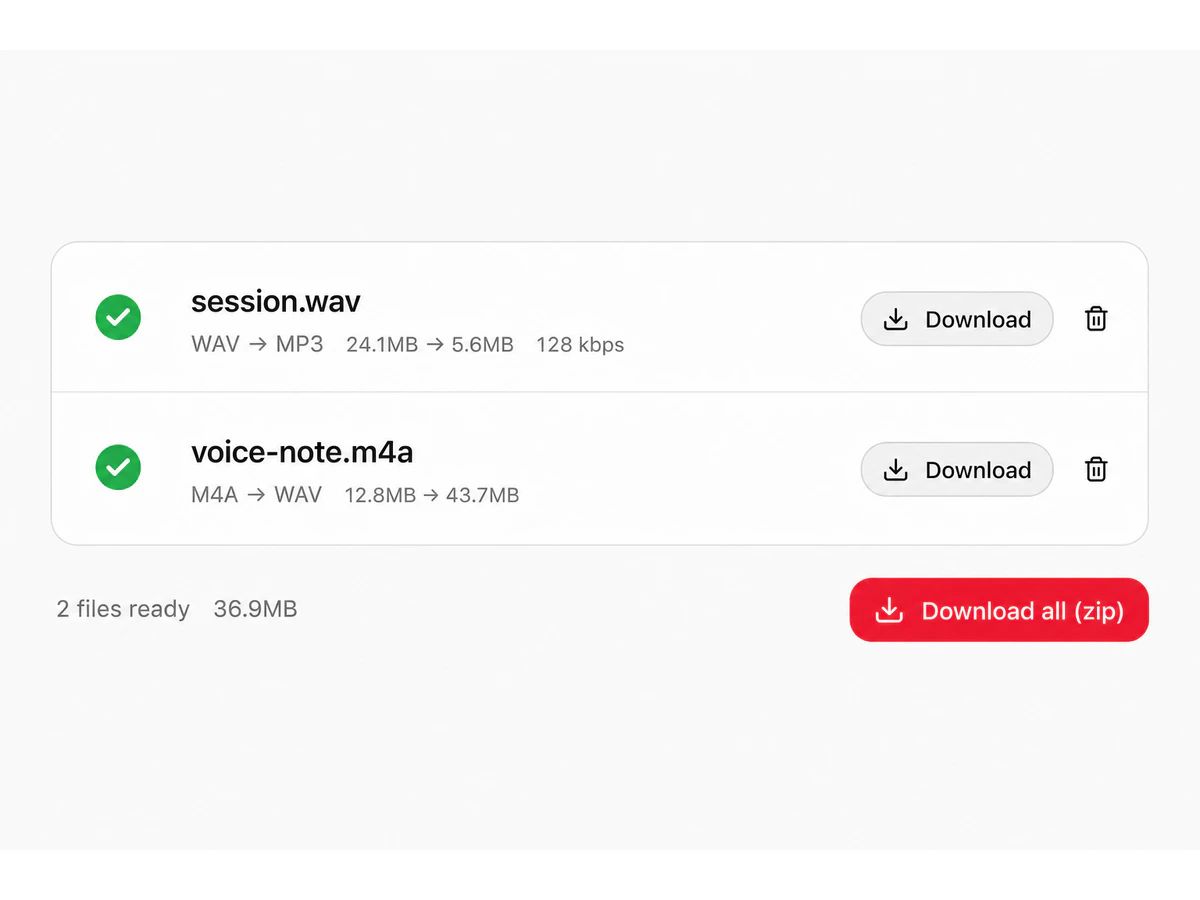
Download one file or the whole batch
Each row shows its before and after size the moment it finishes, with the original filename kept and only the extension changed. Take them one at a time, or pack the finished set into a single zip.
Both Ends Of The Conversion Are Yours
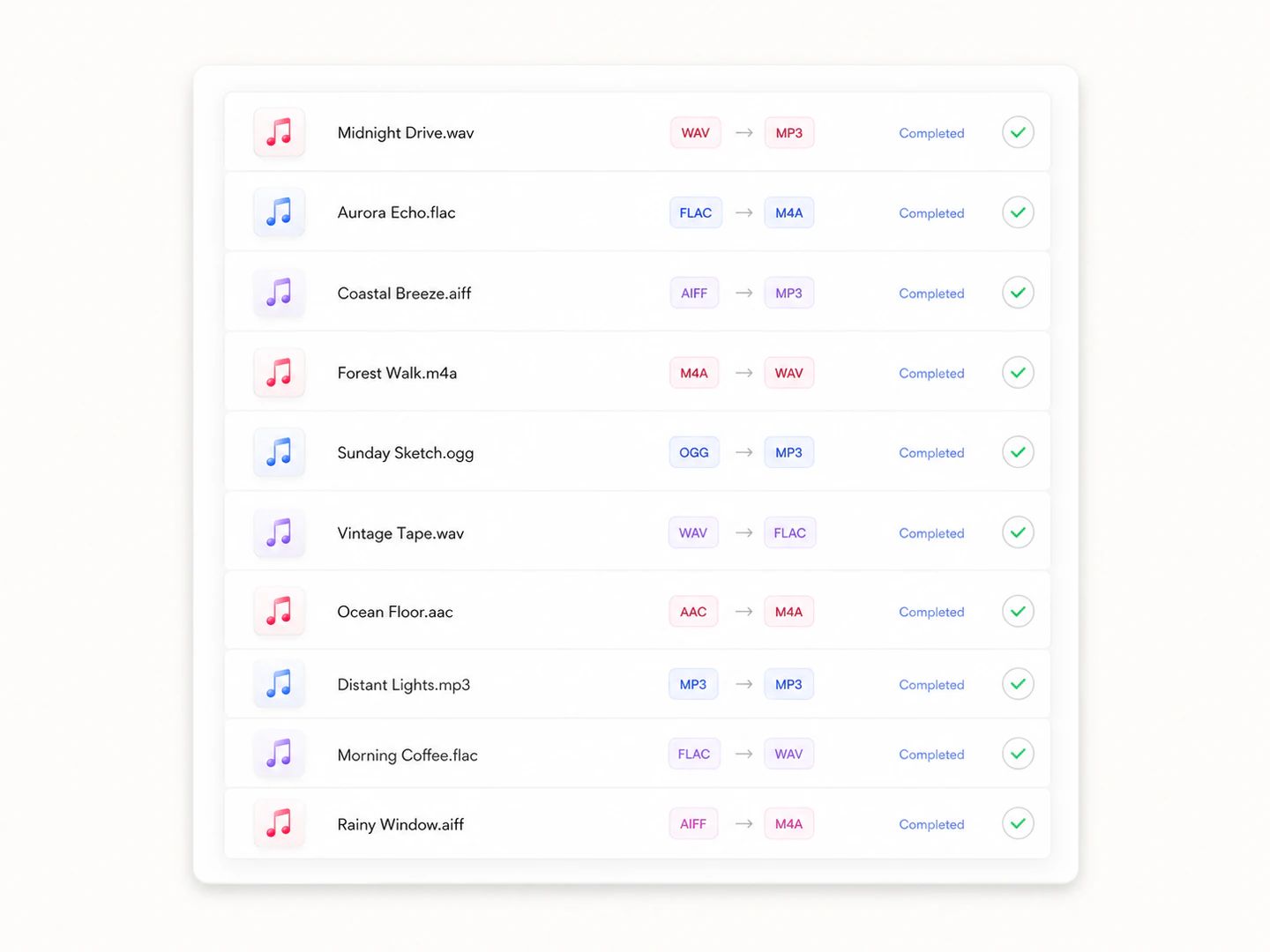
A free audio converter with no account and no quota
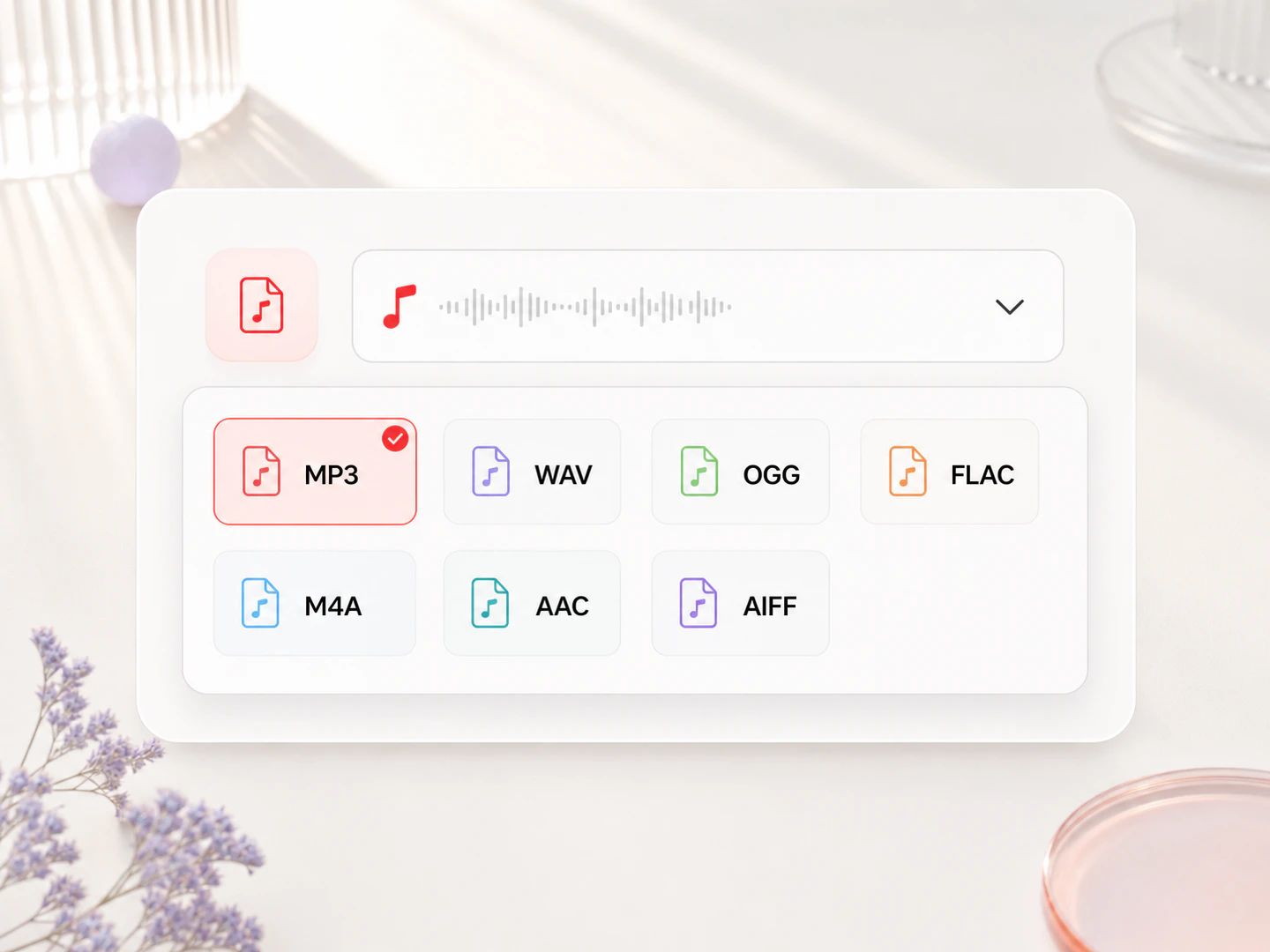
Convert audio to MP3, WAV, OGG, FLAC, M4A, AAC or AIFF
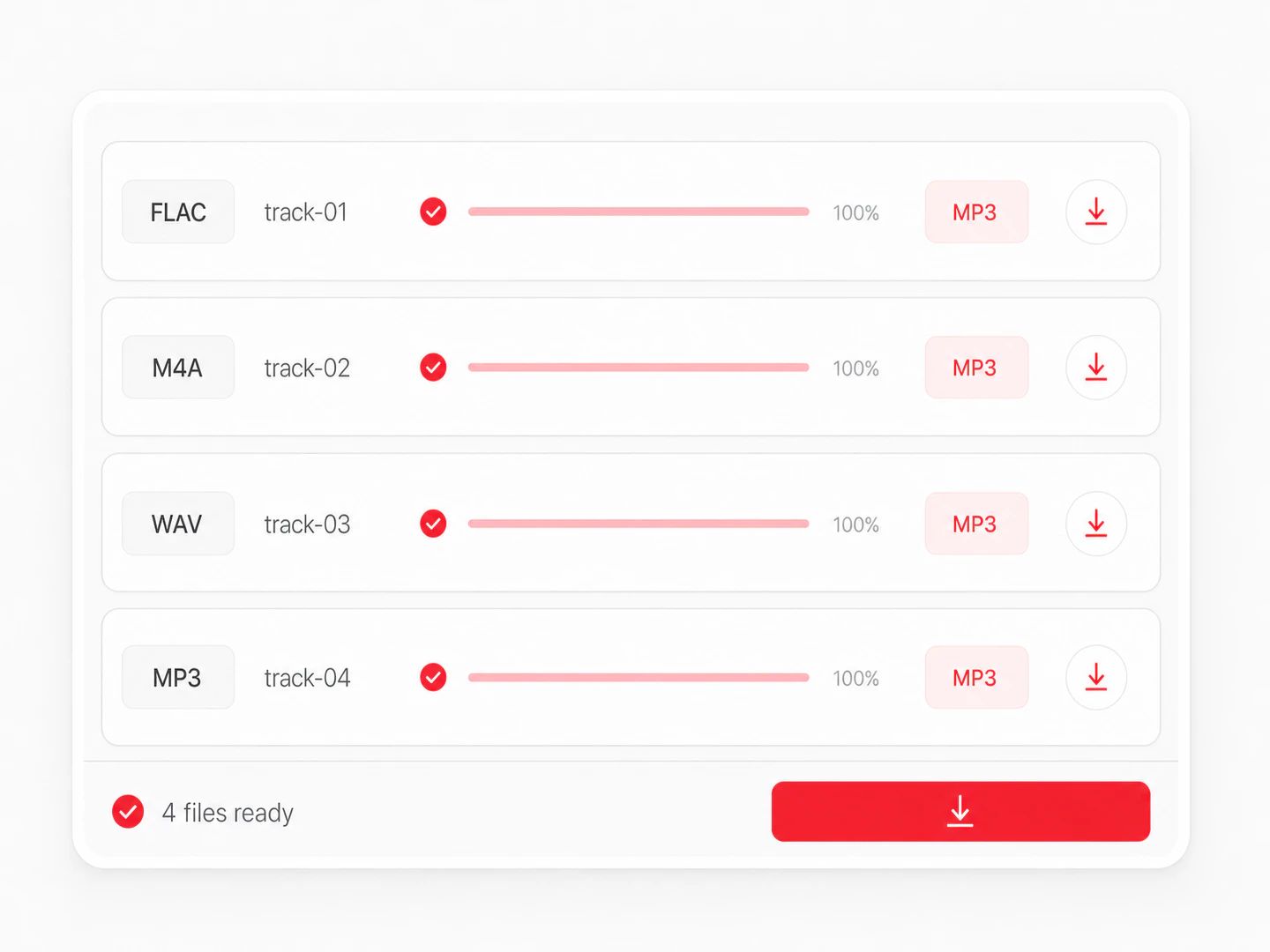
A music converter that takes a mixed batch
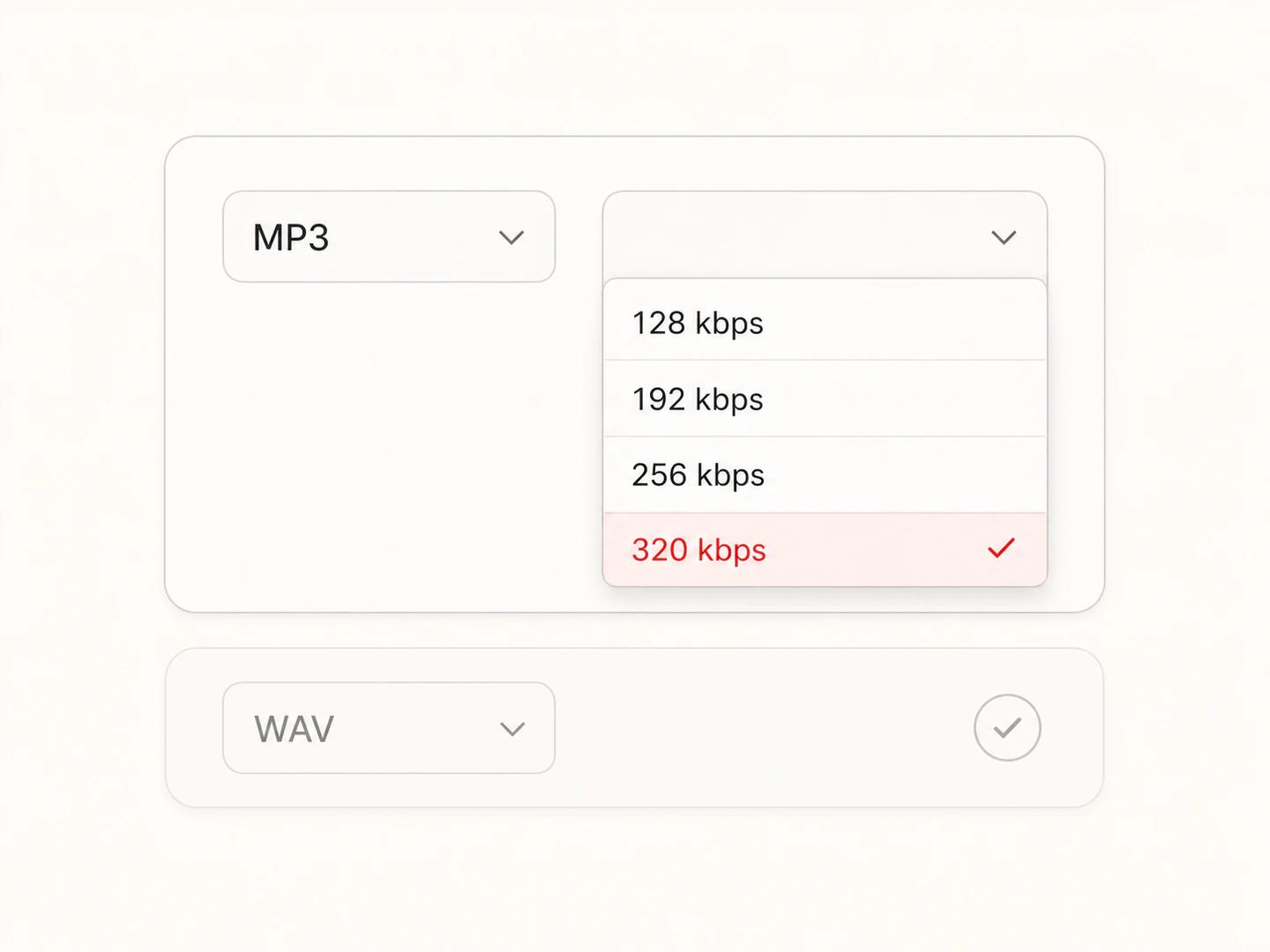
You pick the bitrate, not a default someone chose for you
The Only Choice That Really Matters
Names vary — audio converter, sound converter, file converter — but the decision underneath is always the same one: keep every sample, or throw some away to get the file small enough to send. Everything else follows from that.
| Lossy (MP3, AAC, OGG) | Lossless (WAV, FLAC, AIFF) | |
|---|---|---|
| Compression | Discards what the ear is least likely to miss | Keeps every sample; FLAC just packs them tighter |
| Size per stereo minute | About 1 MB at 128 kbps, 2.4 MB at 320 | About 10 MB for WAV and AIFF, half that for FLAC |
| Sound quality | Very close at 256–320 kbps, audibly thin below 160 | Identical to what came out of the decoder |
| Typical use | Sharing, streaming, phones, car stereos, game engines | Recording, editing, mastering, archiving, CD authoring |
| Compatibility | MP3 plays on anything; AAC and OGG have gaps on older hardware | WAV and AIFF are safe in any editor; FLAC still trips up some players |
| Converting again later | Every pass gives up a little more — go back to the original | No loss on re-export, which is why it is the copy to keep |
Which bitrate should you pick for lossy output?
Enough for one voice in a quiet room, and the smallest file most people will accept. Music at this rate gives up its cymbals and air first.
The old default of the web, and still the right answer when an upload form is the constraint rather than your ears.
Where most people stop hearing a difference on decent headphones. Five minutes lands near 9 MB.
The MP3 ceiling and the default here. Use it when the converted file is the one being archived or handed to a distributor.
Audio converter questions
Drop your files into the converter above, choose an output format, and download the results. Lossy targets let you set a bitrate first; lossless ones do not have one to set. There is no upload step and no account, because your browser does the decoding and the page carries its own encoders.
MP3, WAV, OGG, FLAC, M4A, AAC and AIFF. The picker only lists what your current browser can write: MP3, OGG, WAV and AIFF are always there, while FLAC, M4A and AAC come from the browser's own WebCodecs encoder and are missing in some browsers. On the way in, anything the browser can decode works. A link that arrives here with from and to already set opens with the output chosen for you.
Here it is, in the one sense that can be checked: nothing is transmitted. Files are read straight off your disk, decoded by the browser and re-encoded inside the page, so no server ever holds a copy and there is no retention policy to read. Worth confirming wherever you convert — unreleased music and voice recordings are the two things people convert most, and both are worth keeping to yourself.
Yes, and that is the main reason this page exists next to the format-pair pages. Drop in whatever mixture you have and it comes out as one consistent set. Files convert one after another so memory stays under control, and each row reports its own progress and its own result.
No file count, no daily quota, no paid tier. The one ceiling is 300 MB per file, and it exists because a decoded 300 MB source already occupies a few gigabytes of memory — past that a browser tab stops being reliable. Anything larger is refused with a message instead of taking the tab down with it.
Not as controls, but the sample rate is not thrown away either: it is read out of the source file's header and the decode happens at that rate, so a 44.1 kHz file stays 44.1 and a 96 kHz file stays 96. WAV, AIFF, FLAC, MP3 and OGG sources are all read this way; for other containers the rate follows your browser's audio engine. MP3 output is the one exception, because MPEG only defines nine sample rates — a 96 kHz source is resampled to 44.1 kHz on the way in. WAV and AIFF are written as 16-bit PCM and keep every channel they were given; more than two channels are folded down to stereo only for MP3, OGG, M4A and AAC, which cannot carry more. None of this is on the front of the page on purpose: it matters to almost nobody who goes looking for a converter, and putting it up there would push the one control that does matter further down.
It depends which direction you go. Lossless to lossy discards part of the signal by design, though at 320 kbps that is hard to hear on most material. Lossy to lossless makes a bigger file without recovering anything already gone. Lossy to lossy runs the audio through a second round of the same process, so start from the original whenever you still have it.
Yes, with no sign-up and no watermark. Every conversion runs on your own hardware, so there is no per-file cost for us to pass on.
One Page Per Conversion
Take session exports and masters down to an MP3 that plays anywhere.
Unpack an MP3 into the WAV a DAW, transcriber or CD burner insists on.
Turn iPhone voice memos and Apple downloads into a file Windows and car stereos accept.
Get OGG files onto phones, car head units and older players that skip them.
Batch a folder of sound effects into the OGG a game engine wants.
Bring a FLAC album down to a size that fits a phone or a USB stick.
Keep the format and just get the file under an email or upload limit.
Every Pair, One Converter
Convert from MP3
The busiest pairs have a page of their own. Every other link opens this page with the output already selected — that is what the from and to parameters in the address do.
Convert audio without uploading a thing
A free online audio converter with seven output formats, mixed batches and no file limits, running entirely in your browser.