01
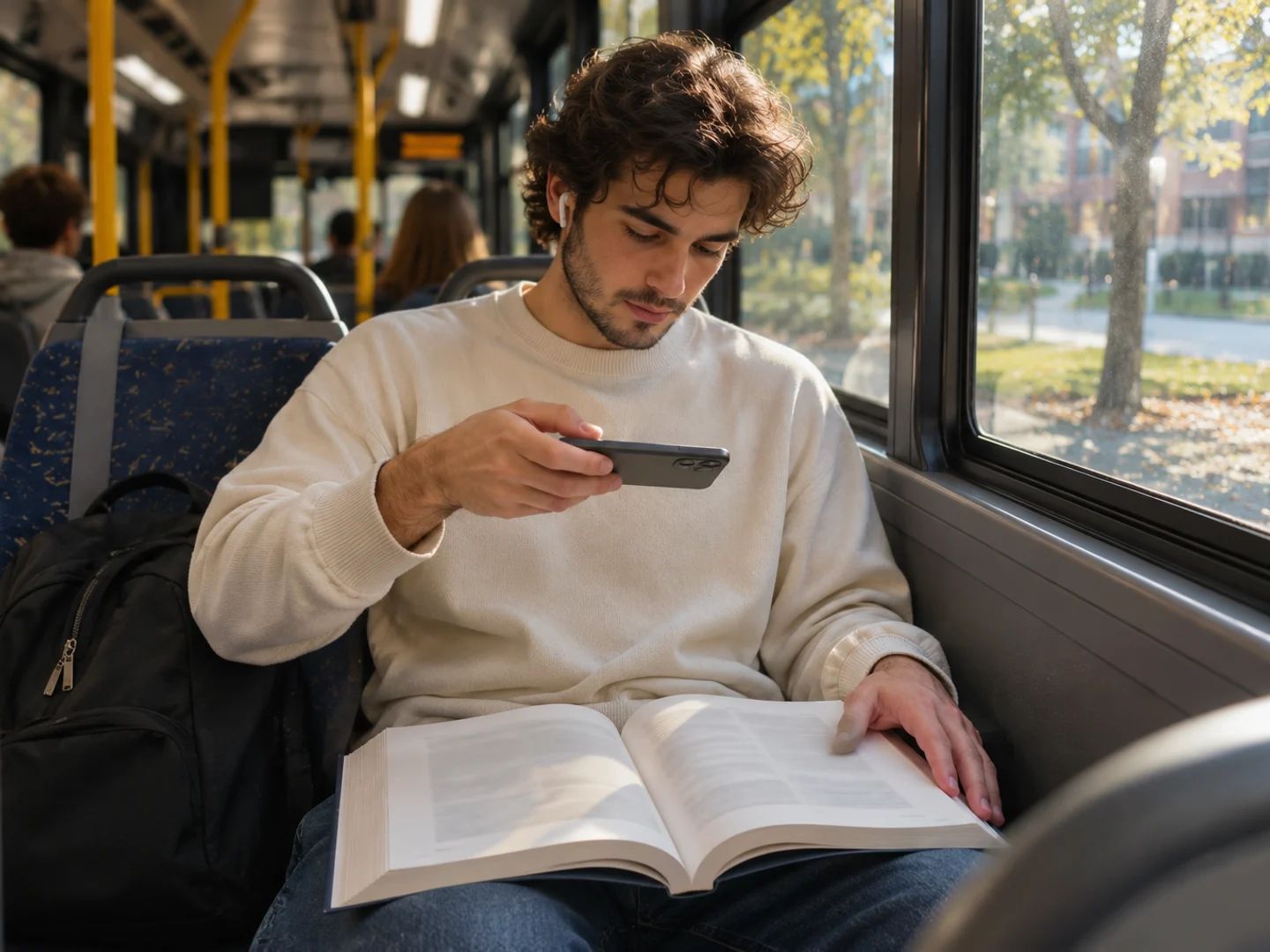
Book pages and textbooks
Photograph the pages you were assigned and listen to them on the way to class.
Drop in photos, screenshots or scanned pages: JPG, PNG, WebP or HEIC, up to 50 at once. A PDF works too. Each image is read as one page, and headers and page numbers are left out.
Read exactly what will be spoken. Fix a word the camera blurred, delete a caption you don't need, or untick a part. You only pay for the text you keep.
Choose one of 30 voices, set the tone and pace, and generate. Play it right here, or download the MP3 on a paid plan.
Picture to speech for anything with words on it that you'd rather hear than read.
Photograph the pages you were assigned and listen to them on the way to class.
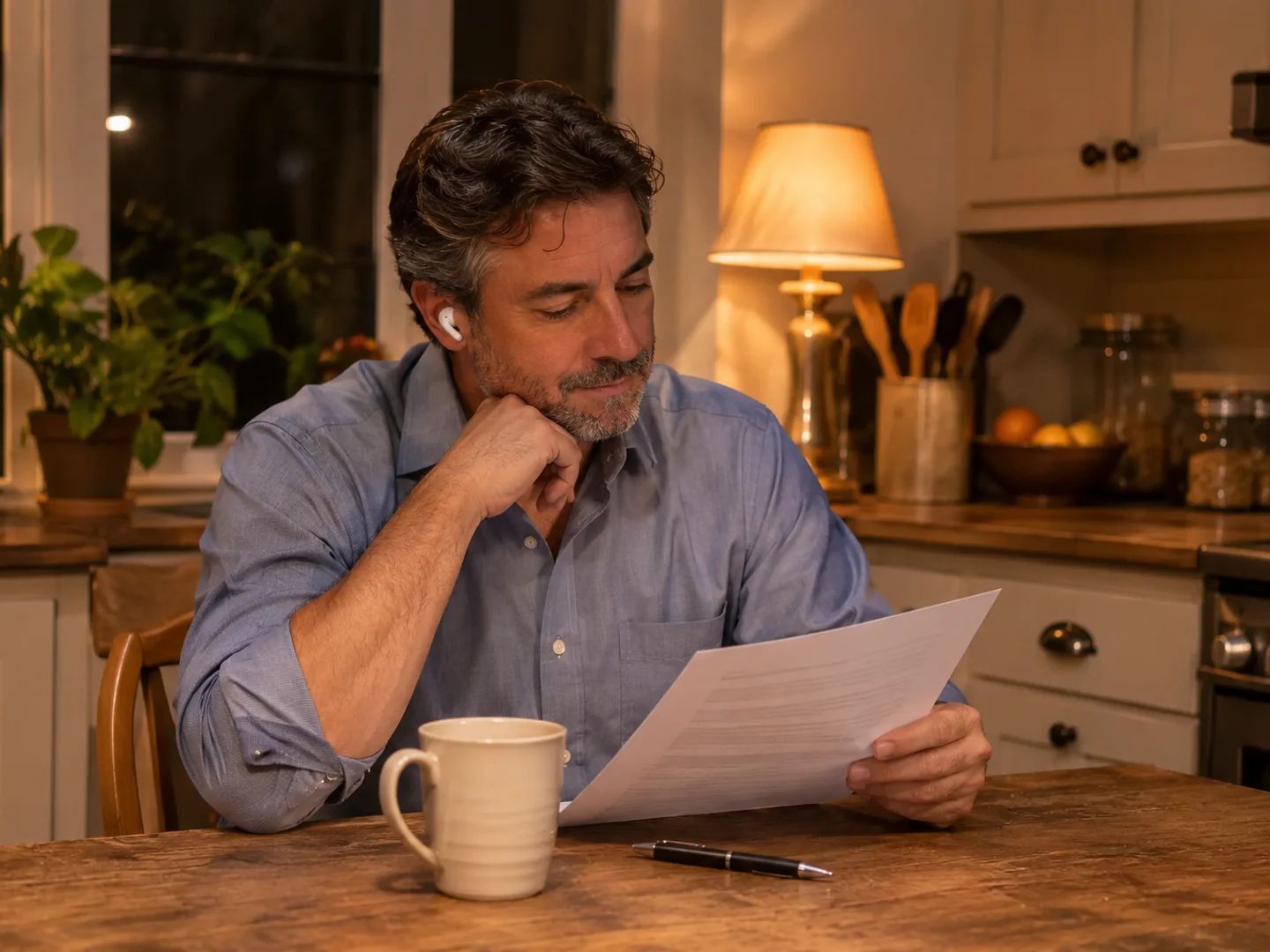
Turn a printed sheet from class or work into audio you can replay.
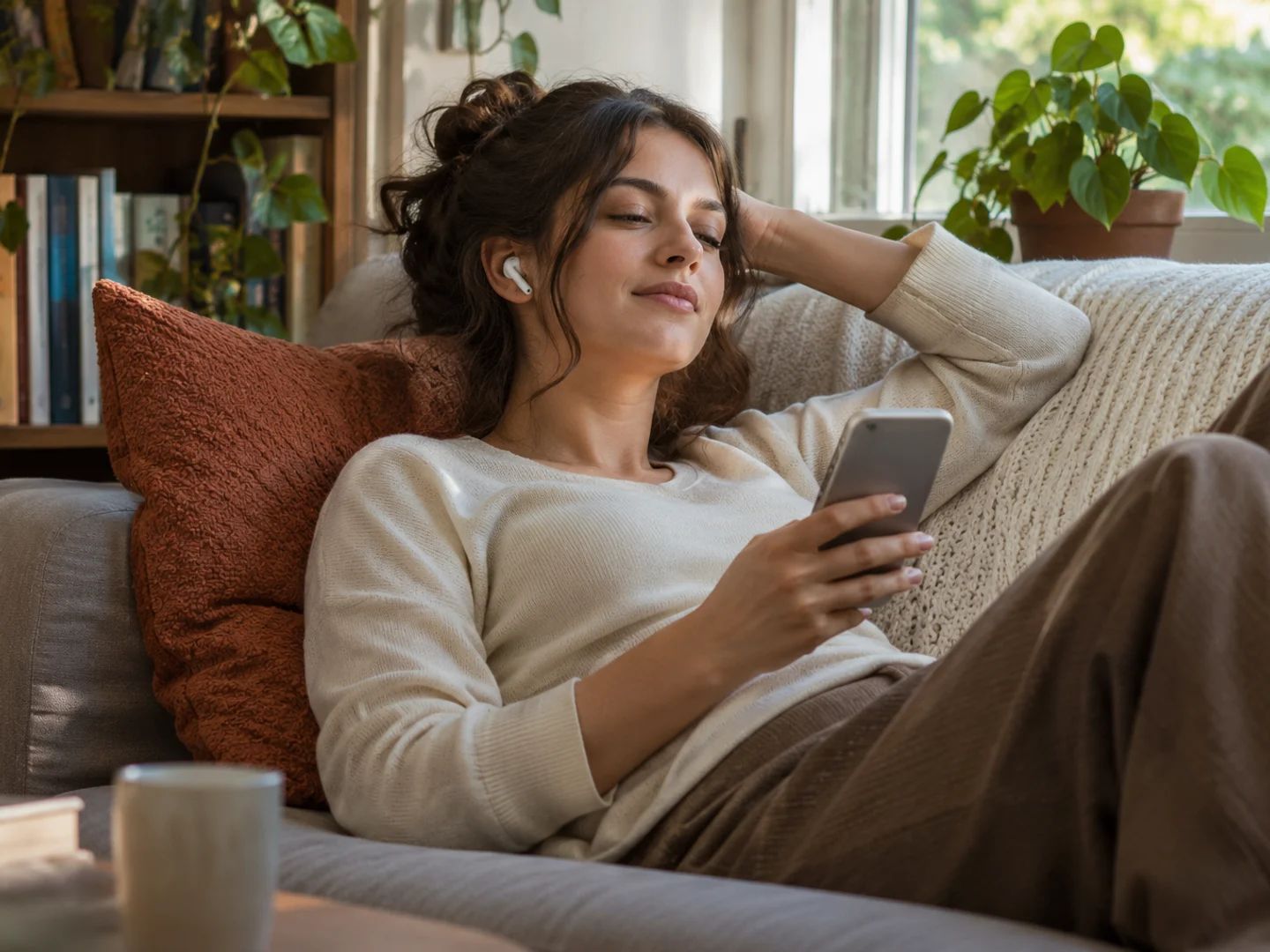
Articles, long messages and posts you saved as images, read aloud.
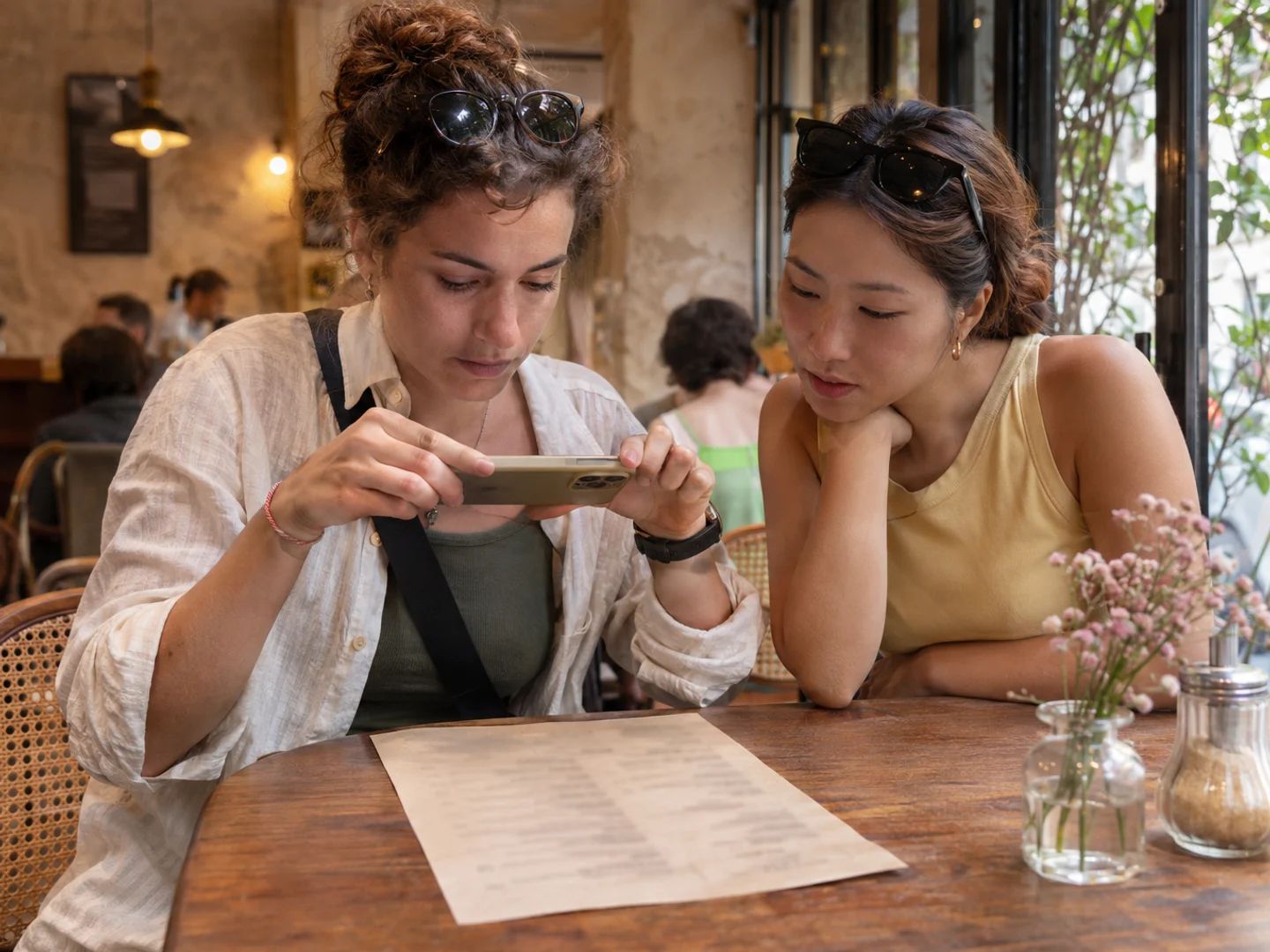
Snap a menu, a notice or a label and hear what it says.
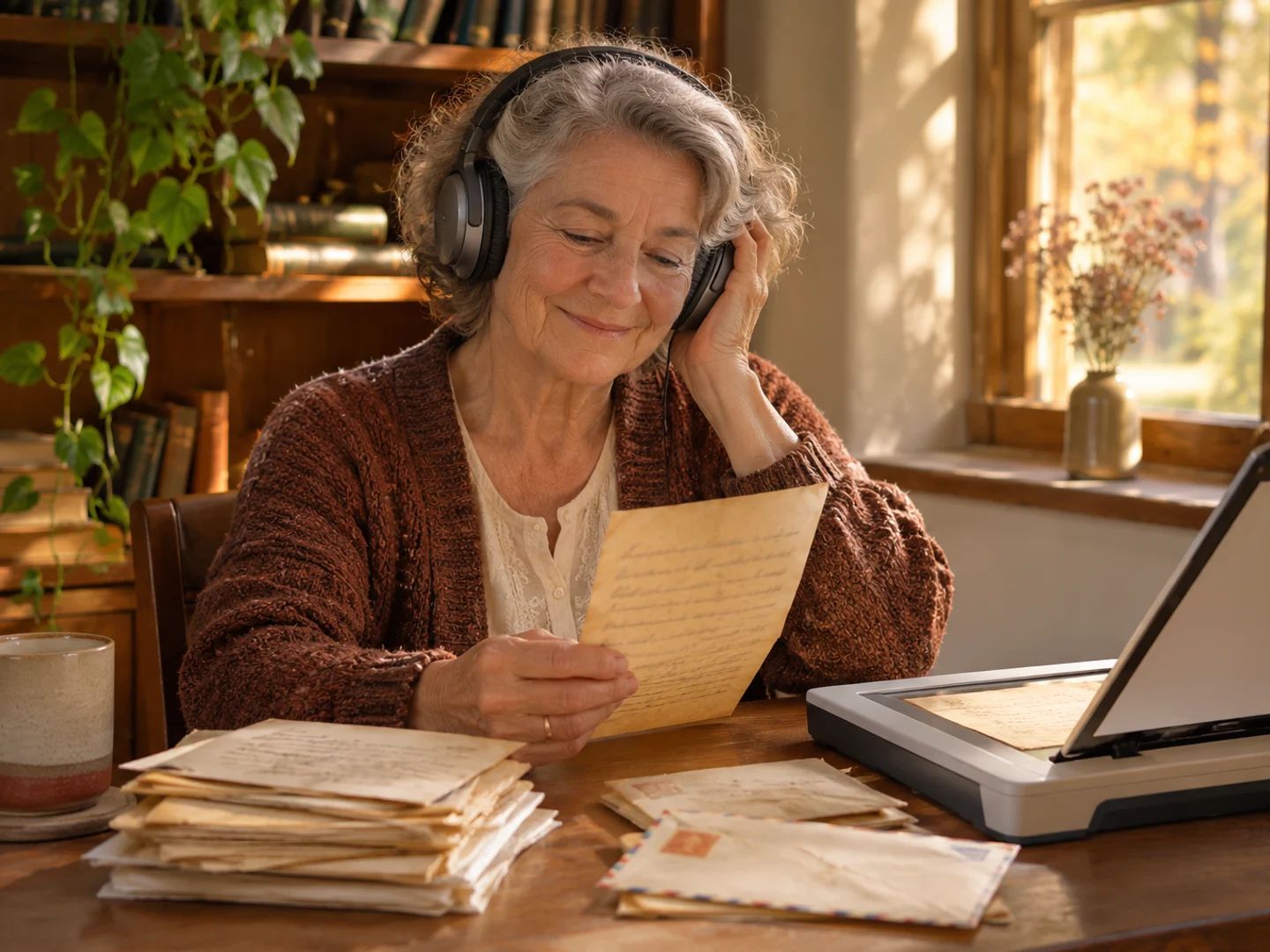
Old letters and paper mail you've scanned, read back in a clear voice.
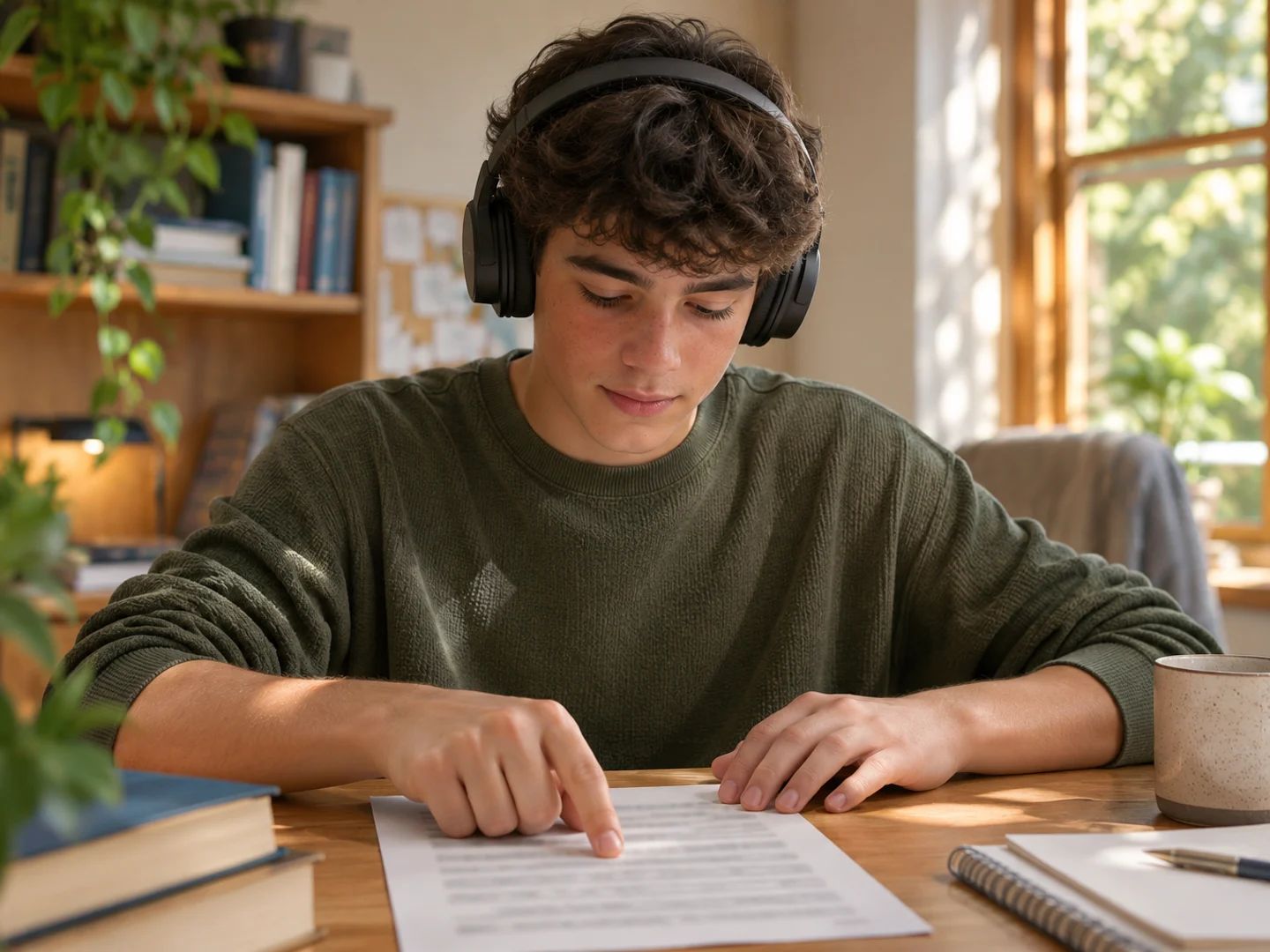
Listening helps with dyslexia, low vision or tired eyes, when small print is hard to read.
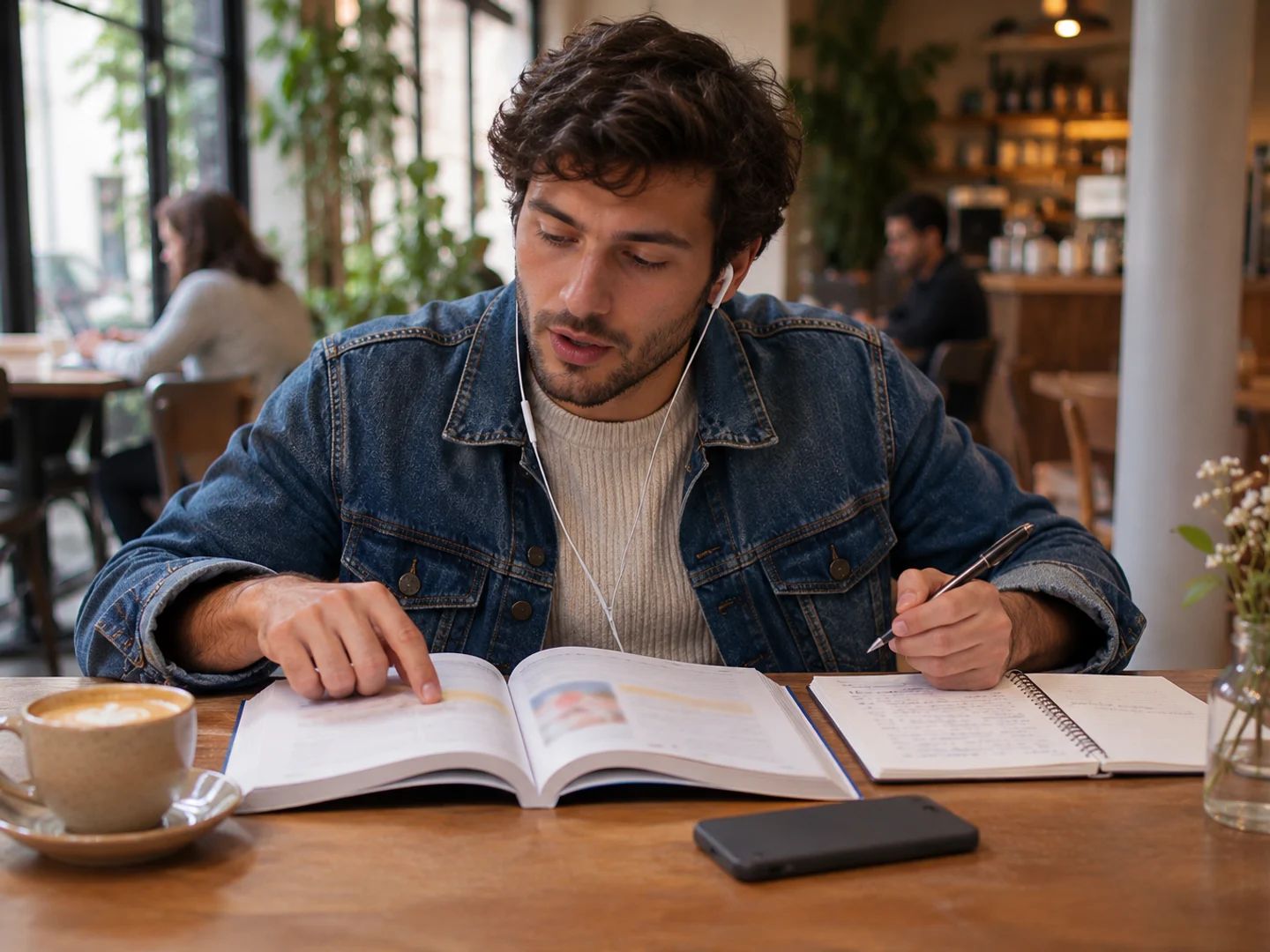
Hear how a page from your textbook sounds, at a slower pace if you need it.
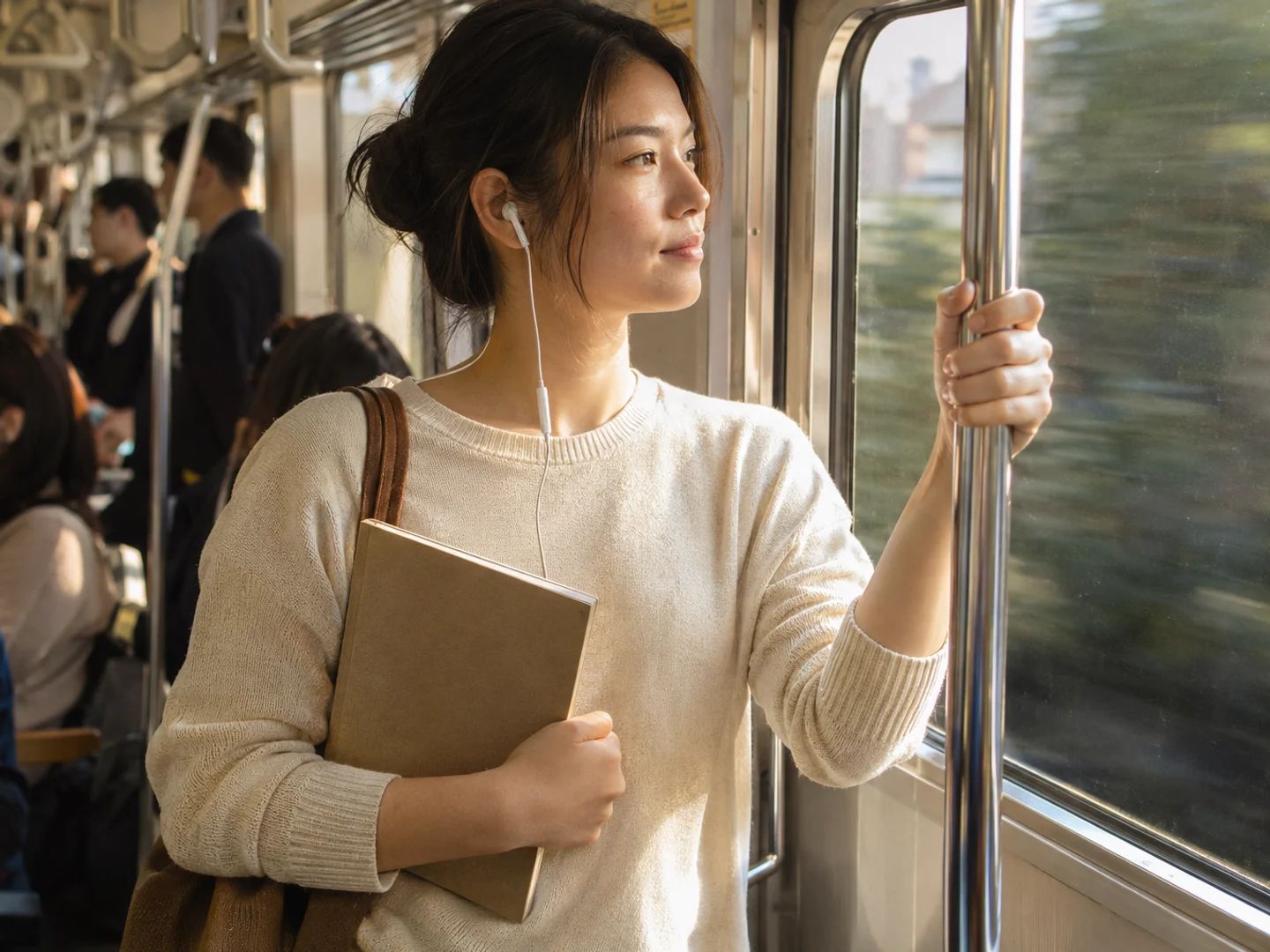
Photograph your notes or a whiteboard and listen on the train or in the car.
Upload one or more images and wait while the text is read, about two seconds an image. Check the text, choose a voice, tone and pace, then press Generate audio. Play it on this page, or download the MP3 on a paid plan.
Here, yes. Image to speech, picture to speech, photo to speech and image to voice all mean the same thing on this page: the text in your picture is recognized and read aloud by a voice.
Reading an image into text costs 5 credits per image, and those credits come back if reading fails. Generating audio costs 5 credits per 100 characters, and free accounts get 120 credits a month. Listening on this page is free; downloading MP3 or WAV comes with paid plans.
A full book page is about 2,000 characters, so about 100 credits of audio plus 5 credits to read it. A menu, sign or screenshot is usually much shorter. Your cost is shown before you generate.
No. This tool reads the words that appear in your image. Talking photo tools animate a face in a picture so it looks like it's speaking; that's a different kind of tool.
Yes. Recognizing the text (OCR) and reading it aloud happen in one place, so there's no separate OCR app to run first. You see the recognized text before any audio is made.
Yes. Screenshot to speech works well for articles, chats and posts, since the text is usually sharp. Menus, buttons and other app clutter are worth deleting from the text before you generate.
Often, if it's neat. Messy or faint handwriting can come out with mistakes, which is why you see and can fix the text before it becomes audio.
JPG, PNG, WebP and HEIC images, up to 50 at once and 30 MB each, or a single PDF of up to 500 pages and 100 MB. For long PDFs and books, PDF to Audio gives you one MP3 per chapter.
Yes. You get the text back first, and you can change or delete anything, or untick whole parts. Audio is charged only for what you keep.
Yes, on a paid plan. Each part downloads as MP3 or WAV, or you can get them all at once as a ZIP. Listening on this page is free.
More than 130, including English, Spanish, French, German, Japanese, Korean and Chinese. You don't choose one: the voice reads whatever language the text in your image is written in, which also makes it useful for hearing how a page in a new language sounds.
Many people find listening easier than reading small or dense print. Upload a picture of the page and listen at a slow or normal pace. It reads the images you upload; it isn't a screen reader for your whole device.
Your images are deleted as soon as they've been read. The text stays in your account so you can edit and generate, until you delete it.
Read an image aloud in three steps: upload it, check the text and listen. Reading costs 5 credits an image, refunded if it fails.