Starting lineup
And now, your starting lineup for tonight's game! At guard, number eleven, Maya Torres! At forward, number thirty-three, Chris Walker! And at center, number fifty, Sam Okafor!
Start from a player intro, a ring intro, a news report, a radio break or an airport call. The voice, tone and effect switch with it.
Add the names, the team or the station. The script fills itself in, and you can change any word. Tap an effect's icon to hear it first.
Most lines are ready in seconds. Every take stays in your history, and MP3 and WAV downloads come with paid plans.
Ready-made scripts for games, newsrooms, radio shows and public spaces. Load one into the tool and the voice and effect come with it.
And now, your starting lineup for tonight's game! At guard, number eleven, Maya Torres! At forward, number thirty-three, Chris Walker! And at center, number fifty, Sam Okafor!
Now batting for the Tigers, number twenty-four, the second baseman, Jordan Rivera! Let's hear it for Jordan Rivera, folks!
Touchdown! Jordan Rivera takes it all the way to the house! What a play, and what a night here at Riverside Stadium!
Oh, what a play! Three down in ten seconds, and the whole map is wide open! This is why they call her the best in the league!
In this corner, wearing the blue trunks, from Detroit, Michigan, with a record of twenty-two wins and one loss, the challenger, Marcus The Hammer Cole!
Making his way to the ring, from parts unknown, weighing in at two hundred and sixty pounds, he is the undefeated champion, Marcus The Hammer Cole!
Choose your fighter! Three. Two. One. Fight! Game over! Player one wins!
This just in. Crews are responding to a water main break on Fifth Street downtown, and drivers are asked to avoid the area. We'll bring you more as soon as we have it.
Here's your forecast. Expect sunshine through the afternoon with a high of seventy-two, then clouds moving in tonight with a chance of rain by morning.
That's the latest from City Hall. Reporting live, I'm Dana Lee. Back to you in the studio.
In tonight's top story: a local man has finally replied to a text from three weeks ago. Experts are calling it a miracle. Reporter Dana Lee is on the scene.
You're tuned to ninety-eight point five, The Wave. More music, less talk, all day long.
Good morning, and happy Friday. The sun is out, the coffee's hot, and this next one goes out to everybody stuck in traffic on the interstate.
This weekend only at Maple Street Market: buy one, get one free on all fresh bread. Come see us on Maple Street, open seven days a week.
Tune in next week, same time, same station, for another adventure of The Midnight Detective. Until then, good night.
Attention, passengers on flight four one seven to Denver. Your departure gate has changed. Please proceed to gate twelve.
The next train to arrive on platform two is the eight fifteen service to Central Station. Please stand behind the yellow line.
Attention, shoppers. Today only, all winter coats are thirty percent off. You'll find them at the back of the store, next to the fitting rooms.
May I have your attention, please. Would the owner of a blue sedan in the front parking lot please return to your vehicle. Your lights are on.
Good morning, students. Please remember that picture day is this Thursday, and the chess club meets after school in room twelve. Have a great day.
Sports, news and radio each need a different read. Pick a style and the voice, tone and effect are set for you.
Player intro and Ring intro use a booming sports read with the Stadium effect. Use this AI sports announcer voice for starting lineups, walk-up calls and fight nights, or as a baseball announcer voice generator for little league games.
Play-by-play gives you a quick, natural read for a touchdown call or an esports highlight. It reads the commentary you write. It doesn't watch the game or write the script for you.
News report uses a clear newsreader tone with no effect. Use it as an AI news reporter voice or a news anchor voice generator for breaking news, weather and sign-offs in videos and skits.
Radio break pairs a low, smooth voice with the On air effect, which makes this a radio voice generator for station IDs and ad reads. Old-time radio adds a formal read and a crackly vintage sound.
You get an audio file, so it goes wherever you need it.
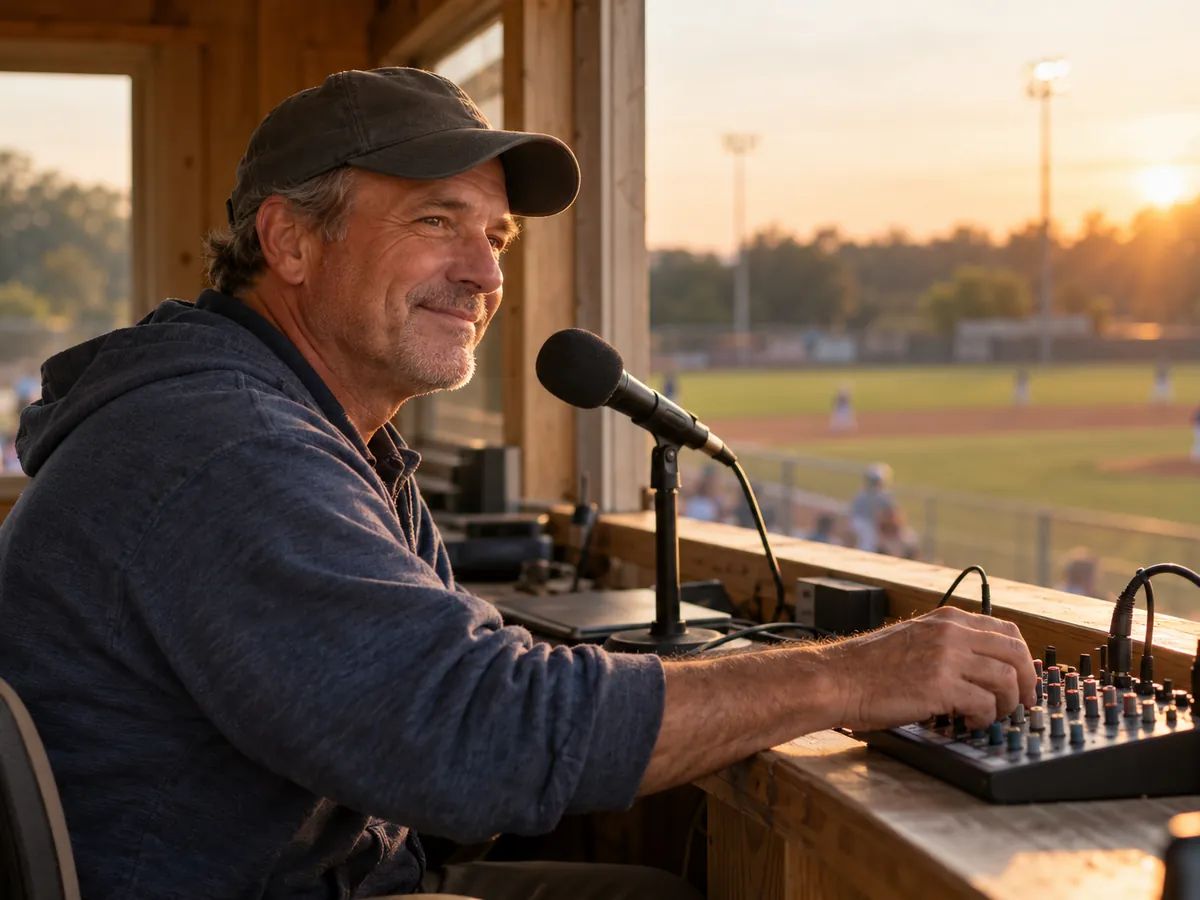
Player intros, starting lineups and walk-up calls for little league, school teams and rec leagues, played over the field speakers.
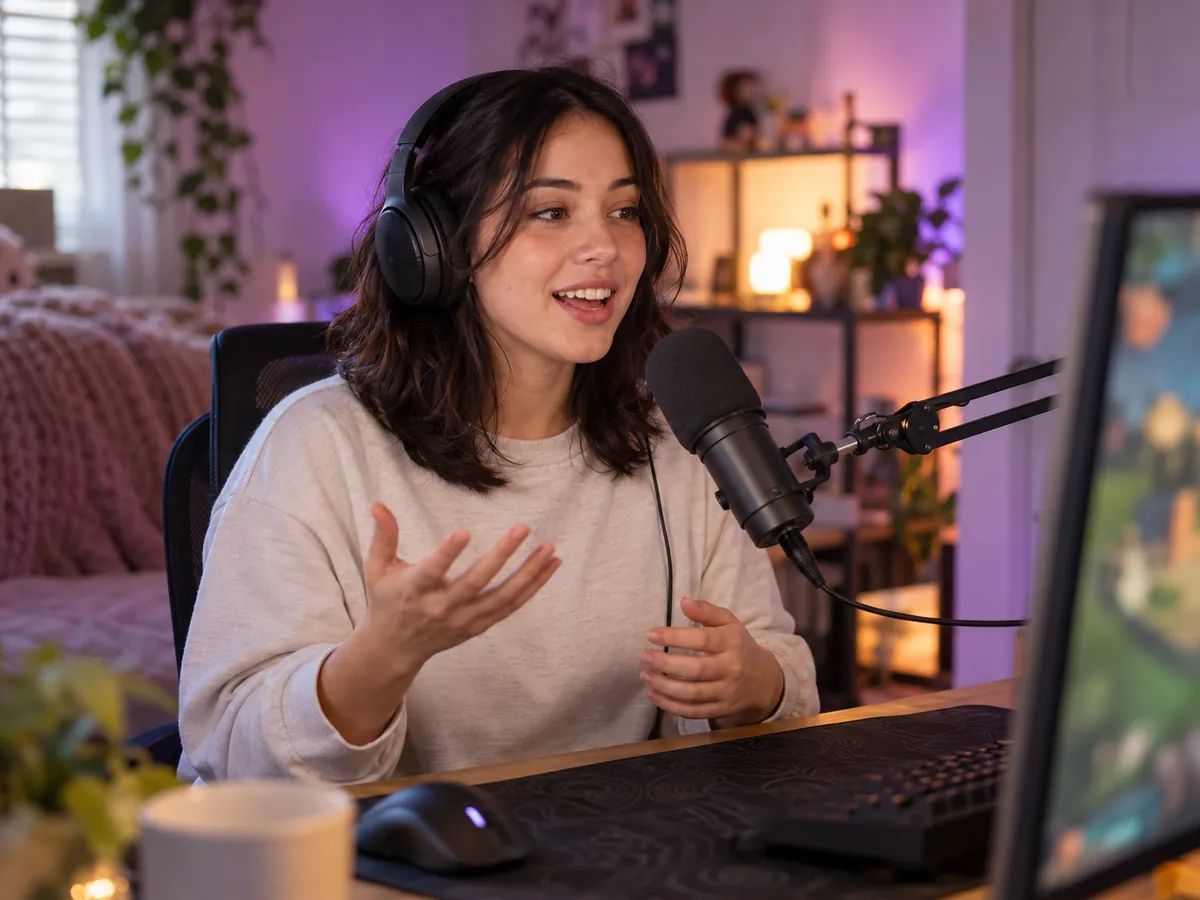
News parodies, sports skits, esports clips and game intros for YouTube, TikTok and Twitch.
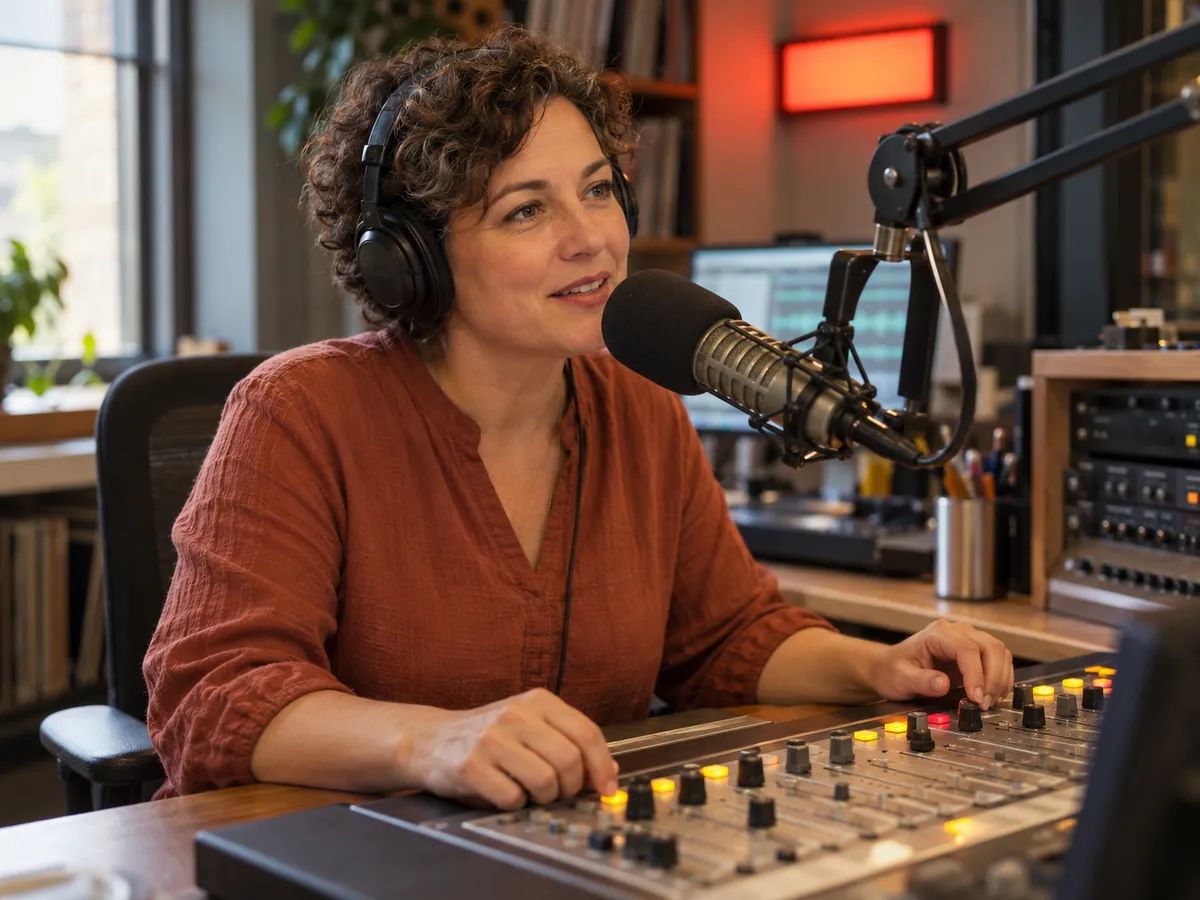
Station IDs, show openers, ad reads and old-time radio segments.
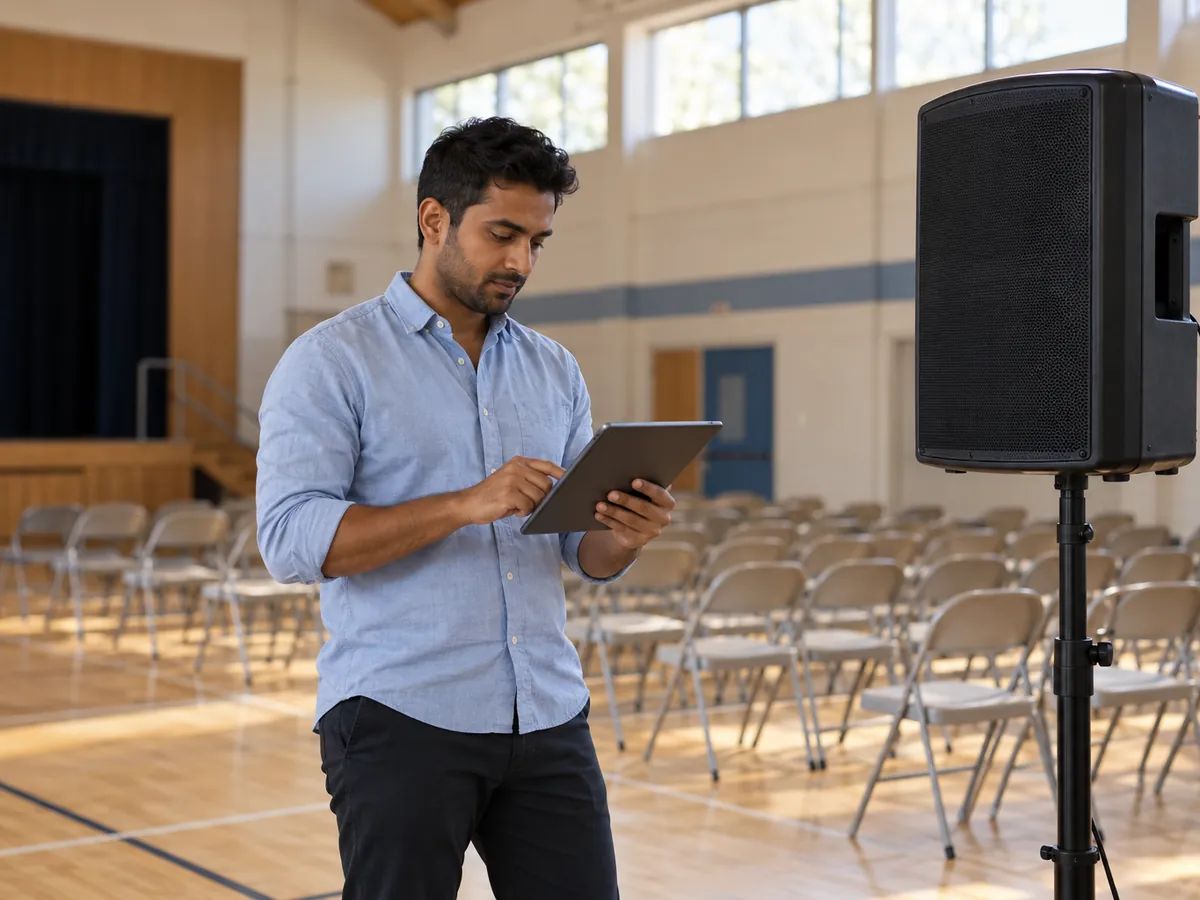
In-store promotions, closing calls, school announcements and event openers.
Natural voices you can direct sentence by sentence: whisper, laugh, pause.
Type a line and hear it as a robot, with four effects to choose from.
Turn a station or brand name into a sung jingle to play after the announcement.
Ready-made greetings for your business phone line, read by a polished voice.
Pick a style such as Player intro or News report, fill in the details, then press Generate speech. The voice, tone and effect are already set for that style, and you can change any of them. Most short lines are ready in a few seconds.
Listening to the examples and effect samples is free without signing in, and free accounts get 120 credits a month. It costs 5 credits per 100 characters and effects cost nothing extra, so a 200-character intro is 10 credits and you can make about 12 a month. Downloads come with paid plans.
Yes, on a paid plan. Every take is saved in your history and downloads as MP3 or WAV. Listening on this page is always free.
Start with Marcus, the default on this page, for sports and ring intros. Elena suits news and PA announcements, and Adrian suits radio. These are starting points, so tap through the voice list and listen. The Sports announcer tone works with any of them.
The Stadium effect adds the echo of a big PA across the stands. It doesn't add crowd noise. To add a crowd, download the MP3 and mix it with a crowd recording in a video or audio editor.
Yes. Choose Studio in the Effect section and you get the clean voice. To hear the difference first, the examples on this page let you switch between the effect and the clean version of the same take.
No. These are AI voices and they don't copy real people or characters. You can describe the style you want under Direction instead, like a booming video game announcer or a fast play-by-play caller.
Yes. The News report style uses a clear voice, the Newsreader tone and no effect, which works for narrated videos and skits and for a newscaster voice too. If you make a news parody, make it clear that it's a parody.
Yes. Radio break uses a low, smooth voice with the On air effect, and Old-time radio uses the same voice with a formal read and the crackly Old radio effect.
Yes. The Airport and Store styles use a calm voice and play a ding-dong chime first. The tool makes an audio file, so on a paid plan you download it and play it through your own speakers or PA system.
If a name comes out wrong, spell it the way it sounds, like Ree-VAIR-uh, and generate it again. Writing numbers as words also gives you more control, such as twenty-four instead of 24.
More than 130. Write the script in the language you want and the announcer reads it in that language; there's no language menu to set. The example scripts are in English.
Yes, on a paid plan. Audio you make while subscribed can go into videos, ads, games and in-store announcements.
No. This tool starts from text and doesn't process recordings.
Type a line, pick a style and hear it in seconds. Free accounts get 120 credits a month.