01
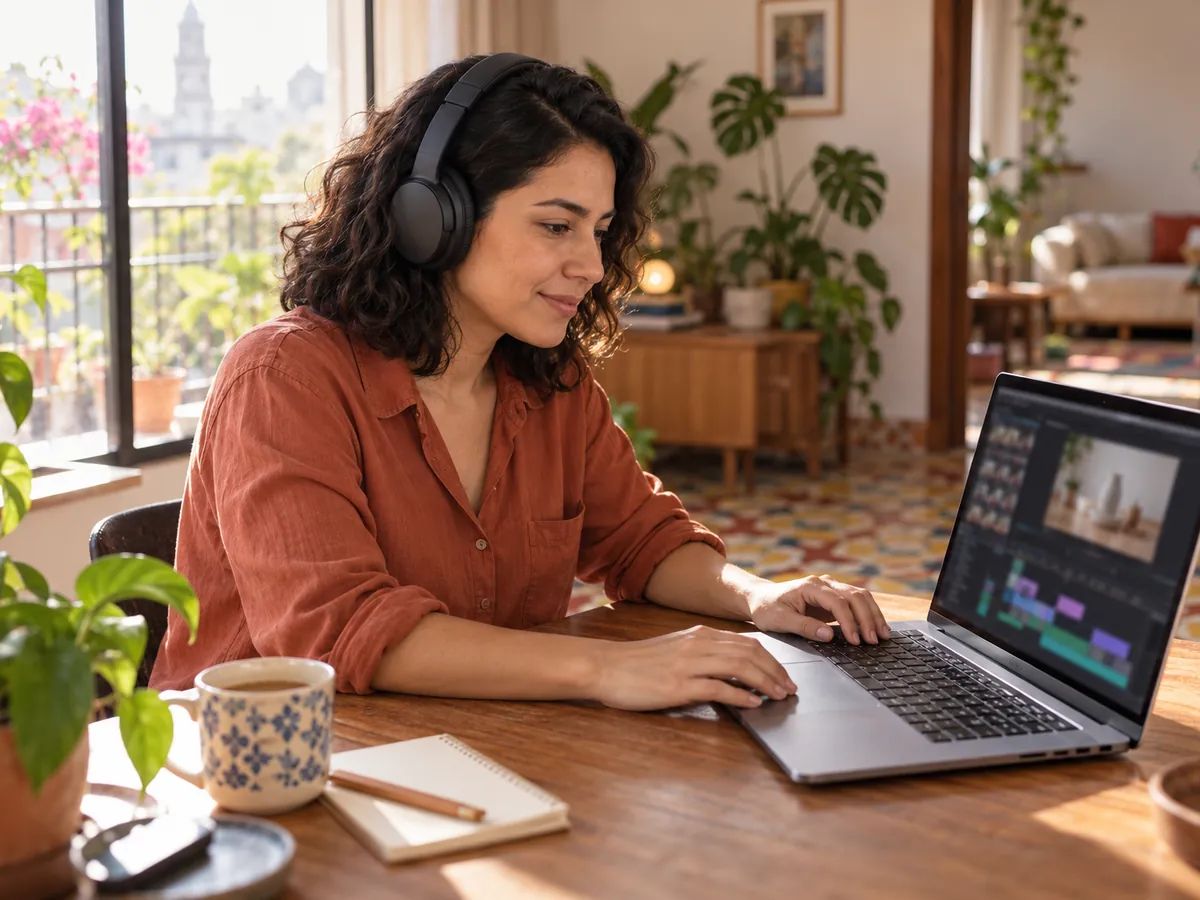
Videos and social clips
Put a Spanish voice over on your product demo or explainer, and update a line without rebooking anyone.
Up to 5,000 characters at a time. Keep your accents and your ¿ and ¡ as you'd normally write them.
Every voice has a Spanish sample to play. Choose one, set the tone and pace, and whisper or stress any sentence you like.
A short script is ready in seconds. Listen as often as you like, and download MP3 or WAV on a paid plan.
For anyone making content for Spanish-speaking audiences. A 30-second read is about 400 characters, or 20 credits.
Put a Spanish voice over on your product demo or explainer, and update a line without rebooking anyone.

Read a radio spot or store promotion for a Spanish-speaking market, in an upbeat advert tone.

Turn class materials into narration, and let students replay any dialogue as often as they need.

Give your voicemail or in-store announcement a Spanish version in the same voice as your English one.
Turn Japanese text into speech for videos, lessons and announcements.
Mandarin speech from your Chinese script, as MP3 or WAV.
French narration for audio guides, courses and ads.
Text to speech in more than 130 languages, with sentence-by-sentence direction.
Listening to the Spanish samples and examples is free without signing in. Free accounts get 120 credits a month, about 2,400 characters of Spanish. It costs 5 credits per 100 characters, and downloads come with paid plans.
All 30 AI voices read Spanish, which makes this a Spanish voice generator as much as a text to speech tool. The list on this page starts with six to try, and you can play a Spanish sample of any voice before you choose.
No. Paste Spanish and it's read in Spanish. There's no language menu to set.
There's no accent setting. The voice reads the script as written, so play a few samples and pick the one that suits your audience.
Yes, on a paid plan. Every take is saved in your history and downloads as MP3 or WAV. Listening is free.
Spell out numbers and dates the way you want them said, expand abbreviations, and respell any name that comes out wrong. Then generate just that line again.
Yes, on a paid plan. Audio you make while subscribed can go into commercial projects.
Up to 5,000 characters per generation, about six minutes of speech. For longer pieces, generate them in parts, or upload a PDF to the PDF to Audio tool.
Paste your text, pick a voice and listen in seconds. Your first takes are free.