01
Choir directors
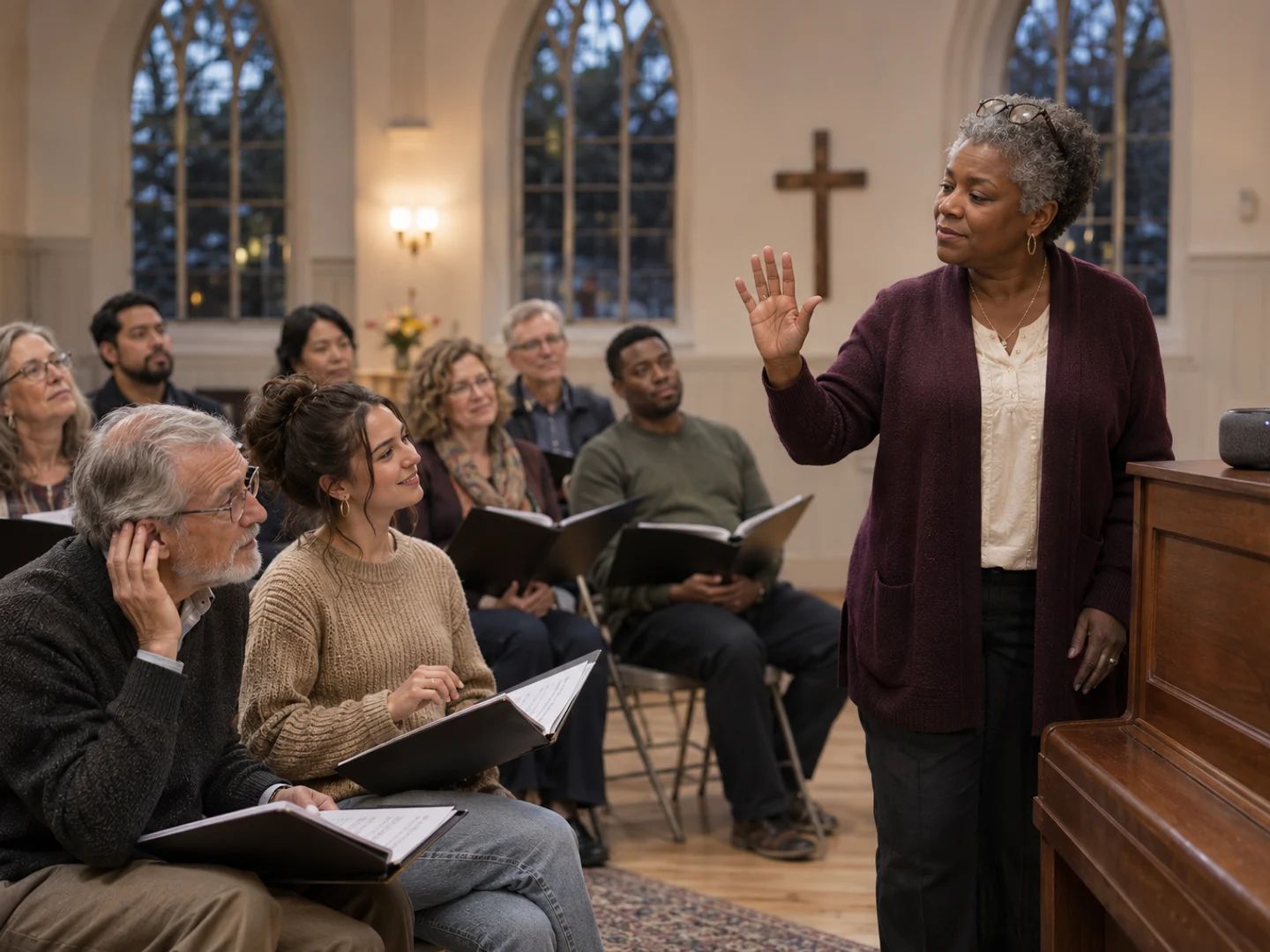
Hear a new text sung by a full choir before you commit to arranging it, or play a demo so your singers know the feel of the piece.
Write a line about what the choir should sing, or paste words you wrote. A Latin text, a hymn verse or a school song all work.
Choose gospel, church hymn, cathedral, children's, epic cinematic or a cappella, then the voices and the accompaniment: organ, piano, orchestra or none.
Most songs are ready in about two minutes, usually as two takes. Download the one you like or open it in your workspace to extend or edit it.
A real choir takes weeks to rehearse. An AI choir gives you a sung demo of an idea today.
Hear a new text sung by a full choir before you commit to arranging it, or play a demo so your singers know the feel of the piece.
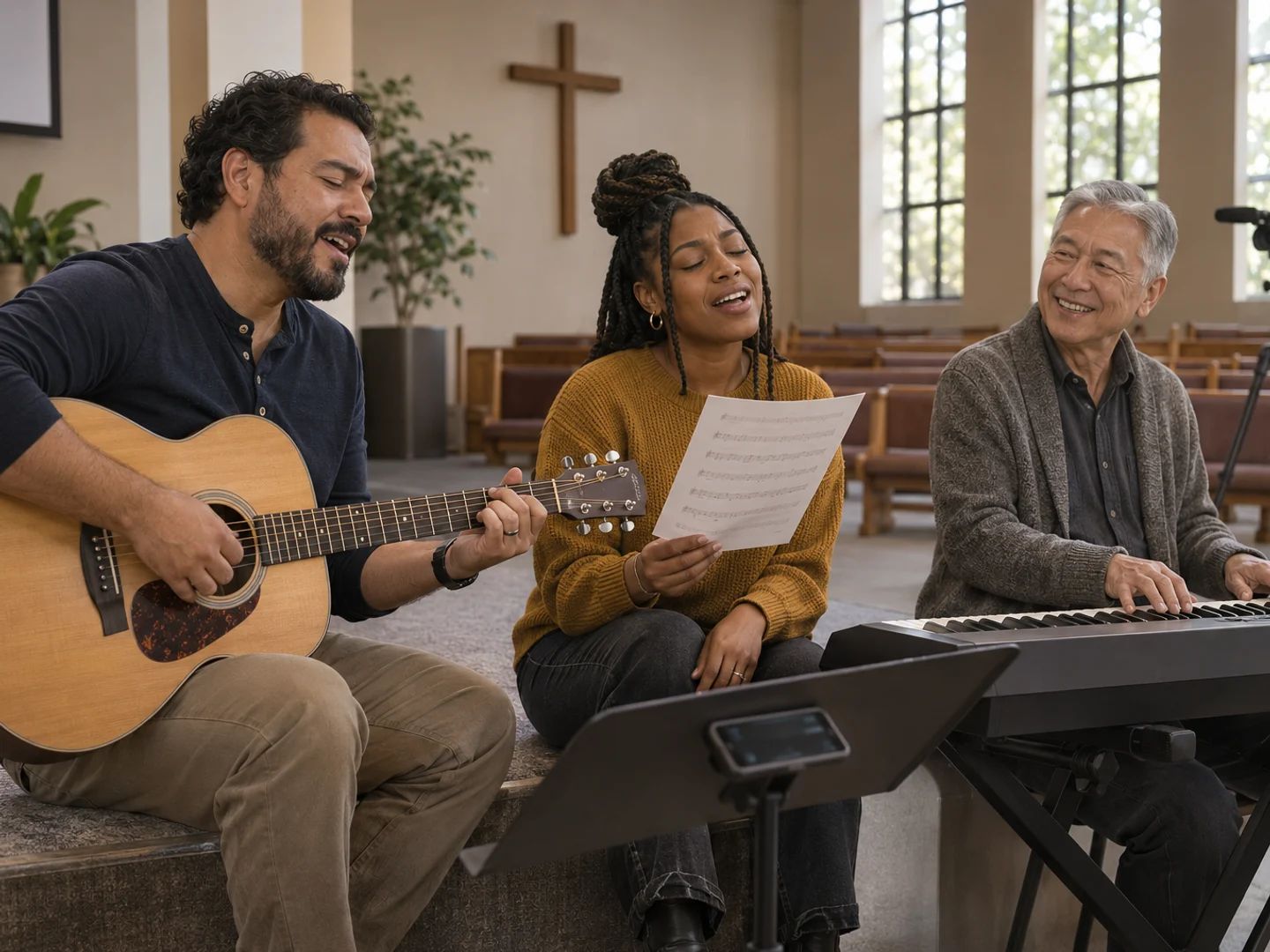
Turn a theme, a psalm or your own lyrics into a gospel or church choir demo for a service, an anniversary or a livestream.
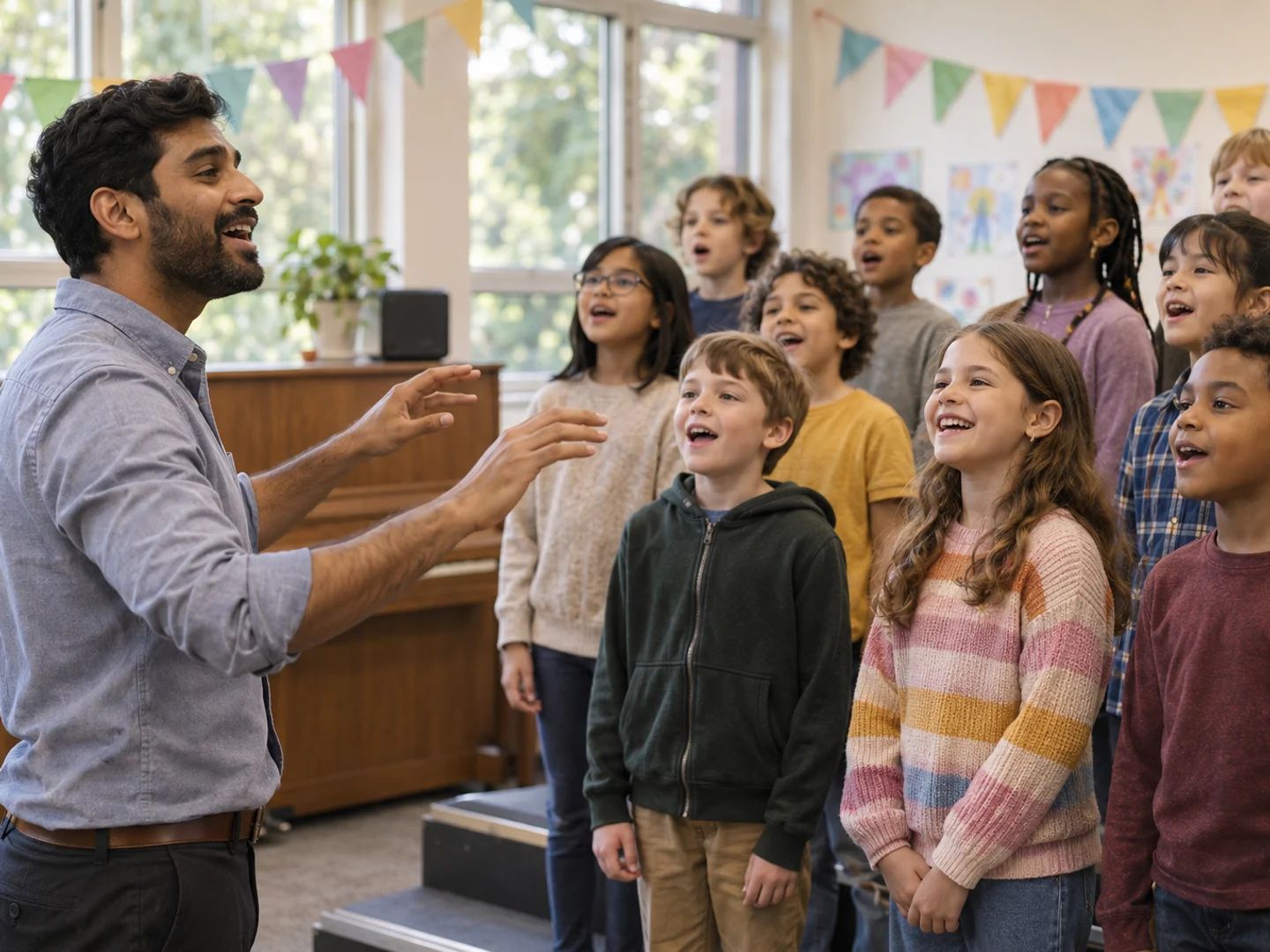
Make a children's choir song about this term's topic and play it in class, at an assembly or before a school concert.
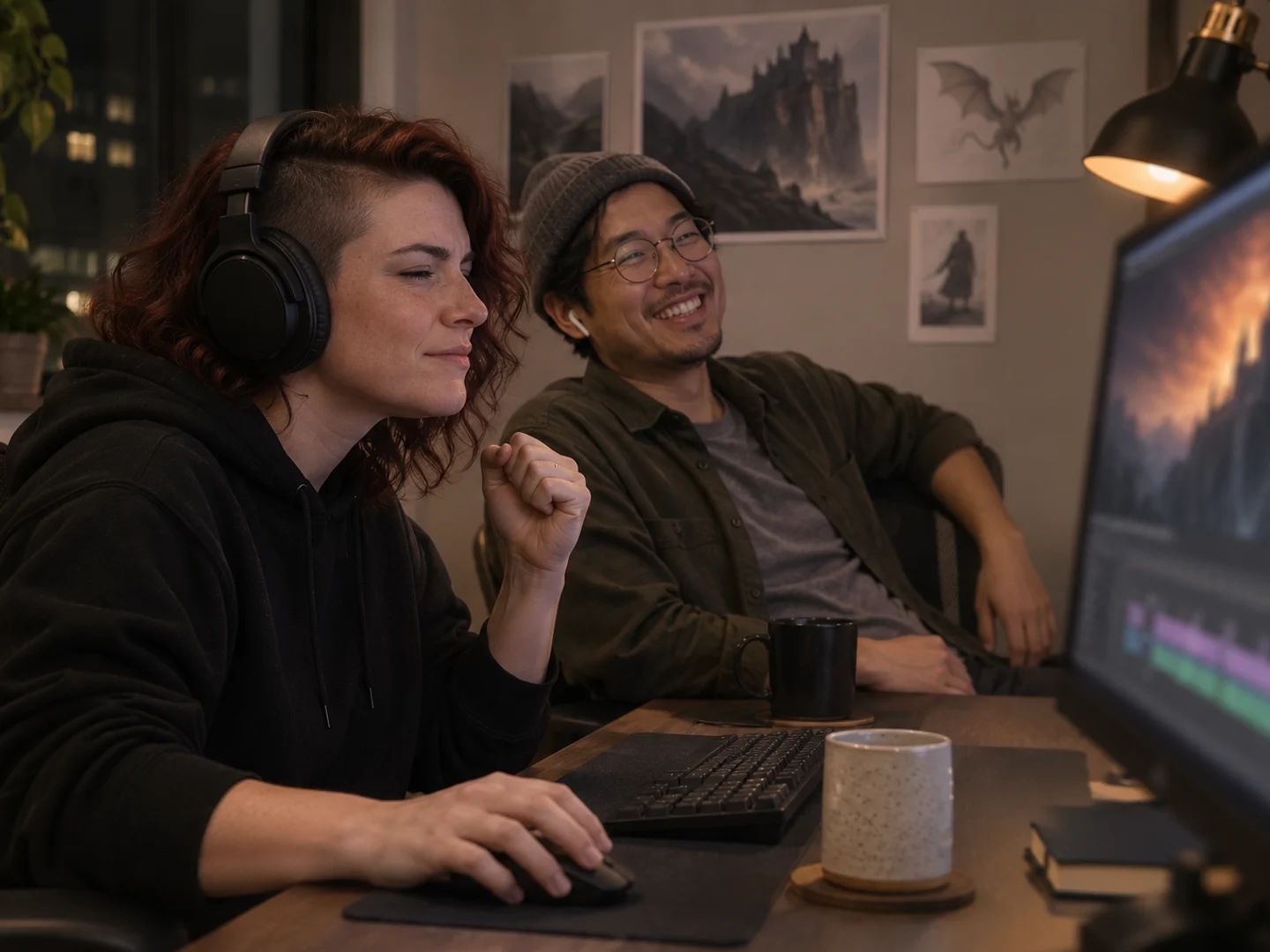
Make an epic choir cue or a cathedral piece for a trailer, a boss battle, a documentary scene or a channel intro.
Split a choir recording into soprano, alto, tenor and bass practice tracks.
An AI choir generator turns text into a song sung by a choir. With Lacuna you describe a song or paste lyrics, pick a choir style, voices and accompaniment, and get a complete song with the choir and instruments already arranged and mixed.
Yes. Switch to the Lyrics tab and paste words you wrote or have permission to use. Lacuna does not rewrite them first, but an AI choir can blur, repeat or skip words in the performance, so listen before you share the song.
Yes. Pick Gospel choir for a mass choir with a church band, hand claps and call and response. Turn on Lead singer if you want one voice calling and the choir answering.
Yes. Pick it from the Language menu, for example Latin, Spanish or Swahili, and the choir generator follows it in the lyric draft and the arrangement. For a language that isn't listed, keep Auto and write your idea or lyrics in that language. Pronunciation varies by language, so check the finished take.
The generator gives you one mixed song. To practise parts, run it through the choir voice separator, which splits a choir recording into soprano, alto, tenor and bass tracks; how cleanly it separates varies by song. Sheet music is not part of the result.
No. Lacuna writes and sings whole songs from text. If you need to play choir notes from a MIDI keyboard inside a DAW, a choir sample library or a vocal synthesizer is the right tool.
You can make a demo for a service, a school concert, a video or a game. Download options and commercial use depend on your Lacuna plan and the license terms. Check the lyrics and any source text you used before publishing.
Most choir songs are ready in one to two minutes. The credit total is shown next to the Generate button before you start, and it includes the AI lyric draft when you begin from a description.
Describe the song or paste your lyrics, pick the choir, and hear an AI choir sing it for church, school or the screen.