
01
Piano students
Found a performance you love but no sheet music? Upload it to turn the song to notes, with both hands written out to practice from.
Drop in an MP3 or WAV, or record straight from your microphone. A phone recording of a lesson or rehearsal works too.
Choose piano, voice or guitar. In a full song, the part you picked is pulled out of the mix before it is transcribed.
The sheet music opens on the page. Download the PDF to print, the MusicXML to edit and the MIDI for your DAW.
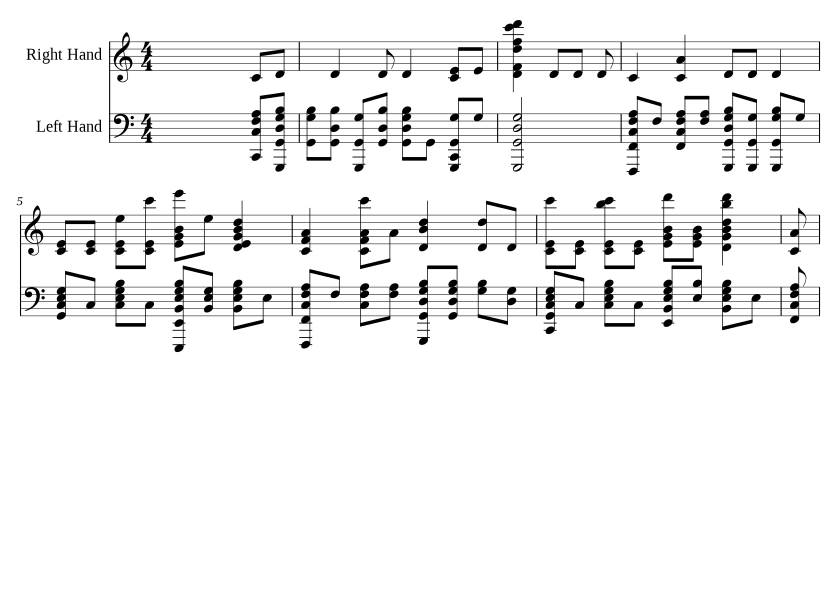
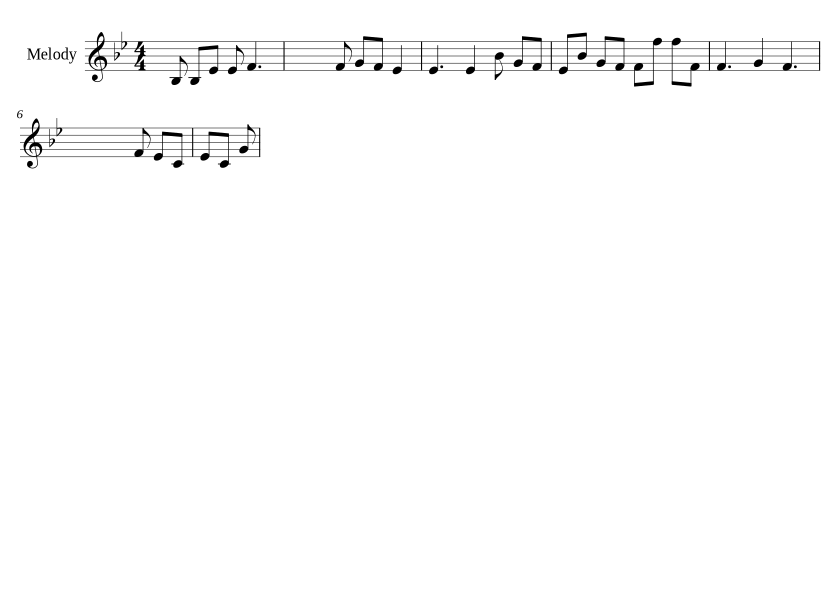
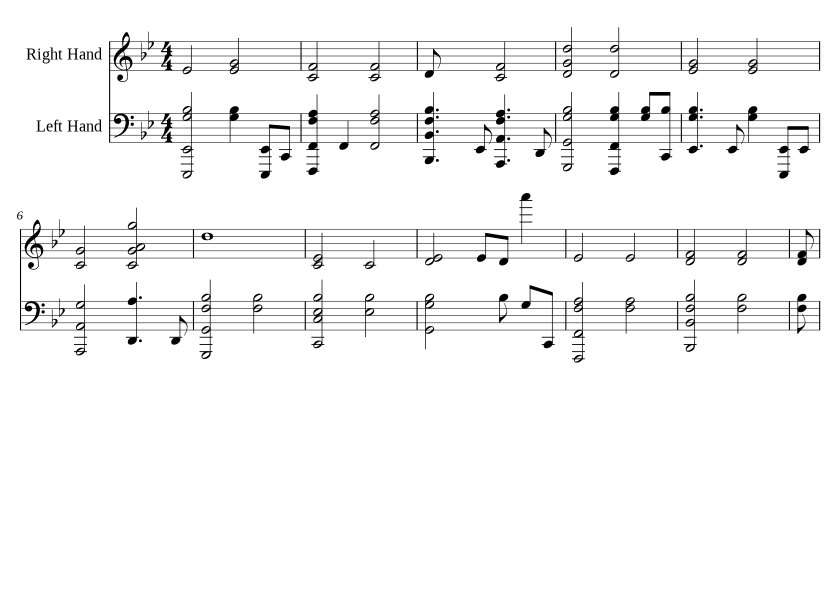
A music to sheet music converter for anyone holding a recording and no score: get a draft you can correct, print and play from.
Found a performance you love but no sheet music? Upload it to turn the song to notes, with both hands written out to practice from.
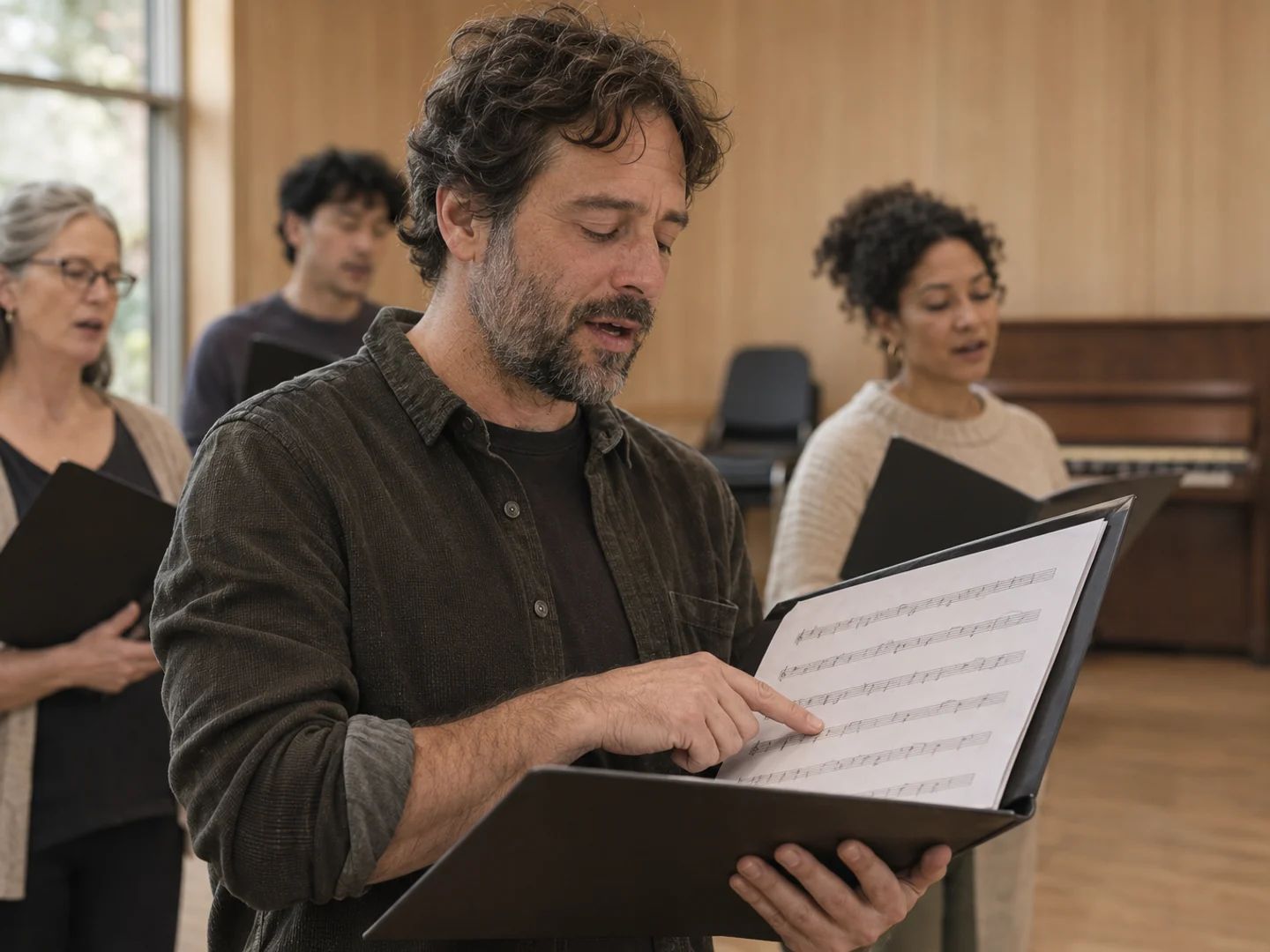
Turn a rehearsal recording or a demo into a melody line you can read, mark up or send to your accompanist.
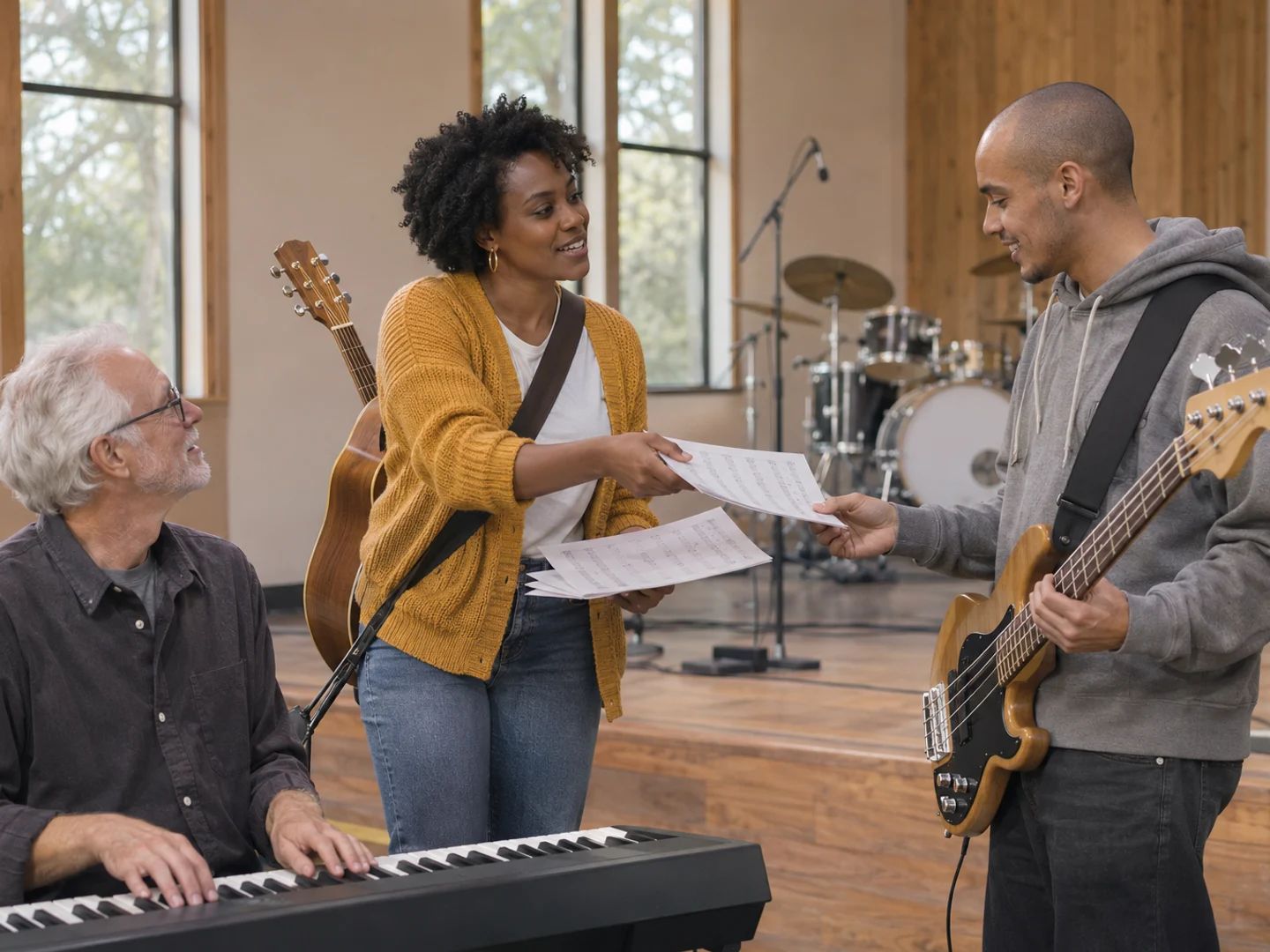
Turn a song to notes for the whole band from the MP3 everyone already has, then print a copy for each player.

Start an arrangement from a recording instead of a blank page: fix the details in your notation app and hand out the PDF.
Upload an MP3 or WAV above, or record on the page, choose what the score should show, then press Convert to sheet music. When it is done, the score opens on the right: read it there, print it as a PDF, or download the MusicXML and MIDI.
Yes. MP3 is the most common input, along with WAV, M4A, OGG and FLAC, up to 30 MB and 10 minutes. The MP3 to sheet music converter handles it like any other recording.
Yes. Choose Song with piano or Full song and the piano or the lead vocal is pulled out of the mix first, then written out. Solo recordings come out cleanest; in a busy mix, quiet parts can be missed. Choose Other instrument to write the whole recording as a piano score.
Pasting a link isn't supported. If you have the audio file, such as your own performance or a track you have the rights to use, upload it and convert it like any other recording.
It is an automatic transcription, not an engraved edition. On a clean recording of one instrument or voice, expect the right notes and rhythms with a few fixes; dense mixes, free-tempo playing and a cappella singing need more. The MusicXML opens in any notation app, so you can correct what it got wrong.
Yes. Choose Voice or melody, then Voice only, and record on the page or upload a voice memo. Hold each note clearly and keep a steady pulse: you get a single melody line in the key you sang, ready to hand to a pianist or a band.
MIDI is a list of notes and timings for a DAW or a piano roll, with no bar lines, clefs or key signature. Sheet music is those notes written as a score a musician can read at the instrument. You get both here; if you only need the MIDI, the MIDI converters cost fewer credits.
Pick 4/4 or 3/4, and whether the shortest note is an eighth or a sixteenth. The tempo is measured from your recording and written at the top of the score.
A PDF to print, a MusicXML file for MuseScore, Finale, Sibelius or Dorico, and the MIDI of the transcription. Open the full score to play it back with a cursor that follows the notes.
Each conversion uses credits; the exact amount is shown next to the Convert button before you start. If the sheet music can't be written, the credits for the score go back to your balance and you keep the MIDI.
Upload an MP3 or a recording and print the score in a few minutes.