01
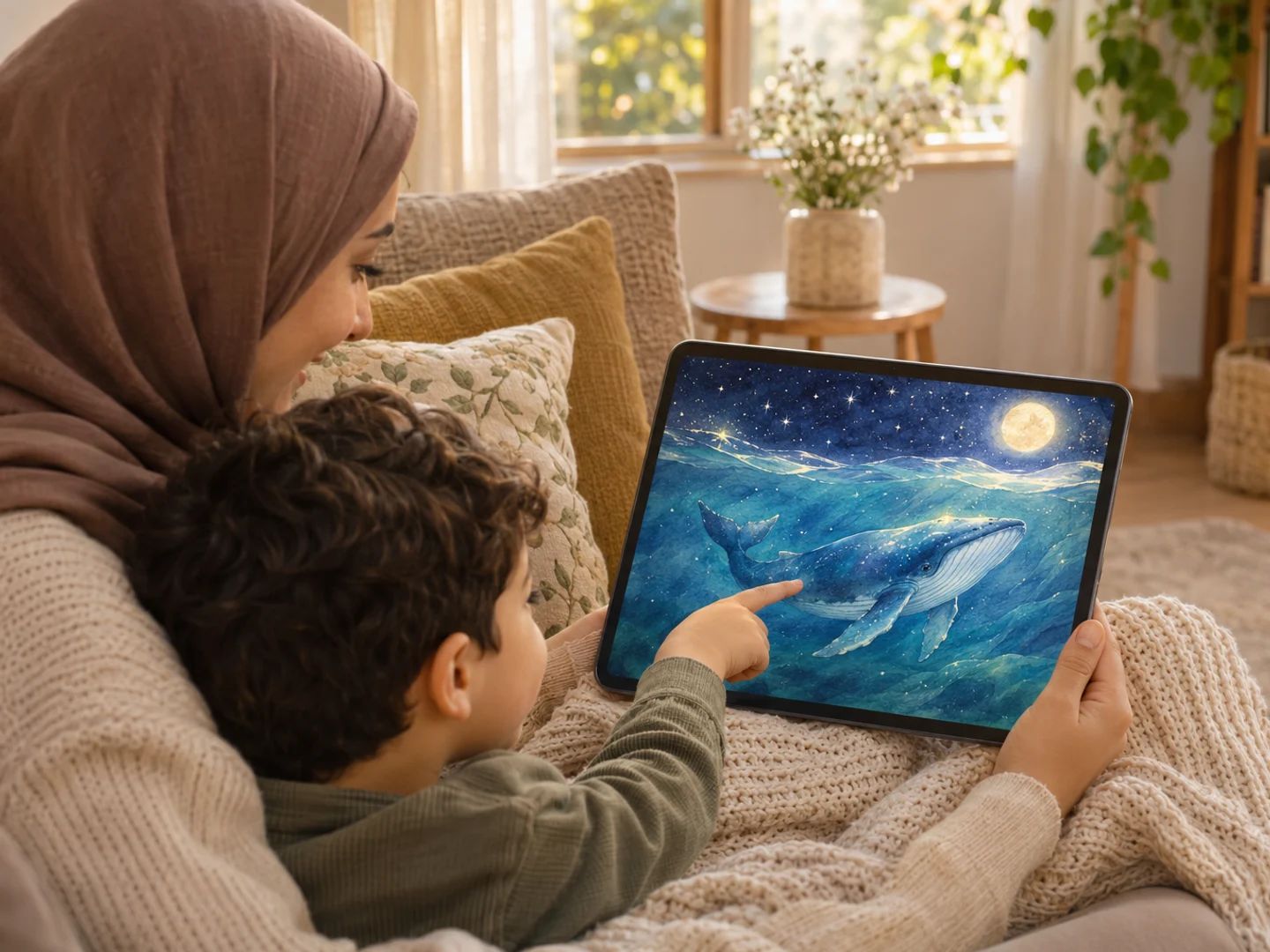
Parents and grandparents
Make a picture book starring your child from a few photos, or turn a family story into one for the grandkids.
Type an idea, paste your own story, or add pictures or a PDF for AI to write from. Add up to 3 family photos to put them in the book.
AI splits the story into pages and describes a picture for each. Edit the words, then pick one of 10 art styles and a voice.
Every page gets a picture and the book is read aloud, word by word. Read and listen free, or on a paid plan download the whole book (a printable PDF, the pictures and the MP3 in one ZIP) or print files for a KDP paperback.
A storybook made in a few minutes, to read together, share, or start a book of your own.
Make a picture book starring your child from a few photos, or turn a family story into one for the grandkids.
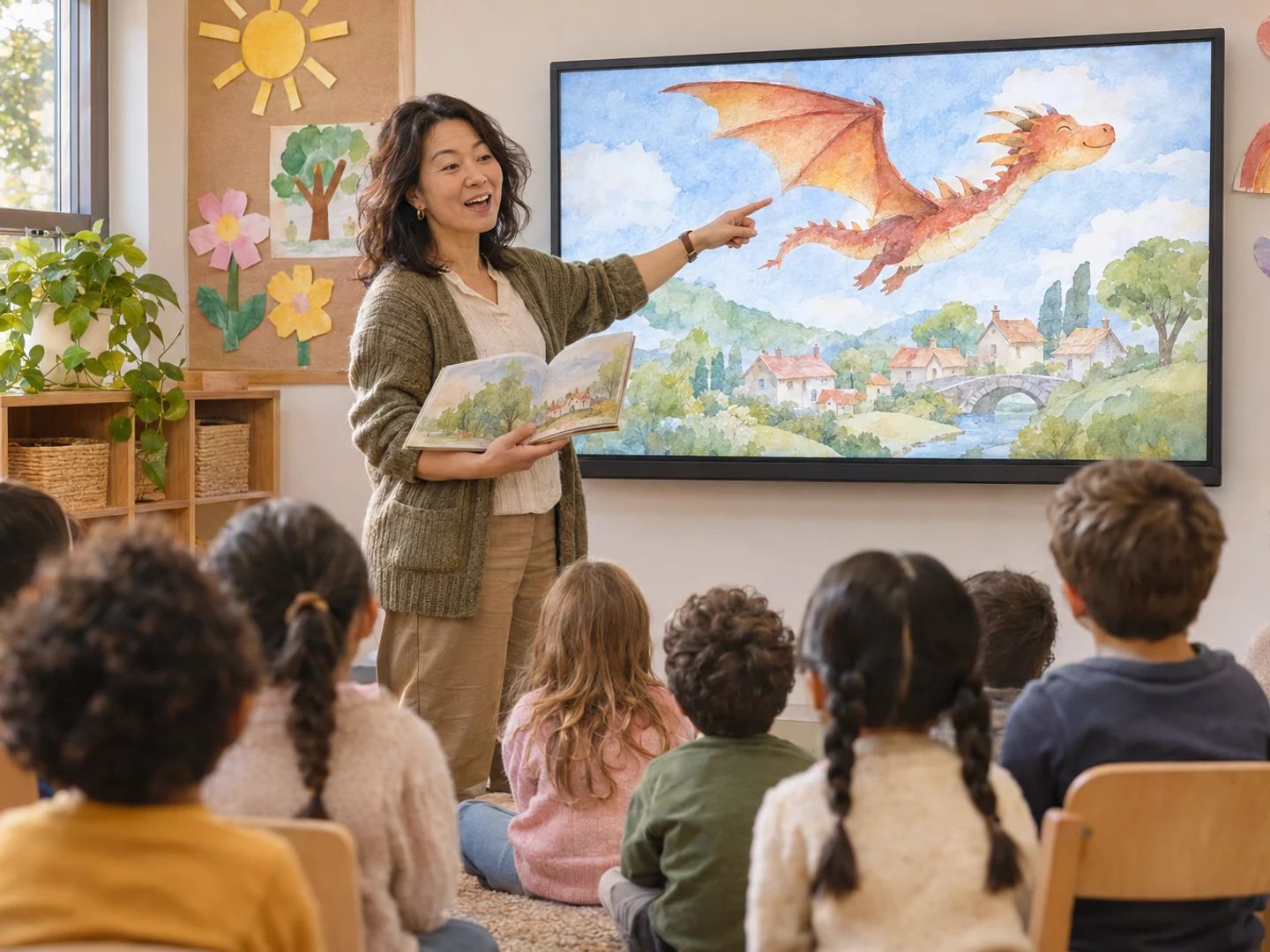
Turn a class story or a PDF reading into a picture book and read it together on the big screen.
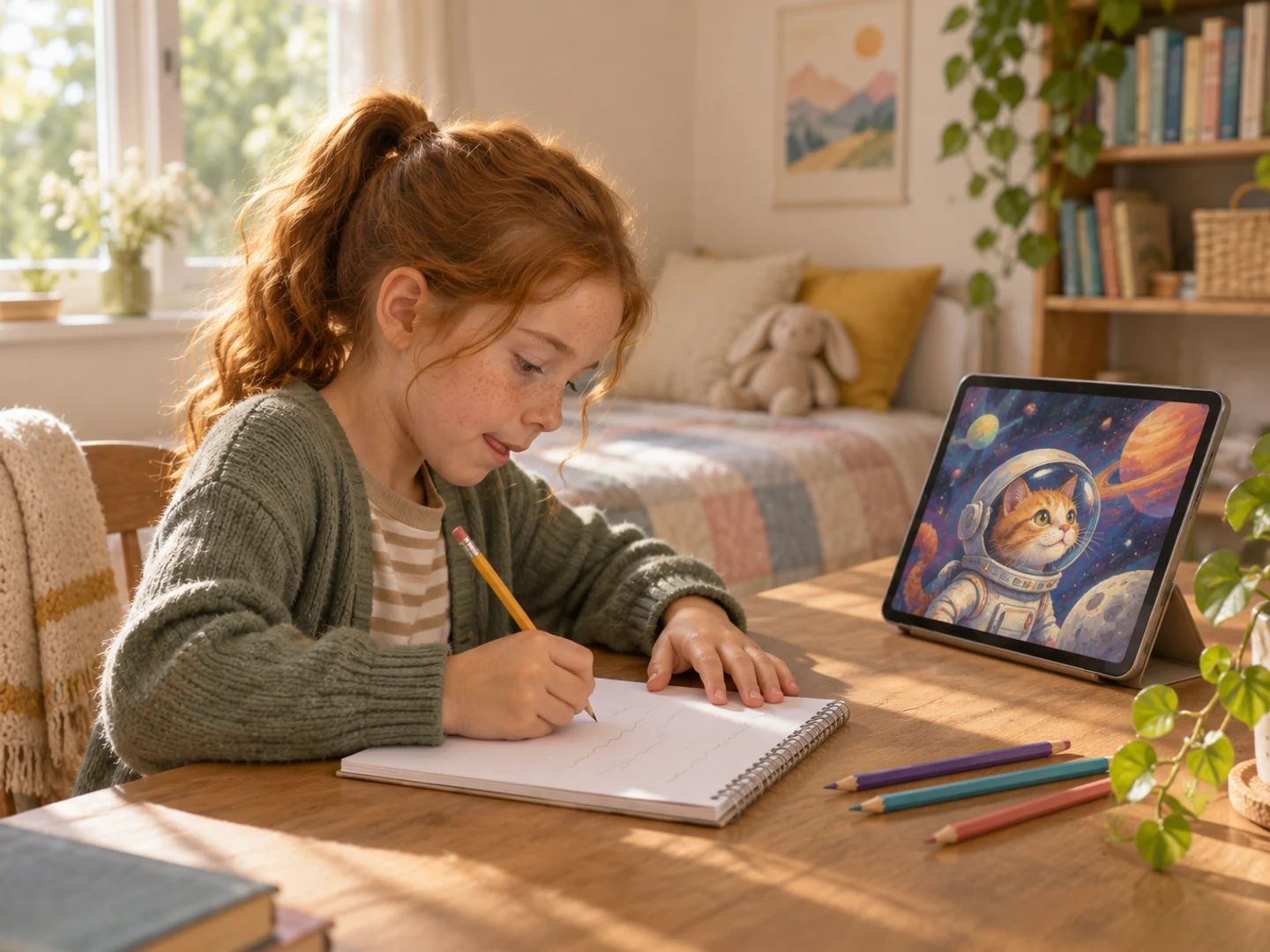
Kids write a story or draw one, and AI illustrates it and reads it back to them.
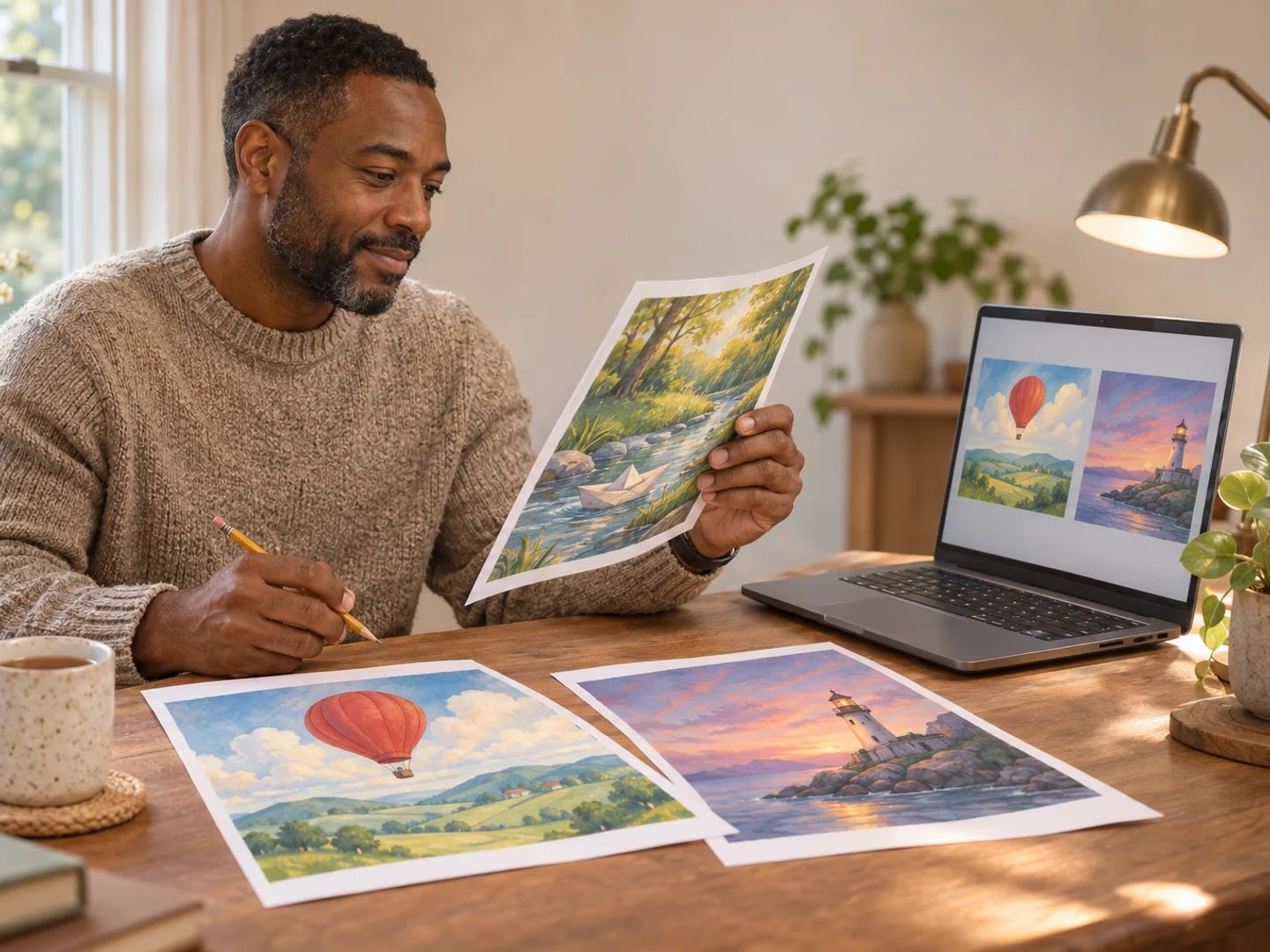
Make a picture book or a coloring book, then download the whole book (PDF, pictures and narration) and print-ready files for a KDP paperback.
Type an idea, paste your own story, or add pictures or a PDF for AI to write from. Then plan the pages: AI splits the story and describes a picture for each page. Edit anything, add family photos if you like, pick an art style and a voice, and press Make storybook. Pictures appear page by page, and the narration follows.
Yes. Add up to 3 photos, for example your child, a grandparent and the family pet. They become the characters on every page, drawn in the art style you pick: hair, skin tone, glasses and clothes stay recognizable, but they're illustrations, not photorealistic copies. Clear, well-lit photos of faces work best.
Yes. Your photos are only used to draw your book. They aren't shown publicly and aren't used as examples.
Yes. In the Idea tab, add up to 3 pictures and 1 PDF, 10 MB each. A child's drawing, a family photo or a trip photo becomes the start of a new story. A PDF can be a story draft, a school reading or your notes, and AI writes a picture-book story from it. If the PDF is your own story, AI keeps its plot, characters and as much of your wording as fits the length you pick.
Each illustrated page costs 30 credits, or 40 when your own photos are drawn in with Star your family. The narration costs 5 credits per 100 characters. Planning the pages costs 10 credits (20 for a 12- or 16-page book), and writing the story with AI costs 5 credits, or 10 for a long story or one written from pictures or a PDF. A six-page book with a two-minute story comes to about 270 credits.
Pick 4, 6, 8, 12 or 16 pages. Short stories for little ones work best with 4 to 6. To print the book as a paperback, choose 8 or more; 12 or 16 work best.
AI writes one description of the characters and uses it for every picture, so the hero stays recognizable. Small details such as clothing can still change between pages. If you add family photos, every picture is also drawn from them.
Ten: watercolor, crayon, paper cut, comic, vintage, claymation, 3D cartoon, anime, pixel art and coloring book. Coloring book draws black-and-white line art to print and color in, which also suits KDP coloring books. The style applies to every page of the book.
Yes. Paste it into the story box and plan the pages, or attach it as a PDF in the Idea tab. You can change the words on any page before the pictures are made.
Stories and pictures are made to be gentle and age-appropriate, and requests for violent or adult content are refused. Look through each book before sharing it with a child.
On a paid plan: the whole book as one ZIP (a printable PDF with each page's picture and words, every picture as its own image file, the narration as an MP3 and the story text), the MP3 narration or the pictures on their own, and print-ready files for an 8.25 × 6 in KDP paperback. Reading and listening on the page are free.
Yes, on a paid plan, which covers commercial use, including sales. For a paperback, open a book with 8 or more pages and choose Download, then Print edition for KDP: you get print-ready interior and cover PDFs for an 8.25 × 6 in landscape paperback, plus a checklist of the settings to pick on KDP. Each picture is upscaled to print quality once, for 10 credits a page. For a Kindle eBook, import the whole-book PDF into Kindle Create. Either way, disclose the AI-generated text and images when KDP asks.
The page and the story writer work in 9 languages: English, Spanish, French, German, Portuguese, Japanese, Korean, and Simplified and Traditional Chinese. The narration reads whatever language your story is in.
Start from an idea, a story, a photo or a PDF and get a narrated picture book in a few minutes.