
01
Guitar teachers
Hand students the same riff as tab and as standard notation, so they connect each fret with a note while they practice.
Paste a tab or open a Guitar Pro file to get standard notation with the tab underneath, then print it as a PDF.
Copy the string lines from any text tab, chord names and lyrics included, or choose a .gp, .gp5 or .gpx file. Tuning and capo are read from the tab when it names them.
Every fret becomes a note on the staff, with the tab lined up below it. In a multi-track Guitar Pro file, switch to the part you want to read.
Download a PDF to print, MusicXML to finish the layout in MuseScore or Dorico, or MIDI and audio to practice along.
Tab is how most guitar parts are shared. Notation is how teachers, arrangers and other musicians read them.
Hand students the same riff as tab and as standard notation, so they connect each fret with a note while they practice.

Put a tab you already know next to its staff and learn the notes from music your hands remember.
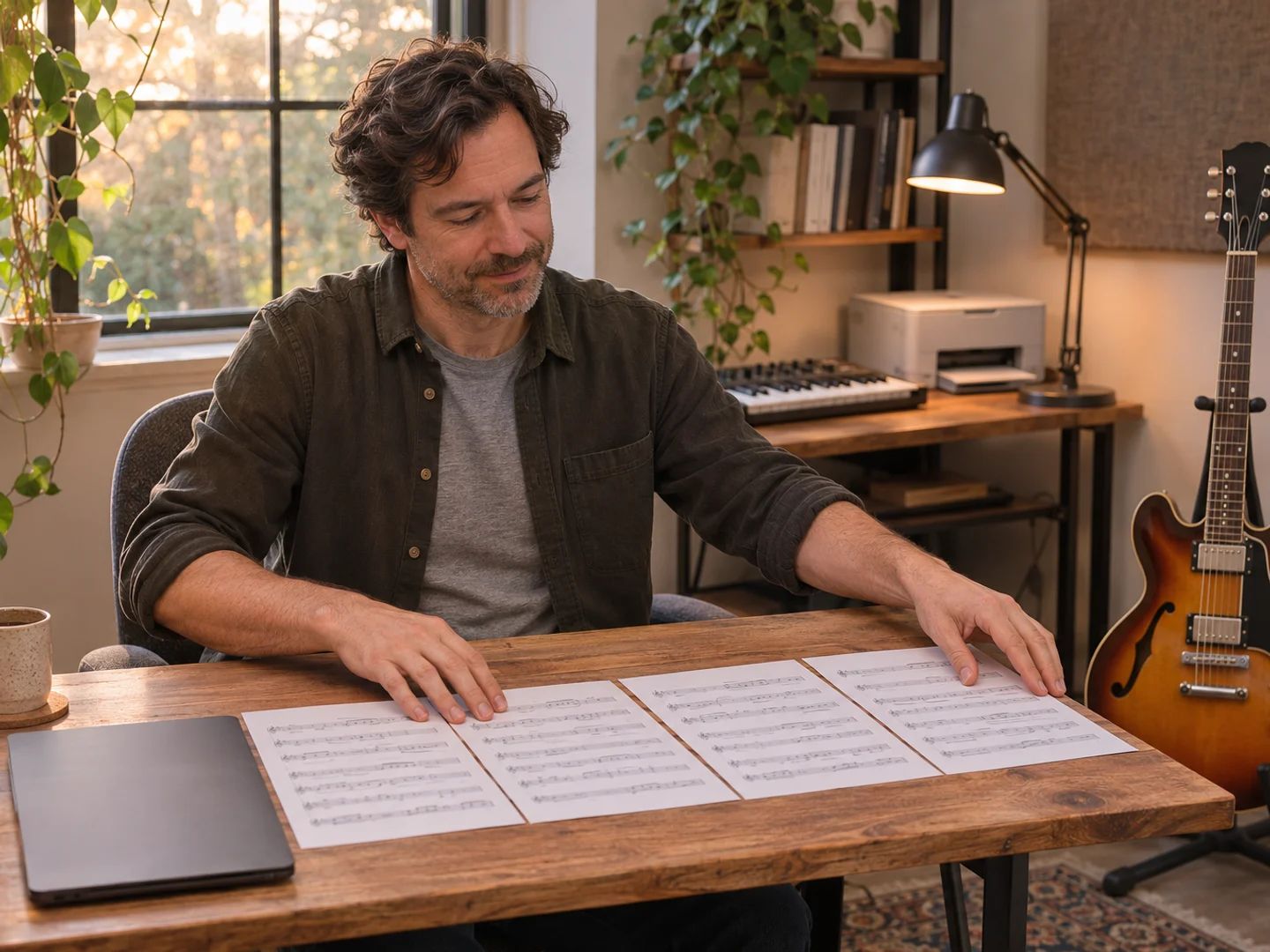
Give the keyboard, horn or string player a guitar line in a format they read, and keep the tab for the guitarist.
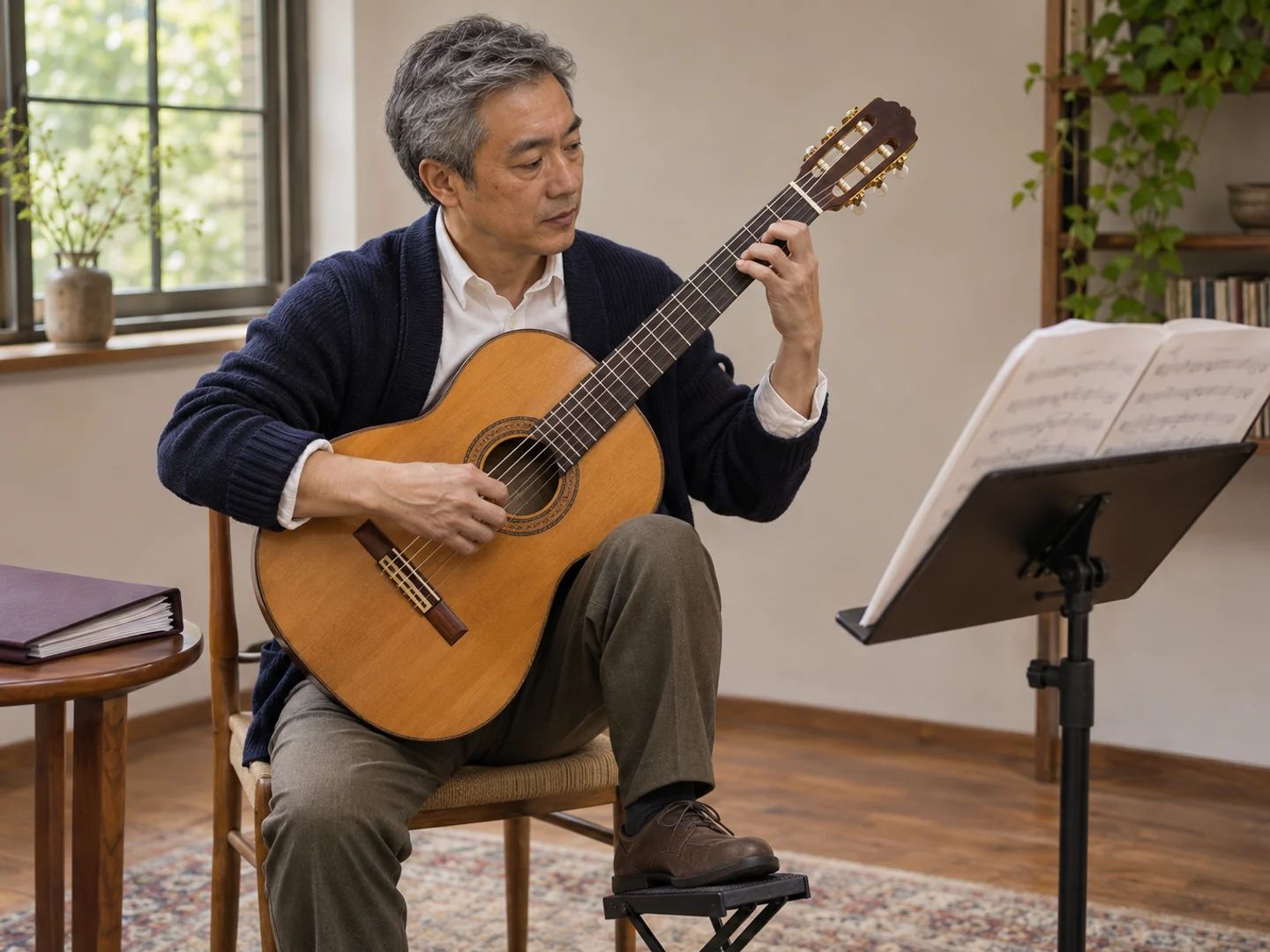
Turn a Guitar Pro arrangement into a clean staff to sight-read, mark up with fingerings and keep in your folder.
A text tab rarely writes rhythm. The converter counts the dashes between notes, treats the most common gap as one step and fits each bar to the time signature. If a tab is spaced unevenly, choose one note per eighth or per sixteenth instead.
Bars marked with | give each measure its own width, which keeps the rhythm honest. A long line without bar lines is read as one dash per sixteenth note.
Auto uses the string names at the start of each line and looks for a line such as Capo 2. Fret numbers stay relative to the capo, while the staff shows the pitches that actually sound.
Guitar parts use a treble clef with a small 8 below it, because the guitar sounds an octave lower than written; bass parts use the bass clef the same way. The score reads like any published guitar book.
Paste the tab into the box above or open a Guitar Pro file, check the tuning and select Convert to sheet music. The score appears below with the tab underneath, ready to print as a PDF.
Yes. Choose Notation only under Layout to get a plain staff, for a piano player, a sight-reading exercise or a part for another instrument.
GP3, GP4, GP5, GPX (Guitar Pro 6) and .gp files from Guitar Pro 7 and 8, up to 10 MB. Files with several instruments list every track, so you can pick the guitar part you want to read.
Most text tabs show which frets to play but not how long to hold them. The converter estimates the rhythm from the spacing, which works well for evenly spaced tabs. For the exact rhythm, use a Guitar Pro file, or even out the spacing in your tab and convert again.
Each note is written at the fret where it starts. Hammer-ons, pull-offs and slides become separate notes, and the target of a bend is not added as a new note. Technique symbols are not engraved yet.
Download MusicXML and open it in MuseScore, Dorico, Sibelius or Finale to add fingerings, lyrics or a title before you print.
No. The tab to sheet music conversion runs in your browser for free, and your tabs and Guitar Pro files are not uploaded.
Use the tool above to convert any tab to sheet music in your browser. No account, upload or credits required.