
01
Home-studio producers
Drop a riff into your session and run it through amp sims, synths or sampled guitars without recording a take.
Convert guitar tab to MIDI: paste a guitar, bass or drum tab, or open a Guitar Pro file, and download a file with one track per instrument.
Paste a text tab for guitar, bass or drums, or choose a Guitar Pro file. Several instruments in one tab become separate tracks.
Keep the instruments from the file or choose steel, nylon, clean or distorted guitar. Turn on Let notes ring for arpeggios that should sustain.
Each instrument gets its own named track with the tempo and time signature. Drag it into Ableton Live, Logic, FL Studio, Reaper or any other DAW.
A tab gets the notes down. MIDI lets you change the sound, the feel and the arrangement around them.
Drop a riff into your session and run it through amp sims, synths or sampled guitars without recording a take.

Turn guitar, bass and drum tabs into a full demo arrangement you can rework before the band rehearses.
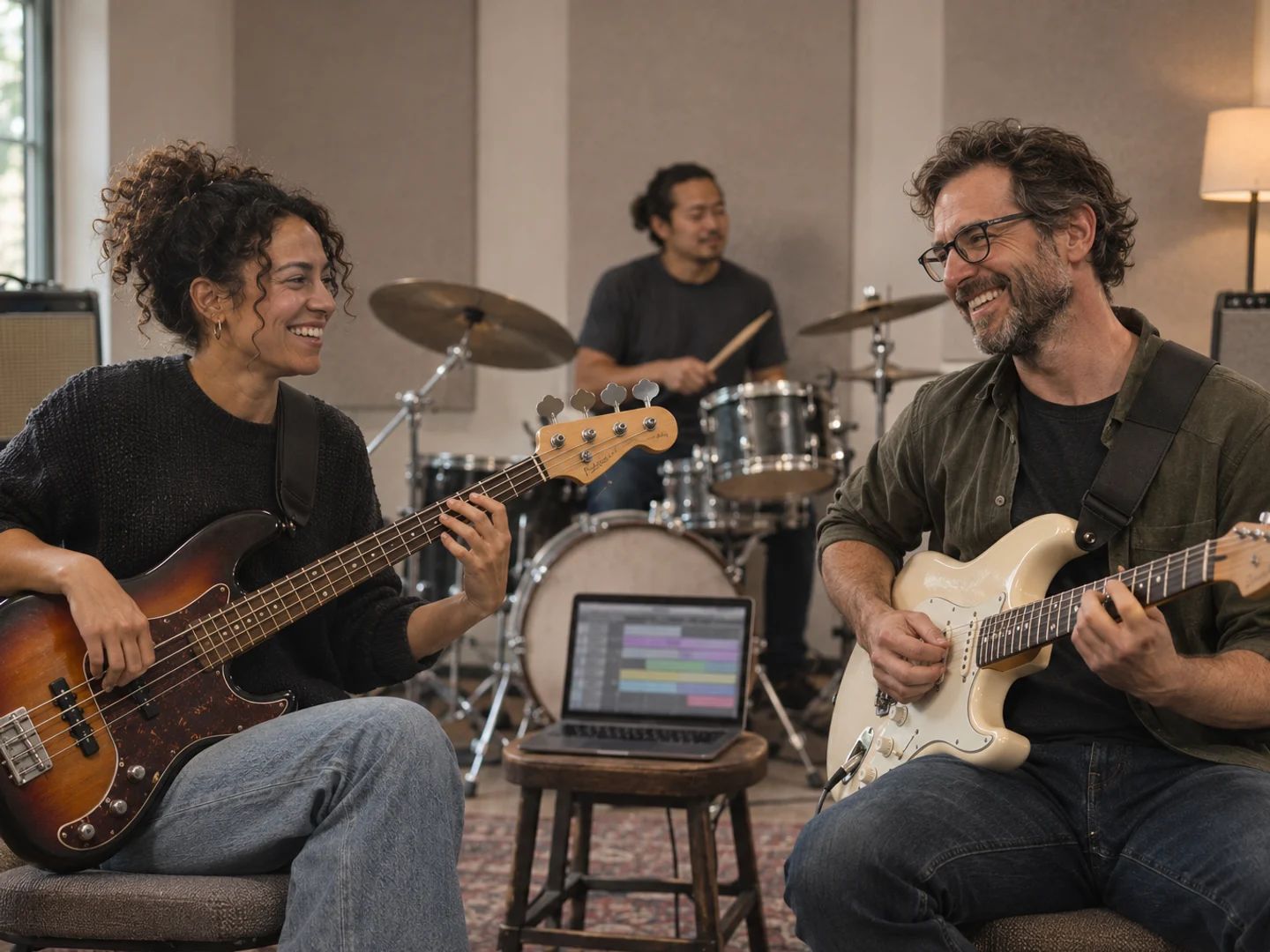
Convert the Guitar Pro file of each song, mute your own part in the DAW and practice against the rest of the band.
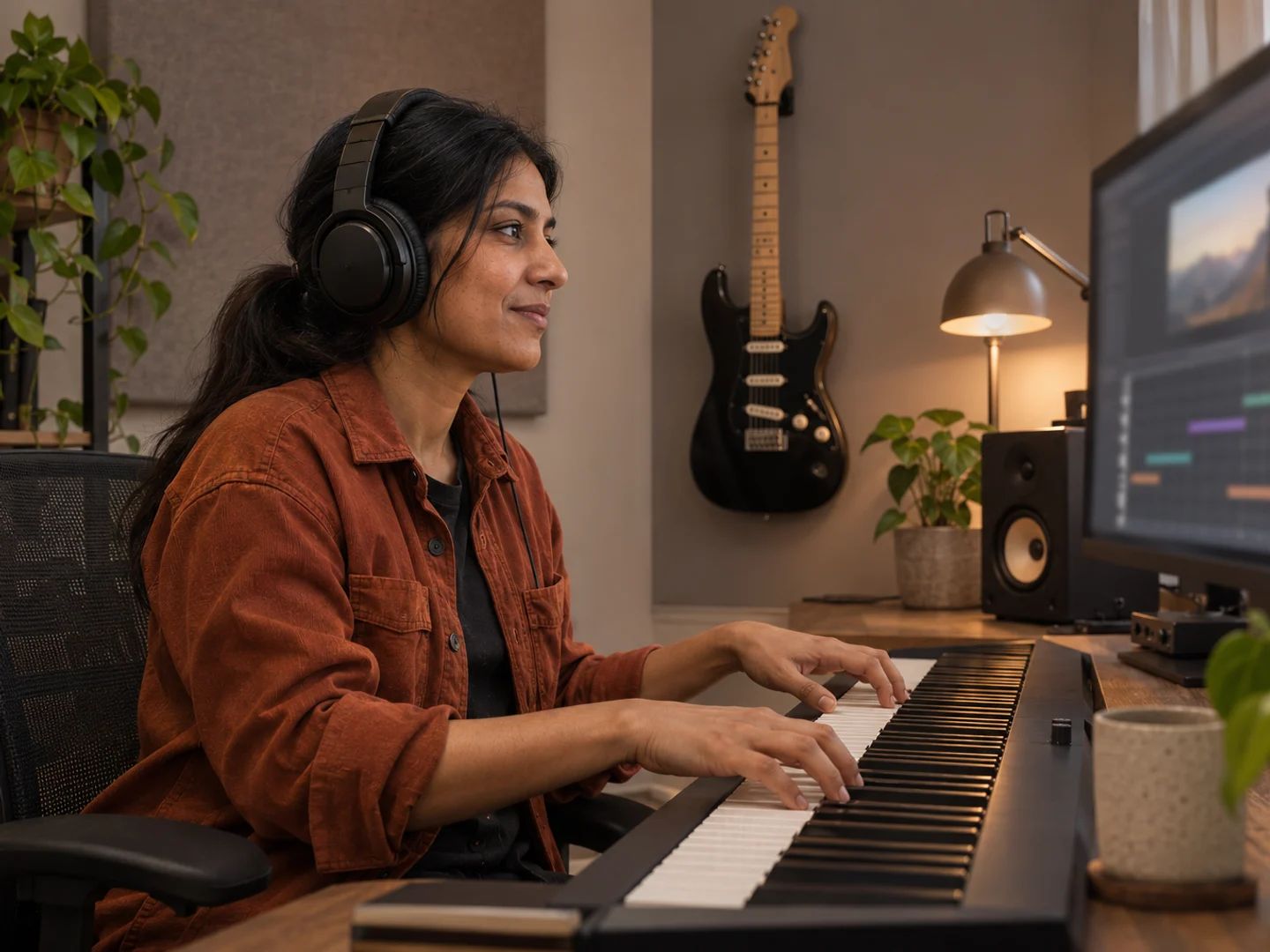
Start from a guitar idea in tab, then orchestrate it with any instrument your score needs.
A text tab has no tempo, so the BPM you enter is written into the file. Match your project tempo and the notes land on the grid.
All tracks gives a multi-track MIDI file with one track per instrument. Selected track exports only the part on screen, for example the lead guitar from a full band arrangement.
By default each note stops when the next one starts. Let notes ring holds a note until the same string plays again, which suits arpeggios and open chords.
Bends play at the starting fret and slides become separate notes. Draw pitch bend in your DAW where the expression matters.
Paste the tab or choose a Guitar Pro file, set the tempo and select Convert to MIDI. Play the preview to check it, then download the .mid file.
Yes. Open the .gp, .gp5, .gpx, .gp4 or .gp3 file here; no Guitar Pro license is needed. GP5 to MIDI and GPX to MIDI work the same way as newer .gp files.
If you can download the tab as a Guitar Pro file, open that file here for the most accurate Songsterr to MIDI result, with the original rhythm. If you only have a text version, paste it and the rhythm is estimated from the spacing.
Yes. Lines named HH, SD, BD, CC, RC and the toms are mapped to General MIDI drums on channel 10. Capital X and O hits play louder and g ghost notes softer.
Yes. Four- and five-string bass, seven-string guitar and ukulele tabs are supported. Choose the tuning if the tab does not name its strings.
For Guitar Pro files, yes: durations, triplets, ties and repeats come from the file. Text tabs rarely write rhythm, so it is estimated from the spacing; choose one note per eighth or per sixteenth if the result sounds uneven.
Yes. It runs in your browser with no account or credits, and your files are not uploaded.
Use the tool above in your browser. No account, upload or credits required.